Birger Schacht: Using incus for throw away VMs
For some time now I ve been looking for a way of keeping projects I m working
on in a separate VM without much setup. There are numerous solutions to do this
kind of thing using namespaces (various container technologies, firejail,
flatpak, bubblewrap, ) but I wanted something that uses real virtualization.
I recently stumbled upon incus and it
seemed like it could be a solution to my problem. Incus is a manager for both
containers and virtual machines. It is possible to create VM images that can be
used as templates, meaning that other machines can then be based on them on
creation. Virtual machines can be configured using profiles .
For my use case, I have created a profile that defines how my template image
should look like. In this profile I use
cloud-init to configure the
template machine on startup:
and I use a script to regenerate the template image when I want to adapt the
config:
This script uses the inker
To use this setup, I created a small python tool called
inker that talks to the incus REST
API. Using
config:
  cloud-init.user-data:
    #cloud-config
    apt:
      conf:
        APT
          Install-Recommends 0;

    package_update: true
    package_upgrade: true
    package_reboot_if_required: true
    packages:
      - file
      - man-db
      - bat
      - eza
      - git
      - git-delta
      - neovim
      - zsh
      - tmux
      - curl
      - ncurses-term
      - hx
      - nix-bin
      - nix-setup-systemd
      - rustup
      - npm
      - podman
    users:
      - name: user
        lock_passwd: false
        # mkpasswd 'incus password'
        hashed_passwd: $y$j9T$p9XBP4Ox3SBUnyu.sqv5m1$f1rxcPJyVs05w./dZvIzu6.4dVWBvzu99nMBZRNlamD
        groups: sudo, nix-users
        shell: /usr/bin/zsh
        uid: 1000
    write_files:
      - path: /home/user/.config/nix/nix.conf
        content:
          experimental-features = nix-command flakes
        permissions: 0600
      - path: /home/user/.zshrc.local
        content:
          export PATH="$PATH:$HOME/.nix-profile/bin"
        permissions: 0600
    runcmd:
      - [curl, -sSfL, -o, /home/user/.tmux.conf, https://grml.org/console/tmux.conf]
      - [curl, -sSfL, -o, /home/user/.vimrc, https://grml.org/console/vimrc]
      - [curl, -sSfL, -o, /home/user/.zshrc, https://grml.org/console/zshrc]
      - [chown, -R, user:user, /home/user/]
description: Base template for dev VMs
...
#!/bin/sh

#set -e
set -x

NAME=dev-vm-template

# adapt the profile before rebuilding the template image
incus profile edit cloud-dev-template
incus delete --force $ NAME    true
incus create images:debian/13/cloud --vm --quiet --profile default --profile cloud-dev-template $ NAME
incus start $ NAME
incus wait $ NAME  agent
incus exec $ NAME  -- cloud-init status --wait   true
incus stop $ NAME
incus publish --alias cloud-dev-template --reuse $ NAME
debian/13/cloud image together with my
cloud-dev-template profile to set up a machine, configure it using
cloud-init and store the result as an image called cloud-dev-template.
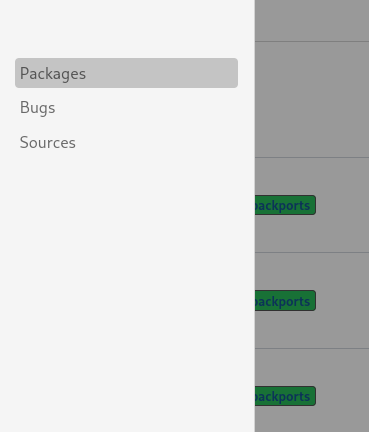
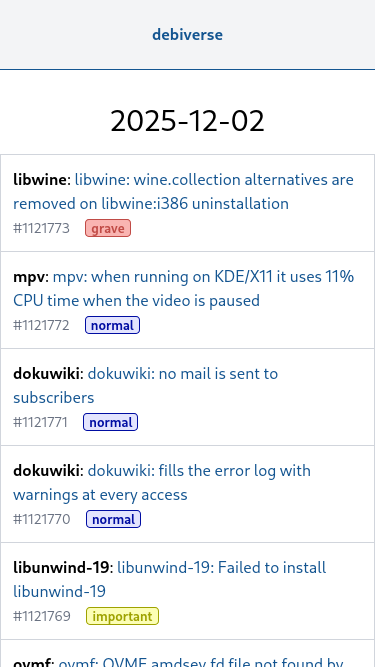
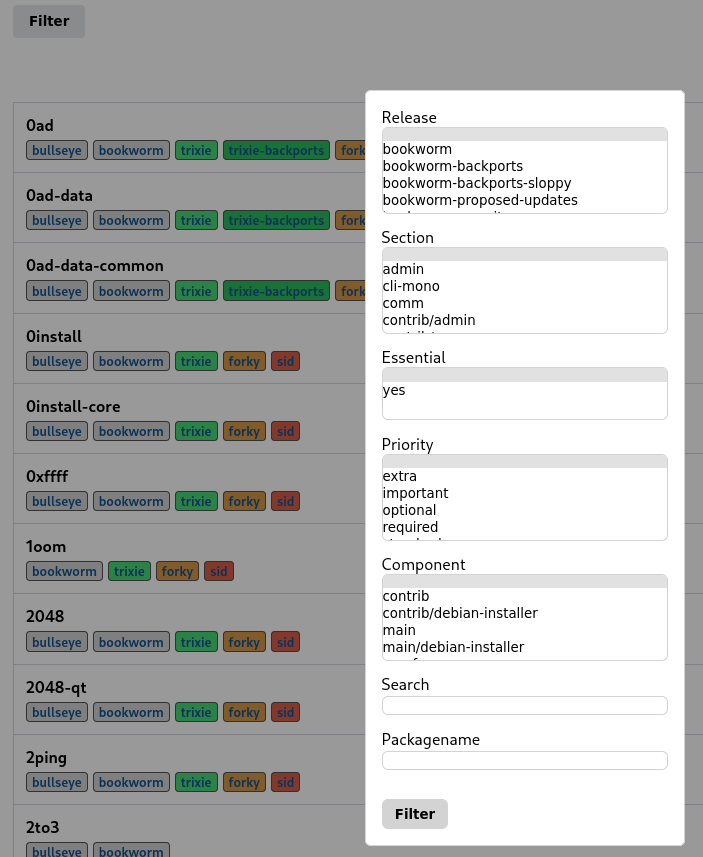 For navigation I implemented a sidebar, that is hidden on small screens but can
be toggled using a burger menu.
 I also stumbled upon
 Given that we only arrived in the evening of the first day of DebConf, I missed
the talk
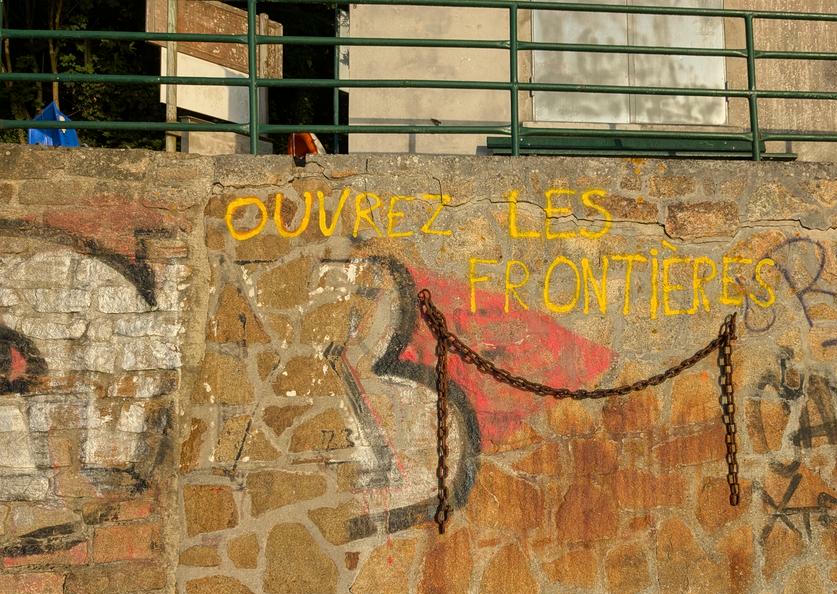 Wednesday was the day of the daytrip. I did not sign up for any of the trips
and used the time to
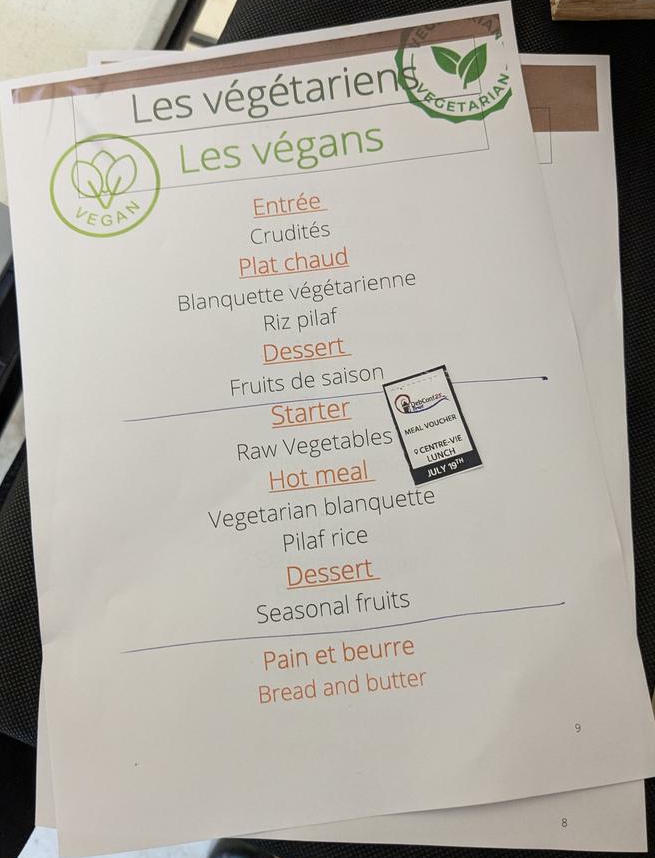 If the menus would be written like a
 My first impressions of the device are good - it is heavier than I anticipated,
but very vell made. It is very easy to assemble and disassemble and it feels
like it can take a hit.
When I started it the first time it took some minutes to boot because of the
new memory module, but then it told me right away that it could not detect an
operating system. As usual when I want to install a new system, I created
a
 I only learned later, that the SecureBoot setting is in a separate section
that is not part of the main BIOS configuration dialog. There is an Administer
Secure Boot icon which you can choose when starting the device, but
 One small downside of the keyboard is that it does not have a backlight, which
was a surprise. But given that this is a frame.work laptop, there are chances
that a future generation of the keyboard will have backlight support.
The screen of the laptop can be turned all the way around to the back of the
laptops body, so it can be used as a tablet. In this mode the keyboard gets
disabled to prevent accidently pushing keys when using the device in tablet
mode.
For online meetings I still prefer using headphones with cables over bluetooth
once, so I m glad that the laptop has a headphone jack on the side.
Above the screen there are a camera and a microphone, which both have separate
physical switches to disable them.
I ordered a couple of expansion cards, in the current setup I use two USB-C,
one HDMI and one USB-A. I also ordered a 1TB expansion card and only used this
to transfer my