Search Results: "tim"

20 March 2012

Russell Coker: An Introduction to Android

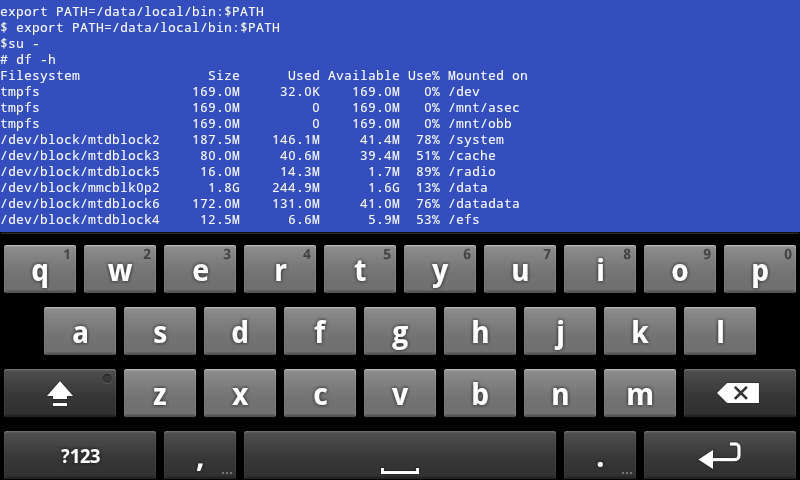
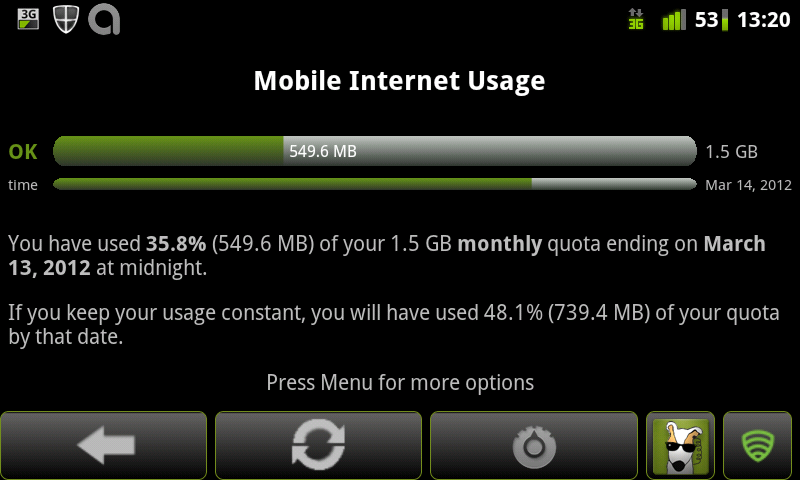
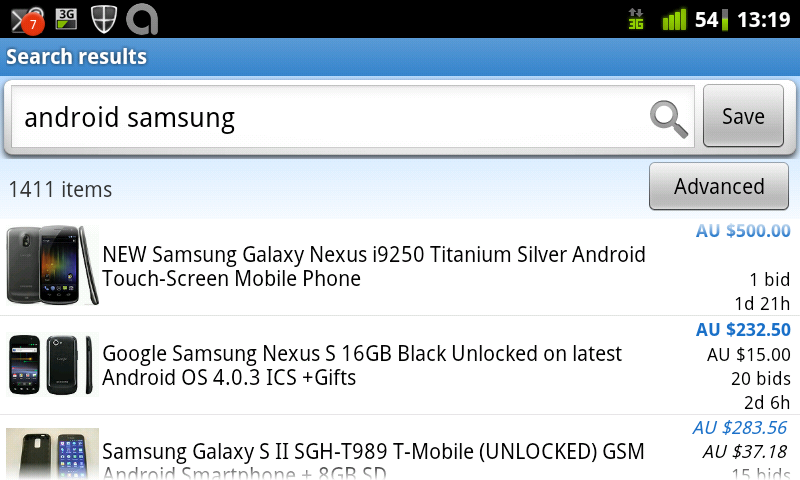
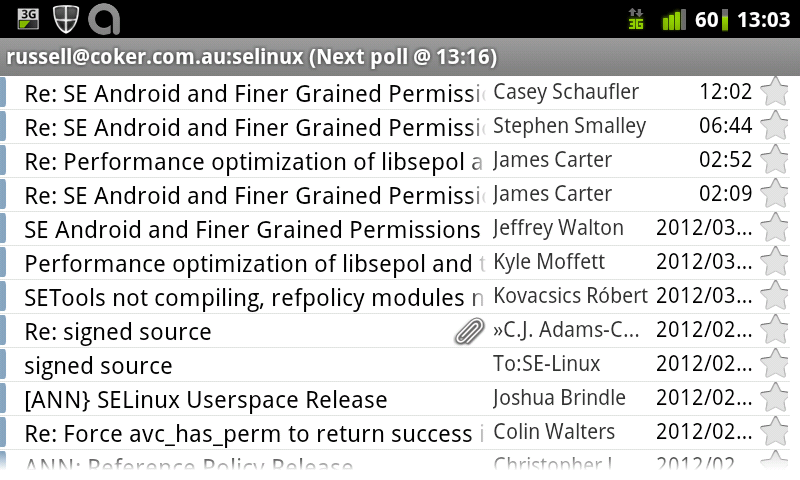
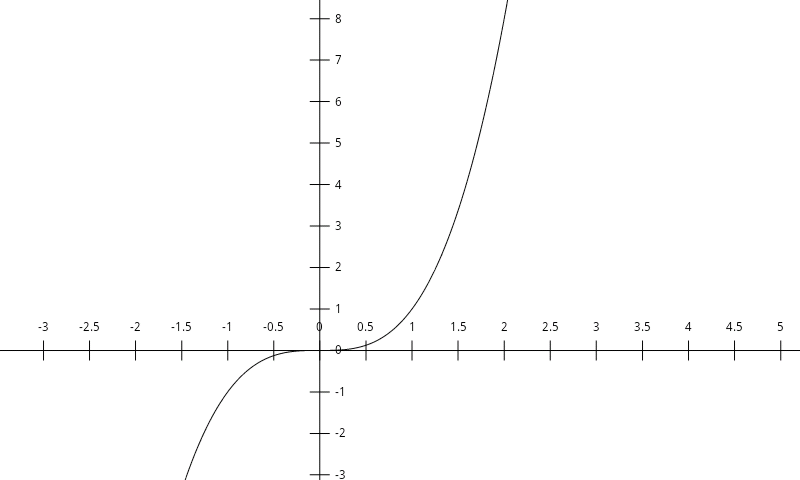
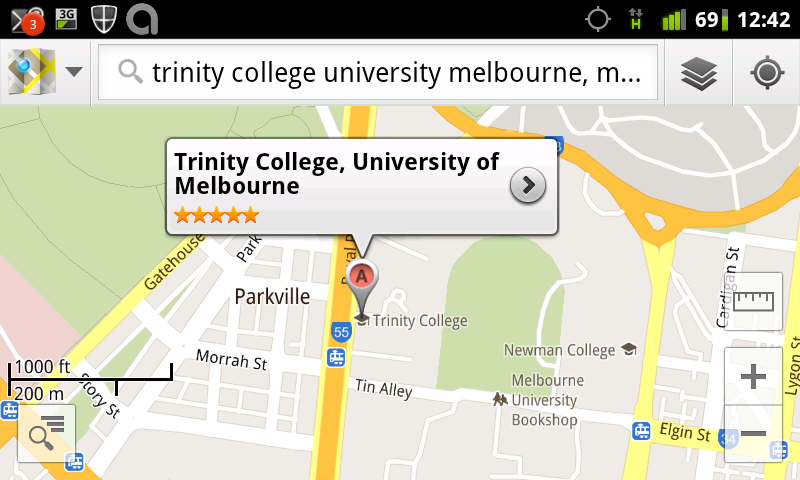
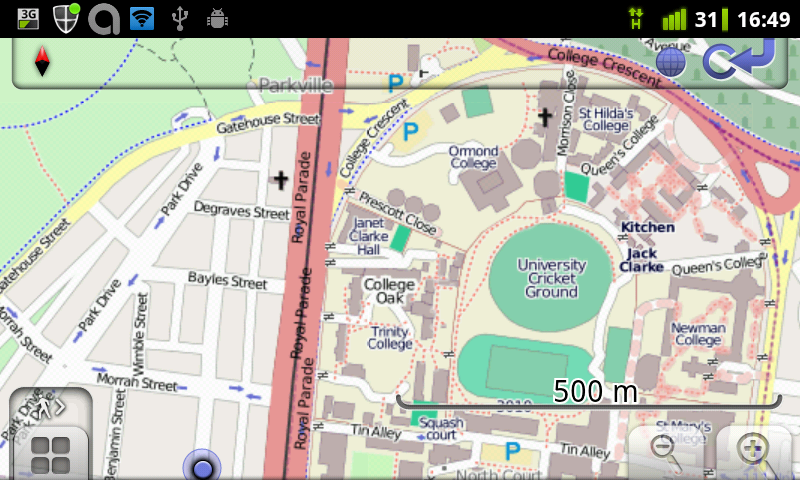
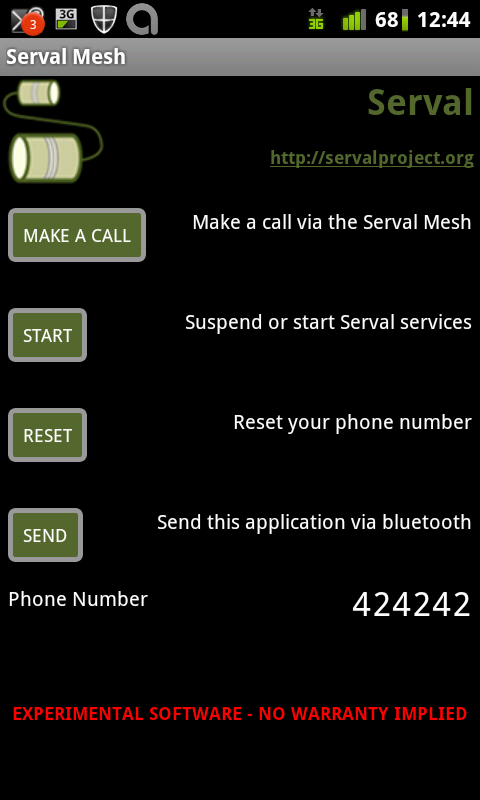
I gave a brief introductory talk about Android at this month s LUV meeting. Here are the slides with a brief description. All the screen-shots were made on a Samsung Galaxy S running Cyanogenmod version 7.1 [1] (Android version 2.3.7). With that build of Cyanogenmod you can press the power button for about 1.5 seconds to get a menu which gives an option to take a screen shot. The aim of the talk was to give an overview of what Android can do. I also gave some random commentary about Android such as explaining why it doesn t make a good phone. Most of the pictures in this post have links to the Android applications in question. Essential and Important Apps picture of root shell access running df I started by explaining why having root access to your system is really important, including the issue of backing up an Android phone [2]. Cyanogenmod includes a terminal program which allows you to run su - . Running a shell as root isn t generally that useful, what you really want is to be able to run programs such as Titanium Backup which can only work properly if given root access. When you run an OS that allows root access you can run su - at a terminal prompt and you can also have an application use a GUI to request root access. I recommend rooting and modding an Android phone immediately after buying it. However that takes some time which is somewhat equivalent to money and is a significant hidden cost to purchasing an Android phone. picture of 3g watchdog bandwidth monitor The business models of telephone companies seem to involve hidding users for unexpected fees and extra fees for excess bandwidth can be really expensive. 3G Watchdog is one app that can monitor bandwidth and disable data transfers if too much is used. Onavo is an alternative that allows tracking data use on a per-application basis, but it only runs on Android 2.3.x while 3G Watchdog works on Android 2.1. Official EBay app searching for Samsung Android phones EBay has an official app which is handy for searching for items. So far I ve only used it to get price estimates and have used a PC for buying. K9 viewing my SE Linux mailing list email K9 seems to be the best MUA for Android. The MUA that ships with Android 2.1 isn t nearly as good and K9 is good enough that I didn t even bother testing the MUA from Cyanogenmod. The above picture shows a list of mail in my SE Linux folder. graph by opticron grapher The Opticron Grapher is a good graphing calculator. I won t claim it s the best because I didn t seriously test such programs, but for the basic tests I ve done it has worked well. Google map of LUV location The Google Maps client comes with every Android system, the above shows the location of the LUV meeting. Open Street Map location of the LUV meeting Osmand is an Android client for the Open Street Map project. Here is the web site for the Open Street Map project [3]. One significant advantage of OSM over the Google Maps is that OSM is free, the data is all contributed by users like Wikipedia. Another significant advantage is that you can download as much data as you need to your phone, for example the entire dataset for Australia is about 200M. Storing 200M of data on your phone is no big deal when you consider the availability of phones with more than 16G of storage and the ability to use a map when offline is a real benefit. So far I ve used Osmand while waiting for a train at an underground station and I plan to use it to track my progress the next time I m on a cruise. serval mesh networking and VOIP Serval is a mesh networking application for Android that supports VOIP phone calls and distributing messages and files. It s designed to be used in disaster areas, but there are lots of other potential uses of the technology. The Serval Project blog has an article about the presentation they gave at LCA 2012 [4]. periodic table
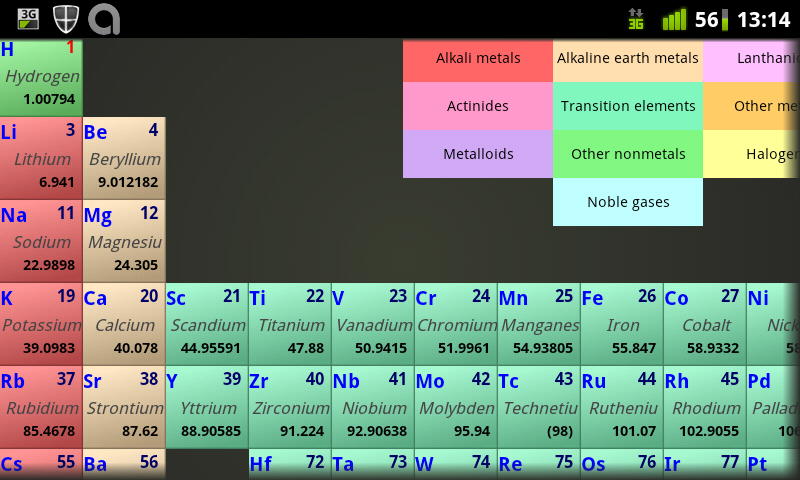
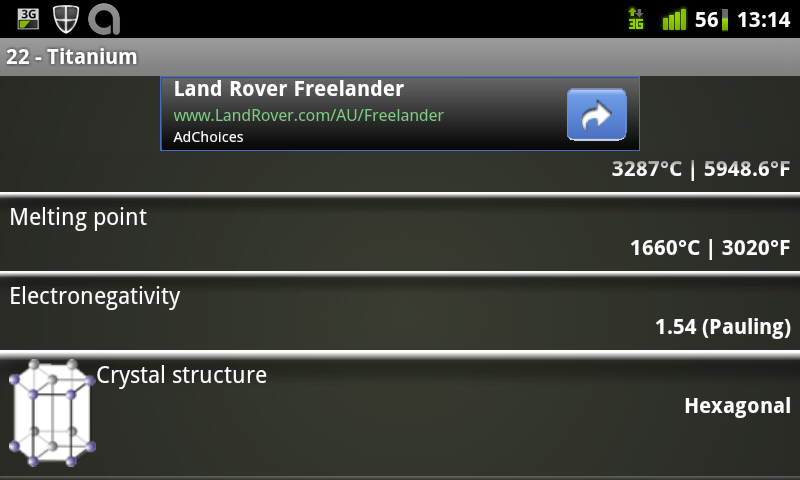
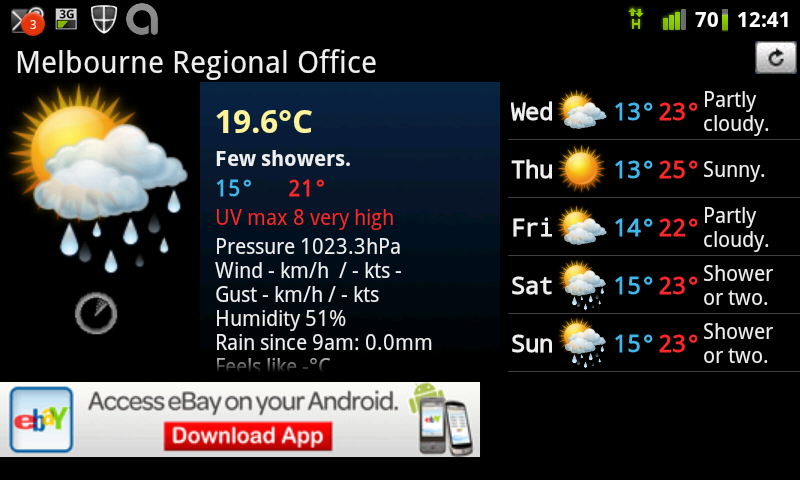
details about Titanium Periodic Droid is my favorite Periodic Table viewing program. tomfusion Au Weather forecast app The Tomfusion AU Weather forecast app seemed to be better than the one from the BoM last time I checked. It s probably the best weather app for Australia. screen-shot of LUV web site
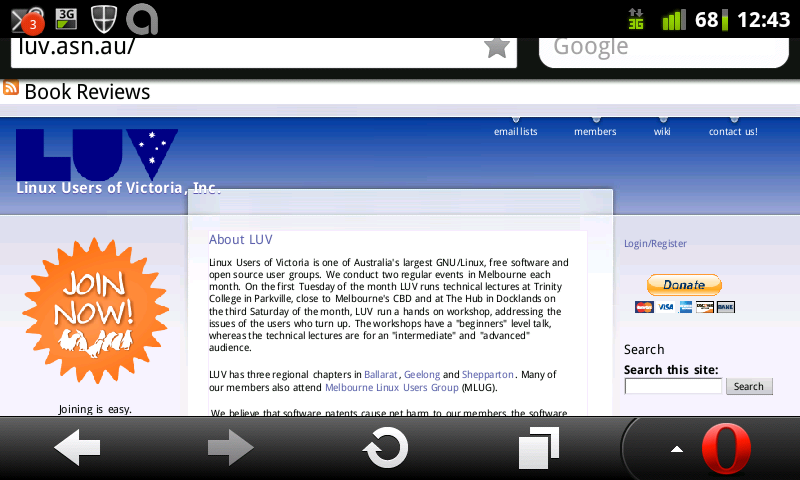
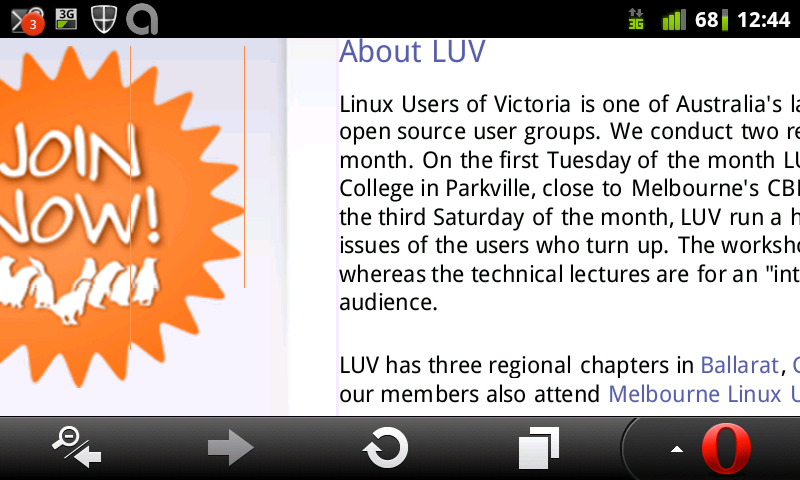
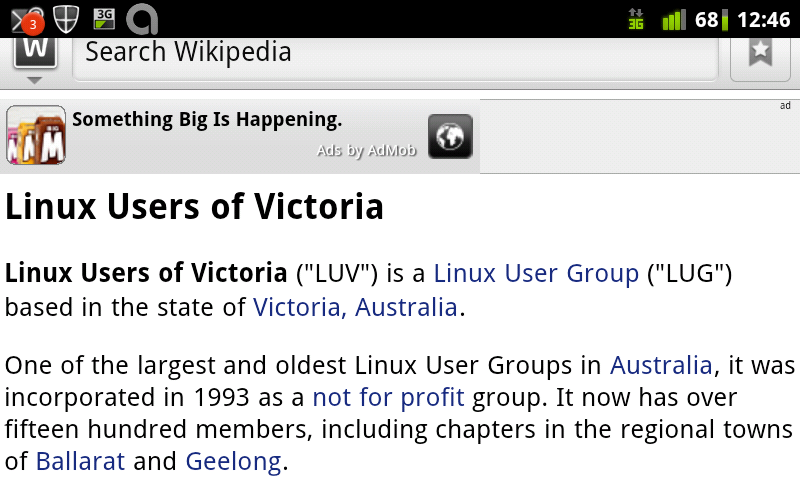
LUV web site zoomed in The Opera Mini browser is often faster than other browsers because it uses a compressing proxy run by Opera. It s not so good for privacy though LUV page on Wikipedia I have been using Wapedia for browsing Wikipedia. Since giving the talk I discovered the Official Wikipedia browser from the Wikimedia foundation [5] which is a better fit for my needs and I ve uninstalled Wapedia. As an aside modern phones have 16G of storage or more and could easily have a copy of the entire English text of Wikipedia on internal storage. It would be good if someone like Jason King (who is known for work on stand-alone DVD images for Wikipedia) was to write an Android program to do this. Handy Apps Androsensor showing GPS, accelleration, and light intensity
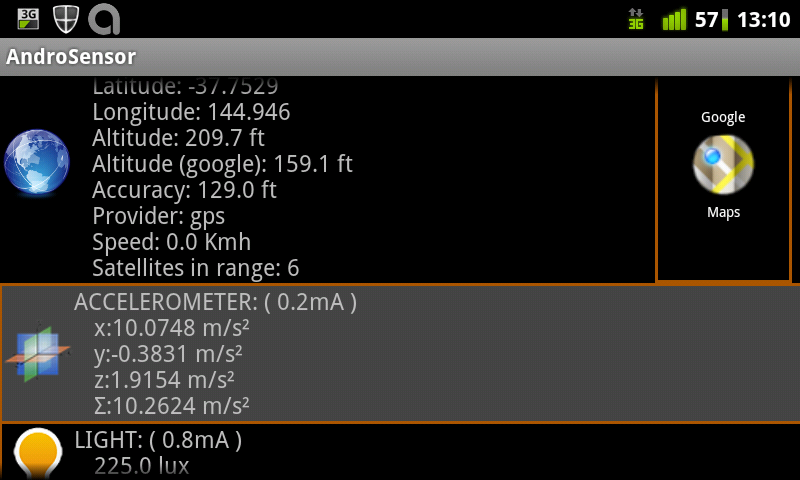
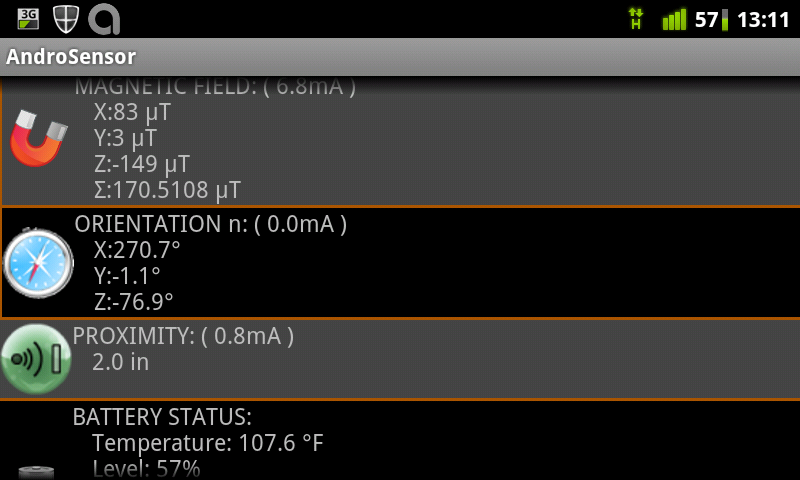
Androsensor showing magnetic field, orientation, and battery Androsensor is a program to display output from most (all?) of the sensors on your phone. The results aren t as accurate as one would hope, for example Earth s gravity is 9.81m/s^2 not the 10.26m/s^2 my phone registered. But they are a useful indication. picture of Coke can, scanning the barcode
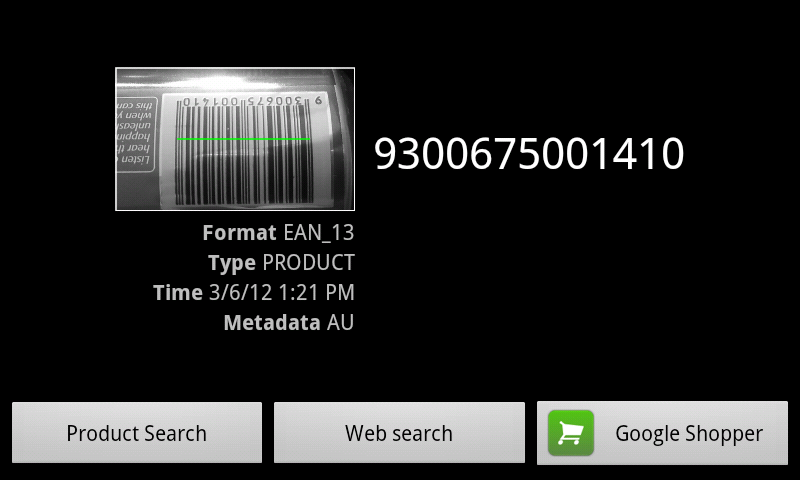
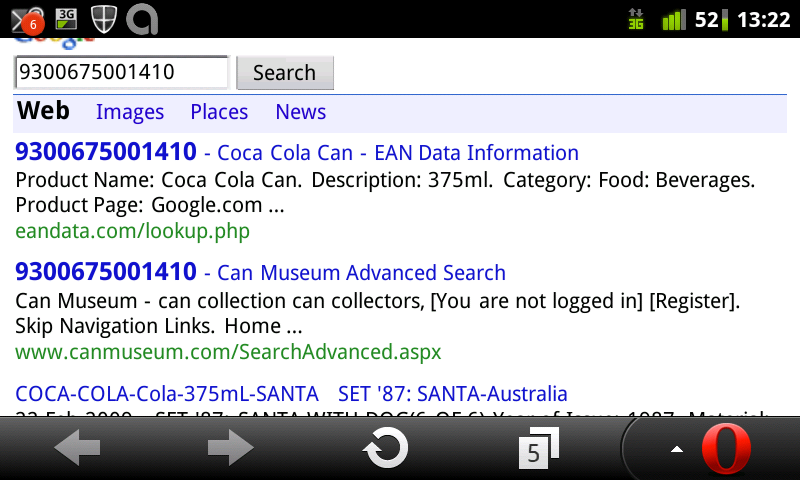
Google search on Coke can barcode
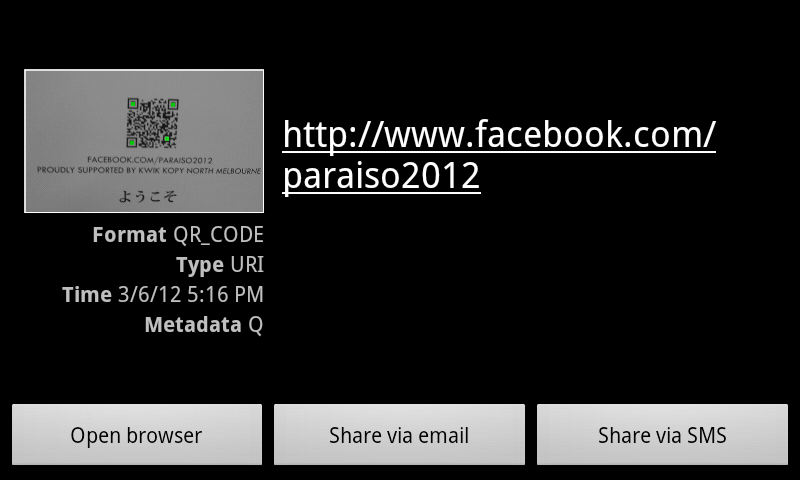
QR Code lookup of Facebook page The Zxing Barcode scanner is one of many programs that will scan barcodes with the camera in an Android phone. It can launch a Google search on a product code or open a URL from a
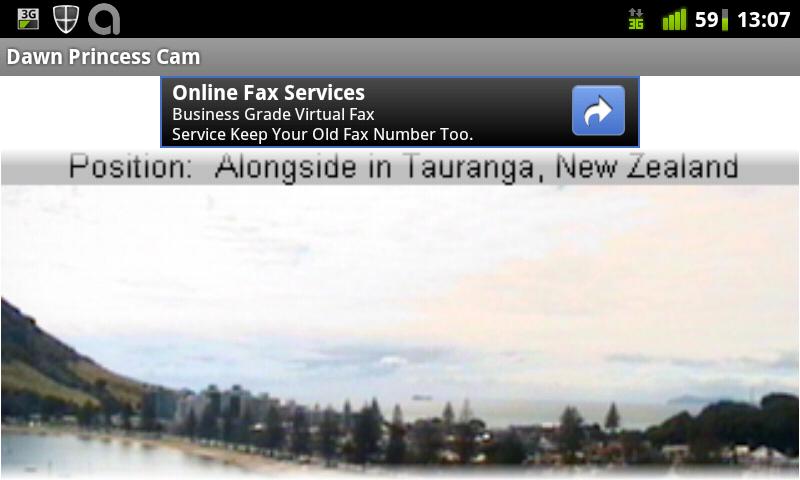
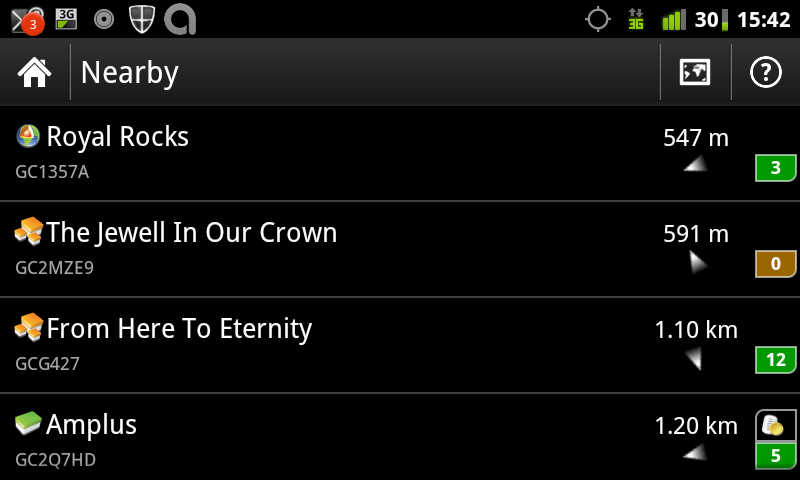
QR Code. The above pictures show it scanning a Coke can (the can and other background was displayed on the full screen before the screen capture program activated), doing a Google search on the can barcode, and looking up a QR code that was on an advertisment outside the LUV venue. picture from the bridge of the Dawn Princess in Tauranga NZ Cruise Cams allows you to download pictures from cruise ships. Some cruise ships have several cameras on different parts of the ship uploading pictures regularly so that people around the world can see what s happening. list of geo-caches near the park where I prepared most of my notes The c:geo opensource program allows you to get information on Geocaches and see a compass or map showing the location. This program has been getting an increasing number of features to do everything you might want to do related to Geocaching. The above picture shows some caches that are close to where I made the screen-shot, in a park a couple of Km from the meeting location. picture of Google Sky Map in the direction of Andromeda The Google Sky map uses augmented reality techniques to display stars in the direction that your phone is pointing along with their names and the names of the constellations. Marine Traffic showing ships near me

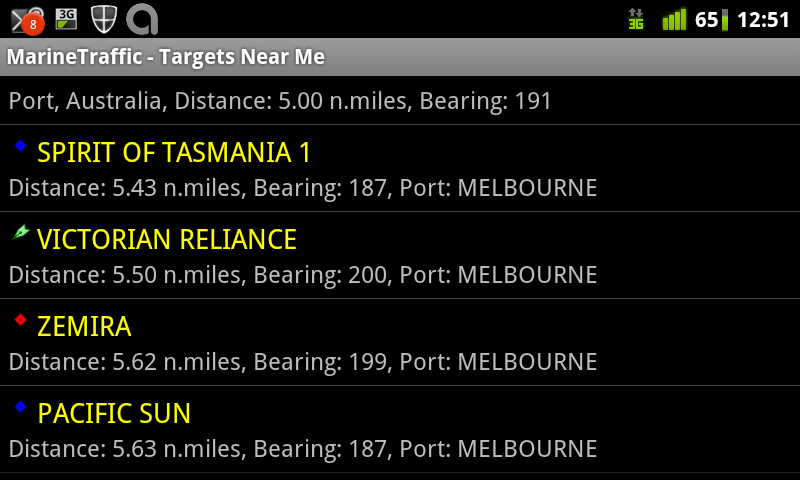
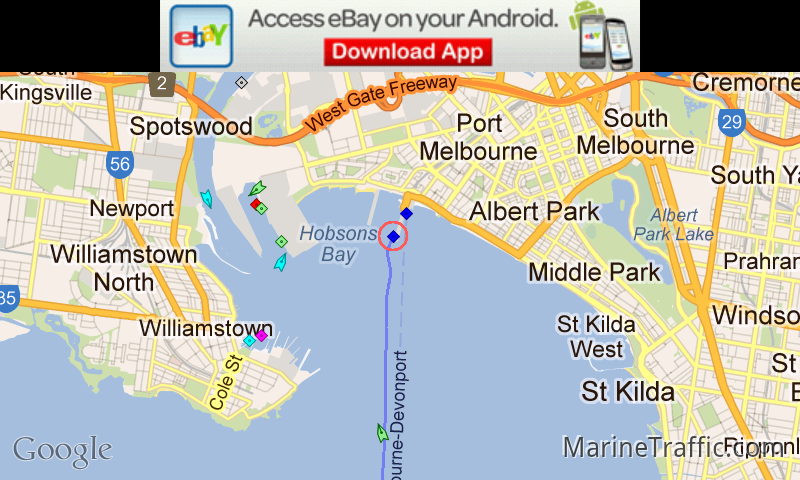
Marine Traffic showing the Pacific Sun highlighted on a Google Map
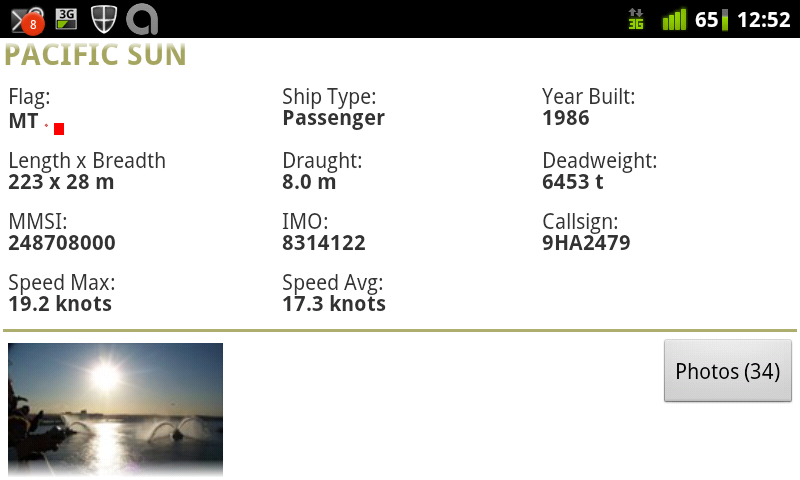
Marine Traffic showing details of the Pacific Sun
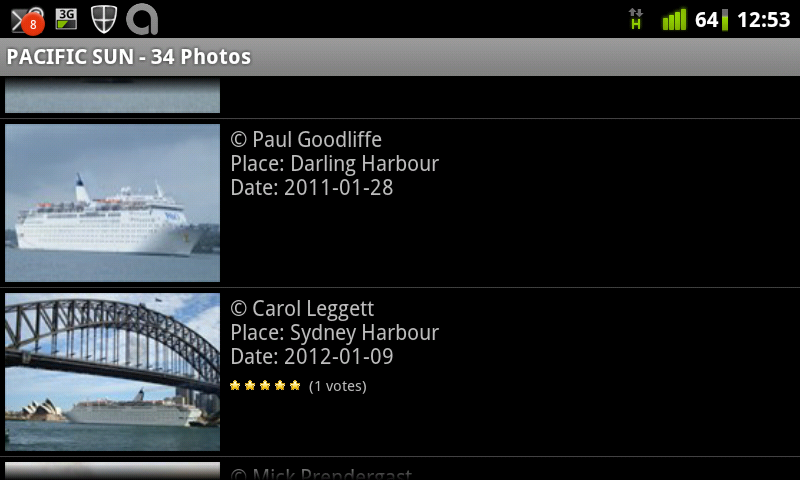
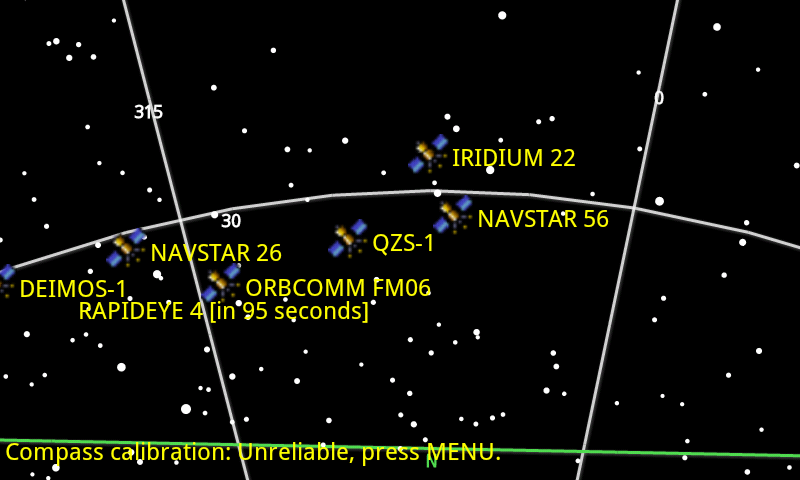
Photos of the Pacific sun taken by fans and shown by Marine Traffic The Marine Traffic program shows the locations of ships as well as lots of information about them. The above pictures show me discovering that the Pacific Sun was nearby, viewing it s location on Google Maps, seeing the details, and then viewing fan pictures. The developer s web site allows viewing all the same data without an Android phone [6]. Anyone can join the project by buying an Automatic Identification System (AIS) receiver and configuring a PC to take data from AIS and send it to the MarineTraffic.com servers. As an aside they seem to be missing coverage in western Victoria, so it would be good if someone near Apollo Bay or Warrnambool could install an AIS receiver and help out. Satellite map from Satellite AR Satellite AR uses augmented reality to show the location of satellites and other things in spare. Unfortunately the screen capture process turned off the camera as I had a sign advertising fast food positioned in an amusing location in the background. Shipmate overview of Dawn Princess
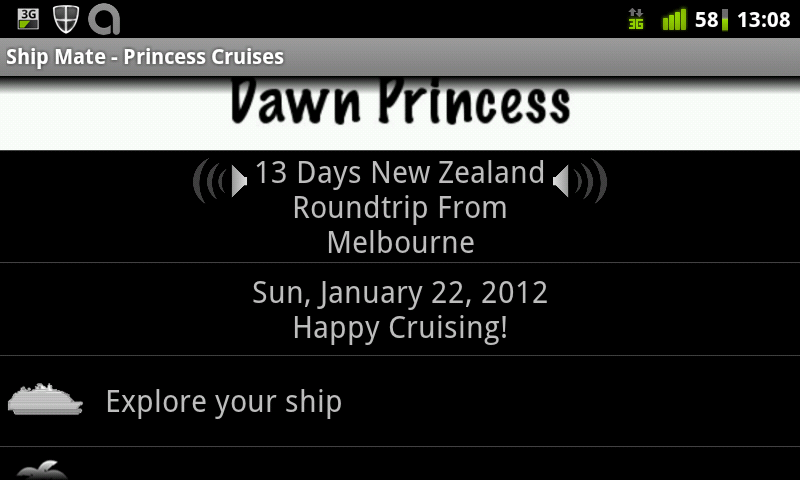
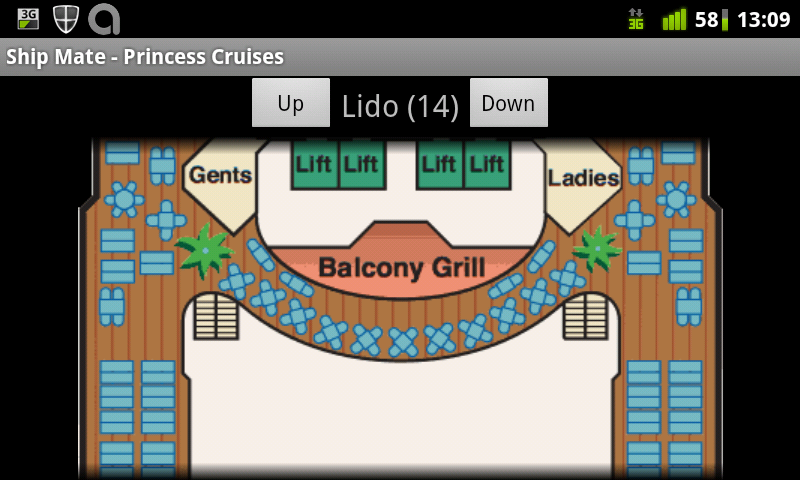
Shipmate map of Dawn Princess Shipmate publishes a set of programs giving information on cruise ships, they have one program for each cruise line. Above is the program for the Princess cruise line, the above pictures give information on the Dawn Princess. Unfortunately the program wasn t usable without net access when I tried to use it on a cruise ship. Games Air Attack HD game, clone of 1942 Air Attack HD is an entertaining game that demonstrates the capability of Android phones to run action games. Like many Android games it has a free version and paid versions if you want more. picture of Angry Birds Angry Birds is one of the most well known games for touch-screen devices. It has also spawned a huge line of merchandise. Labyrinth Lite
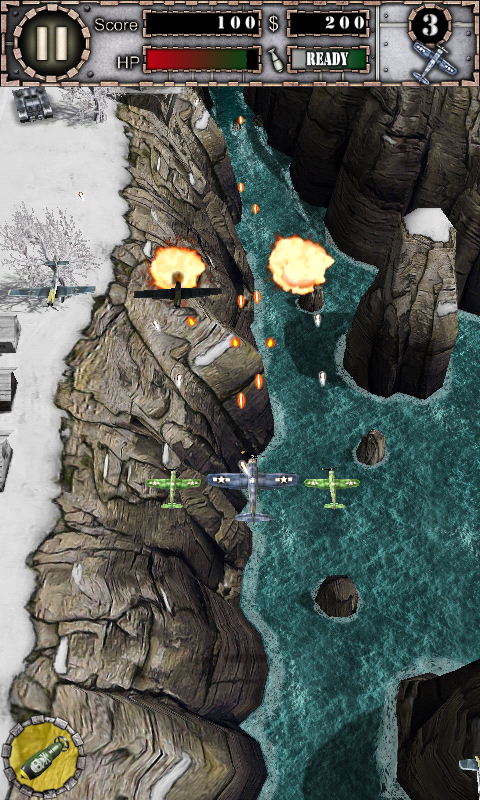


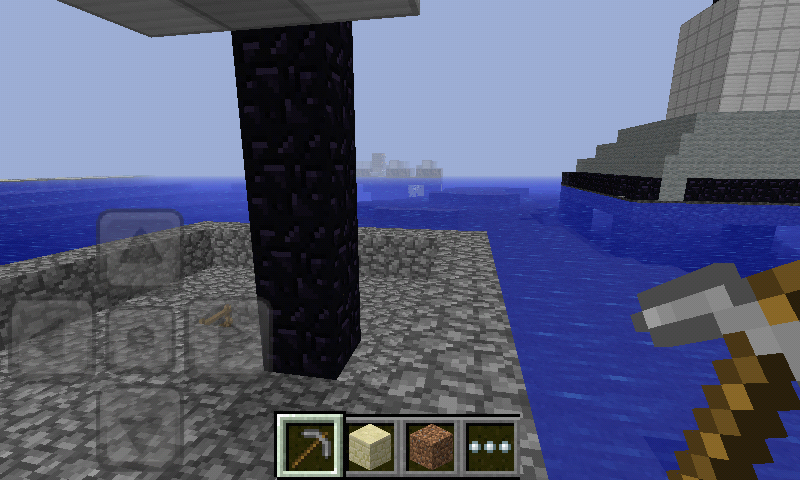
Labyrinth Lite from a different angle Labyrinth Lite is one of the many Android games based on the old mechanical game where you tilt a toy to roll a ball-bearing through a maze. It s free and is better than most of the free games in that genre. Minecraft Pocket Edtion Minecraft Pocket Edition allows you to play Minecraft on your phone. The demo version doesn t allow saving the game, you have to buy the game for about $5 if you want to do that. It also lacked the full features of the game last time I checked, it didn t have monsters. Paradise Island overview
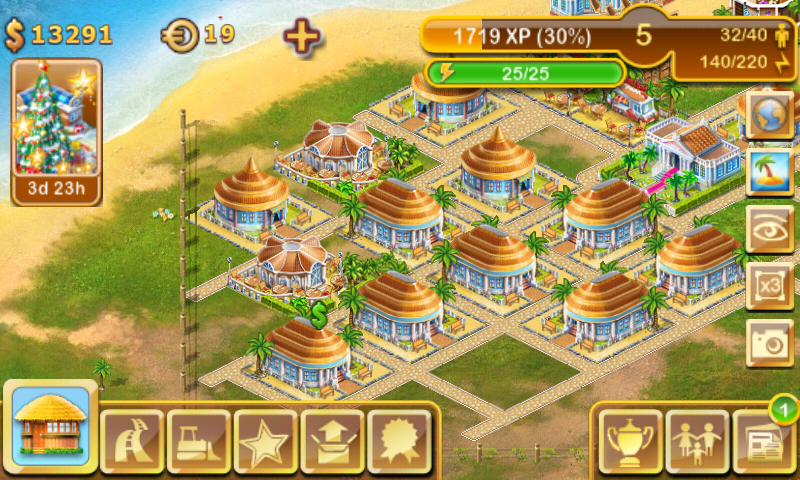
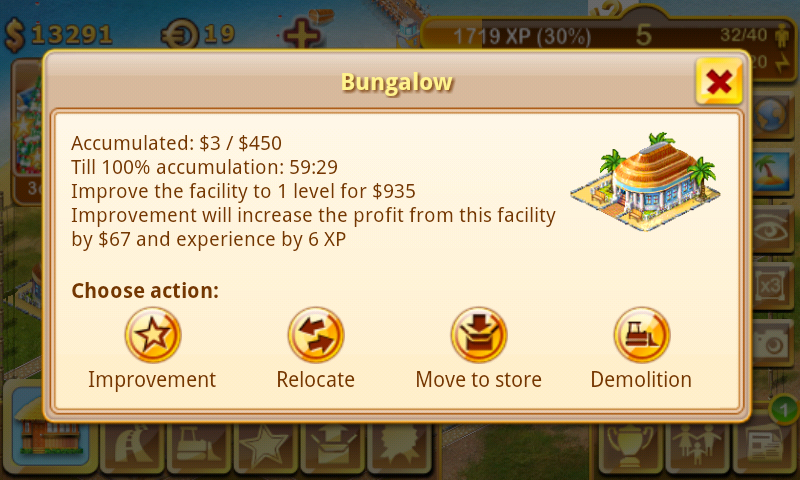
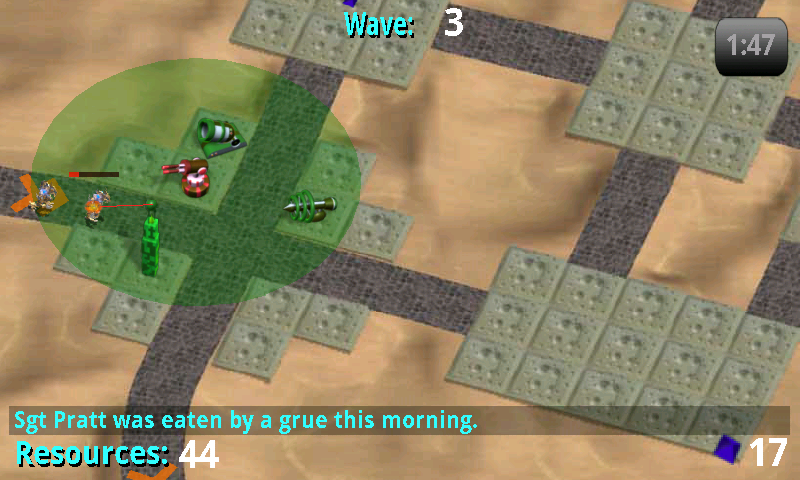
Paradise Island details of Bungalow Paradise Island is one of many business simulation games for Android. It s more playable than most and has very detailed graphics, but the down-side is that it s a memory hog and will crash if you don t have enough RAM. It s one of the games that are free to download but encourage you to pay money to level up, for some players it s probably a very expensive game. Tower Raiders 2, Pratt was eaten by a Grue Tower Raiders 2 is one of the better tower defense games for Android. Related posts:
  1. Choosing an Android Phone My phone contract ends in a few months, so I m...
  2. Galaxy S vs Xperia X10 and Android Network Access Galaxy S Review I ve just been given an indefinite loan...
  3. Standardising Android Don Marti wrote an amusing post about the lack of...

Dirk Eddelbuettel: R / Finance 2012 Open for Registration

The annoucement below just went to the R-SIG-Finance list. More information is as usual the the R / Finance page:
Now open for registrations: R / Finance 2012: Applied Finance with R
May 11 and 12, 2012
Chicago, IL, USA
The registration for R/Finance 2012 -- which will take place May 11 and 12 in Chicago -- is NOW OPEN! Building on the success of the three previous conferences in 2009, 2010, and 2011, we expect more than 250 attendees from around the world. R users from industry, academia, and government will join 40+ presenters covering all areas of finance with R. This year's conference will start earlier in the day on Friday, to accommodate the tremendous line up of speakers for 2012, as well as to provide more time between talks for networking. We are very excited about the four keynotes by Paul Gilbert, Blair Hull, Rob McCulloch, and Simon Urbanek. The main agenda includes nineteen full presentations and eighteen shorter "lightning talks". We are also excited to offer six optional pre-conference seminars on Friday morning. Once again, we are hosting the R/Finance conference dinner on Friday evening, where you can continue conversations while dining and drinking atop a West Loop restaurant overlooking the Chicago skyline. More details of the agenda are available at:
http://www.RinFinance.com/agenda/
Registration information is available at
http://www.RinFinance.com/register/
and can also be directly accessed by going to
http://www.regonline.com/RFinance2012
On behalf of the committee and sponsors, we look forward to seeing you in Chicago!
Gib Bassett, Peter Carl, Dirk Eddelbuettel, Brian Peterson,
Dale Rosenthal, Jeffrey Ryan, Joshua Ulrich
Our 2012 Sponsors:
International Center for Futures and Derivatives at UIC Revolution Analytics
Sybase
MS-Computational Finance at University of Washington Google
lemnica
OpenGamma
OneTick
RStudio
Tick Data
See you in Chicago in May!!

19 March 2012

Petter Reinholdtsen: Debian Edu interview: John Ingleby

Debian Edu / Skolelinux users are spread all across the globe. The second inteview after the Squeeze release was publised is with John Ingleby, a teacher and long time Linux user in United Kingdom. Who are you, and how do you spend your days? I teach ICT part time at the Rudolf Steiner School in Kings Langley, near London, UK. Previously I worked as a technical author/trainer while my children attended the school, and I also contributed to the Schoolforge UK community with the aim of encouraging UK schools to adopt free/open source software. Five or six years ago we had about 50 schools interested in some way, but we weren't able to convert many of them into sustainable installations. How did you get in contact with the Skolelinux/Debian Edu project? Skolelinux had two representatives at an early Edubuntu meeting in London which I attended. However at that time our school network had just been installed using CentOS, LTSP 4 and GNOME. When LTSP 5 came along we switched to Edubuntu thin client servers so now we have a mixed environment which includes Windows PCs and student laptops, as well as their MacBooks and iPads. However, the proprietary systems have always been rather problematic, and we never built a GUI for the LDAP server, so when I discovered Skolelinux is configured for all these things we decided to try it. What do you see as the advantages of Skolelinux/Debian Edu? By far the biggest advantage is the Debian Edu community. Apart from that I have always believed in the same "sustainable computing" goals that Skolelinux is built on: installing Linux on computers which would otherwise be thrown away, to provide a reliable, secure and low-cost IT environment for schools. From my own experience I know that a part-time person can teach and manage a network of about 25 Linux computers, but it would take much more of my time if we had proprietary software everywhere. What do you see as the disadvantages of Skolelinux/Debian Edu? As a newcomer I'm just finding out who's who in the community and how you're organised, and what your procedures are for dealing with various things such as editing manual pages and so-on. The only English language mailing list seems to be for developers as well as users, so my inbox needs heavy pruning each day! Which free software do you use daily? Besides the software already mentioned at school we use Samba, OpenLDAP, CUPS, Nagios and Dansguardian for the network, and on the desktops we have LibreOffice, Firefox, GIMP and Inkscape. At home I use Ubuntu and an Android 4 eePad Transformer (but I'm not sure if that counts...) Which strategy do you believe is the right one to use to get schools to use free software? That's a tough question! For very many years UK schools installed and taught only proprietary software, so that at the highest levels the notion of "computer" means simply "proprietary office applications". However, schools today are experiencing budget constraints, and many are having to think hard about upgrading Windows XP. At the same time, we have students showing teachers how to use iPads, MacBooks and Android, so the choice of operating system is no longer quite so automatic. What is more, our government at last realised that we need people with programming skills, so they're putting coding back in the curriculum! And it's encouraging that the first 10,000 Raspberry Pi units sold out in 2 hours. I don't really know what strategy is going to get UK schools to use free software, but building an active community of Skolelinux/Debian Edu users in this country has to be part of it.

Mark Brown: regulator updates in 3.3

Linux 3.3 was released today. This was the biggest release for the regulator API for quite some time thanks to the contribution of device tree bindings for the API by Rajendra Nayak, the first substantial framework update for a long time, but otherwise was fairly quiet:

Benjamin Mako Hill: A Manhattan Project for Clich Collection

This weekend, I launched an extremely ambitious effort to collect evidence of extremely ambitious efforts. The result was a short program that searched the web and revealed the: [Previously in this series: frailty, the invisible hand, science as dance.]

Cosimo Alfarano: Facebook provider for GNOME Online Accounts

Following Xavier's steps, last week a new patch set has been commited to GNOME Online Account master repo, this time to add support for Facebook client-side auth flow, which does not require secret keys to work.

This means that since GNOME 3.4 it will be possible to enable Facebook support at configure time (yep, by default it's still disabled. Distributions will explicitly need to enable it for now). Currently only chat is supported.


The steps to enable it are easy:
Use --enable-facebook at configure time and compile+install as usual.A default FB application id is used, so you don't need to provide it.
Using the freshly updated goa-daemon (use --replace in case you're unsure) select online accounts from the control panel, add a facebook account (which should be now possible to select, along with at Google and Windows live if you've enabled it) and follow the on-screen instruction.
You'll need to authenticate yourself against Facebook and authorize the GNOME application.
Once your account has been created, set your presence to Available using Empathy or gnome-shell.
Now chat with your Facebook buddies \o/

It requires empathy (>=3.3.2), telepathy-gabble (>= 0.15.0) and of course gnome-online-accounts (the soon soon to be released 3.4.0, or directly git master)

Thanks to Xavier who backported to 3.4 my patches, originally meant for 3.6, and to Collabora who allowed us to improve Gnome Online Accounts!

Jan Wagner: Chemnitzer Linuxtage 2012

As announced 3 weeks ago, the Debian project was present at Chemnitzer Linuxtage. Several talks and workshops where held by people related to the Debian project. At the booth we had talks and discussions with exhibitors and visitors, unfortunately I didn t had much time to visit more than small parts of two lectures. Unfortunately (for the visitors) we didn t had any merchandising on board, while we received several requests. On Sunday Axel surprised us with some leftovers from fosdem of debian.ch merch. At the booth we had a demo machine running Babelbox and xpenguins, which attracted visitors very well. Booth Babelbox We received also more than one Just thank you by satisfied users. :) Four different talks and one workshop were held by Debian people, but they were not specific to the Debian. The workshop was about OpenStreetMap, lectures was about commandline helpers, grep everything, quality analyzing and team management in opensource projects and Conkeror and other keyboard based webbrowsers. Many thanks to Jan Dittberner, Andreas Tille, Christian Hoffmann, Florian Baumann, Christoph Egger, Axel Beckert, Adam Schmalhofer, Markus Schnalke, Sebastian Harl and Patrick Matth i for running the booth, answering a wide range of questions or just chatting with visitors . A special thank to TMT GmbH & Co. KG for providing the complete equipment and sponsoring it s transportation. At the end we have to send a big thank to the organizing team of the Chemnitzer Linuxtage. It was fun and a pleasure to find new friends and meet old ones of the Free Software community. A small sidenote was anybody aware that OpenSuSE Package search is using screenshots.debian.net?

Russell Coker: Long Term Adverts

I ve just seen a mailing list post from someone who needs an ancient printer to work with their old software. As the printer is no longer manufactured and changing the software is expensive this puts them in a difficult situation which can be profitable for someone who happens to own an ancient printer that still works. This sort of thing is not uncommon at all. Ebay is a nice auction and online store site but it doesn t cater for long term personal adverts. I ve got a lot of old computer equipment that I keep because it might be useful at some time and it s a shame to throw away working equipment. I d like to be able to list that stuff on a sale site and have the adverts stay online for years just in case someone wants to pay a decent amount of money for it. If there was such a site I would also list all the systems in my test network, I can test software just as well with different hardware if someone wants to pay decent money for what I ve currently got. Storage space is pretty cheap and searching for keywords isn t that difficult either. The cost of running an online personal sale site for items that sell every few years isn t going to be much greater than running one that sells items after 10 days. But the profit in many cases will be a lot greater, an old printer that sells for $10 on Ebay could go for $200 or more if the seller could wait for a buyer who had some enterprise software that absolutely depended on that particular printer. Does anyone know of such an online sale site? If not does anyone want to start one? Related posts:
  1. Dear Magazines Please Publish Your Adverts Online When reading a magazine I often see an advert for...
  2. Friends and Adverts For some time I have been running Google Adsense adverts...
  3. Used Car Prices There is an interesting article in The Age about the...

18 March 2012

Aurelien Jarno: 10 years ago

Date: Mon, 18 Mar 2002 18:22:10 +0000

From: James Troup <troup@samosa.debian.org>
To: Aurelien Jarno <aurelien@aurel32.net>
Cc: da-manager@debian.org
Subject: New Debian maintainer Aurelien Jarno [ This is a long (automatically-generated) mail, but it contains
important information, please read it all carefully. ] Dear Aurelien Jarno! An account has been created for you on developer-accessible machines with username aurel32 . The password for this account can be found encrypted with your PGP or GPG key and appended to this message. A list of machines available to Debian developers can be found at <URL:http://db.debian.org/machines.cgi>. Please take a minute now to familiarize yourself with the Debian Machine Usage Policy, available at <URL:http://www.debian.org/devel/dmup> You have been subscribed to the debian-private mailing list as <aurel32@debian.org>. Please respect the privacy of that list and don t forward mail from it elsewhere. E-mail to <aurel32@debian.org> will be forwarded to <aurelien@aurel32.net>. To change this, please see <URL:http://db.debian.org/forward.html> Also, please subscribe to debian-devel-announce, if you haven t done so already. We strongly suggest that you use your aurel32@debian.org address for the maintainer field in your packages, because that one will be valid as long as you are a Debian developer, even if you change jobs, leave university or change Internet Service providers. If you do so, please add that address to your PGP/GPG key(s) (using gpg edit-key YOUR USER ID ) and send it to the keyring server at keyring.debian.org with gpg keyserver keyring.debian.org send-keys YOUR USER ID . You can find more information useful to developers at <URL:http://www.debian.org/devel/> (in particular, see the subsection titled Debian Developer s reference ). We suggest that you subscribe to debian-mentors@lists.debian.org. This list is for new maintainers who seek help with initial packaging and other developer-related issues. Those who prefer one-on-one help can also post to the list, and an experienced developer may volunteer to help you. You can get online help on IRC, too, if you join the channel #debian-devel on irc.debian.org. Take a look at the support section on www.debian.org in order to find out more information. You should have read these documents before working on your packages. o The Debian Social Contract
<URL:http://www.debian.org/social_contract.html> o The Debian Policy Manual
<URL:http://www.debian.org/doc/debian-policy/> If you have some spare time and want to contribute it to Debian you may wish to take a look at the Work-Needing and Prospective Packages for Debian GNU/Linux also known as WNPP that can be found at <URL:http://www.debian.org/devel/wnpp/> If you plan to make a Debian package from a not yet packaged piece of software you *must* announce your intention on the debian-devel mailing list to make sure nobody else is working on them. The machine ftp-master.debian.org is our main archive server. Every uploaded package finds it s way there (except for Packages covered by US crypto laws which go to non-us.debian.org) eventually. master.debian.org is the home of our bug tracking system. Project web pages and CVS archives are hosted on klecker.debian.org (aka cvs/www.debian.org), klecker is also our general shell server. Web pages should be placed in public_html on klecker and refered to by http://people.debian.org/~aurel32 You should use ssh to log into the machines instead of regular telnet or rlogin. Our LDAP directory is able to share ssh RSA keys among machines, please see <URL:http://db.debian.org/doc-mail.html> Otherwise when you first login a ~/.ssh directory will be created with the appropriate permissions. Please be aware of the security implications of using RSA authentication and ssh agents. Finally, please take a minute to visit <URL:http://db.debian.org/>.
Login using the password information appended to this email, and update your personal information. The information is used to maintain your accounts on various Debian machines, and also to allow other developers and general users to find out more about you. Many of the fields are only visible to other registered Debian developers. This is also the only way to change your password. The passwd program does not yet work. Welcome to the project!
The Debian New Maintainer Team

Gustavo Franco: Debian testing (wheezy) keyboardless install

I couldn't find an end-to-end document online about this just bits and pieces here and there. Let me describe how to install Debian testing (wheezy) without a keyboard using an USB flash drive and ssh.

I've got an HP Microserver a month or so ago and this is the step by step of my second install. The first one was also keyboardless but didn't involve an USB flash drive to bootstrap. I've used tftpd and dhcp from my laptop, but forgot to capture the notes to make a blog post. Shame on me.

Here's what you need:
The last two requirements are optional for hardcore preseeders. If you don't know what I mean. You aren't one of them. :)

Here's the step by step to install using SSH:
At this point you have all that you need to do a regular install using an USB flash drive and it's kinda of well documented. Well, we still need to change it to make it work without a keyboard and give you the ability to ssh into the installer.

Create a preseed.cfg in the root directory of the USB flash drive containing the following:
d-i netcfg/get_hostname string HOSTNAME
d-i netcfg/get_domain string DOMAIN
d-i anna/choose_modules string network-console
d-i network-console/password password INSERT_A_PASSWORD_HERE
d-i network-console/password-again password INSERT_A_PASSWORD_HERE

Edit syslinux.cfg in the root directory of the USB flash drive to look like this:
default netinst
prompt 0
timeout 5
label netinst
menu label netinst
 kernel linux
 append auto=true vga=normal file=/preseed.cfg initrd=initrd.gz priority=critical
My wishlist to the d-i hackers out there:
  • A boot-ssh.img.gz with the syslinux.cfg and preeseed.cfg above. In this case, it would be much more trivial to document in the installer manual how to use such a great feature.

Pablo Lorenzzoni: Time to change Window Manager again?

Ten years ago I was a fan of NEXTSTEP desktops and a die hard user of Window Maker. I love dockapps, and used to collect them. Things changed, and, as I moved from Desktops to Laptops, I began using simpler Window Managers. The powerful keyboard-shortcuts Fluxbox along with its capability to join windows with tabbing won me over and I began using it in my Laptop, while preserving Window Maker in my Desktop. In time, Fluxbox were used in both sides. Then the netbooks came and I bought an EeePC. The screen was so small that even the non-obstructive nature of Fluxbox were not enough. I began to try tiling window managers and I settle for Awesome. I was using Fluxbox in my Desktop and my Laptop, but Awesome was running in my Netbook. Tiling was making a lot of more sense and I could be productive, even in a small Netbook. Eventually, I started using Bluetile in my Laptop. Also, Bluetile was written in Haskell, and I was interested in Functional Languages by that time Now I got a new Laptop, and, since it features a Realtek 8191SE Wi-fi card, I had to install Wheezy (in my laptop, I usually run stable). Wheezy comes with the new GNOME 3 desktop, of which I read a lot. I decided to give it a try. I am missing advanced tiling (it seems that GNOME3 tiling works just in the side-by-side approach) and I also think that creating custom launchers should be improved but so far I am not disliking it, which is a good step toward adopting it. I ll give it a week to convince me. Let s see how it works its charm on me :-)

Andrew Pollock: [life] Guantanamo: My Journey

I first learned that David Hicks had written an autobiography when I saw some press coverage of there being an attempt by the Australian Government to ban the sale of it, so I asked my sister if she could get me a copy for my birthday before any ban happened. The book doesn't appear to be available on Amazon. I sat down and tried to read it almost immediately, but at the time found his writing style to be rather inarticulate, so I put the book down for a month or so. When I next had a platelet donation to make, I took it along with me, and forced myself to read it for duration of the donation. On the second reading, I managed to engage with the book, and from that point on, once I made it through his early years in that initial forced reading session, it ended up being quite enthralling. I plugged my way through the 456 pages in a bit over a month I guess. We'll never truly know the full story of David Hicks, because I'm sure that unless there's some sort of inquiry (and even then, there's multiple country's governments involved), the full story won't come out. I was always sympathetic to Hicks' plight, since I don't believe that anyone should be held without due process let alone for anywhere near as long as he was. Certainly, the way the book reads, Hicks comes across as a very young, naive, but principled individual. Like many Australians, he got the travel bug, and by way of it, got to interact with some different cultures, which awakened a hunger for social justice in him (at least that's my interpretation of his portrayal). I guess I have a different mental image of torture than Hicks did, because I didn't really find any incidences of what I'd consider torture in his story. There was plenty of despicable, inhumane treatment though, so I can see how the line might get blurry, particularly if you're the one experiencing it. Specifically on the (mis)treatment of the detainees: it was pretty bad, based on the book. I'm surprised there haven't been more whistle blowers that have come out. I can't believe that the many soldiers who were stationed there could treat detainees the way Hicks says they were treated and then can look themselves in the mirror. The ICRC seemed well apprised of the detainees conditions (since they seemed to have the most access to them of any non-military people). I don't know what confidentiality is imposed on them in return for that access, though. The fact that he's able to string a sentence together at all after the treatment he describes for the length of time he received it, I think is pretty amazing. I couldn't imagine having to endure what he says he went through. I did feel quite appalled by my own country's complete disregard for his plight, and similarly in the way the US Government treated these detainees for as long as they did. Given there are still 171 detainees in Guantanamo today, it makes me wonder what the conditions and treatment are like there now. It certainly seems to have fallen out of the mainstream press. Overall, not the most well written book, but a fascinating and shocking account of what happened to one person. I think Hicks should be congratulated for the courage to relive his experiences to get them down on paper, and Random House should also be congratulated for publishing his work, which I'm sure put them under some political pressure. I have no idea how well the book has sold, or how widely it has been read, but I certainly recommend it.

Gregor Herrmann: RC bugs 2012/10-11

since I was travelling in the pre-ultimate week for a few days, there was no report about my RC bugs fixing activities. so here we go with an overview covering two weeks:

Sylvain Beucler: FreeGLUT for OpenGL ES

FreeGLUT on Android The OpenGL ES port of FreeGLUT is progressing :) Now we have: In addition, the work is available in the official repository! http://freeglut.svn.sourceforge.net/viewvc/freeglut/trunk/freeglut/freeglut/ Question: Mesa and Android ship GLES 1&2 in separate libraries. So at first glance, we'll have to ship 3 FreeGLUT builds: Though, EAGL (on iPhone) can initialize either GLES 1 or 2 at run-time. Maybe it's possibly to do that by dlopen'ing the GLES library dynamically, but this won't work for static builds - and make distro packagers cringe unless I'm mistaken ;) Do you think there's a way to provide a unified version?

17 March 2012

Matthew Garrett: More ways for firmware to screw you

Some of my recent time has been devoted to making our boot media more Mac friendly, which has entailed rather a lot of rebooting. This would have been fine, if tedious, except that some number of boots would fall over with either a clearly impossible kernel panic or userspace segfaulting in places that made no sense. Something was clearly wrong. Crashes that shouldn't happen are generally an indication of memory corruption. The question is how that corruption is being triggered. Hunting that down wasn't terribly easy.

My first thought was that we were possibly managing to load the kernel over a region used by UEFI code. UEFI defines two types of code - boot services and runtime services. While runtime services code and data must be preserved by the OS, in theory boot services code and data is available to the OS once the firmware has exited. In practice, that's not true. It seemed entirely possible that the kernel might be ending up on top of some of that boot services code or data and getting trodden on. Grub now has code to avoid putting the kernel on boot services, so testing the latest code seemed like a good plan. But no, crashes still happened.

That pretty much ruled out the bootloader. My next thought was that executing some of the firmware code was triggering a write to some other memory that contained the kernel. Josh Boyer suggested the next trick, which was to try marking the kernel read-only to see whether anything was hitting it. x86 lets you mark pages as read-only - any attempt to write to them should take a fault. UEFI functions are executed in the context of the kernel, so share the same page tables. That let me rule this out, since everything still went just as wrong and I wasn't taking an extra fault first.

However, at this point I was reasonably happy that it wasn't the kernel itself being overwritten - faults were occurring in userspace code as well. That was a pretty strong indication that what was happening was continuing to happen once userspace had started, so it wasn't a direct response to a firmware call. I made sure of that by stubbing out all the calls that could be triggered after kernel initialisation, and saw the same failures. Once all attempts to be clever have failed, it's time to just start using brute force. The kernel lets you reserve areas of RAM by passing arguments like memmap=0xlength$0xstart to block length bytes starting at start from being used. It took a while, but I finally found a 256MB range that made a difference - reserving it resulted in the machine booting reliably, letting the OS use it resulted in occasional crashes.

Definite progress. Comparing that memory range to the EFI memory map was helpful. There were several blocks of UEFI boot services data present there, which really seemed like too much of a coincidence. By reserving each of them in turn, I'd traced it down to a single 31MB region of boot service data - that is, memory reserved by the firmware for use by the UEFI boot services. Per spec, this is available to the OS once the boot environment has been exited. Nothing other than the OS should be touching this after boot, but something clearly was. Tracking down what was far easier than I expected, although the first attempt was a failure. Setting it read-only should have triggered a fault, but didn't. That was rather confusing. But, rather than give up, I patched the kernel to fill the region with 0xff at kernel init. Then I booted the system, read it back and looked for values that weren't 0xff. I got this:
00000000  ff ff ff ff ff ff ff ff  ff ff ff ff ff ff ff ff   ................ 
*
001568a0  ff ff ff ff ff ff ff ff  ff ff ff ff 84 00 00 00   ................ 
001568b0  00 20 a7 ac 46 00 00 00  00 00 00 00 00 00 06 01   . ..F........... 
001568c0  c2 0b 0c 00 ff ff ff ff  ff ff ff ff ff ff ff ff   ................ 
001568d0  ff ff 0a 04 f0 03 82 0d  40 00 00 00 ff ff ff ff   ........@....... 
001568e0  ff ff 00 21 00 36 9a 80  ff ff ff ff ff ff 00 7e   ...!.6.........~ 
001568f0  00 09 43 48 41 2d 47 75  65 73 74 01 04 02 04 0b   ..CHA-Guest..... 
00156900  16 32 08 0c 12 18 24 30  48 60 6c 2d 1a 0e 18 1a   .2....$0H l-.... 
00156910  ff ff 00 00 00 00 00 00  00 00 00 00 00 00 00 00   ................ 
00156920  00 00 00 00 00 00 00 dd  09 00 10 18 02 00 10 01   ................ 
00156930  00 00 dd 1e 00 90 4c 33  0e 18 1a ff ff 00 00 00   ......L3........ 
00156940  00 00 00 00 00 00 00 00  00 00 00 00 00 00 00 00   ................ 
00156950  00 00 bd ea f8 b3 ff ff  ff ff ff ff ff ff ff ff   ................ 
00156960  ff ff ff ff ff ff ff ff  ff ff ff ff ff ff ff ff   ................ 
*
022fb000
That's a lot of 0xffs (around 31MB of them) with one small section that contains an 802.11 probe packet with the SSID of the hospital across the road from my house. Apple support network booting off wireless networks. It seems that the firmware brought up the wireless card, associated with this network (it's the only public one nearby) and then left the card DMAing packets into RAM. The read-only page attribute only applies to CPU-initiated accesses, so it could do this without triggering a page fault. It also explained why it was so random - whether memory corruption occurred would depend on whether a packet appeared between that memory being used by the OS and the kernel reinitialising the wireless card. It certainly explains why I couldn't reproduce it when I left the machine repeatedly rebooting on the bus home.

How do we fix this? Unsure. With luck disconnecting the UEFI driver in the bootloader should quiesce the hardware, but without testing I'm not sure of that yet. For now it's just another example of firmware managing to break expectations in deeply strange ways.

comment count unavailable comments

Kai Wasserb ch: The joy of building Wine in a non-multiarch environment

This is an updated and consolidated post for/of two previous blog entries. Before I continue, let me make it clear, that this post isn't intended to criticise anybody. It is meant as a instruction leaflet to go with my unofficial (source) package(s). The best idea, until all build dependencies of Wine have been made multiarch ready (we're almost there), is to create a base.tgz for pbuilder in which you make the required changes. So you don't have to remember applying them everytime (note, this is only needed for amd64 builds). After you created yourself a base.tgz for Wine, do the follwoing:
  1. Log into the chroot stored in your base.tgz for Wine: pbuilder --login --save-after-login --basetgz /path/to/your/wine.base.tgz
  2. Update the package list and installed packages with aptitude update && aptitude safe-upgrade unless you know, everything is updated.
  3. Install ia32-libs-dev and libjpeg-dev: aptitude install ia32-libs-dev libjpeg-dev
  4. Work around #638543:
    1. cd /usr/lib32
    2. rm libjpeg.so libjpeg.so.62* (you can also remove the libjpeg.a and libjpeg.la files)
    3. ln -s libjpeg.so.8 libjpeg.so
    4. cd /usr/include
    5. ln -s x86_64-linux-gnu/jconfig.h
  5. As we build build with GCC 4.5 (due to a problem with GCC 4.6, see WineHQ bug #22053 for more details) on amd64 (i386 isn't using GCC 4.5 anymore (since the 1.5.0-0.2 packages), because that resulted in linking errors), we hit #638418. To work around that, you need to create the symlink yourself. Execute ln -s x86_64-linux-gnu/asm asm in /usr/include.
  6. Exit the chroot, pbuilder should now update your base.tgz.
  7. Build the source package with pbuilder.
For i386 users this shouldn't be required. Not even the symlinking of the asm directory, as we don't use GCC 4.5 anylonger on i386 (due to various linking errors). Though that comes at the cost of potential issues with e.g. Steam.

Ana Beatriz Guerrero Lopez: Debian accepted for the Google Summer of Code 2012. Students wanted!

Great news! Debian has been accepted into the Google Summer of Code (GSoC) program this year for the seventh time. Now we are looking for students to work this summer with us in one of our exciting projects. If you are interested, now would be a good time to get in touch with the mentors; remember that discussing your application before submitting it is always recommended so that you can get feedback from the community.
Please also read the FAQ and timeline in the Google Summer of Code website. Besides contacting with the mentors, you can also get in touch with us on our IRC channel #debian-soc (in irc.debian.org) and the soc-coordination mailing list if you have any questions. I am hoping to see many great applications from students wainting to improve Debian :)

16 March 2012

Matt Brown: Kindle Reading Stats

I ve written before about my initial investigations into the Kindle, and I ve learnt much more about the software and how it communicates with the Amazon servers since then, but it all requires detailed technical explanation which I can never seem to find the motivation to write down. Extracting reading data out of the system log files is however comparatively simple. I m a big fan of measurement and data so my motivation and goal for the Kindle log files was to see if I could extract some useful information about my Kindle use and reading patterns. In particular, I m interested in tracking my pace of reading, and how much time I spend reading over time. You ll recall from the previous post that the Kindle keeps a fairly detailed syslog containing many events, including power state changes, and changes in the Booklet software system including opening and closing books and position information. You can eyeball any one of those logfiles and understand what is going on fairly quickly, so the analysis scripts are at the core just a set of regexps to extract the relevant lines and a small bit of logic to link them together and calculate time spent in each state/book. You can find the scripts on Github: https://github.com/mattbnz/kindle-utils Of course, they re not quite that simple. The Kindle doesn t seem to have a proper hardware clock (or mine has a broken hardware clock). My Kindle comes back from every reboot thinking it s either at the epoch or somewhere in the middle of 2010, the time doesn t get corrected until it can find a network connection and ping an Amazon server for an update, so if you have the network disabled it might be many days or weeks of reading before the system time is updated to reality. Once it has a network connection it uses the MCC reported by the 3G modem to infer what timezone it should be in, and switches the system clock to local time. Unfortunately the log entries all look like this:
110703:193542 cvm[7908]: I TimezoneService:MCCChanged:mcc=310,old=GB,new=US:
110703:193542 cvm[7908]: I TimezoneService:TimeZoneChange:offset=-25200,zone=America/Los_Angeles,country=US:
110703:193542 cvm[7908]: I LipcService:EventArrived:source=com.lab126.wan,name=localTimeOffsetChanged,arg0=-25200,arg1=1309689302:
110703:193542 cvm[7908]: I TimezoneService:LTOChanged:time=1309689302000,lto=-25200000:
110703:183542 system: I wancontrol:pc:processing "pppstart"
110703:193542 cvm[7908]: I LipcService:EventArrived:source=com.lab126.wan,name=dataStateChanged,arg0=2,arg1=:
110703:183542 cvm[7908]: I ConnectionService:LipcEventArrived:source=com.lab126.cmd,name=intfPropertiesChanged,arg0=
,arg1=wan:
110703:183542 cvm[7908]: W ConnectionService:UnhandledLipcEvent:event=intfPropertiesChanged:
110703:193542 wifid[2486]: I wmgr:event:handleWpasupNotify(<2>CTRL-EVENT-DISCONNECTED), state=Searching:
110703:113542 wifid[2486]: I spectator:conn-assoc-fail:t=374931.469106, bssid=00:00:00:00:00:00:
110703:113542 wifid[2486]: I sysev:dispatch:code=Conn failed:
110703:183542 cvm[7908]: I LipcService:EventArrived:source=com.lab126.wifid,name=cmConnectionFailed,arg0=Failed to connect to WiFi network,arg1=
:
Notice how there is no timezone information associated with the date/time information on each line. Worse still the different daemons are logging in at least 3 different timezones/DST offsets all interspersed within the same logfile. Argh!! So our simple script that just extracts a few regexps and links them together nearly doubles in size to handle the various time and date convolutions that the logs present. Really, the world should just use UTC everywhere. Life would be so much simpler. The end result is a script that spits out information like:

B000FC1PJI: Quicksilver: Read 1 times. Last Finished: Fri Mar 16 18:30:57 2012
- Tue Feb 21 11:06:24 2012 => Fri Mar 16 18:30:57 2012. Reading time 19 hours, 29 mins (p9 => p914)
... Read 51 books in total. 9 days, 2 hours, 29 mins of reading time
I haven t got to the point of actually calculating reading pace yet, but the necessary data is all there and I find the overall reading time stats interesting enough for now. If you have a jailbroken Kindle, I d love for you to have a play and let me know what you think. You ll probably find logs going back at least 2-3 weeks still on your Kindle to start with, and you can use the fetch-logs script to regularly pull them down to more permanent storage if you desire.

Paul Wise: Report from the recent Debian bug squashing party in Perth

We recently held a Debian bug squashing party (BSP) in Perth, Western Australia. Over the weekend we had about 10 or so people show up to participate, learn about fixing bugs in Debian and try to fix some. The BSP co-incided with a weekend heat wave with temperatures reaching 38 C and the venue lacked air conditioning. Most of the attendees were new to Debian development but were Debian users. Our focus was on release critical bugs highlighted by rc-alert and the UDD bugs list, but we also discussed IPv6 bugs in CUPS and some bugs that were affecting UCC infrastructure. The UCC president also worked on fixing their door-locking system, replacing the broken system based on an ancient modem with an Arduino board. We managed to fix, work on or investigate 12 or more bugs. I was hoping we would get through more, but the weather and the average experience level conspired against us. After we were done on Sunday a few of us went down to the local pub to have a meal, a beer and some geeky conversation. All in all we had a good time and got some bugs fixed. The UCC president seemed to be keen on doing another BSP, hopefully we can do another one before the freeze happens. There were a few people who missed the BSP so it would be good to give them a chance to work on some bugs. Thanks go to the UCC folks for the venue and to PLUG folks for helping with organisation and promotion of the event.

15 March 2012

Andreas Barth: Traveling to DebConf 11 - Mostar to Sarajevo

During daytime, I finally bought a train ticket from Mostar to Sarajevo. The ticket for the 100 kilometers trip was 10 KM, which are 5 Euro.
Mostar train station Right on time the train entered the station. However, we had a 30 minutes delay there without any obvious cause or communications. This train was (as well as the previous in Hrvatska) between full and overcrowded, in spite of the bad connections. I however learned soon why these carriages shouldn't go to other parts of europe: The window in our compartment was replaced, so it couldn't be opened any more (and we had no means of fresh air). That wasn't as bad as it sounded, as the train doors weren't locked, so someone opened the door while the train was moving and "locked" it with paper so we could get fresh air (and this configuration stayed all the way to Sarajevo at least, so it was that way for about 4 hours). After leaving Mostar, there were soon signs between the train and the river that the area was mined, so one shouldn't go there. The train drives through beautiful landscape. After it got dark, the electric light within the train was not working, so we had (at best) our mobil phones to provide us with light (strange modern times).
Mine warning between the train tracks and the River Neretva In spite (or: because?) of these technical issues, I meet a few local people from Sarajevo and from all parts of Europe. So the train trip proved to be nice and entertaining, and I learned a bit about government issues there. Along the tracks, the signals were non-functional. The trains were directed only by flags (and hand-lights) from personal. On entering any station the train had to slow down till I got shown the relevant flag or hand-light that allowed it to leave the station again. Another heritage from the last war. With due delay, the train arrived in Sarajevo. Due to missing information at the tram stop, I didn't know that the trams to the train station didn't run that late (but I had the information that there would be trams if the train was on time). As it was late, I shortcut that by taking a taxi to the hotel (if I were to arrive in Sarajevo again, I would walk one tram station to the main line - but well, travelling is also about experiences). Unplanned that evening was also the Sarajevo film festival, with one stage opposite of the hotel window. As this was almost closing down when I arrived in Sarajevo, nothing to worry but to enjoy.

Next.

Previous.