Freexian Collaborators: Using JavaScript in Debusine without depending on JavaScript (by Enrico Zini)
 Debusine is a tool designed
for Debian developers and Operating System developers in general. This posts
describes our approach to the use of JavaScript, and some practical designs we
came up with to integrate it with Django with minimal effort.
Debusine web UI and JavaScript
Debusine currently has 3 user interfaces: a client on the command line, a
RESTful API, and a Django-based Web UI.
Debusine s web UI is a tool to interact with the system, and we want to spend
most of our efforts in creating a system that works and works well, rather than
chasing the latest and hippest of the frontend frameworks for the web.
Also, Debian as a community has an aversion to having parts of the JavaScript
ecosystem in the critical path of its core infrastructure, and in our
professional experience this aversion is not at all unreasonable.
This leads to having some interesting requirements for the web UI, that (rather
surprisingly, one would think) one doesn t usually find advertised in many
projects:
- Straightforward to create and maintain.
- Well integrated with Django.
- Easy to package in Debian, with as little vendoring as possible, which helps mitigate supply chain attacks
- Usable without JavaScript whenever possible, for progressive
enhancement rather
than core functionality.
The idea is to avoid growing the technical complexity and requirements of the
web UI, both server-side and client-side, for functionality that is not needed
for this kind of project, with tools that do not fit well in our ecosystem.
Also, to limit the complexity of the JavaScript portions that we do develop, we
choose to limit our JavaScript browser supports to the main browser versions
packaged in Debian Stable, plus recent oldstable.
This makes JavaScript easier to write and maintain, and it also makes it less
needed, as modern HTML plus modern CSS interfaces can go a long way with less
scripting interventions.
We recently
encoded JavaScript practices and tradeoffs in a
JavaScript Practices
chapter of Debusine s documentation.
How we use JavaScript
From the start we built the UI using Bootstrap,
which helps in having responsive layouts that can also work on mobile devices.
When we started having large select fields, we introduced
Select2 to make interaction more efficient, and which
degrades gracefully to working HTML.
Both Bootstrap and Select2 are packaged in Debian.
Form validation is done server-side by Django, and we do not reimplement it
client-side in JavaScript, as we prefer the extra round trip through a form
submission to the risk of mismatches between the two validations.
In those cases where a UI task is not at all possible without JavaScript, we
can make its support mandatory as long as the same goal can be otherwise
achieved using the debusine client command.
Django messages as Bootstrap toasts
Django has a Messages framework
that allows different parts of a view to push messages to the user, and it is
useful to signal things like a successful form submission, or warnings on
unexpected conditions.
Django messages integrate well with Bootstrap
toasts, which use a
recognisable notification language, are nicely dismissible and do not invade
the rest of the page layout.
Since toasts require JavaScript to work, we added graceful degradation.
to Bootstrap alerts
Doing so was surprisingly simple: we handle the toasts as usual, and also render the
plain alerts inside a <noscript> tag.
This is precisely the intended usage of the <noscript> tag, and it works
perfectly: toasts are displayed by JavaScript when it s available, or rendered
as alerts when not.
The resulting Django template is something like this:
<div aria-live="polite" aria-atomic="true" class="position-relative">
    <div class="toast-container position-absolute top-0 end-0 p-3">
     % for message in messages %
        <div class="toast" role="alert" aria-live="assertive" aria-atomic="true">
            <div class="toast-header">
                <strong class="me-auto">  message.level_tag capfirst  </strong>
                <button type="button"
                        class="btn-close"
                        data-bs-dismiss="toast"
                        aria-label="Close"></button>
            </div>
            <div class="toast-body">  message  </div>
        </div>
     % endfor %
    </div>
</div>
<!--   -->
 % if messages %
<noscript>
     % for message in messages %
        <div class="alert alert-primary" role="alert">
              message
        </div>
     % endfor %
</noscript>
 % endif %
We have a webpage to test the result.
JavaScript incremental improvement of formsets
Debusine is built around
workspaces,
which are, among other things, containers for resources.
Workspaces can inherit from other workspaces, which act as fallback lookups for
resources. This allows, for example, to maintain an experimental package to be
built on Debian Unstable, without the need to copy the whole Debian Unstable
workspace. A workspace can inherit from multiple others, which are looked up in
order.
When adding UI to configure workspace
inheritance, we
faced the issue that plain HTML forms do not have a convenient way to perform
data entry of an ordered list.
We initially built the data entry around Django formsets, which support
ordering
using an extra integer input field to enter the ordering position. This works,
and it s good as a fallback, but we wanted something more appropriate, like
dragging and dropping items to reorder them, as the main method of interaction.
Our final approach
renders the plain formset inside a <noscript> tag, and the JavaScript widget
inside a display: none element, which is later shown by JavaScript code.
As the workspace inheritance is edited, JavaScript serializes its state into
<form type='hidden'> fields that match the structure used by the formset, so
that when the form is submitted, the view performs validation and updates the
server state as usual without any extra maintenance burden.
Serializing state as hidden form fields looks a bit vintage, but it is an
effective way of preserving the established data entry protocol between the
server and the browser, allowing us to do incremental improvement of the UI
while minimizing the maintenance effort.
More to come
Debusine is now gaining significant adoption and is still under active
development, with new features like personal archives coming soon.
This will likely mean more user stories for the UI, so this is a design space
that we are going to explore again and again in the coming future.
Meanwhile, you can try out Debusine on
debusine.debian.net, and follow its development
on salsa.debian.org!
debusine client command.
Django messages as Bootstrap toasts
Django has a Messages framework
that allows different parts of a view to push messages to the user, and it is
useful to signal things like a successful form submission, or warnings on
unexpected conditions.
Django messages integrate well with Bootstrap
toasts, which use a
recognisable notification language, are nicely dismissible and do not invade
the rest of the page layout.
Since toasts require JavaScript to work, we added graceful degradation.
to Bootstrap alerts
Doing so was surprisingly simple: we handle the toasts as usual, and also render the
plain alerts inside a <noscript> tag.
This is precisely the intended usage of the <noscript> tag, and it works
perfectly: toasts are displayed by JavaScript when it s available, or rendered
as alerts when not.
The resulting Django template is something like this:
<div aria-live="polite" aria-atomic="true" class="position-relative">
<div class="toast-container position-absolute top-0 end-0 p-3">
% for message in messages %
<div class="toast" role="alert" aria-live="assertive" aria-atomic="true">
<div class="toast-header">
<strong class="me-auto"> message.level_tag capfirst </strong>
<button type="button"
class="btn-close"
data-bs-dismiss="toast"
aria-label="Close"></button>
</div>
<div class="toast-body"> message </div>
</div>
% endfor %
</div>
</div>
<!-- -->
% if messages %
<noscript>
% for message in messages %
<div class="alert alert-primary" role="alert">
message
</div>
% endfor %
</noscript>
% endif %
We have a webpage to test the result.
JavaScript incremental improvement of formsets
Debusine is built around
workspaces,
which are, among other things, containers for resources.
Workspaces can inherit from other workspaces, which act as fallback lookups for
resources. This allows, for example, to maintain an experimental package to be
built on Debian Unstable, without the need to copy the whole Debian Unstable
workspace. A workspace can inherit from multiple others, which are looked up in
order.
When adding UI to configure workspace
inheritance, we
faced the issue that plain HTML forms do not have a convenient way to perform
data entry of an ordered list.
We initially built the data entry around Django formsets, which support
ordering
using an extra integer input field to enter the ordering position. This works,
and it s good as a fallback, but we wanted something more appropriate, like
dragging and dropping items to reorder them, as the main method of interaction.
Our final approach
renders the plain formset inside a <noscript> tag, and the JavaScript widget
inside a display: none element, which is later shown by JavaScript code.
As the workspace inheritance is edited, JavaScript serializes its state into
<form type='hidden'> fields that match the structure used by the formset, so
that when the form is submitted, the view performs validation and updates the
server state as usual without any extra maintenance burden.
Serializing state as hidden form fields looks a bit vintage, but it is an
effective way of preserving the established data entry protocol between the
server and the browser, allowing us to do incremental improvement of the UI
while minimizing the maintenance effort.
More to come
Debusine is now gaining significant adoption and is still under active
development, with new features like personal archives coming soon.
This will likely mean more user stories for the UI, so this is a design space
that we are going to explore again and again in the coming future.
Meanwhile, you can try out Debusine on
debusine.debian.net, and follow its development
on salsa.debian.org!
<div aria-live="polite" aria-atomic="true" class="position-relative">
<div class="toast-container position-absolute top-0 end-0 p-3">
% for message in messages %
<div class="toast" role="alert" aria-live="assertive" aria-atomic="true">
<div class="toast-header">
<strong class="me-auto"> message.level_tag capfirst </strong>
<button type="button"
class="btn-close"
data-bs-dismiss="toast"
aria-label="Close"></button>
</div>
<div class="toast-body"> message </div>
</div>
% endfor %
</div>
</div>
<!-- -->
% if messages %
<noscript>
% for message in messages %
<div class="alert alert-primary" role="alert">
message
</div>
% endfor %
</noscript>
% endif %
<noscript> tag, and the JavaScript widget
inside a display: none element, which is later shown by JavaScript code.
As the workspace inheritance is edited, JavaScript serializes its state into
<form type='hidden'> fields that match the structure used by the formset, so
that when the form is submitted, the view performs validation and updates the
server state as usual without any extra maintenance burden.
Serializing state as hidden form fields looks a bit vintage, but it is an
effective way of preserving the established data entry protocol between the
server and the browser, allowing us to do incremental improvement of the UI
while minimizing the maintenance effort.
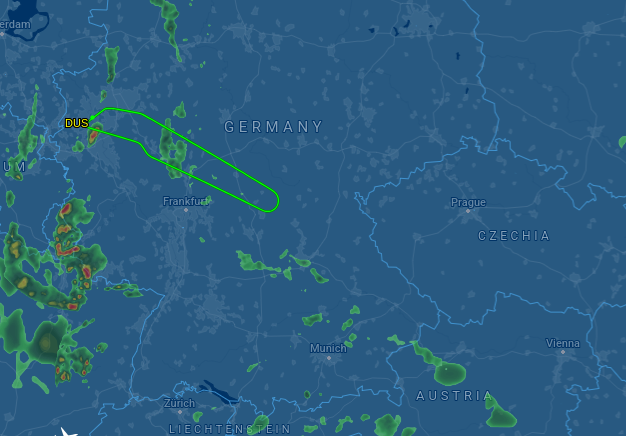
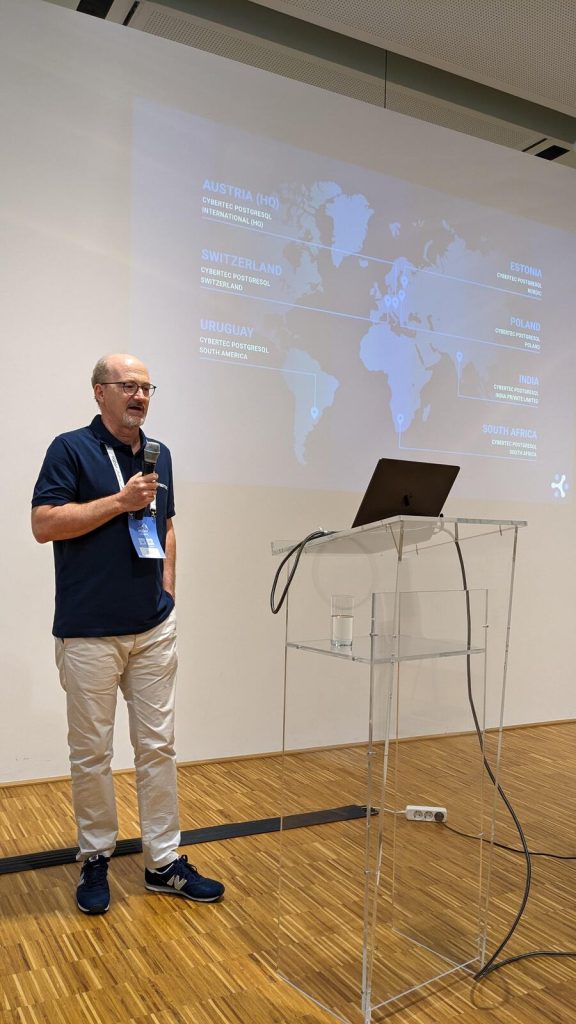
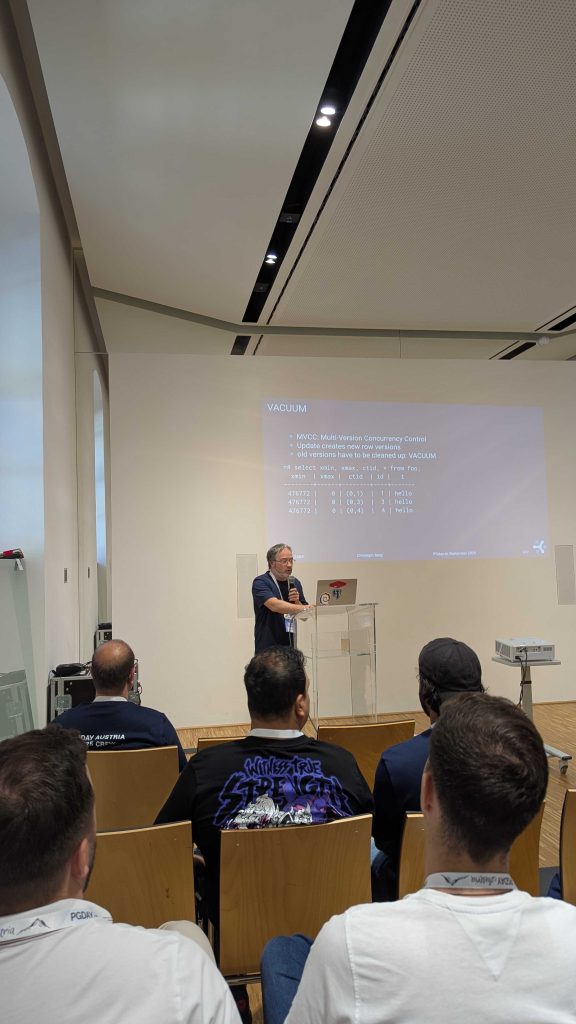
 My trip to pgday.at started Wednesday at the airport in D sseldorf. I was there on time, and the plane started with an estimated flight time of about 90 minutes. About half an hour into the flight, the captain announced that we would be landing in 30 minutes - in D sseldorf, because of some unspecified technical problems. Three hours after the original departure time, the plane made another attempt, and we made it to Vienna.

 Just wanted to share I enjoy reading

 Like each month, have a look at the work funded by
 Release 0.2.9 of our