Emmanuel Kasper: back to blogging and running a feed reader as a containerized systemd service

After reading about Jonathan McDowell feed reader install and the back to blogging initiative, I decided to install a feed reader to follow all those nice blog posts. With a feed reader you can compose your own feed of news based on blog posts, websites, mastodon toots. And then you are independant from ad oriented ranking algorithms of social networks.
Since Jonathan used FreshRSS as a feed reader, I started with the same software. On a quick glance on its github page, it sounded like a good project:
- active contributions
- different channels for stable and latest version of the software
- container images pointing to the stable release
- support multiple databases for storage, including PostgreSQL
- correct documentation mentioning security caveats
- upgrades from FreshRSS are easy to do and can be done separately from operating system upgrades
- I do not mess my based operating system with php (subjective) and in case of a compromized freshrss, the freshrss/apache install would be still restrained to its own Linux namespaces, separated from the rest of the system.
- start a container image based on the start command provided by the FreshRSS project. The
podmancommand line is nearly identical to thedockercommand line, excepts thatpodmanexpects the fully qualified domain name associated with the container image, and I chose to run the freshrss container on the localhost interface only. I also use a defined version tag, because using thelatesttag makes it complicated to track which exact ersion I have installed.
# podman pull docker.io/freshrss/freshrss:1.20.1
# podman run --detach --restart unless-stopped --log-opt max-size=10m \
  --publish 127.0.0.1:8081:80 \
  --env TZ=Europe/Paris \
  --env 'CRON_MIN=1,31' \
  --volume freshrss_data:/var/www/FreshRSS/data \
  --volume freshrss_extensions:/var/www/FreshRSS/extensions \
  --name freshrss \
  docker.io/freshrss/freshrss:1.20.1
- verify where the podman volumes have been created. This is where the user data of freshrss will be stored.
# podman volume ls
# podman volume inspect freshrss_data
- now that freshrss is installed, you can start its configuration wizard at localhost:8081. You should keep the default sqlite choice
- finally after running the wizard, you can login again and add some feeds
- verify that your config has been stored outside the container, and inside the volume (so that it will not be erased in case of upgrages)
# ls -l /var/lib/containers/storage/volumes/freshrss_data/_data/users/
- verify the state of sqlite database
echo '.tables'  sqlite3  /var/lib/containers/storage/volumes/freshrss_data/_data/users/<your freshrss user>/db.sqlite
category  entry     entrytag  entrytmp  feed      tag
# podman generate systemd --new --name freshrss tee /etc/systemd/system/container-freshrss.service
# podman stop freshrss
# systemctl enable --now container-freshrss.service
# systemctl status container-freshrss.service
  ...
# ss --listening --numeric --process '( sport = 8081 )'
Netid         State           Recv-Q          Send-Q                   Local Address:Port                   Peer Address:Port         Process
tcp           LISTEN          0               4096                         127.0.0.1:8081                        0.0.0.0:*             users:(("conmon",pid=4464,fd=5))
conmon (8) is the process managing the network namespace in which fresh-rss is running, hence it is displayed as the process owning the listening socket
Exposing FreshRSS to the external world
We have now a running service, but we need to make it reachable from the internet.
The simplest, classical way, is to create a subdomain and a VirtualHost configured as a reverse proxy to access the service at 127.0.0.1:8081. Fortunately the FreshRSS authors have documented this setup in https://github.com/FreshRSS/FreshRSS/tree/edge/Docker#alternative-reverse-proxy-using-apache
and those steps are no different from a standard application behind a web reverse proxy.
Upgrading freshrss container to a newer version
A documentation showing how to install a piece of software is nothing when
it does not show how to upgrade that said software. Installing is easy, upgrading is where the challenge is. Fortunately to the good stateless design of freshrss (everything is in the sqlite database, which is backed by a non-epheremal volume in our setup), switchting versions is a peace of cake.
# podman pull docker.io/freshrss/freshrss:1.20.2
# systemctl stop container-freshrss.service
# sed -i 's,docker.io/freshrss/freshrss:1.20.1,docker.io/freshrss/freshrss:1.20.2,' /etc/systemd/system/container-freshrss.service
# systemctl daemon-reload
# systemctl start container-freshrss.service

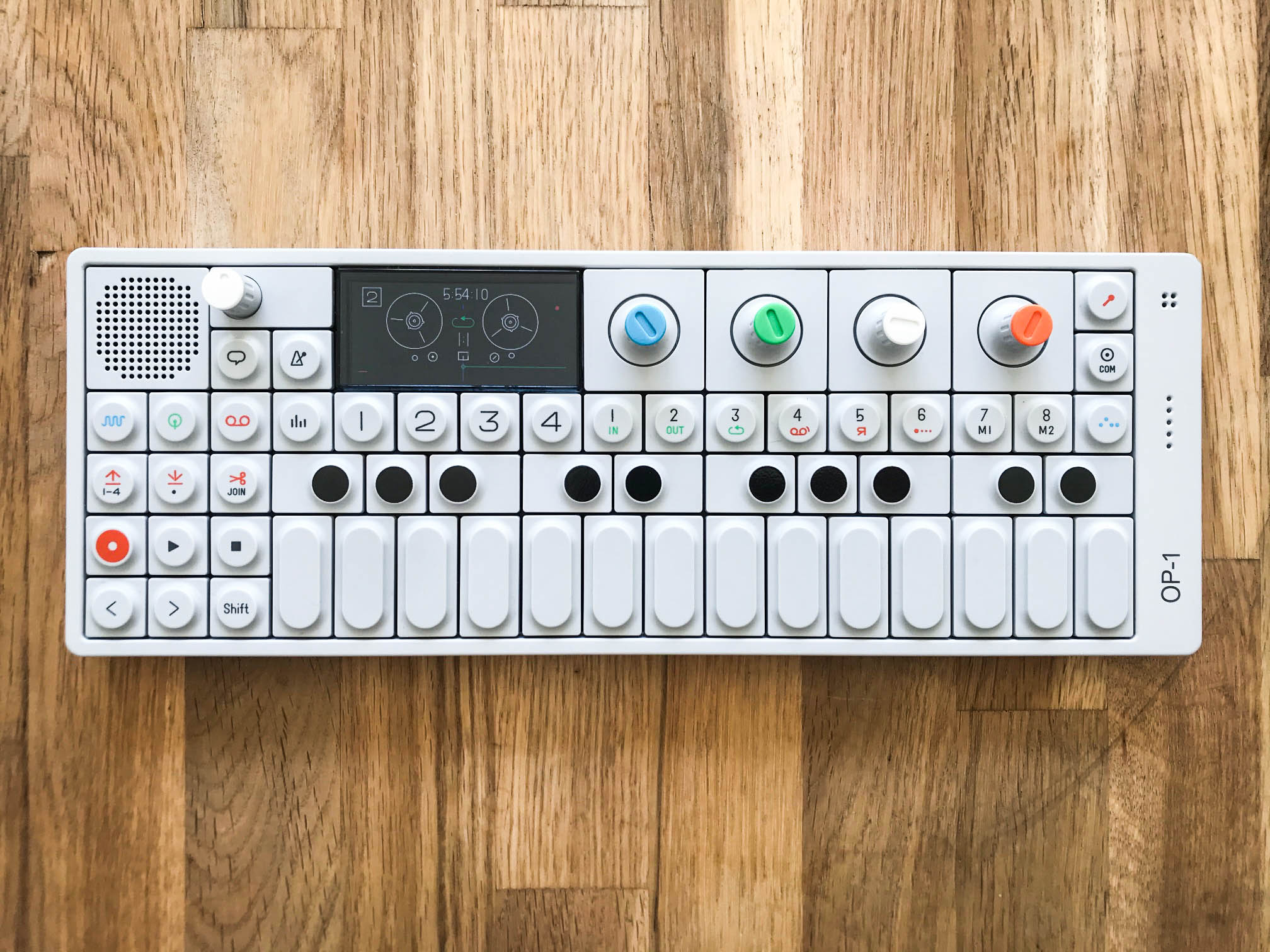
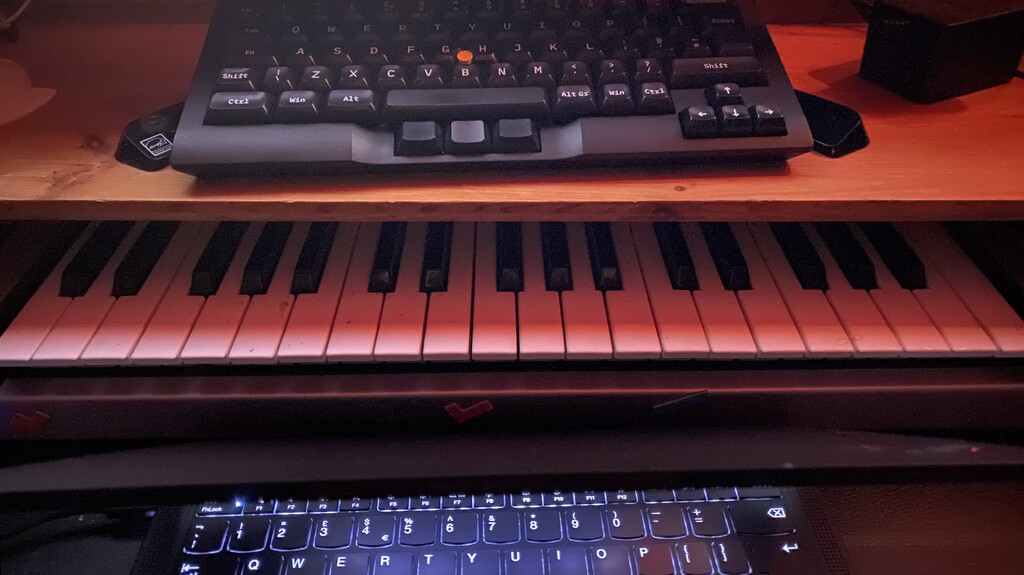
](https://jmtd.net/log/synths/microfreak.jpg)

 Happy 28th Birthday KDE!
 I still need help with that car, if it weren t for our neighbor, this story would have ended much differently.
 When setting up your YubiKey you have the option to require the user to touch the device to authorize an operation (be it signing, decrypting, or authenticating). While web browsers often provide clear prompts for this, other applications like SSH or GPG will not. Instead the operation will just hang without any visual indication that user input is required. The YubiKey itself will blink, but depending on where it is plugged in that is not very visible.
 A long time ago .
A long time ago a computer was a woman (I think almost exclusively a women, not a man) who was employed to do a lot of repetitive mathematics typically for accounting and stock / order processing.
Then along came Lyons, who deployed an artificial computer to perform
the same task, only with fewer errors in less time. Modern day
computing was born we had entered the age of the Digital Computer.
These computers were large, consumed huge amounts of power but were precise, and gave repeatable, verifiable results.
Over time the huge mainframe digital computers have shrunk in size,
increased in performance, and consume far less power so much so that
they often didn t need the specialist CFC based, refrigerated liquid
cooling systems of their bigger mainframe counterparts, only requiring
forced air flow, and occasionally just convection cooling. They shrank
so far and became cheep enough that the Personal Computer became to be,
replacing the mainframe with its time shared resources with a machine
per user. Desktop or even portable laptop computers were everywhere.
We networked them together, so now we can share information around
the office, a few computers were given specialist tasks of being
available all the time so we could share documents, or host databases
these servers were basically PCs designed to operate 24 7, usually more
powerful than their desktop counterparts (or at least with faster
storage and networking).
Next we joined these networks together and the internet was born. The dream of a paperless office might actually become realised we can now send email (and documents) from one organisation (or individual) to another via email. We can make our specialist computers applications available outside just the office and web servers / web apps come of age.
Fast forward a few years and all of a sudden we need huge data-halls
filled with Rack scale machines augmented with exotic GPUs and NPUs
again with refrigerated liquid cooling, all to do the same task that we
were doing previously without the magical buzzword that has been named
AI; because we all need another dot com bubble or block chain band
waggon to jump aboard. Our AI enabled searches take slightly longer,
consume magnitudes more power, and best of all the results we are given
may or may not be correct .
Progress, less precise answers, taking longer, consuming more power,
without any verification and often giving a different result if you
repeat your question AND we still need a personal computing device to
access this wondrous thing.
Remind me again why we are here?
(time lines and huge swaves of history simply ignored to make an
attempted comic point this is intended to make a point and not be
scholarly work)
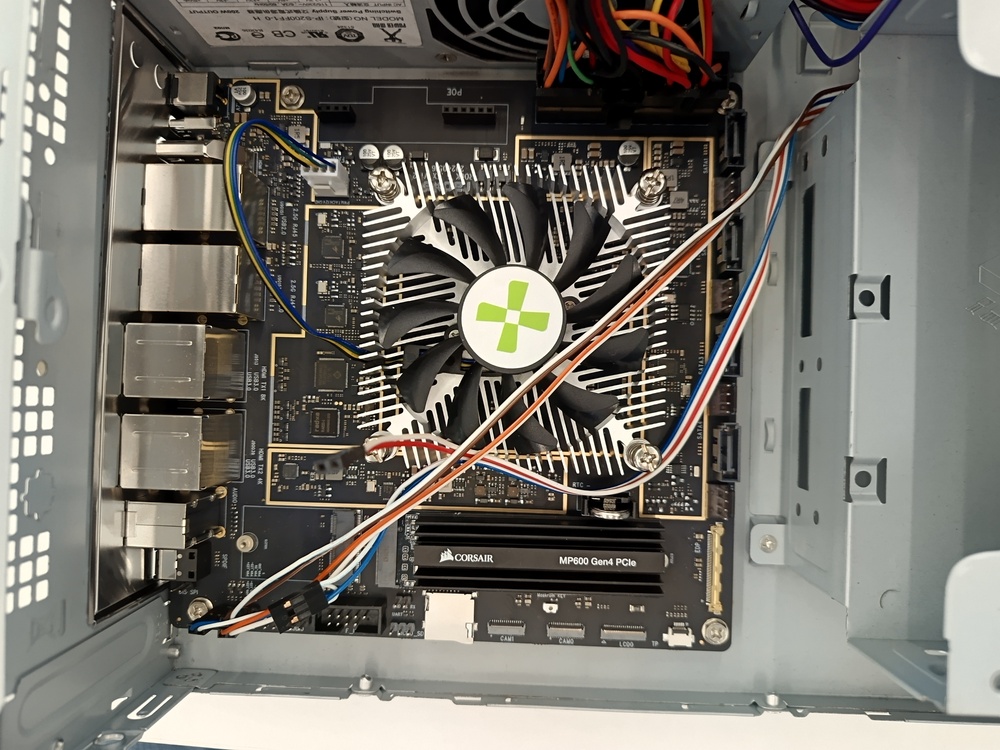
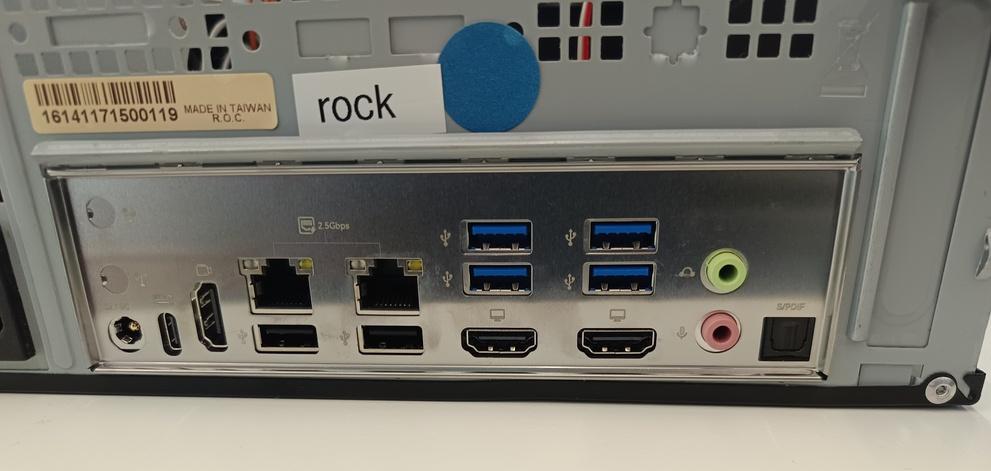
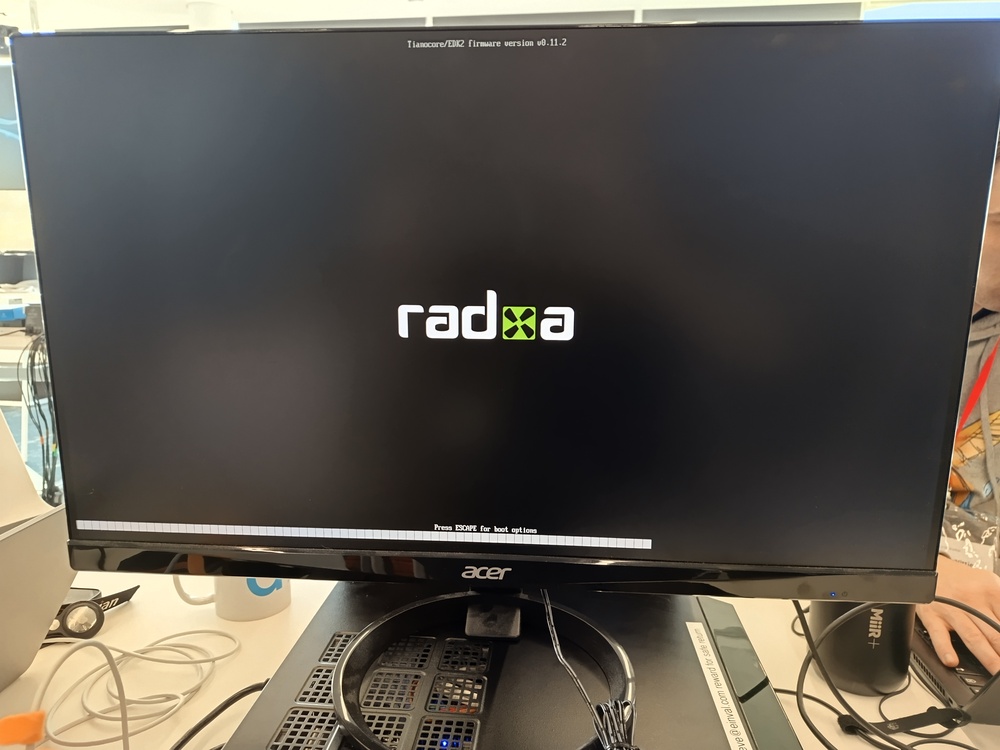
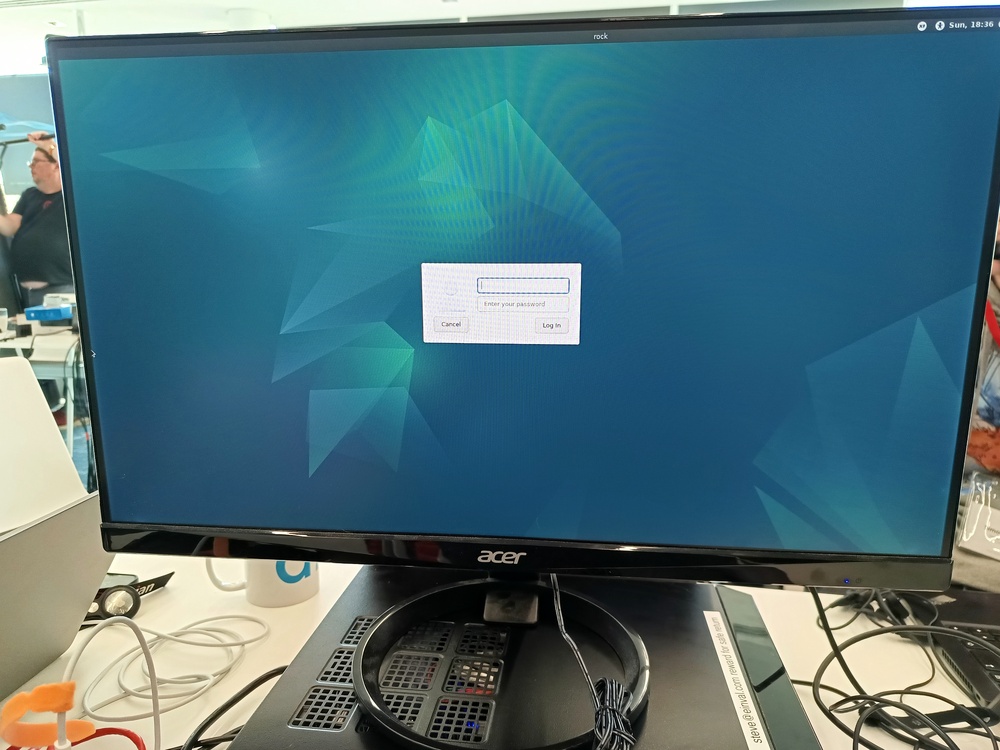
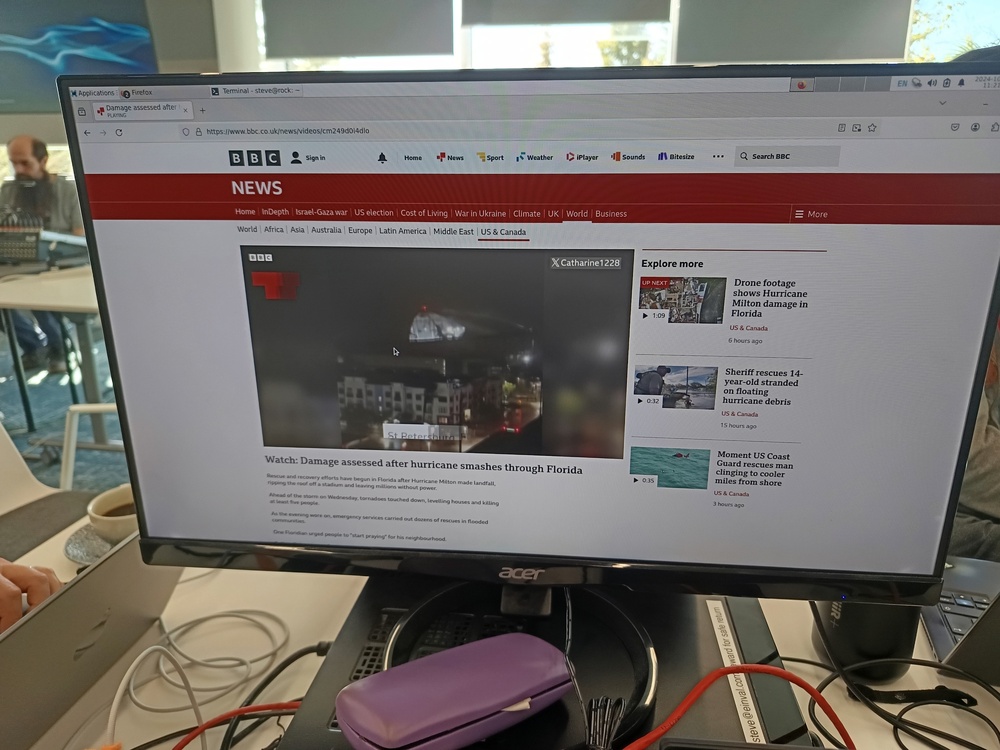
 It's been a while since I've posted about arm64 hardware. The last
machine I spent my own money on was
a
 As DebConf22 was coming to an end, in Kosovo, talking with Eeveelweezel they
invited me to prepare a talk to give for the









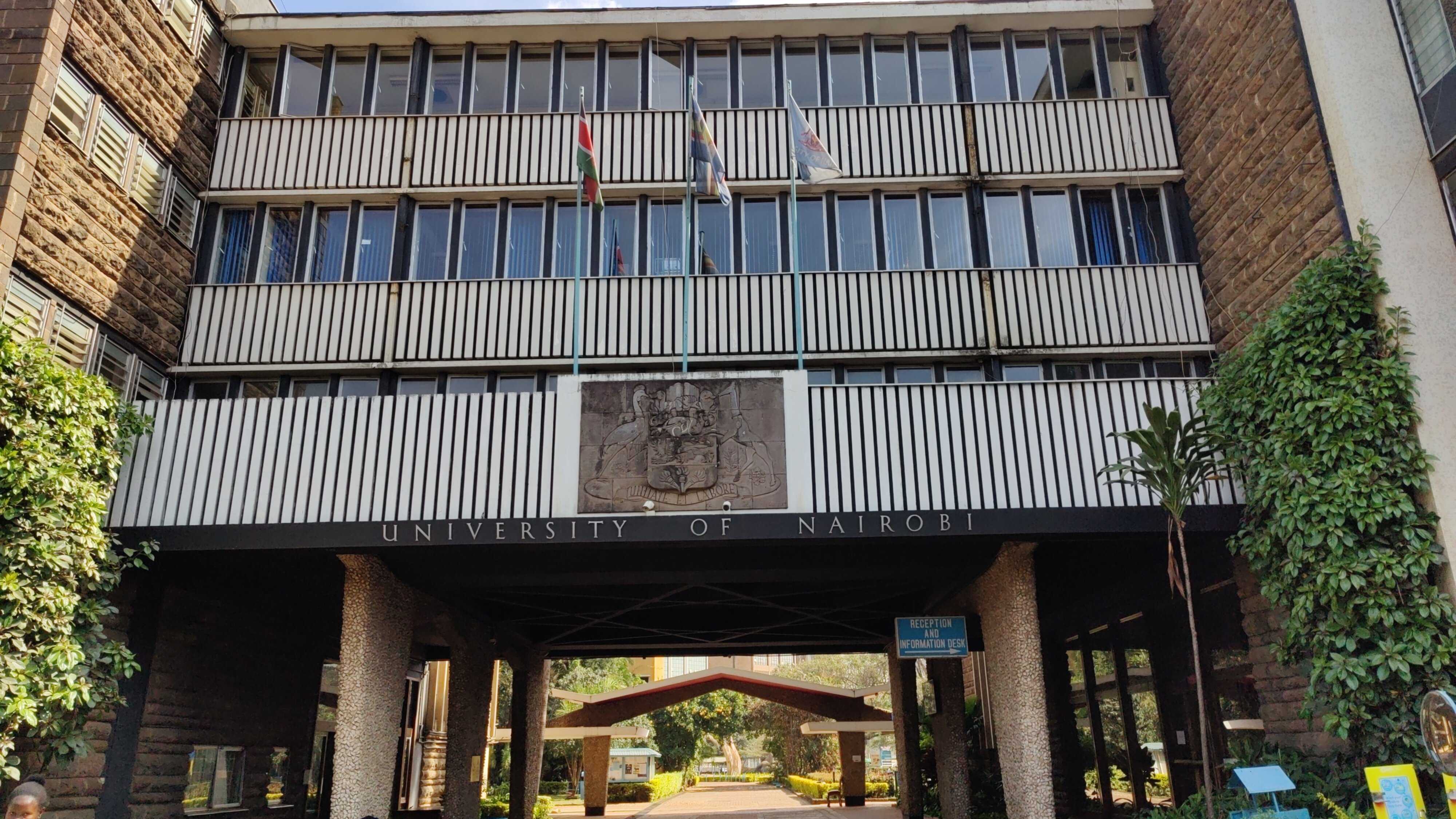 University of Nairobi.
 Our group at the conference.
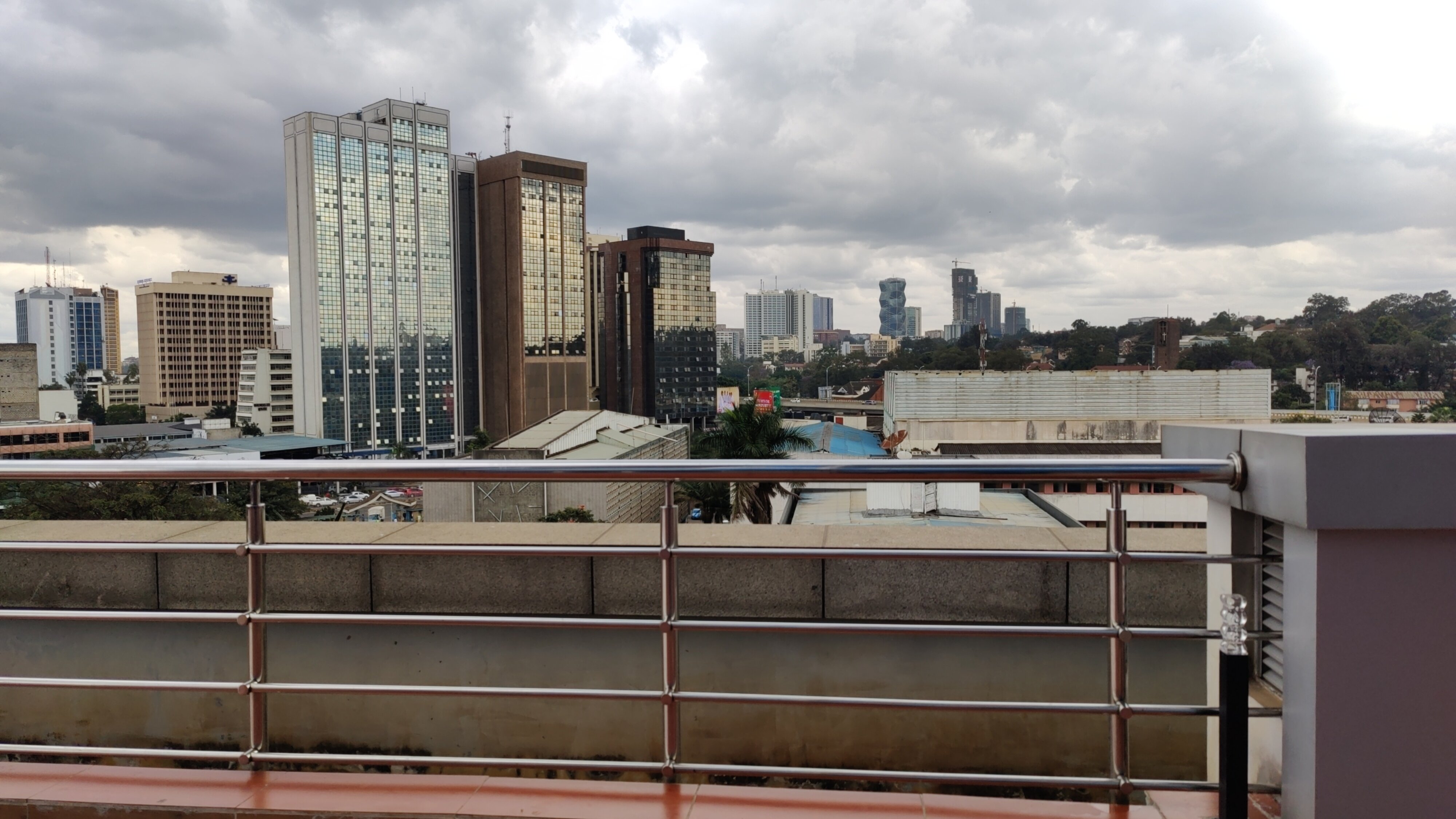 View of Nairobi's skyline from the open area on the fifth floor.
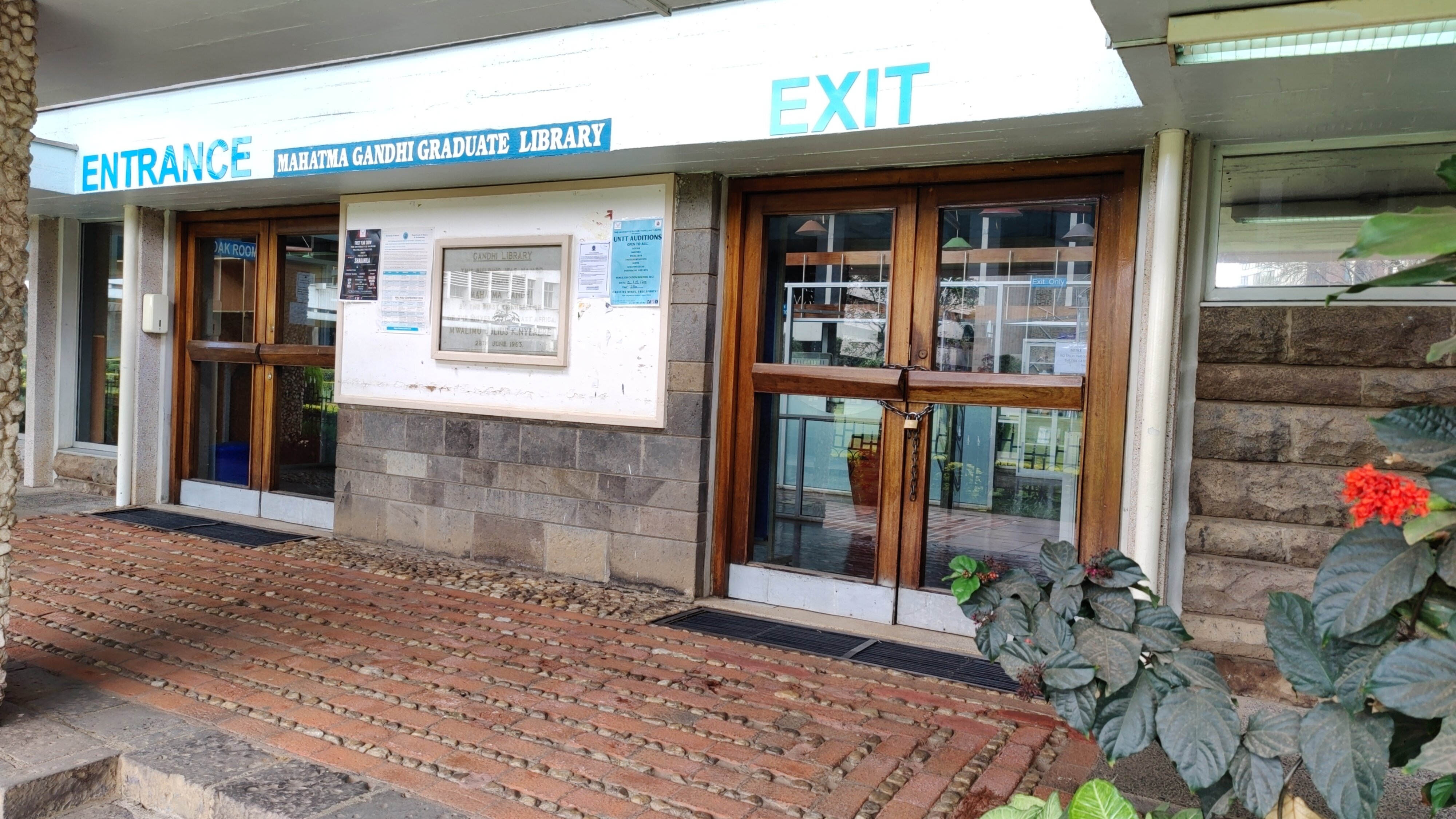 A library in Mahatma Gandhi wing of the University of Nairobi.
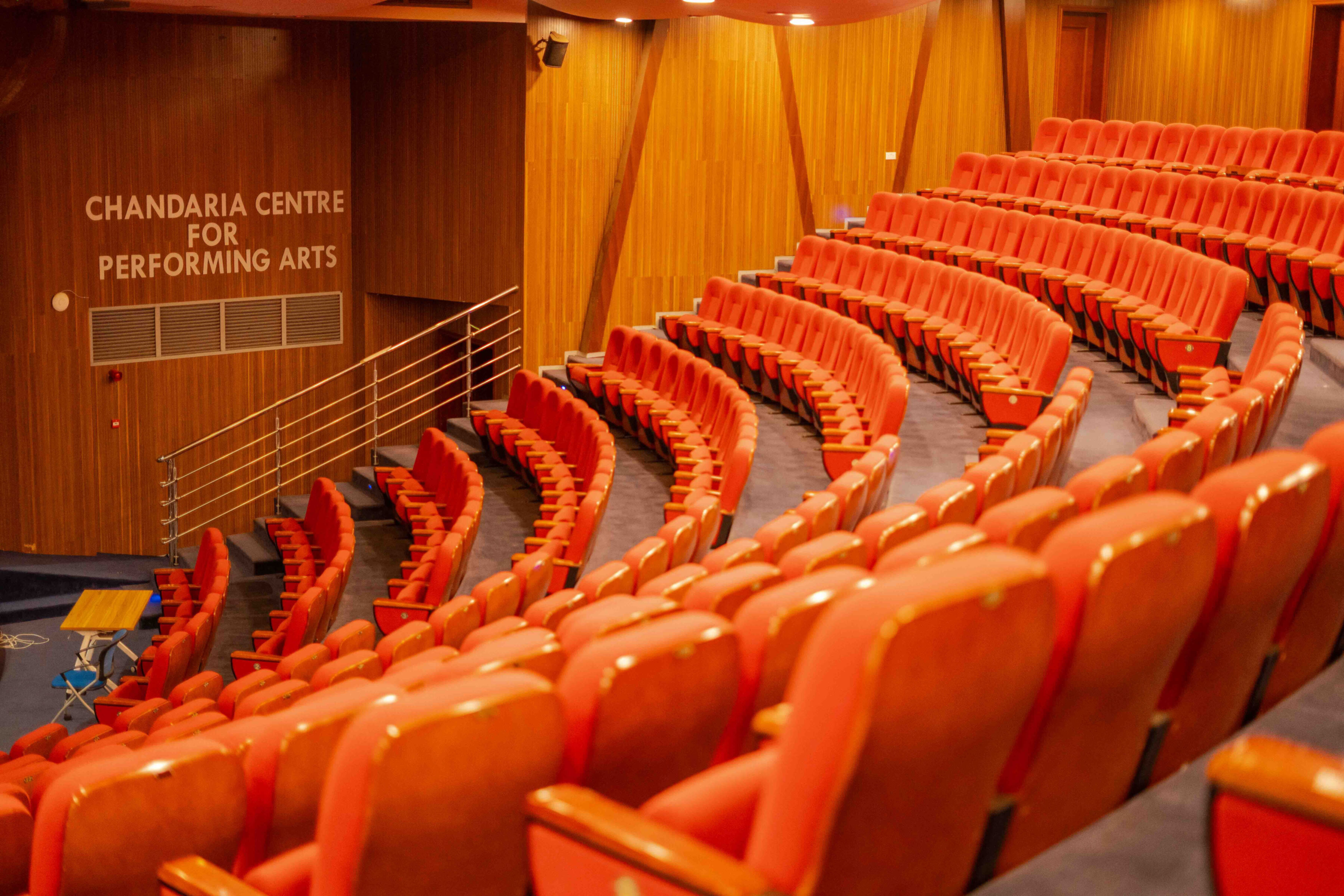 One of the conference halls where talks took place.
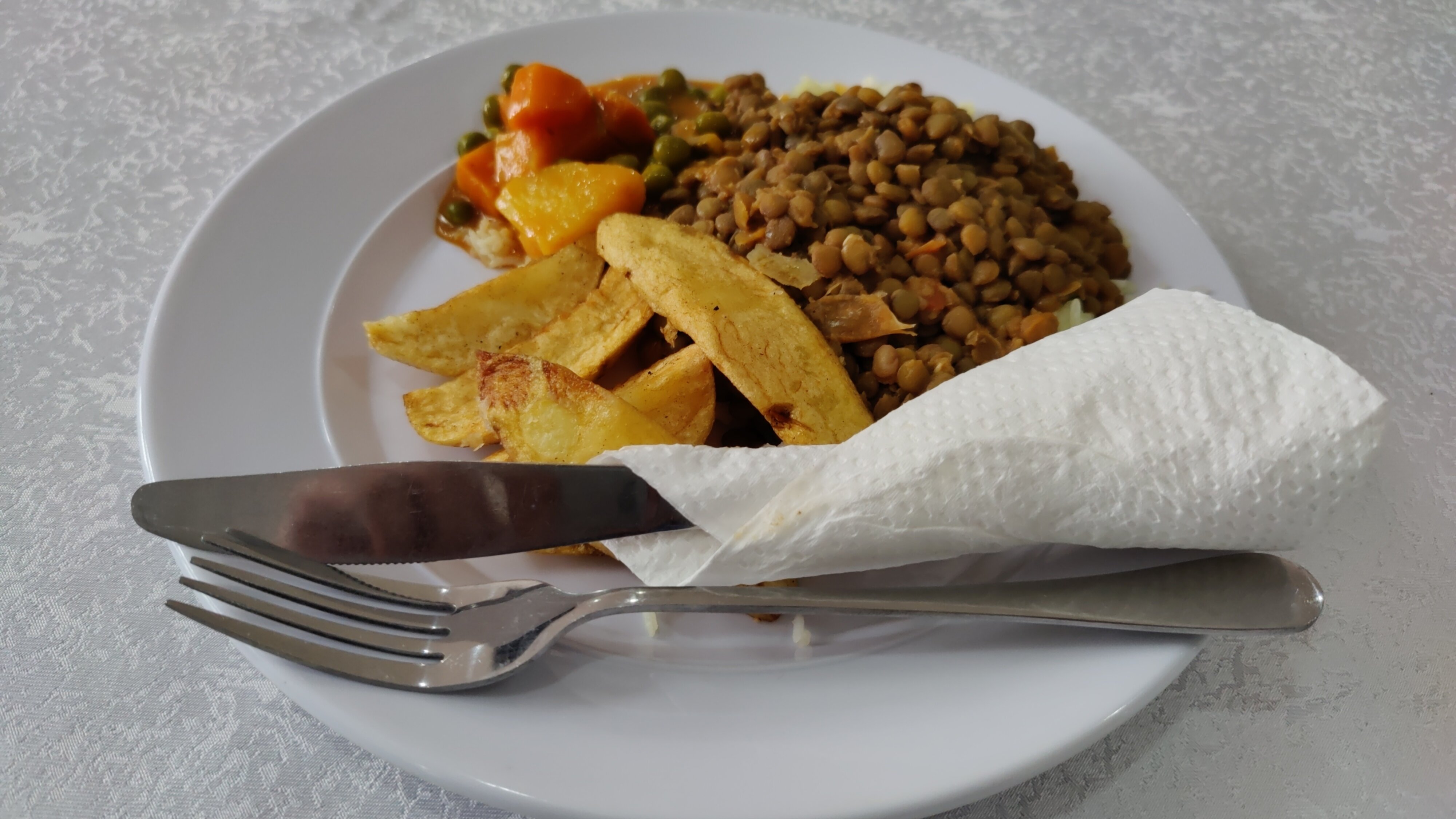 One of the lunch meals served during the conference.
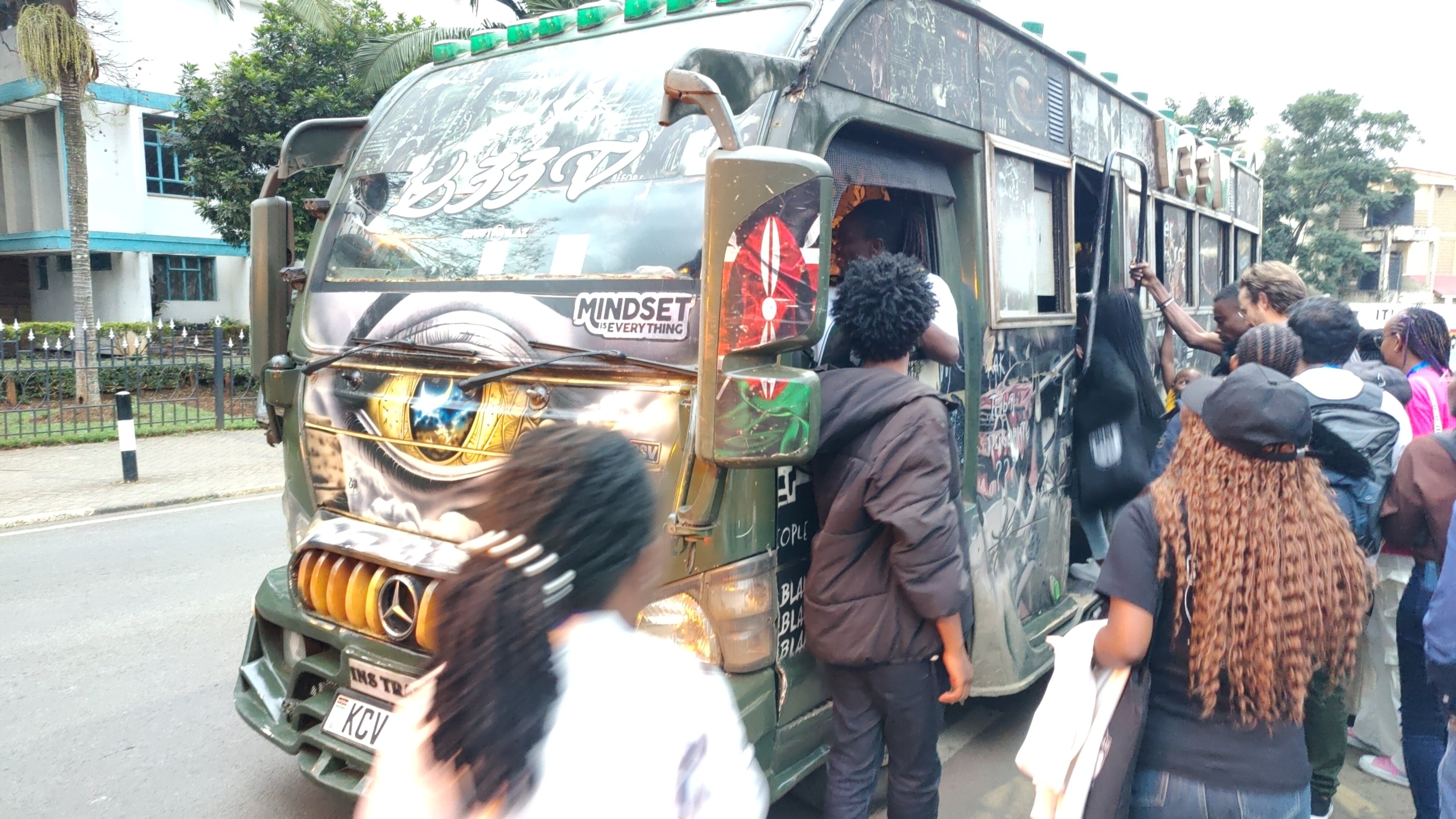 Minibus which took us from the university to Bao Box restaurant.
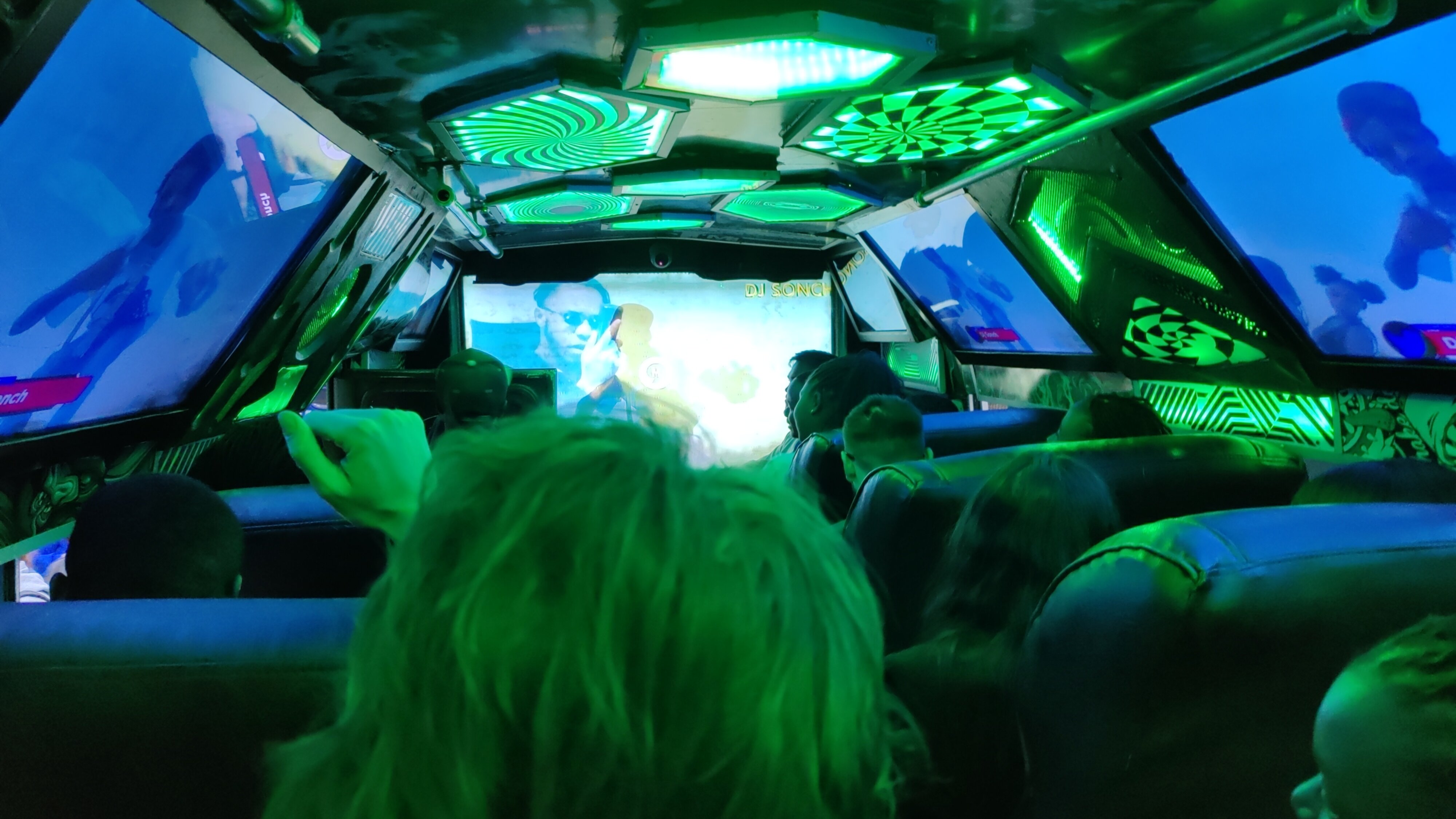 This minibus in the picture gave a sense of a real matatu.
 Almost all of my Debian contributions this month were
 In my previous post on
 To test the functionality, I performed a re-installation of the systemd-boot-efi
package, which provides the EFI binary for systemd-boot, using the following command:
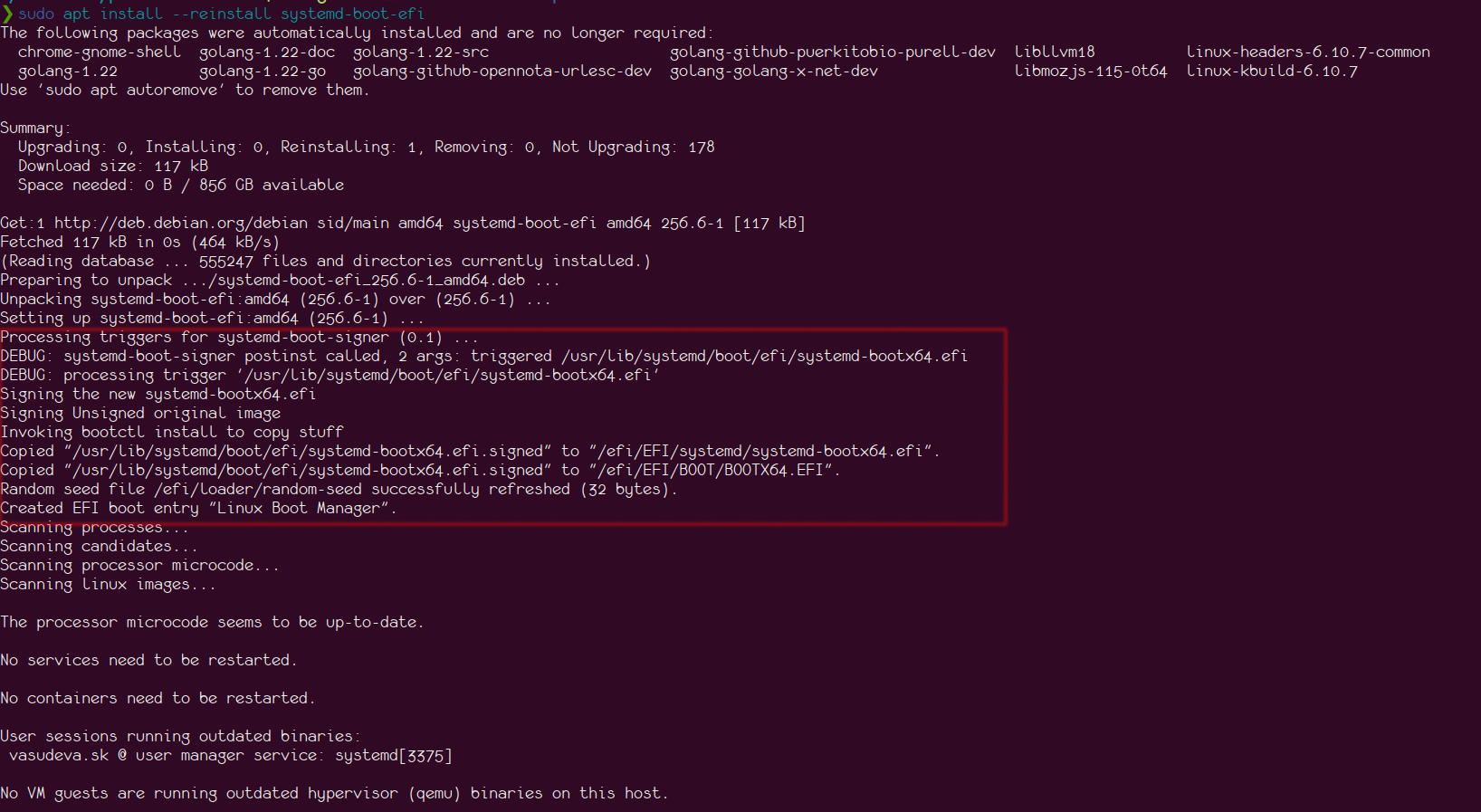 To test the systemd-boot-update.service, I commented out the bootctl install line
from the above script, performed a reinstallation, and restarted the
systemd-boot-update.service. Checking the log, I saw the following:
