Niels Thykier: A new Debian package helper: debputy
I have made a new helper for producing Debian packages called debputy. Today, I uploaded it to Debian unstable for the first time. This enables others to migrate their package build using dh +debputy rather than the classic dh. Eventually, I hope to remove dh entirely from this equation, so you only need debputy. But for now, debputy still leverages dh support for managing upstream build systems.
The debputy tool takes a radicially different approach to packaging compared to our existing packaging methods by using a single highlevel manifest instead of all the debian/install (etc.) and no hook targets in debian/rules.
Here are some of the things that debputy can do or does:
Trying debputy
With the limitations aside, lets talk about how you would go about migrating a package:
- debputy can perform installation similar to dh_install, dh_installdocs (etc.) plus a bit of the dh-exec support. Notably, debputy supports install /usr/bin/foo into foo and install everything else in /usr/bin into foo-utils without you having to resort to weird tricks. With debhelper, this would require dh-exec s
=> /usr/bin/foooperator. - debputy can assign mode to files without needing hooks and static file ownership can be assigned without resorting to fakeroot. If you request Rules-Requires-Root: no, debputy will assemble the deb without using fakeroot. The fragileness of fakeroot may some day just be a horror story we tell our unruly children that they do not really believe is true.
- debputy defaults to all scripts with a #! /bin/tool or #! /usr/bin/tool to have mode 0755 (a+x) unless they are placed in directories known not to have executable files (such as the perl module dirs). As an example, scripts in the examples directory may now get an automatic executable bit if they have a proper #!-line for /usr/bin or /bin.
- debputy supports the default flow of 48 debhelper tools. If you are using pure dh $@ with no sequence add-ons and no hook targets in debian/rules (or only hook targets for the upstream side), odds are that debputy got your needs covered.
- Almost any debhelper sequence add-on. The debputy tool comes with a migration tool that will auto-detect any unsupported dh add-on from Build-Depends and will flag them as potential problematic. The migration tool works from an list of approved add-ons. Note that manually activated add-ons via dh $@ with are not detected.
- Anything that installs or recently installed into /lib or another /usr-merged location. My life is too short to be directly involved in the /usr-merge transition. This means no udev and no systemd unit support at the moment (note tmpfiles and sysusers is supported). For the systemd side, I am also contemplating a different model for how to deal with services. Even without the /usr-merge transition, these would not have been supported. The migration tool will detect problematic file in the debian directory immediately and debputy will detect upstream provided systemd unit files at build time.
- There is also no support for packager provided maintscript files at this time. If you have your own maintscripts, then you will not be able to migrate. The migration tool detects the debhelper based path and warns you (such as debian/postinst).
- Additionally, if you need special cases in tools (such as perl-base dependency with dh_perl) or rely on dh_strip-nondeterminsm for reproducibility, then you cannot or is advised not to migrate at this time.
Trying debputy
With the limitations aside, lets talk about how you would go about migrating a package:
# Assuming here you have already run: apt install dh-debputy
$ git clone https://salsa.debian.org/rra/kstart
[...]
$ cd kstart
# Add a Build-Dependency on dh-sequence-debputy
$ perl -n -i -e \
   'print; print " dh-sequence-debputy,\n" if m/debhelper-compat/;' \
    debian/control
$ debputy migrate-from-dh --apply-changes
debputy: info: Loading plugin debputy (version: archive/debian/4.3-1) ...
debputy: info: Verifying the generating manifest
debputy: info: Updated manifest debian/debputy.manifest
debputy: info: Removals:
debputy: info:   rm -f "./debian/docs"
debputy: info:   rm -f "./debian/examples"
debputy: info: Migrations performed successfully
debputy: info: Remember to validate the resulting binary packages after rebuilding with debputy
$ cat debian/debputy.manifest
manifest-version: '0.1'
installations:
- install-docs:
    sources:
    - NEWS
    - README
    - TODO
- install-examples:
    source: examples/krenew-agent
$ git add debian/debputy.manifest
$ git commit --signoff -am"Migrate to debputy"
# Run build tool of choice to verify the output.
$ debputy migrate-from-dh
debputy: info: Loading plugin debputy (version: 5.13-13-g9836721) ...
debputy: error: Unable to migrate automatically due to missing features in debputy.
  * The "debian/triggers" debhelper config file (used by dh_installdeb is currently not supported by debputy.
Use --acceptable-migration-issues=[...] to convert this into a warning [...]
Rapid feedback
Rapid feedback cycles are important for keeping developers engaged in their work. The debputy tool provides the following features to enable rapid feedback.
Immediate manifest validation
It would be absolutely horrible if you had to do a full-rebuild only to realize you got the manifest syntax wrong. Therefore, debputy has a check-manifest command that checks the manifest for syntactical and semantic issues.
$ cat debian/debputy.manifest
manifest-version: '0.1'
installations:
- install-docs:
    sources:
    - GETTING-STARTED-WITH-dh-debputy.md
    - MANIFEST-FORMAT.md
    - MIGRATING-A-DH-PLUGIN.md
$ debputy check-manifest
debputy: info: Loading plugin debputy (version: 0.1.7-1-gf34bd66) ...
debputy: info: No errors detected.
$ cat <<EOF >> debian/debputy.manifest
- install:
    sourced: foo
    as: usr/bin/foo
EOF
# Did I typo anything?
$ debputy check-manifest
debputy: info: Loading plugin debputy (version: 0.1.7-2-g4ef8c2f) ...
debputy: warning: Possible typo: The key "sourced" at "installations[1].install" should probably have been 'source'
debputy: error: Unknown keys " 'sourced' " at installations[1].install".  Keys that could be used here are: sources, when, dest-dir, source, into.
debputy: info: Loading plugin debputy (version: 0.1.7-2-g4ef8c2f) ...
$ sed -i s/sourced:/source:/ debian/debputy.manifest
$ debputy check-manifest
debputy: info: Loading plugin debputy (version: 0.1.7-2-g4ef8c2f) ...
debputy: info: No errors detected.
Idempotence: Clean re-runs of dh_debputy without clean/rebuild
If you read the fine print of many debhelper commands, you may see the following note their manpage:
This command is not idempotent. dh_prep(1) should be called between
invocations of this command
Manpage of an anonymous debhelper tool
What this usually means, is that if you run the command twice, you will get its maintscript change (etc.) twice in the final deb. This fits into our single-use clean throw-away chroot builds on the buildds and CI as well as dpkg-buildpackage s no-clean (-nc) option. Single-use throw-away chroots are not very helpful for debugging though, so I rarely use them when doing the majority of my packaging work as I do not want to wait for the chroot initialization (including installing of build-depends).
But even then, I have found that dpkg-buildpackage -nc has been useless for me in many cases as I am stuck between two options:
- With -nc, you often still interact with the upstream build system. As an example, debhelper will do a dh_prep followed by dh_auto_install, so now we are waiting for upstream s install target to run again. What should have taken seconds now easily take 0.5-1 minute extra per attempt.
- If you want to by-pass this, you have to manually call the helpers needed (in correct order) and every run accumulates cruft from previous runs to the point that cruft drowns out the actual change you want to see. Also, I am rarely in the mood to play human dh, when I am debugging an issue that I failed to fix in my first, second and third try.
As you can probably tell, neither option has worked that well for me. But with dh_debputy, I have made it a goal that it will not self-taint the final output. If dh_debputy fails, you should be able to tweak the manifest and re-run dh_debputy with the same arguments.
- No waiting for dpkg-buildpackage -nc nor anything implied by that.
- No self-tainting of the final deb. The result you get, is the result you would have gotten if the previous dh_debputy run never happened.
- Because dh_debputy produces the final result, I do not have to run multiple tools in the right order.
Obviously, this is currently a lot easier, because debputy is not involved in the upstream build system at all. If this feature is useful to you, please do let me know and I will try to preserve it as debputy progresses in features.
Packager provided files
On a different topic, have you ever wondered what kind of files you can place into the debian directory that debhelper automatically picks up or reacts too? I do not have an answer to that beyond it is over 80 files and that as the maintainer of debhelper, I am not willing to manually maintain such a list manually.
However, I do know what the answer is in debputy, because I can just ask debputy:
$ debputy plugin list packager-provided-files
+-----------------------------+---------------------------------------------[...]
  Stem                          Installed As                                [...]
+-----------------------------+---------------------------------------------[...]
  NEWS                          /usr/share/doc/ name /NEWS.Debian           [...]
  README.Debian                 /usr/share/doc/ name /README.Debian         [...]
  TODO                          /usr/share/doc/ name /TODO.Debian           [...]
  bug-control                   /usr/share/bug/ name /control               [...]
  bug-presubj                   /usr/share/bug/ name /presubj               [...]
  bug-script                    /usr/share/bug/ name /script                [...]
  changelog                     /usr/share/doc/ name /changelog.Debian      [...]
  copyright                     /usr/share/doc/ name /copyright             [...]
[...]
Take it for a spin
As I started this blog post with, debputy is now available in unstable. I hope you will take it for a spin on some of your simpler packages and provide feedback on it.  For documentation, please have a look at:
- GETTING-STARTED-WITH-dh-debputy.md (how-to guide)
- MANIFEST-FORMAT.md (reference documentation)
Thanks for considering
PS: My deepest respect to the fakeroot maintainers. That game of whack-a-mole is not something I would have been willing to maintain. I think fakeroot is like the Python GIL in the sense that it has been important in getting Debian to where it is today. But at the same time, I feel it is time to let go of the crutch and find a proper solution.
# Assuming here you have already run: apt install dh-debputy
$ git clone https://salsa.debian.org/rra/kstart
[...]
$ cd kstart
# Add a Build-Dependency on dh-sequence-debputy
$ perl -n -i -e \
'print; print " dh-sequence-debputy,\n" if m/debhelper-compat/;' \
debian/control
$ debputy migrate-from-dh --apply-changes
debputy: info: Loading plugin debputy (version: archive/debian/4.3-1) ...
debputy: info: Verifying the generating manifest
debputy: info: Updated manifest debian/debputy.manifest
debputy: info: Removals:
debputy: info: rm -f "./debian/docs"
debputy: info: rm -f "./debian/examples"
debputy: info: Migrations performed successfully
debputy: info: Remember to validate the resulting binary packages after rebuilding with debputy
$ cat debian/debputy.manifest
manifest-version: '0.1'
installations:
- install-docs:
sources:
- NEWS
- README
- TODO
- install-examples:
source: examples/krenew-agent
$ git add debian/debputy.manifest
$ git commit --signoff -am"Migrate to debputy"
# Run build tool of choice to verify the output.
$ debputy migrate-from-dh debputy: info: Loading plugin debputy (version: 5.13-13-g9836721) ... debputy: error: Unable to migrate automatically due to missing features in debputy. * The "debian/triggers" debhelper config file (used by dh_installdeb is currently not supported by debputy. Use --acceptable-migration-issues=[...] to convert this into a warning [...]
Immediate manifest validation
It would be absolutely horrible if you had to do a full-rebuild only to realize you got the manifest syntax wrong. Therefore, debputy has a check-manifest command that checks the manifest for syntactical and semantic issues.
$ cat debian/debputy.manifest
manifest-version: '0.1'
installations:
- install-docs:
sources:
- GETTING-STARTED-WITH-dh-debputy.md
- MANIFEST-FORMAT.md
- MIGRATING-A-DH-PLUGIN.md
$ debputy check-manifest
debputy: info: Loading plugin debputy (version: 0.1.7-1-gf34bd66) ...
debputy: info: No errors detected.
$ cat <<EOF >> debian/debputy.manifest
- install:
sourced: foo
as: usr/bin/foo
EOF
# Did I typo anything?
$ debputy check-manifest
debputy: info: Loading plugin debputy (version: 0.1.7-2-g4ef8c2f) ...
debputy: warning: Possible typo: The key "sourced" at "installations[1].install" should probably have been 'source'
debputy: error: Unknown keys " 'sourced' " at installations[1].install". Keys that could be used here are: sources, when, dest-dir, source, into.
debputy: info: Loading plugin debputy (version: 0.1.7-2-g4ef8c2f) ...
$ sed -i s/sourced:/source:/ debian/debputy.manifest
$ debputy check-manifest
debputy: info: Loading plugin debputy (version: 0.1.7-2-g4ef8c2f) ...
debputy: info: No errors detected.
Idempotence: Clean re-runs of dh_debputy without clean/rebuild
If you read the fine print of many debhelper commands, you may see the following note their manpage:
This command is not idempotent. dh_prep(1) should be called between
invocations of this command
Manpage of an anonymous debhelper tool
What this usually means, is that if you run the command twice, you will get its maintscript change (etc.) twice in the final deb. This fits into our single-use clean throw-away chroot builds on the buildds and CI as well as dpkg-buildpackage s no-clean (-nc) option. Single-use throw-away chroots are not very helpful for debugging though, so I rarely use them when doing the majority of my packaging work as I do not want to wait for the chroot initialization (including installing of build-depends).
But even then, I have found that dpkg-buildpackage -nc has been useless for me in many cases as I am stuck between two options:
- With -nc, you often still interact with the upstream build system. As an example, debhelper will do a dh_prep followed by dh_auto_install, so now we are waiting for upstream s install target to run again. What should have taken seconds now easily take 0.5-1 minute extra per attempt.
- If you want to by-pass this, you have to manually call the helpers needed (in correct order) and every run accumulates cruft from previous runs to the point that cruft drowns out the actual change you want to see. Also, I am rarely in the mood to play human dh, when I am debugging an issue that I failed to fix in my first, second and third try.
As you can probably tell, neither option has worked that well for me. But with dh_debputy, I have made it a goal that it will not self-taint the final output. If dh_debputy fails, you should be able to tweak the manifest and re-run dh_debputy with the same arguments.
- No waiting for dpkg-buildpackage -nc nor anything implied by that.
- No self-tainting of the final deb. The result you get, is the result you would have gotten if the previous dh_debputy run never happened.
- Because dh_debputy produces the final result, I do not have to run multiple tools in the right order.
Obviously, this is currently a lot easier, because debputy is not involved in the upstream build system at all. If this feature is useful to you, please do let me know and I will try to preserve it as debputy progresses in features.
Packager provided files
On a different topic, have you ever wondered what kind of files you can place into the debian directory that debhelper automatically picks up or reacts too? I do not have an answer to that beyond it is over 80 files and that as the maintainer of debhelper, I am not willing to manually maintain such a list manually.
However, I do know what the answer is in debputy, because I can just ask debputy:
$ debputy plugin list packager-provided-files
+-----------------------------+---------------------------------------------[...]
Stem Installed As [...]
+-----------------------------+---------------------------------------------[...]
NEWS /usr/share/doc/ name /NEWS.Debian [...]
README.Debian /usr/share/doc/ name /README.Debian [...]
TODO /usr/share/doc/ name /TODO.Debian [...]
bug-control /usr/share/bug/ name /control [...]
bug-presubj /usr/share/bug/ name /presubj [...]
bug-script /usr/share/bug/ name /script [...]
changelog /usr/share/doc/ name /changelog.Debian [...]
copyright /usr/share/doc/ name /copyright [...]
[...]
Take it for a spin
As I started this blog post with, debputy is now available in unstable. I hope you will take it for a spin on some of your simpler packages and provide feedback on it.
For documentation, please have a look at:
- GETTING-STARTED-WITH-dh-debputy.md (how-to guide)
- MANIFEST-FORMAT.md (reference documentation)
Thanks for considering
PS: My deepest respect to the fakeroot maintainers. That game of whack-a-mole is not something I would have been willing to maintain. I think fakeroot is like the Python GIL in the sense that it has been important in getting Debian to where it is today. But at the same time, I feel it is time to let go of the crutch and find a proper solution.
$ cat debian/debputy.manifest
manifest-version: '0.1'
installations:
- install-docs:
sources:
- GETTING-STARTED-WITH-dh-debputy.md
- MANIFEST-FORMAT.md
- MIGRATING-A-DH-PLUGIN.md
$ debputy check-manifest
debputy: info: Loading plugin debputy (version: 0.1.7-1-gf34bd66) ...
debputy: info: No errors detected.
$ cat <<EOF >> debian/debputy.manifest
- install:
sourced: foo
as: usr/bin/foo
EOF
# Did I typo anything?
$ debputy check-manifest
debputy: info: Loading plugin debputy (version: 0.1.7-2-g4ef8c2f) ...
debputy: warning: Possible typo: The key "sourced" at "installations[1].install" should probably have been 'source'
debputy: error: Unknown keys " 'sourced' " at installations[1].install". Keys that could be used here are: sources, when, dest-dir, source, into.
debputy: info: Loading plugin debputy (version: 0.1.7-2-g4ef8c2f) ...
$ sed -i s/sourced:/source:/ debian/debputy.manifest
$ debputy check-manifest
debputy: info: Loading plugin debputy (version: 0.1.7-2-g4ef8c2f) ...
debputy: info: No errors detected.
This command is not idempotent. dh_prep(1) should be called between invocations of this command Manpage of an anonymous debhelper toolWhat this usually means, is that if you run the command twice, you will get its maintscript change (etc.) twice in the final deb. This fits into our single-use clean throw-away chroot builds on the buildds and CI as well as dpkg-buildpackage s no-clean (-nc) option. Single-use throw-away chroots are not very helpful for debugging though, so I rarely use them when doing the majority of my packaging work as I do not want to wait for the chroot initialization (including installing of build-depends). But even then, I have found that dpkg-buildpackage -nc has been useless for me in many cases as I am stuck between two options:
- With -nc, you often still interact with the upstream build system. As an example, debhelper will do a dh_prep followed by dh_auto_install, so now we are waiting for upstream s install target to run again. What should have taken seconds now easily take 0.5-1 minute extra per attempt.
- If you want to by-pass this, you have to manually call the helpers needed (in correct order) and every run accumulates cruft from previous runs to the point that cruft drowns out the actual change you want to see. Also, I am rarely in the mood to play human dh, when I am debugging an issue that I failed to fix in my first, second and third try.
- No waiting for dpkg-buildpackage -nc nor anything implied by that.
- No self-tainting of the final deb. The result you get, is the result you would have gotten if the previous dh_debputy run never happened.
- Because dh_debputy produces the final result, I do not have to run multiple tools in the right order.
Packager provided files
On a different topic, have you ever wondered what kind of files you can place into the debian directory that debhelper automatically picks up or reacts too? I do not have an answer to that beyond it is over 80 files and that as the maintainer of debhelper, I am not willing to manually maintain such a list manually.
However, I do know what the answer is in debputy, because I can just ask debputy:
$ debputy plugin list packager-provided-files
+-----------------------------+---------------------------------------------[...]
Stem Installed As [...]
+-----------------------------+---------------------------------------------[...]
NEWS /usr/share/doc/ name /NEWS.Debian [...]
README.Debian /usr/share/doc/ name /README.Debian [...]
TODO /usr/share/doc/ name /TODO.Debian [...]
bug-control /usr/share/bug/ name /control [...]
bug-presubj /usr/share/bug/ name /presubj [...]
bug-script /usr/share/bug/ name /script [...]
changelog /usr/share/doc/ name /changelog.Debian [...]
copyright /usr/share/doc/ name /copyright [...]
[...]
Take it for a spin
As I started this blog post with, debputy is now available in unstable. I hope you will take it for a spin on some of your simpler packages and provide feedback on it.
For documentation, please have a look at:
- GETTING-STARTED-WITH-dh-debputy.md (how-to guide)
- MANIFEST-FORMAT.md (reference documentation)
Thanks for considering
PS: My deepest respect to the fakeroot maintainers. That game of whack-a-mole is not something I would have been willing to maintain. I think fakeroot is like the Python GIL in the sense that it has been important in getting Debian to where it is today. But at the same time, I feel it is time to let go of the crutch and find a proper solution.
$ debputy plugin list packager-provided-files +-----------------------------+---------------------------------------------[...] Stem Installed As [...] +-----------------------------+---------------------------------------------[...] NEWS /usr/share/doc/ name /NEWS.Debian [...] README.Debian /usr/share/doc/ name /README.Debian [...] TODO /usr/share/doc/ name /TODO.Debian [...] bug-control /usr/share/bug/ name /control [...] bug-presubj /usr/share/bug/ name /presubj [...] bug-script /usr/share/bug/ name /script [...] changelog /usr/share/doc/ name /changelog.Debian [...] copyright /usr/share/doc/ name /copyright [...] [...]
For documentation, please have a look at:
- GETTING-STARTED-WITH-dh-debputy.md (how-to guide)
- MANIFEST-FORMAT.md (reference documentation)
 Last Sunday, our local Debian user group gathered to chat, to work on Debian and
to do other, non-Debian related hacking. A "Debian & Stuff"!
It had been a while since we held a proper meetup. Our last event was the
Last Sunday, our local Debian user group gathered to chat, to work on Debian and
to do other, non-Debian related hacking. A "Debian & Stuff"!
It had been a while since we held a proper meetup. Our last event was the
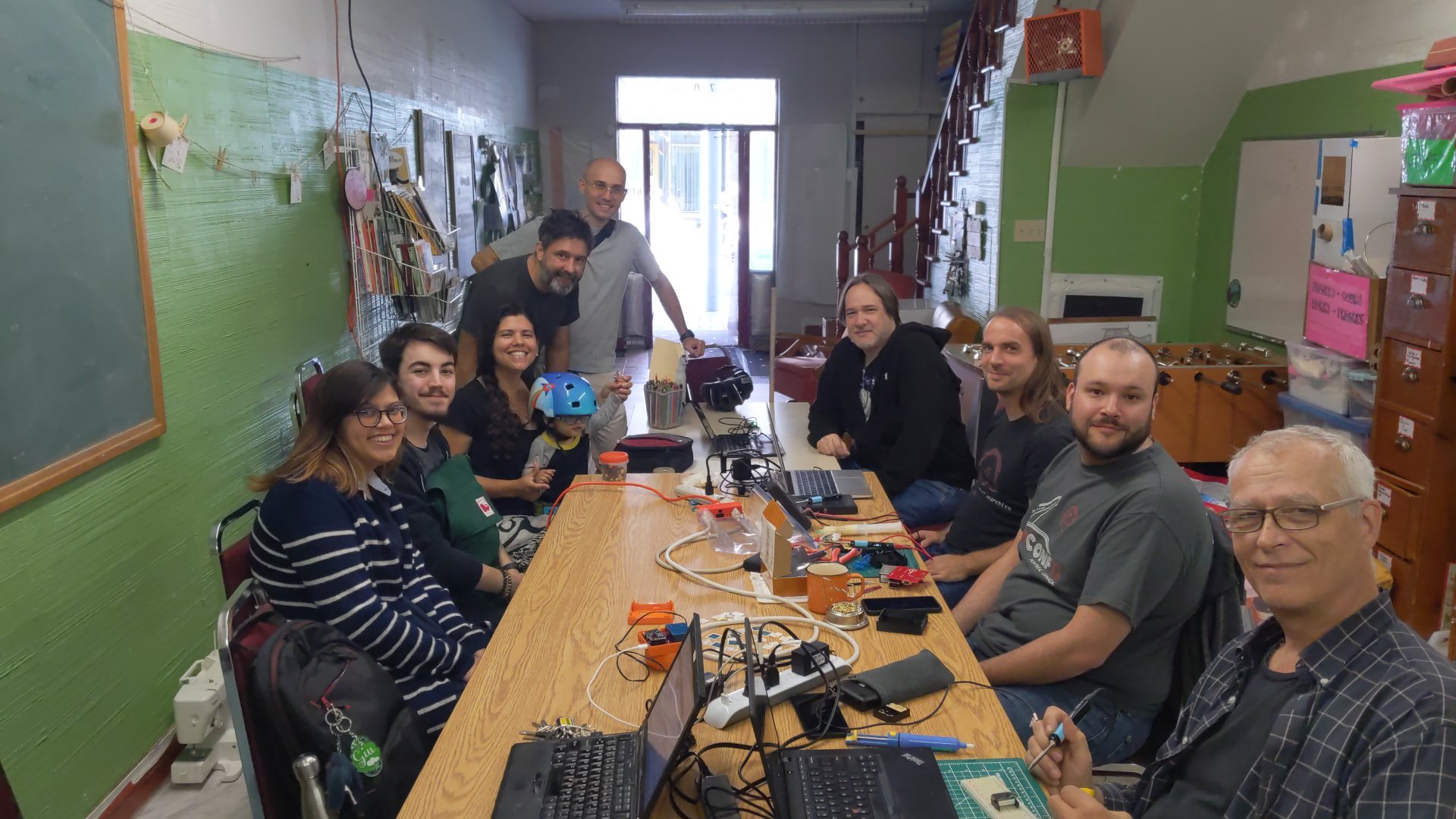 Many people came to the event, including some new ones. Although people always
tend to come and go during the day, a total of 12 people attended the event.
As always, people worked on very different projects! One of the focus of this
D&S was assembling
Many people came to the event, including some new ones. Although people always
tend to come and go during the day, a total of 12 people attended the event.
As always, people worked on very different projects! One of the focus of this
D&S was assembling 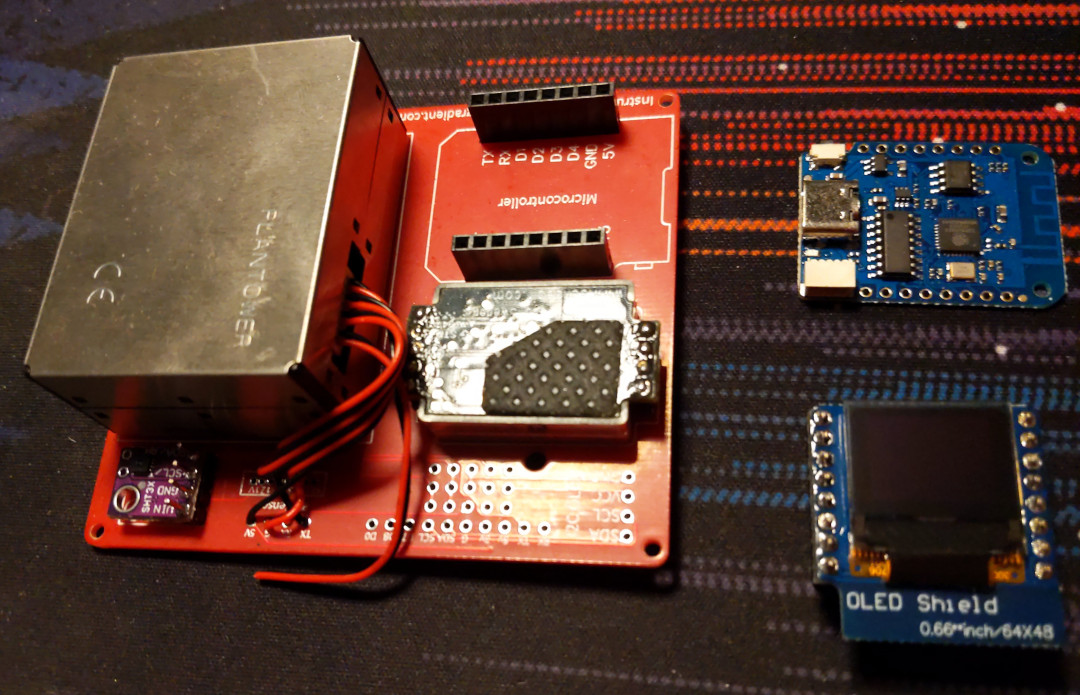 Otherwise, some Debian work was also done:

 You can find all my photos on:
 Man, you re no longer with us, but I am touched by the number of people you have positively impacted. Almost every DebConf23 presentations by locals I saw after you, carried how you were instrumental in bringing them there. How you were a dear friend and brother.
It s a weird turn of events, that you left us during one thing we deeply cared and worked towards making possible since the last 3 years together. Who would have known, that Sahil, I m going back to my apartment tonight and casual bye post that would be the last conversation we ever had.
Things were terrible after I heard the news. I had a hard time convincing myself to come see you one last time during your funeral. That was the last time I was going to get to see you, and I kept on looking at you. You, there in front of me, all calm, gave me peace. I ll carry that image all my life now. Your smile will always remain with me.
Now, who ll meet and receive me on the door at almost every Debian event (just by sheer co-incidence?). Who ll help me speak out loud about all the Debian shortcomings (and then discuss solutions, when sober :)).
Man, you re no longer with us, but I am touched by the number of people you have positively impacted. Almost every DebConf23 presentations by locals I saw after you, carried how you were instrumental in bringing them there. How you were a dear friend and brother.
It s a weird turn of events, that you left us during one thing we deeply cared and worked towards making possible since the last 3 years together. Who would have known, that Sahil, I m going back to my apartment tonight and casual bye post that would be the last conversation we ever had.
Things were terrible after I heard the news. I had a hard time convincing myself to come see you one last time during your funeral. That was the last time I was going to get to see you, and I kept on looking at you. You, there in front of me, all calm, gave me peace. I ll carry that image all my life now. Your smile will always remain with me.
Now, who ll meet and receive me on the door at almost every Debian event (just by sheer co-incidence?). Who ll help me speak out loud about all the Debian shortcomings (and then discuss solutions, when sober :)).
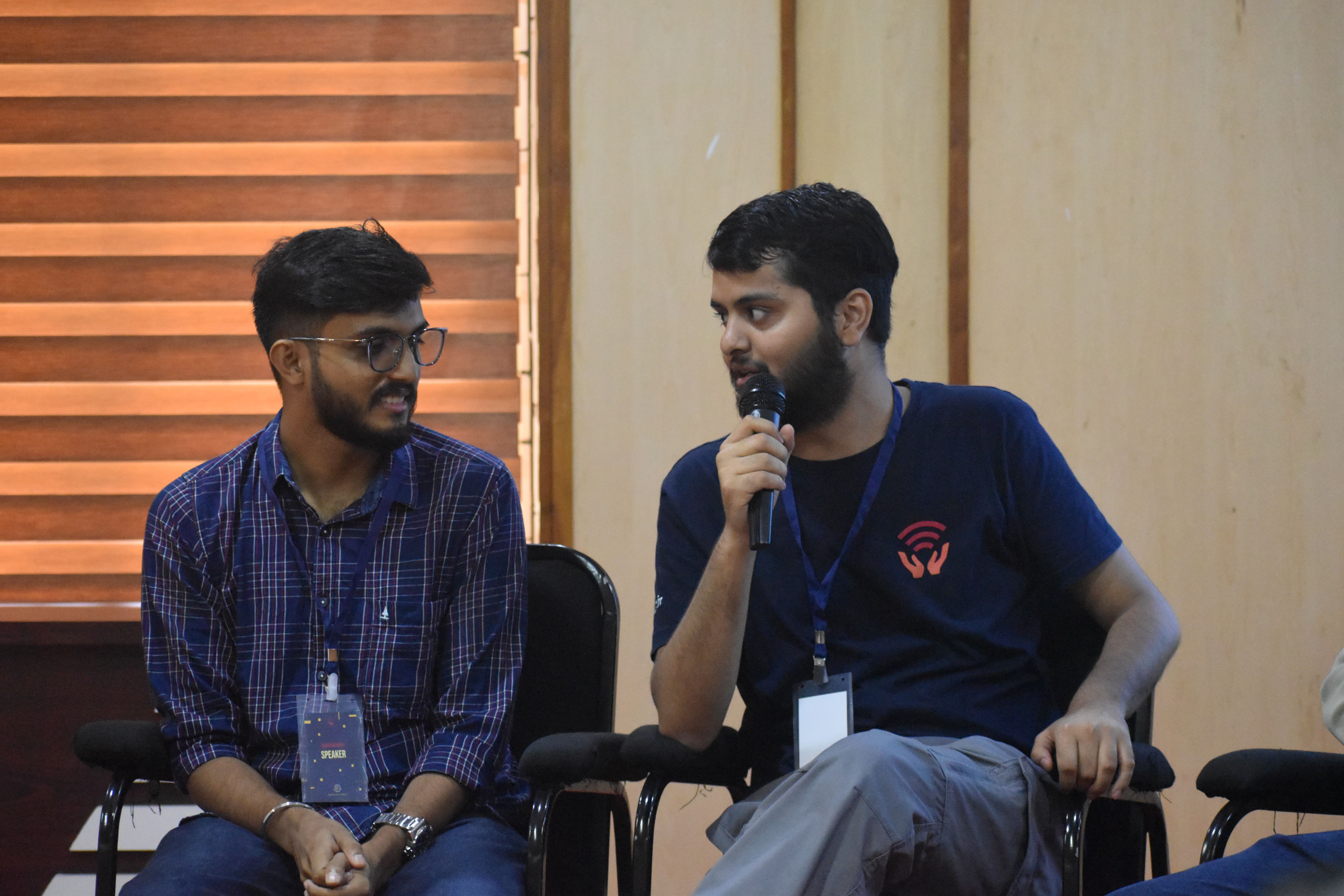 It was a testament of the amount of time we had already spent together online, that when we first met during MDC Palakkad, it didn t feel we were physically meeting for the first time. The conversations just flowed.
Now
It was a testament of the amount of time we had already spent together online, that when we first met during MDC Palakkad, it didn t feel we were physically meeting for the first time. The conversations just flowed.
Now  Man, I still get your spelling wrong :) Did I ever tell you that? That was the reason, I used to use AR instead online.
You ll be missed and will always be part of our conversations, because you have left a profound impact on me, our friends, Debian India and everyone around. See you! the coolest man around.
In memory:
Man, I still get your spelling wrong :) Did I ever tell you that? That was the reason, I used to use AR instead online.
You ll be missed and will always be part of our conversations, because you have left a profound impact on me, our friends, Debian India and everyone around. See you! the coolest man around.
In memory:
 This post describes how to define and use rule templates with semantic names using
  Official logo of DebConf23
 Suresh and me celebrating Onam in Kochi.
 Four Points Hotel by Sheraton was the venue of DebConf23. Photo credits: Bilal
 Photo of the pool. Photo credits: Andreas Tille.
 View from the hotel window.
 This place served as lunch and dinner place and later as hacklab during debconf. Photo credits: Bilal
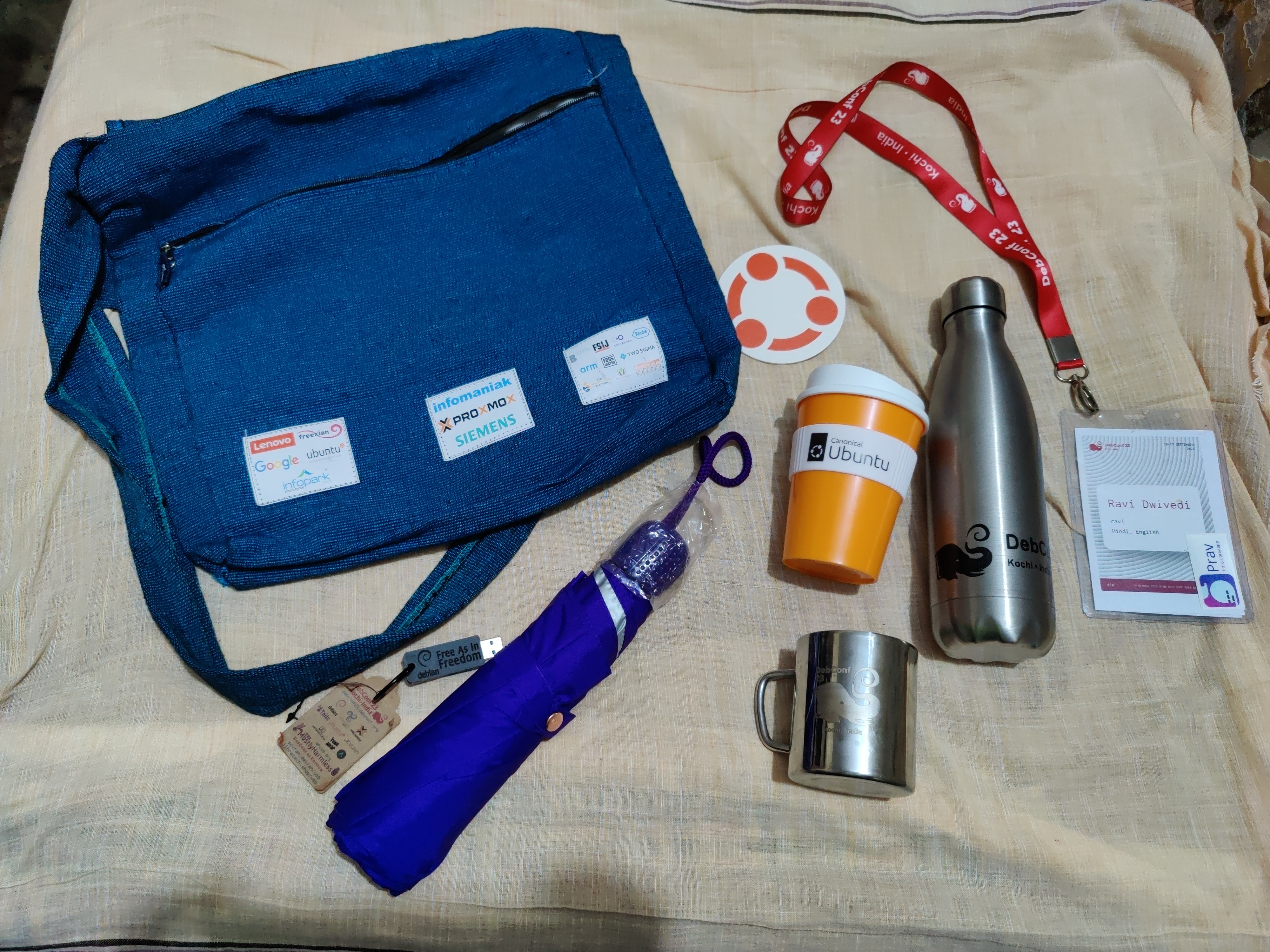 Picture of the awesome swag bag given at DebConf23. Photo credits: Ravi Dwivedi
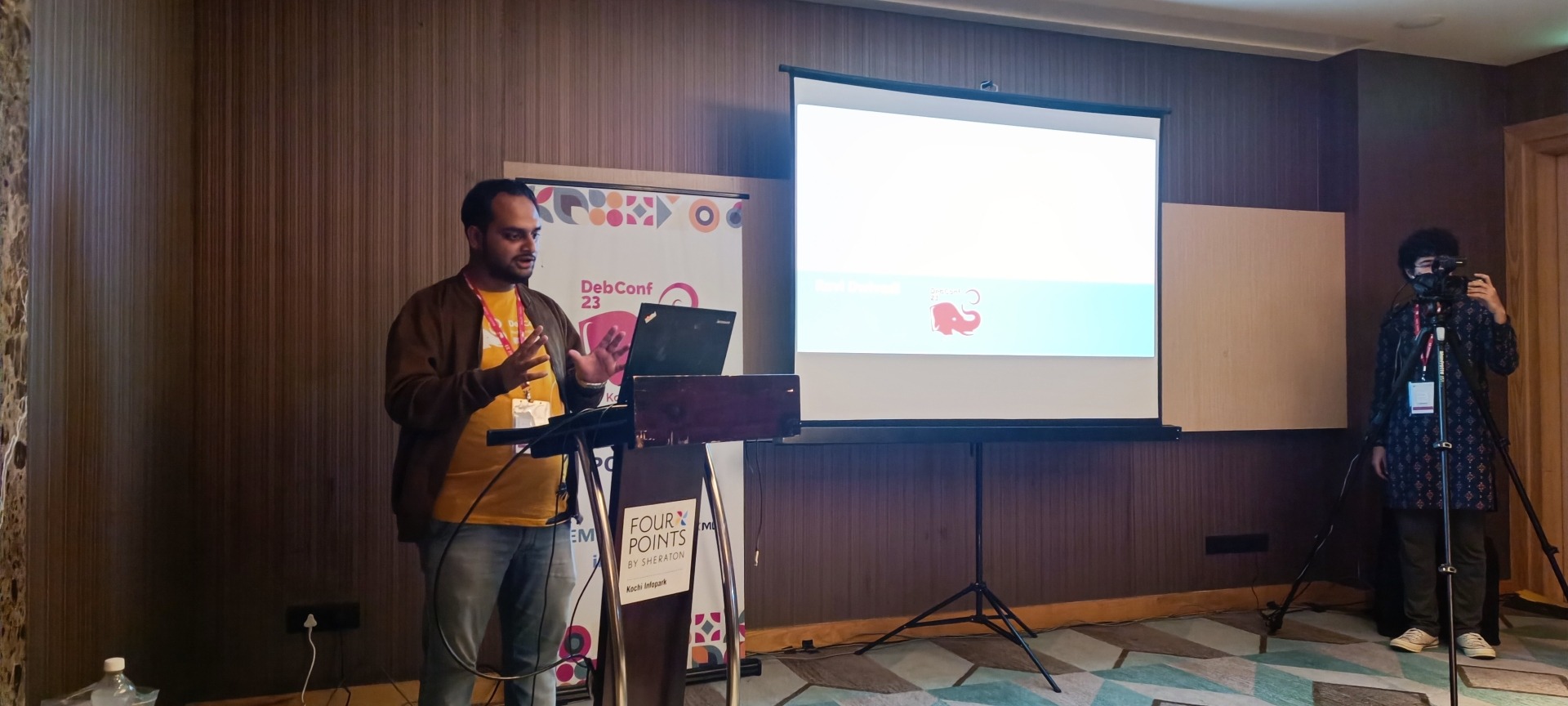 My presentation photo. Photo credits: Valessio
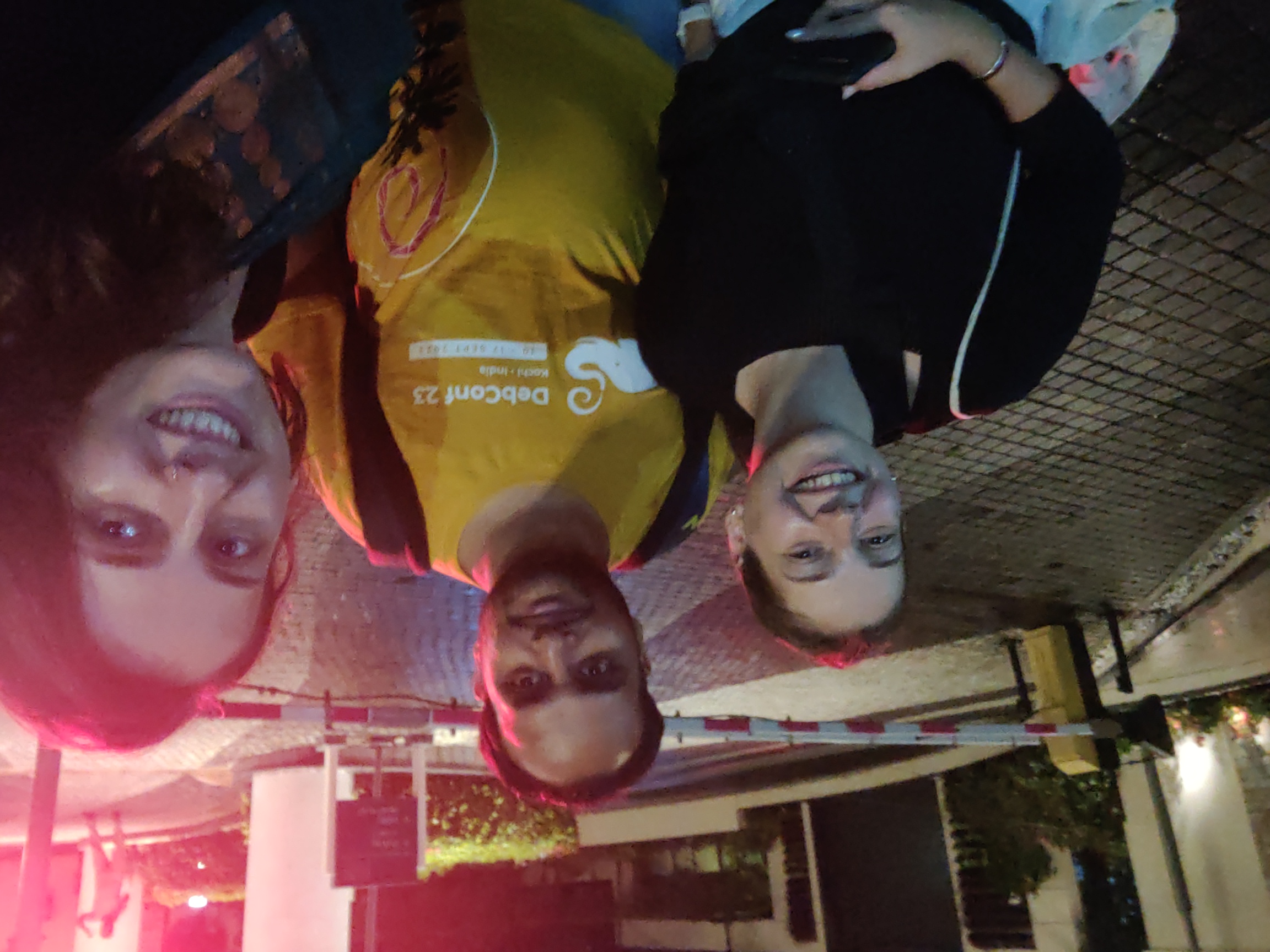 Selfie with Anisa and Kristi. Photo credits: Anisa.
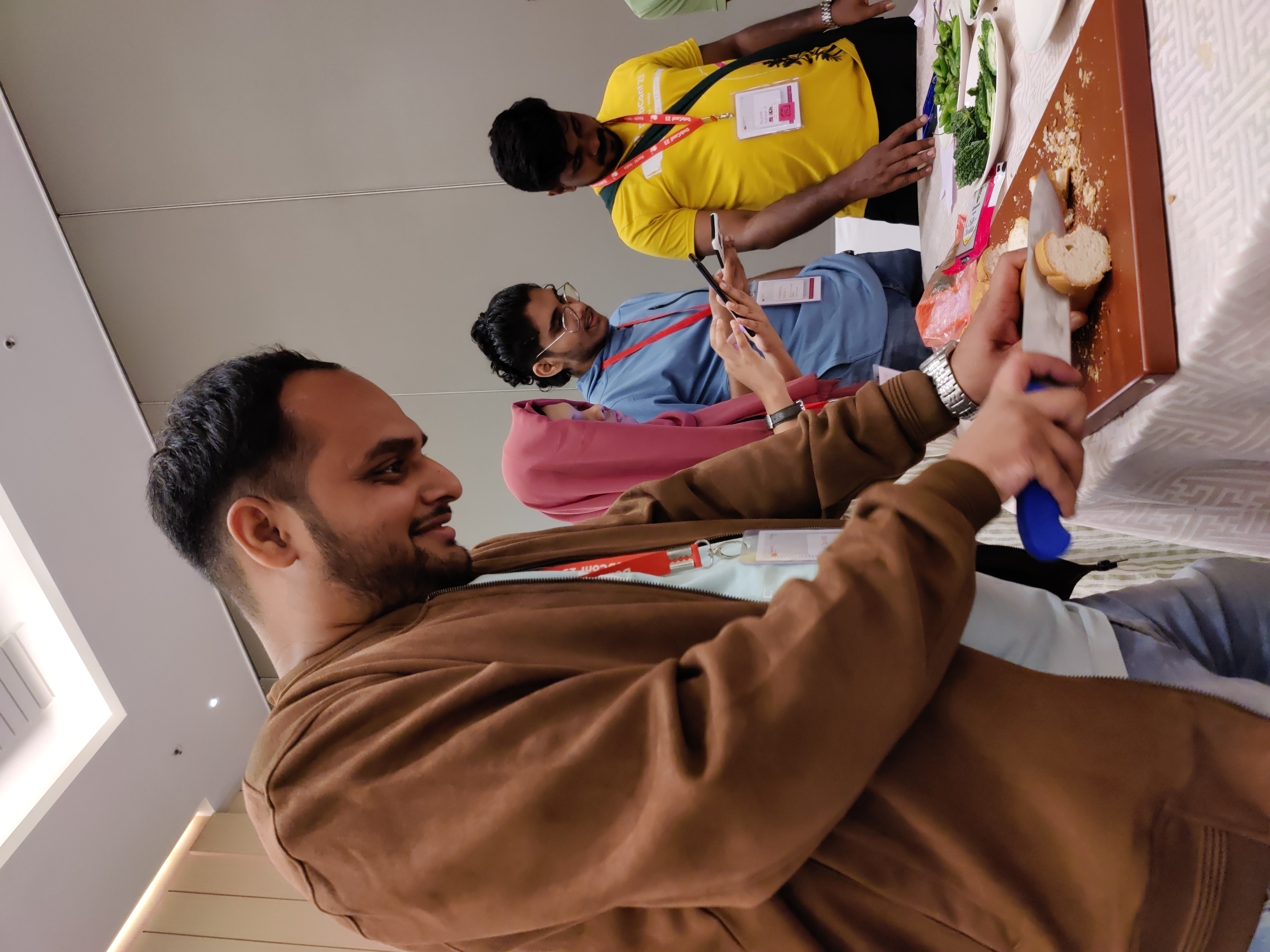 Me helping with the Cheese and Wine Party.
 This picture was taken when there were few people in my room for the party.
 Sadhya Thali: A vegetarian meal served on banana leaf. Payasam and rasam were especially yummy! Photo credits: Ravi Dwivedi.
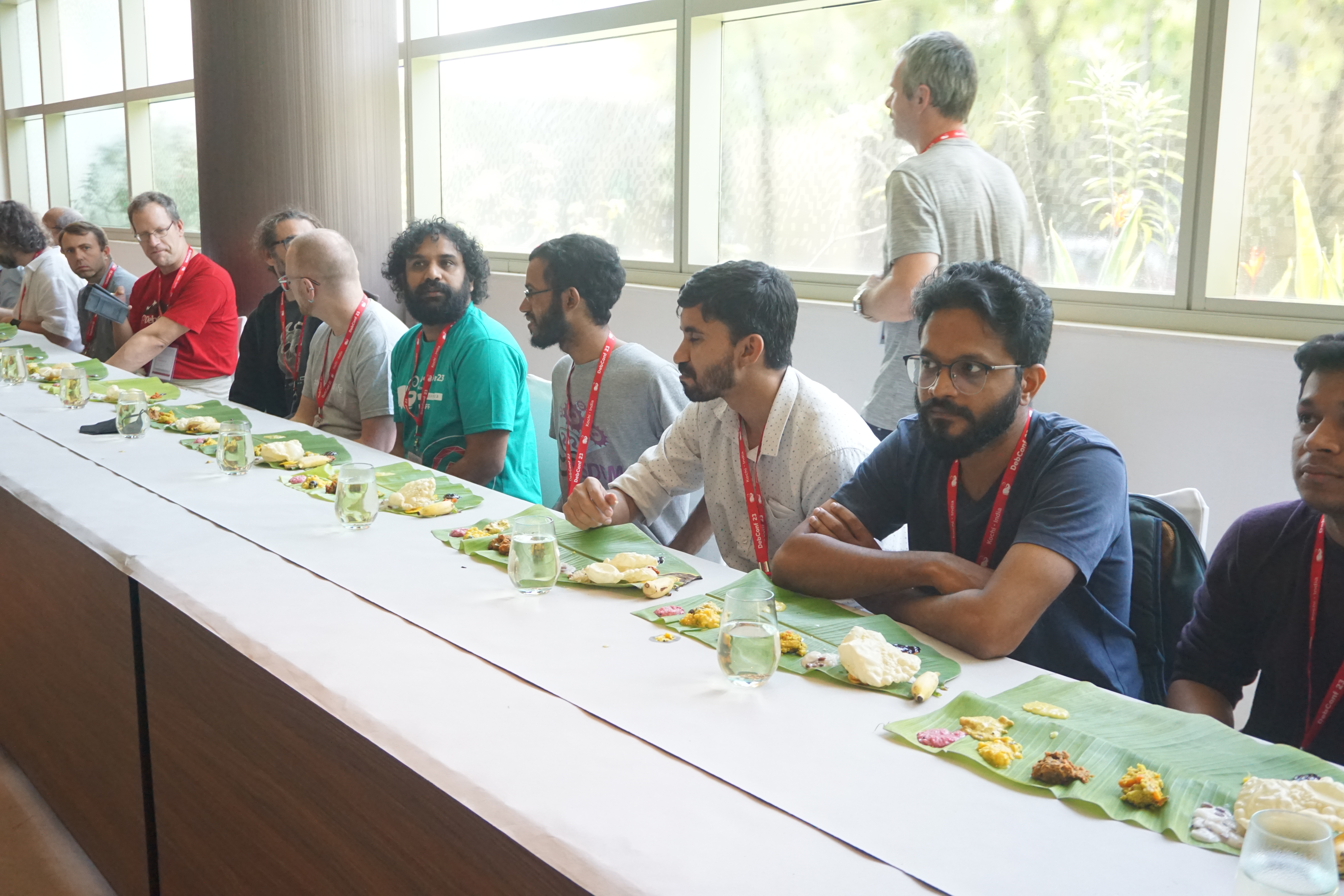 Sadhya thali being served at debconf23. Photo credits: Bilal
 Group photo of our daytrip. Photo credits: Radhika Jhalani
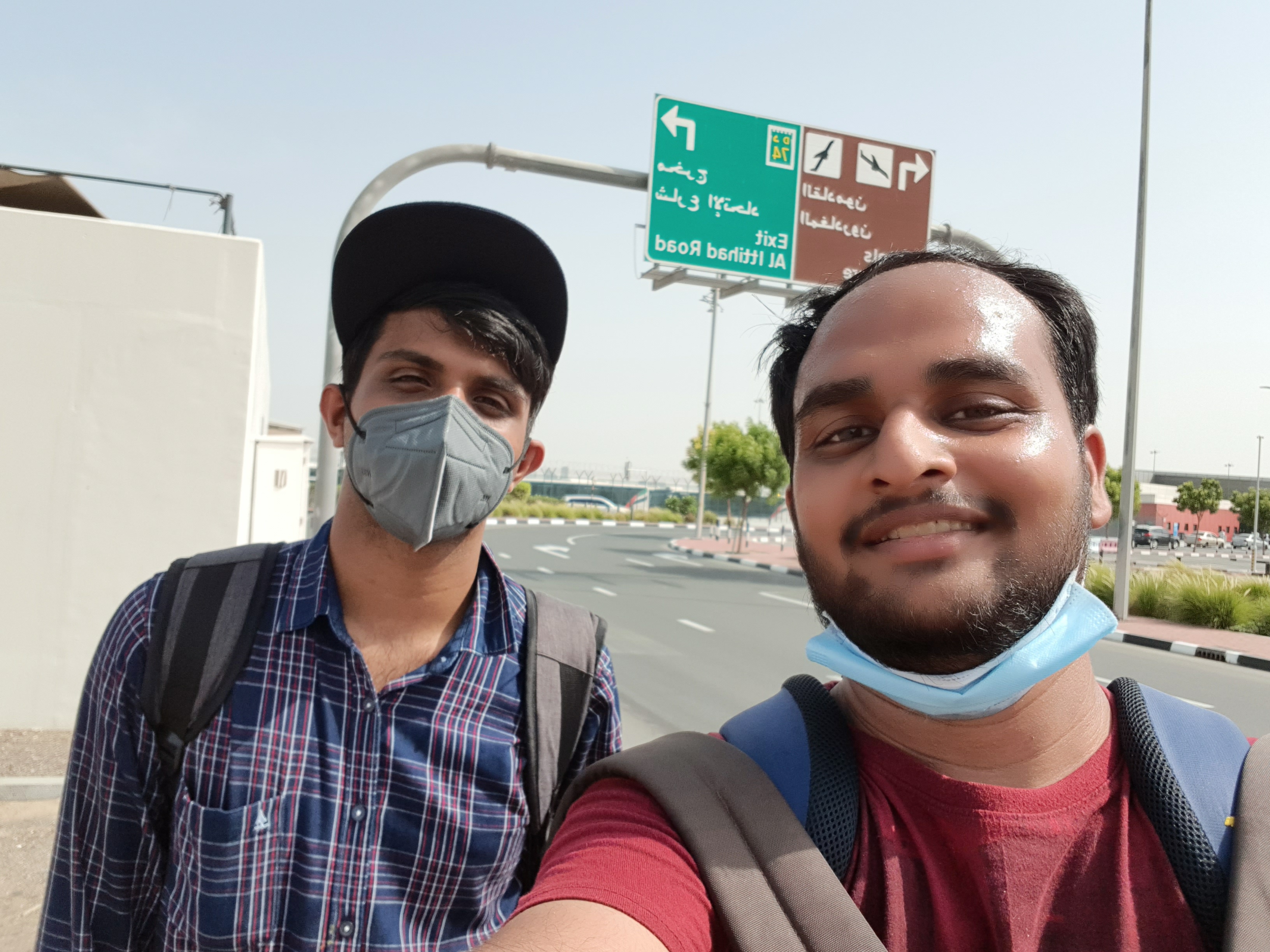 A selfie in memory of Abraham.
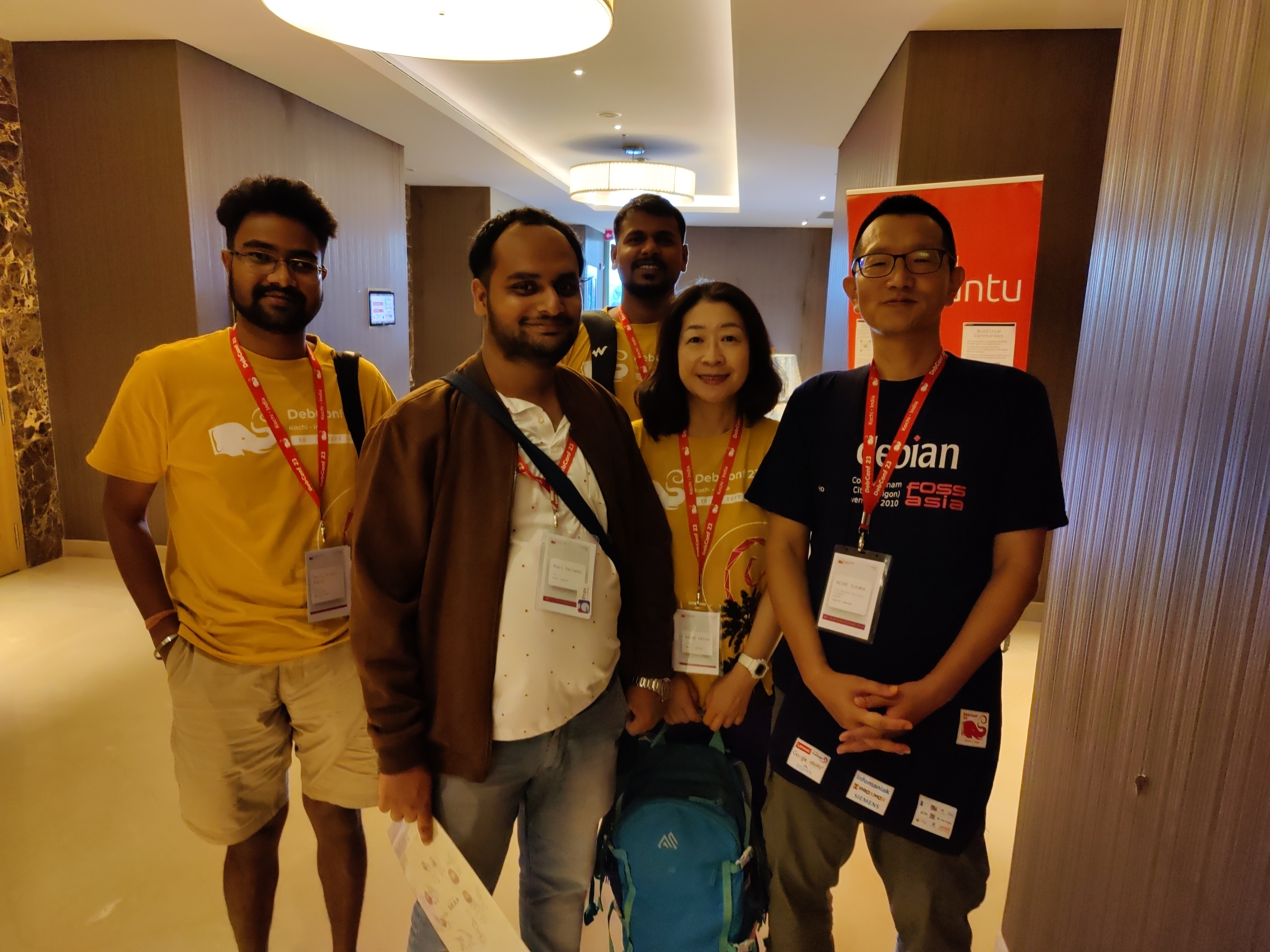 Thanks to Niibe Yutaka (the person towards your right hand) from Japan (FSIJ), who gave me a wonderful Japanese gift during debconf23: A folder to keep pages with ancient Japanese manga characters printed on it. I realized I immediately needed that :)
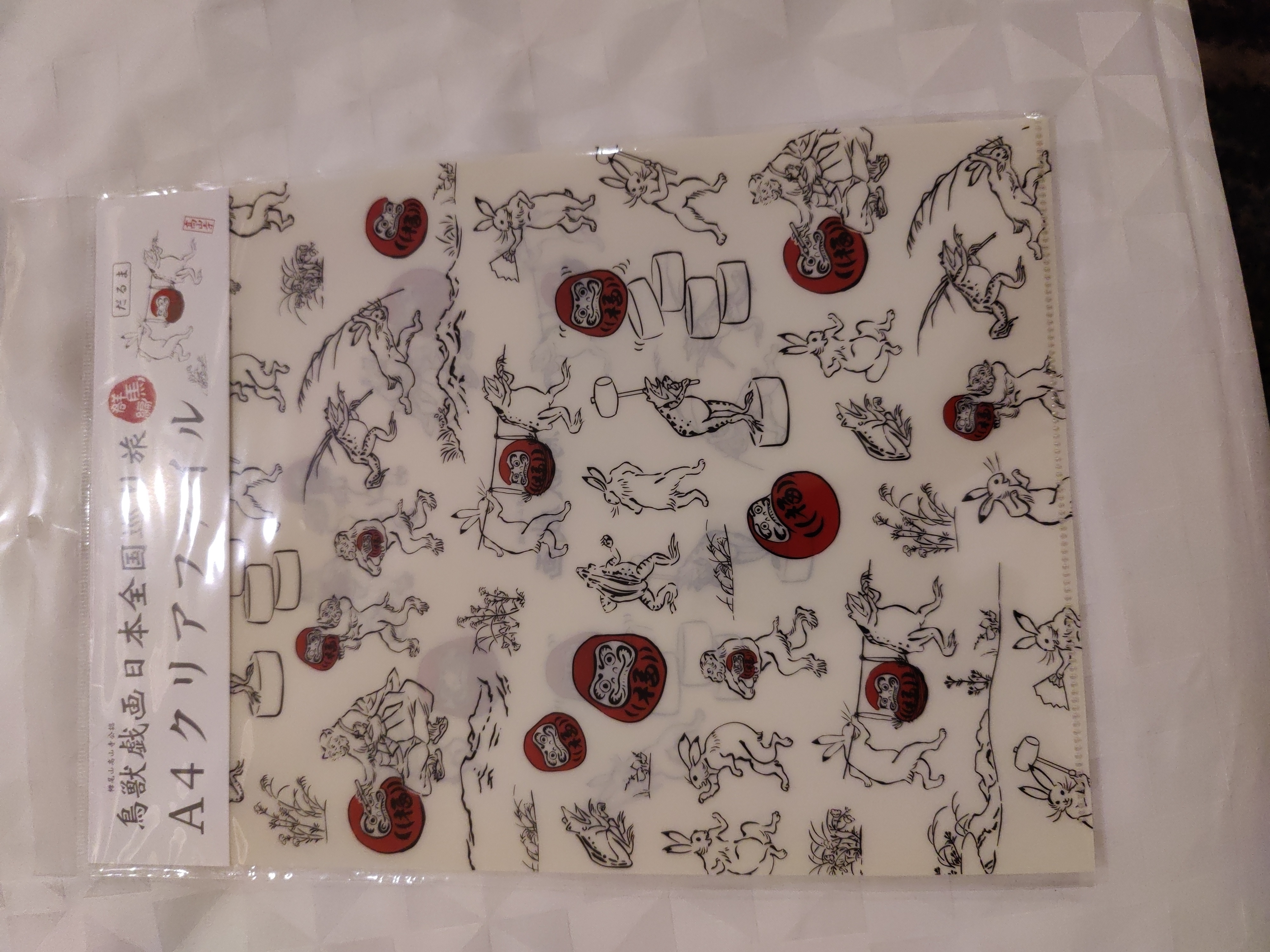 This is the Japanese gift I received.
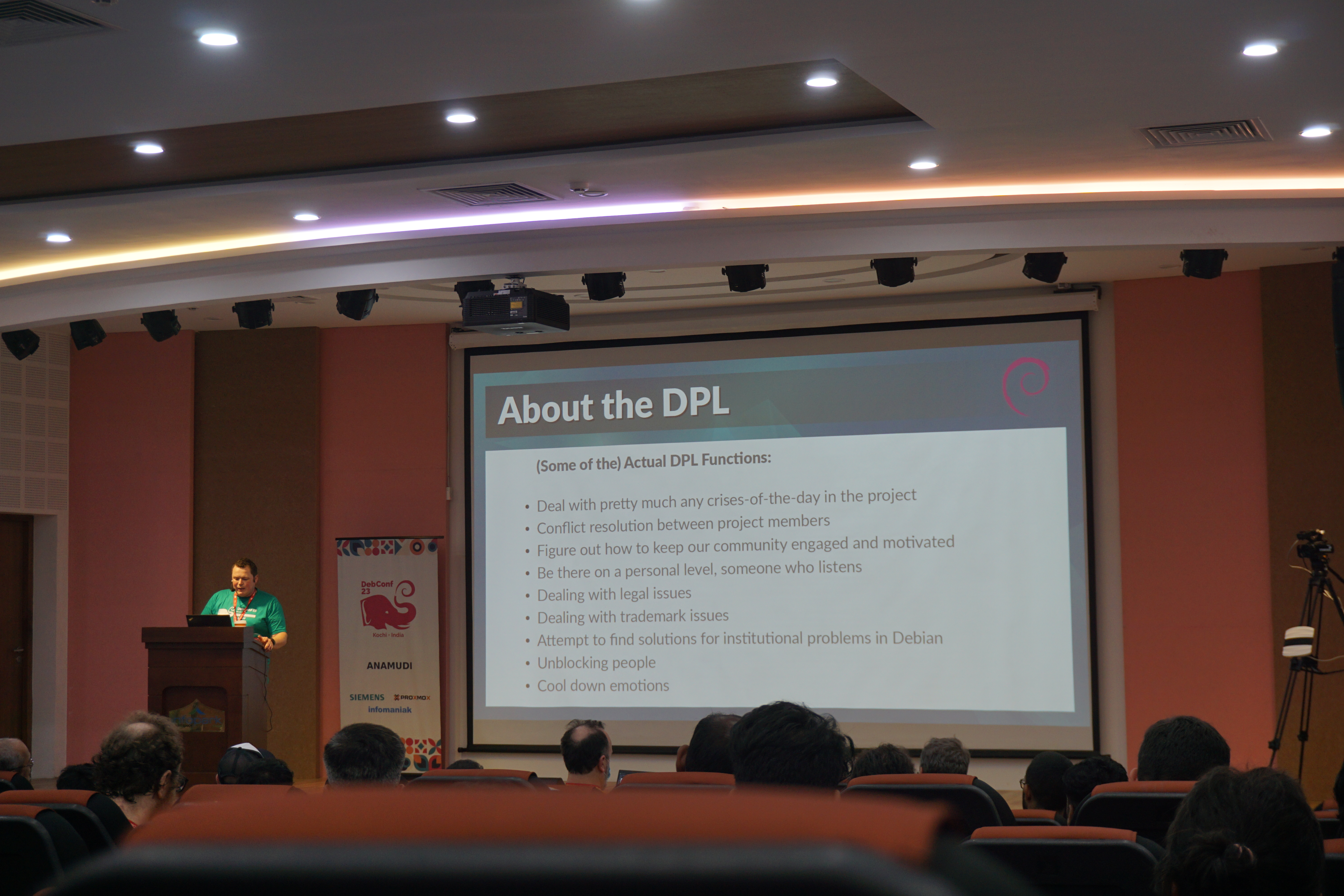 Bits from the DPL. Photo credits: Bilal
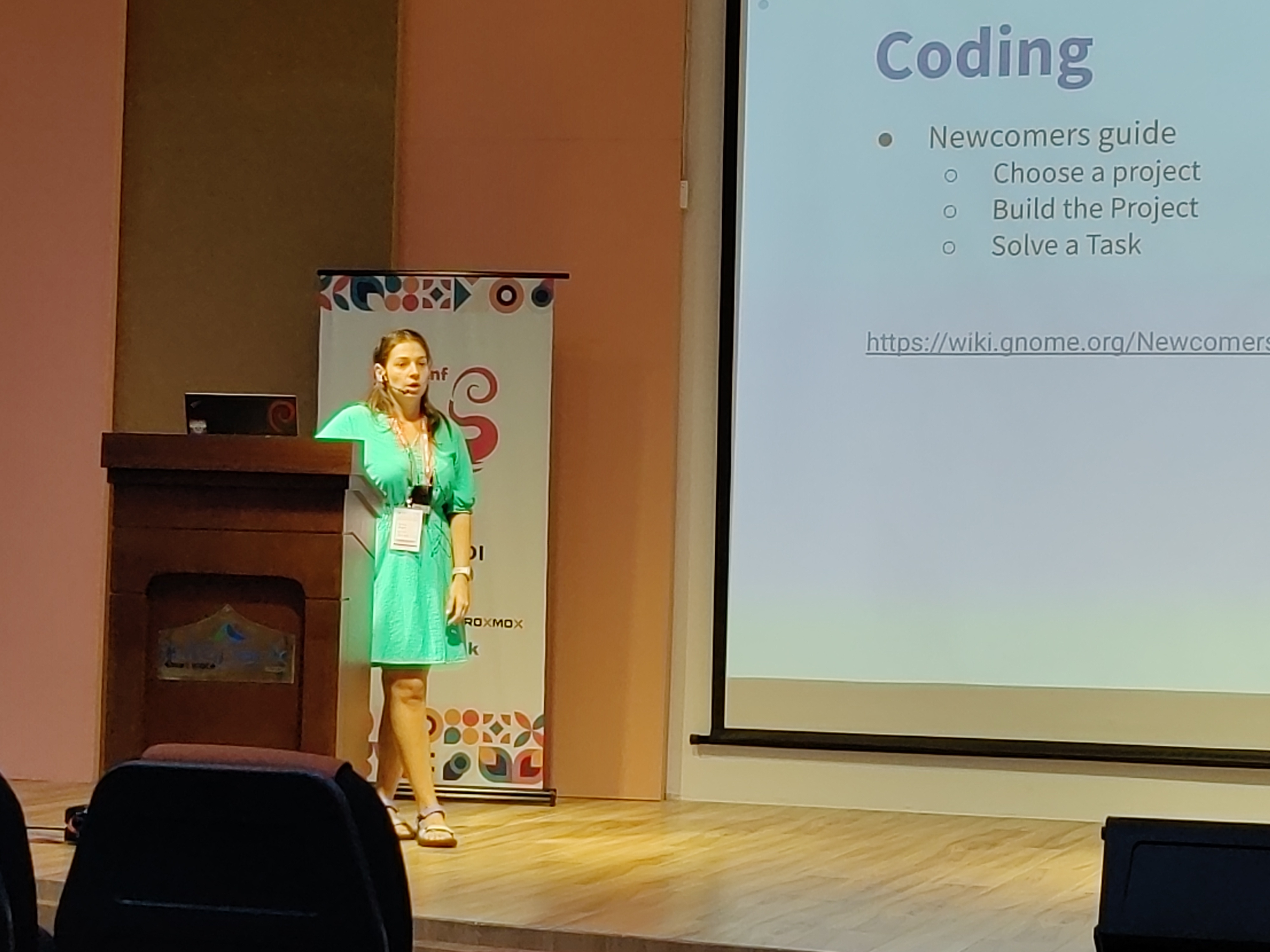 Kristi on GNOME community. Photo credits: Ravi Dwivedi.
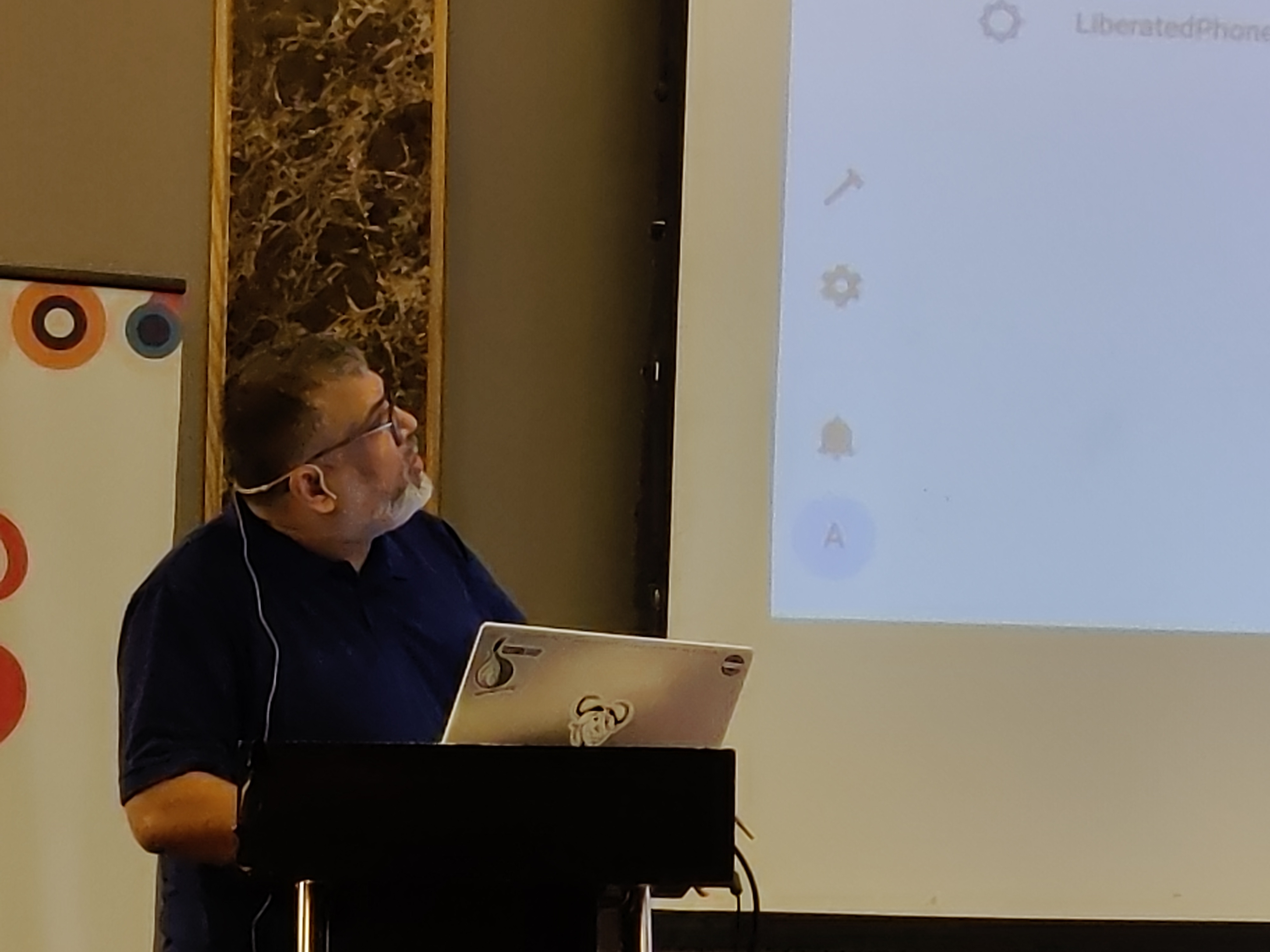 Abhas' talk on home automation. Photo credits: Ravi Dwivedi.
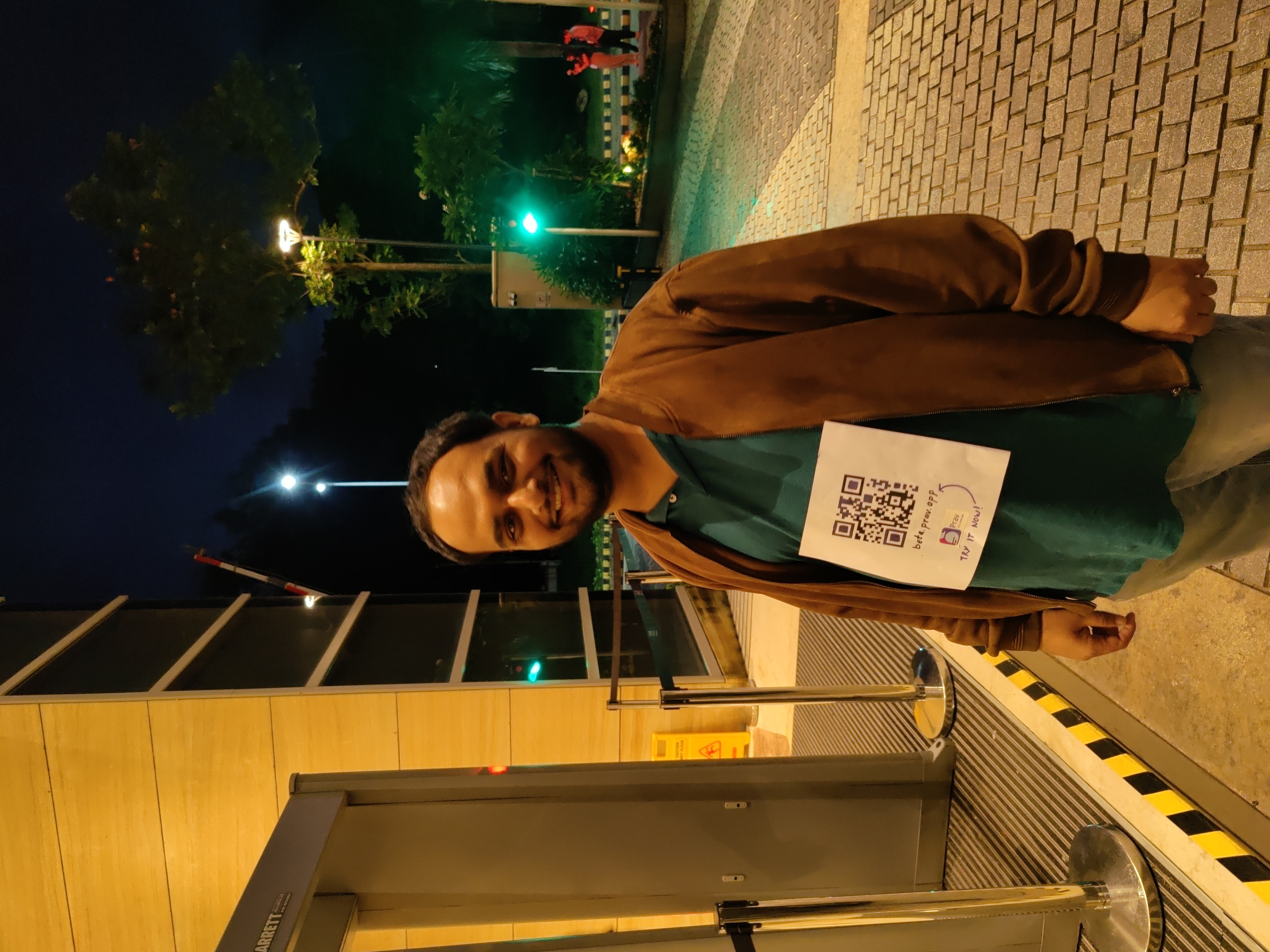 I was roaming around with a QR code on my T-shirt for downloading Prav.
 Me in mundu. Picture credits: Abhijith PA
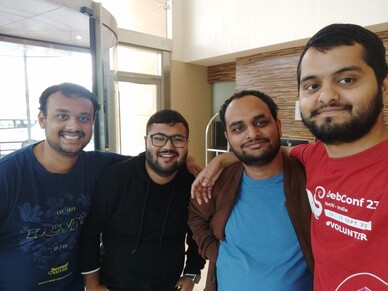 From left: Nilesh, Saswata, me, Sahil. Photo credits: Sahil.
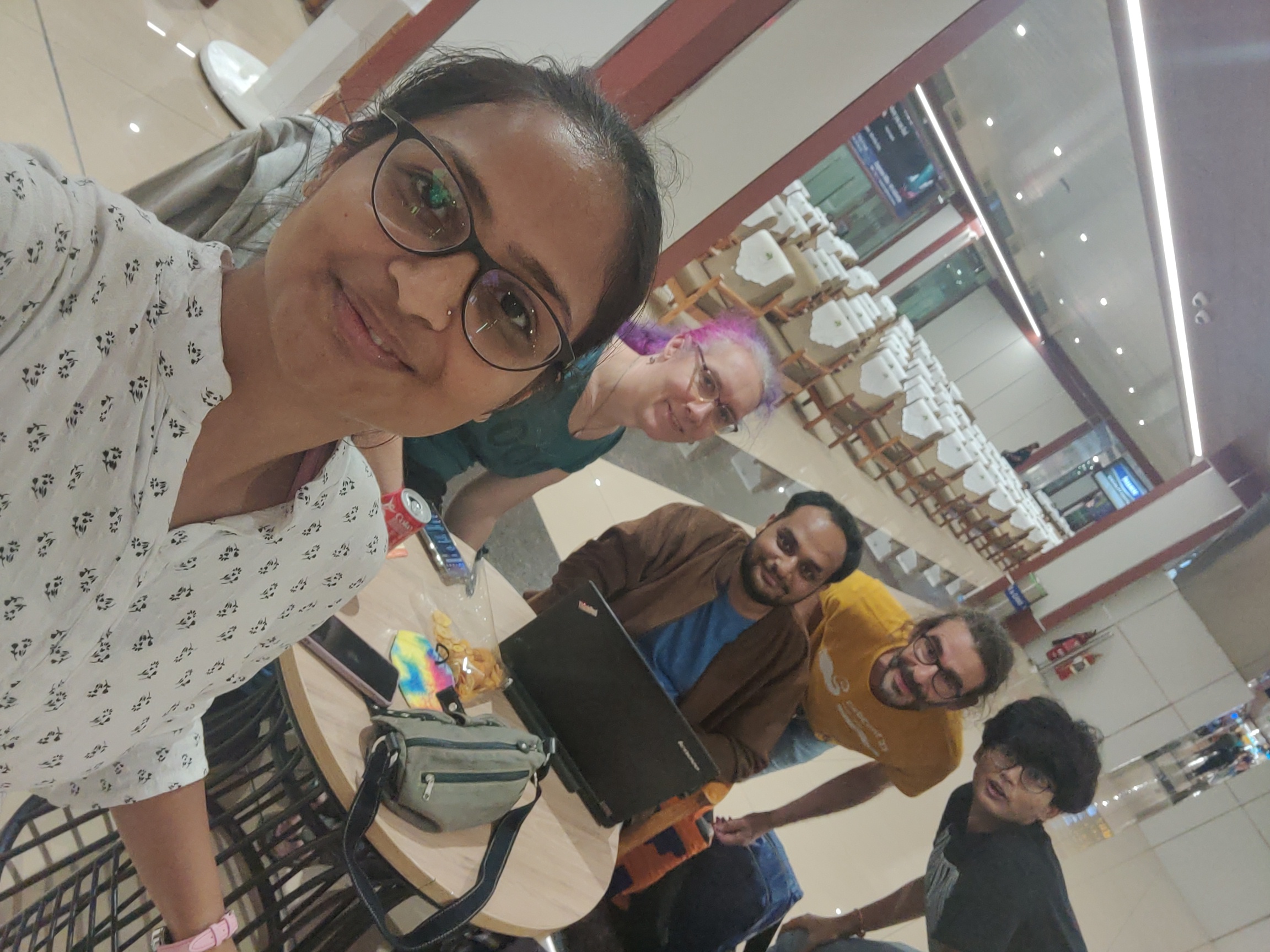 Ruchika (taking the selfie) and from left to right: Yash,
  Joost and me going to Delhi. Photo credits: Ravi.
 I very, very nearly didn t make it to DebConf this year, I had a bad cold/flu for a few days before I left, and after a negative covid-19 test just minutes before my flight, I decided to take the plunge and travel.
This is just everything in chronological order, more or less, it s the only way I could write it.
I very, very nearly didn t make it to DebConf this year, I had a bad cold/flu for a few days before I left, and after a negative covid-19 test just minutes before my flight, I decided to take the plunge and travel.
This is just everything in chronological order, more or less, it s the only way I could write it.







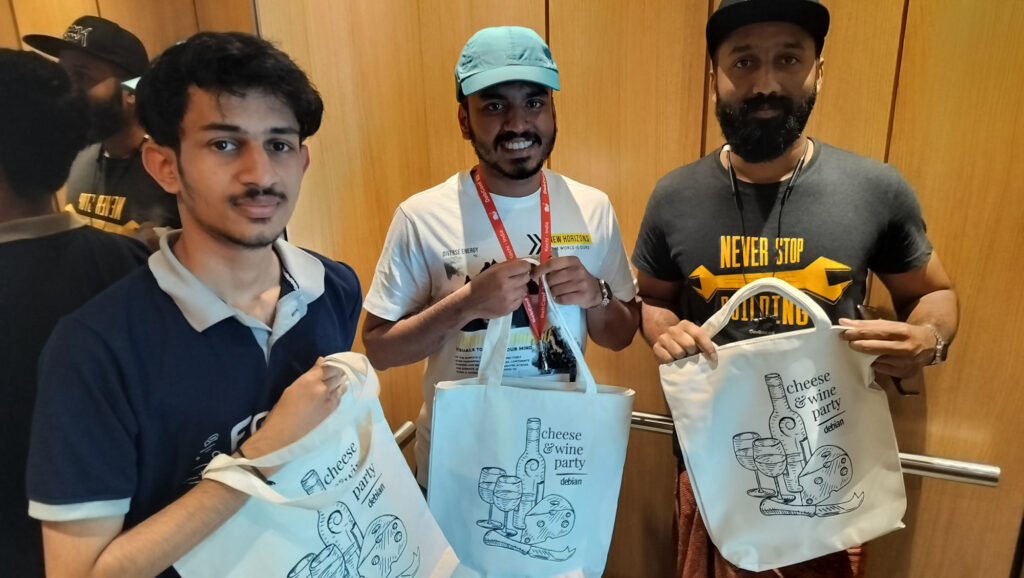 If you got one of these Cheese & Wine bags from DebConf, that s from the South African local group!
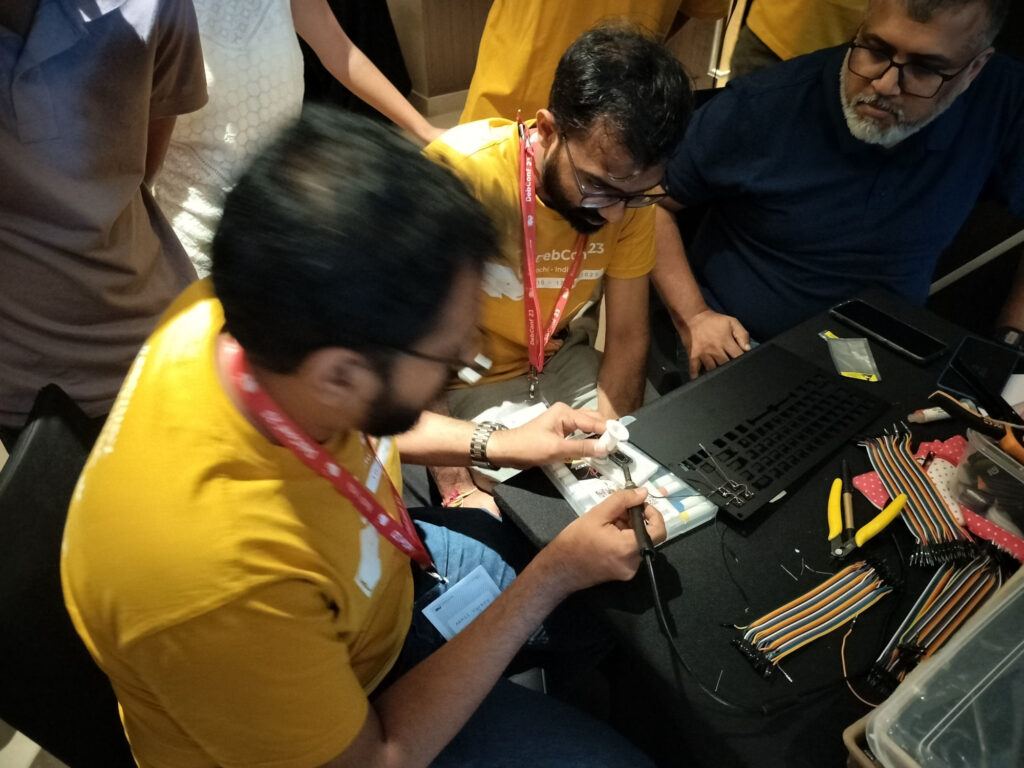 Some hopefully harmless soldering.



 (I wrote this up for an internal work post, but I figure it s worth sharing more publicly too.)
I spent last week at
(I wrote this up for an internal work post, but I figure it s worth sharing more publicly too.)
I spent last week at  The still new package
  And another half-written article I had in my repo. (Am I doing #FallFinishAlong with blog articles instead of / in addition to craft projects? it feels so).
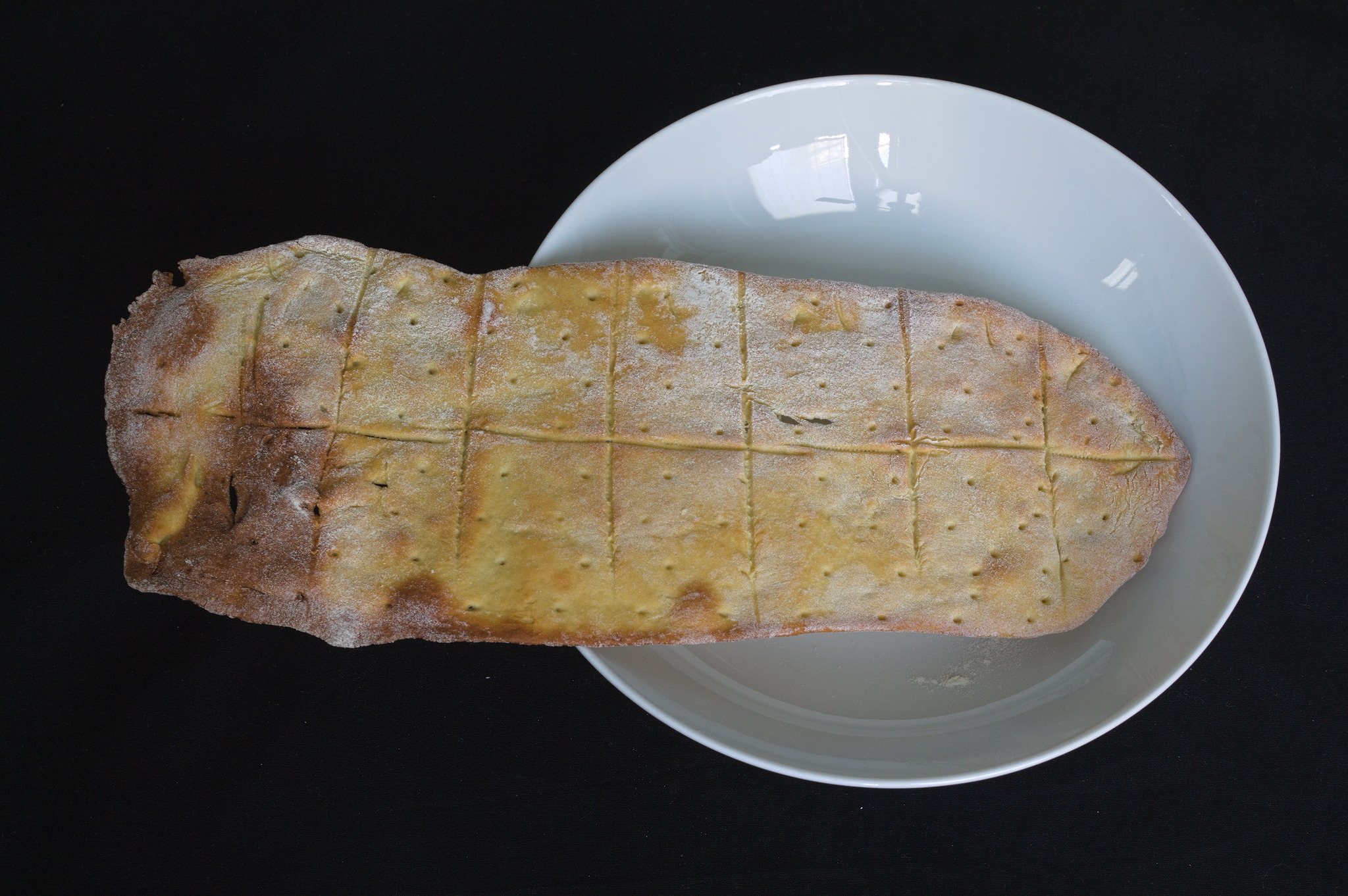
I was in need of snacks. I wanted something bready, but with a bit less carbs and more proteins. I had a bag of chickpea flour.
Ingredients were:
And another half-written article I had in my repo. (Am I doing #FallFinishAlong with blog articles instead of / in addition to craft projects? it feels so).
I was in need of snacks. I wanted something bready, but with a bit less carbs and more proteins. I had a bag of chickpea flour.
Ingredients were:


