Running Your Own Email Srever
I run my own mail server. I have run it since about 1995, initially on a 28k8 modem connection but the connection improved as technology became cheaper and now I m running it on a VM on a Hetzner server which is also running domains for some small businesses. I make a small amount of money running mail services for those companies but generally not enough to make it profitable. From a strictly financial basis I might be better off just using a big service, but I like having control over my own email. If email doesn t arrive I can read the logs to find out why.
I repeatedly have issues of big services not accepting mail. The most recent is the MS services claiming that my IP has a bad ratio of good mail to spam and blocked me so I had to tunnel that through a different IP address. It seems that the way things are going is that if you run a small server companies like MS can block you even though your amount of spam is low but if you run a large scale service that is horrible for sending spam then you don t get blocked.
For most users they just use one of the major email services (Gmail or Microsoft) and find that no-one blocks them because those providers are too big to block and things mostly work. Until of course the company decides to cancel their account.
The Latest News
The latest news is that MS is shutting down services for the International Court of Justice after a panel of ICC judges issued arrest warrants against Israeli Prime Minister Benjamin Netanyahu [1] . This is now making politicians realise the issues of email accounts hosted outside their jurisdiction.
What we need is for each independent jurisdiction to have it s own email infrastructure, that means controlling DNS servers for their domains, commercial and government mail services on those domains, running the servers for those services on hardware located in the jurisdiction and run by people based in that jurisdiction and citizens of it. I say independent jurisdiction because there are groups like the EU which have sufficient harmony of laws to not require different services. With the current EU arrangements I don t think it s possible for the German government to block French people from accessing email or vice versa.
While Australia and New Zealand have a long history of cooperation there s still the possibility of a lying asshole like Scott Morrison trying something on so New Zealanders shouldn t feel safe using services run in Australia. Note that Scott Morrison misled his own parliamentary colleagues about what he was doing and got himself assigned as a secret minister [2] demonstrating that even conservatives can t trust someone like him. With the ongoing human rights abuses by the Morrison government it s easy to imagine New Zealand based organisations that protect human rights being treated by the Australian government in the way that the ICC was treated by the US government.
The Problem with Partial Solutions
Now it would be very easy for the ICC to host their own mail servers and they probably will do just that in the near future. I m sure that there are many companies offering to set them up accounts in a hurry to deal with this (probably including some of the Dutch companies I ve worked for). Let s imagine for the sake of discussion that the ICC has their own private server, the US government could compel Google and MS to block the IP addresses of that server and then at least 1/3 of the EU population won t get mail from them. If the ICC used email addresses hosted on someone else s server then Google and MS could be compelled to block the addresses in question for the same result. The ICC could have changing email addresses to get around block lists and there could be a game of cat and mouse between the ICC and the US government but that would just be annoying for everyone.
The EU needs to have services hosted and run in their jurisdiction that are used by the vast majority of the people in the country. The more people who are using services outside the control of hostile governments the lesser the impact of bad IT policies by those hostile governments.
One possible model to consider is the Postbank model. Postbank is a bank run in the Netherlands from post offices which provides services to people deemed unprofitable for the big banks. If the post offices were associated with a mail service you could have it government subsidised providing free service for citizens and using government ID if the user forgets their password. You could also have it provide a cheap service for non-citizen residents.
Other Problems
What will the US government do next? Will they demand that Apple and Google do a remote-wipe on all phones run by ICC employees? Are they currently tracking all ICC employees by Android and iPhone services?
Huawei s decision to develop their own phone OS was a reasonable one but there s no need to go that far. Other governments could setup their own equivalent to Google Play services for Android and have their own localised Android build. Even a small country like Australia could get this going for the services of calendaring etc. But the app store needs a bigger market. There s no reason why Android has to tie the app store to the services for calendaring etc. So you could have a per country system for calendaring and a per region system for selling apps.
The invasion of Amazon services such as Alexa is also a major problem for digital sovereignty. We need government controls about this sort of thing, maybe have high tariffs on the import of all hardware that can only work with a single cloud service. Have 100+% tariffs on every phone, home automation system, or networked device that is either tied to a single cloud service or which can t work in a usable manner on other cloud services.
When I configured forgejo-actions I used a docker-compose.yaml file to execute the runner and a dind container
configured to run using privileged mode to be able to build images with it; as mentioned on my
post about my
setup, the use of the privileged mode is not a big issue for my use case, but reduces the overall security of the
installation.
On a work chat the other day someone mentioned that the GitLab documentation about
using kaniko says it is no longer maintained (see the kaniko issue
#3348) so we should look into alternatives for kubernetes
clusters.
I never liked kaniko too much, but it works without privileged mode and does not need a daemon, which is a good reason
to use it, but if it is deprecated it makes sense to look into alternatives, and today I looked into some of them to use
with my forgejo-actions setup.
I was going to try buildah and podman but it seems that they need to adjust
things on the systems running them:
When I tried to use buildah inside a docker container in Ubuntu I found the problems described on the buildah
issue #1901 so I moved on.
Reading the podman documentation I saw that I need to export the fuse device to run it inside a container and, as
I found other option, I also skipped it.
As my runner was already configured to use dind I decided to look into sysbox
as a way of removing the privileged flag to make things more secure but have the same functionality.
Installing the sysbox packageAs I use Debian and Ubuntu systems I used the .deb packages distributed from the sysbox release page to install
it (in my case I used the one from the 0.6.7 version).
On the machine running forgejo (a Debian 12 server) I downloaded the package, stopped the running containers (it is
needed to install the package and the only ones running where the ones started by the docker-compose.yaml file) and
installed the sysbox-ce_0.6.7.linux_amd64.deb package using dpkg.
Updating the docker-compose.yaml fileTo run the dind container without setting the privileged mode we set sysbox-runc as the runtime on the dind
container definition and set the privileged flag to false (it is the same as removing the key, as it defaults to
false):
Testing the changesAfter applying the changes to the docker-compose.yaml file we start the containers and to test things we re-run
previously executed jobs to see if things work as before.
In my case I re-executed the build-image-from-tag workflow
#18 from the oci project and everything worked as expected.
ConclusionFor my current use case (docker + dind) seems that sysbox is a good solution but I m not sure if I ll be
installing it on kubernetes anytime soon
unless I find a valid reason to do it (last time we talked about it my co workers said that they are evaluating
buildah and podman for kubernetes and probably we will use them to replace kaniko in our gitlab-ci pipelines and
for those tools the use of sysbox seems an overkill).
After my previous posts related to Argo CD (one about
argocd-autopilot and another with some
usage examples) I started to look into
Kluctl (I also plan to review Flux, but I m more interested on the kluctl
approach right now).
While reading an entry on the project blog about Cluster API
somehow I ended up on the vCluster site and decided to give it a try, as it can be a valid
way of providing developers with on demand clusters for debugging or run CI/CD tests before deploying things on common
clusters or even to have multiple debugging virtual clusters on a local machine with only one of them running at any
given time.
On this post I will deploy a vcluster using the k3d_argocd kubernetes cluster (the one we created on the posts about
argocd) as the host and will show how to:
use its ingress (in our case traefik) to access the API of the virtual one (removes the need of having to use the
vcluster connect command to access it with kubectl),
publish the ingress objects deployed on the virtual cluster on the host ingress, and
use the sealed-secrets of the host cluster to manage the virtual cluster secrets.
Creating the virtual cluster
Installing the vcluster applicationTo create the virtual clusters we need the vcluster command, we can install it with arkade:
arkade get vcluster
The vcluster.yaml fileTo create the cluster we are going to use the following vcluster.yaml file (you can find the documentation about all
its options here):
controlPlane:proxy:# Extra hostnames to sign the vCluster proxy certificate forextraSANs:-my-vcluster-api.lo.mixinet.netexportKubeConfig:context:my-vcluster_k3d-argocdserver:https://my-vcluster-api.lo.mixinet.net:8443secret:name:my-vcluster-kubeconfigsync:toHost:ingresses:enabled:trueserviceAccounts:enabled:truefromHost:ingressClasses:enabled:truenodes:enabled:trueclearImageStatus:truesecrets:enabled:truemappings:byName:# sync all Secrets from the 'my-vcluster-default' namespace to the# virtual "default" namespace."my-vcluster-default/*":"default/*"# We could add other namespace mappings if needed, i.e.:# "my-vcluster-kube-system/*": "kube-system/*"
On the controlPlane section we ve added the proxy.extraSANs entry to add an extra host name to make sure it is added
to the cluster certificates if we use it from an ingress.
The exportKubeConfig section creates a kubeconfig secret on the virtual cluster namespace using the provided
host name; the secret can be used by GitOps tools or we can dump it to a file to connect from our machine.
On the sync section we enable the synchronization of Ingress objects and ServiceAccounts from the virtual to the
host cluster:
We copy the ingress definitions to use the ingress server that runs on the host to make them work from the outside
world.
The service account synchronization is not really needed, but we enable it because if we test this configuration with
EKS it would be useful if we use IAM roles for the service accounts.
On the opposite direction (from the host to the virtual cluster) we synchronize:
The IngressClass objects, to be able to use the host ingress server(s).
The Nodes (we are not using the info right now, but it could be interesting if we want to have the real information
of the nodes running pods of the virtual cluster).
The Secrets from the my-vcluster-default host namespace to the default of the virtual cluster; that
synchronization allows us to deploy SealedSecrets on the host that generate secrets that are copied
automatically to the virtual one. Initially we only copy secrets for one namespace but if the virtual cluster needs
others we can add namespaces on the host and their mappings to the virtual one on the vcluster.yaml file.
Creating the virtual clusterTo create the virtual cluster we run the following command:
It creates the virtual cluster on the my-vcluster namespace using the vcluster.yaml file shown before without
connecting to the cluster from our local machine (if we don t pass that option the command adds an entry on our
kubeconfig and launches a proxy to connect to the virtual cluster that we don t plan to use).
Adding an ingress TCP route to connect to the vcluster apiAs explained before, we need to create an IngressTcpRoute object to be able to connect to the vcluster API, we use the
following definition:
Once we apply those changes the cluster API will be available on the https://my-cluster-api.lo.mixinet.net:8443 URL
using its own self signed certificate (we have enabled TLS passthrough) that includes the hostname we use (we adjusted
it on the vcluster.yaml file, as explained before).
Getting the kubeconfig for the vclusterOnce the vcluster is running we will have its kubeconfig available on the my-vcluster-kubeconfig secret on its
namespace on the host cluster.
To dump it to the ~/.kube/my-vcluster-config we can do the following:
Once available we can define the vkubectl alias to adjust the KUBECONFIG variable to access it:
alias vkubectl="KUBECONFIG=~/.kube/my-vcluster-config kubectl"
Or we can merge the configuration with the one on the KUBECONFIG variable and use kubectx or a similar tool to change
the context (for our vcluster the context will be my-vcluster_k3d-argocd). If the KUBECONFIG variable is defined and
only has the PATH to a single file the merge can be done running the following:
On the rest of this post we will use the vkubectl alias when connecting to the virtual cluster, i.e. to check that it
works we can run the cluster-info subcommand:
  vkubectl cluster-info
Kubernetes control plane is running at https://my-vcluster-api.lo.mixinet.net:8443
CoreDNS is running at https://my-vcluster-api.lo.mixinet.net:8443/api/v1/namespaces/kube-system/services/kube-dns:dns/proxy
To further debug and diagnose cluster problems, use 'kubectl cluster-info dump'.
Installing the dummyhttpd applicationTo test the virtual cluster we are going to install the dummyhttpd application using the following
kustomization.yaml file:
apiVersion:kustomize.config.k8s.io/v1beta1kind:Kustomizationresources:-https://forgejo.mixinet.net/blogops/argocd-applications.git//dummyhttp/?ref=dummyhttp-v1.0.0# Add the config mapconfigMapGenerator:-name:dummyhttp-configmapliterals:-CM_VAR="Vcluster Test Value"behavior:createoptions:disableNameSuffixHash:truepatches:# Change the ingress host name-target:kind:Ingressname:dummyhttppatch: -- op: replacepath: /spec/rules/0/hostvalue: vcluster-dummyhttp.lo.mixinet.net# Add reloader annotations -- it will only work if we install reloader on the# virtual cluster, as the one on the host cluster doesn't see the vcluster# deployment objects-target:kind:Deploymentname:dummyhttppatch: -- op: addpath: /metadata/annotationsvalue:reloader.stakater.com/auto: "true"reloader.stakater.com/rollout-strategy: "restart"
It is quite similar to the one we used on the Argo CD examples but uses a different DNS entry; to deploy it we run
kustomize and vkubectl:
  kustomize build .   vkubectl apply -f -
configmap/dummyhttp-configmap created
service/dummyhttp created
deployment.apps/dummyhttp created
ingress.networking.k8s.io/dummyhttp created
We can check that everything worked using curl:
curl -s https://vcluster-dummyhttp.lo.mixinet.net:8443/ jq -cM."c": "Vcluster Test Value","s": ""
The objects available on the vcluster now are:
vkubectl get all,configmap,ingress
NAME READY STATUS RESTARTS AGE
pod/dummyhttp-55569589bc-9zl7t 1/1 Running 0 24s
NAME TYPE CLUSTER-IP EXTERNAL-IP PORT(S) AGE
service/dummyhttp ClusterIP 10.43.51.39 <none>80/TCP 24s
service/kubernetes ClusterIP 10.43.153.12 <none>443/TCP 14m
NAME READY UP-TO-DATE AVAILABLE AGE
deployment.apps/dummyhttp 1/1 1 1 24s
NAME DESIRED CURRENT READY AGE
replicaset.apps/dummyhttp-55569589bc 1 1 1 24s
NAME DATA AGE
configmap/dummyhttp-configmap 1 24s
configmap/kube-root-ca.crt 1 14m
NAME CLASS HOSTS ADDRESS PORTS AGE
ingress.networking.k8s.io/dummyhttp traefik vcluster-dummyhttp.lo.mixinet.net 172.20.0.2,172.20.0.3,172.20.0.4 80 24s
While we have the following ones on the my-vcluster namespace of the host cluster:
kubectl get all,configmap,ingress -n my-vcluster
NAME READY STATUS RESTARTS AGE
pod/coredns-bbb5b66cc-snwpn-x-kube-system-x-my-vcluster 1/1 Running 0 18m
pod/dummyhttp-55569589bc-9zl7t-x-default-x-my-vcluster 1/1 Running 0 45s
pod/my-vcluster-0 1/1 Running 0 19m
NAME TYPE CLUSTER-IP EXTERNAL-IP PORT(S) AGE
service/dummyhttp-x-default-x-my-vcluster ClusterIP 10.43.51.39 <none>80/TCP 45s
service/kube-dns-x-kube-system-x-my-vcluster ClusterIP 10.43.91.198 <none>53/UDP,53/TCP,9153/TCP 18m
service/my-vcluster ClusterIP 10.43.153.12 <none>443/TCP,10250/TCP 19m
service/my-vcluster-headless ClusterIP None <none>443/TCP 19m
service/my-vcluster-node-k3d-argocd-agent-1 ClusterIP 10.43.189.188 <none>10250/TCP 18m
NAME READY AGE
statefulset.apps/my-vcluster 1/1 19m
NAME DATA AGE
configmap/coredns-x-kube-system-x-my-vcluster 2 18m
configmap/dummyhttp-configmap-x-default-x-my-vcluster 1 45s
configmap/kube-root-ca.crt 1 19m
configmap/kube-root-ca.crt-x-default-x-my-vcluster 1 11m
configmap/kube-root-ca.crt-x-kube-system-x-my-vcluster 1 18m
configmap/vc-coredns-my-vcluster 1 19m
NAME CLASS HOSTS ADDRESS PORTS AGE
ingress.networking.k8s.io/dummyhttp-x-default-x-my-vcluster traefik vcluster-dummyhttp.lo.mixinet.net 172.20.0.2,172.20.0.3,172.20.0.4 80 45s
As shown, we have copies of the Service, Pod, Configmap and Ingress objects, but there is no copy of the
Deployment or ReplicaSet.
Creating a sealed secret for dummyhttpdTo use the hosts sealed secrets controller with the virtual cluster we will create the my-vcluster-default namespace
and add there the sealed secrets we want to have available as secrets on the default namespace of the virtual cluster:
After running the previous commands we have the following objects available on the host cluster:
  kubectl get sealedsecrets.bitnami.com,secrets -n my-vcluster-default
NAME                                        STATUS   SYNCED   AGE
sealedsecret.bitnami.com/dummyhttp-secret            True     34s
NAME                      TYPE     DATA   AGE
secret/dummyhttp-secret   Opaque   1      34s
And we can see that the secret is also available on the virtual cluster with the content we expected:
  vkubectl get secrets
NAME               TYPE     DATA   AGE
dummyhttp-secret   Opaque   1      34s
  vkubectl get secret/dummyhttp-secret --template=" .data.SECRET_VAR " \
    base64 -d
Vcluster Boo
But the output of the curl command has not changed because, although we have the reloader controller deployed on the
host cluster, it does not see the Deployment object of the virtual one and the pods are not touched:
curl -s https://vcluster-dummyhttp.lo.mixinet.net:8443/ jq -cM."c": "Vcluster Test Value","s": ""
Installing the reloader applicationTo make reloader work on the virtual cluster we just need to install it as we did on the host using the following
kustomization.yaml file:
apiVersion:kustomize.config.k8s.io/v1beta1kind:Kustomizationnamespace:kube-systemresources:-github.com/stakater/Reloader/deployments/kubernetes/?ref=v1.4.2patches:# Add flags to reload workloads when ConfigMaps or Secrets are created or deleted-target:kind:Deploymentname:reloader-reloaderpatch: -- op: addpath: /spec/template/spec/containers/0/argsvalue:- '--reload-on-create=true'- '--reload-on-delete=true'- '--reload-strategy=annotations'
We deploy it with kustomize and vkubectl:
  kustomize build .   vkubectl apply -f -
serviceaccount/reloader-reloader created
clusterrole.rbac.authorization.k8s.io/reloader-reloader-role created
clusterrolebinding.rbac.authorization.k8s.io/reloader-reloader-role-binding created
deployment.apps/reloader-reloader created
As the controller was not available when the secret was created the pods linked to the Deployment are not updated, but
we can force things removing the secret on the host system; after we do that the secret is re-created from the sealed
version and copied to the virtual cluster where the reloader controller updates the pod and the curl command shows the
new output:
  kubectl delete -n my-vcluster-default secrets dummyhttp-secret
secret "dummyhttp-secret" deleted
  sleep 2
  vkubectl get pods
NAME                         READY   STATUS        RESTARTS   AGE
dummyhttp-78bf5fb885-fmsvs   1/1     Terminating   0          6m33s
dummyhttp-c68684bbf-nx8f9    1/1     Running       0          6s
  curl -s https://vcluster-dummyhttp.lo.mixinet.net:8443/   jq -cM .
 "c":"Vcluster Test Value","s":"Vcluster Boo"
If we change the secret on the host systems things get updated pretty quickly now:
Pause and restore the vclusterThe status of pods and statefulsets while the virtual cluster is active can be seen using kubectl:
  kubectl get pods,statefulsets -n my-vcluster
NAME                                                                 READY   STATUS    RESTARTS   AGE
pod/coredns-bbb5b66cc-snwpn-x-kube-system-x-my-vcluster              1/1     Running   0          127m
pod/dummyhttp-587c7855d7-pt9b8-x-default-x-my-vcluster               1/1     Running   0          4m39s
pod/my-vcluster-0                                                    1/1     Running   0          128m
pod/reloader-reloader-7f56c54d75-544gd-x-kube-system-x-my-vcluster   1/1     Running   0          60m
NAME                           READY   AGE
statefulset.apps/my-vcluster   1/1     128m
Pausing the vclusterIf we don t need to use the virtual cluster we can pause it and after a small amount of time all Pods are gone because
the statefulSet is scaled down to 0 (note that other resources like volumes are not removed, but all the objects that
have to be scheduled and consume CPU cycles are not running, which can translate in a lot of savings when running on
clusters from cloud platforms or, in a local cluster like the one we are using, frees resources like CPU and memory that
now can be used for other things):
  vcluster pause my-vcluster
11:20:47 info Scale down statefulSet my-vcluster/my-vcluster...
11:20:48 done Successfully paused vcluster my-vcluster/my-vcluster
  kubectl get pods,statefulsets -n my-vcluster
NAME                           READY   AGE
statefulset.apps/my-vcluster   0/0     130m
Now the curl command fails:
  curl -s https://vcluster-dummyhttp.localhost.mixinet.net:8443
404 page not found
Although the ingress is still available (it returns a 404 because there is no pod behind the service):
  kubectl get ingress -n my-vcluster
NAME                                CLASS     HOSTS                               ADDRESS                            PORTS   AGE
dummyhttp-x-default-x-my-vcluster   traefik   vcluster-dummyhttp.lo.mixinet.net   172.20.0.2,172.20.0.3,172.20.0.4   80      120m
In fact, the same problem happens when we try to connect to the vcluster API; the error shown by kubectl is related
to the TLS certificate because the 404 page uses the wildcard certificate instead of the self signed one:
  vkubectl get pods
Unable to connect to the server: tls: failed to verify certificate: x509: certificate signed by unknown authority
  curl -s https://my-vcluster-api.lo.mixinet.net:8443/api/v1/
404 page not found
  curl -v -s https://my-vcluster-api.lo.mixinet.net:8443/api/v1/ 2>&1   grep subject
*  subject: CN=lo.mixinet.net
*  subjectAltName: host "my-vcluster-api.lo.mixinet.net" matched cert's "*.lo.mixinet.net"
Resuming the vclusterWhen we want to use the virtual cluster again we just need to use the resume command:
Once all the pods are running the virtual cluster goes back to its previous state, although all of them were started, of
course.
Cleaning upThe virtual cluster can be removed using the delete command:
  vcluster delete my-vcluster
12:09:18 info Delete vcluster my-vcluster...
12:09:18 done Successfully deleted virtual cluster my-vcluster in namespace my-vcluster
12:09:18 done Successfully deleted virtual cluster namespace my-vcluster
12:09:18 info Waiting for virtual cluster to be deleted...
12:09:50 done Virtual Cluster is deleted
That removes everything we used on this post except the sealed secrets and secrets that we put on the
my-vcluster-default namespace because it was created by us.
If we delete the namespace all the secrets and sealed secrets on it are also removed:
ConclusionsI believe that the use of virtual clusters can be a good option for two of the proposed use cases that I ve encountered
in real projects in the past:
need of short lived clusters for developers or teams,
execution of integration tests from CI pipelines that require a complete cluster (the tests can be run on virtual
clusters that are created on demand or paused and resumed when needed).
For both cases things can be set up using the Apache licensed product, although maybe evaluating the vCluster Platform
offering could be interesting.
In any case when everything is not done inside kubernetes we will also have to check how to manage the external services
(i.e. if we use databases or message buses as SaaS instead of deploying them inside our clusters we need to have a way
of creating, deleting or pause and resume those services).
With the trixie release approaching, I had the idea back in April to
organize a bug squashing party with the Debian Brasil community. I
believe the outcome was very positive, and we were able to tackle and
fix quite a number of release-critical bugs. This is a brief report
of what we did.
A remote BSP
It s not the first time I organize a BSP: back in 2019, I helped throw
another similar party in Toronto. The difference this time is that,
because Brazil is a big country and (perhaps most importantly) because
I m not currently living there, the BSP had to be done online.
I m a fan of social interactions (especially with the Brazilian
community), and in my experience we usually can achieve much more when
we get together in a physical place, but hey, you gotta do what you
gotta do
Most (if not all) of the folks interested in participating had busy
weekdays, so it was decided that we would meet during the weekends and
try to work on a few bugs over Jitsi. Nothing stopped people from
working on bugs during the week as well, of course.
A tag to rule them all
We used the bsp-2025-04-brazil usertag to mark those bugs that were
touched by us. You can see the full list of bugs here, although the
current list (as of 2025-05-11) is smaller than the one we had by
the end of April. I don t know what happened; maybe it s some glitch
with the BTS, or maybe someone removed the usertag by mistake.
Stats
In total, we had:
7 participants
37 bugs handled. Of those,
35 bugs fixed
The BSP officially started on 04 April 2025, and ended on 30
April 2025. I was able to attend meetings during two weekends; other
people participated more sporadically.
Outcome
As I said above, the Debian Brasil community is great and very engaged
in the project. Speaking more specifically about the Debian Brasil
Devel group, I can say that We have contributors with strong technical
skills, and I really love that we have this inclusive, extremely
technical culture where debugging and understanding things is really
core to pretty much all our discussions.
We already meet weekly on Thursdays to talk shop and help newcomers,
so having a remote BSP with this group seemed like a logical thing to
do. I m really glad to see our results and even happier to hear
positive feedback from the community during the last MiniDebConf in
Macei .
There s some interest in organizing another BSP, this time
face-to-face and during the next DebConf. I m all for it, as I love
fixing bugs and having a great time with friends. If you re
interested in attending, let me know.
Thanks, and until next time.
As a followup of my post about the use of argocd-autopilot
I m going to deploy various applications to the cluster using Argo CD from the same
repository we used on the previous post.
For our examples we are going to test a solution to the problem we had when we updated a ConfigMap used by the
argocd-server (the resource was updated but the application Pod was not because there was no change on the
argocd-server deployment); our original fix was to kill the pod manually, but the manual operation is something we
want to avoid.
The proposed solution to this kind of issues on the
helm documentation is to add
annotations to the Deployments with values that are a hash of the ConfigMaps or Secrets used by them, this way if
a file is updated the annotation is also updated and when the Deployment changes are applied a roll out of the pods is
triggered.
On this post we will install a couple of controllers and an application to show how we can handle Secrets with
argocd and solve the issue with updates on ConfigMaps and Secrets, to do it we will execute the following tasks:
Deploy the Reloader controller to our cluster. It is a tool that watches
changes in ConfigMaps and Secrets and does rolling upgrades on the Pods that use them from Deployment,
StatefulSet, DaemonSet or DeploymentConfig objects when they are updated (by default we have to add some
annotations to the objects to make things work).
Deploy a simple application that can use ConfigMaps and Secrets and test that the Reloader controller does its
job when we add or update a ConfigMap.
Install the Sealed Secrets controller to manage secrets inside our
cluster, use it to add a secret to our sample application and see that the application is reloaded automatically.
Creating the test project for argocd-autopilotAs we did our installation using argocd-autopilot we will use its structure to manage the applications.
The first thing to do is to create a project (we will name it test) as follows:
  argocd-autopilot project create test
INFO cloning git repository: https://forgejo.mixinet.net/blogops/argocd.git
Enumerating objects: 18, done.
Counting objects: 100% (18/18), done.
Compressing objects: 100% (16/16), done.
Total 18 (delta 1), reused 0 (delta 0), pack-reused 0
INFO using revision: "", installation path: "/"
INFO pushing new project manifest to repo
INFO project created: 'test'
Now that the test project is available we will use it on our argocd-autopilot invocations when creating
applications.
Installing the reloader controllerTo add the reloader application to the test project as a kustomize application and deploy it on the tools
namespace with argocd-autopilot we do the following:
  argocd-autopilot app create reloader \
    --app 'github.com/stakater/Reloader/deployments/kubernetes/?ref=v1.4.2' \
    --project test --type kustomize --dest-namespace tools
INFO cloning git repository: https://forgejo.mixinet.net/blogops/argocd.git
Enumerating objects: 19, done.
Counting objects: 100% (19/19), done.
Compressing objects: 100% (18/18), done.
Total 19 (delta 2), reused 0 (delta 0), pack-reused 0
INFO using revision: "", installation path: "/"
INFO created 'application namespace' file at '/bootstrap/cluster-resources/in-cluster/tools-ns.yaml'
INFO committing changes to gitops repo...
INFO installed application: reloader
That command creates four files on the argocd repository:
One to create the tools namespace:bootstrap/cluster-resources/in-cluster/tools-ns.yaml
The kustomization.yaml file for the test project (by default it includes the same configuration used on the
base definition, but we could make other changes if needed):apps/reloader/overlays/test/kustomization.yaml
The config.json file used to define the application on argocd for the test project (it points to the folder
that includes the previous kustomization.yaml file):apps/reloader/overlays/test/config.json
We can check that the application is working using the argocd command line application:
  argocd app get argocd/test-reloader -o tree
Name:               argocd/test-reloader
Project:            test
Server:             https://kubernetes.default.svc
Namespace:          tools
URL:                https://argocd.lo.mixinet.net:8443/applications/test-reloader
Source:
- Repo:             https://forgejo.mixinet.net/blogops/argocd.git
  Target:
  Path:             apps/reloader/overlays/test
SyncWindow:         Sync Allowed
Sync Policy:        Automated (Prune)
Sync Status:        Synced to  (2893b56)
Health Status:      Healthy
KIND/NAME                                          STATUS  HEALTH   MESSAGE
ClusterRole/reloader-reloader-role                 Synced
ClusterRoleBinding/reloader-reloader-role-binding  Synced
ServiceAccount/reloader-reloader                   Synced           serviceaccount/reloader-reloader created
Deployment/reloader-reloader                       Synced  Healthy  deployment.apps/reloader-reloader created
 ReplicaSet/reloader-reloader-5b6dcc7b6f                  Healthy
   Pod/reloader-reloader-5b6dcc7b6f-vwjcx                 Healthy
Adding flags to the reloader serverThe runtime configuration flags for the reloader server are described on the project
README.md
file, in our case we want to adjust three values:
We want to enable the option to reload a workload when a ConfigMap or Secret is created,
We want to enable the option to reload a workload when a ConfigMap or Secret is deleted,
We want to use the annotations strategy for reloads, as it is the recommended mode of operation when using argocd.
To pass them we edit the apps/reloader/overlays/test/kustomization.yaml file to patch the pod container template, the
text added is the following:
patches:# Add flags to reload workloads when ConfigMaps or Secrets are created or deleted-target:kind:Deploymentname:reloader-reloaderpatch: -- op: addpath: /spec/template/spec/containers/0/argsvalue:- '--reload-on-create=true'- '--reload-on-delete=true'- '--reload-strategy=annotations'
After committing and pushing the updated file the system launches the application with the new options.
The dummyhttp applicationTo do a quick test we are going to deploy the dummyhttp web server using an
image generated using the following Dockerfile:
# Image to run the dummyhttp application <https://github.com/svenstaro/dummyhttp># This arg could be passed by the container build command (used with mirrors)ARG OCI_REGISTRY_PREFIX# Latest tested version of alpineFROM $ OCI_REGISTRY_PREFIX alpine:3.21.3# Tool versionsARG DUMMYHTTP_VERS=1.1.1# Download binaryRUN ARCH="$(apk --print-arch)"&&\
VERS="$DUMMYHTTP_VERS"&&\
URL="https://github.com/svenstaro/dummyhttp/releases/download/v$VERS/dummyhttp-$VERS-$ARCH-unknown-linux-musl"&&\
wget "$URL"-O"/tmp/dummyhttp"&&\
install /tmp/dummyhttp /usr/local/bin &&\
rm-f /tmp/dummyhttp
# Set the entrypoint to /usr/local/bin/dummyhttpENTRYPOINT [ "/usr/local/bin/dummyhttp" ]
The kustomize base application is available on a monorepo that contains the following files:
A Deployment definition that uses the previous image but uses /bin/sh -c as its entrypoint (command in the
k8s Pod terminology) and passes as its argument a string that runs the eval command to be able to expand
environment variables passed to the pod (the definition includes two optional variables, one taken from a
ConfigMap and another one from a Secret):
Deploying the dummyhttp application from argocdWe could create the dummyhttp application using the argocd-autopilot command as we ve done on the reloader case,
but we are going to do it manually to show how simple it is.
First we ve created the apps/dummyhttp/base/kustomization.yaml file to include the application from the previous
repository:
And finally we add the apps/dummyhttp/overlays/test/config.json file to configure the application as the
ApplicationSet defined by argocd-autopilot expects:
Patching the applicationNow we will add patches to the apps/dummyhttp/overlays/test/kustomization.yaml file:
One to add annotations for reloader (one to enable it and another one to set the roll out strategy to restart to
avoid touching the deployments, as that can generate issues with argocd).
Another to change the ingress hostname (not really needed, but something quite reasonable for a specific project).
After committing and pushing the changes we can use the argocd cli to check the status of the application:
  argocd app get argocd/test-dummyhttp -o tree
Name:               argocd/test-dummyhttp
Project:            test
Server:             https://kubernetes.default.svc
Namespace:          default
URL:                https://argocd.lo.mixinet.net:8443/applications/test-dummyhttp
Source:
- Repo:             https://forgejo.mixinet.net/blogops/argocd.git
  Target:
  Path:             apps/dummyhttp/overlays/test
SyncWindow:         Sync Allowed
Sync Policy:        Automated (Prune)
Sync Status:        Synced to  (fbc6031)
Health Status:      Healthy
KIND/NAME                           STATUS  HEALTH   MESSAGE
Deployment/dummyhttp                Synced  Healthy  deployment.apps/dummyhttp configured
 ReplicaSet/dummyhttp-55569589bc           Healthy
   Pod/dummyhttp-55569589bc-qhnfk          Healthy
Ingress/dummyhttp                   Synced  Healthy  ingress.networking.k8s.io/dummyhttp configured
Service/dummyhttp                   Synced  Healthy  service/dummyhttp unchanged
 Endpoints/dummyhttp
 EndpointSlice/dummyhttp-x57bl
As we can see, the Deployment and Ingress where updated, but the Service is unchanged.
To validate that the ingress is using the new hostname we can use curl:
  curl -s https://dummyhttp.lo.mixinet.net:8443/
404 page not found
  curl -s https://test-dummyhttp.lo.mixinet.net:8443/
 "c": "", "s": ""
Adding a ConfigMapNow that the system is adjusted to reload the application when the ConfigMap or Secret is created, deleted or
updated we are ready to add one file and see how the system reacts.
We modify the apps/dummyhttp/overlays/test/kustomization.yaml file to create the ConfigMap using the
configMapGenerator as follows:
After committing and pushing the changes we can see that the ConfigMap is available, the pod has been deleted and
started again and the curl output includes the new value:
  kubectl get configmaps,pods
NAME                             READY   STATUS        RESTARTS   AGE
configmap/dummyhttp-configmap   1      11s
configmap/kube-root-ca.crt      1      4d7h
NAME                            DATA   AGE
pod/dummyhttp-779c96c44b-pjq4d   1/1     Running       0          11s
pod/dummyhttp-fc964557f-jvpkx    1/1     Terminating   0          2m42s
  curl -s https://test-dummyhttp.lo.mixinet.net:8443   jq -M .

  "c": "Default Test Value",
  "s": ""
Using helm with argocd-autopilotRight now there is no direct support in argocd-autopilot to manage applications using helm (see the issue
#38 on the project), but we want to use a chart in our
next example.
There are multiple ways to add the support, but the simplest one that allows us to keep using argocd-autopilot is to
use kustomize applications that call helm as described
here.
The only thing needed before being able to use the approach is to add the kustomize.buildOptions flag to the
argocd-cm on the bootstrap/argo-cd/kustomization.yaml file, its contents now are follows:
bootstrap/argo-cd/kustomization.yaml
apiVersion:kustomize.config.k8s.io/v1beta1configMapGenerator:-behavior:mergeliterals:# Enable helm usage from kustomize (see https://github.com/argoproj/argo-cd/issues/2789#issuecomment-960271294)-kustomize.buildOptions="--enable-helm"-repository.credentials=- passwordSecret:key: git_tokenname: autopilot-secreturl: https://forgejo.mixinet.net/usernameSecret:key: git_usernamename: autopilot-secretname:argocd-cm# Disable TLS for the Argo Server (see https://argo-cd.readthedocs.io/en/stable/operator-manual/ingress/#traefik-v30)-behavior:mergeliterals:-"server.insecure=true"name:argocd-cmd-params-cmkind:Kustomizationnamespace:argocdresources:-github.com/argoproj-labs/argocd-autopilot/manifests/base?ref=v0.4.19-ingress_route.yaml
On the following section we will explain how the application is defined to make things work.
Installing the sealed-secrets controllerTo manage secrets in our cluster we are going to use the
sealed-secrets controller and to install it we are going to use its
chart.
As we mentioned on the previous section, the idea is to create a kustomize application and use that to deploy the
chart, but we are going to create the files manually, as we are not going import the base kustomization files from a
remote repository.
As there is no clear way to override helm Chart values using
overlays we are going to use a generator to create the helm configuration from an external resource and include it
from our overlays (the idea has been taken from this repository,
which was referenced from a comment
on the kustomize issue #38 mentioned earlier).
The sealed-secrets applicationWe have created the following files and folders manually:
apps/sealed-secrets/
  helm
    chart.yaml
    kustomization.yaml
  overlays
      test
          config.json
          kustomization.yaml
          values.yaml
The helm folder contains the generator template that will be included from our overlays.
The kustomization.yaml includes the chart.yaml as a resource:
apps/sealed-secrets/helm/kustomization.yaml
And the chart.yaml file defines the HelmChartInflationGenerator:
apps/sealed-secrets/helm/chart.yaml
apiVersion:builtinkind:HelmChartInflationGeneratormetadata:name:sealed-secretsreleaseName:sealed-secretsname:sealed-secretsnamespace:kube-systemrepo:https://bitnami-labs.github.io/sealed-secretsversion:2.17.2includeCRDs:true# Add common values to all argo-cd projects inlinevaluesInline:fullnameOverride:sealed-secrets-controller# Load a values.yaml file from the same directory that uses this generatorvaluesFile:values.yaml
For this chart the template adjusts the namespace to kube-system and adds the fullnameOverride on the
valuesInline key because we want to use those settings on all the projects (they are the values expected by the
kubeseal command line application, so we adjust them to avoid the need to add additional parameters to it).
We adjust global values as inline to be able to use a the valuesFile from our overlays; as we are using a generator
the path is relative to the folder that contains the kustomization.yaml file that calls it, in our case we will need
to have a values.yaml file on each overlay folder (if we don t want to overwrite any values for a project we can
create an empty file, but it has to exist).
Finally, our overlay folder contains three files, a kustomization.yaml file that includes the generator from the
helm folder, the values.yaml file needed by the chart and the config.json file used by argocd-autopilot to
install the application.
The kustomization.yaml file contents are:
apps/sealed-secrets/overlays/test/kustomization.yaml
apiVersion:kustomize.config.k8s.io/v1beta1kind:Kustomization# Uncomment if you want to add additional resources using kustomize#resources:#- ../../basegenerators:-../../helm
The values.yaml file enables the ingress for the application and adjusts its hostname:
apps/sealed-secrets/overlays/test/values.yaml
Once we commit and push the files the sealed-secrets application is installed in our cluster, we can check it using
curl to get the public certificate used by it:
That invocation needs to have access to the cluster to do its job and in our case it works because we modified the chart
to use the kube-system namespace and set the controller name to sealed-secrets-controller as the tool expects.
If we need to create the secrets without credentials we can connect to the ingress address we added to retrieve the
public key:
Or, if we don t have access to the ingress address, we can save the certificate on a file and use it instead of the URL.
The sealed version of the secret looks like this:
This file can be deployed to the cluster to create the secret (in our case we will add it to the argocd application),
but before doing that we are going to check the output of our dummyhttp service and get the list of Secrets and
SealedSecrets in the default namespace:
  curl -s https://test-dummyhttp.lo.mixinet.net:8443   jq -M .

  "c": "Default Test Value",
  "s": ""

  kubectl get sealedsecrets,secrets
No resources found in default namespace.
Now we add the SealedSecret to the dummyapp copying the file and adding it to the kustomization.yaml file:
Once we commit and push the files Argo CD creates the SealedSecret and the controller generates the Secret:
  kubectl apply -f /tmp/dummyhttp-sealed-secret.yaml
sealedsecret.bitnami.com/dummyhttp-secret created
  kubectl get sealedsecrets,secrets
NAME                                        STATUS   SYNCED   AGE
sealedsecret.bitnami.com/dummyhttp-secret            True     3s
NAME                      TYPE     DATA   AGE
secret/dummyhttp-secret   Opaque   1      3s
If we check the command output we can see the new value of the secret:
Using sealed-secrets in production clustersIf you plan to use sealed-secrets look into its
documentation to understand how it manages the
private keys, how to backup things and keep in mind that, as the documentation
explains, you can rotate
your sealed version of the secrets, but that doesn t change the actual secrets.
If you want to rotate your secrets you have to update them and commit the sealed version of the updates (as the
controller also rotates the encryption keys your new sealed version will also be using a newer key, so you will be doing
both things at the same time).
Final remarksOn this post we have seen how to deploy applications using the argocd-autopilot model, including the use of helm
charts inside kustomize applications and how to install and use the sealed-secrets controller.
It has been interesting and I ve learnt a lot about argocd in the process, but I believe that if I ever want to use it
in production I will also review the native helm support in argocd using a separate repository to manage the
applications, at least to be able to compare it to the model explained here.
The subtitle of Paper Soldiers is "How the Weaponization of the
Dollar Changed the World Order," which may give you the impression that
this book is about US use of the dollar system for political purposes such
as sanctions. Do not be fooled like I was; this subtitle is, at best,
deceptive. Coverage of the weaponization of the dollar is superficial and
limited to a few chapters. This book is, instead, a history of the strong
dollar policy told via a collection of hagiographies of US Treasury
Secretaries and written with all of the skeptical cynicism of a poleaxed
fawn.
There is going to be some grumbling about the state of journalism in this
review.
Per the author's note, Saleha Mohsin is the Bloomberg News beat reporter
for the US Department of the Treasury. That is, sadly, exactly what this
book reads like: routine beat reporting. Mohsin asked current and former
Treasury officials what they were thinking at various points in history
and then wrote down their answers without, so far as I can tell,
considering any contradictory evidence or wondering whether they were
telling the truth. Paper Soldiers does contain extensive notes
(those plus the index fill about forty pages), so I guess you could do the
cross-checking yourself, although apparently most of the interviews for
this book were "on background" and are therefore unattributed. (Is this
weird? I feel like this is weird.) Mohsin adds a bit of utterly
conventional and uncritical economic framing and casts the whole project
in the sort of slightly breathless and dramatized prose style that infests
routine news stories in the US.
I find this style of book unbelievably frustrating because it represents
such a wasted opportunity. To me, the point of book-length journalism is
precisely to not write in this style. When you're trying to crank
out two or three articles a week covering current events, I understand why
there isn't always space or time to go deep into background, skepticism,
and contrary opinions. But when you expand that material into a book,
surely the whole point is to take the time to do some real reporting. Dig
into what people told you, see if they're lying, talk to the people who
disagree with them, question the conventional assumptions, and show your
work on the page so that the reader is smarter after finishing your book
than they were before they started. International political economics is
not a sequence of objective facts. It's a set of decisions made in pursuit
of economic and political theories that are disputed and arguable, and I
think you owe the reader some sense of the argument and, ideally, some
defensible position on the merits that is more than a transcription of
your interviews.
This is... not that.
It's a power loop that the United States still enjoys today: trust in
America's dollar (and its democratic government) allows for cheap debt
financing, which buys health care built on the most advanced research
and development and inventions like airplanes and the iPhone. All of
this is propelled by free market innovation and the superpowered
strength to keep the nation safe from foreign threats. That investment
boosts the nation's economic, military, and technological prowess,
making its economy (and the dollar) even more attractive.
Let me be precise about my criticism. I am not saying that every
contention in the above excerpt is wrong. Some of them are probably
correct; more of them are at least arguable. This book is strictly about
the era after Bretton Woods, so using airplanes as an example invention is
a bizarre choice, but sure, whatever, I get the point. My criticism is
that paragraphs like this, as written in this book, are not introductions
to deeper discussions that question or defend that model of economic and
political power. They are simple assertions that stand entirely
unsupported. Mohsin routinely writes paragraphs like the above as if they
are self-evident, and then immediately moves on to the next anecdote about
Treasury dollar policy.
Take, for example, the role of the US dollar as the world's reserve
currency, which roughly means that most international transactions are
conducted in dollars and numerous countries and organizations around the
world hold large deposits in dollars instead of in their native currency.
The conventional wisdom holds that this is a great boon to the US economy,
but there are also substantive critiques and questions about that
conventional wisdom. You would never know that from this book; Mohsin
asserts the conventional wisdom about reserve currencies without so much
as a hint that anyone might disagree.
For example, one common argument, repeated several times by Mohsin, is
that the US can only get away with the amount of deficit spending and
cheap borrowing that it does because the dollar is the world's reserve
currency. Consider two other countries whose currencies are clearly not
the international reserve currency: Japan and the United Kingdom. The
current US debt to GDP ratio is about 125% and the current interest rate
on US 10-year bonds is about 4.2%. The current Japanese debt to GDP ratio
is about 260% and the current interest rate on Japanese 10-year bonds is
about 1.2%. The current UK debt to GDP ratio is 160% and the current
interest rate on UK 10-year bonds is 4.5%. Are you seeing the dramatic
effects of the role of the dollar as reserve currency? Me either.
Again, I am not saying that this is a decisive counter-argument. I am not
an economist; I'm just some random guy on the Internet who finds
macroeconomics interesting and reads a few newsletters. I know the
Japanese bond market is unusual in ways I'm not accounting for. There may
well be compelling arguments for why reserve currency status matters
immensely for US borrowing capacity. My point is not that Mohsin is wrong;
my point is that you have to convince me and she doesn't even try.
Nowhere in this book is a serious effort to view conventional wisdom with
skepticism or confront it with opposing arguments. Instead, this book is
full of blithe assertions that happen to support the narrative the author
was fed by a bunch of former Treasury officials and does not appear to
question in any way. I want books like this to increase my understanding
of the world. To do that, they need to show me multiple sides of debates
and teach me how to evaluate evidence, not simply reinforce a superficial
conventional wisdom.
It doesn't help that whatever fact-checking process this book went through
left some glaring errors. For example, on the
Plaza Accord:
With their central banks working in concert, enough dollars were
purchased on the open market to weaken the currency, making American
goods more affordable for foreign buyers.
I don't know what happened after the Plaza Accord (I read books like this
to find out!), but clearly it wasn't that. This is utter nonsense. Buying
dollars on the open market would increase the value of the dollar,
not weaken it; this is basic supply and demand that you learn in the first
week of a college economics class. This is the type of error that makes me
question all the other claims in the book that I can't easily check.
Mohsin does offer a more credible explanation of the importance of a
reserve currency late in the book, although it's not clear to me that she
realizes it: The widespread use of the US dollar gives US government
sanctions vast international reach, allowing the US to punish and coerce
its enemies through the threat of denying them access to the international
financial system. Now we're getting somewhere! This is a more believable
argument than a small and possibly imaginary effect on government
borrowing costs. It is clear why a bellicose US government, particularly
one led by advocates of a unitary executive theory that elevates the US
president to a status of near-emperor, want to turn the dollar into a
weapon of international control. It's much less obvious how comfortable
the rest of the world should be with that concentration of power.
This would be a fascinating topic for a journalistic non-fiction book.
Some reporter should dive deep into the mechanics of sanctions and ask
serious questions about the moral, practical, and diplomatic consequences
of this aggressive wielding of US power. One could give it a title like
Paper Soldiers that reflected the use of banks and paper currency
as foot soldiers enforcing imperious dictates on the rest of the world.
Alas, apart from a brief section in which the US scared other countries
away from questioning the dollar, Mohsin does not tug at this thread.
Maybe someone should write that book someday.
As you will have gathered by now, I think this is a bad book and I do not
recommend that you read it. Its worst flaw is one that it shares with far
too much mainstream US print and TV journalism: the utter credulity of the
author. I have the old-fashioned belief that a journalist should be more
than a transcriptionist for powerful people. They should be skeptical,
they should assume public figures may be lying, they should look for
ulterior motives, and they should try to bring the reader closer to some
objective truths about the world, wherever they may lie.
I have no solution for this degradation of journalism. I'm not even sure
that it's a change. There were always reporters eager to transcribe the
voice of power into the newspaper, and if we remember the history of
journalism differently, that may be because we have elevated the rare
exceptions and forgotten the average. But after watching too many
journalists I once respected start parroting every piece of nonsense
someone tells them, from NFTs to UFOs to the existential threat of AI,
I've concluded that the least I can do as a reader is to stop rewarding
reporters who cannot approach powerful subjects with skepticism,
suspicion, and critical research.
I failed in this case, but perhaps I can serve as a warning to others.
Rating: 3 out of 10
For a long time I ve been wanting to try GitOps tools, but I haven t had the chance to try them for real on the projects
I was working on.
As now I have some spare time I ve decided I m going to play a little with Argo CD,
Flux and Kluctl to test them and be able to use one of them in a real project
in the future if it looks appropriate.
On this post I will use Argo-CD Autopilot to install argocd on a
k3d local cluster installed using OpenTofu to test the autopilot approach of
managing argocd and test the tool (as it manages argocd using a git repository it can be used to test argocd as
well).
Installing tools locally with arkadeRecently I ve been using the arkade tool to install kubernetes related
applications on Linux servers and containers, I usually get the applications with it and install them on the
/usr/local/bin folder.
For this post I ve created a simple script that checks if the tools I ll be using are available and installs them on the
$HOME/.arkade/bin folder if missing (I m assuming that docker is already available, as it is not installable with
arkade):
#!/bin/sh# TOOLS LISTARKADE_APPS="argocd argocd-autopilot k3d kubectl sops tofu"# Add the arkade binary directory to the path if missingcase":$ PATH:"in*:"$ HOME/.arkade/bin":*);;*)export PATH="$ PATH:$ HOME/.arkade/bin";;esac# Install or update arkadeif command-v arkade >/dev/null;then
echo"Trying to update the arkade application"sudo arkade update
else
echo"Installing the arkade application"
curl -sLS https://get.arkade.dev sudo sh
fi
echo""echo"Installing tools with arkade"echo""for app in$ARKADE_APPS;do
app_path="$(command-v$app)"true
if["$app_path"];then
echo"The application '$app' already available on '$app_path'"else
arkade get "$app"fi
done
cat<<EOF
Add the ~/.arkade/bin directory to your PATH if tools have been installed there
EOF
The rest of scripts will add the binary directory to the PATH if missing to make sure things work if something was
installed there.
Creating a k3d cluster with opentofuAlthough using k3d directly will be a good choice for the creation of the cluster, I m using tofu to do it because
that will probably be the tool used to do it if we were working with Cloud Platforms like AWS or Google.
The main.tf file is as follows:
The k3d configuration is quite simple, as I plan to use the default traefik ingress controller with TLS I publish
the 443 port on the hosts 8443 port, I ll explain how I add a valid certificate on the next step.
I ve prepared the following script to initialize and apply the changes:
#!/bin/shset-e# VARIABLES# Default token for the argocd clusterK3D_CLUSTER_TOKEN="argocdToken"# Relative PATH to install the k3d cluster using terr-iaformK3D_TF_RELPATH="k3d-tf"# Secrets yaml fileSECRETS_YAML="secrets.yaml"# Relative PATH to the workdir from the script directoryWORK_DIR_RELPATH=".."# Compute WORKDIRSCRIPT="$(readlink-f"$0")"SCRIPT_DIR="$(dirname"$SCRIPT")"WORK_DIR="$(readlink-f"$SCRIPT_DIR/$WORK_DIR_RELPATH")"# Update the PATH to add the arkade bin directory# Add the arkade binary directory to the path if missingcase":$ PATH:"in*:"$ HOME/.arkade/bin":*);;*)export PATH="$ PATH:$ HOME/.arkade/bin";;esac# Go to the k3d-tf dircd"$WORK_DIR/$K3D_TF_RELPATH"exit 1
# Create secrets.yaml file and encode it with sops if missingif[!-f"$SECRETS_YAML"];then
echo"token: $K3D_CLUSTER_TOKEN">"$SECRETS_YAML"
sops encrypt -i"$SECRETS_YAML"fi# Initialize terraform
tofu init
# Apply the configuration
tofu apply
Adding a wildcard certificate to the k3d ingressAs an optional step, after creating the k3d cluster I m going to add a default wildcard certificate for the traefik
ingress server to be able to use everything with HTTPS without certificate issues.
As I manage my own DNS domain I ve created the lo.mixinet.net and *.lo.mixinet.net DNS entries on my public and
private DNS servers (both return 127.0.0.1 and ::1) and I ve created a TLS certificate for both entries using
Let s Encrypt with Certbot.
The certificate is updated automatically on one of my servers and when I need it I copy the contents of the
fullchain.pem and privkey.pem files from the /etc/letsencrypt/live/lo.mixinet.net server directory to the local
files lo.mixinet.net.crt and lo.mixinet.net.key.
After copying the files I run the following file to install or update the certificate and configure it as the default
for traefik:
#!/bin/sh# Script to update thesecret="lo-mixinet-net-ingress-cert"cert="$ 1:-lo.mixinet.net.crt"key="$ 2:-lo.mixinet.net.key"if[-f"$cert"]&&[-f"$key"];then
kubectl -n kube-system create secret tls $secret\--key=$key\--cert=$cert\--dry-run=client --save-config-o yaml kubectl apply -f -
kubectl apply -f - <<EOF
apiVersion: traefik.containo.us/v1alpha1
kind: TLSStore
metadata:
name: default
namespace: kube-system
spec:
defaultCertificate:
secretName: $secretEOF
else
cat<<EOF
To add or update the traefik TLS certificate the following files are needed:
- cert: '$cert'
- key: '$key'
Note: you can pass the paths as arguments to this script.
EOF
fi
Creating a repository and a token for autopilotI ll be using a project on my forgejo instance to manage argocd, the repository I ve created is on the URL
https://forgejo.mixinet.net/blogops/argocd and I ve created a private user named argocd that only has write access to
that repository.
Logging as the argocd user on forgejo I ve created a token with permission to read and write repositories that I ve
saved on my pass password store on the mixinet.net/argocd@forgejo/repository-write
entry.
Bootstrapping the installationTo bootstrap the installation I ve used the following script (it uses the previous GIT_REPO and GIT_TOKEN values):
#!/bin/shset-e# VARIABLES# Relative PATH to the workdir from the script directoryWORK_DIR_RELPATH=".."# Compute WORKDIRSCRIPT="$(readlink-f"$0")"SCRIPT_DIR="$(dirname"$SCRIPT")"WORK_DIR="$(readlink-f"$SCRIPT_DIR/$WORK_DIR_RELPATH")"# Update the PATH to add the arkade bin directory# Add the arkade binary directory to the path if missingcase":$ PATH:"in*:"$ HOME/.arkade/bin":*);;*)export PATH="$ PATH:$ HOME/.arkade/bin";;esac# Go to the working directorycd"$WORK_DIR"exit 1
# Set GIT variablesif[-z"$GIT_REPO"];then
export GIT_REPO="https://forgejo.mixinet.net/blogops/argocd.git"fi
if[-z"$GIT_TOKEN"];then
GIT_TOKEN="$(pass mixinet.net/argocd@forgejo/repository-write)"export GIT_TOKEN
fi
argocd-autopilot repo bootstrap --provider gitea
The output of the execution is as follows:
  bin/argocd-bootstrap.sh
INFO cloning repo: https://forgejo.mixinet.net/blogops/argocd.git
INFO empty repository, initializing a new one with specified remote
INFO using revision: "", installation path: ""
INFO using context: "k3d-argocd", namespace: "argocd"
INFO applying bootstrap manifests to cluster...
namespace/argocd created
customresourcedefinition.apiextensions.k8s.io/applications.argoproj.io created
customresourcedefinition.apiextensions.k8s.io/applicationsets.argoproj.io created
customresourcedefinition.apiextensions.k8s.io/appprojects.argoproj.io created
serviceaccount/argocd-application-controller created
serviceaccount/argocd-applicationset-controller created
serviceaccount/argocd-dex-server created
serviceaccount/argocd-notifications-controller created
serviceaccount/argocd-redis created
serviceaccount/argocd-repo-server created
serviceaccount/argocd-server created
role.rbac.authorization.k8s.io/argocd-application-controller created
role.rbac.authorization.k8s.io/argocd-applicationset-controller created
role.rbac.authorization.k8s.io/argocd-dex-server created
role.rbac.authorization.k8s.io/argocd-notifications-controller created
role.rbac.authorization.k8s.io/argocd-redis created
role.rbac.authorization.k8s.io/argocd-server created
clusterrole.rbac.authorization.k8s.io/argocd-application-controller created
clusterrole.rbac.authorization.k8s.io/argocd-applicationset-controller created
clusterrole.rbac.authorization.k8s.io/argocd-server created
rolebinding.rbac.authorization.k8s.io/argocd-application-controller created
rolebinding.rbac.authorization.k8s.io/argocd-applicationset-controller created
rolebinding.rbac.authorization.k8s.io/argocd-dex-server created
rolebinding.rbac.authorization.k8s.io/argocd-notifications-controller created
rolebinding.rbac.authorization.k8s.io/argocd-redis created
rolebinding.rbac.authorization.k8s.io/argocd-server created
clusterrolebinding.rbac.authorization.k8s.io/argocd-application-controller created
clusterrolebinding.rbac.authorization.k8s.io/argocd-applicationset-controller created
clusterrolebinding.rbac.authorization.k8s.io/argocd-server created
configmap/argocd-cm created
configmap/argocd-cmd-params-cm created
configmap/argocd-gpg-keys-cm created
configmap/argocd-notifications-cm created
configmap/argocd-rbac-cm created
configmap/argocd-ssh-known-hosts-cm created
configmap/argocd-tls-certs-cm created
secret/argocd-notifications-secret created
secret/argocd-secret created
service/argocd-applicationset-controller created
service/argocd-dex-server created
service/argocd-metrics created
service/argocd-notifications-controller-metrics created
service/argocd-redis created
service/argocd-repo-server created
service/argocd-server created
service/argocd-server-metrics created
deployment.apps/argocd-applicationset-controller created
deployment.apps/argocd-dex-server created
deployment.apps/argocd-notifications-controller created
deployment.apps/argocd-redis created
deployment.apps/argocd-repo-server created
deployment.apps/argocd-server created
statefulset.apps/argocd-application-controller created
networkpolicy.networking.k8s.io/argocd-application-controller-network-policy created
networkpolicy.networking.k8s.io/argocd-applicationset-controller-network-policy created
networkpolicy.networking.k8s.io/argocd-dex-server-network-policy created
networkpolicy.networking.k8s.io/argocd-notifications-controller-network-policy created
networkpolicy.networking.k8s.io/argocd-redis-network-policy created
networkpolicy.networking.k8s.io/argocd-repo-server-network-policy created
networkpolicy.networking.k8s.io/argocd-server-network-policy created
secret/autopilot-secret created
INFO pushing bootstrap manifests to repo
INFO applying argo-cd bootstrap application
INFO pushing bootstrap manifests to repo
INFO applying argo-cd bootstrap application
application.argoproj.io/autopilot-bootstrap created
INFO running argocd login to initialize argocd config
Context 'autopilot' updated
INFO argocd initialized. password: XXXXXXX-XXXXXXXX
INFO run:
    kubectl port-forward -n argocd svc/argocd-server 8080:80
Now we have the argocd installed and running, it can be checked using the port-forward and connecting to
https://localhost:8080/ (the certificate will be wrong, we are going to fix that in the next step).
Updating the argocd installation in gitNow that we have the application deployed we can clone the argocd repository and edit the deployment to disable TLS
for the argocd server (we are going to use TLS termination with traefik and that needs the server running as insecure,
see the Argo CD documentation)
  ssh clone ssh://git@forgejo.mixinet.net/blogops/argocd.git
  cd argocd
  edit bootstrap/argo-cd/kustomization.yaml
  git commit -m 'Disable TLS for the argocd-server'
The changes made to the kustomization.yaml file are the following:
As this simply changes the ConfigMap we have to restart the argocd-server to read it again, to do it we delete the
server pods so they are re-created using the updated resource:
After doing this the port-forward command is killed automatically, if we run it again the connection to get to the
argocd-server has to be done using HTTP instead of HTTPS.
Instead of testing that we are going to add an ingress definition to be able to connect to the server using HTTPS and
GRPC against the address argocd.lo.mixinet.net using the wildcard TLS certificate we installed earlier.
To do it we to edit the bootstrap/argo-cd/kustomization.yaml file to add the ingress_route.yaml file to the
deployment:
After pushing the changes and waiting a little bit the change is applied and we can access the server using HTTPS and
GRPC, the first way can be tested from a browser and the GRPC using the command line interface:
  argocd --grpc-web login argocd.lo.mixinet.net:8443
Username: admin
Password:
'admin:login' logged in successfully
Context 'argocd.lo.mixinet.net:8443' updated
  argocd app list -o name
argocd/argo-cd
argocd/autopilot-bootstrap
argocd/cluster-resources-in-cluster
argocd/root
So things are working fine and that is all on this post, folks!
Last week, we (Helmut, Jochen, Holger, Gioele and josch) met in W rzburg for a Debian crossbuilding & bootstrap sprint. We would like to thank Angest pselt e. V. for generously providing us with their hacker space which we were able to use exclusively during the four-day-sprint. We d further like to thank Debian for their sponsorship of accommodation of Helmut and Jochen.
The most important topics that we worked on together were:
publicity and funding for bootstrappable and cross-buildable Debian, driven by Gioele, including the creation of a list of usecases and slogans [everyone]
proof-of-concept for substituting coreutils with alternative implementations such as busybox, toybox or uutils [Helmut, Jochen, josch]
writing a patch for documenting the Multi-Arch field in Debian policy #749826 [Helmut, Holger, Jochen, josch]
josch worked on making the Debian Linux kernel packaging use hooks installed in /usr/share/kernel/*.d and gathered feedback from the other sprint participants in how to best move this forward, culminating in the opening of #1101733 against src:linux.
Thank you all for attending this sprint, for making it so productive and for the amazing atmosphere and enlightening discussions!
As promised on my previous post, on this entry I ll explain how I ve set up forgejo
actions on the source repository of this site to build it using a runner instead of doing it on the public server using
a webhook to trigger the operation.
Setting up the systemThe first thing I ve done is to disable the forgejo webhook call that was used to publish the site, as I don t want to
run it anymore.
After that I added a new workflow to the repository that does the following things:
push the result to a branch that contains the generated site (we do this because the server is already configured
to work with the git repository and we can use force pushes to keep only the last version of the site, removing the
need of extra code to manage package uploads and removals).
uses curl to send a notification to an instance of the webhook server installed on the
remote server that triggers a script that updates the site using the git branch.
Setting up the webhook serviceOn the server machine we have installed and configured the webhook service to run a script that updates the site.
To install the application and setup the configuration we have used the following script:
#!/bin/shset-e# ---------# VARIABLES# ---------ARCH="$(dpkg --print-architecture)"WEBHOOK_VERSION="2.8.2"DOWNLOAD_URL="https://github.com/adnanh/webhook/releases/download"WEBHOOK_TGZ_URL="$DOWNLOAD_URL/$WEBHOOK_VERSION/webhook-linux-$ARCH.tar.gz"WEBHOOK_SERVICE_NAME="webhook"# FilesWEBHOOK_SERVICE_FILE="/etc/systemd/system/$WEBHOOK_SERVICE_NAME.service"WEBHOOK_SOCKET_FILE="/etc/systemd/system/$WEBHOOK_SERVICE_NAME.socket"WEBHOOK_TML_TEMPLATE="/srv/blogops/action/webhook.yml.envsubst"WEBHOOK_YML="/etc/webhook.yml"# Config file valuesWEBHOOK_USER="$(id-u)"WEBHOOK_GROUP="$(id-g)"WEBHOOK_LISTEN_STREAM="172.31.31.1:4444"# ----# MAIN# ----# Install binary from releases (on Debian only version 2.8.0 is available, but# I need the 2.8.2 version to support the systemd activation mode).
curl -fsSL-o"/tmp/webhook.tgz""$WEBHOOK_TGZ_URL"tar-C /tmp -xzf /tmp/webhook.tgz
sudo install-m 755 "/tmp/webhook-linux-$ARCH/webhook" /usr/local/bin/webhook
rm-rf"/tmp/webhook-linux-$ARCH" /tmp/webhook.tgz
# Service filesudo sh -c"cat >'$WEBHOOK_SERVICE_FILE'"<<EOF
[Unit]
Description=Webhook server
[Service]
Type=exec
ExecStart=webhook -nopanic -hooks $WEBHOOK_YML
User=$WEBHOOK_USER
Group=$WEBHOOK_GROUPEOF
# Socket configsudo sh -c"cat >'$WEBHOOK_SOCKET_FILE'"<<EOF
[Unit]
Description=Webhook server socket
[Socket]
# Set FreeBind to listen on missing addresses (the VPN can be down sometimes)
FreeBind=true
# Set ListenStream to the IP and port you want to listen on
ListenStream=$WEBHOOK_LISTEN_STREAM
[Install]
WantedBy=multi-user.target
EOF
# Config fileBLOGOPS_TOKEN="$(uuid)"\
envsubst <"$WEBHOOK_TML_TEMPLATE"sudo sh -c"cat >$WEBHOOK_YML"chmod 0640 "$WEBHOOK_YML"
chwon "$WEBHOOK_USER:$WEBHOOK_GROUP""$WEBHOOK_YML"# Restart and enable servicesudo systemctl daemon-reload
sudo systemctl stop "$WEBHOOK_SERVICE_NAME.socket"sudo systemctl start "$WEBHOOK_SERVICE_NAME.socket"sudo systemctl enable"$WEBHOOK_SERVICE_NAME.socket"# ----# vim: ts=2:sw=2:et:ai:sts=2
As seen on the code, we ve installed the application using a binary from the project repository instead of a package
because we needed the latest version of the application to use systemd with socket activation.
The configuration file template is the following one:
The version on /etc/webhook.yml has the BLOGOPS_TOKEN adjusted to a random value that has to exported as a secret on
the forgejo project (see later).
Once the service is started each time the action is executed the webhook daemon will get a notification and will run
the following update-blogops.sh script to publish the updated version of the site:
#!/bin/shset-e# ---------# VARIABLES# ---------# ValuesREPO_URL="ssh://git@forgejo.mixinet.net/mixinet/blogops.git"REPO_BRANCH="html"REPO_DIR="public"MAIL_PREFIX="[BLOGOPS-UPDATE-ACTION] "# Address that gets all messages, leave it empty if not wantedMAIL_TO_ADDR="blogops@mixinet.net"# DirectoriesBASE_DIR="/srv/blogops"PUBLIC_DIR="$BASE_DIR/$REPO_DIR"NGINX_BASE_DIR="$BASE_DIR/nginx"PUBLIC_HTML_DIR="$NGINX_BASE_DIR/public_html"ACTION_BASE_DIR="$BASE_DIR/action"ACTION_LOG_DIR="$ACTION_BASE_DIR/log"# FilesOUTPUT_BASENAME="$(date +%Y%m%d-%H%M%S.%N)"ACTION_LOGFILE_PATH="$ACTION_LOG_DIR/$OUTPUT_BASENAME.log"# ---------# Functions# ---------
action_log()echo"$(date-R)$*">>"$ACTION_LOGFILE_PATH"
action_check_directories()for _d in"$ACTION_BASE_DIR""$ACTION_LOG_DIR";do[-d"$_d"]mkdir"$_d"done
action_clean_directories()# Try to remove empty dirsfor _d in"$ACTION_LOG_DIR""$ACTION_BASE_DIR";do
if[-d"$_d"];then
rmdir"$_d" 2>/dev/null true
fi
done
mail_success()to_addr="$MAIL_TO_ADDR"if["$to_addr"];then
subject="OK - updated blogops site"
mail -s"$ MAIL_PREFIX $ subject""$to_addr" <"$ACTION_LOGFILE_PATH"fi
mail_failure()to_addr="$MAIL_TO_ADDR"if["$to_addr"];then
subject="KO - failed to update blogops site"
mail -s"$ MAIL_PREFIX $ subject""$to_addr" <"$ACTION_LOGFILE_PATH"fi
exit 1
# ----# MAIN# ----ret="0"# Check directories
action_check_directories
# Go to the base directorycd"$BASE_DIR"# Remove the old build dir if presentif[-d"$PUBLIC_DIR"];then
rm-rf"$PUBLIC_DIR"fi# Update the repository checkout
action_log "Updating the repository checkout"
git fetch --all>>"$ACTION_LOGFILE_PATH" 2>&1 ret="$?"if["$ret"-ne"0"];then
action_log "Failed to update the repository checkout"
mail_failure
fi# Get it from the repo branch & extract it
action_log "Downloading and extracting last site version using 'git archive'"
git archive --remote="$REPO_URL""$REPO_BRANCH""$REPO_DIR"\tar xf - >>"$ACTION_LOGFILE_PATH" 2>&1 ret="$?"# Fail if public dir was missingif["$ret"-ne"0"][!-d"$PUBLIC_DIR"];then
action_log "Failed to download or extract site"
mail_failure
fi# Remove old public_html copies
action_log 'Removing old site versions, if present'
find $NGINX_BASE_DIR-mindepth 1 -maxdepth 1 -name'public_html-*'-type d \-execrm-rf\;>>"$ACTION_LOGFILE_PATH" 2>&1 ret="$?"if["$ret"-ne"0"];then
action_log "Removal of old site versions failed"
mail_failure
fi# Switch site directoryTS="$(date +%Y%m%d-%H%M%S)"if[-d"$PUBLIC_HTML_DIR"];then
action_log "Moving '$PUBLIC_HTML_DIR' to '$PUBLIC_HTML_DIR-$TS'"mv"$PUBLIC_HTML_DIR""$PUBLIC_HTML_DIR-$TS">>"$ACTION_LOGFILE_PATH" 2>&1 ret="$?"fi
if["$ret"-eq"0"];then
action_log "Moving '$PUBLIC_DIR' to '$PUBLIC_HTML_DIR'"mv"$PUBLIC_DIR""$PUBLIC_HTML_DIR">>"$ACTION_LOGFILE_PATH" 2>&1 ret="$?"fi
if["$ret"-ne"0"];then
action_log "Site switch failed"
mail_failure
else
action_log "Site updated successfully"
mail_success
fi# ----# vim: ts=2:sw=2:et:ai:sts=2
The hugo-adoc workflowThe workflow is defined in the .forgejo/workflows/hugo-adoc.yml file and looks like this:
name:hugo-adoc# Run this job on push events to the main branchon:push:branches:-'main'jobs:build-and-push:if:$ vars.BLOGOPS_WEBHOOK_URL != '' && secrets.BLOGOPS_TOKEN != '' runs-on:dockercontainer:image:forgejo.mixinet.net/oci/hugo-adoc:latest# Allow the job to write to the repository (not really needed on forgejo)permissions:contents:writesteps:-name:Checkout the repouses:actions/checkout@v4with:submodules:'true'-name:Build the siteshell:shrun:rm -rf publichugo-name:Push compiled site to html branchshell:shrun:# Set the git usergit config --global user.email "blogops@mixinet.net"git config --global user.name "BlogOps"# Create a new orphan branch called html (it was not pulled by the# checkout step)git switch --orphan html# Add the public directory to the branchgit add public# Commit the changesgit commit --quiet -m "Updated site @ $(date -R)" public# Push the changes to the html branchgit push origin html --force# Switch back to the main branchgit switch main-name:Call the blogops update webhook endpointshell:shrun:HEADER="X-Blogops-Token: $ secrets.BLOGOPS_TOKEN "curl --fail -k -H "$HEADER" $ vars.BLOGOPS_WEBHOOK_URL
The only relevant thing is that we have to add the BLOGOPS_TOKEN variable to the project secrets (its value is the one
included on the /etc/webhook.yml file created when installing the webhook service) and the BLOGOPS_WEBHOOK_URL
project variable (its value is the URL of the webhook server, in my case
http://172.31.31.1:4444/hooks/update-blogops); note that the job includes the -k flag on the curl command just in
case I end up using TLS on the webhook server in the future, as discussed previously.
ConclusionNow that I have forgejo actions on my server I no longer need to build the site on the public server as I did initially,
a good thing when the server is a small OVH VPS that only runs a couple of containers and a web server directly on the
host.
I m still using a notification system to make the server run a script to update the site because that way the forgejo
server does not need access to the remote machine shell, only the webhook server which, IMHO, is a more secure setup.
Last week I decided I wanted to try out forgejo actions to build this blog instead of using
webhooks, so I looked the documentation and started playing with it until I had it working as I wanted.
This post is to describe how I ve installed and configured a forgejo runner, how I ve added an
oci organization to my instance to build, publish and mirror container images and added a couple of
additional organizations (actions and docker for now) to mirror interesting
actions.
The changes made to build the site using actions will be documented on a separate post, as I ll be using this entry to
test the new setup on the blog project.
Installing the runnerThe first thing I ve done is to install a runner on my server, I decided to use the
OCI image installation method, as it seemed to be the easiest and fastest
one.
The commands I ve used to setup the runner are the following:
$ cd /srv
$ git clone https://forgejo.mixinet.net/blogops/forgejo-runner.git
$ cd forgejo-runner
$ sh ./bin/setup-runner.sh
The setup-runner.sh script does multiple things:
create a forgejo-runner user and group
create the necessary directories for the runner
create a .runner file with a predefined secret and the docker label
The setup-runner.sh code is available here.
After running the script the runner has to be registered with the forgejo server, it can be done using the following
command:
The RUNNER_NAME variable is defined on the setup-runner.sh script and the FORGEJO_SECRET must match the value used
on the .runner file.
Starting it with docker-composeTo launch the runner I m going to use a docker-compose.yml file that starts two containers, a docker in docker
service to run the containers used by the workflow jobs and another one that runs the forgejo-runner itself.
The initial version used a TCP port to communicate with the dockerd server from the runner, but when I tried to build
images from a workflow I noticed that the containers launched by the runner were not going to be able to execute
another dockerd inside the dind one and, even if they were, it was going to be expensive computationally.
To avoid the issue I modified the dind service to use a unix socket on a shared volume that can be used by the
runner service to communicate with the daemon and also re-shared with the job containers so the dockerd server can
be used from them to build images.
Warning: The use of the same docker server that runs the jobs from them has security implications, but this instance is
for a home server where I am the only user, so I am not worried about it and this way I can save some resources (in
fact, I could use the host docker server directly instead of using a dind service, but just in case I want to run
other containers on the host I prefer to keep the one used for the runner isolated from it).
For those concerned about sharing the same server an alternative would be to launch a second dockerd only for the jobs
(i.e. actions-dind) using the same approach (the volume with its socket will have to be shared with the runner
service so it can be re-shared, but the runner does not need to use it).
There are multiple things to comment about this file:
The dockerd server is started with the -H unix:///dind/docker.sock flag to use the unix socket to communicate
with the daemon instead of using a TCP port (as said, it is faster and allows us to share the socket with the
containers started by the runner).
We are running the dockerd daemon with the RUNNER_GID group so the runner can communicate with it (the socket
gets that group which is the same used by the runner).
The runner container mounts three volumes: the data directory, the dind folder where docker creates the unix
socket and a config.yaml file used by us to change the default runner configuration.
The config.yaml file was originally created using the forgejo-runner:
$ docker run --rm data.forgejo.org/forgejo/runner:6.2.2 \
    forgejo-runner generate-config > config.yaml
The changes to it are minimal, the runner capacity has been increased to 2 (that allows it to run two jobs at the
same time) and the /dind/docker.sock value has been added to the valid_volumes key to allow the containers launched
by the runner to mount it when needed; the diff against the default version is as follows:
@@ -13,7 +13,8 @@
   # Where to store the registration result.
   file: .runner
   # Execute how many tasks concurrently at the same time.
-  capacity: 1
+  # STO: Allow 2 concurrent tasks
+  capacity: 2
   # Extra environment variables to run jobs.
   envs:
     A_TEST_ENV_NAME_1: a_test_env_value_1
@@ -87,7 +88,9 @@
   # If you want to allow any volume, please use the following configuration:
   # valid_volumes:
   #   - '**'
-  valid_volumes: []
+  # STO: Allow to mount the /dind/docker.sock on the containers
+  valid_volumes:
+    - /dind/docker.sock
   # overrides the docker client host with the specified one.
   # If "-" or "", an available docker host will automatically be found.
   # If "automount", an available docker host will automatically be found and ...
To start the runner we export the RUNNER_UID and RUNNER_GID variables and call docker-compose up to start the
containers on the background:
$ RUNNER_UID="$(id-u forgejo-runner)"RUNNER_GID="$(id-g forgejo-runner)"\
docker compose up -d
If the server was configured right we are now able to start using actions with this runner.
Preparing the system to run things locallyTo avoid unnecessary network traffic we are going to create a multiple organizations in our forgejo instance to maintain
our own actions and container images and mirror remote ones.
The rationale behind the mirror use is that we reduce a lot the need to connect to remote servers to download the
actions and images, which is good for performance and security reasons.
In fact, we are going to build our own images for some things to install the tools we want without needing to do it over
and over again on the workflow jobs.
Mirrored actionsThe actions we are mirroring are on the actions and docker organizations, we have
created the following ones for now (the mirrors were created using the forgejo web interface and we have disabled
manually all the forgejo modules except the code one for them):
To use our actions by default (i.e., without needing to add the server URL on the uses keyword) we have added the
following section to the app.ini file of our forgejo server:
Setting up credentials to push imagesTo be able to push images to the oci organization I ve created a token with package:write permission for my own
user because I m a member of the organization and I m authorized to publish packages on it (a different user could be
created, but as I said this is for personal use, so there is no need to complicate things for now).
To allow the use of those credentials on the actions I have added a secret (REGISTRY_PASS) and a variable
(REGISTRY_USER) to the oci organization to allow the actions to use them.
I ve also logged myself on my local docker client to be able to push images to the oci group by hand, as I it is
needed for bootstrapping the system (as I m using local images on the worflows I need to push them to the server before
running the ones that are used to build the images).
Local and mirrored imagesOur images will be stored on the packages section of a new organization called oci, inside it we have
created two projects that use forgejo actions to keep things in shape:
images: contains the source files used to generate our own images and the actions to build, tag and
push them to the oci organization group.
mirrors: contains a configuration file for the regsync tool to mirror containers and an
action to run it.
On the next sections we are going to describe the actions and images we have created and mirrored from those projects.
The oci/images projectThe images project is a monorepo that contains the source files for the images we are going to build and a couple of
actions.
The image sources are on sub directories of the repository, to be considered an image the folder has to contain a
Dockerfile that will be used to build the image.
The repository has two workflows:
build-image-from-tag: Workflow to build, tag and push an image to the oci organization
multi-semantic-release: Workflow to create tags for the images using the multi-semantic-release tool.
As the workflows are already configured to use some of our images we pushed some of them from a checkout of the
repository using the following commands:
On the next sub sections we will describe what the workflows do and will show their source code.
build-image-from-tag workflowThis workflow uses a docker client to build an image from a tag on the repository with the format
image-name-v[0-9].[0-9].[0-9]+.
As the runner is executed on a container (instead of using lxc) it seemed unreasonable to run another dind
container from that one, that is why, after some tests, I decided to share the dind service server socket with the
runner container and enabled the option to mount it also on the containers launched by the runner when needed (I only
do it on the build-image-from-tag action for now).
The action was configured to run using a trigger or when new tags with the right format were created, but when the tag
is created by multi-semantic-release the trigger does not work for some reason, so now it only runs the job on
triggers and checks if it is launched for a tag with the right format on the job itself.
The source code of the action is as follows:
name:build-image-from-tagon:workflow_dispatch:jobs:build:# Don't build the image if the registry credentials are not set, the ref is not a tag or it doesn't contain '-v'if:$ vars.REGISTRY_USER != '' && secrets.REGISTRY_PASS != '' && startsWith(github.ref, 'refs/tags/') && contains(github.ref, '-v') runs-on:dockercontainer:image:forgejo.mixinet.net/oci/node-mixinet:latest# Mount the dind socket on the container at the default locationoptions:-v /dind/docker.sock:/var/run/docker.socksteps:-name:Extract image name and tag from git and get registry name from envid:job_datarun:echo "::set-output name=img_name::$ GITHUB_REF_NAME%%-v* "echo "::set-output name=img_tag::$ GITHUB_REF_NAME##*-v "echo "::set-output name=registry::$(echo "$ github.server_url " sed -e 's%https://%%')"echo "::set-output name=oci_registry_prefix::$(echo "$ github.server_url /oci" sed -e 's%https://%%')"-name:Checkout the repouses:actions/checkout@v4-name:Export build dir and Dockerfileid:build_datarun:img="$ steps.job_data.outputs.img_name "build_dir="$(pwd)/$ img "dockerfile="$ build_dir /Dockerfile"if [ -f "$dockerfile" ]; thenecho "::set-output name=build_dir::$build_dir"echo "::set-output name=dockerfile::$dockerfile"elseecho "Couldn't find the Dockerfile for the '$img' image"exit 1fi-name:Login to the Container Registryuses:docker/login-action@v3with:registry:$ steps.job_data.outputs.registry username:$ vars.REGISTRY_USER password:$ secrets.REGISTRY_PASS -name:Set up Docker Buildxuses:docker/setup-buildx-action@v3-name:Build and Pushuses:docker/build-push-action@v6with:push:truetags:$ steps.job_data.outputs.oci_registry_prefix /$ steps.job_data.outputs.img_name :$ steps.job_data.outputs.img_tag $ steps.job_data.outputs.oci_registry_prefix /$ steps.job_data.outputs.img_name :latestcontext:$ steps.build_data.outputs.build_dir file:$ steps.build_data.outputs.dockerfile build-args:OCI_REGISTRY_PREFIX=$ steps.job_data.outputs.oci_registry_prefix /
Some notes about this code:
The if condition of the build job is not perfect, but it is good enough to avoid wrong uses as long as nobody
uses manual tags with the wrong format and expects things to work (it checks if the REGISTRY_USER and
REGISTRY_PASS variables are set, if the ref is a tag and if it contains the -v string).
To be able to access the dind socket we mount it on the container using the options key on the container section
of the job (this only works if supported by the runner configuration as explained before).
We use the job_data step to get information about the image from the tag and the registry URL from the environment
variables, it is executed first because all the information is available without checking out the repository.
We use the job_data step to get the build dir and Dockerfile paths from the repository (right now we are
assuming fixed paths and checking if the Dockerfile exists, but in the future we could use a configuration file to
get them, if needed).
As we are using a docker daemon that is already running there is no need to use the
docker/setup-docker-action to install it.
On the build and push step we pass the OCI_REGISTRY_PREFIX build argument to the Dockerfile to be able to use it
on the FROM instruction (we are using it in our images).
multi-semantic-release workflowThis workflow is used to run the multi-semantic-release tool on pushes to the main branch.
It is configured to create the configuration files on the fly (it prepares things to tag the folders that contain a
Dockerfile using a couple of template files available on the repository s .forgejo directory) and run the
multi-semantic-release tool to create tags and push them to the repository if new versions are to be built.
Initially we assumed that the tag creation pushed by multi-semantic-release would be enough to run the
build-tagged-image-task action, but as it didn t work we removed the rule to run the action on tag creation and added
code to trigger the action using an api call for the newly created tags (we get them from the output of the
multi-semantic-release execution).
The source code of the action is as follows:
name:multi-semantic-releaseon:push:branches:-'main'jobs:multi-semantic-release:runs-on:dockercontainer:image:forgejo.mixinet.net/oci/multi-semantic-release:lateststeps:-name:Checkout the repouses:actions/checkout@v4-name:Generate multi-semantic-release configurationshell:shrun:# Get the list of images to work with (the folders that have a Dockerfile)images="$(for img in */Dockerfile; do dirname "$img"; done)"# Generate a values.yaml file for the main packages.json filepackage_json_values_yaml=".package.json-values.yaml"echo "images:" >"$package_json_values_yaml"for img in $images; doecho " - $img" >>"$package_json_values_yaml"doneecho "::group::Generated values.yaml for the project"cat "$package_json_values_yaml"echo "::endgroup::"# Generate the package.json file validating that is a good json file with jqtmpl -f "$package_json_values_yaml" ".forgejo/package.json.tmpl" jq . > "package.json"echo "::group::Generated package.json for the project"cat "package.json"echo "::endgroup::"# Remove the temporary values filerm -f "$package_json_values_yaml"# Generate the package.json file for each imagefor img in $images; dotmpl -v "img_name=$img" -v "img_path=$img" ".forgejo/ws-package.json.tmpl" jq . > "$img/package.json"echo "::group::Generated package.json for the '$img' image"cat "$img/package.json"echo "::endgroup::"done-name:Run multi-semantic-releaseshell:shrun:multi-semantic-release tee .multi-semantic-release.log-name:Trigger buildsshell:shrun:# Get the list of tags published on the previous stepstags="$(sed -n -e 's/^\[.*\] \[\(.*\)\] .* Published release \([0-9]\+\.[0-9]\+\.[0-9]\+\) on .*$/\1-v\2/p' \.multi-semantic-release.log)"rm -f .multi-semantic-release.logif [ "$tags" ]; then# Prepare the url for building the imagesworkflow="build-image-from-tag.yaml"dispatch_url="$ github.api_url /repos/$ github.repository /actions/workflows/$workflow/dispatches"echo "$tags" while read -r tag; doecho "Triggering build for tag '$tag'"curl \-H "Content-Type:application/json" \-H "Authorization: token $ secrets.GITHUB_TOKEN " \-d " \"ref\":\"$tag\" " "$dispatch_url"donefi
Notes about this code:
The use of the tmpl tool to process the multi-semantic-release configuration templates comes from previous uses,
but on this case we could use a different approach (i.e. envsubst could be used) but we left it because it keeps
things simple and can be useful in the future if we want to do more complex things with the template files.
We use tee to show and dump to a file the output of the multi-semantic-release execution.
We get the list of pushed tags using sed against the output of the multi-semantic-release execution and for
each one found we use curl to call the forgejo API to trigger the build job; as the call is against the same
project we can use the GITHUB_TOKEN generated for the workflow to do it, without creating a user token that has to
be shared as a secret.
The .forgejo/package.json.tmpl file is the following one:
"name":"multi-semantic-release","version":"0.0.0-semantically-released","private":true,"multi-release":"tagFormat":"$ name -v$ version " ,"workspaces":.imagestoJson
As can be seen it only needs a list of paths to the images as argument (the file we generate contains the names and
paths, but it could be simplified).
And the .forgejo/ws-package.json.tmpl file is the following one:
The oci/mirrors projectThe repository contains a template for the configuration file we are going to use with regsync
(regsync.envsubst.yml) to mirror images from remote registries using a workflow that generates a configuration file
from the template and runs the tool.
The initial version of the regsync.envsubst.yml file is prepared to mirror alpine containers from version 3.21 to
3.29 (we explicitly remove version 3.20) and needs the forgejo.mixinet.net/oci/node-mixinet:latest image to run
(as explained before it was pushed manually to the server):
mirror workflowThe mirror workflow creates a configuration file replacing the value of the REGISTRY environment variable (computed
by removing the protocol from the server_url), the REGISTRY_USER organization value and the REGISTRY_PASS secret
using the envsubst command and running the regsync tool to mirror the images using the configuration file.
The action is configured to run daily, on push events when the regsync.envsubst.yml file is modified on the main
branch and can also be triggered manually.
The source code of the action is as follows:
.forgejo/workflows/mirror.yaml
ConclusionWe have installed a forgejo-runner and configured it to run actions for our own server and things are working fine.
This approach allows us to have a powerful CI/CD system on a modest home server, something very useful for maintaining
personal projects and playing with things without needing SaaS platforms like github or
gitlab.
From April 27th to 30th, 2024,
MiniDebConf Belo Horizonte 2024 was held at
the Pampulha Campus of
UFMG - Federal University of Minas Gerais, in Belo
Horizonte city.
This was the fifth time that a MiniDebConf (as an exclusive in-person event
about Debian) took place in Brazil. Previous editions were in Curitiba
(2016,
2017, and
2018), and in
Bras lia 2023. We had other MiniDebConfs
editions held within Free Software events such as
FISL and Latinoware, and other
online events. See our
event history.
Parallel to MiniDebConf, on 27th (Saturday)
FLISOL - Latin American Free Software Installation Festival took place. It's the largest event in Latin America to promote Free Software,
and It has been held since 2005 simultaneously in several cities.
MiniDebConf Belo Horizonte 2024 was a success (as were previous editions) thanks to the participation of everyone, regardless of their level of knowledge about
Debian. We value the presence of both beginner users who are familiarizing
themselves with the system and the official project developers. The spirit of
welcome and collaboration was present during all the event.
2024 edition numbers
During the four days of the event, several activities took place for all
levels of users and collaborators of the Debian project. The official schedule
was composed of:
06 rooms in parallel on Saturday;
02 auditoriums in parallel on Monday and Tuesday;
30 talks/BoFs of all levels;
05 workshops for hands-on activities;
09 lightning talks on general topics;
01 Live Electronics performance with Free Software;
Install fest to install Debian on attendees' laptops;
BSP (Bug Squashing Party);
Uploads of new or updated packages.
The final numbers for MiniDebConf Belo Horizonte 2024 show that we had a
record number of participants.
Total people registered: 399
Total attendees in the event: 224
Of the 224 participants, 15 were official Brazilian contributors,
10 being DDs (Debian Developers) and 05 (Debian Maintainers), in addition to
several unofficial contributors.
The organization was carried out by 14 people who started working at the end of
2023, including Prof. Lo c Cerf from the Computing Department who made the event possible at UFMG, and 37 volunteers who helped during the event.
As MiniDebConf was held at UFMG facilities, we had the help of more than
10 University employees.
See the list with the
names of people who helped in some way in organizing MiniDebConf Belo Horizonte
2024.
The difference between the number of people registered and the number of
attendees in the event is probably explained by the fact that there is no
registration fee, so if the person decides not to go to the event, they will
not suffer financial losses.
The 2024 edition of MiniDebconf Belo Horizonte was truly grand and shows the
result of the constant efforts made over the last few years to attract more
contributors to the Debian community in Brazil. With each edition the numbers
only increase, with more attendees, more activities, more rooms, and more
sponsors/supporters.
Activities
The MiniDebConf schedule was intense and diverse. On the 27th, 29th and 30th
(Saturday, Monday and Tuesday) we had talks, discussions, workshops and many
practical activities.
On the 28th (Sunday), the Day Trip took place, a day dedicated to sightseeing
around the city. In the morning we left the hotel and went, on a chartered bus,
to the
Belo Horizonte Central Market. People took
the opportunity to buy various things such as cheeses, sweets, cacha as and
souvenirs, as well as tasting some local foods.
After a 2-hour tour of the Market, we got back on the bus and hit the road for
lunch at a typical Minas Gerais food restaurant.
With everyone well fed, we returned to Belo Horizonte to visit the city's
main tourist attraction: Lagoa da Pampulha and Capela S o Francisco de Assis,
better known as
Igrejinha da Pampulha.
We went back to the hotel and the day ended in the hacker space that we set up
in the events room for people to chat, packaging, and eat pizzas.
Crowdfunding
For the third time we ran a crowdfunding campaign and it was incredible how
people contributed! The initial goal was to raise the amount equivalent to a
gold tier of R$ 3,000.00. When we reached this goal, we defined a new one,
equivalent to one gold tier + one silver tier (R$ 5,000.00). And again we
achieved this goal. So we proposed as a final goal the value of a gold + silver
+ bronze tiers, which would be equivalent to R$ 6,000.00. The result was that
we raised R$7,239.65 (~ USD 1,400) with the help of more than 100 people!
Thank you very much to the people who contributed any amount. As a thank you, we list the names of the people who donated.
Food, accommodation and/or travel grants for participants
Each edition of MiniDebConf brought some innovation, or some different benefit
for the attendees. In this year's edition in Belo Horizonte, as with DebConfs, we offered bursaries for food, accommodation and/or travel to help those people who would like to come to the event but who would need
some kind of help.
In the registration form, we included the option for the person to request a
food, accommodation and/or travel bursary, but to do so, they would have to
identify themselves as a contributor (official or unofficial) to Debian and
write a justification for the request.
Number of people benefited:
Food: 69
Accommodation: 20
Travel: 18
The food bursary provided lunch and dinner every day. The lunches included
attendees who live in Belo Horizonte and the region. Dinners were paid for
attendees who also received accommodation and/or travel. The accommodation was
held at the BH Jaragu Hotel. And the
travels included airplane or bus tickets, or fuel (for those who came by car or
motorbike).
Much of the money to fund the bursaries came from the Debian Project, mainly
for travels. We sent a budget request to the former Debian leader Jonathan
Carter, and He promptly approved our request.
In addition to this event budget, the leader also approved individual requests
sent by some DDs who preferred to request directly from him.
The experience of offering the bursaries was really good because it allowed
several people to come from other cities.
Photos and videos
You can watch recordings of the talks at the links below:
Thanks
We would like to thank all the attendees, organizers, volunteers, sponsors and
supporters who contributed to the success of MiniDebConf Belo Horizonte 2024.
Sponsors
Gold:
Welcome to the second report in 2025 from the Reproducible Builds project. Our monthly reports outline what we ve been up to over the past month, and highlight items of news from elsewhere in the increasingly-important area of software supply-chain security. As usual, however, if you are interested in contributing to the Reproducible Builds project, please visit our Contribute page on our website.
Table of contents:
Reproducible Builds at FOSDEM 2025
Similar to last year s event, there was considerable activity regarding Reproducible Builds at FOSDEM 2025, held on on 1st and 2nd February this year in Brussels, Belgium. We count at least four talks related to reproducible builds. (You can also read our news report from last year s event in which Holger Levsen presented in the main track.)
Jelle van der Waa, Holger Levsen and kpcyrd presented in the Distributions track on A Tale of several distros joining forces for a common goal. In this talk, three developers from two different Linux distributions (Arch Linux and Debian), discuss this goal which is, of course, reproducible builds. The presenters discuss both what is shared and different between the two efforts, touching on the history and future challenges alike. The slides of this talk are available to view, as is the full video (30m02s). The talk was also discussed on Hacker News.
Zbigniew J drzejewski-Szmek presented in the ever-popular Python track a on Rewriting .pyc files for fun and reproducibility, i.e. the bytecode files generated by Python in order to speed up module imports: It s been known for a while that those are not reproducible: on different architectures, the bytecode for exactly the same sources ends up slightly different. The slides of this talk are available, as is the full video (28m32s).
In the Nix and NixOS track, Julien Malka presented on the Saturday asking How reproducible is NixOS: We know that the NixOS ISO image is very close to be perfectly reproducible thanks to reproducible.nixos.org, but there doesn t exist any monitoring of Nixpkgs as a whole. In this talk I ll present the findings of a project that evaluated the reproducibility of Nixpkgs as a whole by mass rebuilding packages from revisions between 2017 and 2023 and comparing the results with the NixOS cache. Unfortunately, no video of the talk is available, but there is a blog and article on the results.
Lastly, Simon Tournier presented in the Open Research track on the confluence of GNU Guix and Software Heritage: Source Code Archiving to the Rescue of Reproducible Deployment. Simon s talk describes design and implementation we came up and reports on the archival coverage for package source code with data collected over five years. It opens to some remaining challenges toward a better open and reproducible research. The slides for the talk are available, as is the full video (23m17s).
Reproducible Builds at PyCascades 2025
Vagrant Cascadian presented at this year s PyCascades conference which was held on February 8th and 9th February in Portland, OR, USA. PyCascades is a regional instance of PyCon held in the Pacific Northwest. Vagrant s talk, entitled Re-Py-Ducible Builds caught the audience s attention with the following abstract:
Crank your Python best practices up to 11 with Reproducible Builds! This talk will explore Reproducible Builds by highlighting issues identified in Python projects, from the simple to the seemingly inscrutable. Reproducible Builds is basically the crazy idea that when you build something, and you build it again, you get the exact same thing or even more important, if someone else builds it, they get the exact same thing too.
reproduce.debian.net updates
The last few months have seen the introduction of reproduce.debian.net. Announced first at the recent Debian MiniDebConf in Toulouse, reproduce.debian.net is an instance of rebuilderd operated by the Reproducible Builds project.
Powering this work is rebuilderd, our server which monitors the official package repositories of Linux distributions and attempt to reproduce the observed results there. This month, however, Holger Levsen:
Split packages that are not specific to any architecture away from amd64.reproducible.debian.net service into a new all.reproducible.debian.net page.
Increased the number of riscv64 nodes to a total of 4, and added a new amd64 node added thanks to our (now 10-year sponsor), IONOS.
Uploaded the devscripts package, incorporating changes from Jochen Sprickerhof to the debrebuild script specifically to fix the handling the Rules-Requires-Root header in Debian source packages.
Uploaded a number of Rust dependencies of rebuilderd (rust-libbz2-rs-sys, rust-actix-web, rust-actix-server, rust-actix-http, rust-actix-server, rust-actix-http, rust-actix-web-codegen and rust-time-tz) after they were prepared by kpcyrd :
Jochen Sprickerhof also updated the sbuild package to:
Obey requests from the user/developer for a different temporary directory.
Use the root/superuser for some values of Rules-Requires-Root.
Don t pass --root-owner-group to old versions of dpkg.
Upstream patches
The Reproducible Builds project detects, dissects and attempts to fix as many currently-unreproducible packages as possible. We endeavour to send all of our patches upstream where appropriate. This month, we wrote a large number of such patches, including:
go (clear GOROOT for func ldShared when -trimpath is used)
Distribution work
There as been the usual work in various distributions this month, such as:
In Debian, 17 reviews of Debian packages were added, 6 were updated and 8 were removed this month adding to our knowledge about identified issues.
Fedora developers Davide Cavalca and Zbigniew J drzejewski-Szmek gave a talk on Reproducible Builds in Fedora (PDF), touching on SRPM-specific issues as well as the current status and future plans.
Thanks to an investment from the Sovereign Tech Agency, the FreeBSD project s work on unprivileged and reproducible builds continued this month. Notable fixes include:
The Yocto Project has been struggling to upgrade to the latest Go and Rust releases due to reproducibility problems in the newer versions. Hongxu Jia tracked down the issue with Go which meant that the project could upgrade from the 1.22 series to 1.24, with the fix being submitted upstream for review (see above). For Rust, however, the project was significantly behind, but has made recent progress after finally identifying the blocking reproducibility issues. At time of writing, the project is at Rust version 1.82, with patches under review for 1.83 and 1.84 and fixes being discussed with the Rust developers. The project hopes to improve the tests for reproducibility in the Rust project itself in order to try and avoid future regressions.
Yocto continues to maintain its ability to binary reproduce all of the recipes in OpenEmbedded-Core, regardless of the build host distribution or the current build path.
Finally, Douglas DeMaio published an article on the openSUSE blog on announcing that the Reproducible-openSUSE (RBOS) Project Hits [Significant] Milestone. In particular:
The Reproducible-openSUSE (RBOS) project, which is a proof-of-concept fork of openSUSE, has reached a significant milestone after demonstrating a usable Linux distribution can be built with 100% bit-identical packages.
diffoscope & strip-nondeterminismdiffoscope is our in-depth and content-aware diff utility that can locate and diagnose reproducibility issues. This month, Chris Lamb made the following changes, including preparing and uploading versions 288 and 289 to Debian:
Add asar to DIFFOSCOPE_FAIL_TESTS_ON_MISSING_TOOLS in order to address Debian bug #1095057) []
Catch a CalledProcessError when calling html2text. []
Additionally, Vagrant Cascadian updated diffoscope in GNU Guix to version 287 [][] and 288 [][] as well as submitted a patch to update to 289 []. Vagrant also fixed an issue that was breaking reprotest on Guix [][].
strip-nondeterminism is our sister tool to remove specific non-deterministic results from a completed build. This month version 1.14.1-2 was uploaded to Debian unstable by Holger Levsen.
Website updates
There were a large number of improvements made to our website this month, including:
Holger Levsen clarified the name of a link to our old Wiki pages on the History page [] and added a number of new links to the Talks & Resources page [][].
James Addison update the website s own README file to document a couple of additional dependencies [][], as well as did more work on a future Getting Started guide page [][].
Reproducibility testing framework
The Reproducible Builds project operates a comprehensive testing framework running primarily at tests.reproducible-builds.org in order to check packages and other artifacts for reproducibility. In January, a number of changes were made by Holger Levsen, including:
Fix /etc/cron.d and /etc/logrotate.d permissions for Jenkins nodes. []
Add support for riscv64 architecture nodes. [][]
Grant Jochen Sprickerhof access to the o4 node. []
Disable the janitor-setup-worker. [][]
In addition:
kpcyrd fixed the /all/api/ API endpoints on reproduce.debian.net by altering the nginx configuration. []
James Addison updated reproduce.debian.net to display the so-called bad reasons hyperlink inline [] and merged the Categorized issues links into the Reproduced builds column [].
Jochen Sprickerhof also made some reproduce.debian.net-related changes, adding support for detecting a bug in the mmdebstrap package [] as well as updating some documentation [].
Roland Clobus continued their work on reproducible live images for Debian, making changes related to new clustering of jobs in openQA. []
And finally, both Holger Levsen [][][] and Vagrant Cascadian performed significant node maintenance. [][][][][]
If you are interested in contributing to the Reproducible Builds project, please visit our Contribute page on our website. However, you can get in touch with us via:
by Thiago Pezzo and
Giovani Ferreira
Local celebrations of Debian 2024 Day
also happened on [Pouso Alegre, MG, Brazil] (https://www.openstreetmap.org/relation/315431). In this year we managed to organize two days of lectures!
On the 14th of August 2024, Wednesday morning, we were on the
[Federal Institute of Education, Science and Technology of the South of Minas Gerais] (https://portal.ifsuldeminas.edu.br/index.php), (IFSULDEMINAS), Pouso Alegre campus. We did an introductory presentation of the
Project Debian, operating system and community, for
the three years of the Technical Course in Informatics (professional high school). The event was closed to IFSULDEMINAS students and talked to 60 people.
On August 17th, 2024, a Saturday morning, we held the event open to the
community at the University of the Sapuca Valley (Univ s), with institutional support of the Information Systems Course. We speak about the Debian Project with Giovani Ferreira (Debian Developer); about the Debian pt_BR translation team with Thiago Pezzo; about everyday experiences using free software with Virginia
Cardoso; and on how to set up a development environment ready for production
using Debian and Docker with Marcos Ant nio dos Santos. After the lectures,
snacks, coffee and cake were served, while the participants talked, asked
questions and shared experiences.
We would like to thank all the people who have helped us:
Michelle Nery (IFSULDEMINAS) and Andr Martins (UNIV S) for the aid in the local organization - Paulo Santana (Debian Brazil) by the general organization
Virginia Cardoso, Giovani Ferreira, Marco Ant nio and Thiago Pezzo for the lectures - And a special thanks to all of you who participated in our celebratio
title: Debian Day 30 years online in Brazil
description: by Paulo Henrique de Lima Santana (phls)
published: true
date: 2025-03-01T17:39:03.284Z
tags: blog, english
editor: markdown
dateCreated: 2023-08-25T16:00:00.000Z
In 2023 the traditional Debian Day is
being celebrated in a special way, after all on August 16th Debian turned 30
years old!
To celebrate this special milestone in the Debian's life, the
Debian Brasil community organized a week with
talks online from August 14th to 18th. The event was named
Debian 30 years.
Two talks were held per night, from 7:00 pm to 10:00 pm, streamed on the
Debian Brasil channel on YouTube totaling 10 talks. The recordings are also available on the
Debian Brazil channel on Peertube.
We had the participation of 9 DDs, 1 DM, 3 contributors in 10 activities.
The live audience varied a lot, and the peak was on the preseed talk with
Eriberto Mota when we had 47 people watching.
Thank you to all participants for the contribution you made to the success of
our event.
Antonio Terceiro
Aquila Macedo
Charles Melara
Daniel Lenharo de Souza
David Polverari
Eriberto Mota
Giovani Ferreira
Jefferson Maier
Lucas Kanashiro
Paulo Henrique de Lima Santana
Sergio Durigan Junior
Thais Araujo
Thiago Andrade
Veja abaixo as fotos de cada atividade:
Nova gera o: uma entrevista com iniciantes no projeto Debian
Instala o personalizada e automatizada do Debian com preseed
Manipulando patches com git-buildpackage
debian.social: Socializando Debian do jeito Debian
Proxy reverso com WireGuard
Celebra o dos 30 anos do Debian!
Instalando o Debian em disco criptografado com LUKS
O que a equipe de localiza o j conquistou nesses 30 anos
Debian - Projeto e Comunidade!
Design Gr fico e Software livre, o que fazer e por onde come ar
I am tasked with contributing to the debianhugo project which aim is to re-design the old debian pages and make the content better accessible. We've since reached a significant milestone and migrated multiple pages including the start, intro, news and now the download page.
creating "simple" and "advanced" download pages
At first we made the "simple" download page:
target audience; less experienced users
only added more common download arhitectures/options i.e amd64-64 bit pc and arm64
descriptive content for easy user experience; listing positives and negatives of each option, adding download sizes
interactive download cards with iso, torrent and debian-cd mirror selections.
"advanced" download page:
more download architectures and options including testing release streams
straight to point content
challenges/issues while developing
The mirror selection option while it might help with faster downloads depending on the region is still somewhat a manual proccess on the user end and could come with various complications like the chosen debian-cd mirror not having the latest version of debian.
We're looking into testing if the delivery of the images/ISOs is also possible to be done through the Fastly CDN, this would prevent us to provide manual mirror selection.
Yesterday i released a new version of
virtnbdbackup with a nice
improvement.
The new version can now detect zeroed regions in the bitmaps by comparing the
block regions against the state within the base bitmap during incremental
backup.
This is helpful if virtual machines run fstrim, as it results in less backup
footprint. Before the incremental backups could grow the same amount of size as
fstrimmed data regions.
I also managed to enhance the tests by using the arch linux cloud images. The
automated github CI tests now actually test backup and restores against a
virtual machine running an real OS.
I can t remember exactly the joke I was making at the time in my
work s slack instance (I m sure it wasn t particularly
funny, though; and not even worth re-reading the thread to work out), but it
wound up with me writing a UEFI binary for the punchline. Not to spoil the
ending but it worked - no pesky kernel, no messing around with userland . I
guess the only part of this you really need to know for the setup here is that
it was a Severance joke,
which is some fantastic TV. If you haven t seen it, this post will seem perhaps
weirder than it actually is. I promise I haven t joined any new cults. For
those who have seen it, the payoff to my joke is that I wanted my machine to
boot directly to an image of
Kier Eagan.
As for how to do it I figured I d give the uefi
crate a shot, and see how it is to use,
since this is a low stakes way of trying it out. In general, this isn t the
sort of thing I d usually post about except this wound up being easier and
way cleaner than I thought it would be. That alone is worth sharing, in the
hopes someome comes across this in the future and feels like they, too, can
write something fun targeting the UEFI.
First thing s first gotta create a rust project (I ll leave that part to you
depending on your life choices), and to add the uefi crate to your
Cargo.toml. You can either use cargo add or add a line like this by hand:
uefi = version = "0.33", features = ["panic_handler", "alloc", "global_allocator"]
We also need to teach cargo about how to go about building for the UEFI target,
so we need to create a rust-toolchain.toml with one (or both) of the UEFI
targets we re interested in:
Unfortunately, I wasn t able to use the
image crate,
since it won t build against the uefi target. This looks like it s
because rustc had no way to compile the required floating point operations
within the image crate without hardware floating point instructions
specifically. Rust tends to punt a lot of that to libm usually, so this isnt
entirely shocking given we re nostd for a non-hardfloat target.
So-called softening requires a software floating point implementation that
the compiler can use to polyfill (feels weird to use the term polyfill here,
but I guess it s spiritually right?) the lack of hardware floating point
operations, which rust hasn t implemented for this target yet. As a result, I
changed tactics, and figured I d use ImageMagick to pre-compute the pixels
from a jpg, rather than doing it at runtime. A bit of a bummer, since I need
to do more out of band pre-processing and hardcoding, and updating the image
kinda sucks as a result but it s entirely manageable.
This will take our input file (kier.jpg), resize it to get as close to the
desired resolution as possible while maintaining aspect ration, then convert it
from a jpg to a flat array of 4 byte RGBA pixels. Critically, it s also
important to remember that the size of the kier.full.jpg file may not actually
be the requested size it will not change the aspect ratio, so be sure to
make a careful note of the resulting size of the kier.full.jpg file.
Last step with the image is to compile it into our Rust bianary, since we
don t want to struggle with trying to read this off disk, which is thankfully
real easy to do.
Remember to use the width and height from the final kier.full.jpg file as the
values for KIER_WIDTH and KIER_HEIGHT. KIER_PIXEL_SIZE is 4, since we
have 4 byte wide values for each pixel as a result of our conversion step into
RGBA. We ll only use RGB, and if we ever drop the alpha channel, we can drop
that down to 3. I don t entirely know why I kept alpha around, but I figured it
was fine. My kier.full.jpg image winds up shorter than the requested height
(which is also qemu s default resolution for me) which means we ll get a
semi-annoying black band under the image when we go to run it but it ll
work.
Anyway, now that we have our image as bytes, we can get down to work, and
write the rest of the code to handle moving bytes around from in-memory
as a flat block if pixels, and request that they be displayed using the
UEFI GOP. We ll just need to hack up a container
for the image pixels and teach it how to blit to the display.
/// RGB Image to move around. This isn't the same as an
/// image::RgbImage , but we can associate the size of
/// the image along with the flat buffer of pixels.
structRgbImage/// Size of the image as a tuple, as the
/// (width, height)
size: (usize, usize),
/// raw pixels we'll send to the display.
inner: Vec<BltPixel>,
impl RgbImage
/// Create a new RgbImage .
fnnew(width: usize, height: usize) -> Self
RgbImage
size: (width, height),
inner: vec![BltPixel::new(0, 0, 0); width * height],
/// Take our pixels and request that the UEFI GOP
/// display them for us.
fnwrite(&self, gop: &mut GraphicsOutput) -> Result
gop.blt(BltOp::BufferToVideo
buffer: &self.inner,
src: BltRegion::Full,
dest: (0, 0),
dims: self.size,
)
impl Index<(usize, usize)>for RgbImage
typeOutput= BltPixel;
fnindex(&self, idx: (usize, usize)) -> &BltPixellet (x, y) = idx;
&self.inner[y * self.size.0+ x]
impl IndexMut<(usize, usize)>for RgbImage
fnindex_mut(&mut self, idx: (usize, usize)) -> &mut BltPixel
let (x, y) = idx;
&mut self.inner[y * self.size.0+ x]
We also need to do some basic setup to get a handle to the UEFI
GOP via the UEFI crate (using
uefi::boot::get_handle_for_protocol
and
uefi::boot::open_protocol_exclusive
for the GraphicsOutput
protocol), so that we have the object we need to pass to RgbImage in order
for it to write the pixels to the display. The only trick here is that the
display on the booted system can really be any resolution so we need to do
some capping to ensure that we don t write more pixels than the display can
handle. Writing fewer than the display s maximum seems fine, though.
fnpraise() -> Result
let gop_handle = boot::get_handle_for_protocol::<GraphicsOutput>()?;
letmut gop = boot::open_protocol_exclusive::<GraphicsOutput>(gop_handle)?;
// Get the (width, height) that is the minimum of
// our image and the display we're using.
let (width, height) = gop.current_mode_info().resolution();
let (width, height) = (width.min(KIER_WIDTH), height.min(KIER_HEIGHT));
letmut buffer = RgbImage::new(width, height);
for y in0..height
for x in0..width
let idx_r = ((y * KIER_WIDTH) + x) * KIER_PIXEL_SIZE;
let pixel =&mut buffer[(x, y)];
pixel.red = KIER[idx_r];
pixel.green = KIER[idx_r +1];
pixel.blue = KIER[idx_r +2];
buffer.write(&mut gop)?;
Ok(())
Not so bad! A bit tedious we could solve some of this by turning
KIER into an RgbImage at compile-time using some clever Cow and
const tricks and implement blitting a sub-image of the image but this
will do for now. This is a joke, after all, let s not go nuts. All that s
left with our code is for us to write our main function and try and boot
the thing!
#[entry]fnmain() -> Status
uefi::helpers::init().unwrap();
praise().unwrap();
boot::stall(100_000_000);
Status::SUCCESS
If you re following along at home and so interested, the final source is over at
gist.github.com.
We can go ahead and build it using cargo (as is our tradition) by targeting
the UEFI platform.
Testing the UEFI Blob
While I can definitely get my machine to boot these blobs to test, I figured
I d save myself some time by using QEMU to test without a full boot.
If you ve not done this sort of thing before, we ll need two packages,
qemu and ovmf. It s a bit different than most invocations of qemu you
may see out there so I figured it d be worth writing this down, too.
$ doas apt install qemu-system-x86 ovmf
qemu has a nice feature where it ll create us an EFI partition as a drive and
attach it to the VM off a local directory so let s construct an EFI
partition file structure, and drop our binary into the conventional location.
If you haven t done this before, and are only interested in running this in a
VM, don t worry too much about it, a lot of it is convention and this layout
should work for you.
With all this in place, we can kick off qemu, booting it in UEFI mode using
the ovmf firmware, attaching our EFI partition directory as a drive to
our VM to boot off of.
If all goes well, soon you ll be met with the all knowing gaze of
Chosen One, Kier Eagan. The thing that really impressed me about all
this is this program worked first try it all went so boringly
normal. Truly, kudos to the uefi crate maintainers, it s incredibly
well done.
Booting a live system
Sure, we could stop here, but anyone can open up an app window and see a
picture of Kier Eagan, so I knew I needed to finish the job and boot a real
machine up with this. In order to do that, we need to format a USB stick.
BE SURE /dev/sda IS CORRECT IF YOU RE COPY AND PASTING. All my drives
are NVMe, so BE CAREFUL if you use SATA, it may very well be your
hard drive! Please do not destroy your computer over this.
$ doas fdisk /dev/sda
Welcome to fdisk (util-linux 2.40.4).
Changes will remain in memory only, until you decide to write them.
Be careful before using the write command.
Command (m for help): n
Partition type
p primary (0 primary, 0 extended, 4 free)
e extended (container for logical partitions)
Select (default p): p
Partition number (1-4, default 1):
First sector (2048-4014079, default 2048):
Last sector, +/-sectors or +/-size K,M,G,T,P  (2048-4014079, default 4014079):
Created a new partition 1 of type 'Linux' and of size 1.9 GiB.
Command (m for help): t
Selected partition 1
Hex code or alias (type L to list all): ef
Changed type of partition 'Linux' to 'EFI (FAT-12/16/32)'.
Command (m for help): w
The partition table has been altered.
Calling ioctl() to re-read partition table.
Syncing disks.
Once that looks good (depending on your flavor of udev you may or
may not need to unplug and replug your USB stick), we can go ahead
and format our new EFI partition (BE CAREFUL THAT /dev/sda IS YOUR
USB STICK) and write our EFI directory to it.
$ doas mkfs.fat /dev/sda1
$ doas mount /dev/sda1 /mnt
$ cp -r esp/efi /mnt
$ find /mnt
/mnt
/mnt/efi
/mnt/efi/boot
/mnt/efi/boot/bootx64.efi
Of course, naturally, devotion to Kier shouldn t mean backdooring your system.
Disabling Secure Boot runs counter to the Core Principals, such as Probity, and
not doing this would surely run counter to Verve, Wit and Vision. This bit does
require that you ve taken the step to enroll a
MOK and know how
to use it, right about now is when we can use sbsign to sign our UEFI binary
we want to boot from to continue enforcing Secure Boot. The details for how
this command should be run specifically is likely something you ll need to work
out depending on how you ve decided to manage your MOK.
I figured I d leave a signed copy of boot2kier at
/boot/efi/EFI/BOOT/KIER.efi on my Dell XPS 13, with Secure Boot enabled
and enforcing, just took a matter of going into my BIOS to add the right
boot option, which was no sweat. I m sure there is a way to do it using
efibootmgr, but I wasn t smart enough to do that quickly. I let er rip,
and it booted up and worked great!
It was a bit hard to get a video of my laptop, though but lucky for me, I
have a Minisforum Z83-F sitting around (which, until a few weeks ago was running
the annual http server to control my christmas tree
) so I grabbed it out of the christmas bin, wired it up to a video capture
card I have sitting around, and figured I d grab a video of me booting a
physical device off the boot2kier USB stick.
Attentive readers will notice the image of Kier is smaller then the qemu booted
system which just means our real machine has a larger GOP display
resolution than qemu, which makes sense! We could write some fancy resize code
(sounds annoying), center the image (can t be assed but should be the easy way
out here) or resize the original image (pretty hardware specific workaround).
Additionally, you can make out the image being written to the display before us
(the Minisforum logo) behind Kier, which is really cool stuff. If we were real
fancy we could write blank pixels to the display before blitting Kier, but,
again, I don t think I care to do that much work.
But now I must away
If I wanted to keep this joke going, I d likely try and find a copy of the
original
video when Helly 100%s her file
and boot into that or maybe play a terrible midi PC speaker rendition of
Kier, Chosen One, Kier after
rendering the image. I, unfortunately, don t have any friends involved with
production (yet?), so I reckon all that s out for now. I ll likely stop playing
with this the joke was done and I m only writing this post because of how
great everything was along the way.
All in all, this reminds me so much of building a homebrew kernel to boot a
system into but like, good, though, and it s a nice reminder of both how
fun this stuff can be, and how far we ve come. UEFI protocols are light-years
better than how we did it in the dark ages, and the tooling for this is SO
much more mature. Booting a custom UEFI binary is miles ahead of trying to
boot your own kernel, and I can t believe how good the uefi crate is
specifically.
Praise Kier! Kudos, to everyone involved in making this so delightful .
Well, 2024 will be remembered, won't it? I guess 2025 already wants to
make its mark too, but let's not worry about that right now, and
instead let's talk about me.
A little over a year ago, I was gloating
over how I had such a great blogging year in 2022, and was considering
2023 to be average, then went on to gather more stats and traffic
analysis... Then I said, and I quote:
I hope to write more next year. I've been thinking about a few posts I
could write for work, about how things work behind the scenes at Tor,
that could be informative for many people. We run a rather old setup,
but things hold up pretty well for what we throw at it, and it's worth
sharing that with the world...
What a load of bollocks.
A bad year for this blog
2024 was the second worst year ever in my blogging history, tied with
2009 at a measly 6 posts for the year:
Loads of drafts
It's not that I have nothing to say: I have no less than five drafts
in my working tree here, not counting three actual drafts recorded
in the Git repository here:
I just don't have time to wrap those things up. I think part of me is
disgusted by seeing my work stolen by large corporations to build
proprietary large language models while my idols have been pushed
to suicide for trying to share science with the world.
Another part of me wants to make those things just right. The
"tagged drafts" above are nothing more than a huge pile of chaotic
links, far from being useful for anyone else than me, and even
then.
The on-dying article, in particular, is becoming my nemesis. I've
been wanting to write that article for over 6 years now, I think. It's
just too hard.
Writing elsewhere
There's also the fact that I write for work already. A lot. Here are
the top-10 contributors to our team's wiki:
anarcat@angela:help.torproject.org$ git shortlog --numbered --summary --group="format:%al"   head -10
  4272  anarcat
   423  jerome
   117  zen
   116  lelutin
   104  peter
    58  kez
    45  irl
    43  hiro
    18  gaba
    17  groente
... but that's a bit unfair, since I've been there half a
decade. Here's the last year:
anarcat@angela:help.torproject.org$ git shortlog --since=2024-01-01 --numbered --summary --group="format:%al"   head -10
   827  anarcat
   117  zen
   116  lelutin
    91  jerome
    17  groente
    10  gaba
     8  micah
     7  kez
     5  jnewsome
     4  stephen.swift
So I still write the most commits! But to truly get a sense of the
amount I wrote in there, we should count actual changes. Here it is by
number of lines (from commandlinefu.com):
anarcat@angela:help.torproject.org$ git ls-files   xargs -n1 git blame --line-porcelain   sed -n 's/^author //p'   sort -f   uniq -ic   sort -nr   head -10
  99046 Antoine Beaupr
   6900 Zen Fu
   4784 J r me Charaoui
   1446 Gabriel Filion
   1146 Jerome Charaoui
    837 groente
    705 kez
    569 Gaba
    381 Matt Traudt
    237 Stephen Swift
That, of course, is the entire history of the git repo, again. We
should take only the last year into account, and probably ignore the
tails directory, as sneaky Zen Fu imported the entire docs from
another wiki there...
anarcat@angela:help.torproject.org$ find [d-s]* -type f -mtime -365   xargs -n1 git blame --line-porcelain 2>/dev/null   sed -n 's/^author //p'   sort -f   uniq -ic   sort -nr   head -10
  75037 Antoine Beaupr
   2932 J r me Charaoui
   1442 Gabriel Filion
   1400 Zen Fu
    929 Jerome Charaoui
    837 groente
    702 kez
    569 Gaba
    381 Matt Traudt
    237 Stephen Swift
Pretty good! 75k lines. But those are the files that were modified in
the last year. If we go a little more nuts, we find that:
I wrote 126,116 words in that wiki, only in the last year. I also
deleted 37k words, so the final total is more like 89k words, but
still: that's about forty (40!) articles of the average size (~2k) I
wrote in 2022.
(And yes, I did go nuts and write a new log parser, essentially from
scratch, to figure out those word diffs. I did get the courage only
after asking GPT-4o for an example first, I must admit.)
Let's celebrate that again: I wrote 90 thousand words in that wiki
in 2024. According to Wikipedia, a "novella" is 17,500 to 40,000
words, which would mean I wrote about a novella and a novel, in the
past year.
But interestingly, if I look at the repository analytics. I
certainly didn't write that much more in the past year. So that
alone cannot explain the lull in my production here.
Arguments
Another part of me is just tired of the bickering and arguing on the
internet. I have at least two articles in there that I suspect is
going to get me a lot of push-back (NixOS and Fish). I know how to
deal with this: you need to write well, consider the controversy,
spell it out, and defuse things before they happen. But that's hard
work and, frankly, I don't really care that much about what people
think anymore.
I'm not writing here to convince people. I have stop evangelizing a
long time ago. Now, I'm more into documenting, and teaching. And,
while teaching, there's a two-way interaction: when you give out a
speech or workshop, people can ask questions, or respond, and you all
learn something. When you document, you quickly get told "where is
this? I couldn't find it" or "I don't understand this" or "I tried
that and it didn't work" or "wait, really? shouldn't we do X instead",
and you learn.
Here, it's static. It's my little soapbox where I scream in the
void. The only thing people can do is scream back.
Collaboration
So.
Let's see if we can work together here.
If you don't like something I say, disagree, or find something wrong
or to be improved, instead of screaming on social media or ignoring
me, try contributing back. This site here is backed by a git
repository and I promise to read everything you send there,
whether it is an issue or a merge request.
I will, of course, still read comments sent by email or IRC or social
media, but please, be kind.
You can also, of course, follow the latest changes on the TPA
wiki. If you want to catch up with the last year, some of the
"novellas" I wrote include:
TPA-RFC-71: Emergency email deployments, phase B: deploy a new
sender-rewriting mail forwarder, migrate mailing lists off the
legacy server to a new machine, migrate the remaining Schleuder list
to the Tails server, upgrade eugeni.
Welcome to the first report in 2025 from the Reproducible Builds project!
Our monthly reports outline what we ve been up to over the past month and highlight items of news from elsewhere in the world of software supply-chain security when relevant. As usual, though, if you are interested in contributing to the Reproducible Builds project, please visit our Contribute page on our website.
Table of contents:
reproduce.debian.net
The last few months saw the introduction of reproduce.debian.net. Announced at the recent Debian MiniDebConf in Toulouse, reproduce.debian.net is an instance of rebuilderd operated by the Reproducible Builds project. Powering that is rebuilderd, our server designed monitor the official package repositories of Linux distributions and attempt to reproduce the observed results there.
This month, however, we are pleased to announce that in addition to the existing amd64.reproduce.debian.net and i386.reproduce.debian.net architecture-specific pages, we now build for a three more architectures (for a total of five) arm64armhf and riscv64.
Two new academic papers
Giacomo Benedetti, Oreofe Solarin, Courtney Miller, Greg Tystahl, William Enck, Christian K stner, Alexandros Kapravelos, Alessio Merlo and Luca Verderame published an interesting article recently. Titled An Empirical Study on Reproducible Packaging in Open-Source Ecosystem, the abstract outlines its optimistic findings:
[We] identified that with relatively straightforward infrastructure configuration and patching of build tools, we can achieve very high rates of reproducible builds in all studied ecosystems. We conclude that if the ecosystems adopt our suggestions, the build process of published packages can be independently confirmed for nearly all packages without individual developer actions, and doing so will prevent significant future software supply chain attacks.
In this work, we perform the first large-scale study of bitwise reproducibility, in the context of the Nix functional package manager, rebuilding 709,816 packages from historical snapshots of the nixpkgs repository[. We] obtain very high bitwise reproducibility rates, between 69 and 91% with an upward trend, and even higher rebuildability rates, over 99%. We investigate unreproducibility causes, showing that about 15% of failures are due to embedded build dates. We release a novel dataset with all build statuses, logs, as well as full diffoscopes: recursive diffs of where unreproducible build artifacts differ.
As above, the entire PDF of the article is available to view online.
Distribution work
There as been the usual work in various distributions this month, such as:
10+ reviews of Debian packages were added, 11 were updated and 10 were removed this month adding to our knowledge about identified issues. A number of issue types were updated also.
The FreeBSD Foundation announced that a planned project to deliver zero-trust builds has begun in January 2025 . Supported by the Sovereign Tech Agency, this project is centered on the various build processes, and that the primary goal of this work is to enable the entire release process to run without requiring root access, and that build artifacts build reproducibly that is, that a third party can build bit-for-bit identical artifacts. The full announcement can be found online, which includes an estimated schedule and other details.
Following-up to a substantial amount of previous work pertaining the Sphinx documentation generator, James Addison asked a question pertaining to the relationship between SOURCE_DATE_EPOCH environment variable and testing that generated a number of replies.
Adithya Balakumar of Toshiba asked a question about whether it is possible to make ext4 filesystem images reproducible. Adithya s issue is that even the smallest amount of post-processing of the filesystem results in the modification of the Last mount and Last write timestamps.
FUSE (Filesystem in USErspace) filesystems such as disorderfs do not delete files from the underlying filesystem when they are deleted from the overlay. This can cause seemingly straightforward tests for example, cases that expect directory contents to be empty after deletion is requested for all files listed within them to fail.
Upstream patches
The Reproducible Builds project detects, dissects and attempts to fix as many currently-unreproducible packages as possible. We endeavour to send all of our patches upstream where appropriate. This month, we wrote a large number of such patches, including:
diffoscopediffoscope is our in-depth and content-aware diff utility that can locate and diagnose reproducibility issues. This month, Chris Lamb made the following changes, including preparing and uploading versions 285, 286 and 287 to Debian:
Security fixes:
Validate the --css command-line argument to prevent a potential Cross-site scripting (XSS) attack. Thanks to Daniel Schmidt from SRLabs for the report. []
Prevent XML entity expansion attacks. Thanks to Florian Wilkens from SRLabs for the report.. [][]
Print a warning if we have disabled XML comparisons due to a potentially vulnerable version of pyexpat. []
Bug fixes:
Correctly identify changes to only the line-endings of files; don t mark them as Ordering differences only. []
When passing files on the command line, don t call specialize( ) before we ve checked that the files are identical or not. []
Do not exit with a traceback if paths are inaccessible, either directly, via symbolic links or within a directory. []
Don t cause a traceback if cbfstool extraction failed.. []
Use the surrogateescape mechanism to avoid a UnicodeDecodeError and crash when any decoding zipinfo output that is not UTF-8 compliant. []
Testsuite improvements:
Don t mangle newlines when opening test fixtures; we want them untouched. []
Move to assert_diff in test_text.py. []
Misc improvements:
Drop unused subprocess imports. [][]
Drop an unused function in iso9600.py. []
Inline a call and check of Config().force_details; no need for an additional variable in this particular method. []
Remove an unnecessary return value from the Difference.check_for_ordering_differences method. []
Remove unused logging facility from a few comparators. []
Update copyright years. [][]
In addition, fridtjof added support for the ASAR.tar-like archive format. [][][][] and lastly, Vagrant Cascadian updated diffoscope in GNU Guix to version 285 [][] and 286 [][].
strip-nondeterminism is our sister tool to remove specific non-deterministic results from a completed build. This month version 1.14.1-1 was uploaded to Debian unstable by Chris Lamb, making the following the changes:
Clarify the --verbose and non --verbose output of bin/strip-nondeterminism so we don t imply we are normalizing files that we are not. []
Bump Standards-Version to 4.7.0. []
Website updates
There were a large number of improvements made to our website this month, including:
Update the website s README to make the setup command copy & paste friendly. []
Reproducibility testing framework
The Reproducible Builds project operates a comprehensive testing framework running primarily at tests.reproducible-builds.org in order to check packages and other artifacts for reproducibility. In January, a number of changes were made by Holger Levsen, including:
Disable debug output for FreeBSD rebuilding jobs. []
Upgrade to FreeBSD 14.2 [] and document that bmake was installed on the underlying FreeBSD virtual machine image [].
Misc:
Update the real year to 2025. []
Don t try to install a Debian bookworm kernel from backports on the infom08 node which is running Debian trixie. []
Don t warn about system updates for systems running Debian testing. []
Fix a typo in the ZOMBIES definition. [][]
In addition:
Ed Maste modified the FreeBSD build system to the clean the object directory before commencing a build. []
Gioele Barabucci updated the rebuilder stats to first add a category for network errors [] as well as to categorise failures without a diffoscope log [].
Jessica Clarke also made some FreeBSD-related changes, including:
Ensuring we clean up the object directory for second build as well. [][]
Updating the sudoers for the relevant rm -rf command. []
Update the cleanup_tmpdirs method to to match other removals. []
Rework and simplify the generation of statistics linked from reproduce.debian.net. [][][][]
Roland Clobus:
Update the reproducible_debstrap job to call Debian s debootstrap with the full path [] and to use eatmydata as well [][].
Make some changes to deduce the CPU load in the debian_live_build job. []
Lastly, both Holger Levsen [] and Vagrant Cascadian [] performed some node maintenance.
If you are interested in contributing to the Reproducible Builds project, please visit our Contribute page on our website. However, you can get in touch with us via:
 When I configured
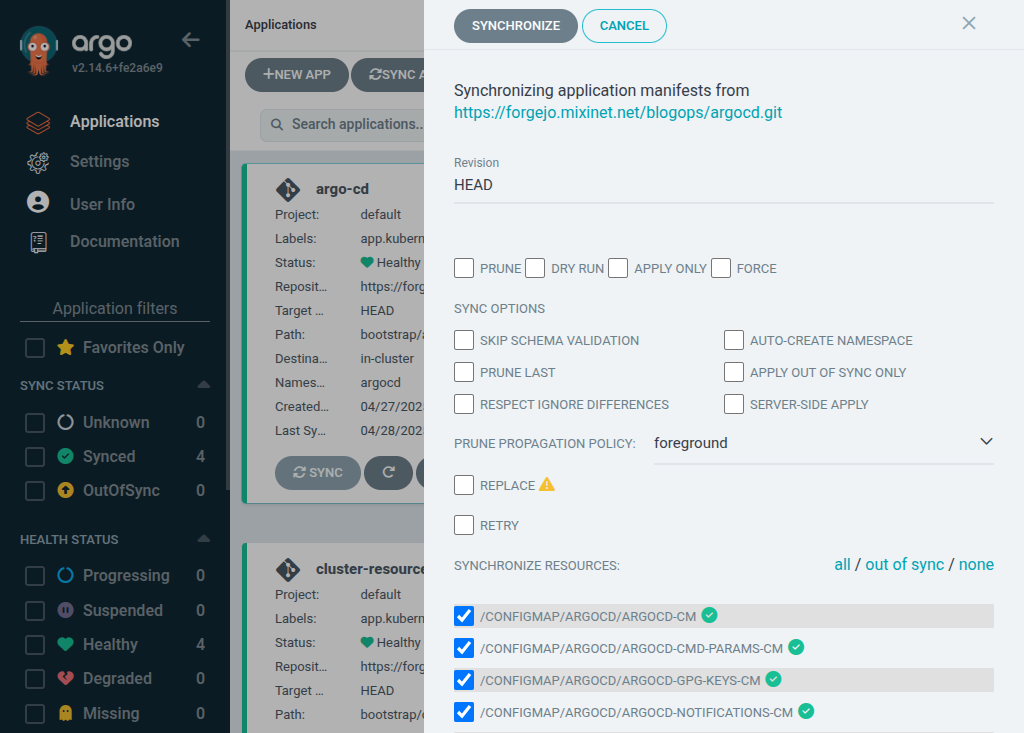
 Last week, we (Helmut, Jochen, Holger, Gioele and josch) met in W rzburg for a Debian
 From April 27th to 30th, 2024,
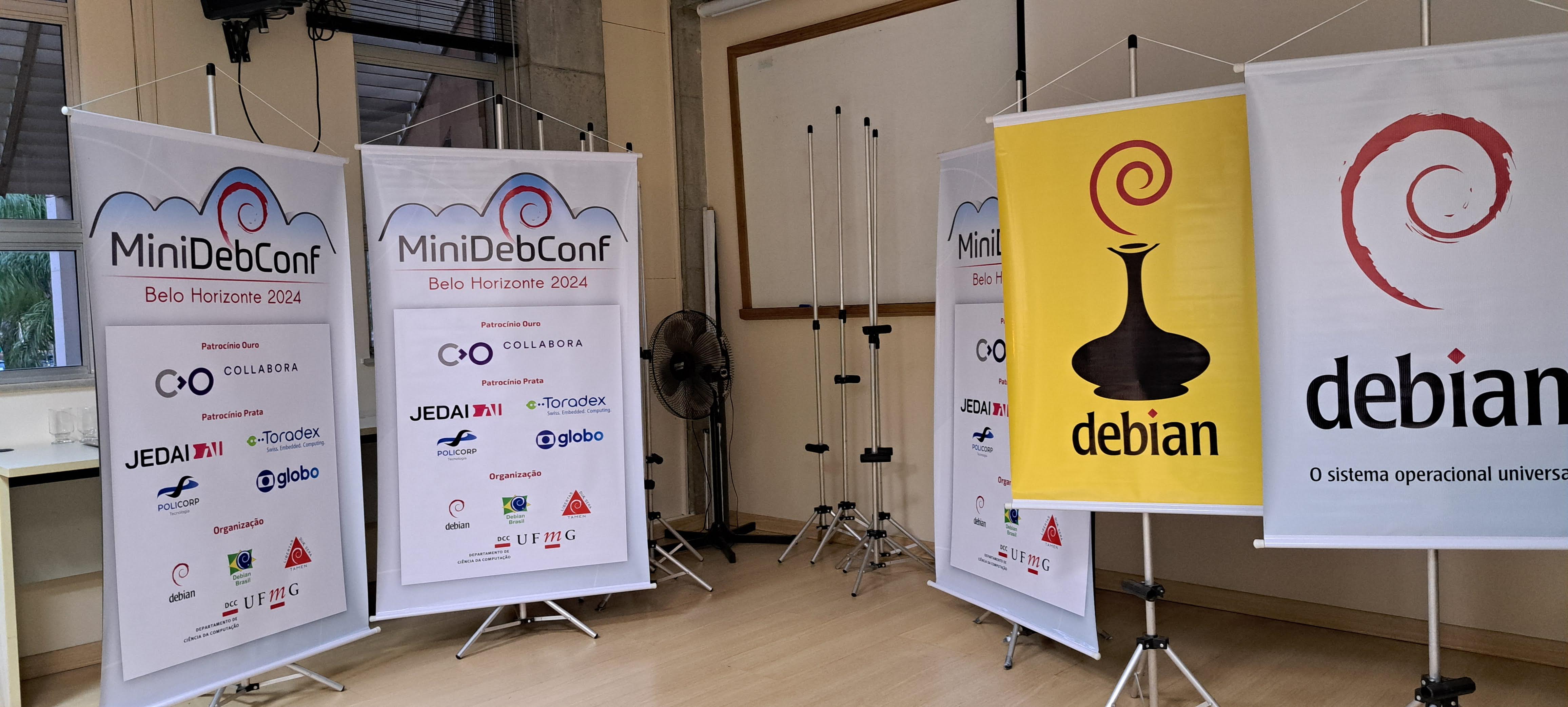 This was the fifth time that a MiniDebConf (as an exclusive in-person event
about Debian) took place in Brazil. Previous editions were in Curitiba
(
 2024 edition numbers
During the four days of the event, several activities took place for all
levels of users and collaborators of the Debian project. The official schedule
was composed of:
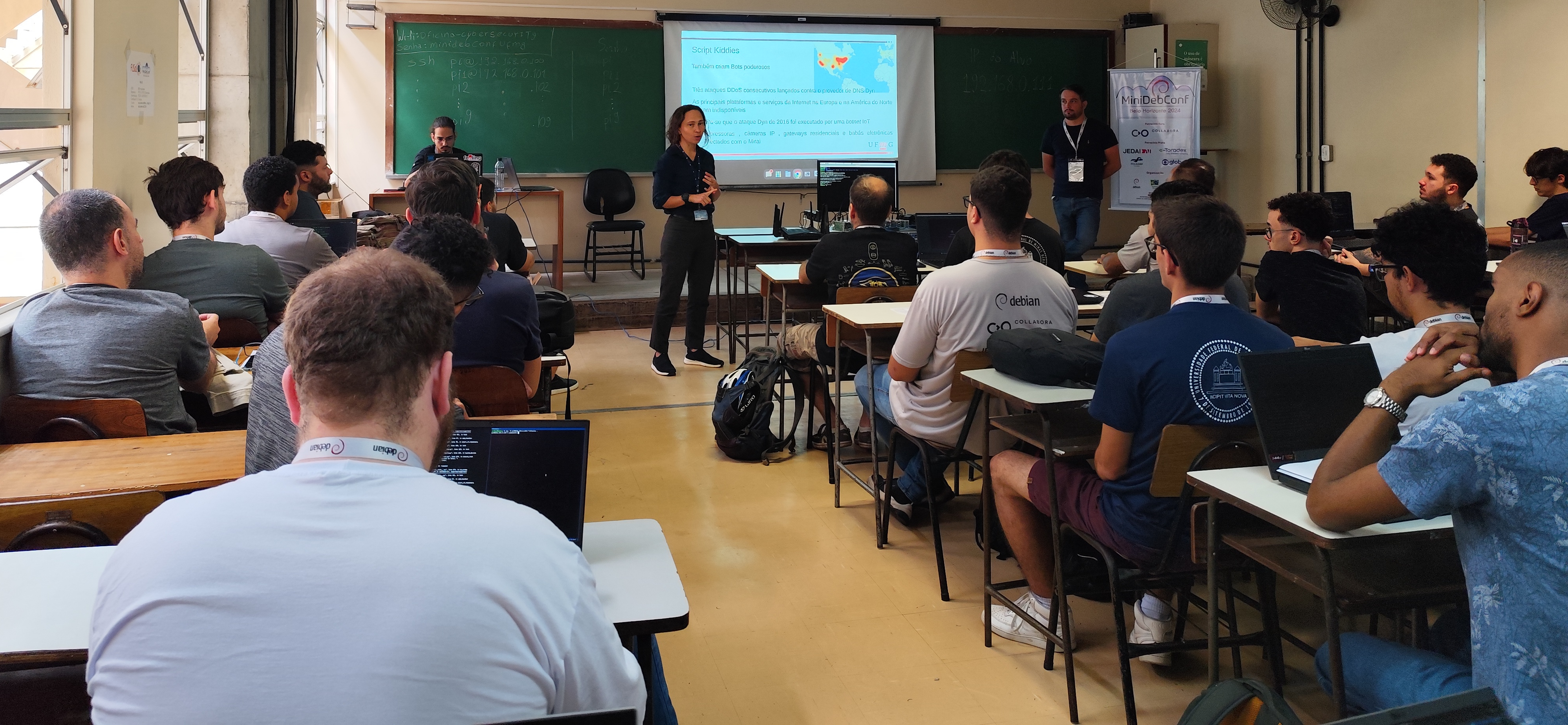 The final numbers for MiniDebConf Belo Horizonte 2024 show that we had a
record number of participants.
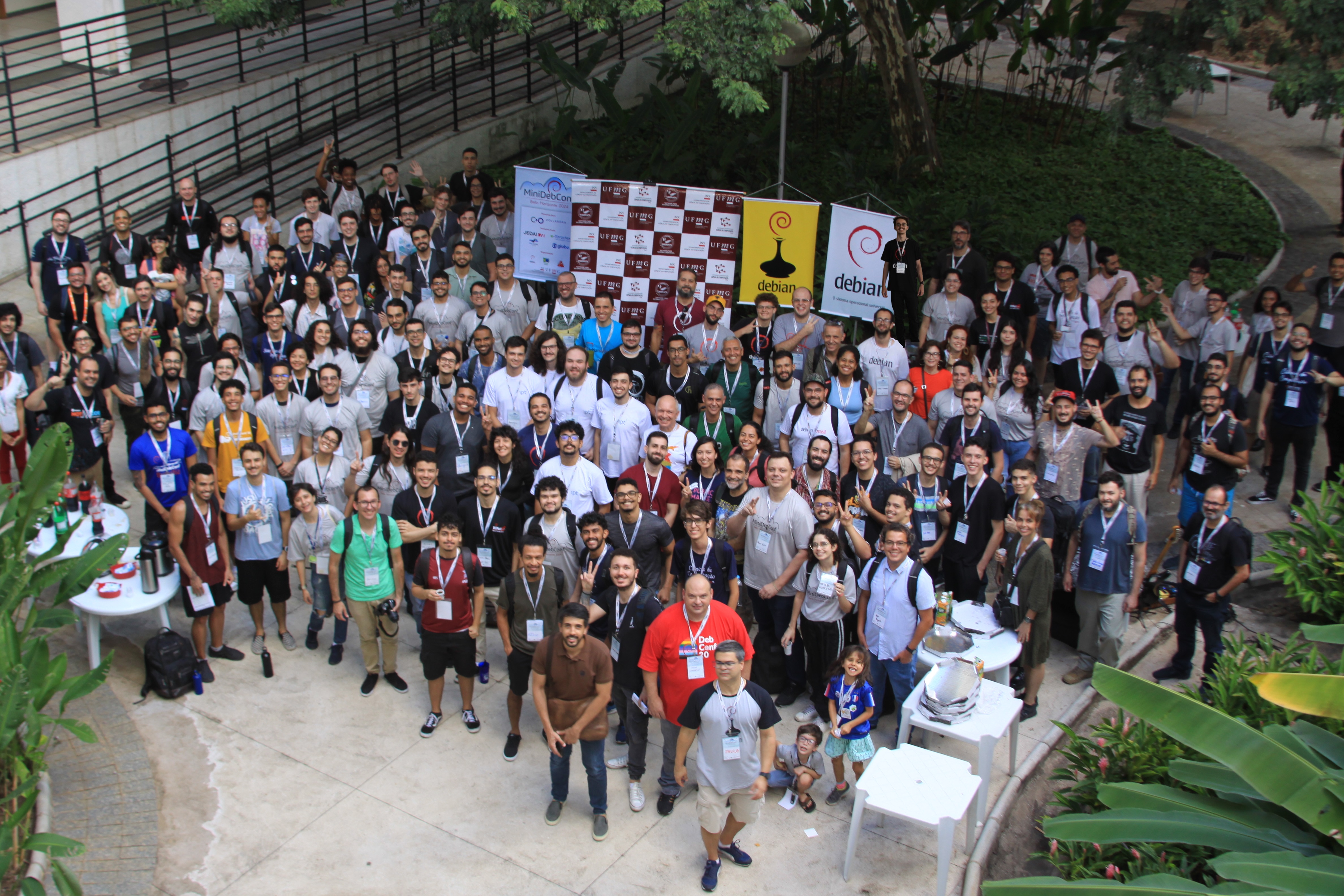
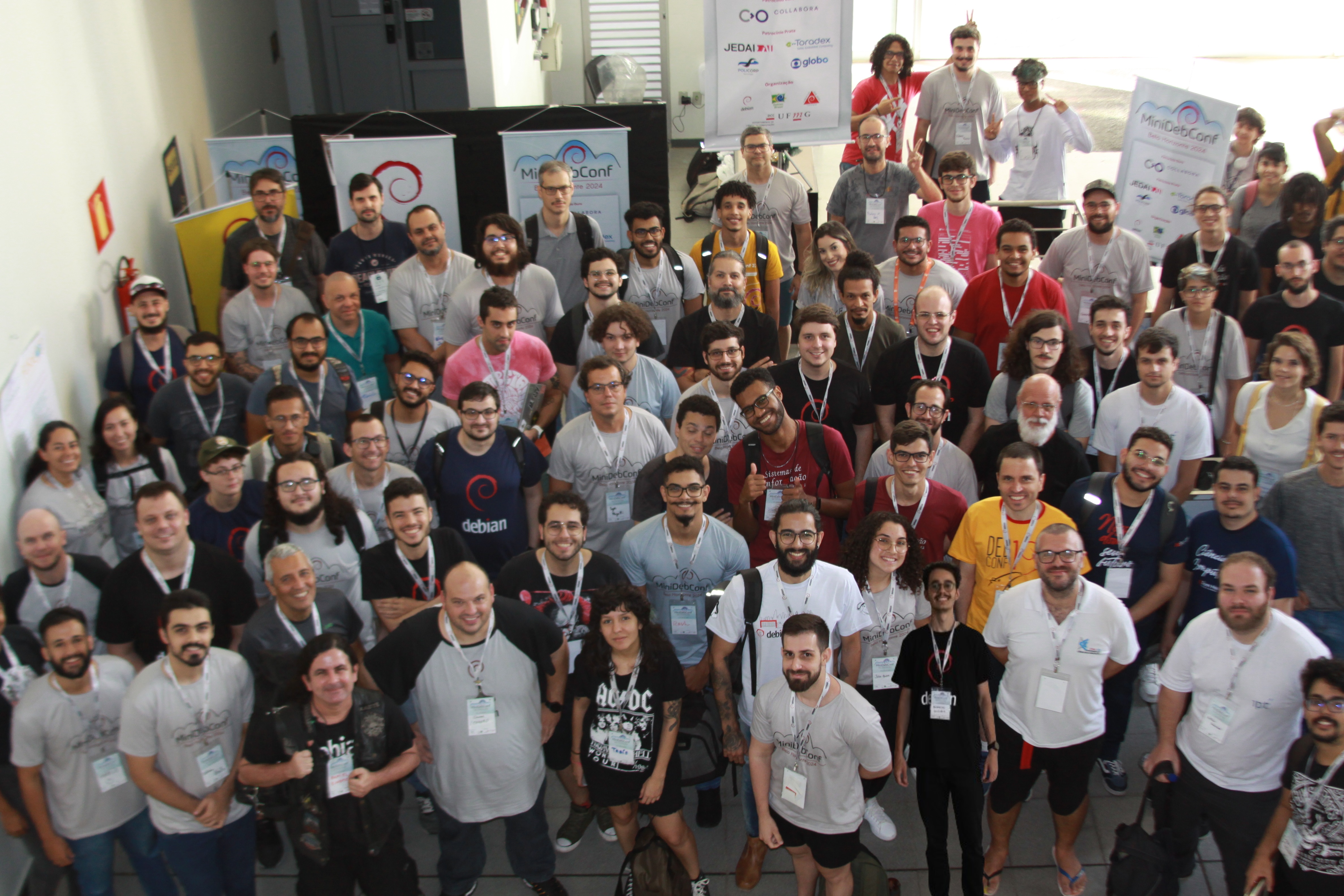 Activities
The MiniDebConf schedule was intense and diverse. On the 27th, 29th and 30th
(Saturday, Monday and Tuesday) we had talks, discussions, workshops and many
practical activities.
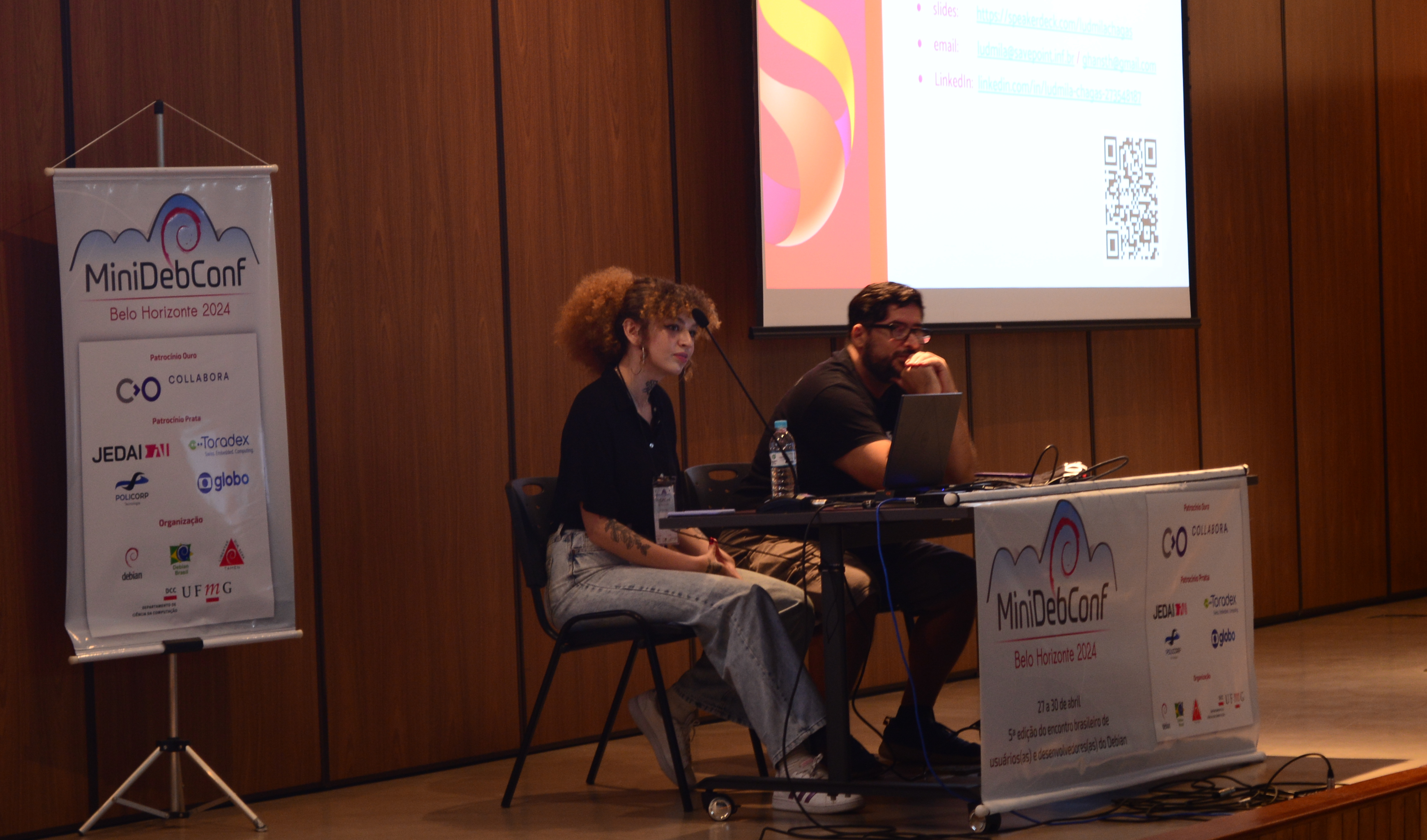 On the 28th (Sunday), the Day Trip took place, a day dedicated to sightseeing
around the city. In the morning we left the hotel and went, on a chartered bus,
to the
 After a 2-hour tour of the Market, we got back on the bus and hit the road for
lunch at a typical Minas Gerais food restaurant.
 With everyone well fed, we returned to Belo Horizonte to visit the city's
main tourist attraction: Lagoa da Pampulha and Capela S o Francisco de Assis,
better known as
 We went back to the hotel and the day ended in the hacker space that we set up
in the events room for people to chat, packaging, and eat pizzas.
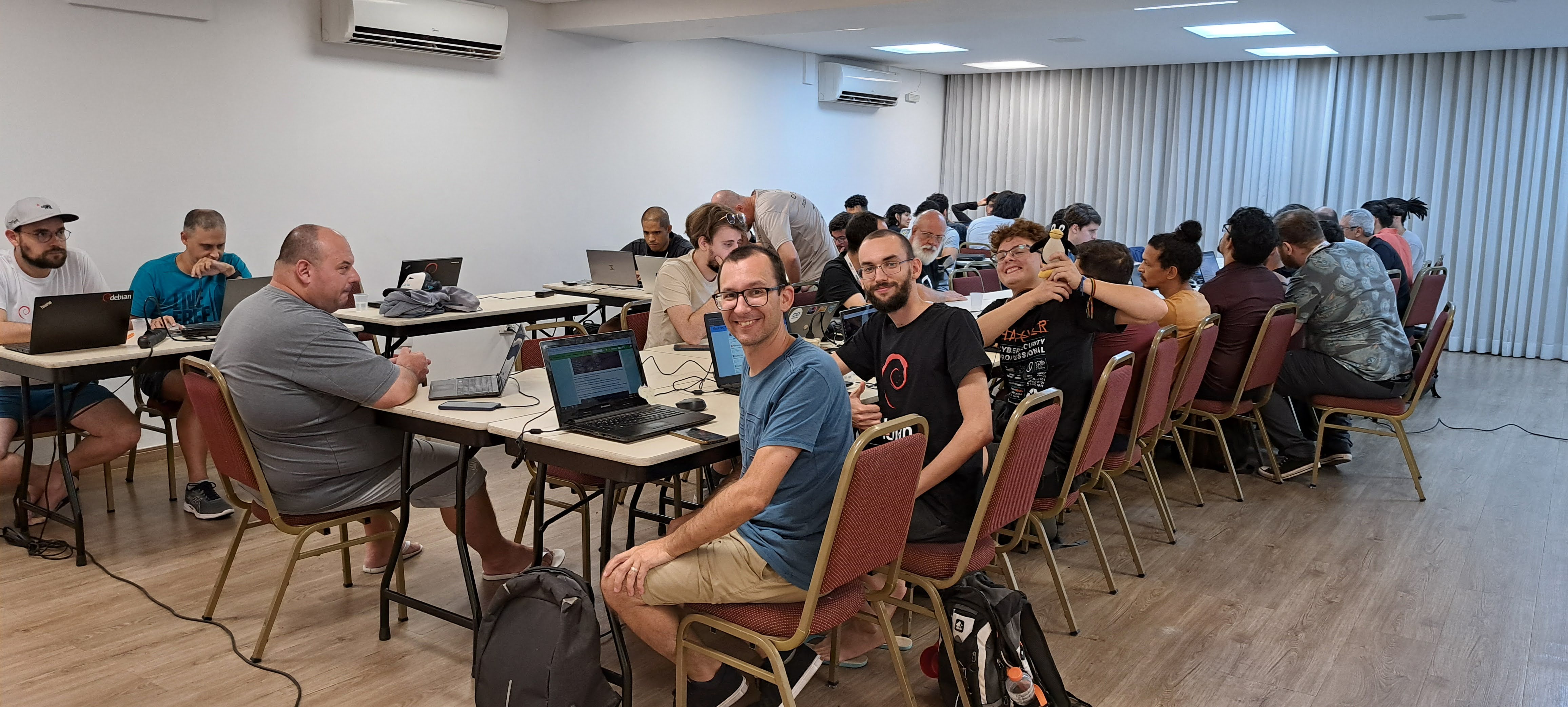 Crowdfunding
For the third time we ran a crowdfunding campaign and it was incredible how
people contributed! The initial goal was to raise the amount equivalent to a
gold tier of R$ 3,000.00. When we reached this goal, we defined a new one,
equivalent to one gold tier + one silver tier (R$ 5,000.00). And again we
achieved this goal. So we proposed as a final goal the value of a gold + silver
+ bronze tiers, which would be equivalent to R$ 6,000.00. The result was that
we raised R$7,239.65 (~ USD 1,400) with the help of more than 100 people!
Thank you very much to the people who contributed any amount. As a thank you, we
 Food, accommodation and/or travel grants for participants
Each edition of MiniDebConf brought some innovation, or some different benefit
for the attendees. In this year's edition in Belo Horizonte, as with DebConfs, we
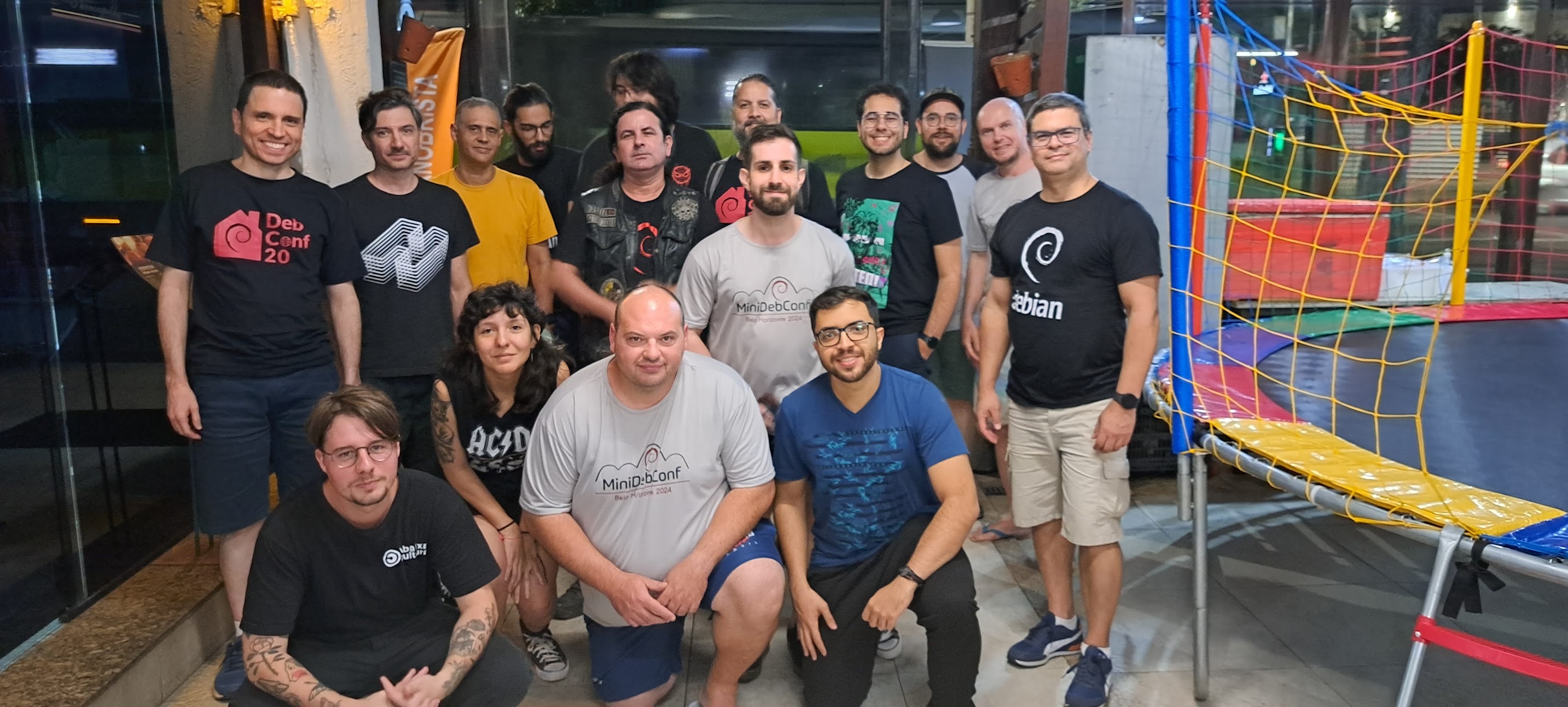 Photos and videos
You can watch recordings of the talks at the links below:
 Sponsors
Gold:




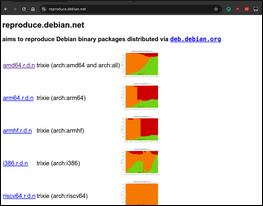




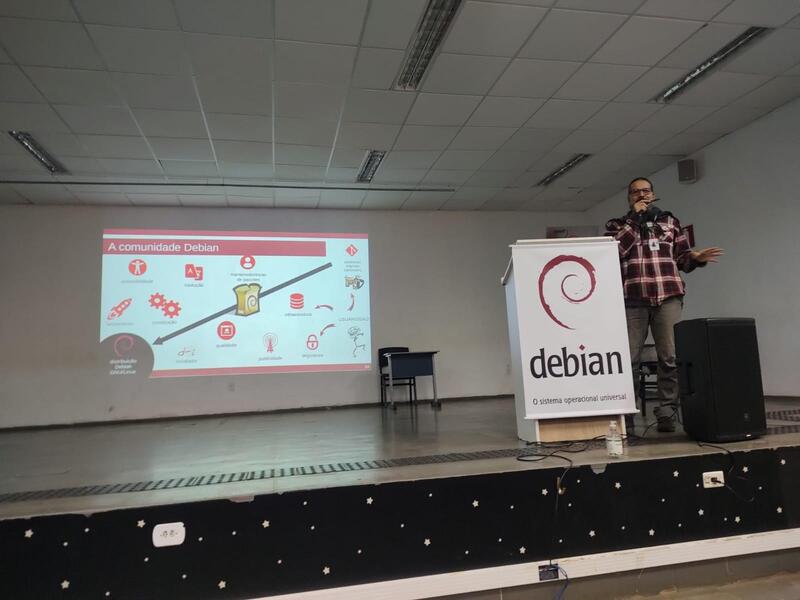
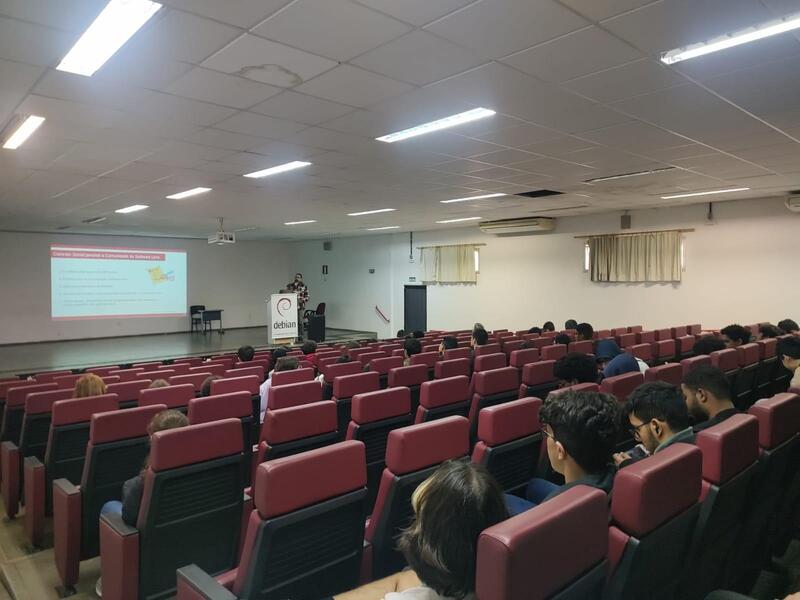
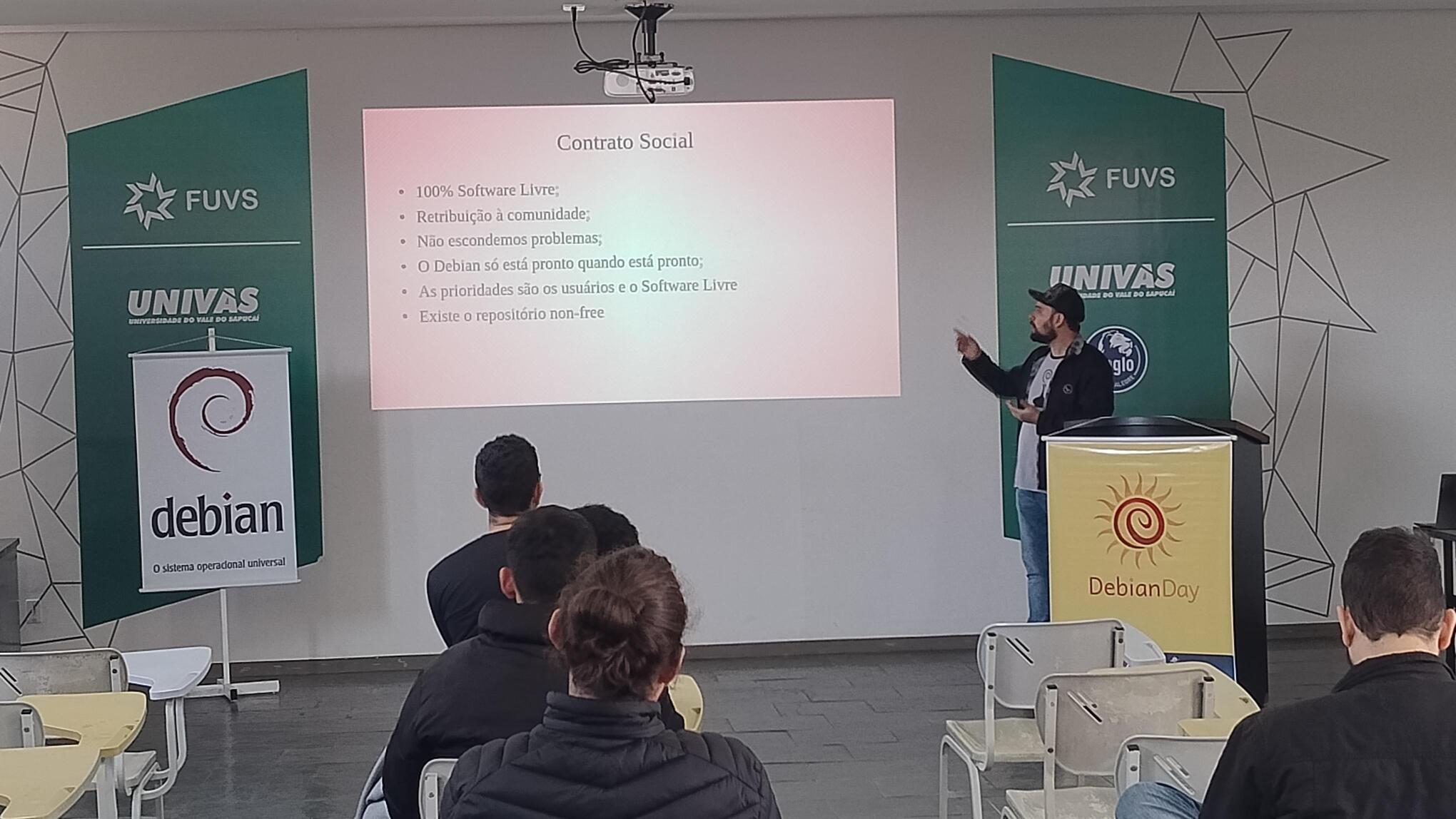

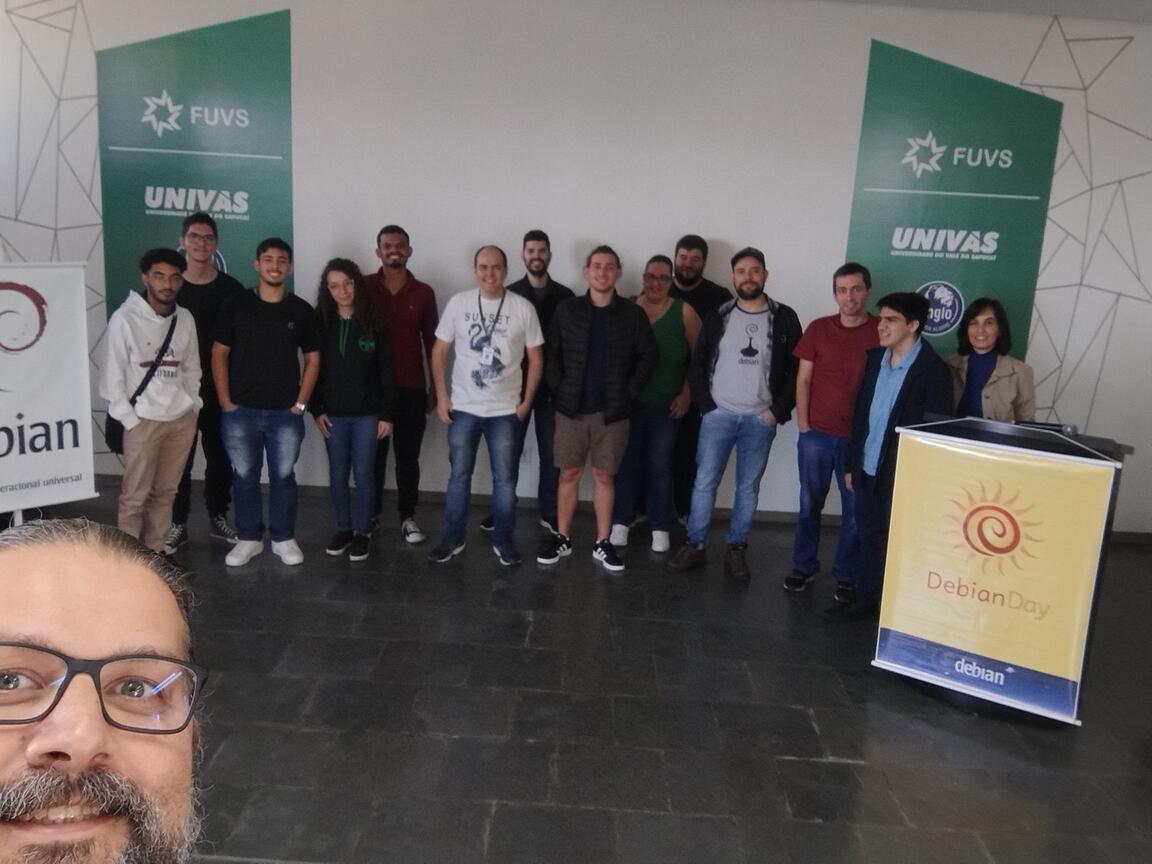
 Nova gera o: uma entrevista com iniciantes no projeto Debian
 Instala o personalizada e automatizada do Debian com preseed
 Manipulando patches com git-buildpackage
 debian.social: Socializando Debian do jeito Debian
 Proxy reverso com WireGuard
 Celebra o dos 30 anos do Debian!
 Instalando o Debian em disco criptografado com LUKS
 O que a equipe de localiza o j conquistou nesses 30 anos
 Debian - Projeto e Comunidade!
 Design Gr fico e Software livre, o que fazer e por onde come ar
 I can t remember exactly the joke I was making at the time in my