Keerthana Krishnan: A beginner s guide to Debian Source Packages
Source packages have a very different process of installation and handling while compared to the traditional executable packages which are handled by the 
sudo apt-get install command. Source packages provide source for a software. These are used to build other packages. Source code can be studied or errors can be fixed in this by downloading these to your system.
To access these you have to add deb-src lines sources.list in /etc/apt/sources.list If you had followed my earlier article on setting up Jessie, this means you have to remove the # in front of the deb-src lines.
First, find the required source package online in the debian packages list here. Be sure to select the Source Package Names option while searching. When you find a package it will have a list of binary packages that are built from this source package.
Make sure you have all the dependencies to build the package by running:
$ apt-get build-dep packagenameThen, download the source package, using the following command:
$ apt-get source packagenameThis will download three files: a .orig.tar.gz, a .dsc and a .diff.gz. In the case of packages made specifically for Debian, the last of these is not downloaded and the first usually won t have orig in the name. The .dsc file is used by dpkg-source for unpacking the source package into the directory packagename-version. Within each downloaded source package there is a debian/ directory that contains the files needed for creating the .deb package. To auto-build the package when it s been downloaded, just add -b to the command line, like this:
$ apt-get -b source packagenameIf you decide not to create the .deb at the time of the download, you can create it later by running:
$ dpkg-buildpackage -rfakeroot -uc -bfrom within the directory that was created for the package after downloading. To install the package built by the commands above one must use the package manager directly, like this:
# dpkg -i file.debThere s a difference between
apt-get s source method and its other methods. The source method can be used by normal users, without needing special root powers. The files are downloaded to the directory from which the apt-get source package command was called.
Tip : If you are a developer testing software, you may need to run the make command after this. Be sure to run make check as well later to make sure there are no errors and everything is alright.
Most of the commands I ve used here was by following the APT How To documentation which is marked as obsolete for some reason but turned out to be pretty useful. Hope it works for you too!
 Sitting on Lake Zurich and reflecting over things was a great way to get started.
 TL;DR: I put a $5
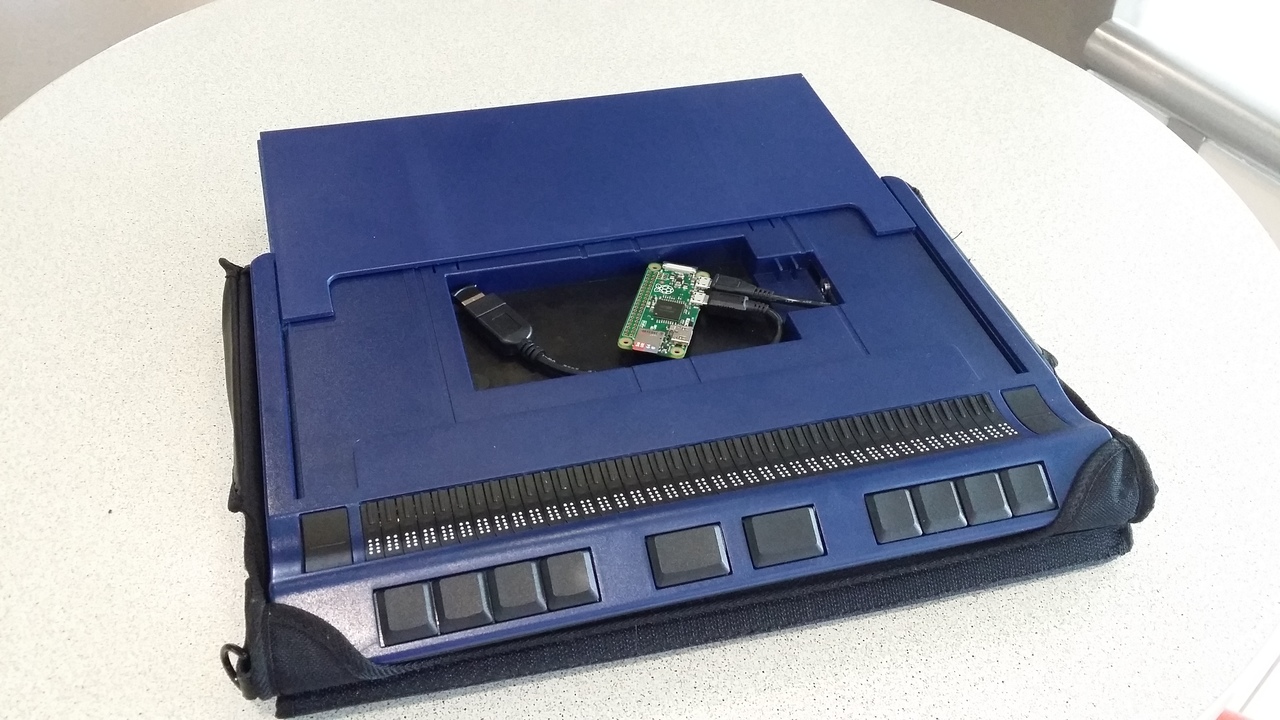
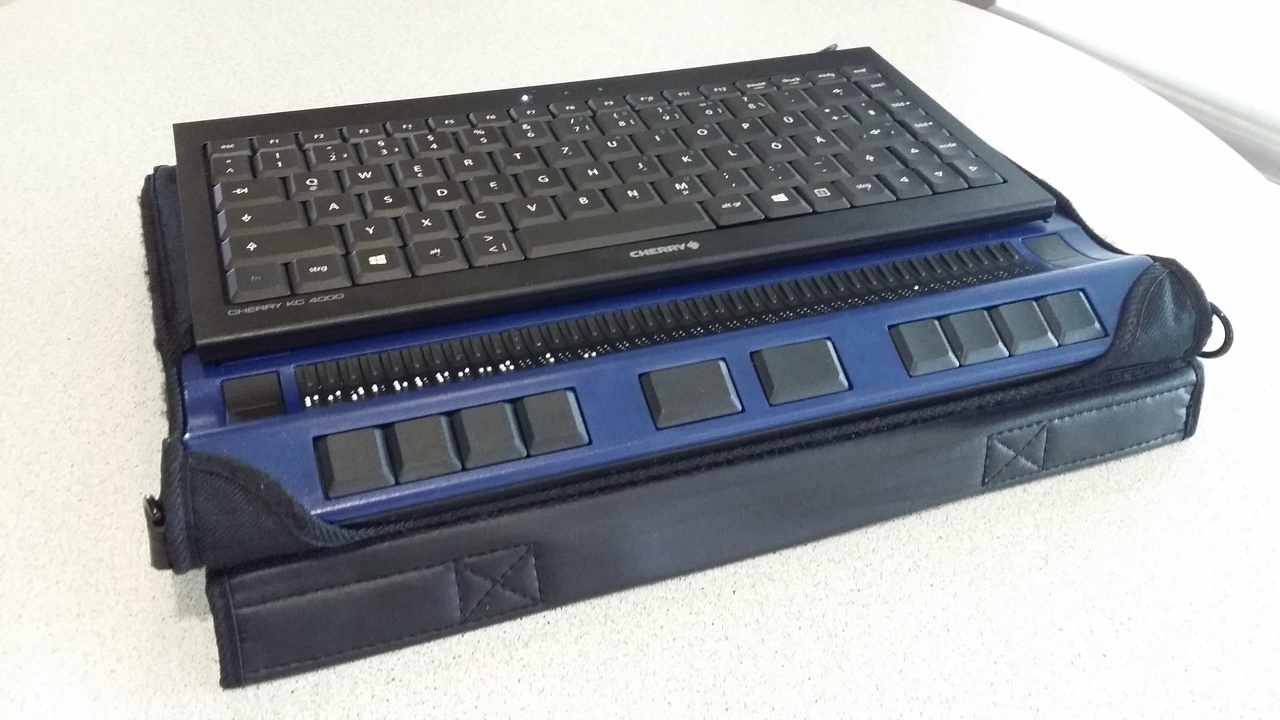
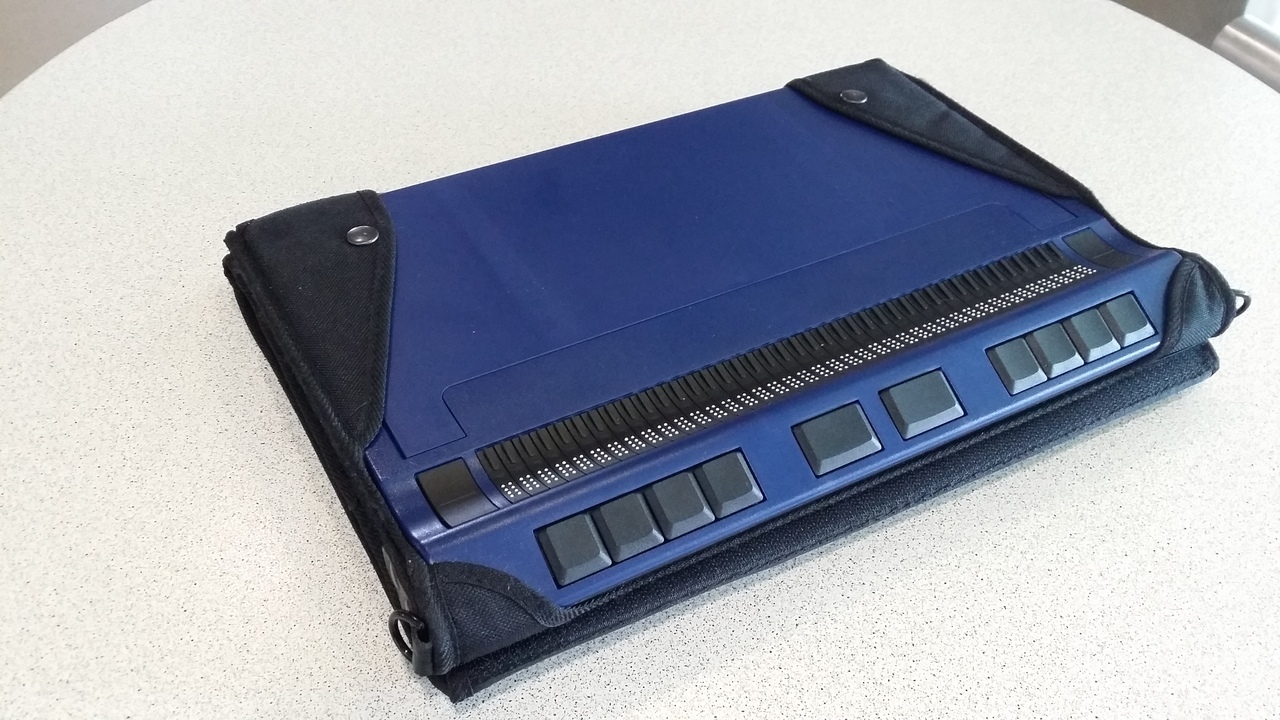 You can still pull out the little platform to increase the space
that can be used to put something on top.
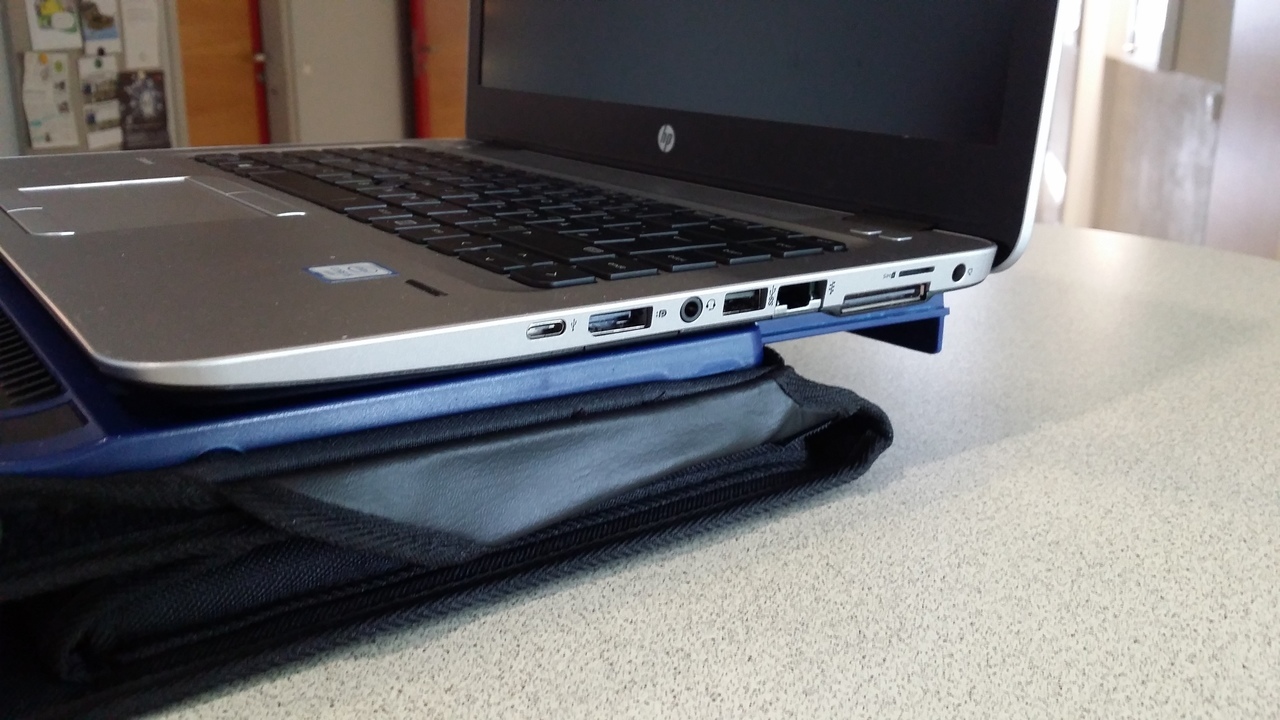 But, most conveniently,
they've designed in an empty compartment, roughly the size of a modern
smartphone, beneath the platform. The original idea was to actually
put a smartphone inside, but this has turned out (at least to me)
to not be very feasible. Fortunately, they thought about the
need for electricity and added a Micro USB cable terminating within the
newly created, empty compartment.
My first idea was to put a conventional Raspberry Pi inside.
When I received the braille display, however, we immediately
noticed that a standard-sized rpi is roughly 3mm too high
to fit into the empty compartment.
Fortunately, though, a co-worker noticed that the
 As part of regular operating system hygiene, I run a
 A longish blog post, please bear, a second part of the blog post would be published in few days from now. My fixed visa finally arrived, yeah
 But this story doesn t start here, it starts about a year back. While I have been contributing to Debian in my free time over the years, and sometimes paid time as well, I had never thought of going overseas as the experiences I knew from friends and relatives, it isn t easy to get all the permissions and paperwork done to say the least (bureaucracy @ work). But last year, when Debconf 15 was being launched, there are/were 2-3 friends of mine who are studying, doing their Ph.D. in some computer/web stuff, living in Germany currently that they goaded me to apply. The first few times I gave some standard excuses, but when they kept on for a while, just to shut them up I applied to the debconf team applying for food, accommodation and travel sponsorship.
I didn t have high hopes as there obviously are many more talented peers around me who understand FOSS and Debian at a much more fundamental, philosophical as well as technical level than me. Much to my surprise though, about a month (and around two or three weeks just before the event was about to take place) I got the bursary/sponsorships for food, accommodation as well as travel. I was unsure that the remaining time was enough to get a visa hence declined that time around.
That whole episode gave me the confidence that perhaps my application would be accepted if I applied again. Using my previous years understanding, decided to give it a shot again as this would also enable me to get a feel of visa bureaucracy as well as gain a bit of novice understanding about what factors go in choosing a flight and believe me the latter part proved to be pretty confusing. While the visa business seems easy, the form at least is easy and what they ask, it can be troublesome as far as visa-processing process is concerned. It took a better part of the month to get the visa which I needed. The in-between time is and can be a bit stressful as you have committed funds for travel i.e. the airline tickets and are in a limbo as you didn t know that if the visa is cancelled for some reason, your tickets would be refunded or not. A little history is needed and hopefully is helpful for anybody who s applying for a short-stay Visa in South Africa.
Exactly, A month and day back I had applied for visa. The visa I had applied for is 17 days as the flights within my budget was for those days only. The visa I got was for 10 days only which was ending in the middle of the conference. I tried many avenues to get information and was told that I needed to write a correction letter telling/sharing the information about the correct time period and dates in BOLD with a heavier weight/point which is what I did and gave to VFS office without any further payment on my part. It took a bit more time than the first time around but the consulate co-operated. While I can understand the oversight as they probably get more visas requests along with special and urgent requests so such occurrences can happen. I am and was happy that there was a recourse rather than starting from scratch which probably would have made me more anxious due to the first experience .
Apparently I was lucky that I had done with Qatar Airways as later came to know that there are other airways which don t refund money even after visa rejection . This information I got to know pretty late in the game otherwise I wouldn t have been much stressed. As had committed knew had to go the whole hog and whatever barriers are there, have overcome at least as far as the visa part/process is concerned.
Now after few days, will probably start to worry about the actual travel, part nervousness, part excitement, nervousness as it will be an alien land, am obese so traveling economy on 787-8 and 777-300 ER will be tricky. The 787-8 will probably be a rough ride as it s a 9 hr. journey and the seat are a mere 18 , the cattle class as shared by


 As nearly anyone who's worked with me will attest to, I've long since
touted
 Debian LTS
May marked the thirteenth month I contributed to

 I was assigned another 15 hours of work by Freexian's Debian LTS
initiative, but only worked a total of 10 hours. I intend to make
up for this in June.
I began preparing the next stable update for Linux 3.2 on
kernel.org, but haven't yet sent it out for review. I rebased the
wheezy-security branch onto Linux 3.2.80, and added fixes for one
more security issue and one data corruption issue affecting aufs.
I started a week in the front desk, triaging new issues for wheezy.
 Historically, the adt-run command line has allowed multiple tests; as a consequence, arguments like
 this does not strip leading spaces and tabs where the indentation is followed by pure text, e.g. the whitespaces in line 4 are preserved. So as a matter of fact, if you care for the indentation in the resulting target file, you need to indent those lines according to the indentation wanted in the target file instead, like it is done in the example.
In less simple cases, with more deep nesting, this may seem odd, but hey: it s the best compromise between a good, readable template and a consistently indented output file.

 I'll tune in to the post-based conversation being held on Planet Debian:
 When writing a wrapper script, one often has to process the command
line arguments to transform them according to his needs, to change some
arguments, to remove or insert some, or perhaps to reorder them.Naive approach
The naive approach to do that is