Jeremy Bicha: GNOME Tweak Tool 3.25.2
Today, I released the first development snapshot (3.25.2) of what will be GNOME Tweak Tool 3.26. Many of the panels have received UI updates. Here are a few highlights.
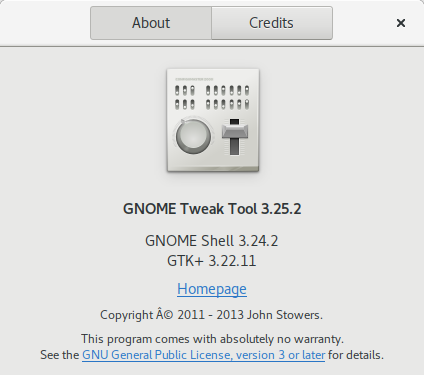
Before this version, Tweak Tool didn t report its own version number on its About dialog! Also, as far as I know, there was no visible place in the default GNOME install for you to see what version of GTK+ is on your system. Especially now that GNOME and GTK+ releases don t share the same version numbers any more, I thought it was useful information to be in a tweak app.
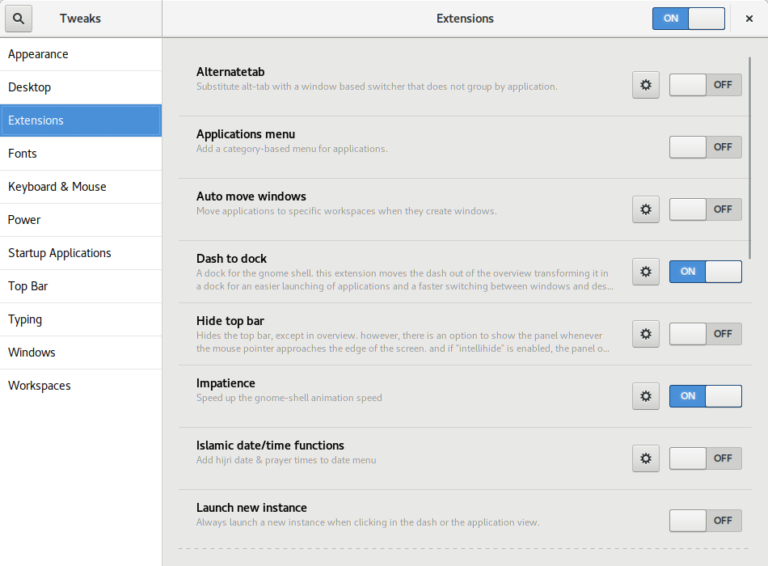
 Florian M llner updated the layout of the GNOME Shell Extensions page:
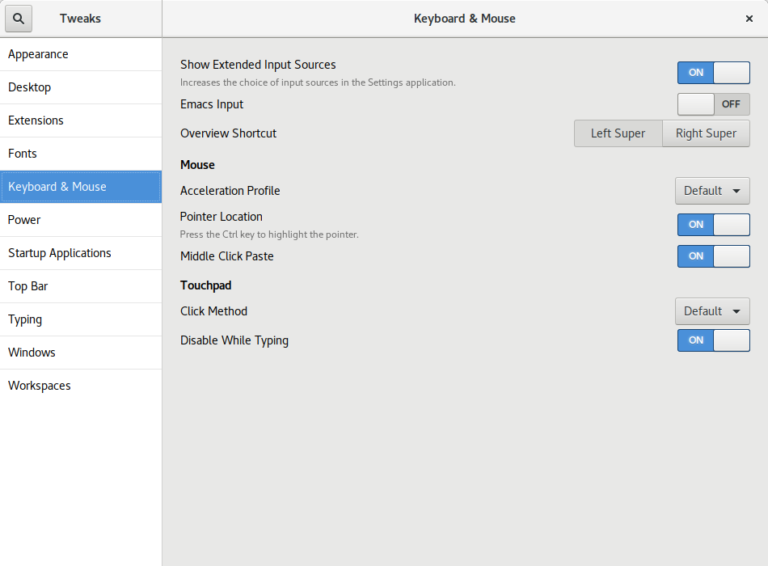
 Rui Matos added a new Disable While Typing tweak to the Touchpad section.
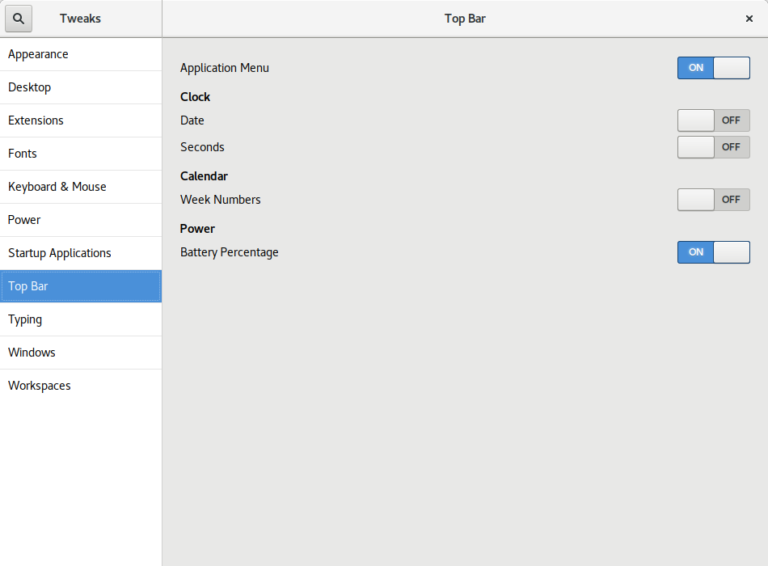
 Alberto Fanjul added a Battery Percentage tweak for GNOME Shell s top bar.
 I added a Left/Right Placement tweak for the window buttons (minimize, maximize, close) . This screenshot shows a minimize and close button on the left.
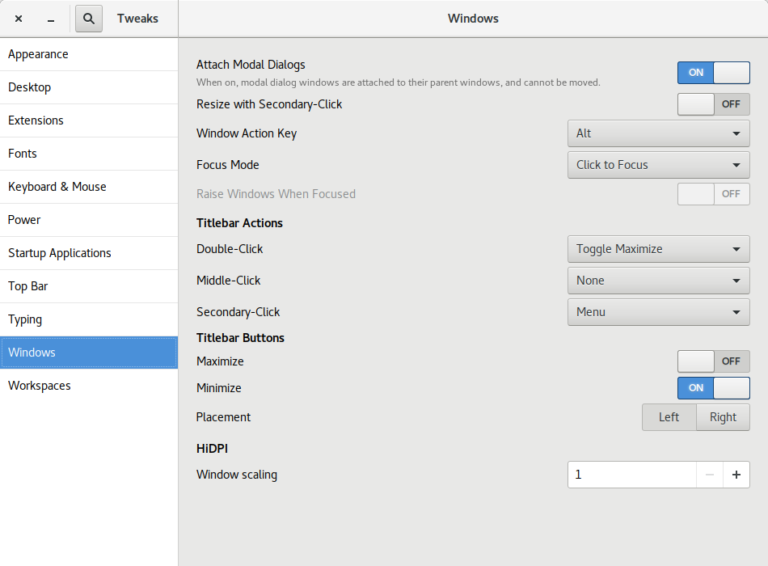 I think it s well known that Ubuntu s window buttons have been on the left for years but GNOME has kept the window buttons on the right. In fact, the GNOME 3 default is a single close button (see the other screenshots). For Unity (Ubuntu s default UI from 2011 until this year), it made sense for the buttons to be on the left because of how Unity s menu bar worked (the right side was used by the indicator system status menus).
I don t believe the Ubuntu Desktop team has decided yet which side the window buttons will be on or which buttons there will be. I m ok with either side but I think I have a slight preference towards putting them on the right like Windows does. One reason I m not too worried about the Ubuntu default is that it s now very easy to switch them to the other side!
If Ubuntu includes a dock like the excellent Dash to Dock in the default install, I think it makes sense for Ubuntu to add a minimize button by default. My admittedly unusual opinion is that there s no need for a maximize button.
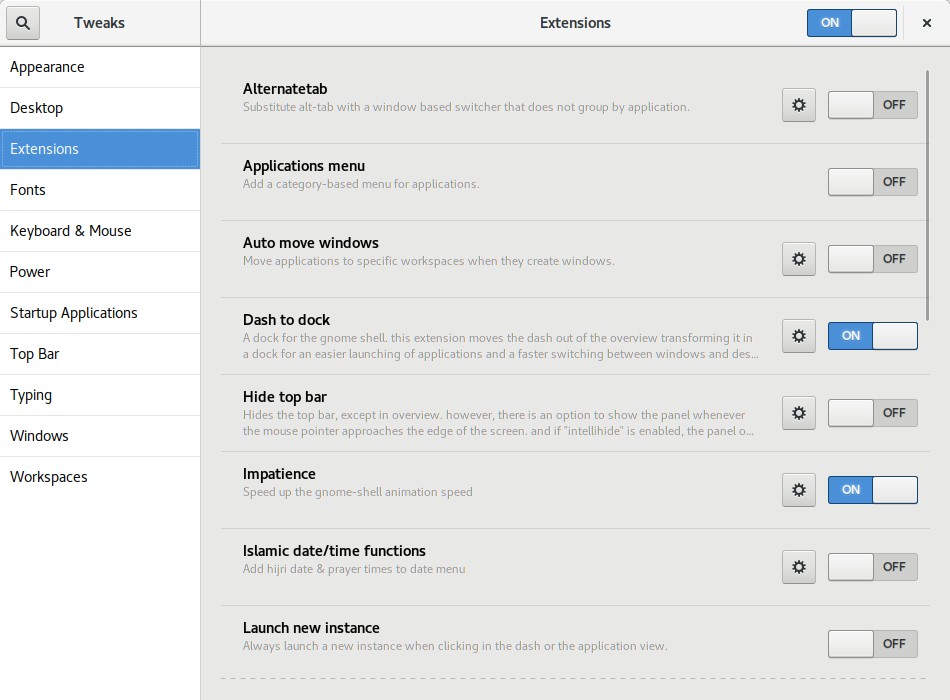
Florian M llner updated the layout of the GNOME Shell Extensions page:
 Rui Matos added a new Disable While Typing tweak to the Touchpad section.
 Alberto Fanjul added a Battery Percentage tweak for GNOME Shell s top bar.
 I added a Left/Right Placement tweak for the window buttons (minimize, maximize, close) . This screenshot shows a minimize and close button on the left.
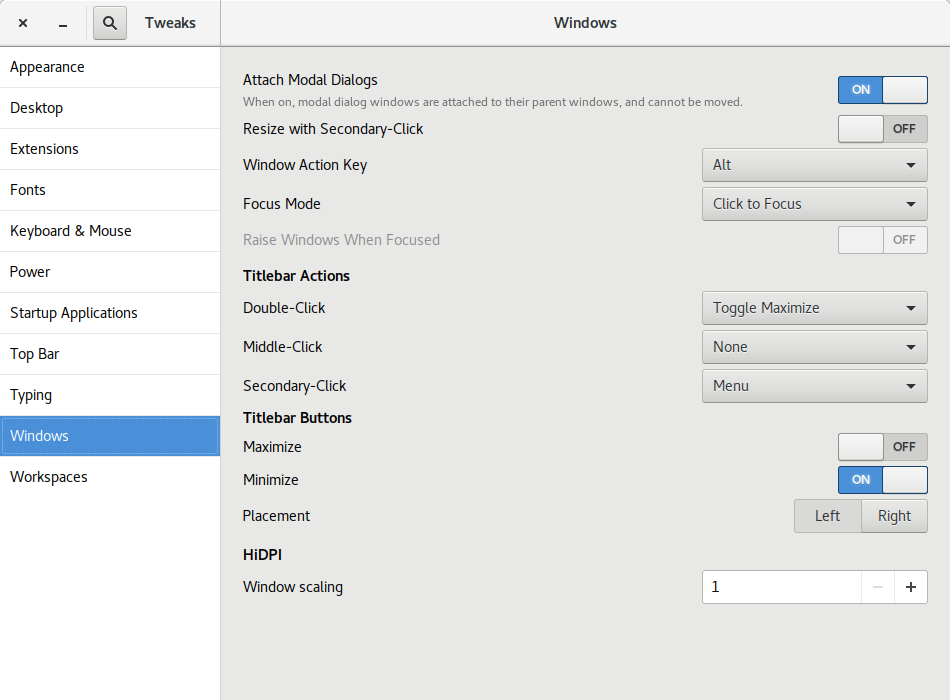 I think it s well known that Ubuntu s window buttons have been on the left for years but GNOME has kept the window buttons on the right. In fact, the GNOME 3 default is a single close button (see the other screenshots). For Unity (Ubuntu s default UI from 2011 until this year), it made sense for the buttons to be on the left because of how Unity s menu bar worked (the right side was used by the indicator system status menus).
I don t believe the Ubuntu Desktop team has decided yet which side the window buttons will be on or which buttons there will be. I m ok with either side but I think I have a slight preference towards putting them on the right like Windows does. One reason I m not too worried about the Ubuntu default is that it s now very easy to switch them to the other side!
If Ubuntu includes a dock like the excellent Dash to Dock in the default install, I think it makes sense for Ubuntu to add a minimize button by default. My admittedly unusual opinion is that there s no need for a maximize button.
- For one thing, GNOME is thoroughly tested with one window button; adding a second one shouldn t be too big of a deal, but maybe adding a 3rd button might not work as well with the design of some apps.
- When I maximize an app, I either double-click the titlebar or drag the app to the top of the screen so a maximize button just isn t needed.
- A dedicated maximize just doesn t make as much sense when there is more than one possible maximization state. Besides traditional maximize, there is now left and right semi-maximize. There s even a goal for GNOME 3.26 to support quarter-tiling .
- Ikey Doherty ported Tweak Tool from python2 to python3.
- Florian M llner switched the build system to meson. For an app like Tweak Tool, meson makes the build faster and simpler for developers to maintain.
- For more details about what s changed, see the log and the NEWS
- GNOME Tweak Tool 3.26 will be released alongside GNOME 3.26 in mid-September.
 During last weeks I was finally able to push out some releases of Gammu and related tools. Those were mostly waiting for quite some time in Git, but still will be useful for many users.
 Dear Lazyweb,
About a week ago, I

 A new version of the

 For a while now, I've wanted to increase my frequency of blogging. I've got
roughly 24 draft posts which I haven't finished writing, stretching back to at
least 2009, and several other topics that I haven't even begun to write about
but have something in the back of my mind which I'd like to express. I have
been self-censoring to an extent for two reasons:


 The new
 tl;dr: Get vmdebootstrap replacement from
 I am still learning rust and C++ is more comfortable.
Been playing with jupyter notebook and liking it.
It gives a presentation layer easy to share with others for exploratory works.


 Besides the huge amount of package updates due to the 2 month testing hiatus, I want to pick a few changes before copying the complete changelog entry:
Additional TEXMF trees
tlmgr got a new functionality to easily add and remove additional TEXMF trees to the search path. MikTeX had this features since long, and it was often requested. As it turned out, it is a rather trivial thing to achieve by some texmf.cnf lines. The rest is just front end in tlmgr. Here a few invocations (not very intelligent usage, though):
 Stretch
So I have done my (hopefully) last uploads for Stretch (r0) today and want to
share how pleased I've been with this release cycle. It was the smoothest
freeze I've witnessed so far, I really liked the clear and documented rules
from the Release Team, their regular release infos on d-d-a and
 And then, finally, I really really look forward to the next development cycle and
being able to meaningful start working on reproducible Buster!
