Replacing my phone
My first Android phone was
a
ZTE Blade
(sold as Orange San Francisco here in the UK). It originally
shipped with Android 2.1 but was upgradable to 2.3 thanks to
CyanogenMod (or other unofficial mods). However there's little
sign of an upgrade to 4.x; the apps I want to use are pushing the
limits of its CPU, RAM and internal storage; and I've never got very
good at typing on a soft keyboard. So it seemed like time to get a
newer phone with a hard keyboard (and still with a SD slot).
After a little research with the CyanogenMod compatibility list and
some time looking at reviews, I settled on the
Samsung
Galaxy S Relay 4G, which was exclusive to T-Mobile USA but is
being resold through eBay. It shipped with Android 4.0 but I
immediately installed CyanogenMod 10.2 (Android 4.3). This was a
bit of an adventure as I bought the Blade with CM already installed
and wasn't familiar with the multiple steps that were necessary.
Copying my data
The last step, and the real subject of this entry, was to move my
data across. Much of this was on a SD card which I could simply
plug into the Relay. The internal files had to be backed up onto
this card and then restored, using the recovery environment
(ClockworkMod) on each phone. After rebooting the Relay into the full
Android system, my apps and settings were mostly present but I was
immediately confronted with a series of error dialogs reporting
that 'Unfortunately, Dialler has stopped' - and the same for 'Clock'
and 'the process android.process.acore' (whatever that is).
What went wrong
There are thankfully more detailed error logs in the filesystem,
under
/data/system/dropbox (this is for logging at the Java
level; if a process is terminated by a fatal signal it's logged
to
/data/tombstones). There are several ways to get at
them, but I used recovery mode and adb to get a root shell where I
could easily read and write files as necessary.
The Contacts (aka People) database upgrade fails with
an
SQLiteException, apparently because it doesn't account
for upgrading from the schema used in 2.3:
Process: android.process.acore
Flags: 0x883e45
Package: com.android.providers.applications v18 (4.3.1-f963020e38)
Package: com.android.providers.contacts v18 (4.3.1-f963020e38)
Package: com.android.providers.userdictionary v18 (4.3.1-f963020e38)
Build: samsung/apexqtmo/apexqtmo:4.1.2/JZO54K/T699UVBMC5:user/release-keys
android.database.sqlite.SQLiteException: no such column: phonebook_label (code 1): , while compiling: UPDATE raw_contacts SET display_name_source=?,display_name=?,display_name_alt=?,phonetic_name=?,phonetic_name_style=?,sort_key=?,phonebook_label=?,phonebook_bucket=?,sort_key_alt=?,phonebook_label_alt=?,phonebook_bucket_alt=? WHERE _id=?
...
        at com.android.providers.contacts.ContactsDatabaseHelper.updateRawContactDisplayName(ContactsDatabaseHelper.java:5344)
        at com.android.providers.contacts.ContactsDatabaseHelper.upgradeToVersion504(ContactsDatabaseHelper.java:3580)
        at com.android.providers.contacts.ContactsDatabaseHelper.onUpgrade(ContactsDatabaseHelper.java:2261)
...
Clock fails somewhat similarly though it apparently didn't
try to upgrade:
Process: com.android.deskclock
Flags: 0xc8be45
Package: com.android.deskclock v203 (2.0.3)
Build: samsung/apexqtmo/apexqtmo:4.1.2/JZO54K/T699UVBMC5:user/release-keys
android.database.sqlite.SQLiteException: no such column: incvol (code 1): , while compiling: SELECT _id, hour, minutes, daysofweek, alarmtime, enabled, vibrate, message, alert, incvol, profile FROM alarms WHERE (enabled=1)
...
        at com.android.deskclock.AlarmProvider.query(AlarmProvider.java:73)
        at android.content.ContentProvider.query(ContentProvider.java:744)
        at android.content.ContentProvider$Transport.query(ContentProvider.java:199)
        at android.content.ContentResolver.query(ContentResolver.java:414)
        at android.content.ContentResolver.query(ContentResolver.java:357)
        at com.android.deskclock.Alarms.getFilteredAlarmsCursor(Alarms.java:165)
        at com.android.deskclock.Alarms.calculateNextAlert(Alarms.java:344)
        at com.android.deskclock.Alarms.setNextAlert(Alarms.java:417)
        at com.android.deskclock.Alarms.saveSnoozeAlert(Alarms.java:510)
        at com.android.deskclock.AlarmInitReceiver$1.run(AlarmInitReceiver.java:49)
...
The media player fails with a
NullPointerException:
Process: com.andrew.apollo:main
Flags: 0x98be65
Package: com.andrew.apollo v2 (1.1)
Build: samsung/apexqtmo/apexqtmo:4.1.2/JZO54K/T699UVBMC5:user/release-keys
java.lang.NullPointerException
        at com.andrew.apollo.MusicPlaybackService.stop(MusicPlaybackService.java:878)
        at com.andrew.apollo.MusicPlaybackService.openCurrentAndMaybeNext(MusicPlaybackService.java:1048)
        at com.andrew.apollo.MusicPlaybackService.openCurrentAndNext(MusicPlaybackService.java:1031)
        at com.andrew.apollo.MusicPlaybackService.access$1500(MusicPlaybackService.java:74)
        at com.andrew.apollo.MusicPlaybackService$MusicPlayerHandler.handleMessage(MusicPlaybackService.java:2337)
        at android.os.Handler.dispatchMessage(Handler.java:99)
        at android.os.Looper.loop(Looper.java:137)
        at android.os.HandlerThread.run(HandlerThread.java:61)
Fixing the problem
Maybe I could have worked out how to upgrade the relevant databases
myself, but I went for simpler solutions. The clock settings are
easy to re-enter and most of the media player state is regenerated
by scanning files on the SD card. So I just deleted those on the
Relay:
  rm -rf /data/data/com.android.deskclock
  rm -rf /data/data/com.android.providers.media
The contacts were what I really cared about, and there are actually
specific menu items in Contacts to export and import those (using VCF
format), side-stepping the database upgrade. So I did:
- Insert SD card in Blade
-
Open Contacts and export to VCF (I forget where this is in the
menus but it was easy to find)
-
Remove broken Contacts database on Relay:
rm -rf /data/data/com.android.providers.contacts
- Insert SD card in Relay
-
Move exported contacts to internal storage:
mv /storage/sdcard1/*.vcf /storage/emulated/legacy
-
Open People and tap the menu key, 'Import/export', 'Import from
storage', then the filename
This may not include all data, and in particular it doesn't seem to
include attached photos. But that was good enough for me.

 step-4-setup-connection-scaled.png


 Your turn now
  I d be delighted to have your opinions in the comments of this blog post.
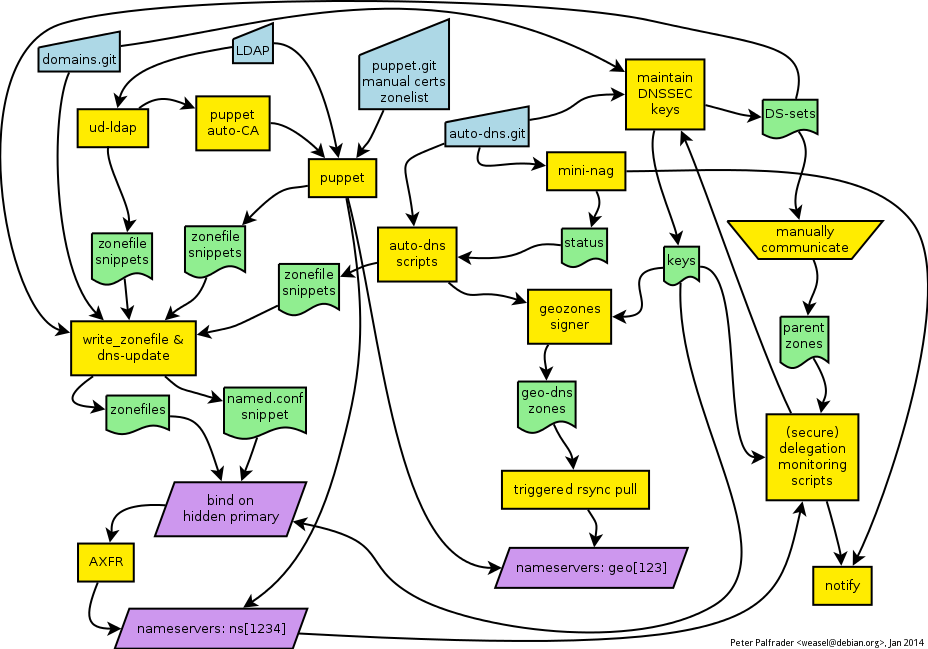 Figure 1: The Debian DNS Rube Goldberg Machine.
Once all the individual pieces of source information have been
collected, the
Figure 1: The Debian DNS Rube Goldberg Machine.
Once all the individual pieces of source information have been
collected, the  Checking if your servers are configured correctly can be done with
  Clicking on any test will display the necessary information to
troubleshoot errors, including the test short description, the
complete test code, the expectation message and the backtrace:
Clicking on any test will display the necessary information to
troubleshoot errors, including the test short description, the
complete test code, the expectation message and the backtrace:
 I hope this additional layer will help making serverspec another
feather in the
I hope this additional layer will help making serverspec another
feather in the  Five weeks ago, I started a new job (Security Engineer, Eventbrite). I accepted the offer on a Friday evening at about 5:30 PM. That evening, my new boss and I traded emails to help me figure
out what kind of computer I'd like. Time was of the essence because my start date was very next day, Tuesday.
I wrote about how I value pixel count, and then RAM, and then a speedy disk, and
then a speedy CPU. I named a few ThinkPad models that could be good, and with advice
from the inimitable
Five weeks ago, I started a new job (Security Engineer, Eventbrite). I accepted the offer on a Friday evening at about 5:30 PM. That evening, my new boss and I traded emails to help me figure
out what kind of computer I'd like. Time was of the essence because my start date was very next day, Tuesday.
I wrote about how I value pixel count, and then RAM, and then a speedy disk, and
then a speedy CPU. I named a few ThinkPad models that could be good, and with advice
from the inimitable 
 For a long time now I ve used
 If you maintain software in debian, one of your regular maintenance tasks is checking for new upstream versions, reviewing them, and preparing them for debian if appropriate. One of those steps is often to verify the cryptographic signature on the upstream source archive. At the moment, most maintainers do the cryptographic check manually, or maybe even don't bother to do it at all. For the common case of detached OpenPGP signatures, though,
 cjdns and enigmabox
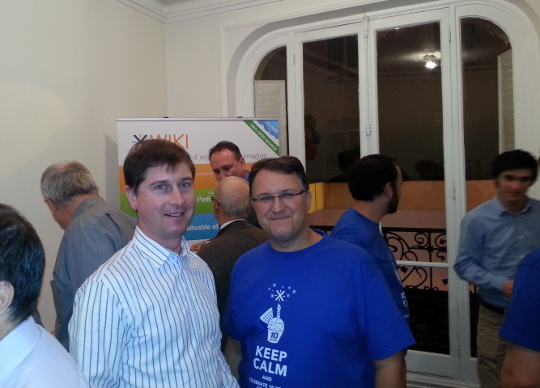
While at the xWiki office, it was interesting to see a lot of innovative work taking place, including this VoIP setup where a Grandstream phone is attached to an
cjdns and enigmabox
While at the xWiki office, it was interesting to see a lot of innovative work taking place, including this VoIP setup where a Grandstream phone is attached to an 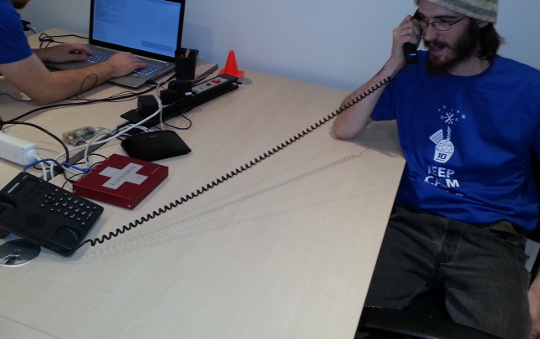
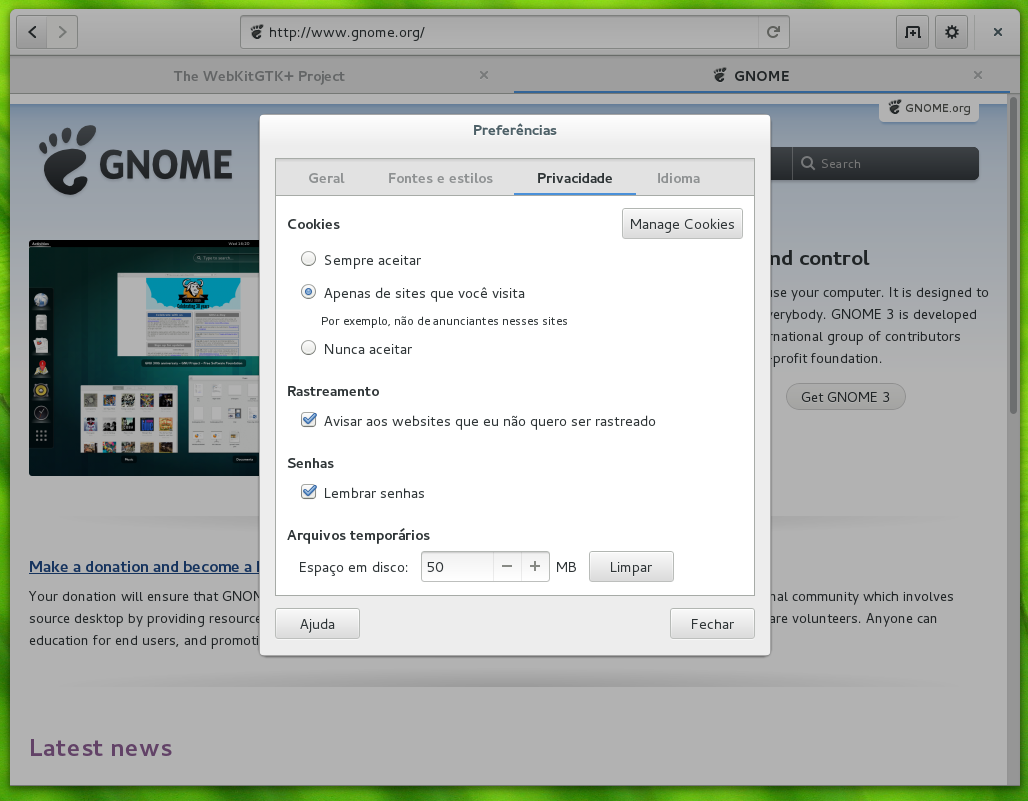
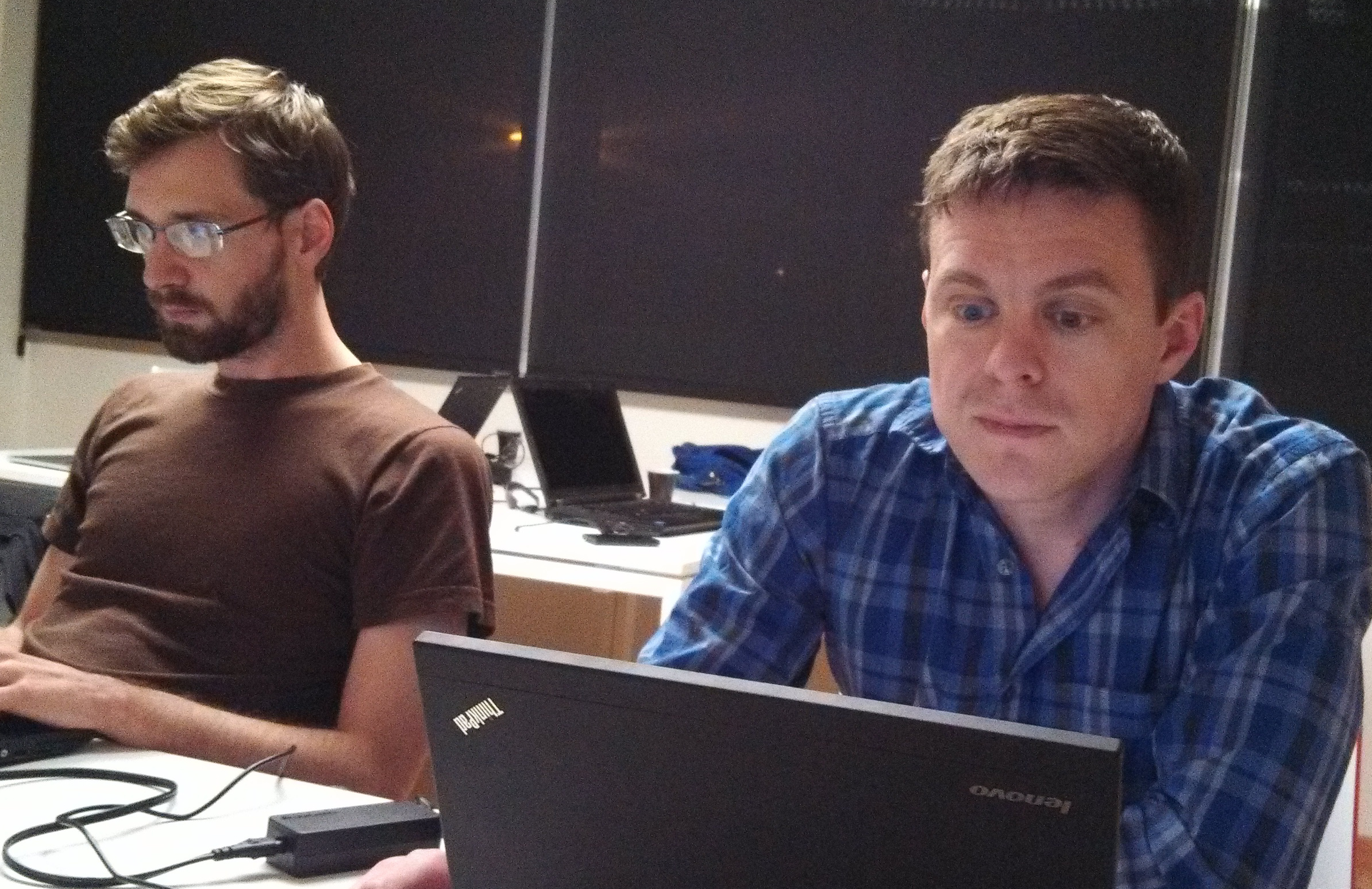
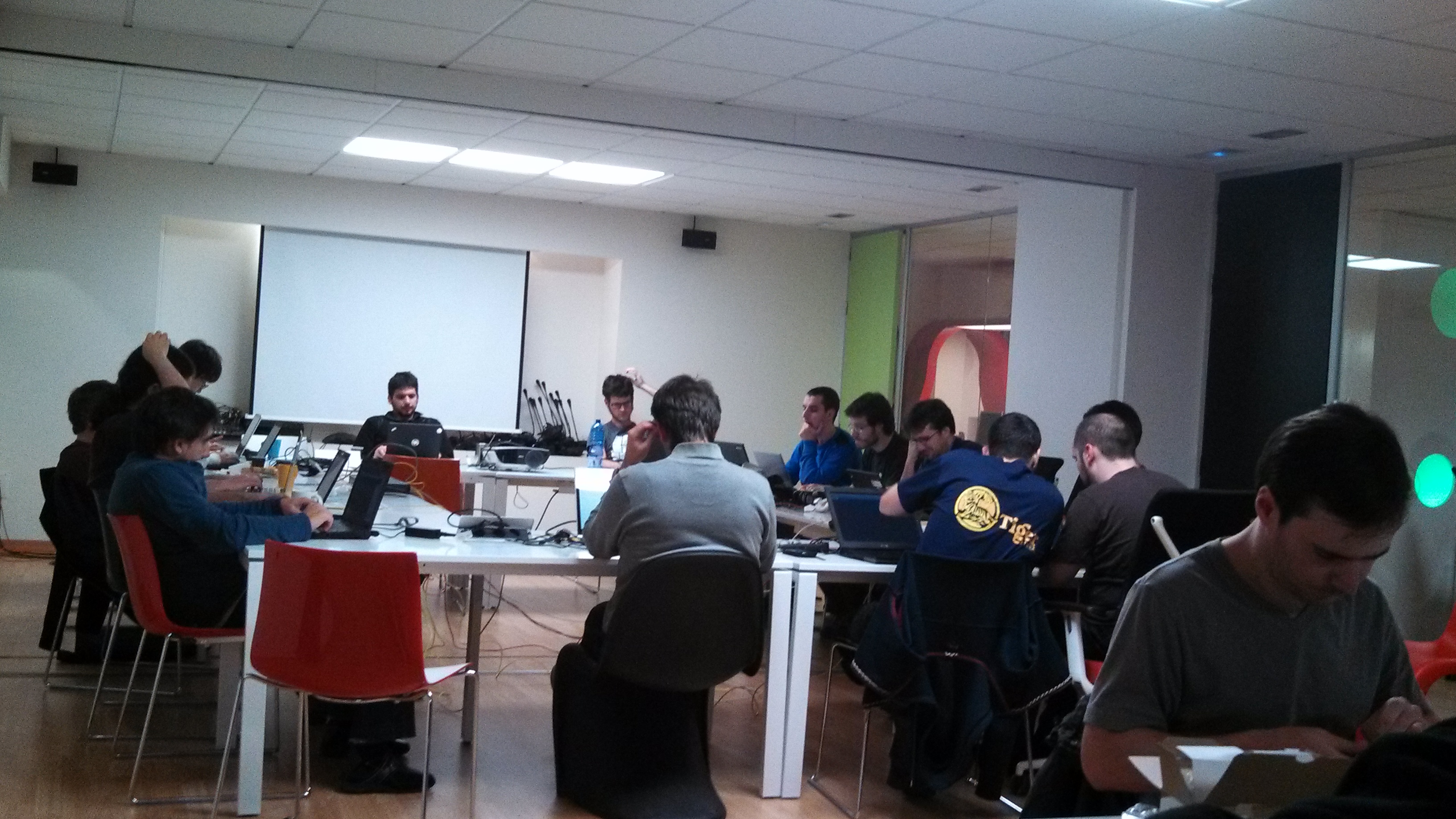
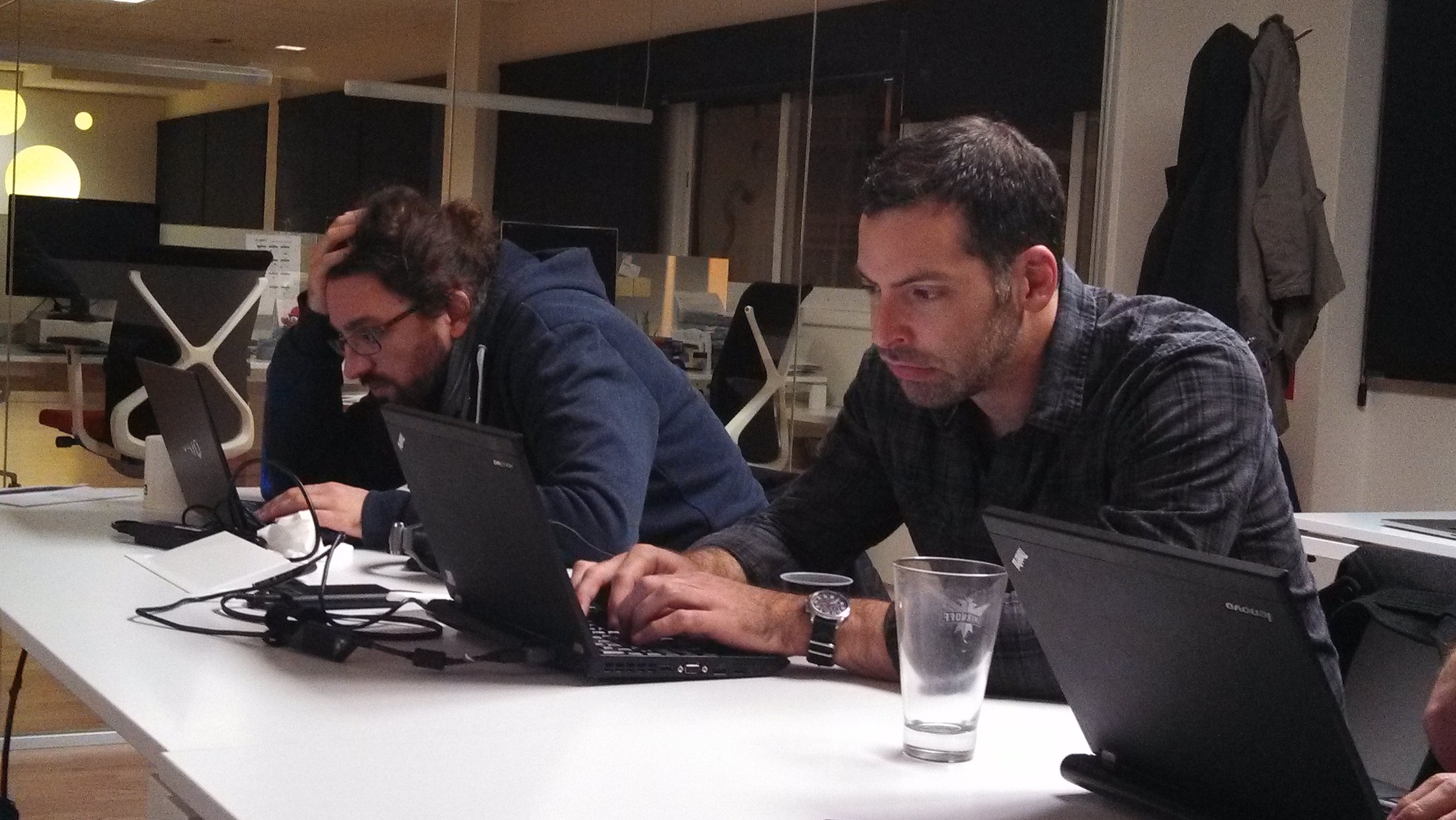
 For the fifth year in a row the fearless WebKitGTK+ hackers have gathered in A Coru a to bring GNOME and the web closer. Igalia has organized and hosted it as usual, welcoming a record 30 people to its office. The GNOME foundation has sponsored my trip allowing me to fly the cool 18 seats propeller airplane from Lisbon to A Coru a, which is a nice adventure, and have pulpo a feira for dinner, which I simply love! That in addition to enjoying the company of so many great hackers.


 Backups are fun and exciting! Restores are exciting, in a terrifying
and stressful way. Fixing serious bugs is gratifying, in a depressing
way.
I am glad to announce two software releases:
Backups are fun and exciting! Restores are exciting, in a terrifying
and stressful way. Fixing serious bugs is gratifying, in a depressing
way.
I am glad to announce two software releases: 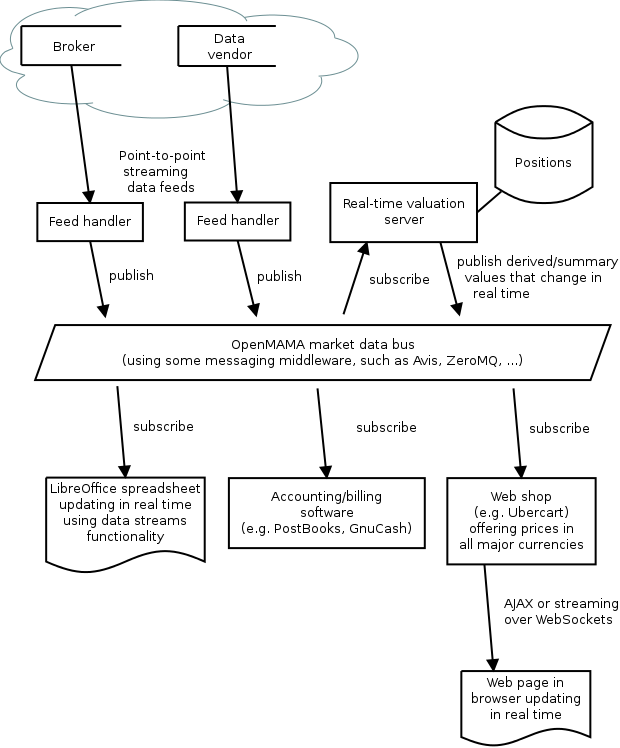 All these components may be running on a single host or they may be distributed across different servers and workstations in a LAN. The OpenMAMA market data bus ties them together.
External data sources
These are external sources of data. These could be currency trading firms, stock brokers, bullion dealers or even Bitcoin exchanges. Some exchanges don't provide data services directly to the general public and they distribute their price data through third-party data vendors such as Reuters and Bloomberg.
Feed handlers
The feed handlers manage the connections to external data sources. These are typically daemon processes that implement the wire protocols used by the external vendors for transmitting data over the public internet or a leased line. They typically use a point-to-point topology such as TCP connections.
The feed handlers publish the data into the market data bus.
In practice, the feed handler may be a proprietary application provided by the data vendor or it may simply be a
All these components may be running on a single host or they may be distributed across different servers and workstations in a LAN. The OpenMAMA market data bus ties them together.
External data sources
These are external sources of data. These could be currency trading firms, stock brokers, bullion dealers or even Bitcoin exchanges. Some exchanges don't provide data services directly to the general public and they distribute their price data through third-party data vendors such as Reuters and Bloomberg.
Feed handlers
The feed handlers manage the connections to external data sources. These are typically daemon processes that implement the wire protocols used by the external vendors for transmitting data over the public internet or a leased line. They typically use a point-to-point topology such as TCP connections.
The feed handlers publish the data into the market data bus.
In practice, the feed handler may be a proprietary application provided by the data vendor or it may simply be a  Accounting/billing software
There are many free accounting applications today, including
Accounting/billing software
There are many free accounting applications today, including  Today I ll be working out how to properly configure

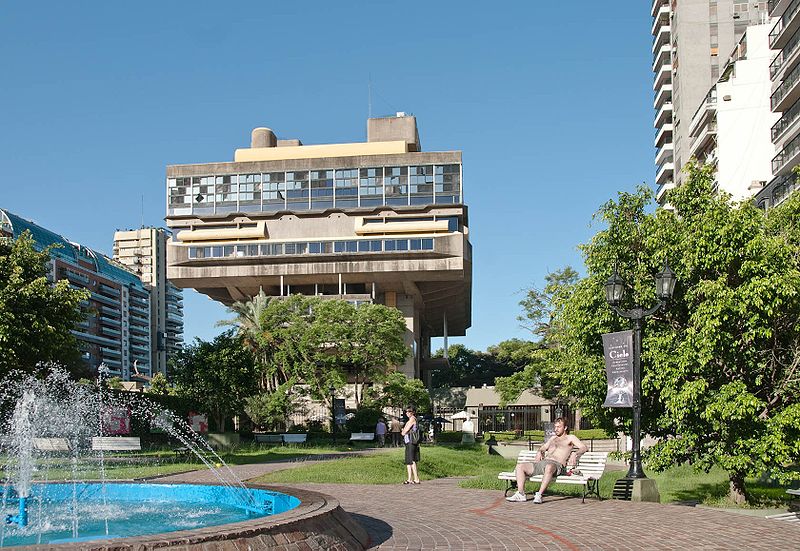
 Continuing my nomadic experiment, I have just arrived in Buenos Aires. My plan is to live here for 3 months, working and enjoying the city like I never did before: I always lived in the suburbs and only came to the city to work or study.
After a few days seeing my immediate family and some close friends, today I finally went out, taking advantage of a beautiful spring day. And my first stop is the National Library.
Continuing my nomadic experiment, I have just arrived in Buenos Aires. My plan is to live here for 3 months, working and enjoying the city like I never did before: I always lived in the suburbs and only came to the city to work or study.
After a few days seeing my immediate family and some close friends, today I finally went out, taking advantage of a beautiful spring day. And my first stop is the National Library.
 This last Thursday I was able again to lure a good friend of mine into presenting an interesting topic to my students at my Operating Systems class: Sandino Araico, a very well known and very well regarded local security guru, presented several issues regarding memory management. I asked him to present the issues on buffer overflows, as well as possible mitigaion strategies, but of course, to present that topic, he had to walk all over the map of memory management.