Noah Meyerhans: Local Development VM Management
A coworker asked recently about how people use VMs locally for dev work, so I figured I d take a few minutes to write up a bit about what I do. There are many use cases for local virtual machines in software development and testing. They re self-contained, meaning you can make a mess of them without impacting your day-to-day computing environment. They can run different distributions, kernels, and even entirely different operating systems from the one you use regularly. Etc. They re also cheaper than cloud services and provide finer grained control over the resources.
I figured I d share a little bit about how I manage different virtual machines in case anybody finds this useful. This is what works for me, but it won t necessarily work for you, or maybe you ve already got something better. I ve found it to be easy to work with, light weight, and is easy to evolve my needs change.
Use short-lived VMs
Rather than keep a long-lived development VM around that you customize over time, I recommend automating the common customizations and provisioning new VMs regularly. If I m working on reproducing a bug or testing a change prior to submitting it upstream, I ll do this work in a VM and delete the VM when when I m done. When provisioning VMs this frequently, though, walking through the installation process for every new VM is tedious and a waste of time. Since most of my work is done in Debian, so I start with images generated daily by the cloud team. These images are available for multiple releases and architectures. The nocloud variant boots to a root prompt and can be useful directly, or the generic images can be used for cloud-init based customization.
Automating image preparation
This makefile lets me do something like make image and get a new qcow2 image with the latest build of a given Debian release (sid by default, with others available by specifying DIST).
DATESTAMP=$(shell date +"%Y-%m-%d")
FLAVOR?=generic
ARCH?=$(shell dpkg --print-architecture)
DIST?=sid
RELEASE=$(DIST)
URL_PATH=https://cloud.debian.org/images/cloud/$(DIST)/daily/latest/
ifeq ($(DIST),trixie)
RELEASE=13
endif
ifeq ($(DIST),bookworm)
RELEASE=12
endif
ifeq ($(DIST),bullseye)
RELEASE=11
endif
debian-$(DIST)-$(FLAVOR)-$(ARCH)-daily.tar.xz:
curl --fail --connect-timeout 20 -LO \
$(URL_PATH)/debian-$(RELEASE)-$(FLAVOR)-$(ARCH)-daily.tar.xz
$(DIST)-$(FLAVOR)-$(DATESTAMP).qcow2: debian-$(RELEASE)-$(FLAVOR)-$(ARCH)-daily.tar.xz
tar xvf debian-$(RELEASE)-$(FLAVOR)-$(ARCH)-daily.tar.xz
qemu-img convert -O qcow2 disk.raw $@
rm -f disk.raw
qemu-img resize $@ 20g
qemu-img snapshot -c untouched $@
image: $(DIST)-$(FLAVOR)-$(DATESTAMP).qcow2
.PHONY: image
Customize the VM environment with cloud-init
While the nocloud images can be useful, I typically find that I want to apply the same modifications to each new VM I launch, and they don t provide facilities for automating this. The generic images, on the other hand, run cloud-init by default. Using cloud-init, I can create my user account, point apt at local mirrors, install my preferred tools, ensure the root filesystem is resized to make full use of the backing storage, etc.
The cloud-init configuration on the generic images will read from a local config drive, which can contain an ISO9660 (cdrom) filesystem image. This image can be generated from a subdirectory containing the various cloud-init input files using the following make syntax:
IMDS_FILES=$(shell find seedconfig -path '*/.git/*' \
-prune -o -type f -name '*.in.json' -print) \
seedconfig/openstack/latest/user_data
seed.iso: $(IMDS_FILES)
genisoimage -V config-2 -o $@ -J -R -m '*~' -m '.git' seedconfig
With the image in place, the VM can be created with
 qemu-system-x86_64 -machine q35,accel=kvm
-cpu host -m 4g -drive file=$ img ,index=0,if=virtio,media=disk
-drive file=seed.iso,media=cdrom,format=raw,index=2,if=virtio
-nic user -nographic
This invokes qemu with the root volume and ISO image attached as disks, uses an emulated q35 machine with the host s CPU and KVM acceleration, the userspace network stack, and a serial console. The first time the VM boots, cloud-init will apply the configuration from the cloud-config available in the ISO9660 filesystem.
Alternatives to cloud-init
virt-customize is another tool accomplishing the same type of customization. I use cloud-init because it works directly with cloud providers in addition to local VM images. You could also use something like ansible.
Variations
I have a variant of this that uses a bridged network, which I ll write
more about later. The bridge is nice because it s more featureful,
with full support for IPv6, etc, but it needs a bit more
infrastructure in place.
It also can be helpful to use 9p or virtfs to share filesystem state between the host the VM. I don t tend to rely on these, and will instead use rsync or TRAMP for moving files around.
Containers are also useful, of course, and there are plenty of times when the full isolation of a VM is not worth the overhead.
make image and get a new qcow2 image with the latest build of a given Debian release (sid by default, with others available by specifying DIST).
DATESTAMP=$(shell date +"%Y-%m-%d")
FLAVOR?=generic
ARCH?=$(shell dpkg --print-architecture)
DIST?=sid
RELEASE=$(DIST)
URL_PATH=https://cloud.debian.org/images/cloud/$(DIST)/daily/latest/
ifeq ($(DIST),trixie)
RELEASE=13
endif
ifeq ($(DIST),bookworm)
RELEASE=12
endif
ifeq ($(DIST),bullseye)
RELEASE=11
endif
debian-$(DIST)-$(FLAVOR)-$(ARCH)-daily.tar.xz:
curl --fail --connect-timeout 20 -LO \
$(URL_PATH)/debian-$(RELEASE)-$(FLAVOR)-$(ARCH)-daily.tar.xz
$(DIST)-$(FLAVOR)-$(DATESTAMP).qcow2: debian-$(RELEASE)-$(FLAVOR)-$(ARCH)-daily.tar.xz
tar xvf debian-$(RELEASE)-$(FLAVOR)-$(ARCH)-daily.tar.xz
qemu-img convert -O qcow2 disk.raw $@
rm -f disk.raw
qemu-img resize $@ 20g
qemu-img snapshot -c untouched $@
image: $(DIST)-$(FLAVOR)-$(DATESTAMP).qcow2
.PHONY: image
Customize the VM environment with cloud-init
While the nocloud images can be useful, I typically find that I want to apply the same modifications to each new VM I launch, and they don t provide facilities for automating this. The generic images, on the other hand, run cloud-init by default. Using cloud-init, I can create my user account, point apt at local mirrors, install my preferred tools, ensure the root filesystem is resized to make full use of the backing storage, etc.
The cloud-init configuration on the generic images will read from a local config drive, which can contain an ISO9660 (cdrom) filesystem image. This image can be generated from a subdirectory containing the various cloud-init input files using the following make syntax:
IMDS_FILES=$(shell find seedconfig -path '*/.git/*' \
-prune -o -type f -name '*.in.json' -print) \
seedconfig/openstack/latest/user_data
seed.iso: $(IMDS_FILES)
genisoimage -V config-2 -o $@ -J -R -m '*~' -m '.git' seedconfig
With the image in place, the VM can be created with
qemu-system-x86_64 -machine q35,accel=kvm
-cpu host -m 4g -drive file=$ img ,index=0,if=virtio,media=disk
-drive file=seed.iso,media=cdrom,format=raw,index=2,if=virtio
-nic user -nographic
This invokes qemu with the root volume and ISO image attached as disks, uses an emulated q35 machine with the host s CPU and KVM acceleration, the userspace network stack, and a serial console. The first time the VM boots, cloud-init will apply the configuration from the cloud-config available in the ISO9660 filesystem.
Alternatives to cloud-init
virt-customize is another tool accomplishing the same type of customization. I use cloud-init because it works directly with cloud providers in addition to local VM images. You could also use something like ansible.
Variations
I have a variant of this that uses a bridged network, which I ll write
more about later. The bridge is nice because it s more featureful,
with full support for IPv6, etc, but it needs a bit more
infrastructure in place.
It also can be helpful to use 9p or virtfs to share filesystem state between the host the VM. I don t tend to rely on these, and will instead use rsync or TRAMP for moving files around.
Containers are also useful, of course, and there are plenty of times when the full isolation of a VM is not worth the overhead.
IMDS_FILES=$(shell find seedconfig -path '*/.git/*' \
-prune -o -type f -name '*.in.json' -print) \
seedconfig/openstack/latest/user_data
seed.iso: $(IMDS_FILES)
genisoimage -V config-2 -o $@ -J -R -m '*~' -m '.git' seedconfig
qemu-system-x86_64 -machine q35,accel=kvm
-cpu host -m 4g -drive file=$ img ,index=0,if=virtio,media=disk
-drive file=seed.iso,media=cdrom,format=raw,index=2,if=virtio
-nic user -nographic



 Like each month, have a look at the work funded by
 Sometimes you want to restrict access to something to a specific set of devices - for instance, you might want your corporate VPN to only be reachable from devices owned by your company. You can't really trust a device that self attests to its identity, for instance by reporting its MAC address or serial number, for a couple of reasons:
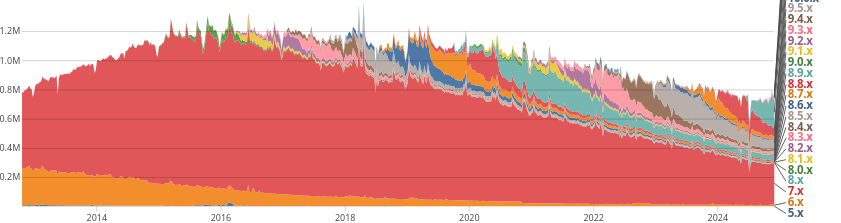 This graph is disgregated into minor versions, and I don t want to come up with
yet another graph for it but it supports (most of) the narrative I presented
above although I do miss the recent drop builtwith reported in D7 s
numbers!
 After weeks dare I say months of work, it is finally done.


 ).
Firebuild on macOS can already accelerate simple projects and rebuild itself with Xcode. Since Xcode introduces a lot of nondeterminism to the build, Firebuild can t shine in acceleration with Xcode yet, but can provide
 (This post is also published on


 An updated version of the
 This is bits from DPL for November.
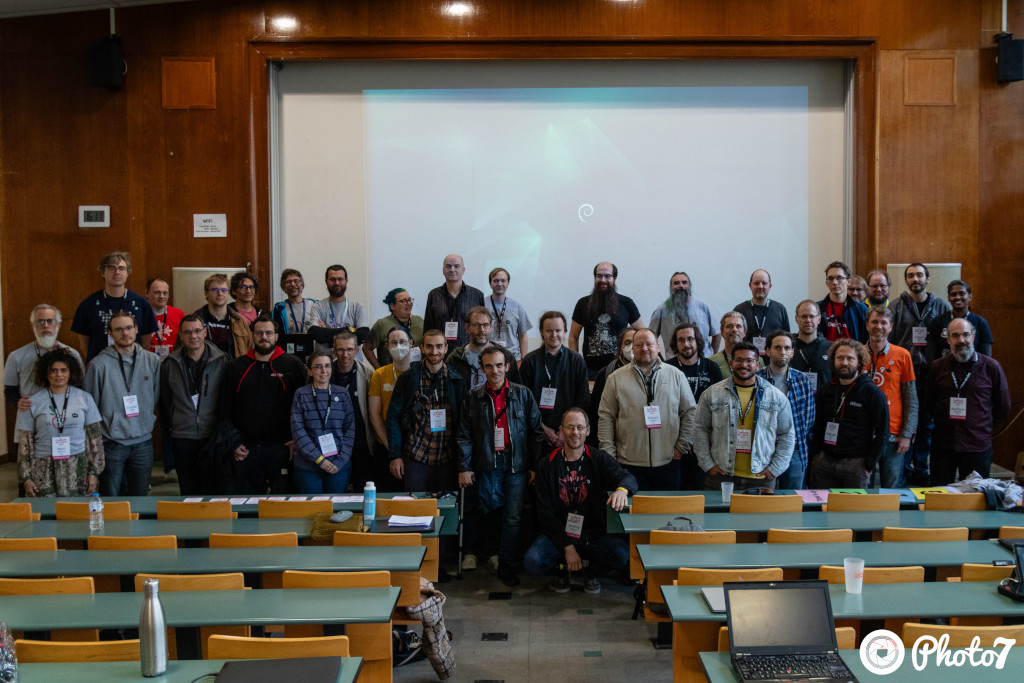
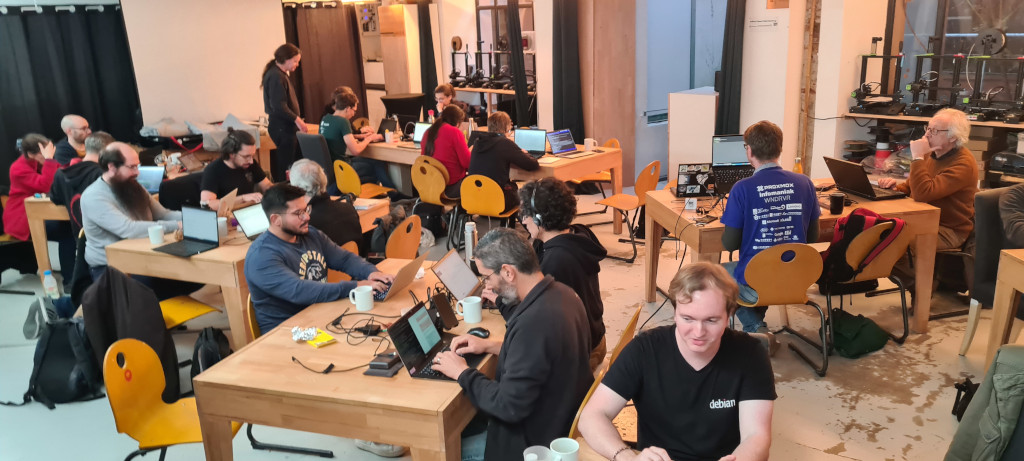
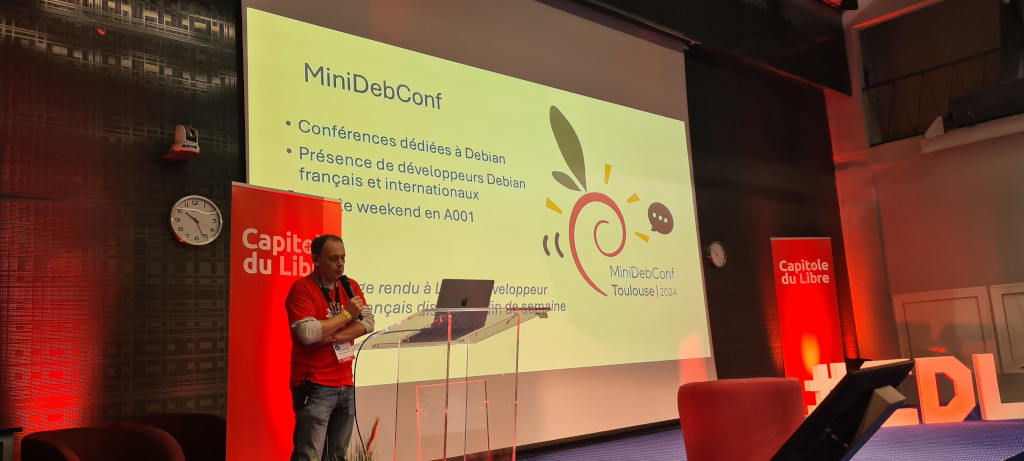
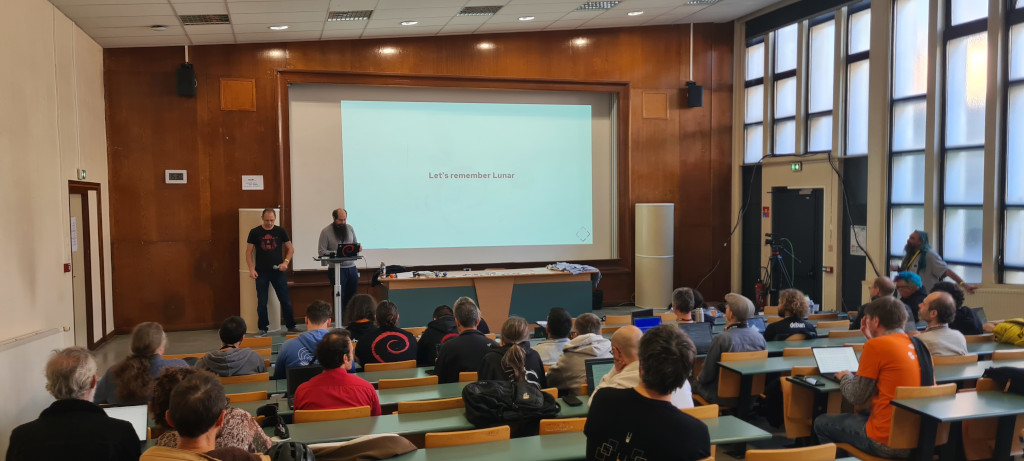
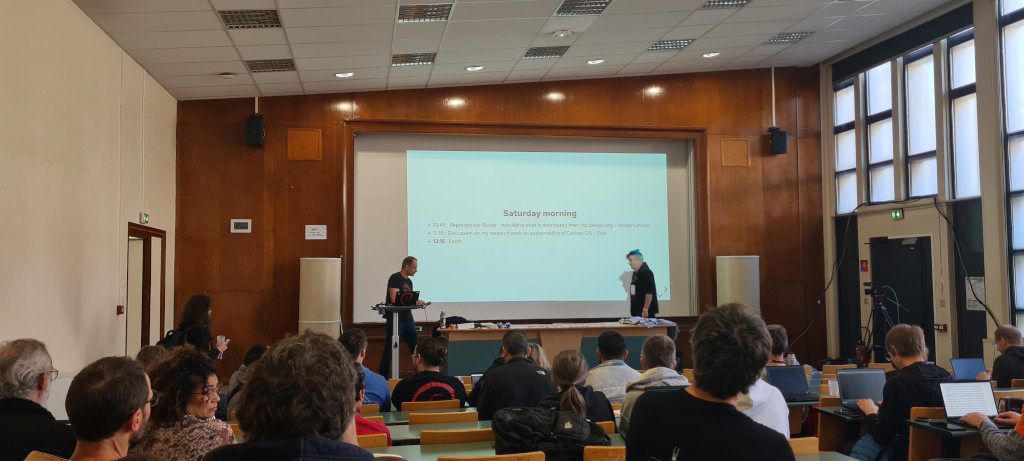
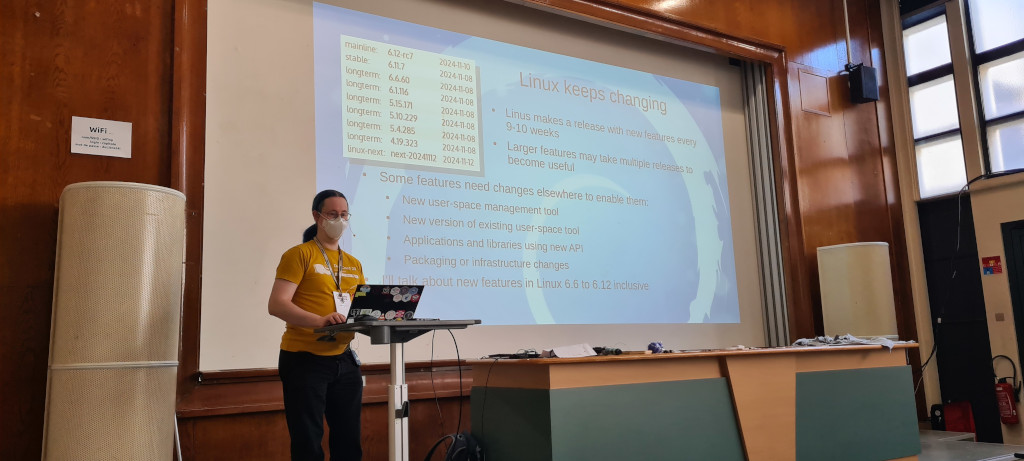
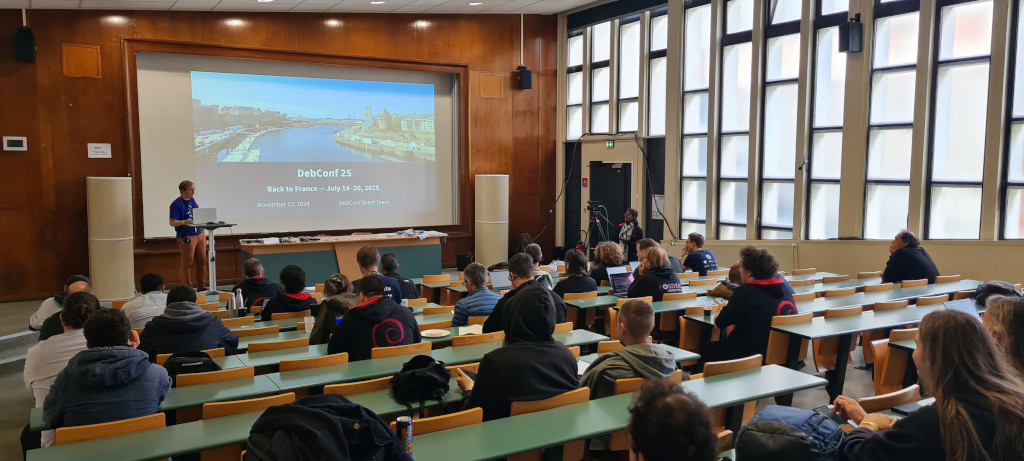
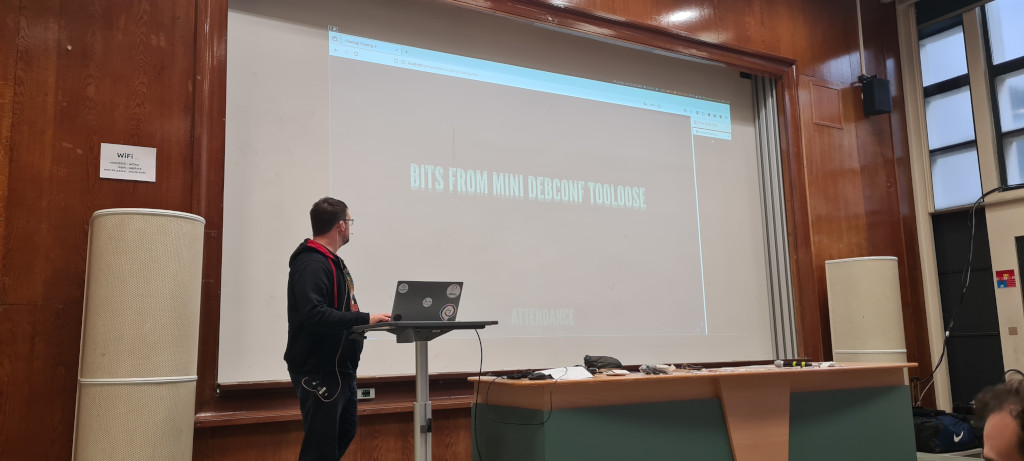
MiniDebConf Toulouse
I had the pleasure of attending the MiniDebConf in Toulouse, which
featured a range of
 Graph for my furusato tax.
Exceeding 150-man will inevitably exceed 50-man limit for Ichiji-shotoku. So added some rough calculation there.