Sergio Talens-Oliag: GitLab CI/CD Tips: Using Rule Templates
 This post describes how to define and use rule templates with semantic names using
 extends or !reference tags, how
to define manual jobs using the same templates and how to use gitlab-ci
inputs as macros to give names to regular expressions used by rules.
Basic rule templatesI keep my templates in a rules.yml file stored on a common repository used from different projects as I mentioned on
my previous post, but they can be defined anywhere, the important thing is that the
files that need them include their definition somehow.
The first version of my rules.yml file was as follows:
.rules_common:
  # Common rules; we include them from others instead of forcing a workflow
  rules:
    # Disable branch pipelines while there is an open merge request from it
    - if: >-
        $CI_COMMIT_BRANCH &&
        $CI_OPEN_MERGE_REQUESTS &&
        $CI_PIPELINE_SOURCE != "merge_request_event"
      when: never
.rules_default:
  # Default rules, we need to add the when: on_success to make things work
  rules:
    - !reference [.rules_common, rules]
    - when: on_success
The main idea is that .rules_common defines a rule section to disable jobs as we can do on a workflow definition;
in our case common rules only have if rules that apply to all jobs and are used to disable them. The example includes
one that avoids creating duplicated jobs when we push to a branch that is the source of an open MR as explained
here.
To use the rules in a job we have two options, use the extends keyword (we do that when we want to use the rule as is)
or declare a rules section and add a !reference to the template we want to use as described
here (we do that when we want to add
additional rules to disable a job before evaluating the template conditions).
As an example, with the following definitions both jobs use the same rules:
job_1:
  extends:
    - .rules_default
  [...]
job_2:
  rules:
    - !reference [.rules_default, rules]
  [...]
.rules_common:
# Common rules; we include them from others instead of forcing a workflow
rules:
# Disable branch pipelines while there is an open merge request from it
- if: >-
$CI_COMMIT_BRANCH &&
$CI_OPEN_MERGE_REQUESTS &&
$CI_PIPELINE_SOURCE != "merge_request_event"
when: never
.rules_default:
# Default rules, we need to add the when: on_success to make things work
rules:
- !reference [.rules_common, rules]
- when: on_successjob_1:
extends:
- .rules_default
[...]
job_2:
rules:
- !reference [.rules_default, rules]
[...]Manual jobs and rule templatesTo make the jobs manual we have two options, create a version of the job that includes when: manual and defines if we
want it to be optional or not (allow_failure: true makes the job optional, if we don t add that to the rule the job is
blocking) or add the when: manual and the allow_failure value to the job (if we work at the job level the default
value for allow_failure is false for when: manual, so it is optional by default, we have to add an explicit
allow_failure = true it to make it blocking).
The following example shows how we define blocking or optional manual jobs using rules with when conditions:
.rules_default_manual_blocking:
  # Default rules for optional manual jobs
  rules:
    - !reference [.rules_common, rules]
    - when: manual
      # allow_failure: false is implicit
.rules_default_manual_optional:
  # Default rules for optional manual jobs
  rules:
    - !reference [.rules_common, rules]
    - when: manual
      allow_failure: true
manual_blocking_job:
  extends:
    - .rules_default_manual_blocking
  [...]
manual_optional_job:
  extends:
    - .rules_default_manual_optional
  [...]
The problem here is that we have to create new versions of the same rule template to add the conditions, but we can
avoid it using the keywords at the job level with the original rules to get the same effect; the following definitions
create jobs equivalent to the ones defined earlier without creating additional templates:
manual_blocking_job:
  extends:
    - .rules_default
  when: manual
  allow_failure: false
  [...]
manual_optional_job:
  extends:
    - .rules_default
  when: manual
  # allow_failure: true is implicit
  [...]
As you can imagine, that is my preferred way of doing it, as it keeps the rules.yml file smaller and I see that the
job is manual in its definition without problem.
.rules_default_manual_blocking:
# Default rules for optional manual jobs
rules:
- !reference [.rules_common, rules]
- when: manual
# allow_failure: false is implicit
.rules_default_manual_optional:
# Default rules for optional manual jobs
rules:
- !reference [.rules_common, rules]
- when: manual
allow_failure: true
manual_blocking_job:
extends:
- .rules_default_manual_blocking
[...]
manual_optional_job:
extends:
- .rules_default_manual_optional
[...]manual_blocking_job:
extends:
- .rules_default
when: manual
allow_failure: false
[...]
manual_optional_job:
extends:
- .rules_default
when: manual
# allow_failure: true is implicit
[...]Rules with allow_failure, changes, exists, needs or variablesUnluckily for us, for now there is no way to avoid creating additional templates as we did on the when: manual case
when a rule is similar to an existing one but adds changes,
exists,
needs or
variables to it.
So, for now, if a rule needs to add any of those fields we have to copy the original rule and add the keyword section.
Some notes, though:
- we only need to add
allow_failure if we want to change its value for a given condition, in other cases we can set
the value at the job level. - if we are adding
changes to the rule it is important to make sure that they are going to be evaluated as explained
here. - when we add a
needs value to a rule for a specific condition and it matches it replaces the job needs section;
when using templates I would use two different job names with different conditions instead of adding a needs on a
single job.
- we only need to add
allow_failureif we want to change its value for a given condition, in other cases we can set the value at the job level. - if we are adding
changesto the rule it is important to make sure that they are going to be evaluated as explained here. - when we add a
needsvalue to a rule for a specific condition and it matches it replaces the jobneedssection; when using templates I would use two different job names with different conditions instead of adding aneedson a single job.
Defining rule templates with semantic namesI started to use rule templates to avoid repetition when defining jobs that needed the same rules and soon I noticed
that giving them names with a semantic meaning they where easier to use and understand (we provide a name that tells us
when we are going to execute the job, while the details of the variables names or values used on the rules are an
implementation detail of the templates).
We are not going to define real jobs on this post, but as an example we are going to define a set of rules that can be
useful if we plan to follow a scaled trunk based
development workflow when developing, that is, we are going to put the releasable code on the main branch and use
short-lived branches to test and complete changes before pushing things to main.
Using this approach we can define an initial set of rule templates with semantic names:
.rules_mr_to_main:
  rules:
    - !reference [.rules_common, rules]
    - if: $CI_MERGE_REQUEST_TARGET_BRANCH_NAME == 'main'
.rules_mr_or_push_to_main:
  rules:
    - !reference [.rules_common, rules]
    - if: $CI_MERGE_REQUEST_TARGET_BRANCH_NAME == 'main'
    - if: >-
        $CI_COMMIT_BRANCH == 'main'
        &&
        $CI_PIPELINE_SOURCE != 'merge_request_event'
.rules_push_to_main:
  rules:
    - !reference [.rules_common, rules]
    - if: >-
        $CI_COMMIT_BRANCH == 'main'
        &&
        $CI_PIPELINE_SOURCE != 'merge_request_event'
.rules_push_to_branch:
  rules:
    - !reference [.rules_common, rules]
    - if: >-
        $CI_COMMIT_BRANCH != 'main'
        &&
        $CI_PIPELINE_SOURCE != 'merge_request_event'
.rules_push_to_branch_or_mr_to_main:
  rules:
    - !reference [.rules_push_to_branch, rules]
    - if: >-
         $CI_MERGE_REQUEST_SOURCE_BRANCH_NAME != 'main'
         &&
         $CI_MERGE_REQUEST_TARGET_BRANCH_NAME == 'main'
.rules_release_tag:
  rules:
    - !reference [.rules_common, rules]
    - if: $CI_COMMIT_TAG =~ /^([0-9a-zA-Z_.-]+-)?v\d+.\d+.\d+$/
.rules_non_release_tag:
  rules:
    - !reference [.rules_common, rules]
    - if: $CI_COMMIT_TAG !~ /^([0-9a-zA-Z_.-]+-)?v\d+.\d+.\d+$/
With those names it is clear when a job is going to be executed and when using the templates on real jobs we can add
additional restrictions and make the execution manual if needed as described earlier.
.rules_mr_to_main:
rules:
- !reference [.rules_common, rules]
- if: $CI_MERGE_REQUEST_TARGET_BRANCH_NAME == 'main'
.rules_mr_or_push_to_main:
rules:
- !reference [.rules_common, rules]
- if: $CI_MERGE_REQUEST_TARGET_BRANCH_NAME == 'main'
- if: >-
$CI_COMMIT_BRANCH == 'main'
&&
$CI_PIPELINE_SOURCE != 'merge_request_event'
.rules_push_to_main:
rules:
- !reference [.rules_common, rules]
- if: >-
$CI_COMMIT_BRANCH == 'main'
&&
$CI_PIPELINE_SOURCE != 'merge_request_event'
.rules_push_to_branch:
rules:
- !reference [.rules_common, rules]
- if: >-
$CI_COMMIT_BRANCH != 'main'
&&
$CI_PIPELINE_SOURCE != 'merge_request_event'
.rules_push_to_branch_or_mr_to_main:
rules:
- !reference [.rules_push_to_branch, rules]
- if: >-
$CI_MERGE_REQUEST_SOURCE_BRANCH_NAME != 'main'
&&
$CI_MERGE_REQUEST_TARGET_BRANCH_NAME == 'main'
.rules_release_tag:
rules:
- !reference [.rules_common, rules]
- if: $CI_COMMIT_TAG =~ /^([0-9a-zA-Z_.-]+-)?v\d+.\d+.\d+$/
.rules_non_release_tag:
rules:
- !reference [.rules_common, rules]
- if: $CI_COMMIT_TAG !~ /^([0-9a-zA-Z_.-]+-)?v\d+.\d+.\d+$/Using inputs as macrosOn the previous rules we have used a regular expression to identify the release tag format and assumed that the
general branches are the ones with a name different than main; if we want to force a format for those branch names
we can replace the condition != 'main' by a regex comparison (=~ if we look for matches, !~ if we want to define
valid branch names removing the invalid ones).
When testing the new gitlab-ci inputs my colleague Jorge noticed that
if you keep their default value they basically work as macros.
The variables declared as inputs can t hold YAML values, the truth is that their value is always a string that is
replaced by the value assigned to them when including the file (if given) or by their default value, if defined.
If you don t assign a value to an input variable when including the file that declares it its occurrences are replaced
by its default value, making them work basically as macros; this is useful for us when working with strings that can t
managed as variables, like the regular expressions used inside if conditions.
With those two ideas we can add the following prefix to the rules.yaml defining inputs for both regular expressions
and replace the rules that can use them by the ones shown here:
spec:
  inputs:
    # Regular expression for branches; the prefix matches the type of changes
    # we plan to work on inside the branch (we use conventional commit types as
    # the branch prefix)
    branch_regex:
      default: '/^(build ci chore docs feat fix perf refactor style test)\/.+$/'
    # Regular expression for tags
    release_tag_regex:
      default: '/^([0-9a-zA-Z_.-]+-)?v\d+.\d+.\d+$/'
---
[...]
.rules_push_to_changes_branch:
  rules:
    - !reference [.rules_common, rules]
    - if: >-
        $CI_COMMIT_BRANCH =~ $[[ inputs.branch_regex ]]
        &&
        $CI_PIPELINE_SOURCE != 'merge_request_event'
.rules_push_to_branch_or_mr_to_main:
  rules:
    - !reference [.rules_push_to_branch, rules]
    - if: >-
         $CI_MERGE_REQUEST_SOURCE_BRANCH_NAME =~ $[[ inputs.branch_regex ]]
         &&
         $CI_MERGE_REQUEST_TARGET_BRANCH_NAME == 'main'
.rules_release_tag:
  rules:
    - !reference [.rules_common, rules]
    - if: $CI_COMMIT_TAG =~ $[[ inputs.release_tag_regex ]]
.rules_non_release_tag:
  rules:
    - !reference [.rules_common, rules]
    - if: $CI_COMMIT_TAG !~ $[[ inputs.release_tag_regex ]]
spec:
inputs:
# Regular expression for branches; the prefix matches the type of changes
# we plan to work on inside the branch (we use conventional commit types as
# the branch prefix)
branch_regex:
default: '/^(build ci chore docs feat fix perf refactor style test)\/.+$/'
# Regular expression for tags
release_tag_regex:
default: '/^([0-9a-zA-Z_.-]+-)?v\d+.\d+.\d+$/'
---
[...]
.rules_push_to_changes_branch:
rules:
- !reference [.rules_common, rules]
- if: >-
$CI_COMMIT_BRANCH =~ $[[ inputs.branch_regex ]]
&&
$CI_PIPELINE_SOURCE != 'merge_request_event'
.rules_push_to_branch_or_mr_to_main:
rules:
- !reference [.rules_push_to_branch, rules]
- if: >-
$CI_MERGE_REQUEST_SOURCE_BRANCH_NAME =~ $[[ inputs.branch_regex ]]
&&
$CI_MERGE_REQUEST_TARGET_BRANCH_NAME == 'main'
.rules_release_tag:
rules:
- !reference [.rules_common, rules]
- if: $CI_COMMIT_TAG =~ $[[ inputs.release_tag_regex ]]
.rules_non_release_tag:
rules:
- !reference [.rules_common, rules]
- if: $CI_COMMIT_TAG !~ $[[ inputs.release_tag_regex ]]Creating rules reusing existing onesI m going to finish this post with a comment about how I avoid defining extra rule templates in some common cases.
The idea is simple, we can use !reference tags to fine tune rules when we need to add conditions to disable them
simply adding conditions with when: never before referencing the template.
As an example, in some projects I m using different job definitions depending on the DEPLOY_ENVIRONMENT value to make
the job manual or automatic; as we just said we can define different jobs referencing the same rule adding a condition
to check if the environment is the one we are interested in:
deploy_job_auto:
  rules:
    # Only deploy automatically if the environment is 'dev' by skipping this job
    # for other values of the DEPLOY_ENVIRONMENT variable
    - if: $DEPLOY_ENVIRONMENT != "dev"
      when: never
    - !reference [.rules_release_tag, rules]
  [...]
deploy_job_manually:
  rules:
    # Disable this job if the environment is 'dev'
    - if: $DEPLOY_ENVIRONMENT == "dev"
      when: never
    - !reference [.rules_release_tag, rules]
  when: manual
  # Change this to  false  to make the deployment job blocking
  allow_failure: true
  [...]
If you think about it the idea of adding negative conditions is what we do with the .rules_common template; we add
conditions to disable the job before evaluating the real rules.
The difference in that case is that we reference them at the beginning because we want those negative conditions on all
jobs and that is also why we have a .rules_default condition with an when: on_success for the jobs that only need to
respect the default workflow (we need the last condition to make sure that they are executed if the negative rules don t
match).
deploy_job_auto:
rules:
# Only deploy automatically if the environment is 'dev' by skipping this job
# for other values of the DEPLOY_ENVIRONMENT variable
- if: $DEPLOY_ENVIRONMENT != "dev"
when: never
- !reference [.rules_release_tag, rules]
[...]
deploy_job_manually:
rules:
# Disable this job if the environment is 'dev'
- if: $DEPLOY_ENVIRONMENT == "dev"
when: never
- !reference [.rules_release_tag, rules]
when: manual
# Change this to false to make the deployment job blocking
allow_failure: true
[...] Official logo of DebConf23
 Suresh and me celebrating Onam in Kochi.
 Four Points Hotel by Sheraton was the venue of DebConf23. Photo credits: Bilal
 Photo of the pool. Photo credits: Andreas Tille.
 View from the hotel window.
 This place served as lunch and dinner place and later as hacklab during debconf. Photo credits: Bilal
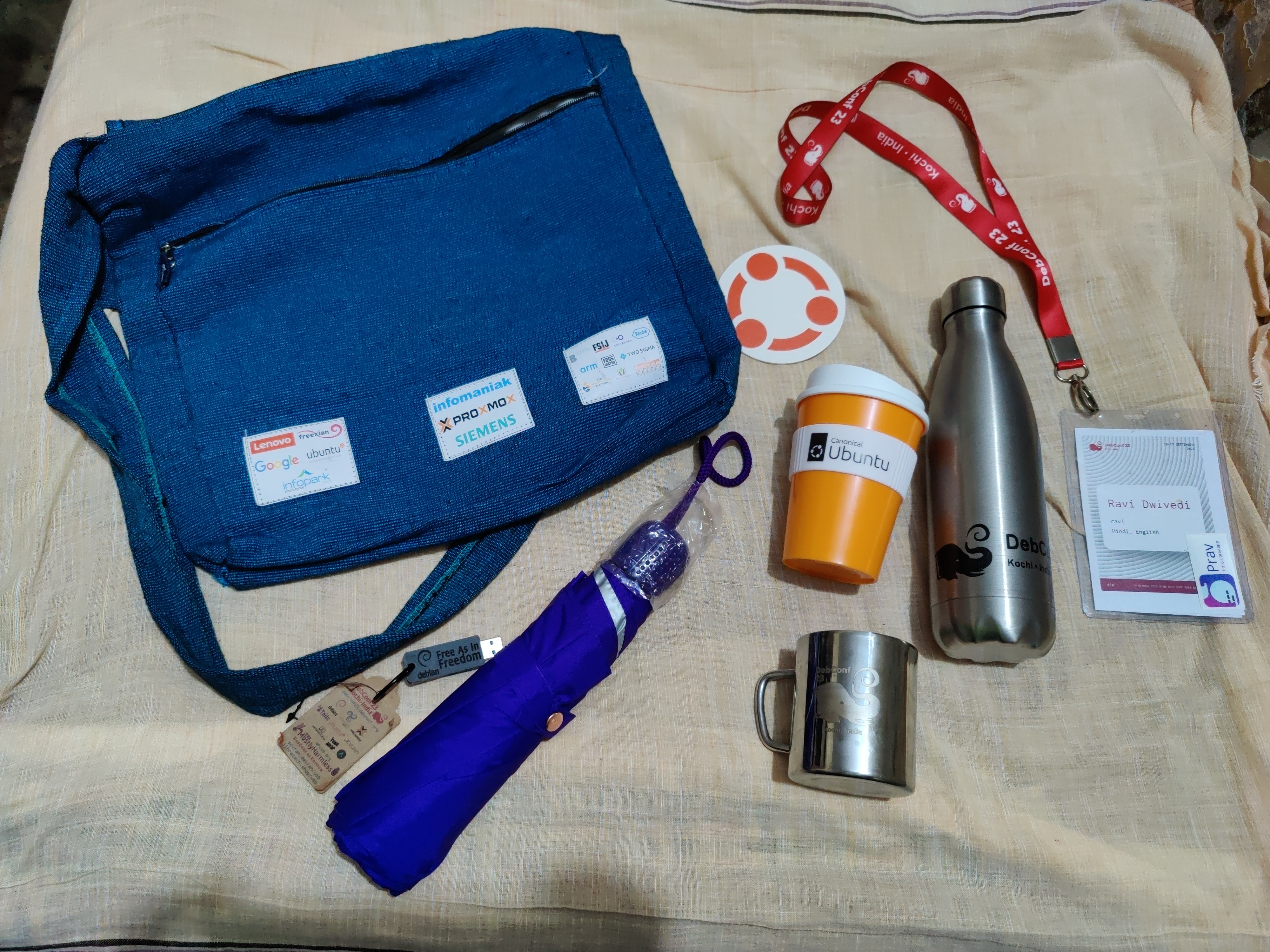 Picture of the awesome swag bag given at DebConf23. Photo credits: Ravi Dwivedi
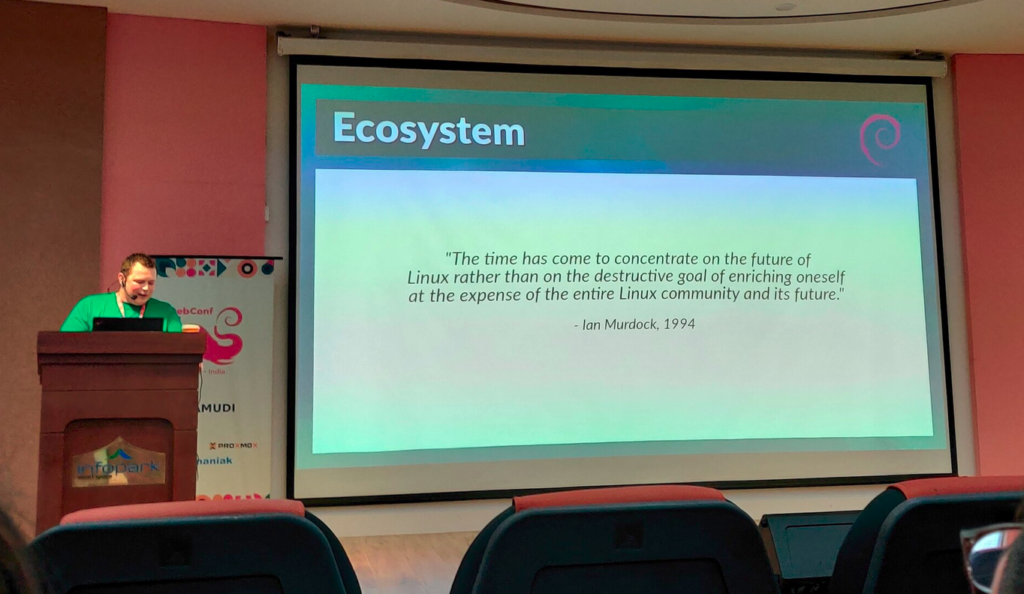
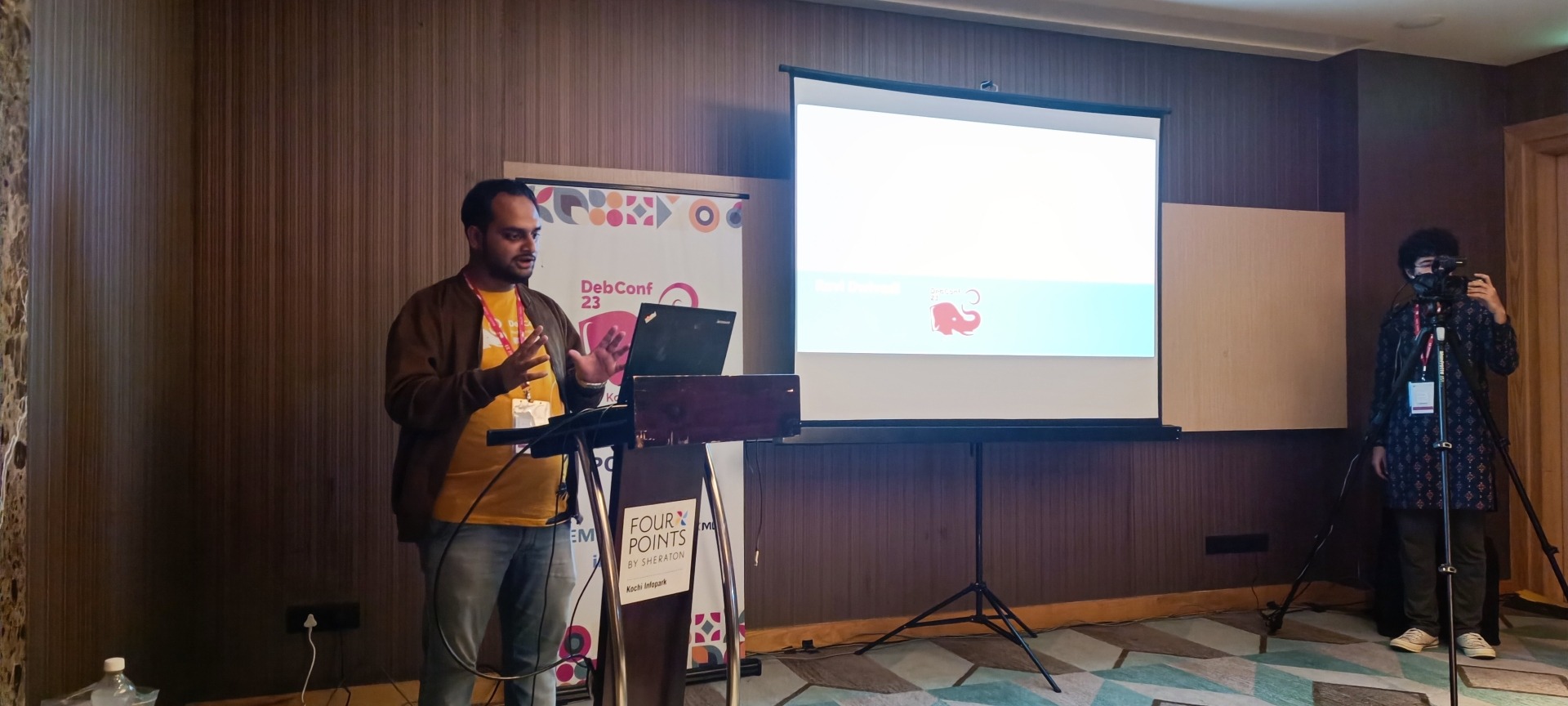 My presentation photo. Photo credits: Valessio
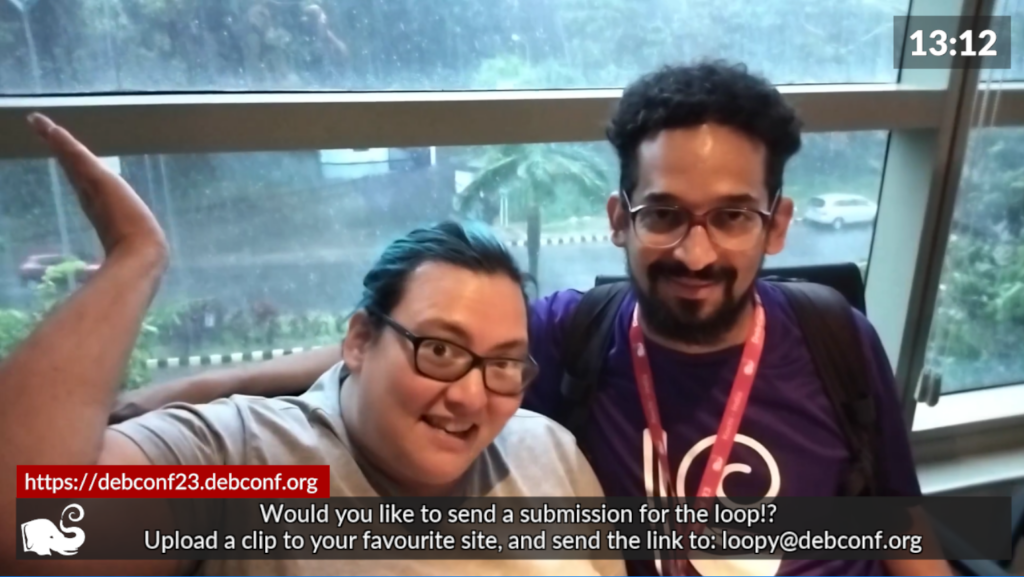
 Selfie with Anisa and Kristi. Photo credits: Anisa.
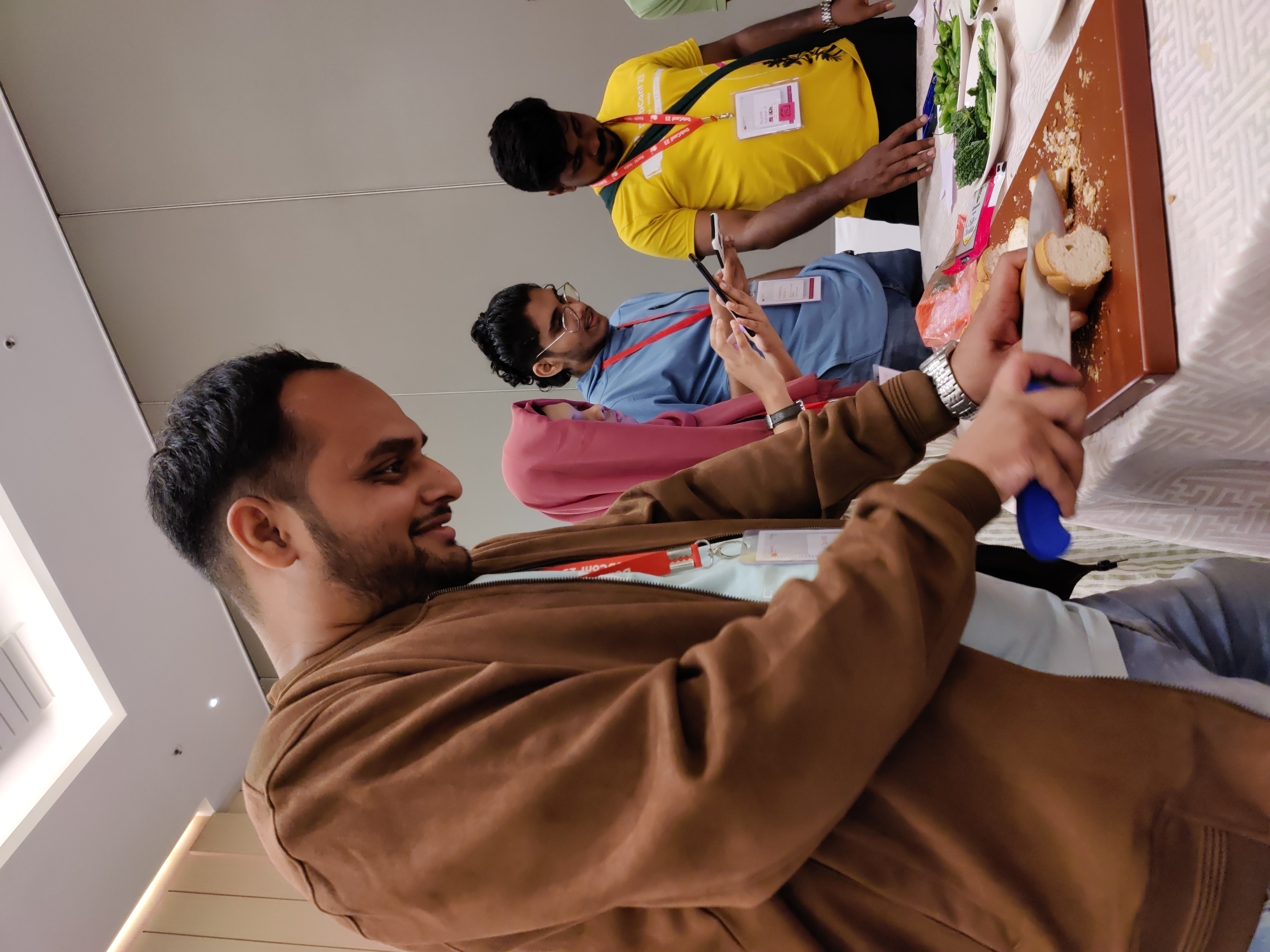 Me helping with the Cheese and Wine Party.
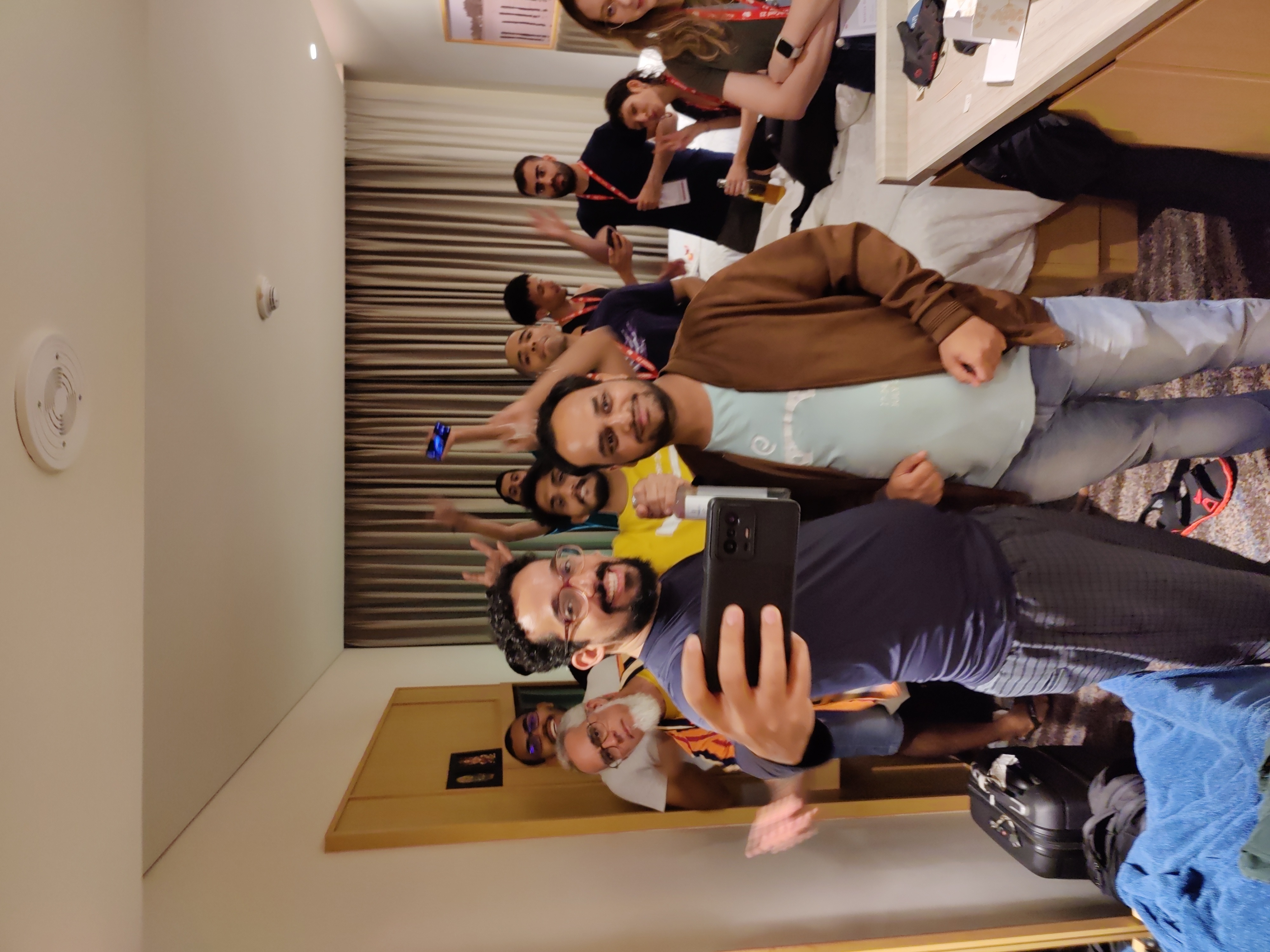 This picture was taken when there were few people in my room for the party.
 Sadhya Thali: A vegetarian meal served on banana leaf. Payasam and rasam were especially yummy! Photo credits: Ravi Dwivedi.
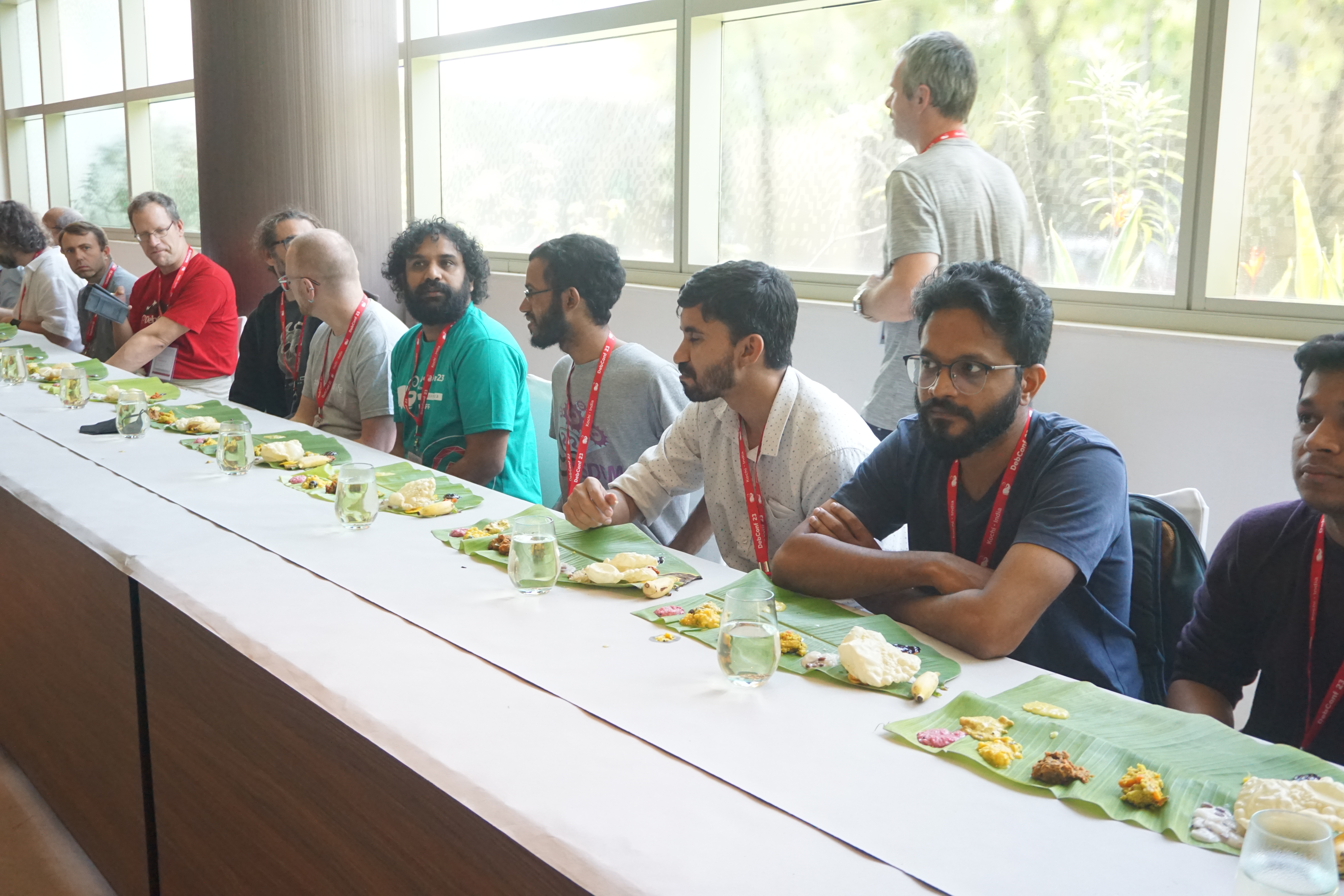 Sadhya thali being served at debconf23. Photo credits: Bilal
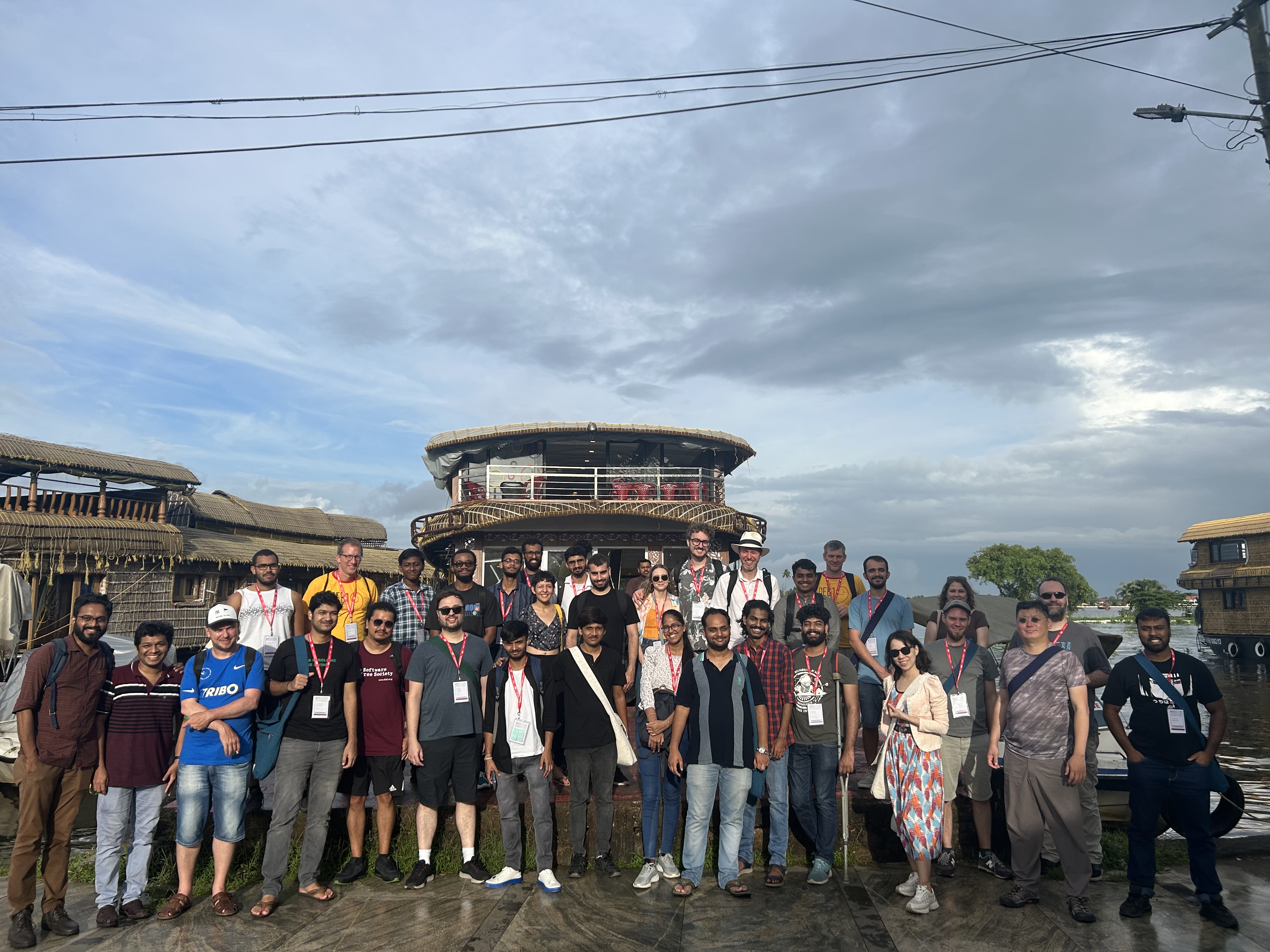 Group photo of our daytrip. Photo credits: Radhika Jhalani
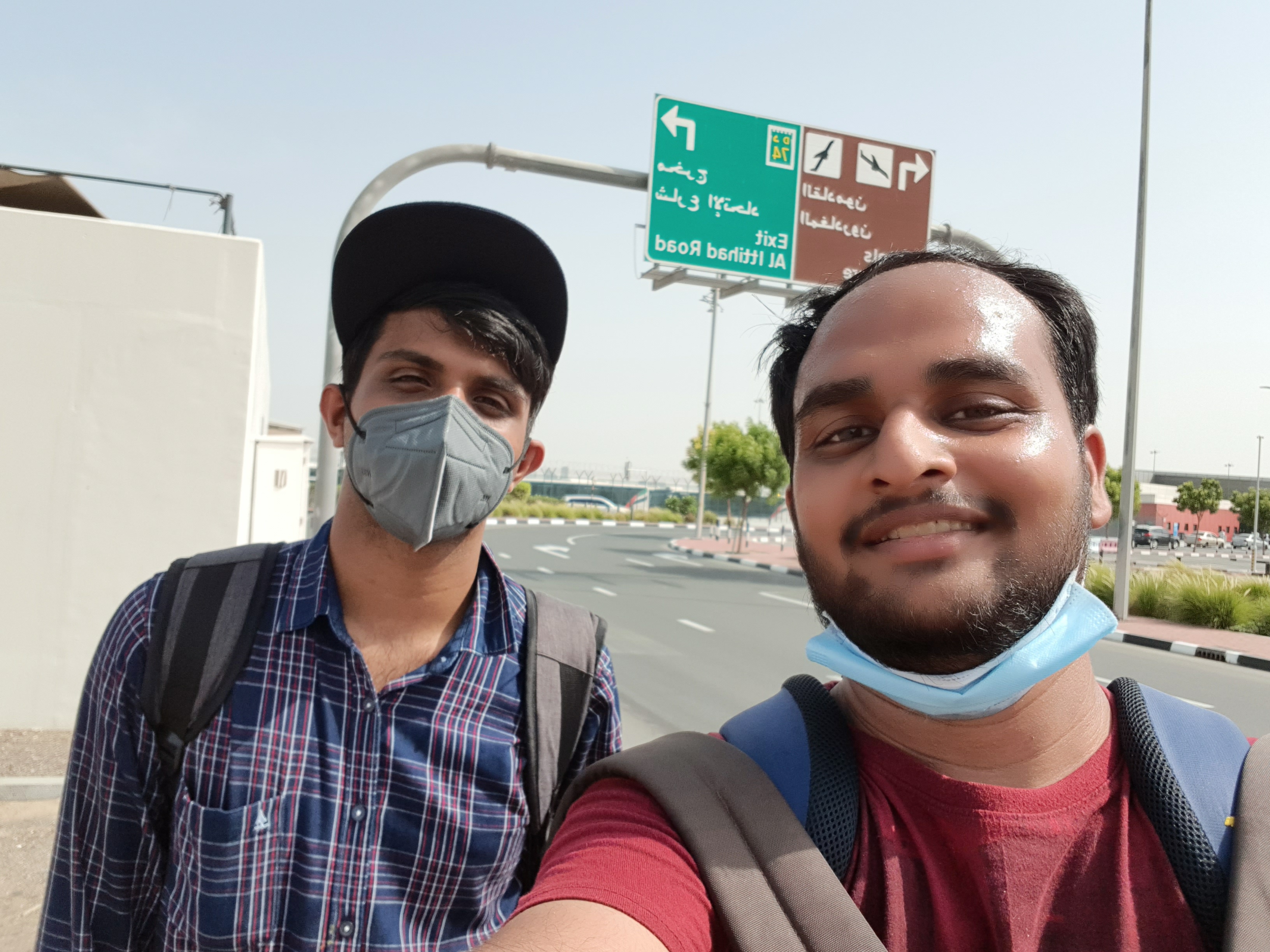 A selfie in memory of Abraham.
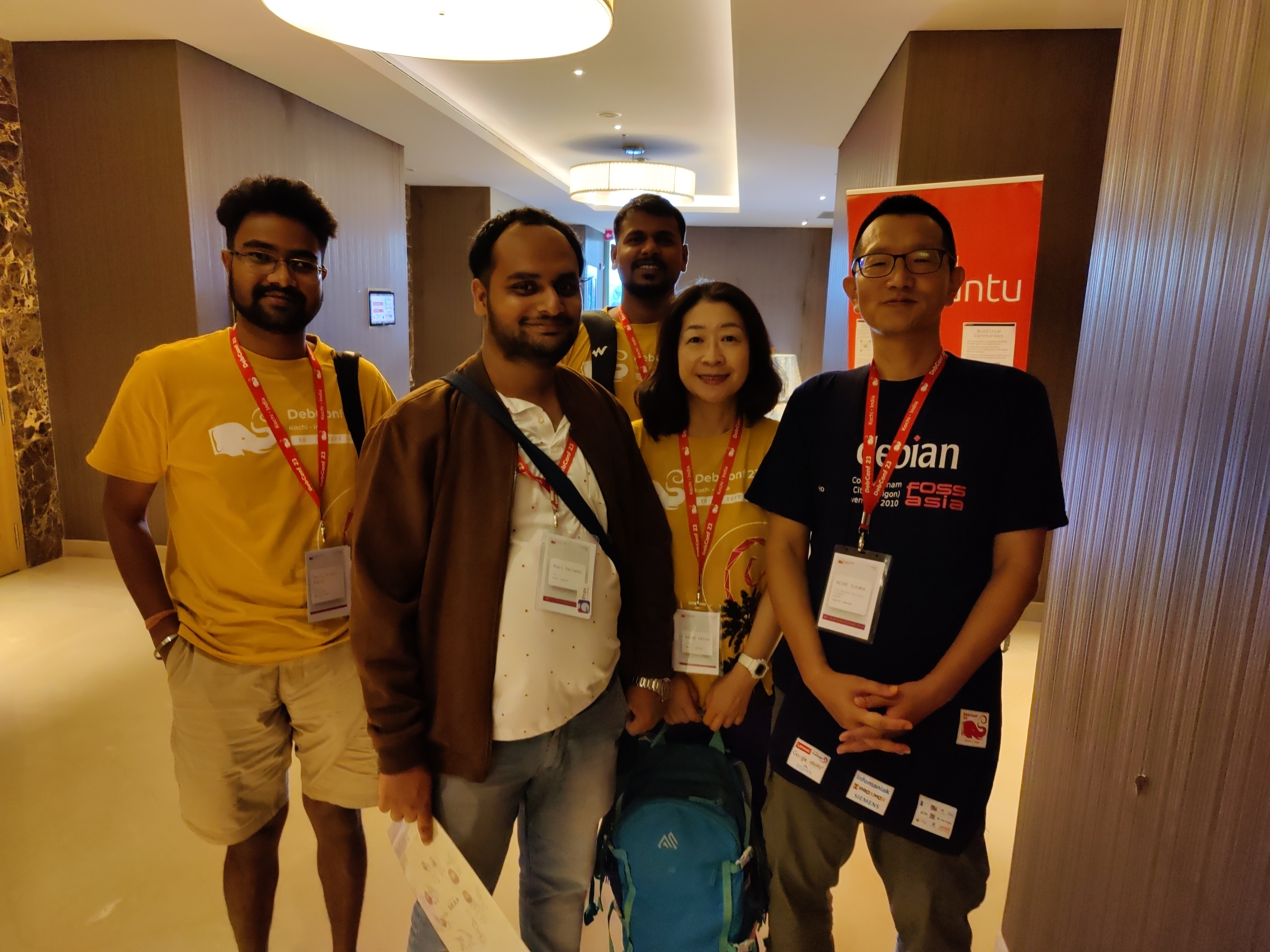 Thanks to Niibe Yutaka (the person towards your right hand) from Japan (FSIJ), who gave me a wonderful Japanese gift during debconf23: A folder to keep pages with ancient Japanese manga characters printed on it. I realized I immediately needed that :)
 This is the Japanese gift I received.
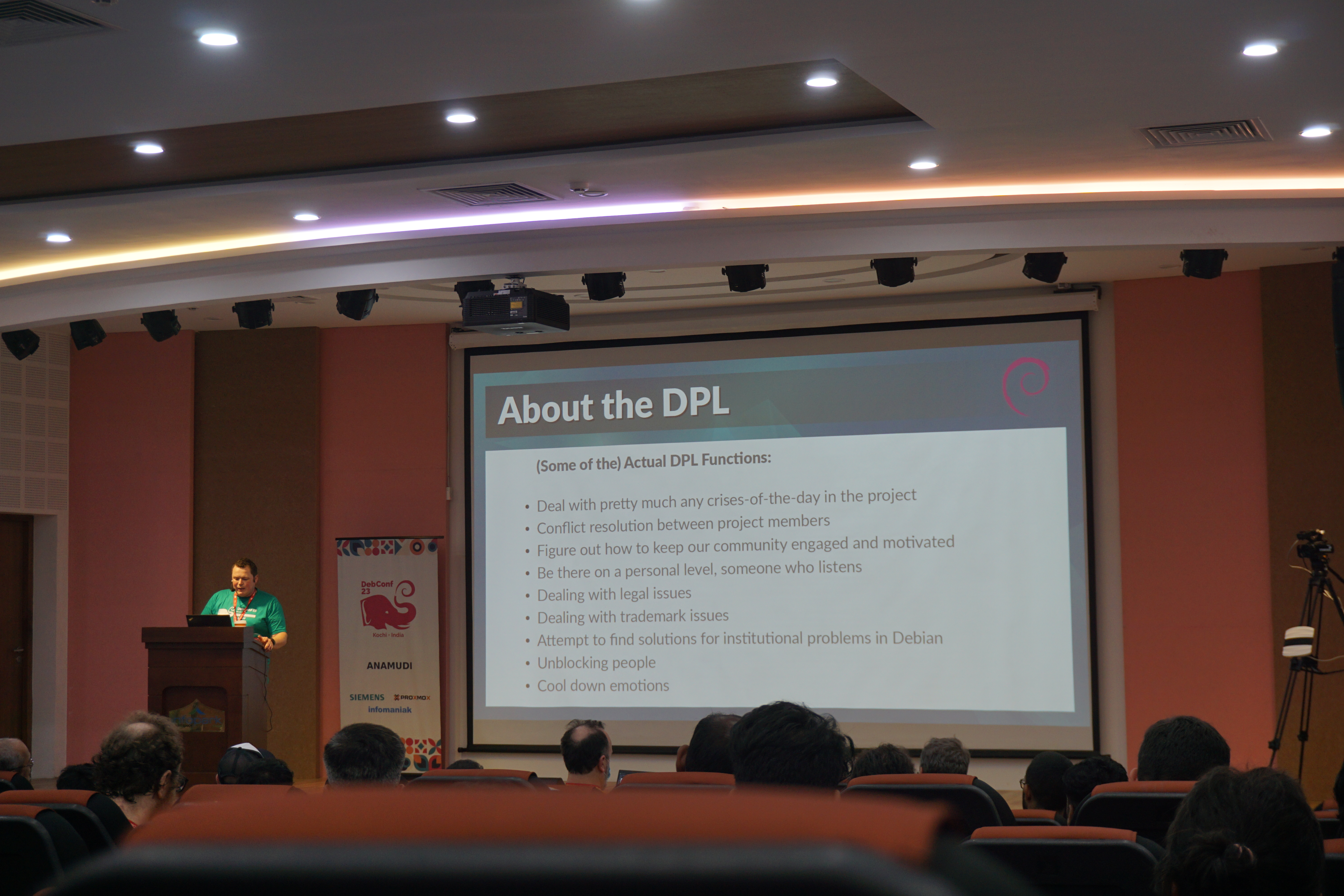 Bits from the DPL. Photo credits: Bilal
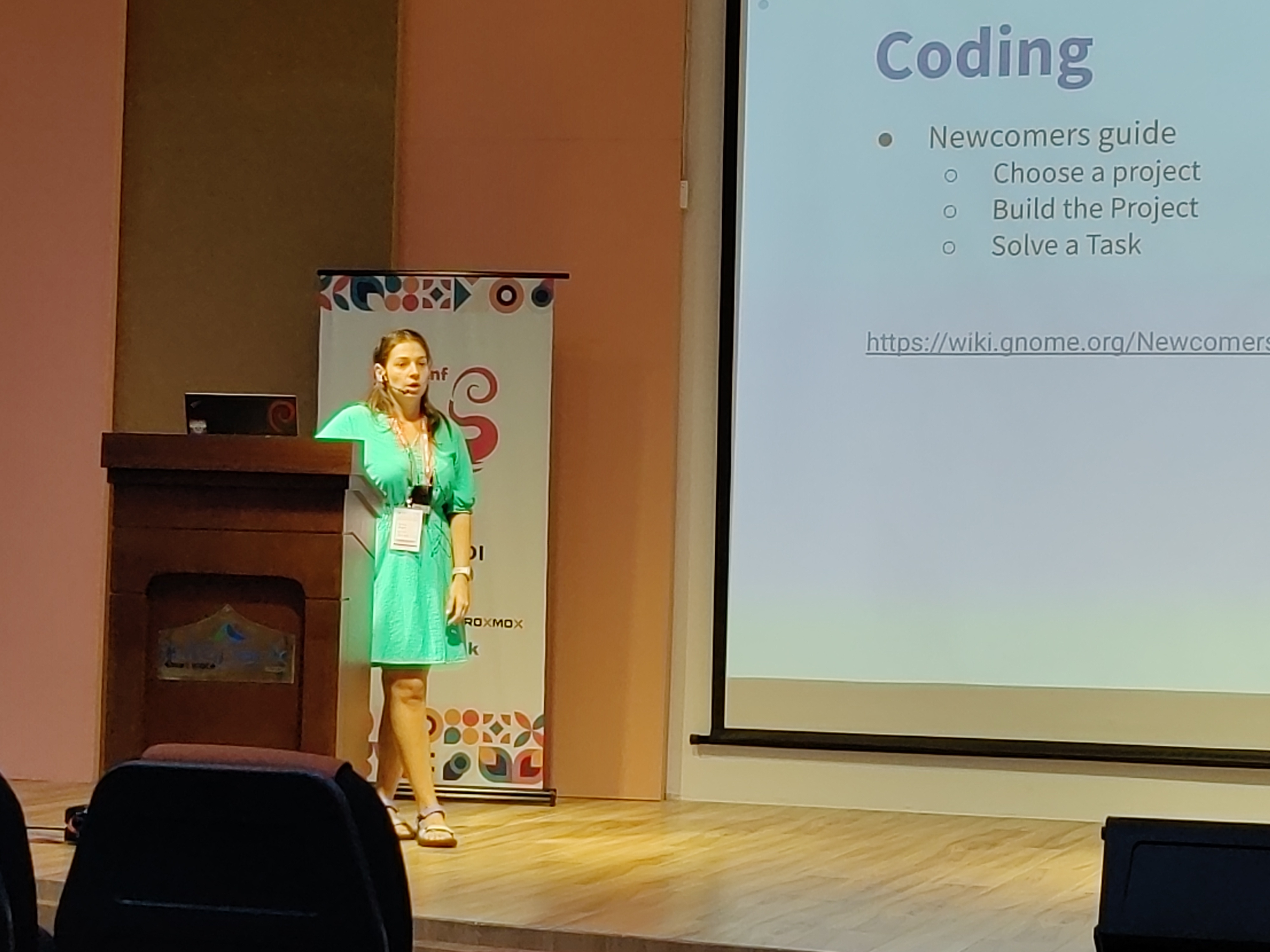 Kristi on GNOME community. Photo credits: Ravi Dwivedi.
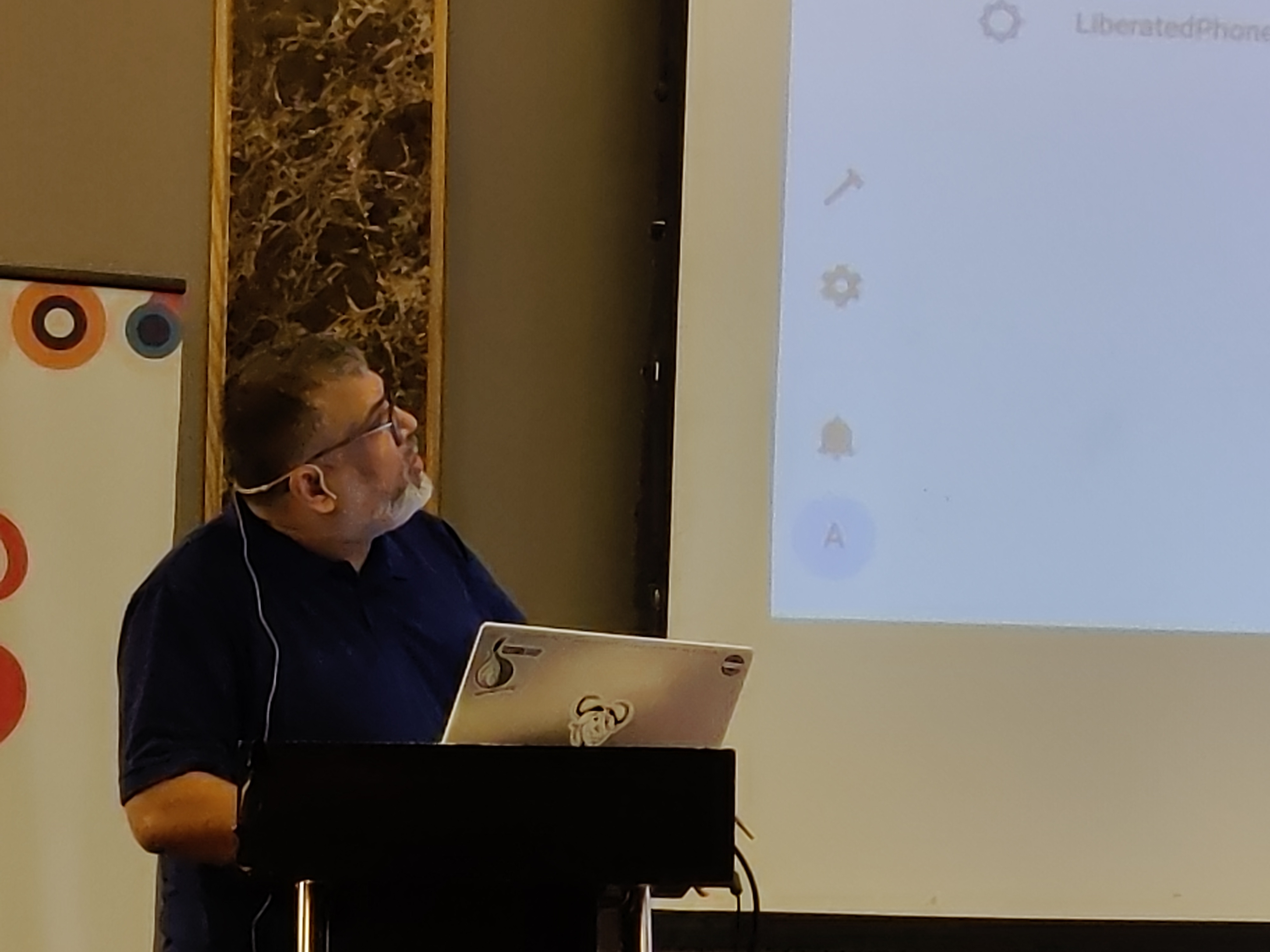 Abhas' talk on home automation. Photo credits: Ravi Dwivedi.
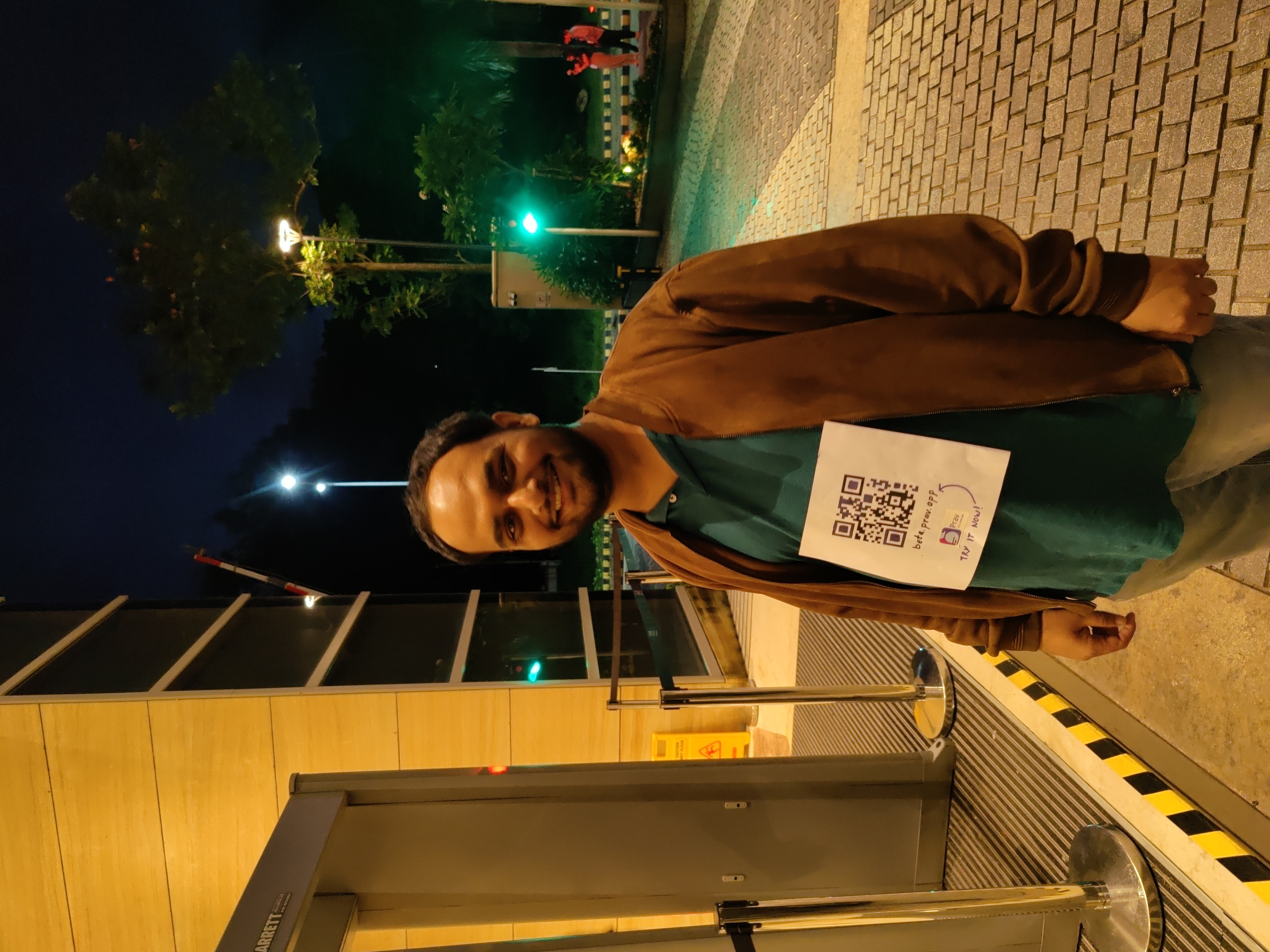 I was roaming around with a QR code on my T-shirt for downloading Prav.
 Me in mundu. Picture credits: Abhijith PA
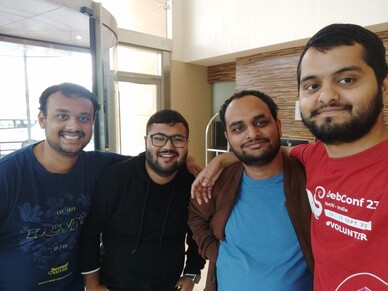 From left: Nilesh, Saswata, me, Sahil. Photo credits: Sahil.
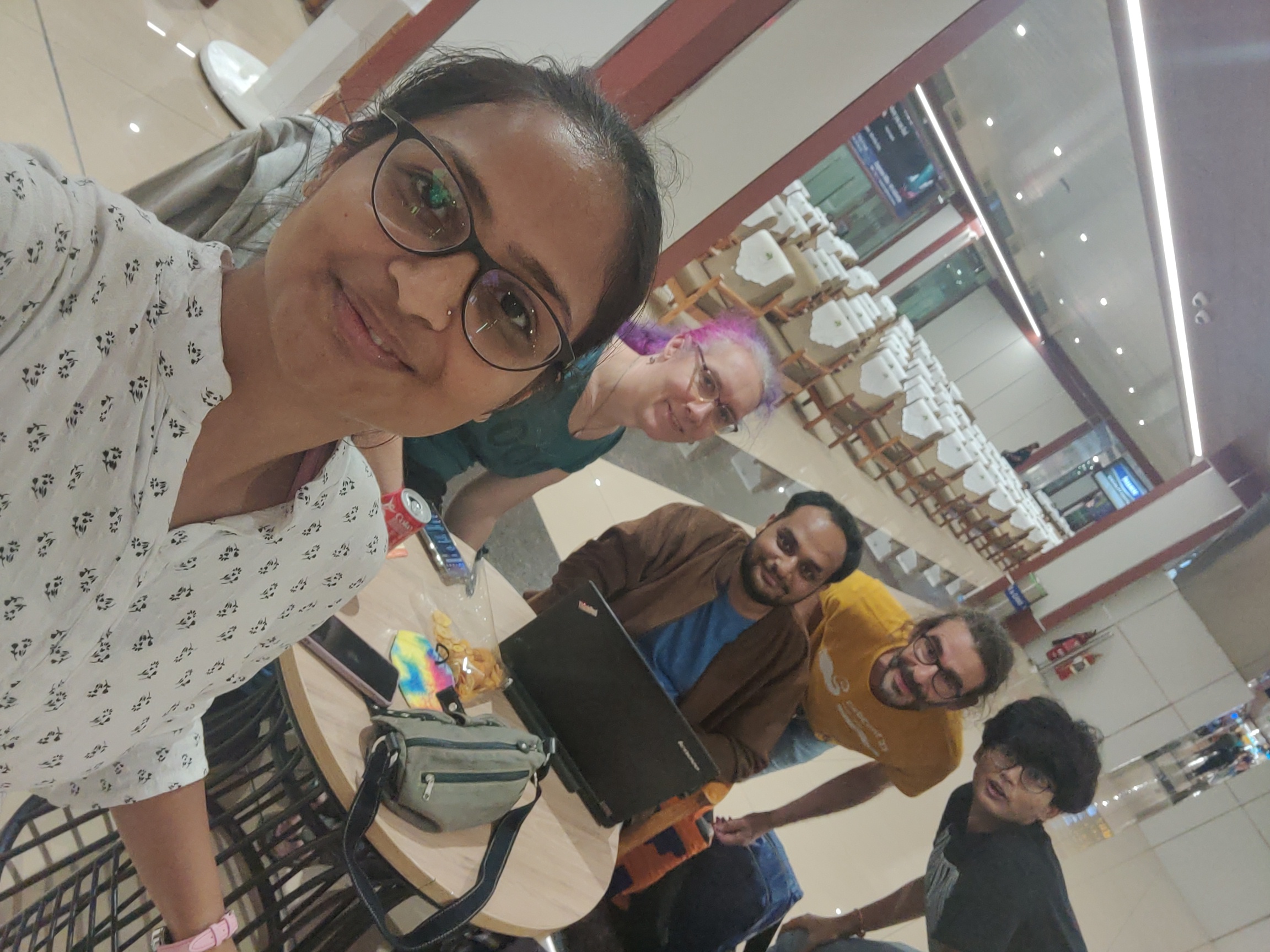 Ruchika (taking the selfie) and from left to right: Yash,
  Joost and me going to Delhi. Photo credits: Ravi.
 I very, very nearly didn t make it to DebConf this year, I had a bad cold/flu for a few days before I left, and after a negative covid-19 test just minutes before my flight, I decided to take the plunge and travel.
This is just everything in chronological order, more or less, it s the only way I could write it.
I very, very nearly didn t make it to DebConf this year, I had a bad cold/flu for a few days before I left, and after a negative covid-19 test just minutes before my flight, I decided to take the plunge and travel.
This is just everything in chronological order, more or less, it s the only way I could write it.







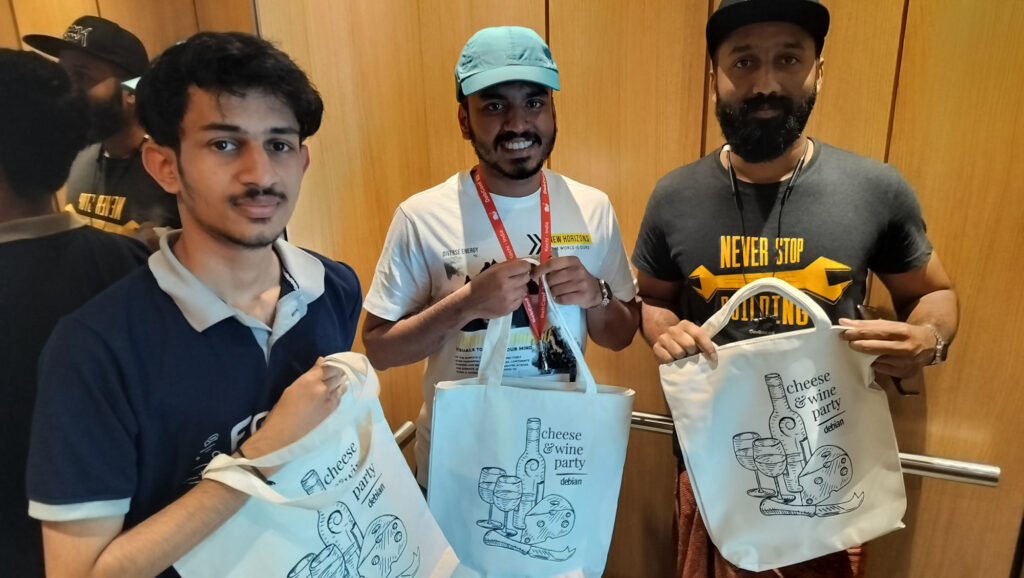 If you got one of these Cheese & Wine bags from DebConf, that s from the South African local group!
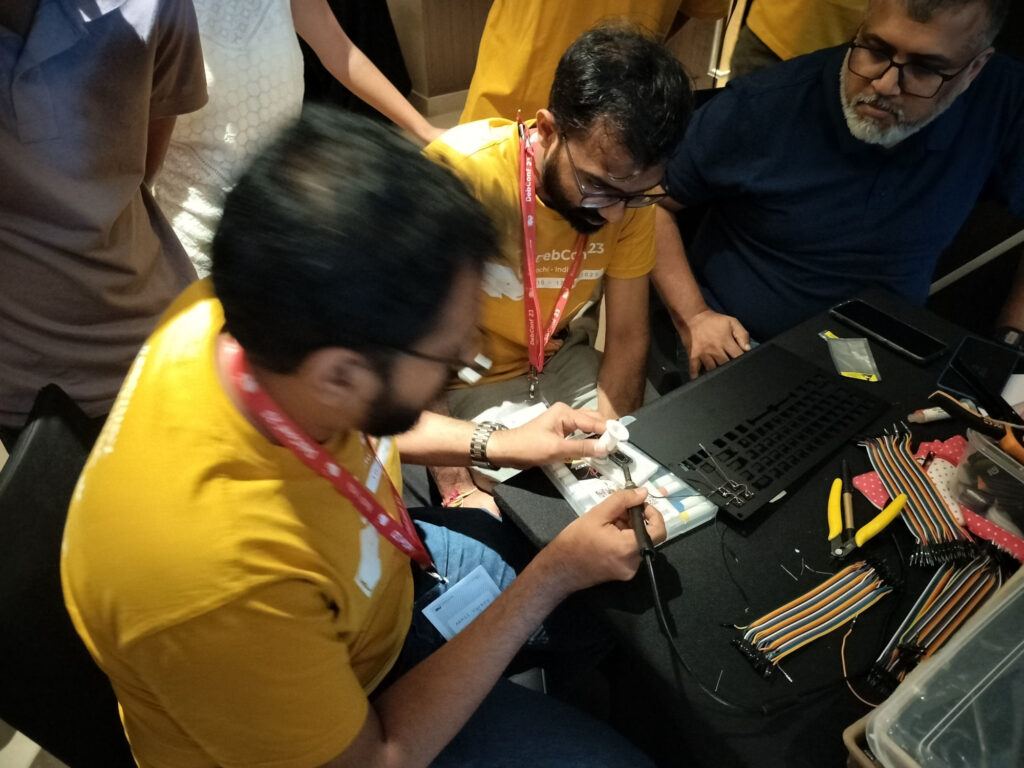 Some hopefully harmless soldering.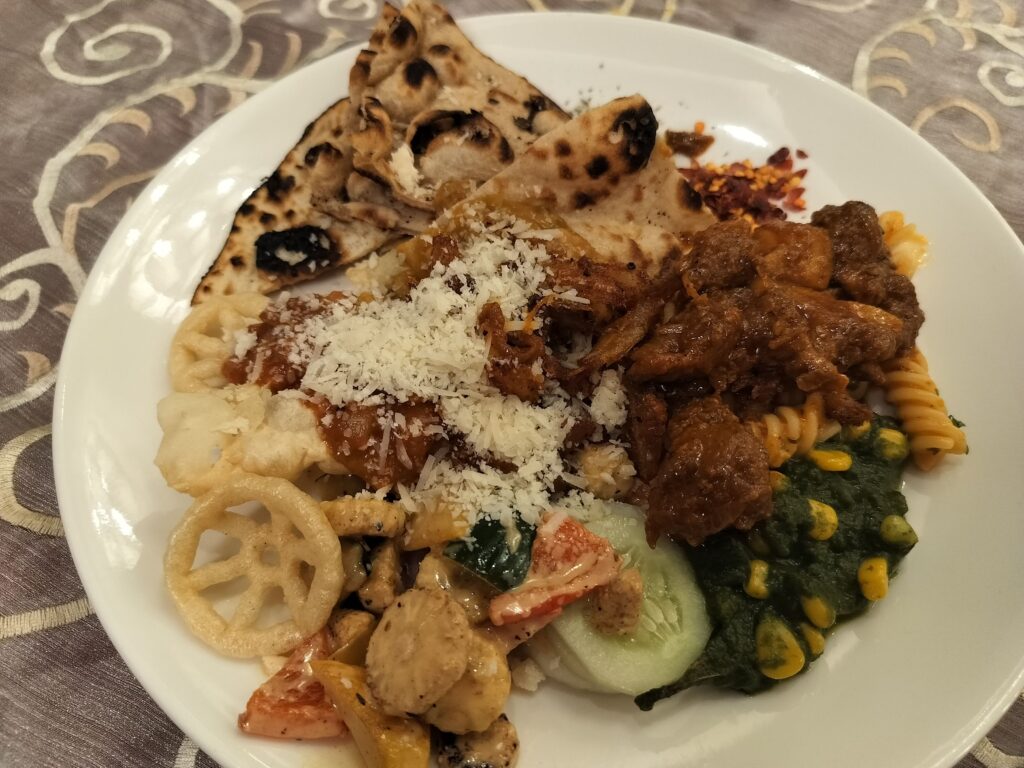




 TPMs contain a set of registers ("Platform Configuration Registers", or PCRs) that are used to track what a system boots. Each time a new event is measured, a cryptographic hash representing that event is passed to the TPM. The TPM appends that hash to the existing value in the PCR, hashes that, and stores the final result in the PCR. This means that while the PCR's value depends on the precise sequence and value of the hashes presented to it, the PCR value alone doesn't tell you what those individual events were. Different PCRs are used to store different event types, but there are still more events than there are PCRs so we can't avoid this problem by simply storing each event separately.
 QNAP TS-453mini product photo
 The logo for QNAP HappyGet 2 and Blizzard s StarCraft 2 side by side
 Thermalright AXP120-X67, AMD Ryzen 5 PRO 5650GE, ASRock Rack X570D4I-2T, all assembled and running on a flat surface
 Memtest86 showing test progress, taken from IPMI remote control window
 Screenshot of PCIe 16x slot bifurcation options in UEFI settings, taken from IPMI remote control window
 Internal image of Silverstone CS280 NAS build. Image stolen from
  Internal image of Silverstone CS280 NAS build. Image stolen from
  NAS build in Silverstone SUGO 14, mid build, panels removed
 Silverstone SUGO 14 from the front, with hot swap bay installed
 Storage SSD loaded into hot swap sled
 TrueNAS Dashboard screenshot in browser window
 The final system, powered up









 CRAN processed the package fully automatically as it has no issues, and
nothing popped up in reverse-dependency checking.
The set of changes for the last two RcppArmadillo releases
follows.
CRAN processed the package fully automatically as it has no issues, and
nothing popped up in reverse-dependency checking.
The set of changes for the last two RcppArmadillo releases
follows.
 There is a bit of context that needs to be shared before I get to this and would be a long one. For reasons known and unknown, I have a lot of sudden electricity outages. Not just me, all those who are on my line. A discussion with a lineman revealed that around 200+ families and businesses are on the same line and when for whatever reason the electricity goes for all. Even some of the traffic lights don t work. This affects software more than hardware or in some cases, both. And more specifically HDD s are vulnerable. I had bought an APC unit several years for precisely this, but over period of time it just couldn t function and trips also when the electricity goes out. It s been 6-7 years so can t even ask customer service to fix the issue and from whatever discussions I have had with APC personnel, the only meaningful difference is to buy a new unit but even then not sure this is an issue that can be resolved, even with that.
That comes to the issue that happens once in a while where the system fsck is unable to repair /home and you need to use an external pen drive for the same. This is my how my hdd stacks up
There is a bit of context that needs to be shared before I get to this and would be a long one. For reasons known and unknown, I have a lot of sudden electricity outages. Not just me, all those who are on my line. A discussion with a lineman revealed that around 200+ families and businesses are on the same line and when for whatever reason the electricity goes for all. Even some of the traffic lights don t work. This affects software more than hardware or in some cases, both. And more specifically HDD s are vulnerable. I had bought an APC unit several years for precisely this, but over period of time it just couldn t function and trips also when the electricity goes out. It s been 6-7 years so can t even ask customer service to fix the issue and from whatever discussions I have had with APC personnel, the only meaningful difference is to buy a new unit but even then not sure this is an issue that can be resolved, even with that.
That comes to the issue that happens once in a while where the system fsck is unable to repair /home and you need to use an external pen drive for the same. This is my how my hdd stacks up  The main argument as have shared before is that Indian Govt. thinks we need our home grown CPU and while I have no issues with that, as shared before except for RISC-V there is no other space where India could look into doing that. Especially after the Chip Act, Biden has made that any new fabs or any new thing in chip fabrication will only be shared with
 . Backups certainly make a lot of sense, especially
 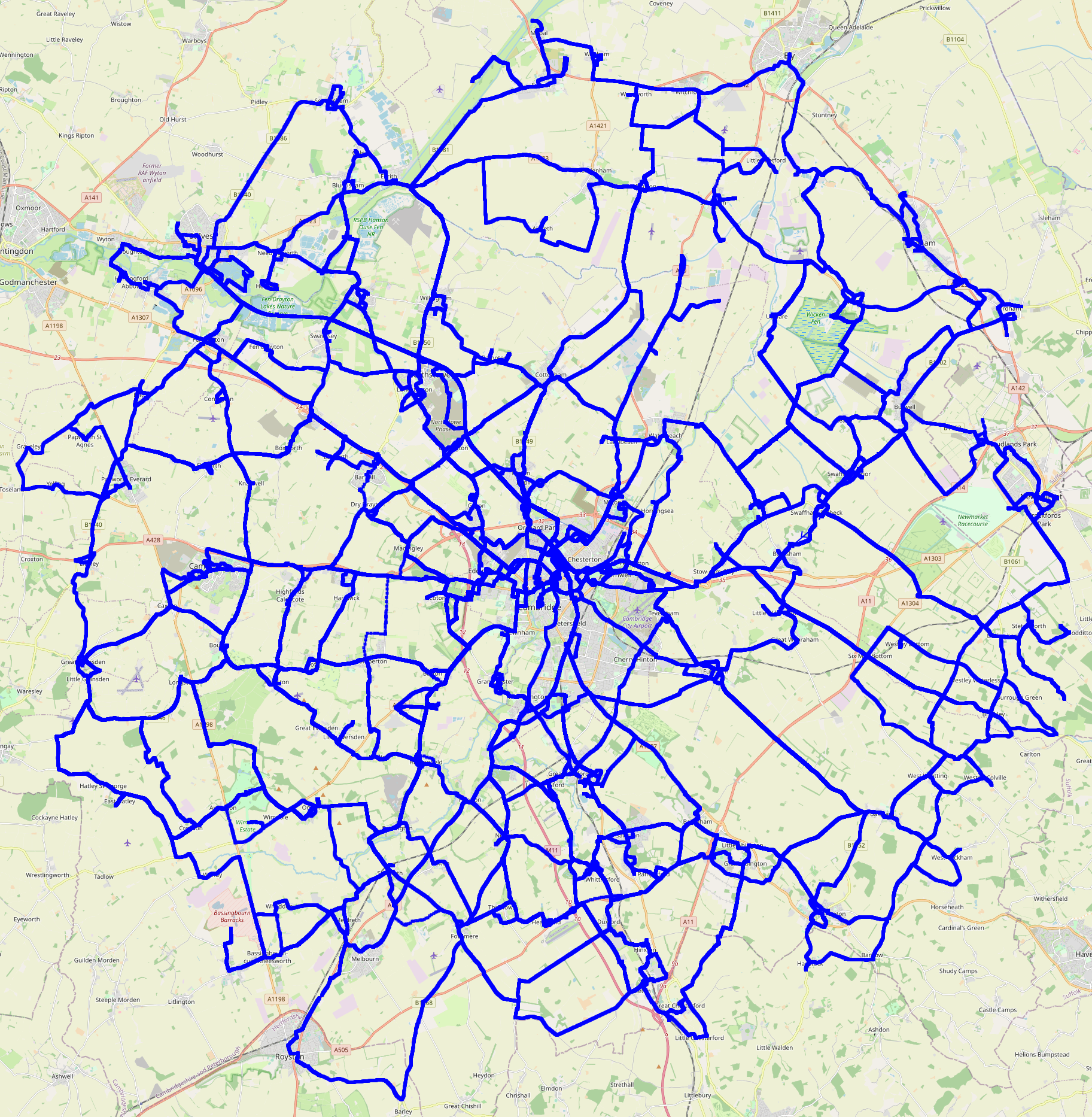 Edited 2023-08-25 01:32 BST to correct a slip.
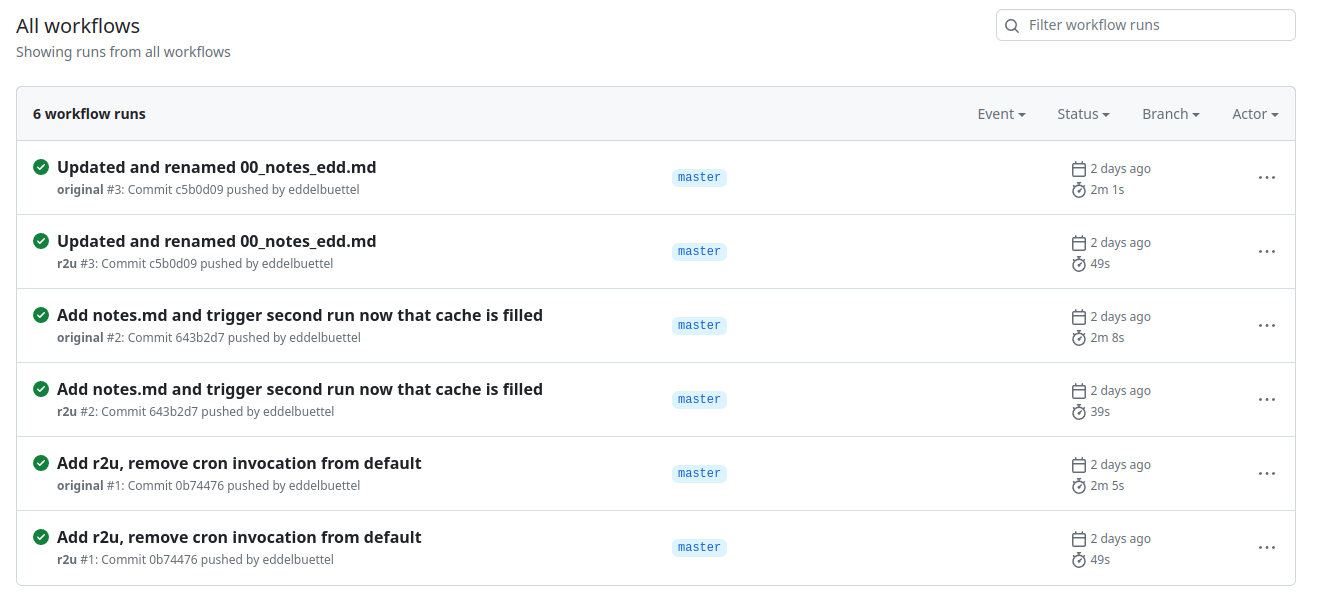 Turns out maybe not so much (yet ?). As the
 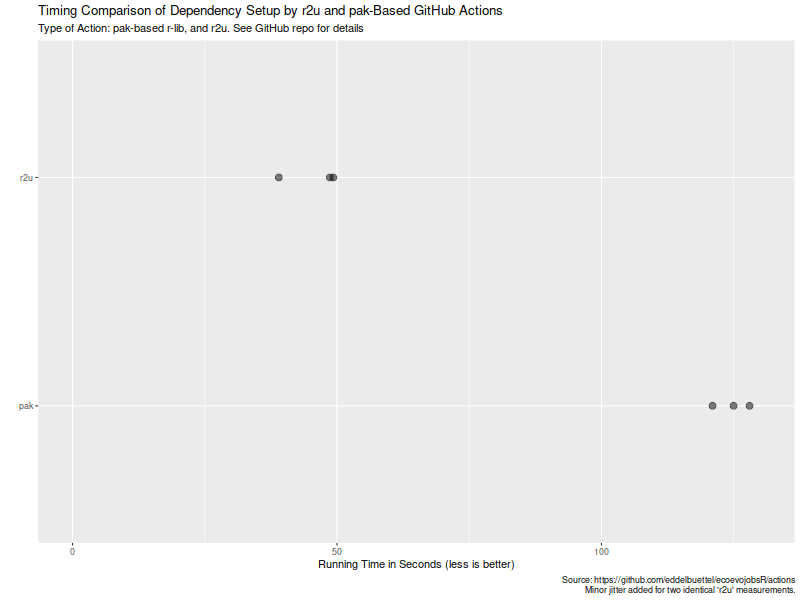 Now, this is of course entirely possibly that not all possible venues
for speedups were exploited in how the action setup was setup. If so,
please file an issue at the
Now, this is of course entirely possibly that not all possible venues
for speedups were exploited in how the action setup was setup. If so,
please file an issue at the