I've been managing my UNIX
$HOME repository with version control
for almost two decades now (first under CVS, then with git). Once in a
while, I find a little hack to make this work better.
Today, it's
dconf/
gsettings, or more specifically,
Workrave that I want to put in git. I noticed my laptop was
extremely annoying compared with my office workstation and realized
I never figured out how to write Workrave's configuration to git. The
reason is that its configuration is stored in dconf, a binary database
format, but, blissfully, I had forgotten about this and tried to
figure out where the heck its config was.
I was about to give up when I re-remembered this, when I figured I
would just do a quick search ("dconf commit to git") and that brought
me to
Josh Triplett's Debconf 14 talk about this exact topic. The
slides are... a little terse, but I could figure out the gist of
it. The key is to change the
DCONF_PROFILE environment to point to a
new config file (say in your
.bashrc):
export DCONF_PROFILE=$HOME/.config/dconf/profile
That file (
~/.config/dconf/profile) should be created with the
following content:
user-db:user
service-db:keyfile/user
- The first line is the default: store everything in this huge
binary file.
- The second is the magic: it stores configuration in a precious
text file, in
.config/dconf/user.txt specifically.
Then the last step was to migrate config between the two. For that I
need a
third config file, a
DCONF_PROFILE that has
only the text
database so settings are forcibly written there, say
~/.config/dconf/profile-edit:
service-db:keyfile/user
And then I can migrate my workrave configuration with:
gsettings list-recursively org.workrave while read schema key val ; do DCONF_PROFILE=~/.config/dconf/profile-edit gsettings set "$schema" "$key" "$val" ; done
Of course, a bunch of those settings are garbage and do not differ
from the default. Unfortuantely, there doesn't seem to be a way to
tell
gsettings to only list non-default settings, so I had to do
things by hand from there, by comparing my generated config with:
DCONF_PROFILE=/dev/null gsettings list-recursively org.workrave
I finally ended up with the following
user.txt, which is now my
workrave config:
[org/workrave/timers/daily-limit]
snooze=1800
limit=25200
[org/workrave/timers/micro-pause]
auto-reset=10
snooze=150
limit=900
[org/workrave/timers/rest-break]
auto-reset=600
snooze=1800
limit=10800
[org/workrave/breaks/micro-pause]
max-preludes=0
That's a nice setup: "YOLO" settings end up in the binary database
that I don't care about tracking in git, and a precious few snowflakes
get tracked in a text file. Triplett also made a command to change
settings in the text file, but I don't think I need to bother with
that. It's more critical to
copy settings between the two, in my
experience, as I rarely have this moment: "oh I know exactly the key
setting I want to change and i'll write it down". What
actually
happens is that I'm making a change in a GUI and
later realize it
should be synchronized over.
(It looks like Triplett
does have a tool to do those diffs and
transitions, but unfortunately
git://joshtriplett.org/git/home
doesn't respond at this time so I can't find that source code.)
(Update: that git repository can be downloaded with:
git clone https://joshtriplett.org/git/home
It looks like
dconfc is designed to copy settings between the two
databases. So my above loop would be more easily written as:
dconf dump /org/workrave/ DCONF_PROFILE=~/.config/dconf/profile-edit dconf load /org/workrave/
Certainly simplifies things.
dconfd is also nice although it relies
on the above
dconfe script which makes it (IMHO) needlessly hard to
deploy.)
Now if only Firefox bookmarks were reasonable again...
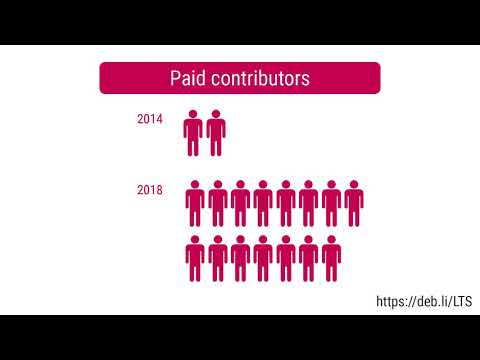
 I was assigned 20 hours of work by Freexian's Debian LTS initiative
and worked 19.25 hours this month, so I will carry over 0.75 hours to
March.
I prepared and, after review, released Linux 3.16.82. I then
rebased the Debian package onto that, but haven't yet sent a
request for testing. I have started preparing and testing the
next update to Linux 3.16.
I backported the Linux 4.9 package that was included in the stretch
point release (Debian 9.12) and uploaded it to jessie. I prepared
DLA
2114-1 covering this update.
I also replied to questions from LTS contributors and users, sent to
the lts-security alias or on the public mailing list.

 ELTS - Wheezy

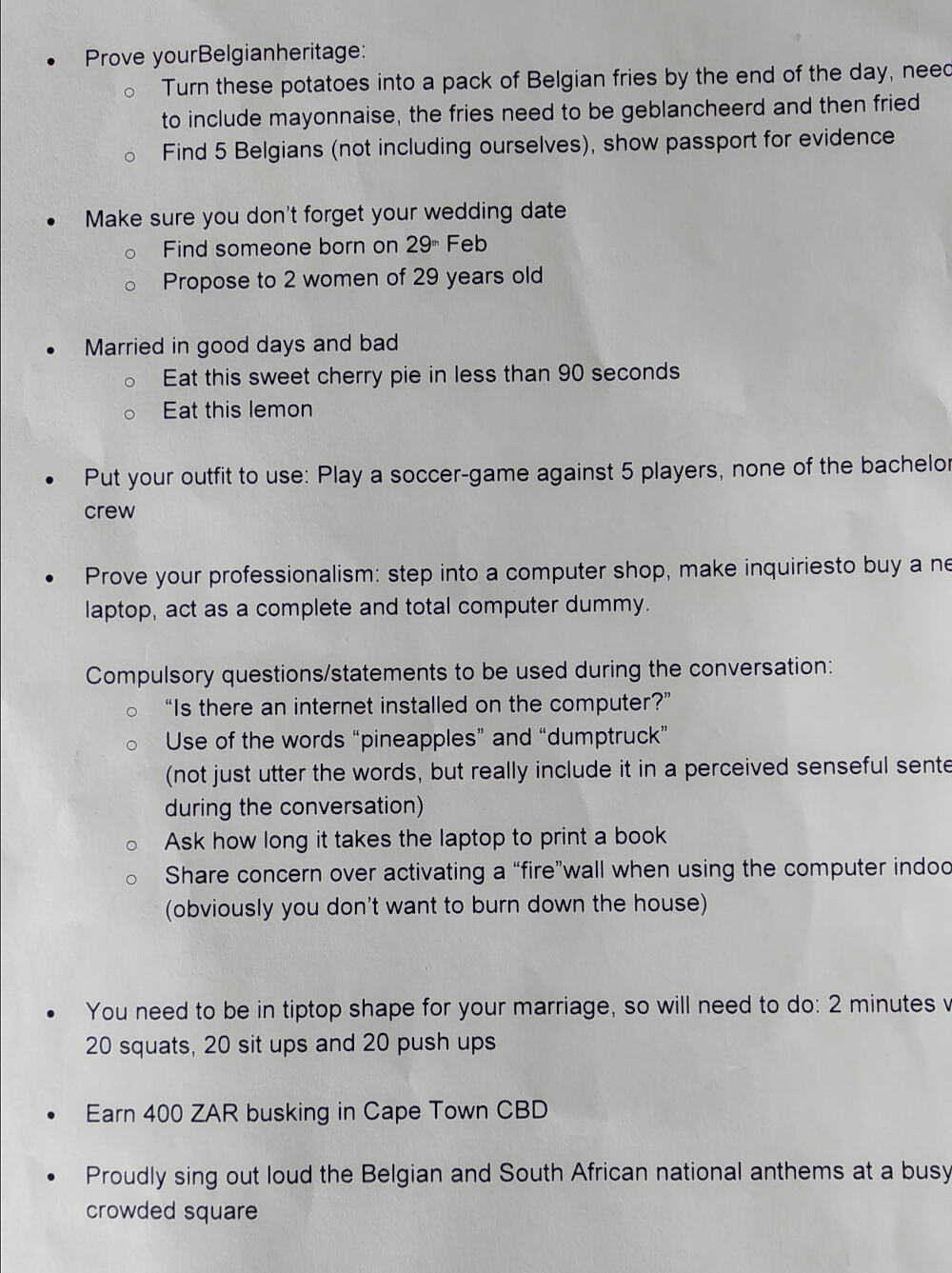 Wouter s tasks
 Wouter s props, needed to complete his tasks
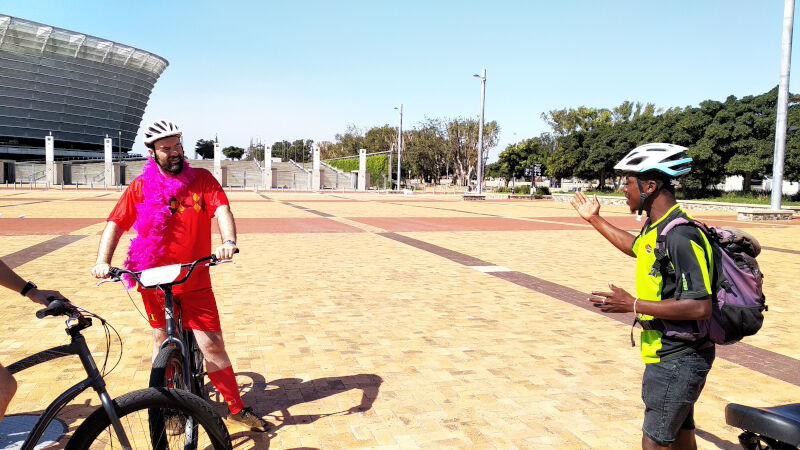 Bike tour leg at Cape Town Stadium.
 Seeking out 29 year olds.
 Wouter finishing his lemon and actually seemingly enjoying it.
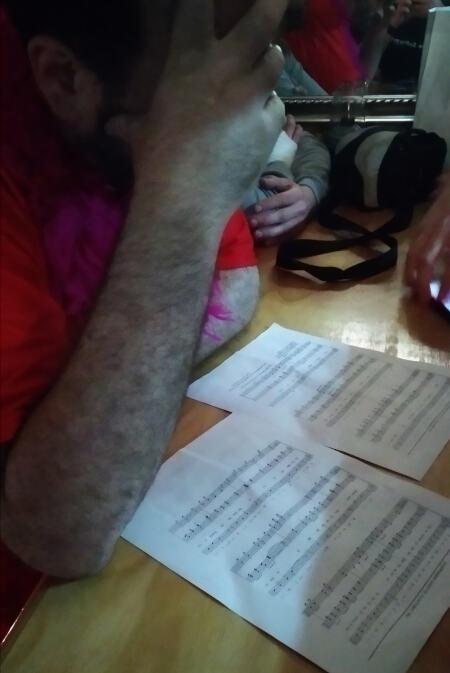 Reciting South African national anthem notes and lyrics.
 The national anthem, as performed by Wouter (I was actually impressed by how good his pitch was).
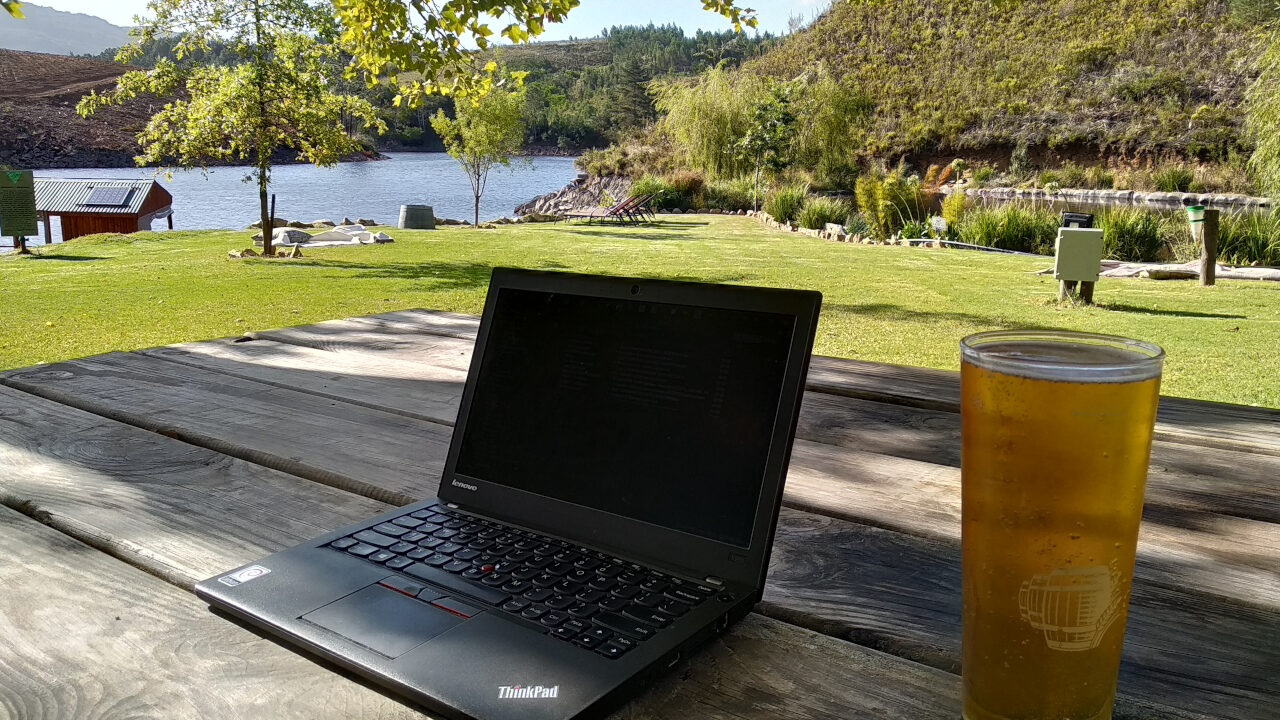
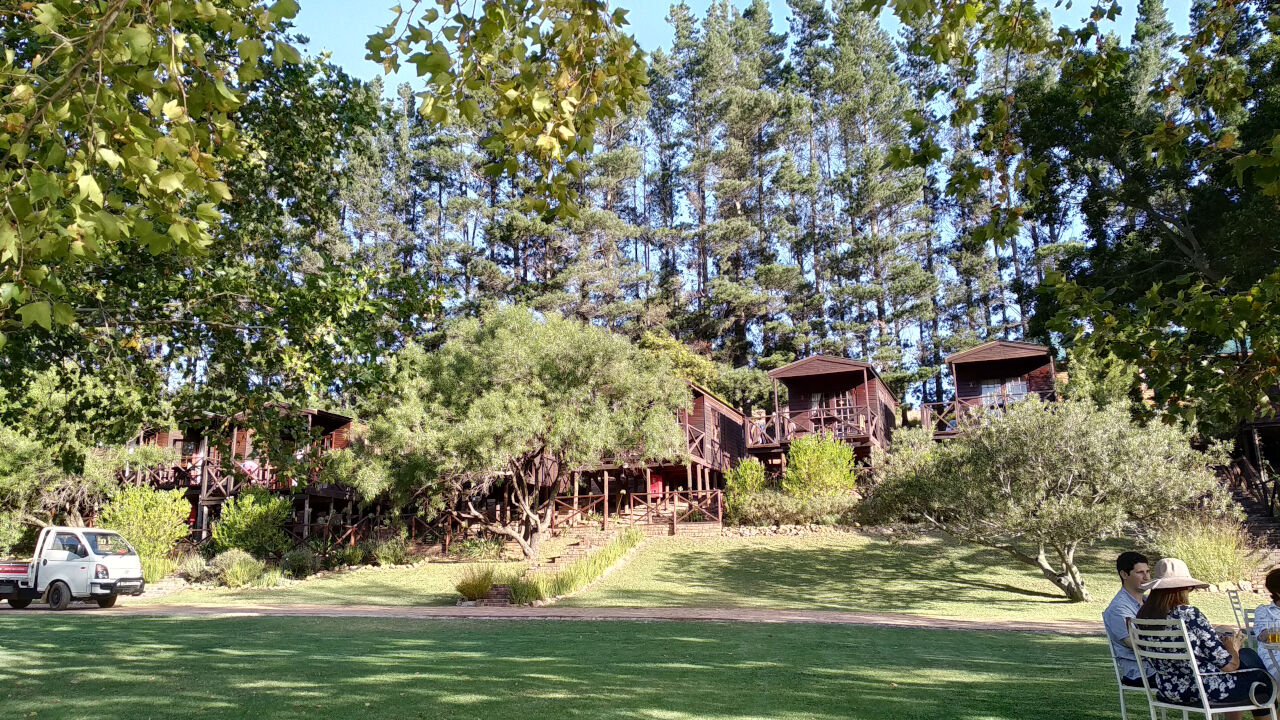 Accommodation at the lodge
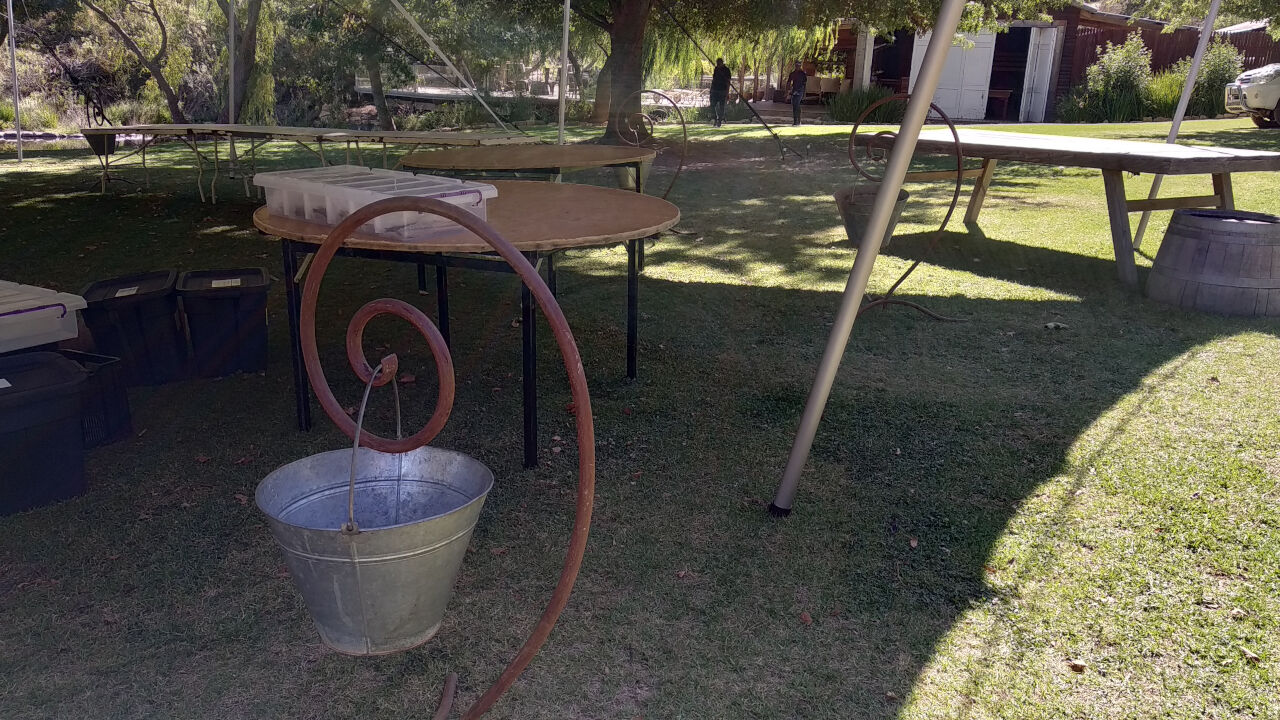 Debian swirls everywhere
 I took a canoe ride on the river and look what I found, a paddatrapper!



 A bit of digital zoomage of previous image.
 Time to say the vows.
 Just married. Thanks to Sue Fuller-Good for the photo.
 Except for one character being out of place, this was a perfect fairy tale wedding, but I pointed Wouter to
 Map of conflict
I've been practising Non-Violent Communication (NVC) for several years. It helps me to better understand my feelings and needs. The concepts of NVC can also help to look at conflicts. I would like to introduce a way to look at conflict using the basic concepts of NVC:

 Here is my monthly update covering what I have been doing in the free software world during February 2020 (





 sbuild is a tool used by those maintaining packages in Debian, and
derived distributions such as Ubuntu. When used correctly, it can
catch a lot of categories of bugs before packages are uploaded. It
does this by building the package in a clean environment, and then
running the package through the Lintian, piuparts, adequate and
autopkgtest tools. However, configuring sbuild so that it makes use
of all of these tools is cumbersome.
In response to this complexity, I wrote
 Last year I wrote about
 A new firmware for the Kobo ebook reader came out and I adjusted the mega update pack to use it. According to the comments in the

 How to enable
Install the vim-airline package, and add the following to your .vimrc file:
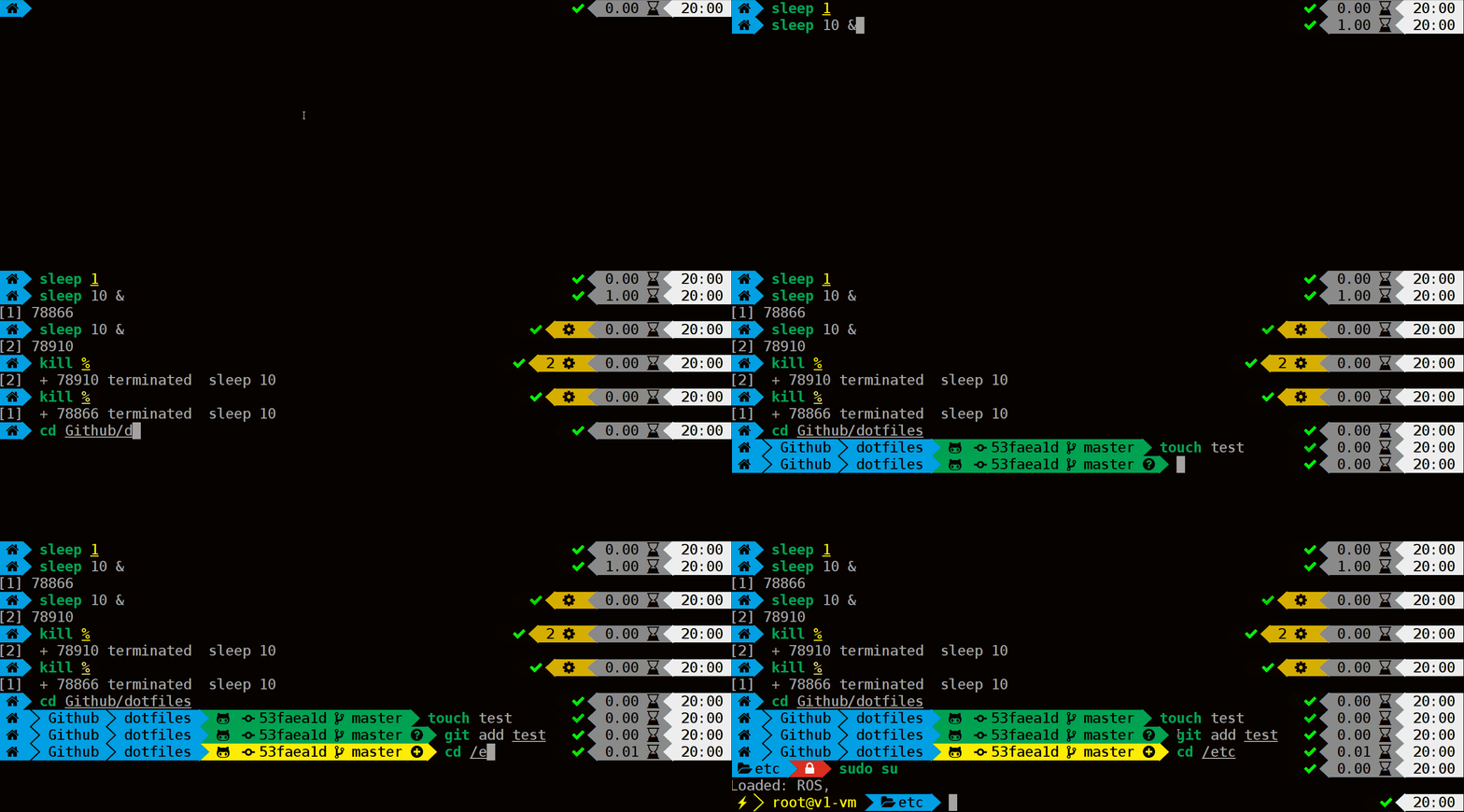 Powerlevel9k has lots of options and features. If you re interested in it, you should probably take a look at their