Jonathan Wiltshire: Using TPM for Automatic Disk Decryption in Debian 12
These days it s straightforward to have reasonably secure, automatic decryption of your root filesystem at boot time on Debian 12. Here s how I did it on an existing system which already had a stock kernel, secure boot enabled, Check for a usable TPM device
We ll bind the secure boot state, kernel parameters, and other boot measurements to a decryption key. Then, we ll seal it using the TPM. This prevents the disk being moved to another system, the boot chain being tampered with and various other attacks.
grub2 and an encrypted root filesystem with the passphrase in key slot 0.
There s no need to switch to systemd-boot for this setup but you will use systemd-cryptenroll to manage the TPM-sealed key. If that offends you, there are other ways of doing this.
Caveat The parameters I ll seal a key against in the TPM include a hash of the initial ramdisk. This is essential to prevent an attacker from swapping the image for one which discloses the key. However, it also means the key has to be re-sealed every time the image is rebuilt. This can be frequent, for example when installing/upgrading/removing packages which include a kernel module. You won t get locked out (as long as you still have a passphrase in another slot), but will need to re-seal the key to restore the automation. You can also choose not to include this parameter for the seal, but that opens the door to such an attack.
Caution: these are the steps I took on my own system. You may need to adjust them to avoid ending up with a non-booting system.
Check for a usable TPM device
We ll bind the secure boot state, kernel parameters, and other boot measurements to a decryption key. Then, we ll seal it using the TPM. This prevents the disk being moved to another system, the boot chain being tampered with and various other attacks.
# apt install tpm2-tools
# systemd-cryptenroll --tpm2-device list
PATH        DEVICE     DRIVER
/dev/tpmrm0 STM0125:00 tpm_tis
Clean up older kernels including leftover configurations
I found that previously-removed (but not purged) kernel packages sometimes cause dracut to try installing files to the wrong paths. Identify them with:
# apt install aptitude
# aptitude search '~c'
Change search to purge or be more selective, this part is an exercise for the reader.
Switch to dracut for initramfs images
Unless you have a particular requirement for the default initramfs-tools, replace it with dracut and customise:
# mkdir /etc/dracut.conf.d
# echo 'add_dracutmodules+=" tpm2-tss crypt "' > /etc/dracut.conf.d/crypt.conf
# apt install dracut
Remove root device from crypttab, configure grub
Remove (or comment) the root device from /etc/crypttab and rebuild the initial ramdisk with dracut -f.
Edit /etc/default/grub and add rd.auto rd.luks=1 to GRUB_CMDLINE_LINUX. Re-generate the config with update-grub.
At this point it s a good idea to sanity-check the initrd contents with lsinitrd. Then, reboot using the new image to ensure there are no issues. This will also have up-to-date TPM measurements ready for the next step.
Identify device and seal a decryption key
# lsblk -ip -o NAME,TYPE,MOUNTPOINTS
NAME                                                    TYPE  MOUNTPOINTS
/dev/nvme0n1p4                                          part  /boot
/dev/nvme0n1p5                                          part
 -/dev/mapper/luks-deff56a9-8f00-4337-b34a-0dcda772e326 crypt
   -/dev/mapper/lv-var                                  lvm   /var
   -/dev/mapper/lv-root                                 lvm   /
   -/dev/mapper/lv-home                                 lvm   /home
In this example my root filesystem is in a container on /dev/nvme0n1p5. The existing passphrase key is in slot 0.
# systemd-cryptenroll --tpm2-device=auto --tpm2-pcrs=7+8+9+14 /dev/nvme0n1p5
Please enter current passphrase for disk /dev/nvme0n1p5: ********
New TPM2 token enrolled as key slot 1.
The PCRs I chose (7, 8, 9 and 14) correspond to the secure boot policy, kernel command line (to prevent init=/bin/bash-style attacks), files read by grub including that crucial initrd measurement, and secure boot MOK certificates and hashes. You could also include PCR 5 for the partition table state, and any others appropriate for your setup.
Reboot
You should now be able to reboot and the root device will be unlocked automatically, provided the secure boot measurements remain consistent.
The key slot protected by a passphrase (mine is slot 0) is now your recovery key. Do not remove it!
Please consider supporting my work in Debian and elsewhere through Liberapay.
# apt install tpm2-tools
# systemd-cryptenroll --tpm2-device list
PATH DEVICE DRIVER
/dev/tpmrm0 STM0125:00 tpm_tisdracut to try installing files to the wrong paths. Identify them with:
# apt install aptitude
# aptitude search '~c'search to purge or be more selective, this part is an exercise for the reader.
Switch to dracut for initramfs images
Unless you have a particular requirement for the default initramfs-tools, replace it with dracut and customise:
# mkdir /etc/dracut.conf.d
# echo 'add_dracutmodules+=" tpm2-tss crypt "' > /etc/dracut.conf.d/crypt.conf
# apt install dracut
Remove root device from crypttab, configure grub
Remove (or comment) the root device from /etc/crypttab and rebuild the initial ramdisk with dracut -f.
Edit /etc/default/grub and add rd.auto rd.luks=1 to GRUB_CMDLINE_LINUX. Re-generate the config with update-grub.
At this point it s a good idea to sanity-check the initrd contents with lsinitrd. Then, reboot using the new image to ensure there are no issues. This will also have up-to-date TPM measurements ready for the next step.
Identify device and seal a decryption key
# lsblk -ip -o NAME,TYPE,MOUNTPOINTS
NAME TYPE MOUNTPOINTS
/dev/nvme0n1p4 part /boot
/dev/nvme0n1p5 part
-/dev/mapper/luks-deff56a9-8f00-4337-b34a-0dcda772e326 crypt
-/dev/mapper/lv-var lvm /var
-/dev/mapper/lv-root lvm /
-/dev/mapper/lv-home lvm /home
In this example my root filesystem is in a container on /dev/nvme0n1p5. The existing passphrase key is in slot 0.
# systemd-cryptenroll --tpm2-device=auto --tpm2-pcrs=7+8+9+14 /dev/nvme0n1p5
Please enter current passphrase for disk /dev/nvme0n1p5: ********
New TPM2 token enrolled as key slot 1.
The PCRs I chose (7, 8, 9 and 14) correspond to the secure boot policy, kernel command line (to prevent init=/bin/bash-style attacks), files read by grub including that crucial initrd measurement, and secure boot MOK certificates and hashes. You could also include PCR 5 for the partition table state, and any others appropriate for your setup.
Reboot
You should now be able to reboot and the root device will be unlocked automatically, provided the secure boot measurements remain consistent.
The key slot protected by a passphrase (mine is slot 0) is now your recovery key. Do not remove it!
Please consider supporting my work in Debian and elsewhere through Liberapay.
# mkdir /etc/dracut.conf.d
# echo 'add_dracutmodules+=" tpm2-tss crypt "' > /etc/dracut.conf.d/crypt.conf
# apt install dracutcrypttab, configure grub
Remove (or comment) the root device from /etc/crypttab and rebuild the initial ramdisk with dracut -f.
Edit /etc/default/grub and add rd.auto rd.luks=1 to GRUB_CMDLINE_LINUX. Re-generate the config with update-grub.
At this point it s a good idea to sanity-check the initrd contents with lsinitrd. Then, reboot using the new image to ensure there are no issues. This will also have up-to-date TPM measurements ready for the next step.
Identify device and seal a decryption key
# lsblk -ip -o NAME,TYPE,MOUNTPOINTS
NAME TYPE MOUNTPOINTS
/dev/nvme0n1p4 part /boot
/dev/nvme0n1p5 part
-/dev/mapper/luks-deff56a9-8f00-4337-b34a-0dcda772e326 crypt
-/dev/mapper/lv-var lvm /var
-/dev/mapper/lv-root lvm /
-/dev/mapper/lv-home lvm /home
In this example my root filesystem is in a container on /dev/nvme0n1p5. The existing passphrase key is in slot 0.
# systemd-cryptenroll --tpm2-device=auto --tpm2-pcrs=7+8+9+14 /dev/nvme0n1p5
Please enter current passphrase for disk /dev/nvme0n1p5: ********
New TPM2 token enrolled as key slot 1.
The PCRs I chose (7, 8, 9 and 14) correspond to the secure boot policy, kernel command line (to prevent init=/bin/bash-style attacks), files read by grub including that crucial initrd measurement, and secure boot MOK certificates and hashes. You could also include PCR 5 for the partition table state, and any others appropriate for your setup.
Reboot
You should now be able to reboot and the root device will be unlocked automatically, provided the secure boot measurements remain consistent.
The key slot protected by a passphrase (mine is slot 0) is now your recovery key. Do not remove it!
Please consider supporting my work in Debian and elsewhere through Liberapay.
# lsblk -ip -o NAME,TYPE,MOUNTPOINTS
NAME TYPE MOUNTPOINTS
/dev/nvme0n1p4 part /boot
/dev/nvme0n1p5 part
-/dev/mapper/luks-deff56a9-8f00-4337-b34a-0dcda772e326 crypt
-/dev/mapper/lv-var lvm /var
-/dev/mapper/lv-root lvm /
-/dev/mapper/lv-home lvm /home# systemd-cryptenroll --tpm2-device=auto --tpm2-pcrs=7+8+9+14 /dev/nvme0n1p5
Please enter current passphrase for disk /dev/nvme0n1p5: ********
New TPM2 token enrolled as key slot 1.Please consider supporting my work in Debian and elsewhere through Liberapay.
 Dear Debian community,
this is bits from DPL for December.
Happy New Year 2025! Wishing everyone health, productivity, and a
successful Debian release later in this year.
Strict ownership of packages
I'm glad my last bits sparked discussions about barriers between
packages and contributors, summarized temporarily in some post on the
Dear Debian community,
this is bits from DPL for December.
Happy New Year 2025! Wishing everyone health, productivity, and a
successful Debian release later in this year.
Strict ownership of packages
I'm glad my last bits sparked discussions about barriers between
packages and contributors, summarized temporarily in some post on the
 Before we proceed, let's emphasize a few things:
 Most of my Debian contributions this month were
 Another musical retrospective. If you enjoy this, I also did a








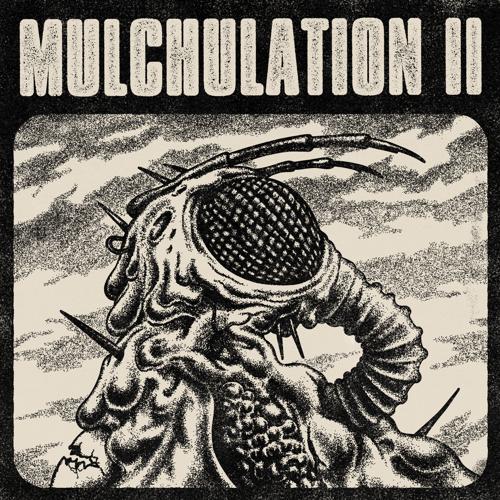

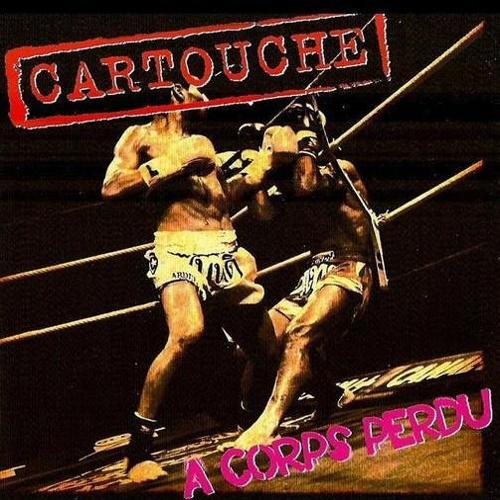
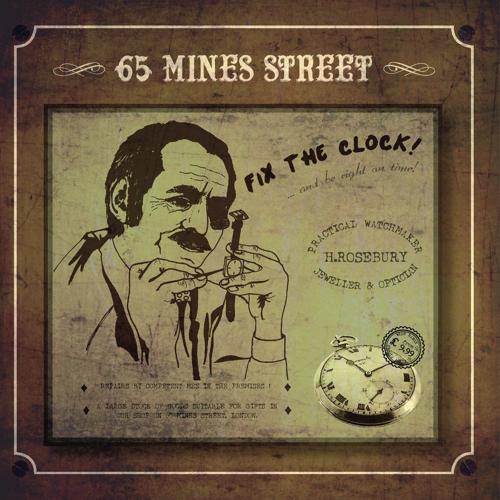
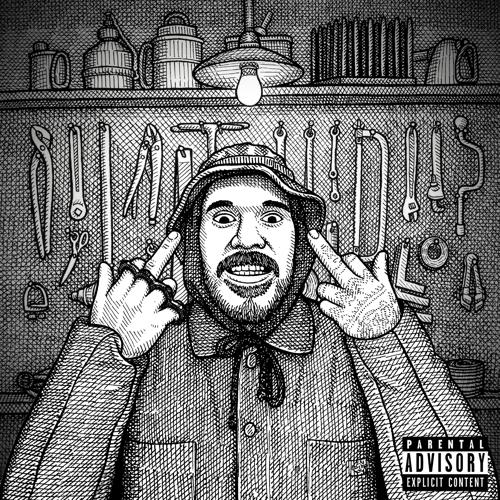






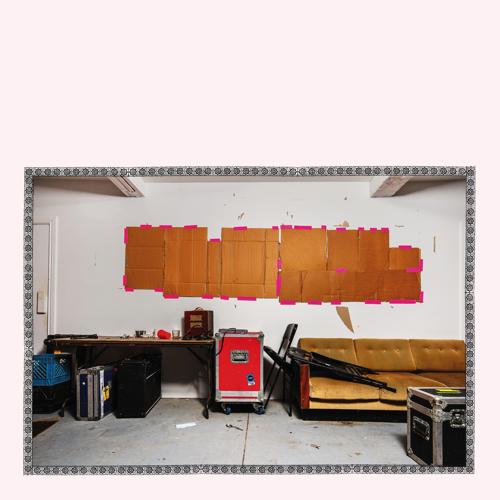
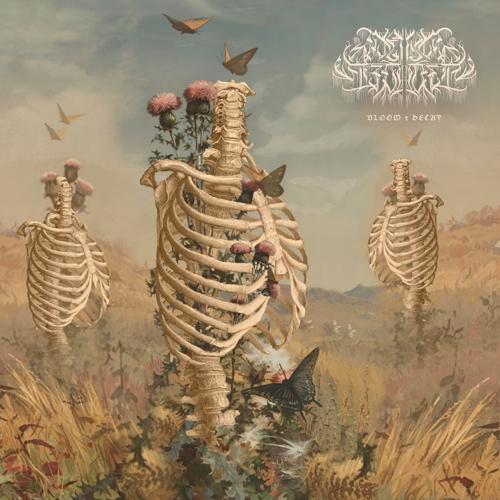
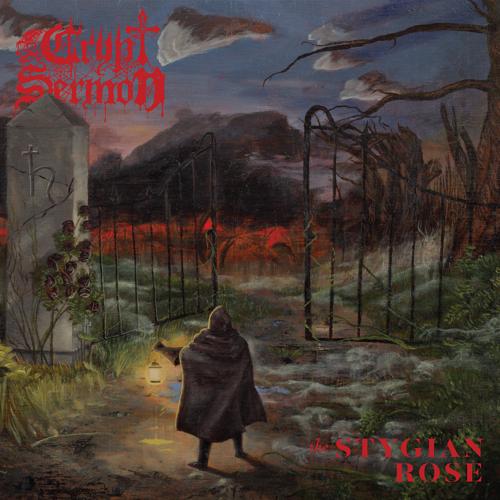
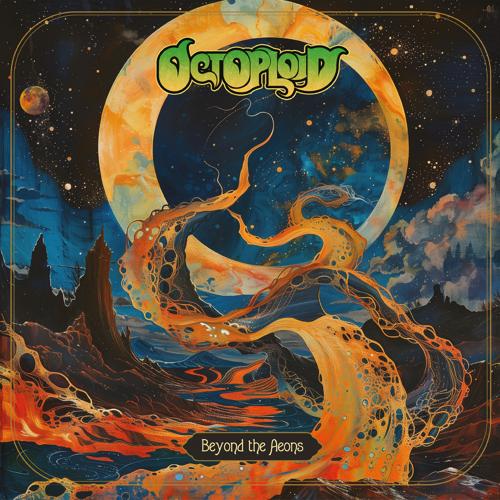

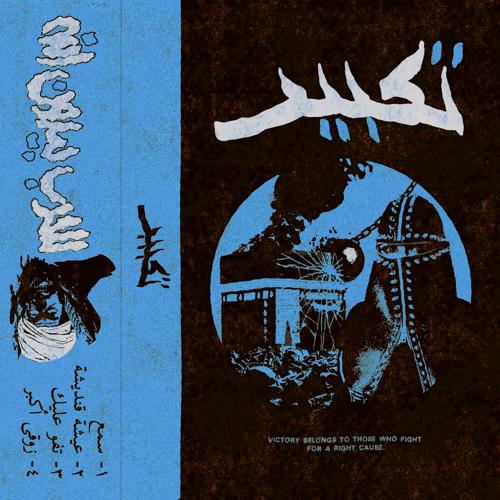

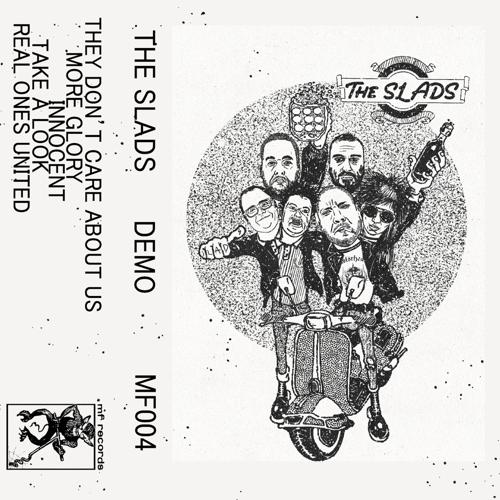

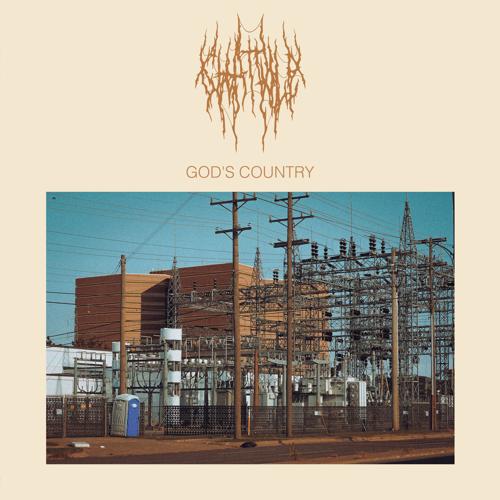
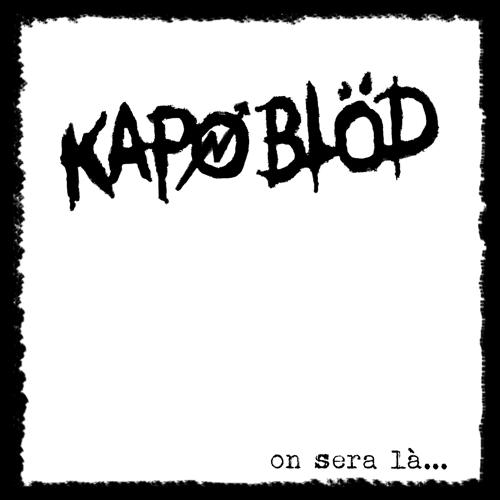
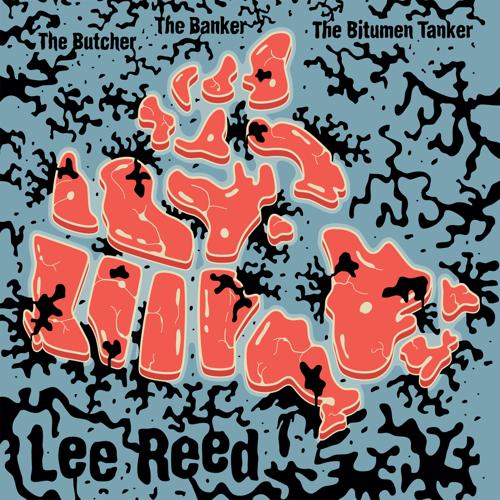
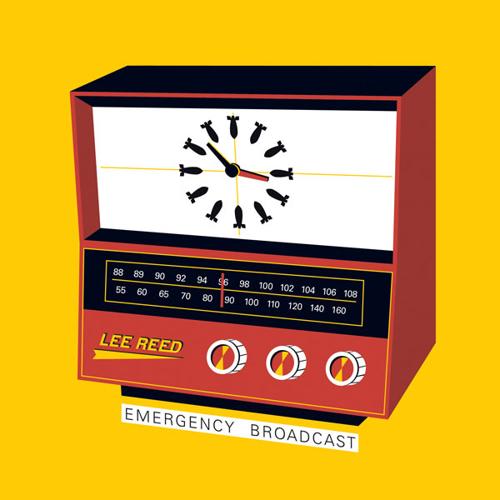
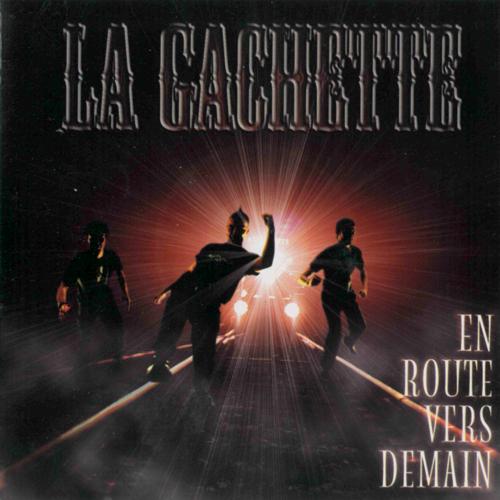

















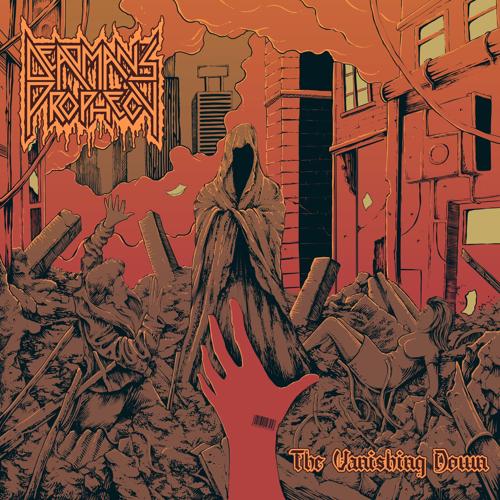



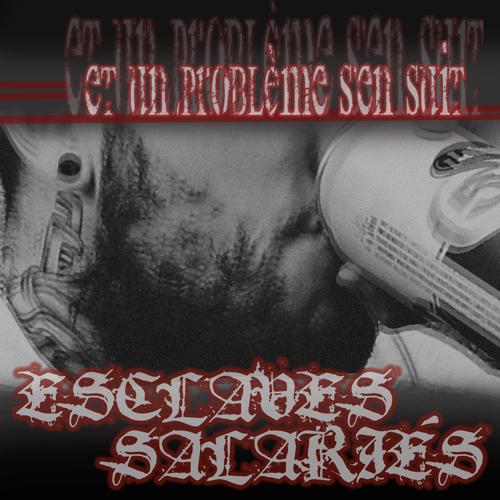
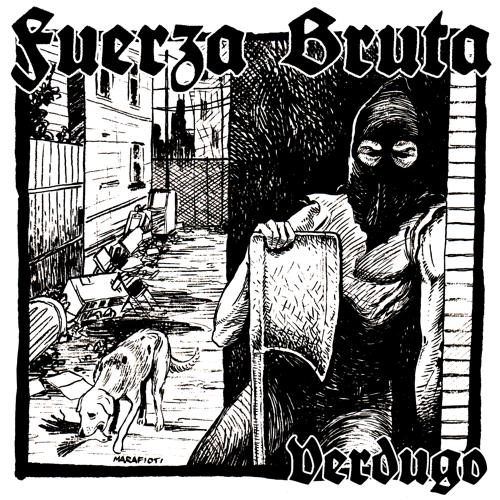









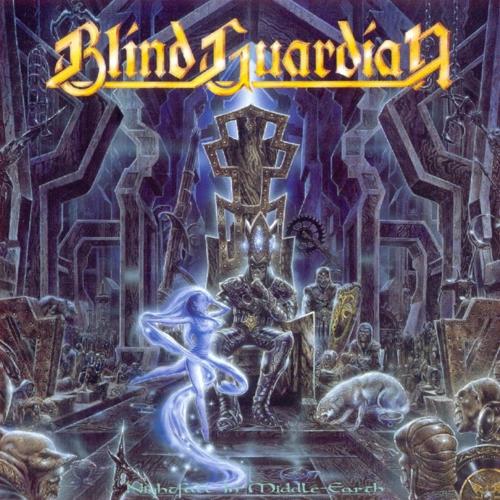


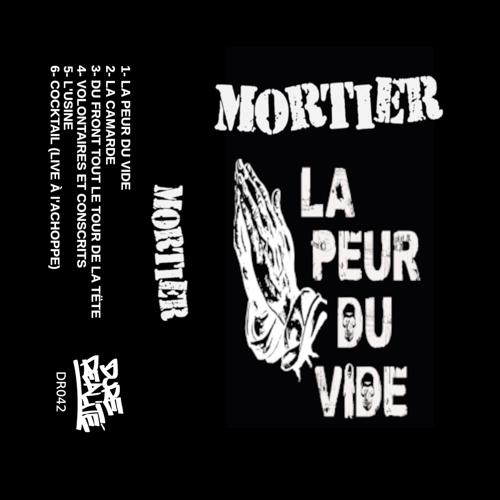

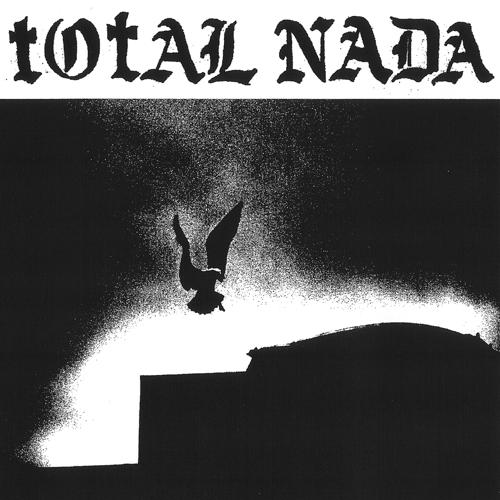
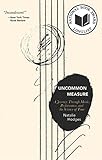
 Here are my favourite books and movies that I read and watched throughout 2024.
It wasn't quite the stellar year for books as
Here are my favourite books and movies that I read and watched throughout 2024.
It wasn't quite the stellar year for books as 








 At work, I've been maintaining a perl script that needs to run a number
of steps as part of a release workflow.
Initially, that script was very simple, but over time it has grown to do
a number of things. And then some of those things did not need to be run
all the time. And then we wanted to do this one exceptional thing for
this one case. And so on; eventually the script became a big mess of
configuration options and unreadable flow, and so I decided that I
wanted it to be more configurable. I sat down and spent some time on
this, and eventually came up with what I now realize is a
domain-specific language (DSL) in JSON, implemented by creating objects
in
At work, I've been maintaining a perl script that needs to run a number
of steps as part of a release workflow.
Initially, that script was very simple, but over time it has grown to do
a number of things. And then some of those things did not need to be run
all the time. And then we wanted to do this one exceptional thing for
this one case. And so on; eventually the script became a big mess of
configuration options and unreadable flow, and so I decided that I
wanted it to be more configurable. I sat down and spent some time on
this, and eventually came up with what I now realize is a
domain-specific language (DSL) in JSON, implemented by creating objects
in  A follow-up release 0.3.11 to the recent