Evgeni Golov: Scanning with a Brother MFC-L2720DW on Linux without any binary blobs

Back in 2015, I've got a Brother MFC-L2720DW for the casual "I need to print those two pages" and "I need to scan these receipts" at home (and home-office ;)). It's a rather cheap (I paid less than 200 in 2015) monochrome laser printer, scanner and fax with a (well, two, wired and wireless) network interface. In those five years I've never used the fax or WiFi functions, but printed a scanned a few pages.
Brother offers Linux drivers, but those are binary blobs which I never really liked to run.
The printer part works just fine with a "Generic PCL 6/PCL XL" driver in CUPS or even "driverless" via AirPrint on Linux. You can also feed it plain PostScript, but I found it rather slow compared to PCL. On recent Androids it works using the built in printer service or Mopria Printer Service for older ones - I used to joke "why would you need a printer on your phone?!", but found it quite useful after a few tries.
However, for the scanner part I had to use Brother's
brscan4 driver on Linux and their iPrint&Scan app on Android - Mopria Scan wouldn't support it.
Until, last Friday, I've seen a NEW package being uploaded to Debian: sane-airscan. And yes, monitoring the Debian NEW queue via Twitter is totally legit!
sane-airscan is an implementation of Apple's AirScan (eSCL) and Microsoft's WSD/WS-Scan protocols for SANE. I've never heard of those before - only about AirPrint, but thankfully this does not mean nobody has reverse-engineered them and created something that works beautifully on Linux. As of today there are no packages in the official Fedora repositories and the Debian ones are still in NEW, however the upstream documentation refers to an openSUSE OBS repository that works like a charm in the meantime (on Fedora 32).
The only drawback I've seen so far: the scanner only works in "Color" mode and there is no way to scan in "Grayscale", making scanning a tad slower. This has been reported upstream and might or might not be fixable, as it seems the device does not announce any mode besides "Color".
Interestingly, SANE has an eSCL backend on its own since 1.0.29, but it's disabled in Fedora in favor of sane-airscan even though the later isn't available in Fedora yet. However, it might not even need separate packaging, as SANE upstream is planning to integrate it into sane-backends directly. More details about the project can be found
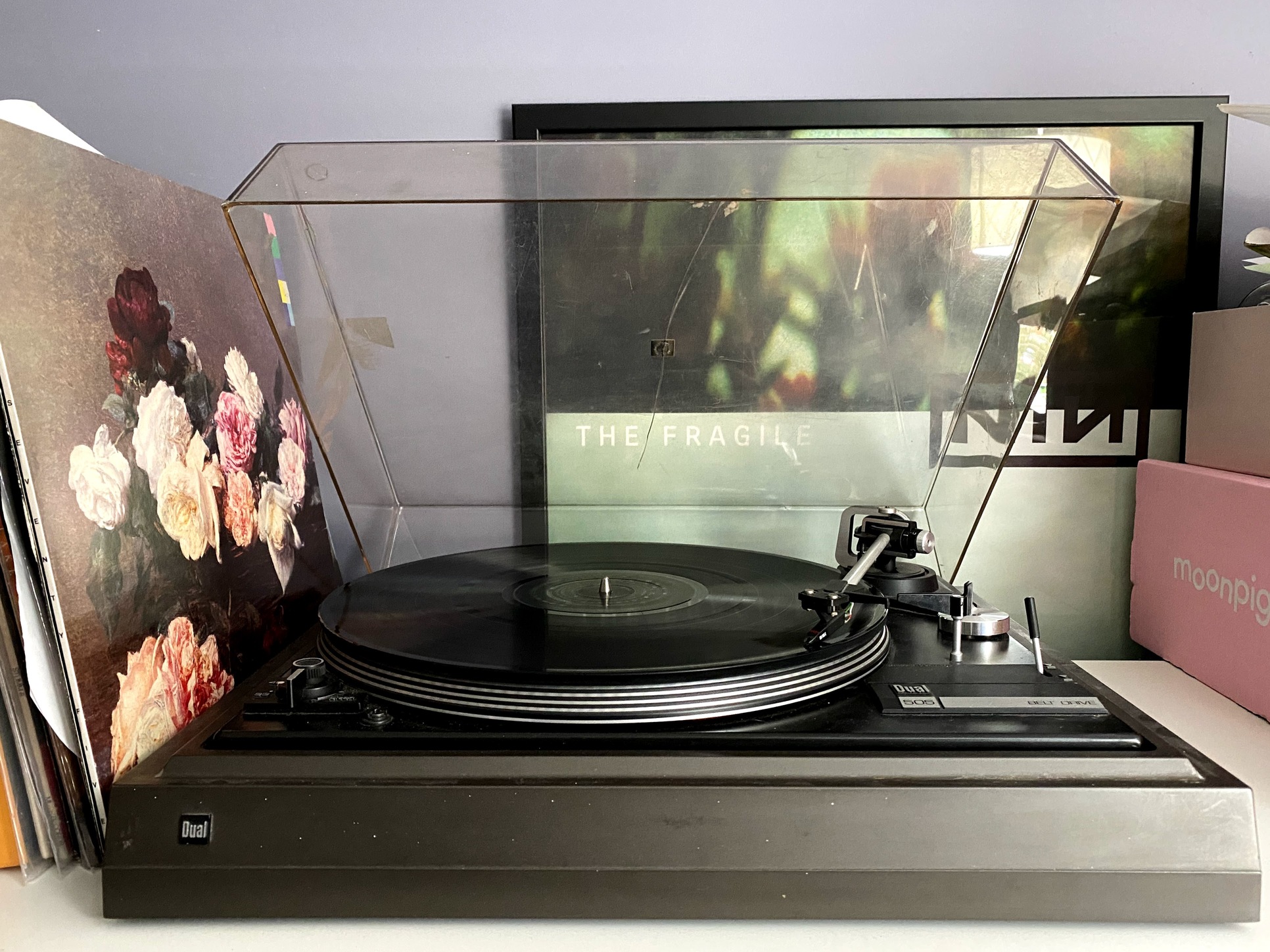
 Last Christmas, to make room for a tree, I dis-assembled my
 Welcome to gambaru.de. Here is my monthly report (+ the first week in July) that covers what I have been doing for Debian. If you re interested in Java, Games and LTS topics, this might be interesting for you.
Debian Games
Short news


 A new version of
 The Linux community is a fascinating and powerful space.When I joined the Ubuntu project approximately five years ago, I (vaguely at the time) understood that there was a profound sense of community and passion everywhere that is difficult to find in other spaces. My involvement has increased, and so has my understanding. I had thought of starting a blog as a means of conveying the information that I stumbled across, but my writing skills were very crude and regrettable, being in my early teenage years.I have finally decided to take the leap. In this blog, I would like to occasionally provide updates on my work, either through focused deep dives on a particular topic, or broad updates on low hanging fruit that has been eliminated. While the articles may be somewhat spontaneous, I decided that an initial post was in order to explain my goals. Feel free to subscribe for more detailed posts in the future, as there are many more to come.
 Now that lockdown is lifting a bit in Scotland, I ve been going a bit further
for exercise. One location I ve been to a few times is
 My laptop battery started to explode in slow motion. HP requires 10 business
days to repair my laptop under warranty, and I cannot afford that length of
downtime.
Alternatively, HP quoted me 375 + VAT for on-site repairs, which I tought was
very funny.
For 376.55 + VAT, which is pretty much exactly the same amount, I bought
instead a refurbished ThinkPad X240 with a dual-core I5, 8G of RAM, 250G SSD,
and a 1920x1080 IPS display, to use as a spare while my laptop is being
repaired. I'd like to thank HP for giving me the opportunity to own a ThinkPad.
Since I'm migrating all my system to the spare and then (hopefully) back, I'm
documenting what I need to be fully productive on new hardware.
Install Debian
A basic Debian netinst with no tasks selected is good enough to get going.
Note that if wifi worked in Debian Installer, it doesn't mean that it will work
in the minimal system it installed.