Andy Simpkins: Using an IP camera in conference calls
 My webcam has broken, something that I have been using a lot during the last few months for some reason.
A friend of mine suggested that I use the mic and camera on my mobile phone instead. There is a simple app droidcam that makes the phone behave as a simple webcam, it also has a client application to run on your PC to capture the web-stream and present it as a video device. All well and good but I would like to keep propitiatory software off my PCs (I have a hard enough time accepting it on a phone but I have to draw a line somewhere).
I decided that there had to be a simple way to ingest that stream and present it as a local video device on a Linux box. It turns out that it is a lot simpler than I thought it would be. I had it working within 10 minutes!
Packages needed: ffmpeg, v4l2loopback-utils
sudo apt-get install ffmpeg v4l2loopback-utilsStart the loop-back device:
sudo modprobe v4l2loopbackIngest video and present on loop-back device:
ffmpeg -re -i <URL_VideoStream> -vcodec rawvideo -pix_fmt yuv420p -f v4l2 /dev/video0Where
-re
Read input at native frame rate. Mainly used to simulate a grab
device, or live input stream (e.g. when reading from a file). Should
not be used with actual grab devices or live input streams (where it
can cause packet loss). By default ffmpeg attempts to read the
input(s) as fast as possible. This option will slow down the reading
of the input(s) to the native frame rate of the input(s). It is
useful for real-time output (e.g. live streaming).
-i <source>
In this case my phone running droidcam http://10.14.1.100:4747/video
-vcodec rawvideo
Select the output video codec to raw video (as expected for /dev/video#)
-pix_fmt yuv420p
Set pixel format. in this example tell ffmpeg that the video will
be yuv colour space at 420p resolution
-f v4l2 /dev/video0
Force the output to be in video for Linux 2 (v4l2) format bound to
device /dev/video0
 I have been late to adopt an on-premise cloud solution as the security of Owncloud a few years ago wasn't so stellar (cf. my comment from 2013 in
 Luckily code can be changed and there are many comments floating around the Internet to change
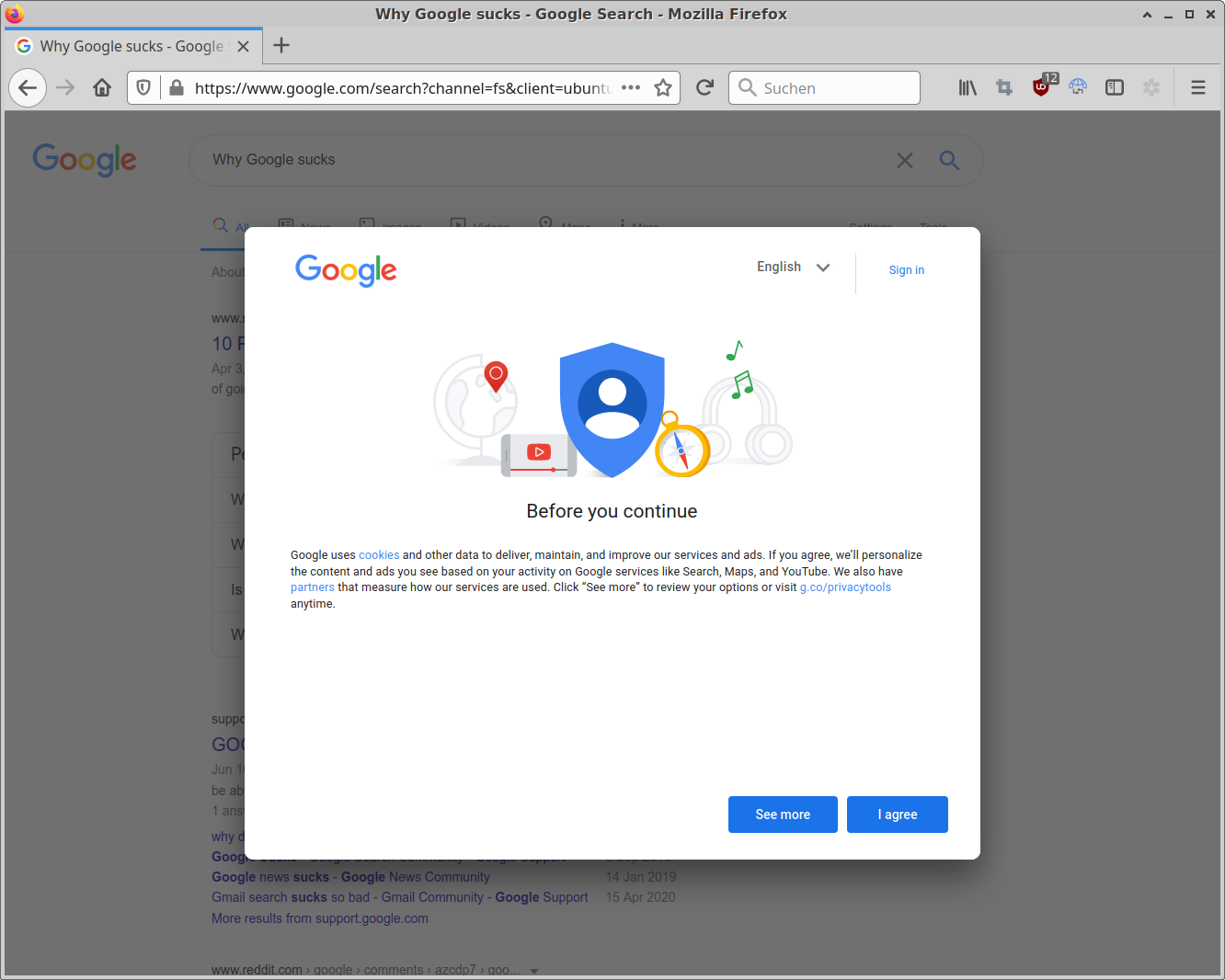 Unfortunately none of the big "anti-annoyances" filter lists seem to have picked that one up yet but the friendly folks from the
 Very thrilled to announce a new package
 Four years ago somebody posted a comment-thread describing how you could start writing a little reverse-polish calculator, in C, and slowly improve it until you had written a minimal FORTH-like system:
 There are a number of large and very successful Debian Local Groups
(Debian France, Debian Brazil and Debian Taiwan, just to name a few),
but what can we do to help support upcoming local groups or help spark interest
in more parts of the world?
There has been a session about


 Like
 Just to remind myself because I keep forgetting it again and again: If you get washed out colors when doing color to alpha and then recombine layers in GIMP, that is due to the new default in GIMP 2.10 that combines layers in linear RGB.
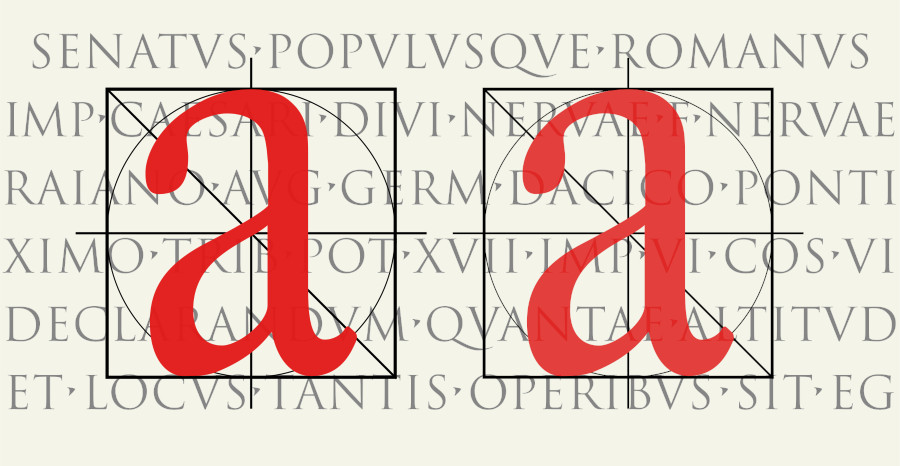 This creates problems because Color to Alpha works in
 Yesterday I did the first release of my OpenPGP compatible keyserver, onak, in 4 years. Actually, 2 releases because I discovered my detection for various versions of libnettle needed some fixing.
It was largely driven by the need to get an updated package sorted for
 Step by step cups debugging ( here with a network printer)