
Continuing with
#newinbullseye. One package that isn t new but its tools are used by many of us is
util-linux, providing many essential system utilities. There is
util-linux v2.33.1 in Debian/buster and
util-linux v2.36.1 in Debian/bullseye, and as usual there are many new features and options available.
I don t want to replicate the release notes provided by upstream, instead make sure to check out the
Release highlights sections in the following release notes:
Tools that have been taken over from / moved to other packages
Debian s util-linux source package provides new binary packages:
eject (and
eject-udeb) and
bsdextrautils. The util-linux implementation of
/usr/bin/eject is used now, replacing the one previously provided by the
eject source package.
Overall, from a util-linux perspective the following shifts took place:
col, colcrt, colrm, column: moved from binary package bsdmainutils to bsdextrautilseject: moved to binary package ejecthd: moved from binary package bsdmainutils to bsdextrautilshexdump: moved from binary package bsdmainutils to bsdextrautilslook: moved from binary package bsdmainutils to bsdextrautilsul: moved from binary package bsdmainutils to bsdextrautilswrite(.ul): moved from binary package bsdmainutils (named bsd-write) to bsdextrautils
Deprecated / removed tools
Tools that are no longer shipped as of Debian/bullseye:
/usr/bin/rename.ul (rename files): use e.g. rename package instead, see #926637 for details regarding the removal/usr/bin/volname (return volume name for a device formatted with an ISO-9660 file system): use blkid -s LABEL -o value $filename instead/usr/lib/eject/dmcrypt-get-device: no replacement available
New tools
Debian s bsdutils package (which is provided by the util-linux source package) provides a new tool from util-linux:
scriptlive: re-execute stdin log by a shell in PTY session
The new tools
lsirq +
irqtop (to monitor kernel interrupts) sadly didn t make it into util-linux s packaging of Debian/bullseye (as without per-CPU data they do not seem mature at this time). The new
hardlink tool (to consolidate duplicate files via hardlinks) won t be shipped, as there s an existing
hardlink package already.
New features/options
agetty + getty:
--show-issue display issue file and exit
blkdiscard:
--force disable all checking
blkid:
-D, --no-part-details don't print info from partition table
blkzone:
Commands:
open         Open a range of zones.
close        Close a range of zones.
finish       Set a range of zones to Full.
Options:
-f, --force            enforce on block devices used by the system
cfdisk:
--lock[=<mode>] use exclusive device lock (yes, no or nonblock)
dmesg:
--noescape             don't escape unprintable character
-W, --follow-new       wait and print only new messages
fdisk:
-x, --list-details          like --list but with more details
-n, --noauto-pt             don't create default partition table on empty devices
--lock[=<mode>]             use exclusive device lock (yes, no or nonblock)
fstrim:
-I, --listed-in <list>   trim filesystems listed in specified files
--quiet-unsupported      suppress error messages if trim unsupported
lsblk:
Options:
-E, --dedup <column> de-duplicate output by <column>
                     (for example 'lsblk --dedup WWN' to de-duplicate devices by WWN number, e.g. multi-path devices)
-M, --merge          group parents of sub-trees (usable for RAIDs, Multi-path)
                     see http://karelzak.blogspot.com/2018/11/lsblk-merge.html
New output columns:
FSVER         filesystem version
PARTTYPENAME  partition type name
DAX           dax-capable device
lscpu:
Options:
-B, --bytes             print sizes in bytes rather than in human readable format
-C, --caches[=<list>]   info about caches in extended readable format
    --output-all        print all available columns for -e, -p or -C
Available output columns for -C:
        ALL-SIZE  size of all system caches
           LEVEL  cache level
            NAME  cache name
        ONE-SIZE  size of one cache
            TYPE  cache type
            WAYS  ways of associativity
    ALLOC-POLICY  allocation policy
    WRITE-POLICY  write policy
        PHY-LINE  number of physical cache line per cache t
            SETS  number of sets in the cache; set lines has the same cache index
   COHERENCY-SIZE  minimum amount of data in bytes transferred from memory to cache
lslogins:
--lastlog <path> set an alternate path for lastlog
lsns:
-t, --type time namespace type time is also supported now (next to mnt, net, ipc, user, pid, uts, cgroup)
mkswap:
--lock[=<mode>] use exclusive device lock (yes, no or nonblock)
more:
Options:
-n, --lines <number>  the number of lines per screenful
New long options (in addition to the listed equivalent short options):
  --silent       - equivalent to -d
  --logical      - equivalent to -f
  --no-pause     - equivalent to -l
  --print-over   - equivalent to -c
  --clean-print  - equivalent to -p
  --squeeze      - equivalent to -s
  --plain        - equivalent to -u
mount:
Options:
--target-prefix <path>  specifies path use for all mountpoints
Source:
ID=<id>                 specifies device by udev hardware ID
mountpoint:
--nofollow do not follow symlink
nsenter:
-T, --time[=<file>] enter time namespace
script:
-I, --log-in <file>           log stdin to file
-O, --log-out <file>          log stdout to file (default)
-B, --log-io <file>           log stdin and stdout to file
-T, --log-timing <file>       log timing information to file
-m, --logging-format <name>   force to 'classic' or 'advanced' format
-E, --echo <when>             echo input (auto, always or never)
sfdisk:
--disk-id <dev> [<str>]           print or change disk label ID (UUID)
--relocate <oper> <dev>           move partition header
--move-use-fsync                  use fsync after each write when move data
--lock[=<mode>]                   use exclusive device lock (yes, no or nonblock)
unshare:
-T, --time[=<file>]       unshare time namespace
--map-user=<uid> <name>   map current user to uid (implies --user)
--map-group=<gid> <name>  map current group to gid (implies --user)
-c, --map-current-user    map current user to itself (implies --user)
--keep-caps               retain capabilities granted in user namespaces
-R, --root=<dir>          run the command with root directory set to <dir>
-w, --wd=<dir>            change working directory to <dir>
-S, --setuid <uid>        set uid in entered namespace
-G, --setgid <gid>        set gid in entered namespace
--monotonic <offset>      set clock monotonic offset (seconds) in time namespaces
--boottime <offset>       set clock boottime offset (seconds) in time namespaces
wipefs:
--lock[=<mode>] use exclusive device lock (yes, no or nonblock)
 I woke up this morning to a lovely little gallery of pictures of our children that my wife had sent me via WhatsApp.
This has become the most common way we interact with family photos. We regularly send and receive photos to and from our families via WhatsApp, which re-compresses them for transit and temporary storage across their network.
The original photos, wherever they are, will be in a very high quality (as you get on most modern cameras) and will be backed up in perfect fidelity to either Apple or Google s photo storage solutions. But all of that seems moot, when the most frequent way we engage with the pictures is via a method which compresses so aggressively that you can clearly see the artefacts, even thumbnailed on a phone screen.
I still don t feel particularly happy with the solution in place for backing up the photos (or even: getting them off the phone). Both Apple and Google make it less than convenient to get them out of their respective walled gardens. I ve been evaluating the nextCloud app and a Nextcloud instance on my home NAS as a possible alternative.
I woke up this morning to a lovely little gallery of pictures of our children that my wife had sent me via WhatsApp.
This has become the most common way we interact with family photos. We regularly send and receive photos to and from our families via WhatsApp, which re-compresses them for transit and temporary storage across their network.
The original photos, wherever they are, will be in a very high quality (as you get on most modern cameras) and will be backed up in perfect fidelity to either Apple or Google s photo storage solutions. But all of that seems moot, when the most frequent way we engage with the pictures is via a method which compresses so aggressively that you can clearly see the artefacts, even thumbnailed on a phone screen.
I still don t feel particularly happy with the solution in place for backing up the photos (or even: getting them off the phone). Both Apple and Google make it less than convenient to get them out of their respective walled gardens. I ve been evaluating the nextCloud app and a Nextcloud instance on my home NAS as a possible alternative.
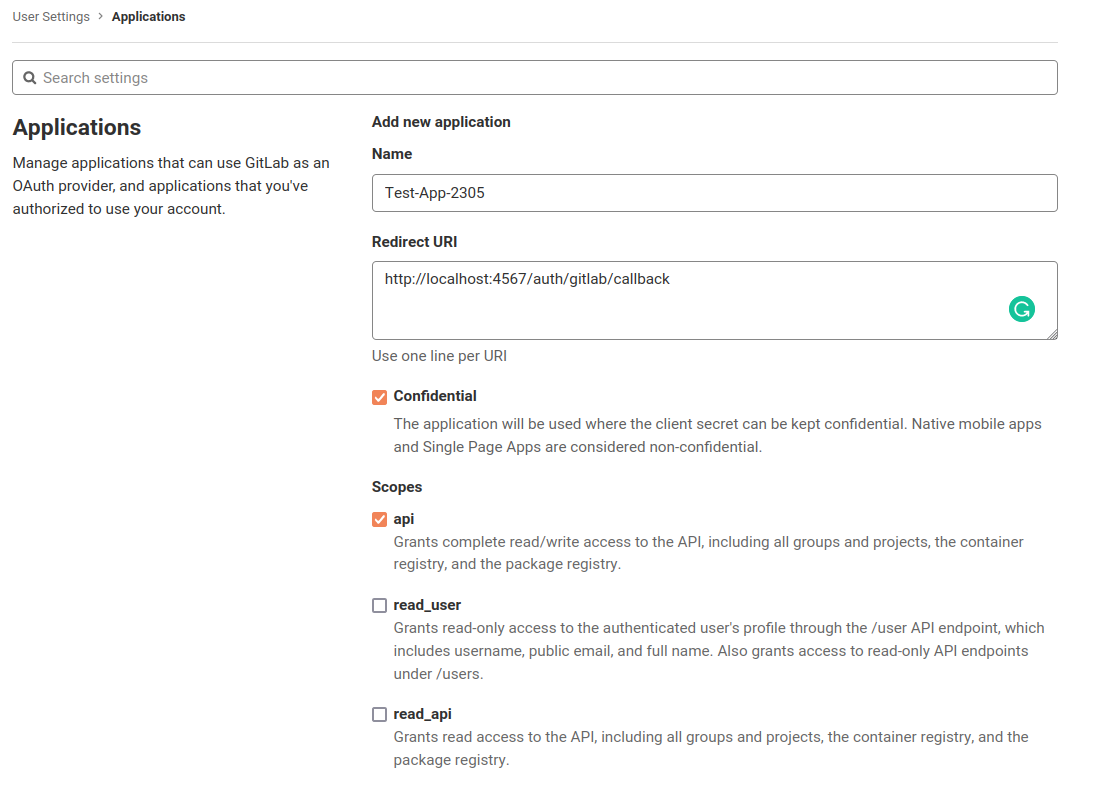 The
The 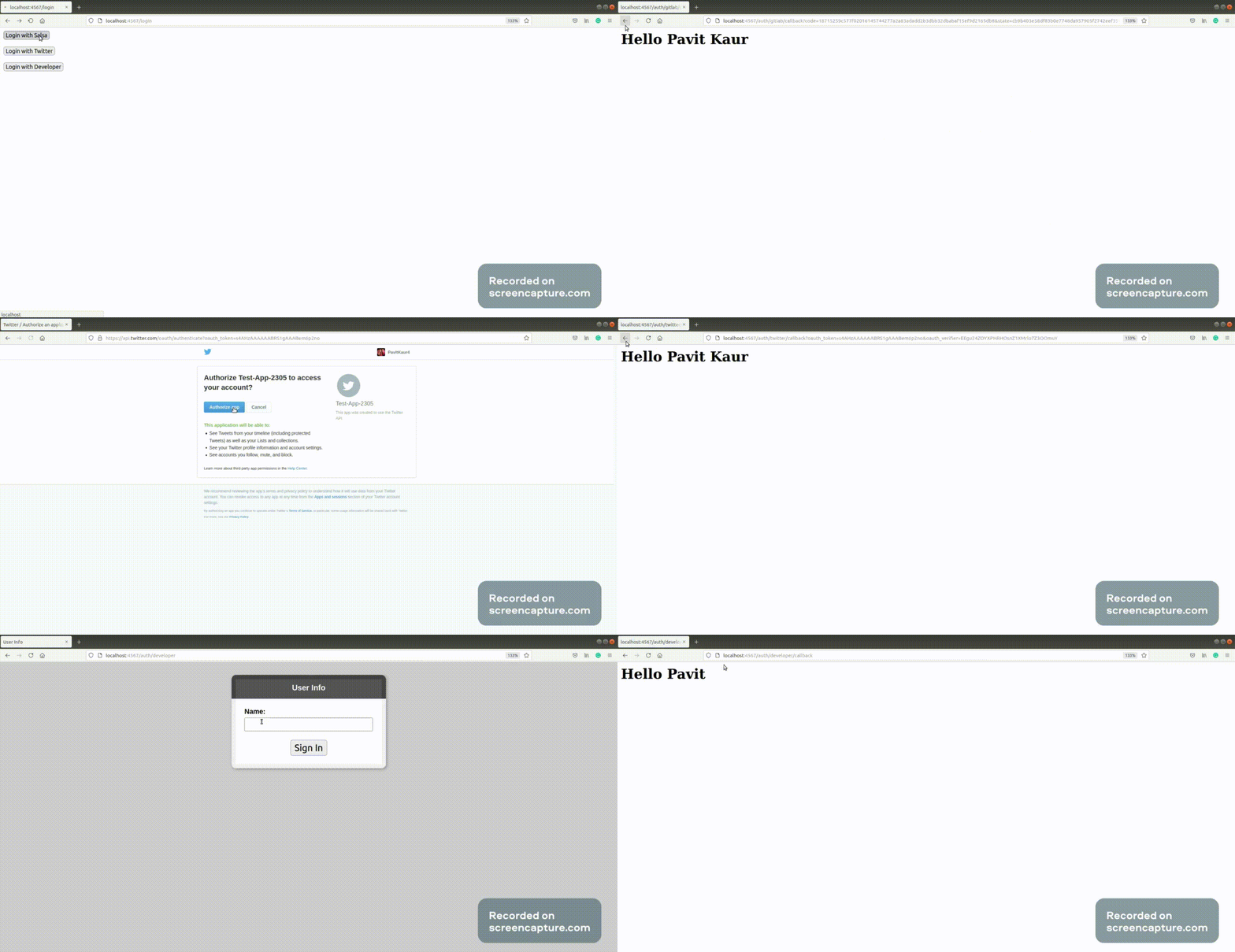 Here, I have already logged into my respective accounts so page for entring credentials does not show up but if the user has not logged into his account, he would be first asked to log in.
For complete code, you can check out:
Here, I have already logged into my respective accounts so page for entring credentials does not show up but if the user has not logged into his account, he would be first asked to log in.
For complete code, you can check out:
 Created a web page for recording game play.
For mixing video and audio from HDMI input and grabbing audio from mic.
Basically just configuring the two audio and video tracks.
Created a web page for recording game play.
For mixing video and audio from HDMI input and grabbing audio from mic.
Basically just configuring the two audio and video tracks.
 In June I was assigned 14 hours of work by Freexian's Debian LTS
initiative and carried over 2 hours from earlier months. I worked
13.25 hours and will carry over the remainder.
I finished bringing the linux (Linux 4.9) package up to date,
uploaded it, and issued
In June I was assigned 14 hours of work by Freexian's Debian LTS
initiative and carried over 2 hours from earlier months. I worked
13.25 hours and will carry over the remainder.
I finished bringing the linux (Linux 4.9) package up to date,
uploaded it, and issued


 Although I'm about 5 months early and we're in the middle of a terrible heat
wave where I live, I've just finished building my new winter bicycle!
I've been riding all year round for about 8 years now and the winters in
Montreal are harsh enough that a second winter-ready bicycle is required to
have a fun and safe cold season.
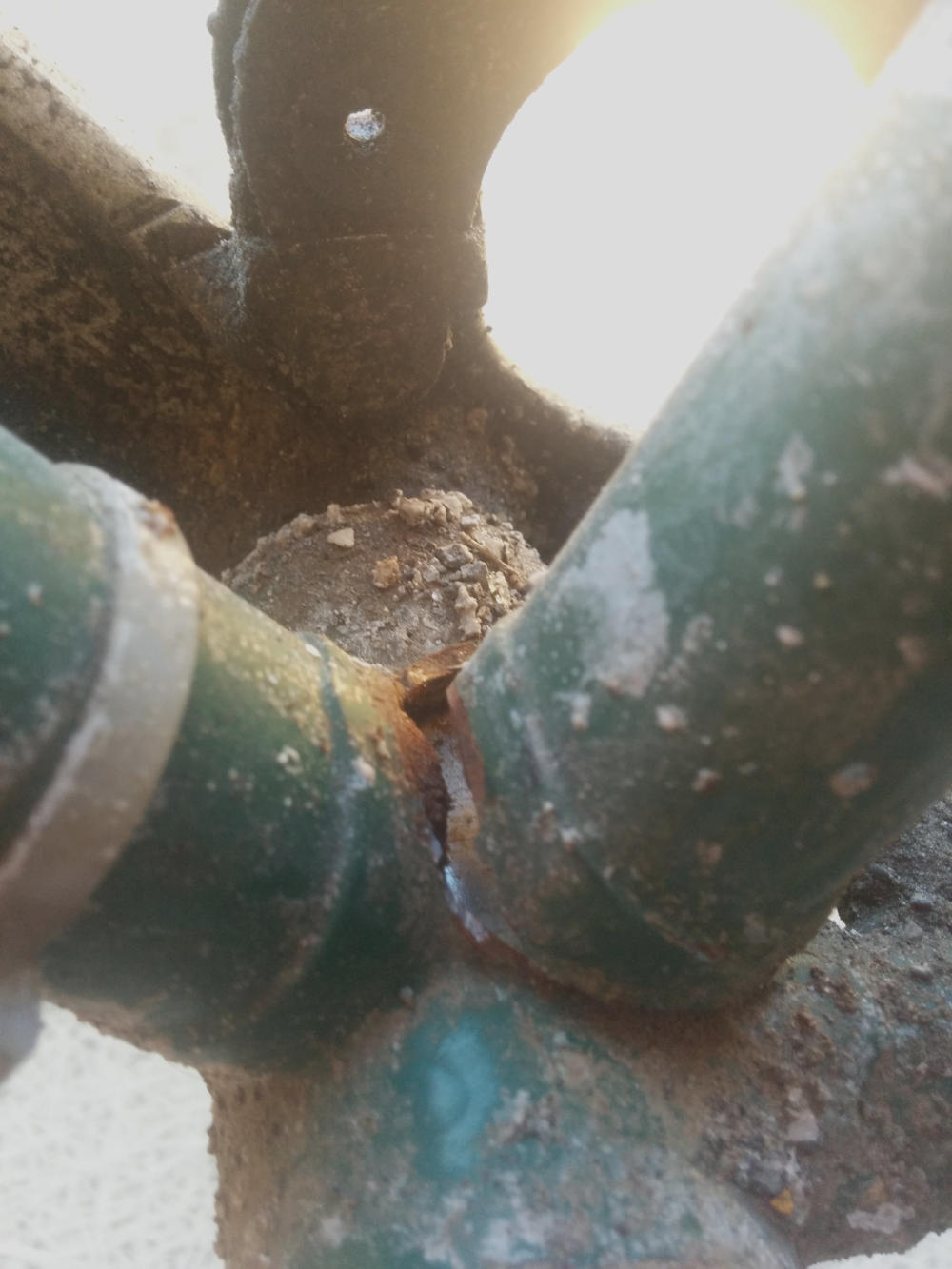
I'm saying "new bicycle" because a few months ago I totaled the frame of my
previous winter bike. As you can see in the picture below (please disregard the
salt crust), I broke the seat tube at the lug.
I didn't notice it at first and while riding I kept hearing a "bang bang" sound
coming from the frame when going over bumps. To my horror, I eventually
realised the sound was coming from the seat tube hitting the bottom bracket
shell!
Although I'm about 5 months early and we're in the middle of a terrible heat
wave where I live, I've just finished building my new winter bicycle!
I've been riding all year round for about 8 years now and the winters in
Montreal are harsh enough that a second winter-ready bicycle is required to
have a fun and safe cold season.
I'm saying "new bicycle" because a few months ago I totaled the frame of my
previous winter bike. As you can see in the picture below (please disregard the
salt crust), I broke the seat tube at the lug.
I didn't notice it at first and while riding I kept hearing a "bang bang" sound
coming from the frame when going over bumps. To my horror, I eventually
realised the sound was coming from the seat tube hitting the bottom bracket
shell!
 I'm sad to see this
 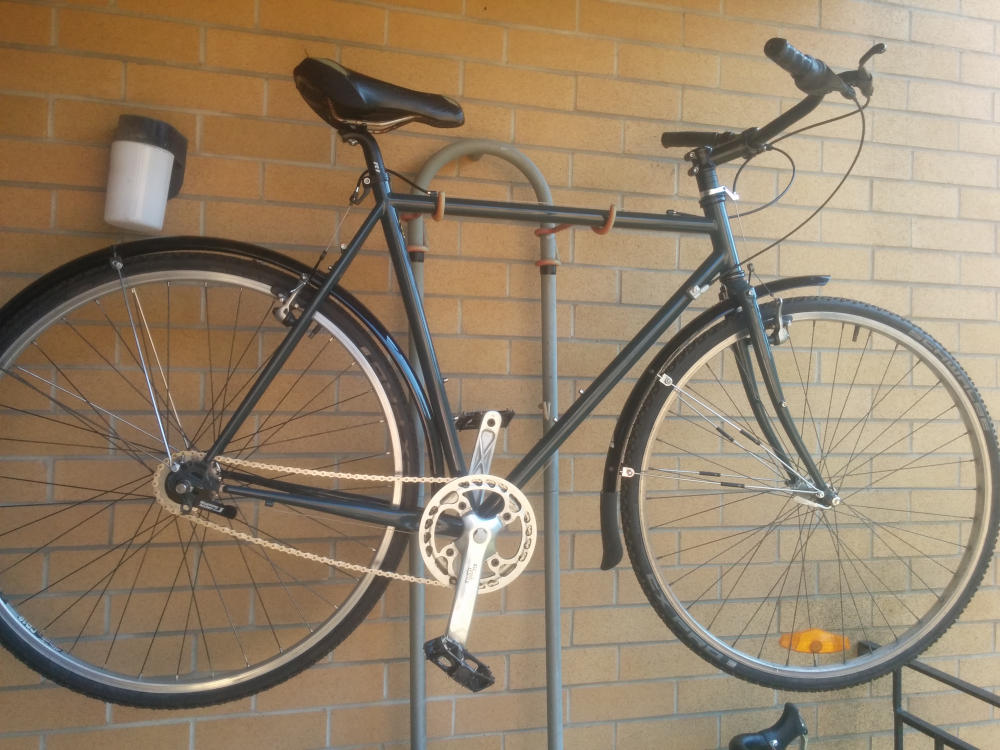 Summer has just started and I'm already looking forward to winter :)
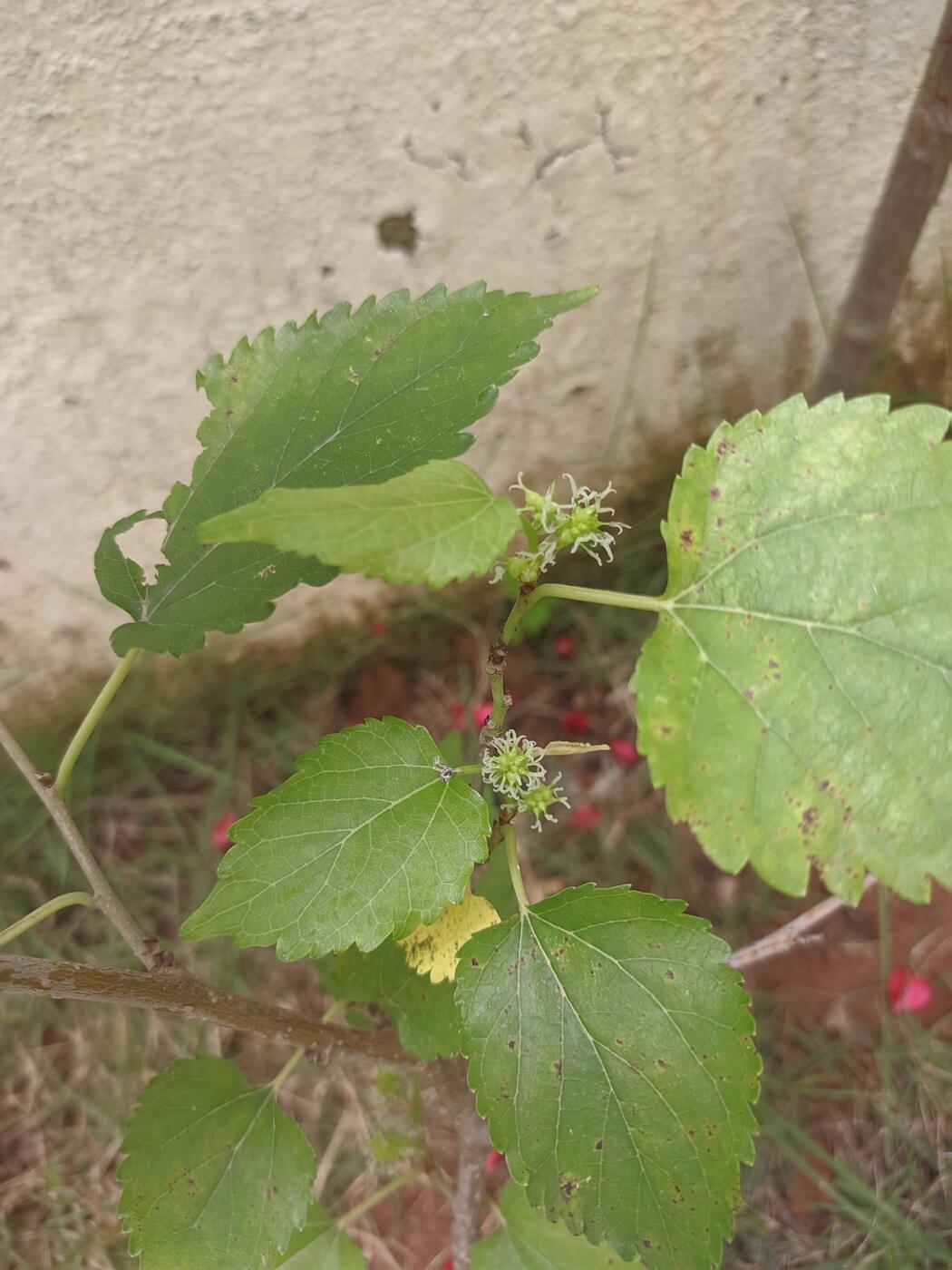
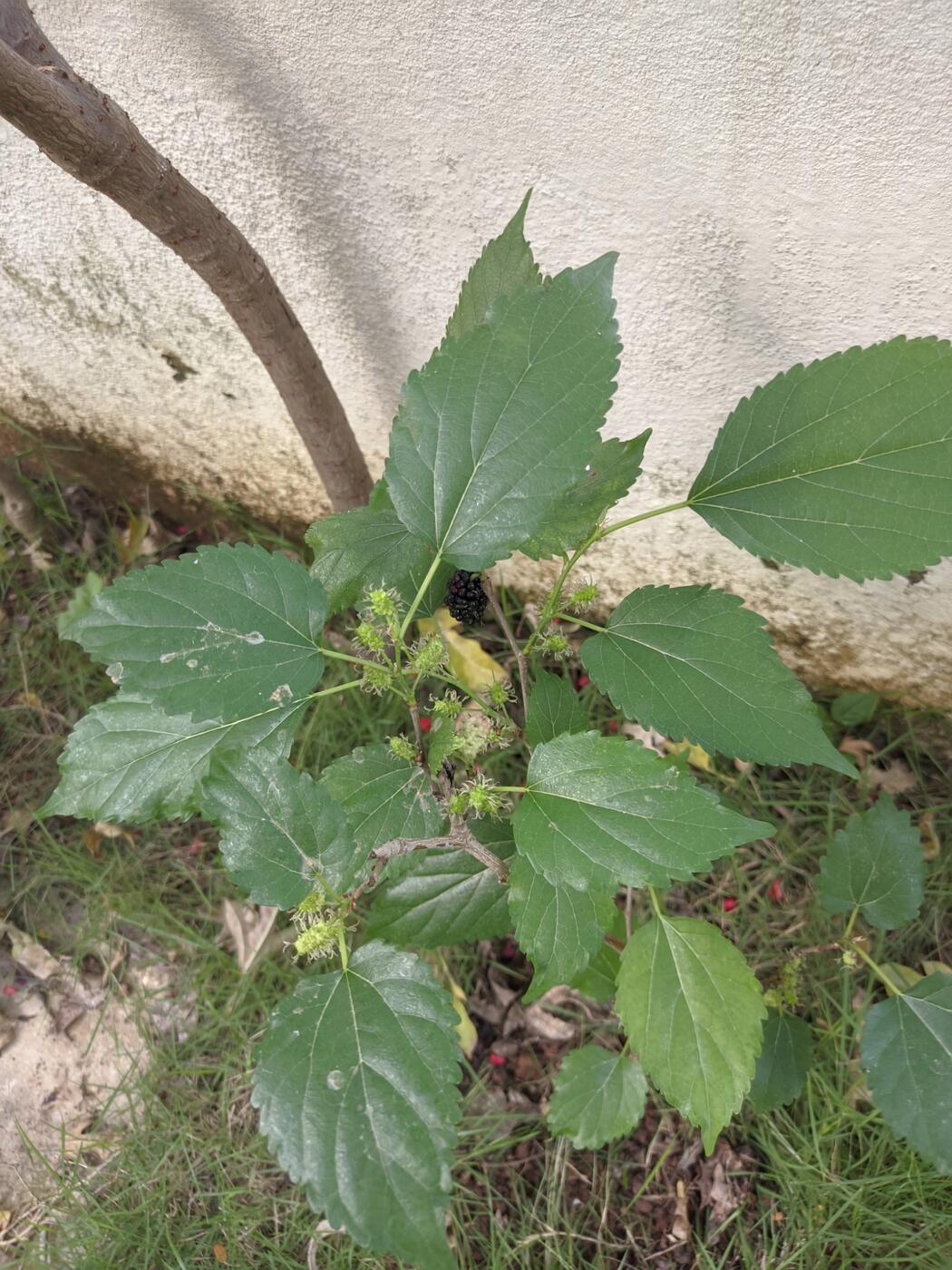
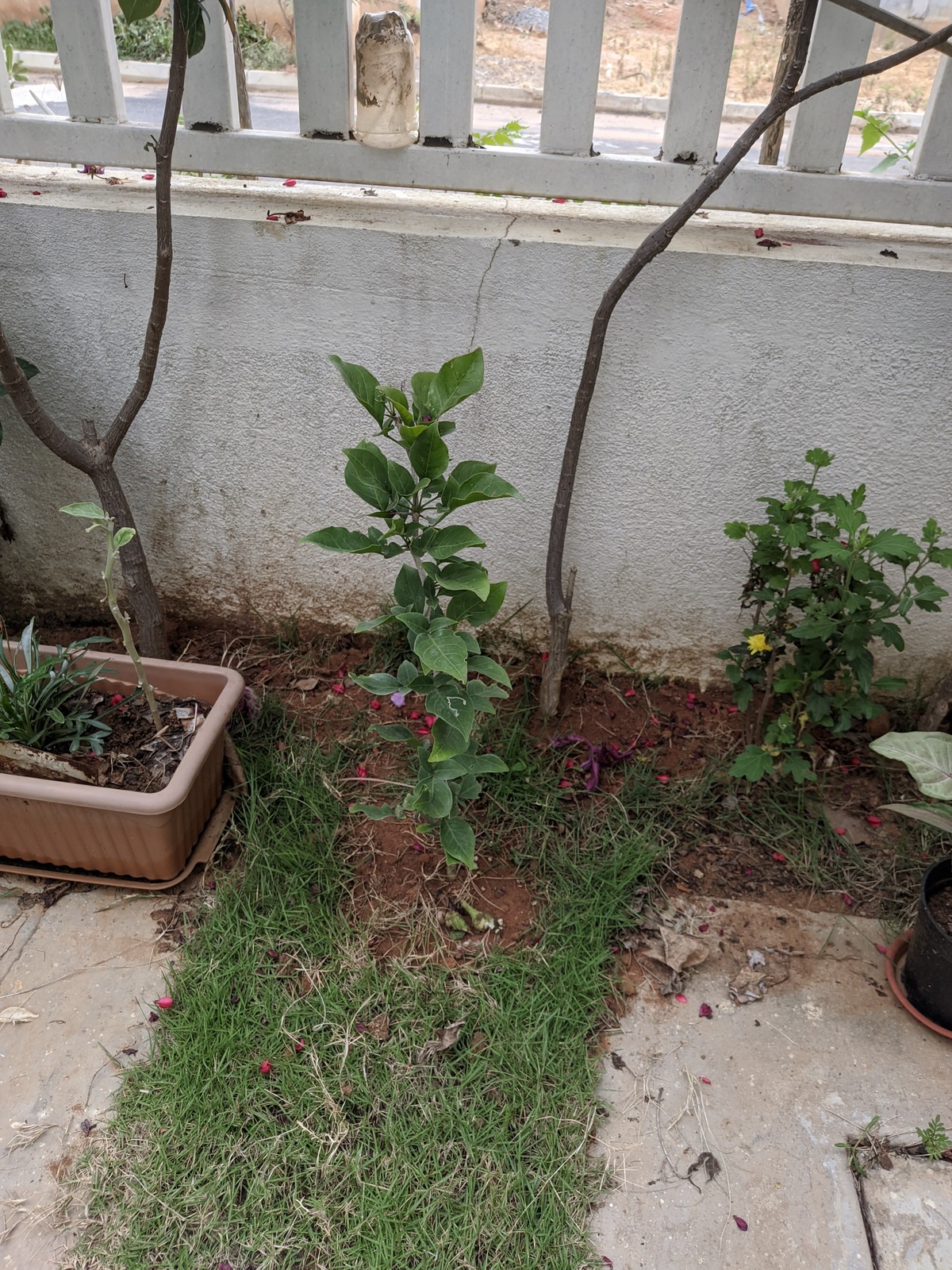
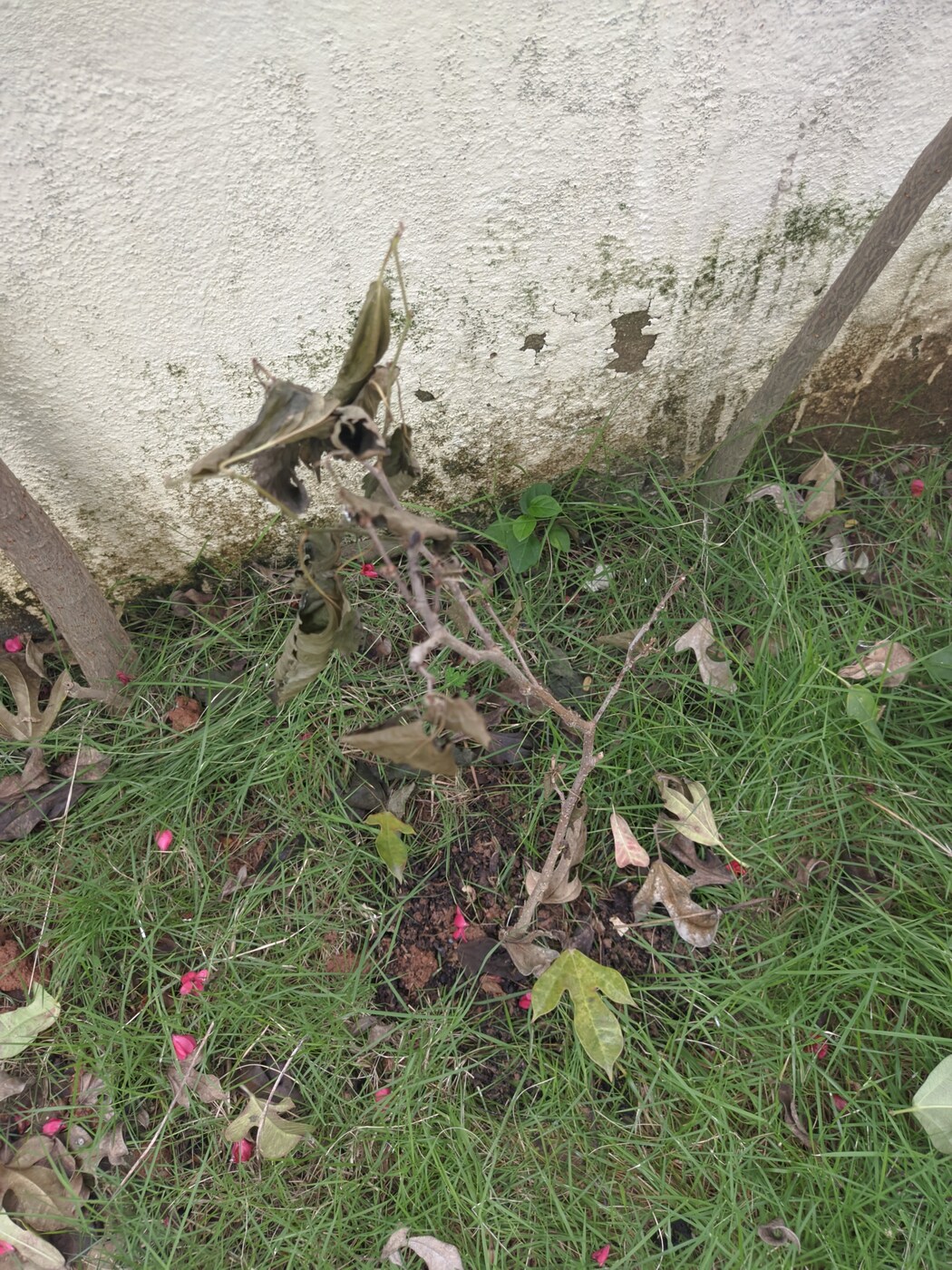
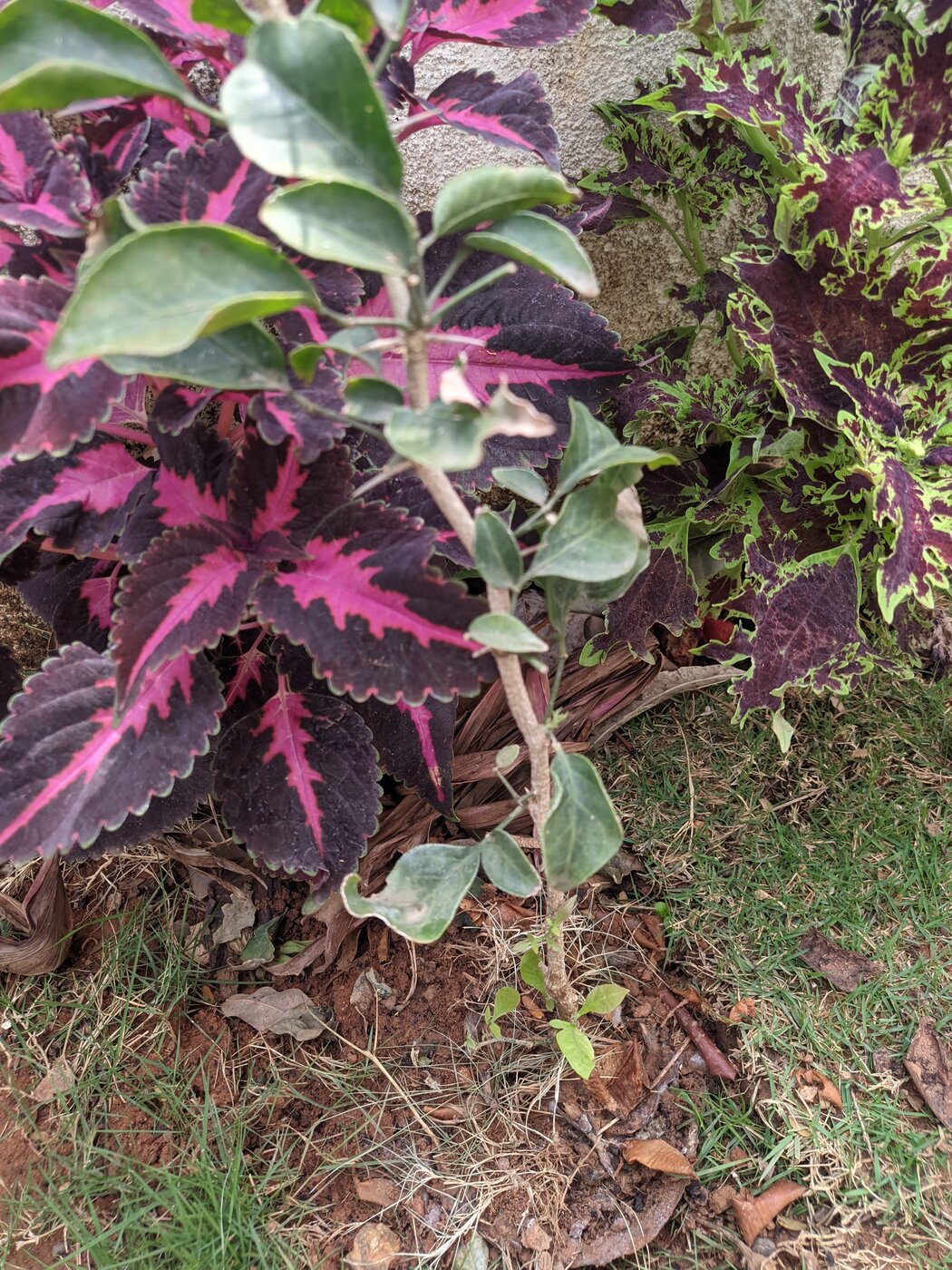
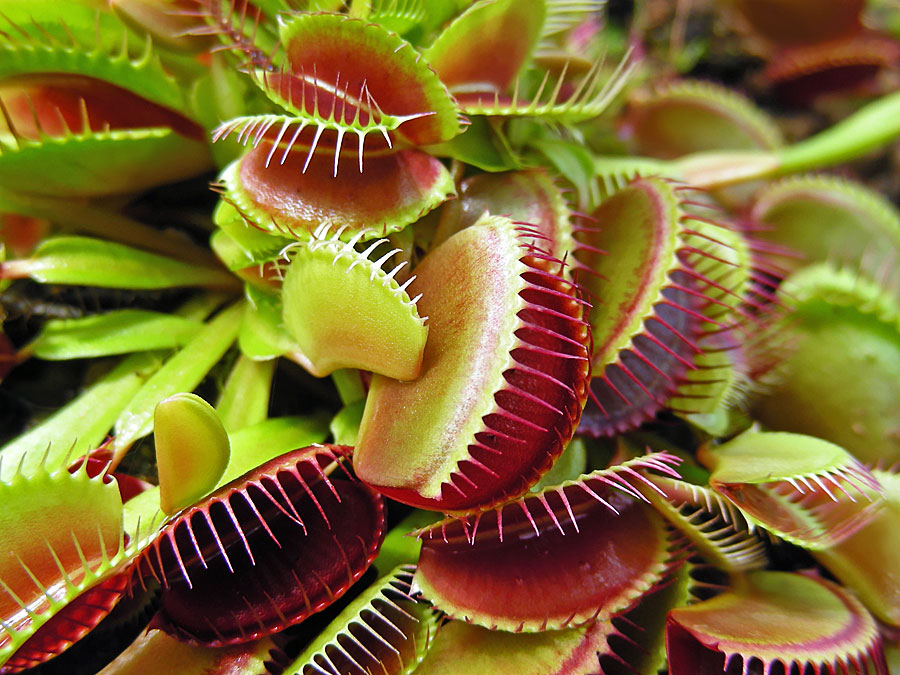
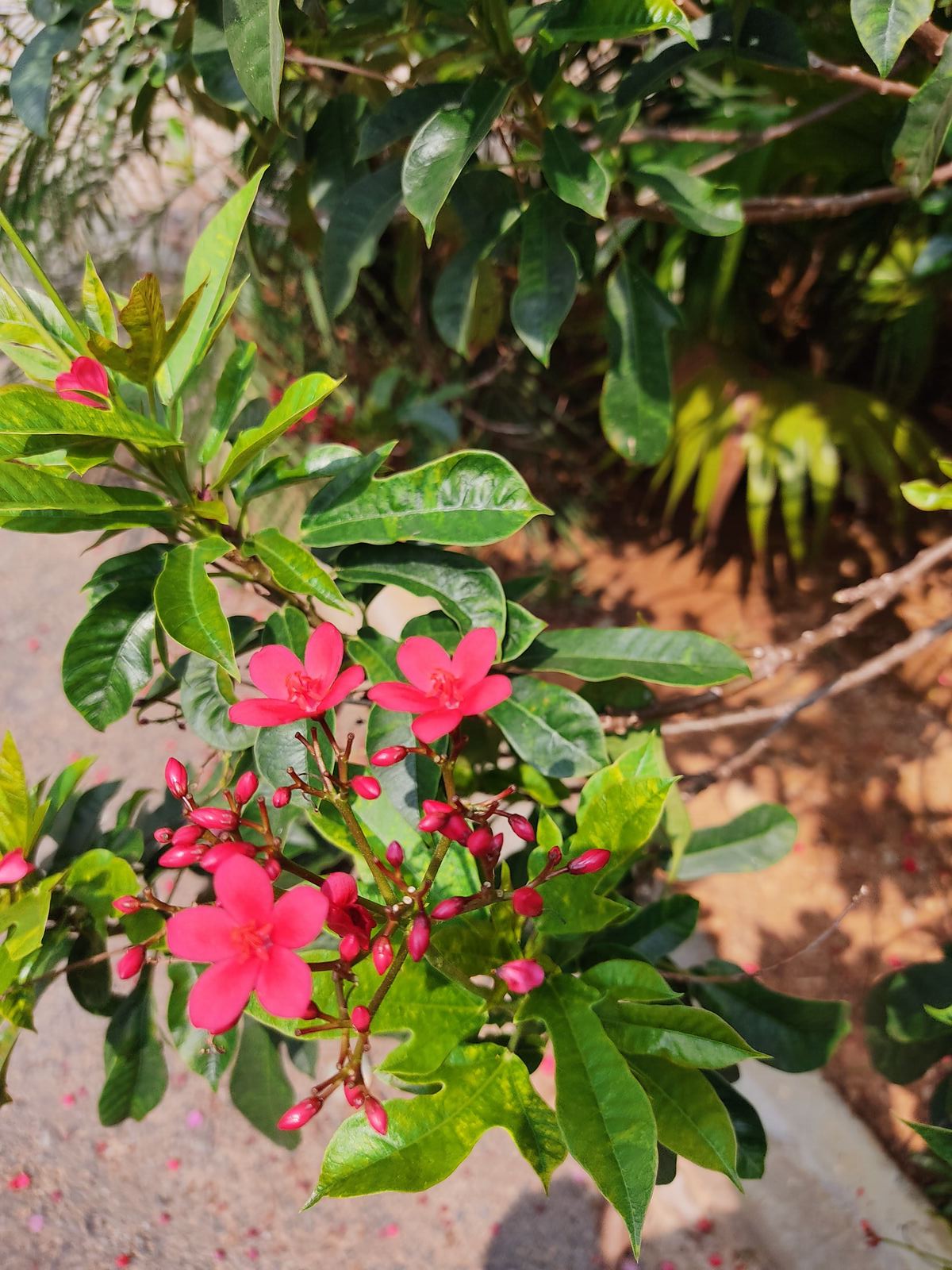
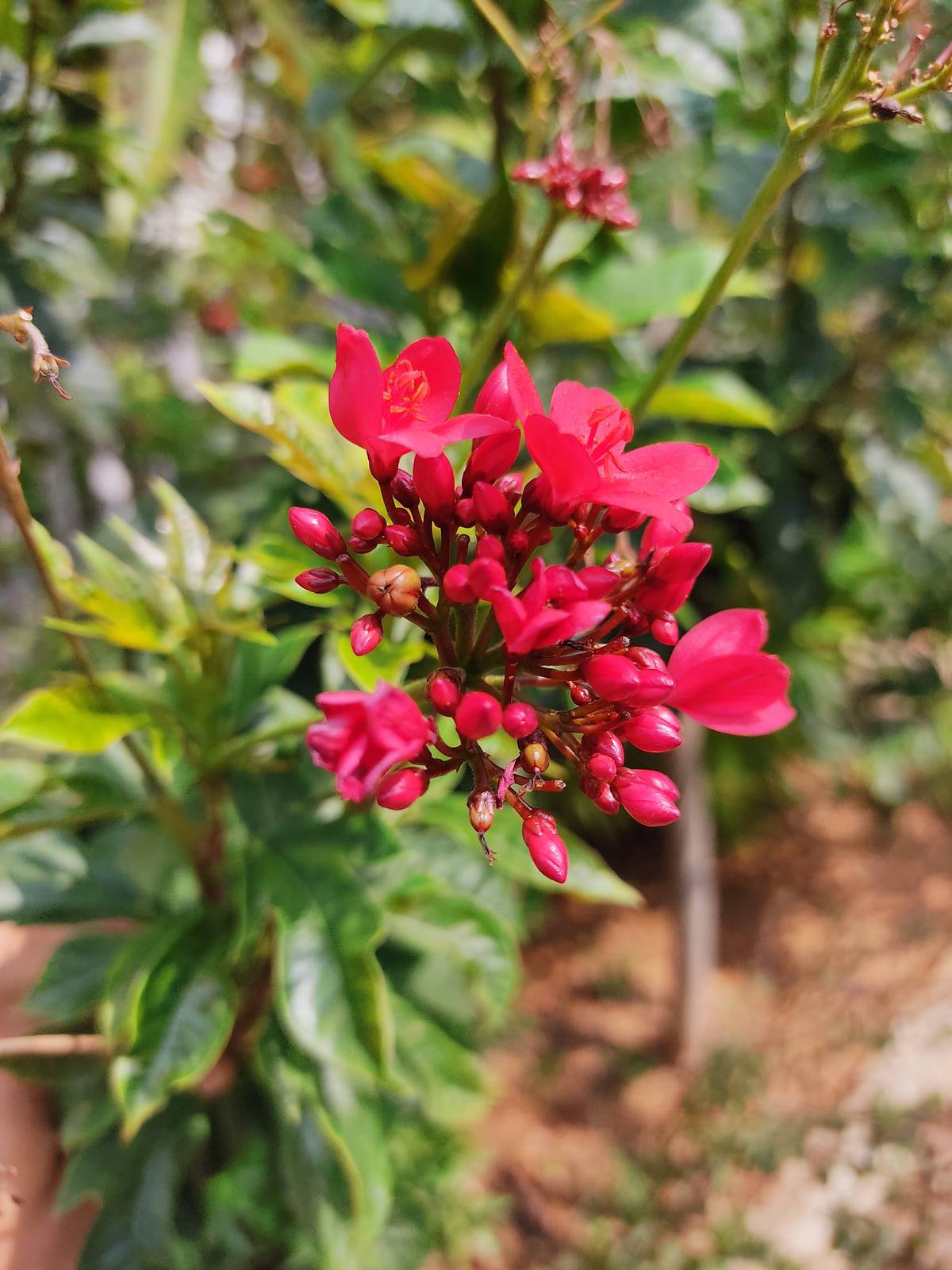
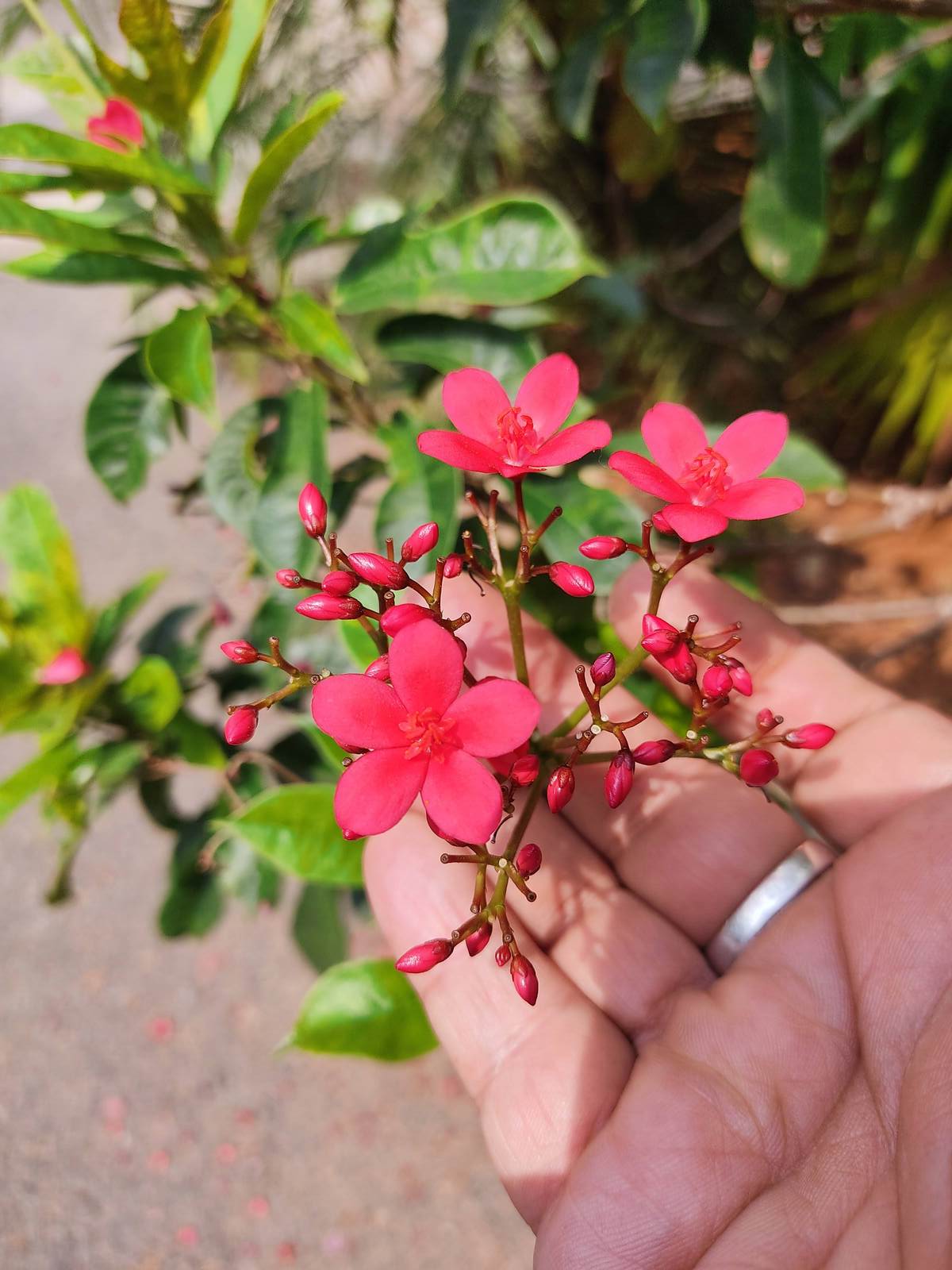
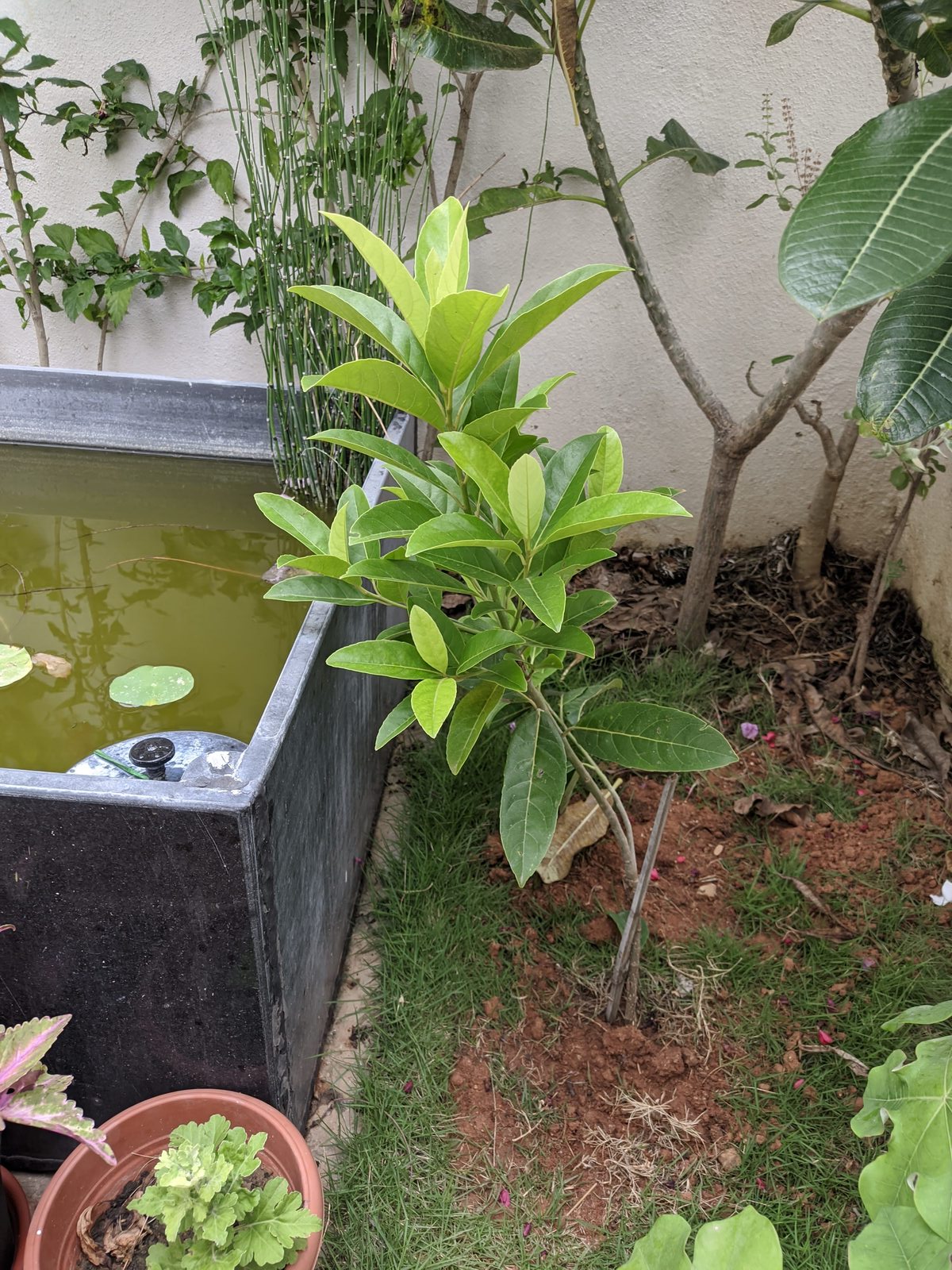
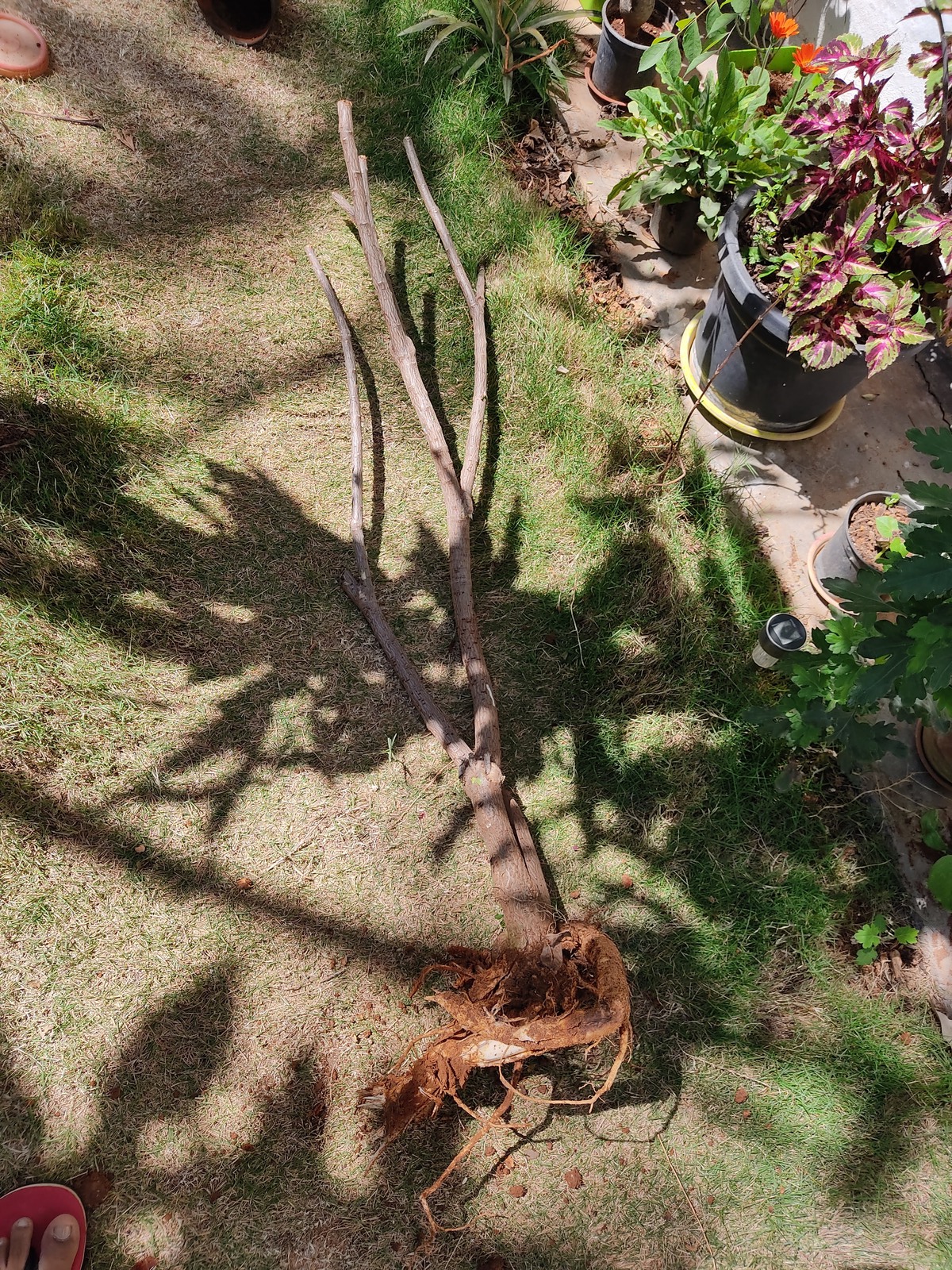
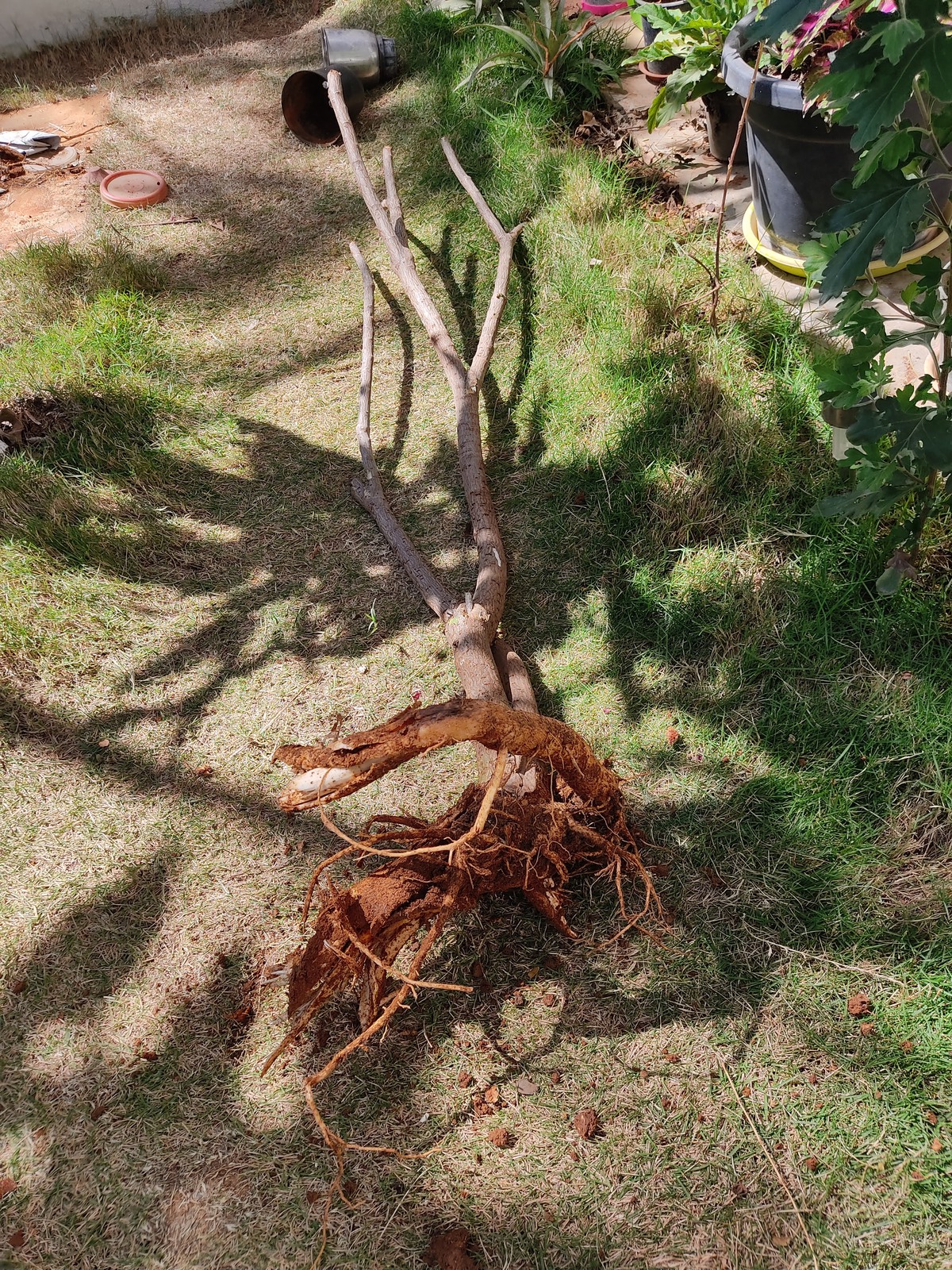
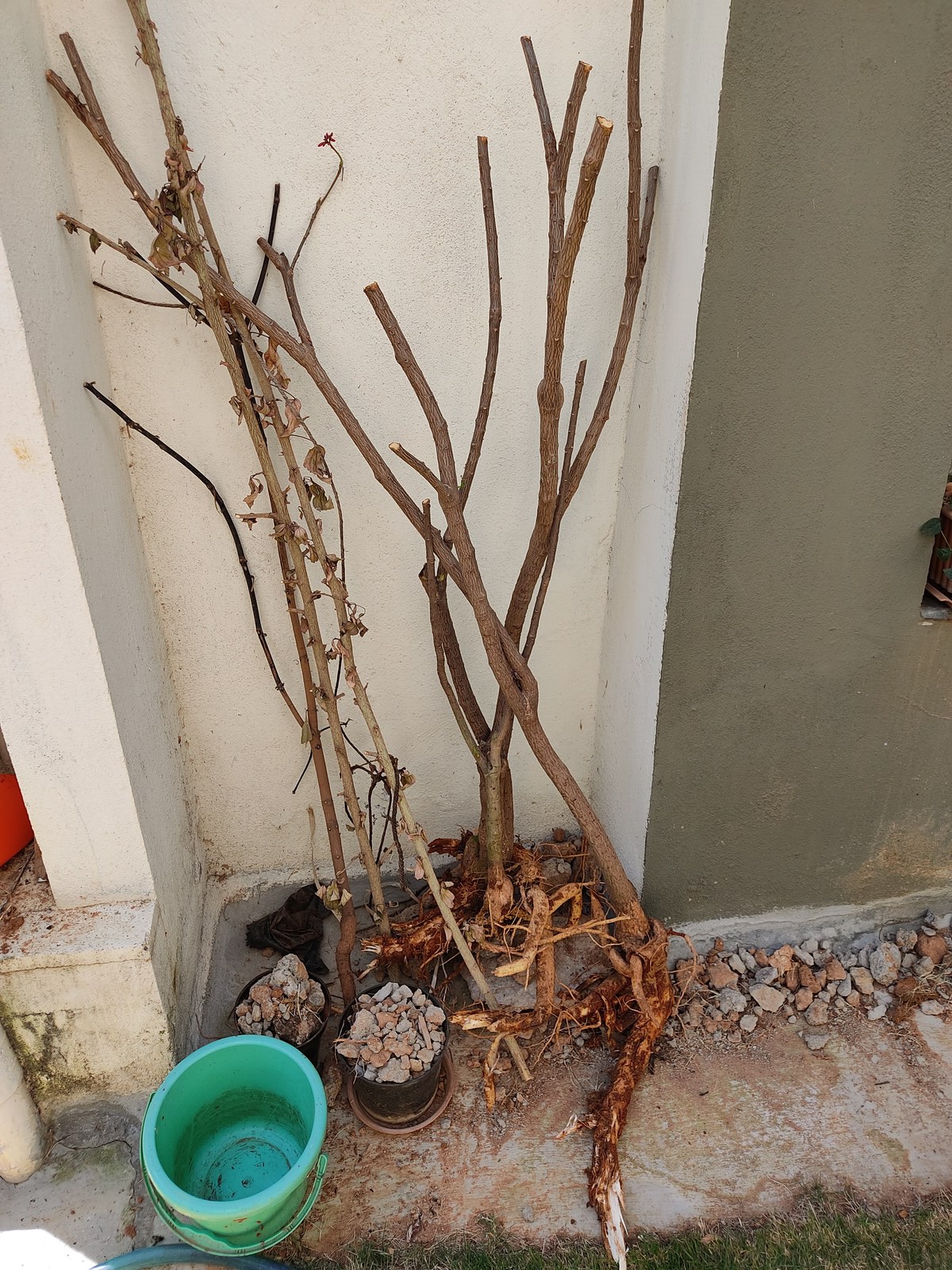
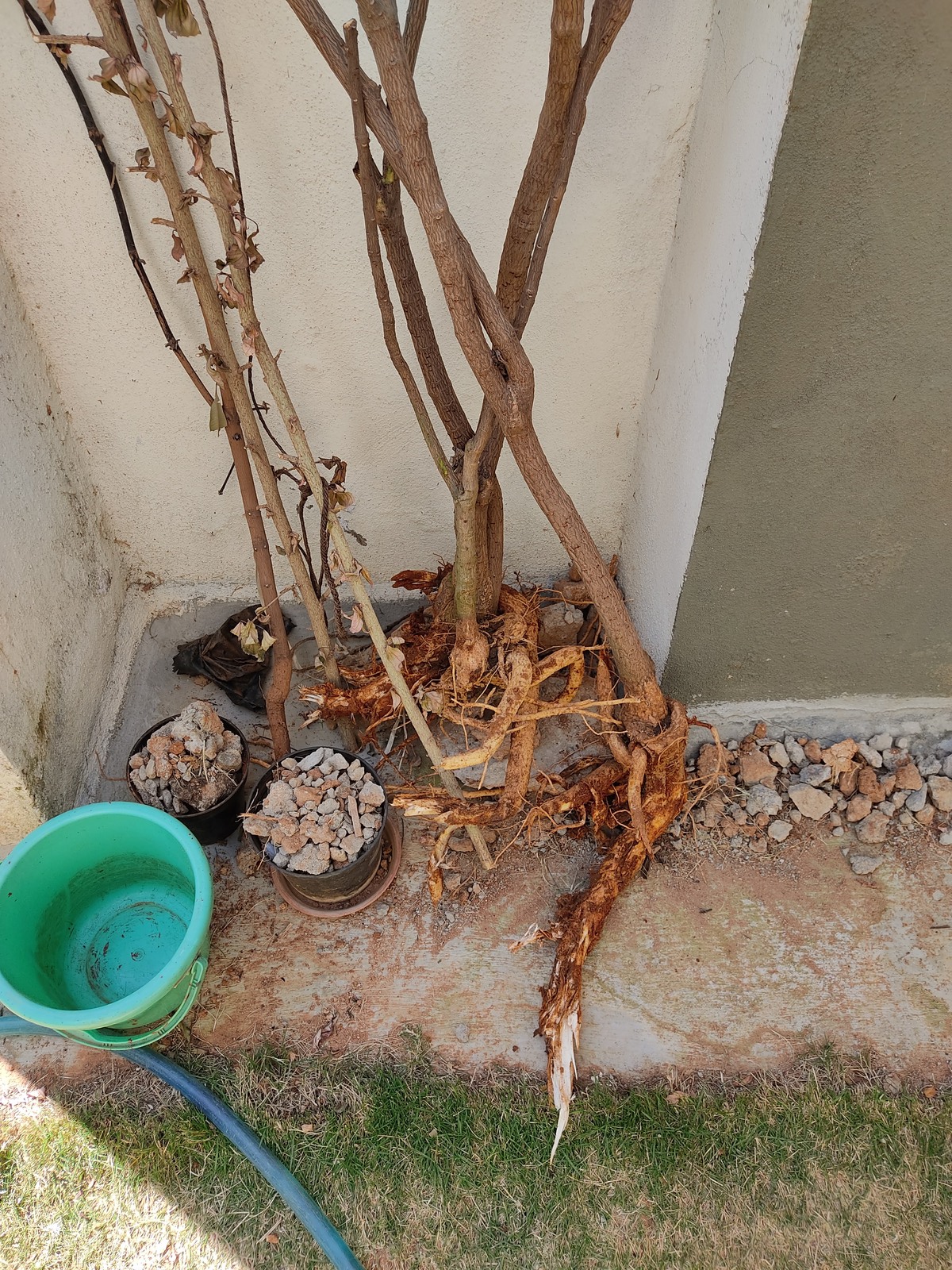
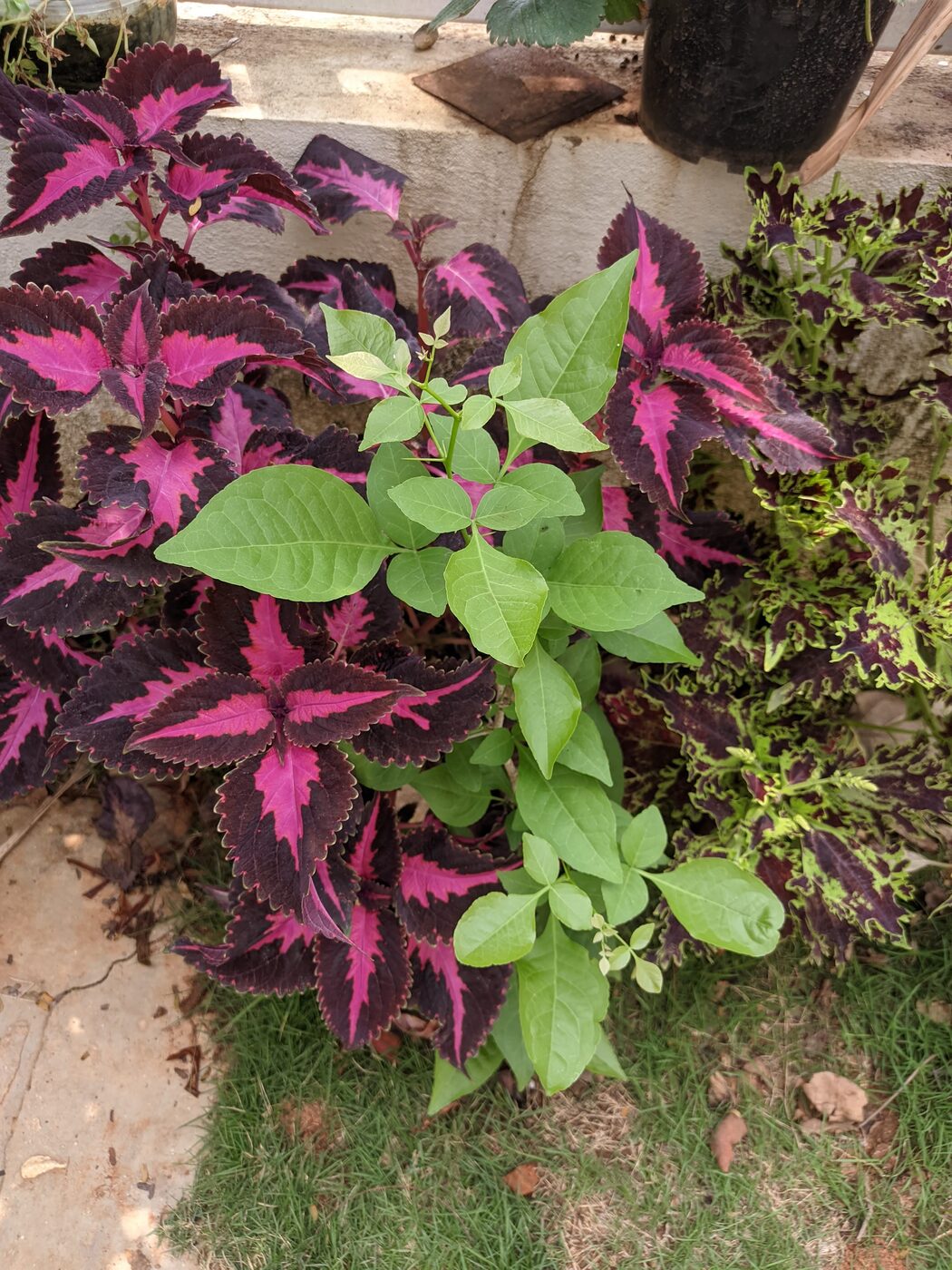
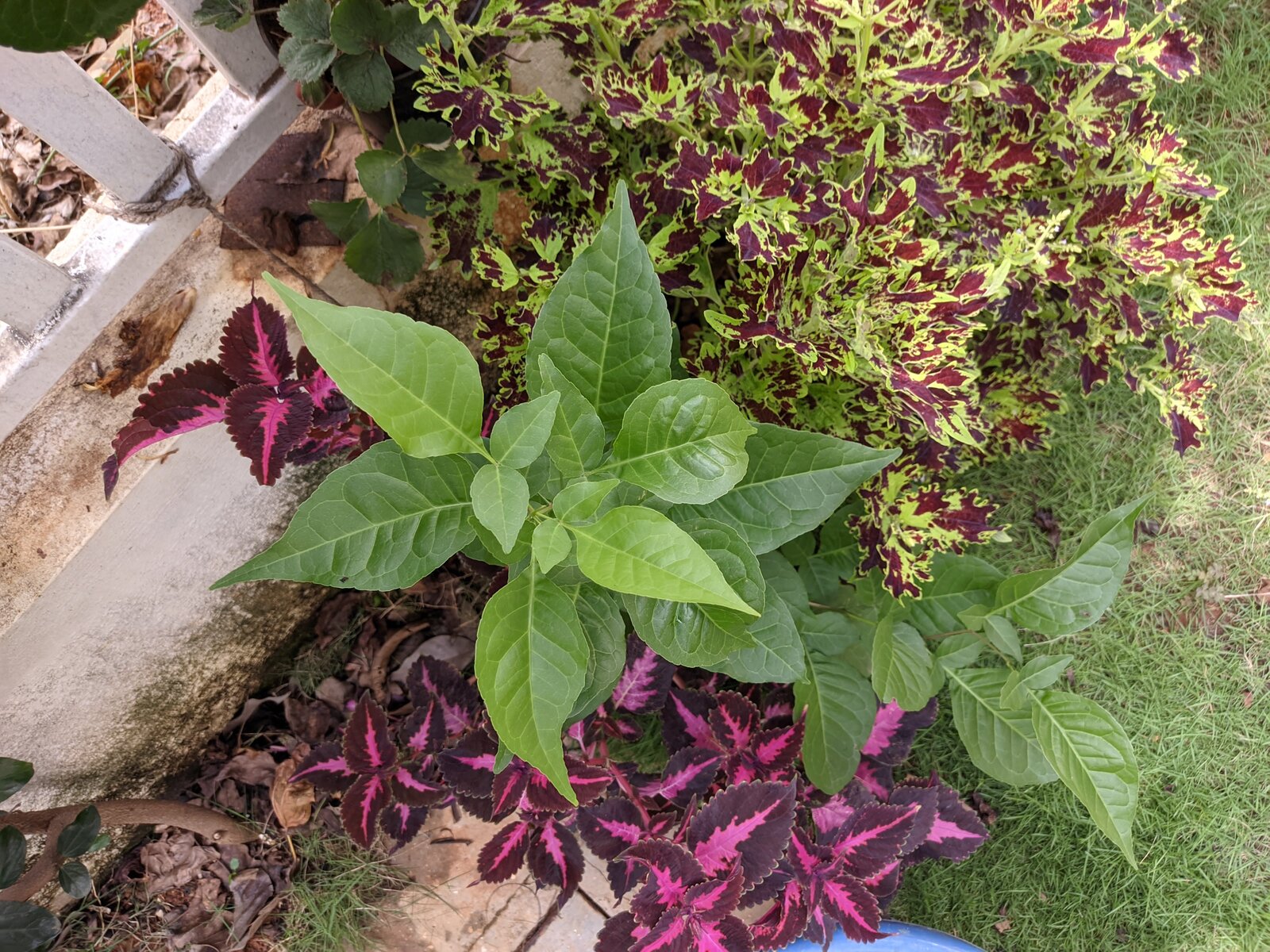
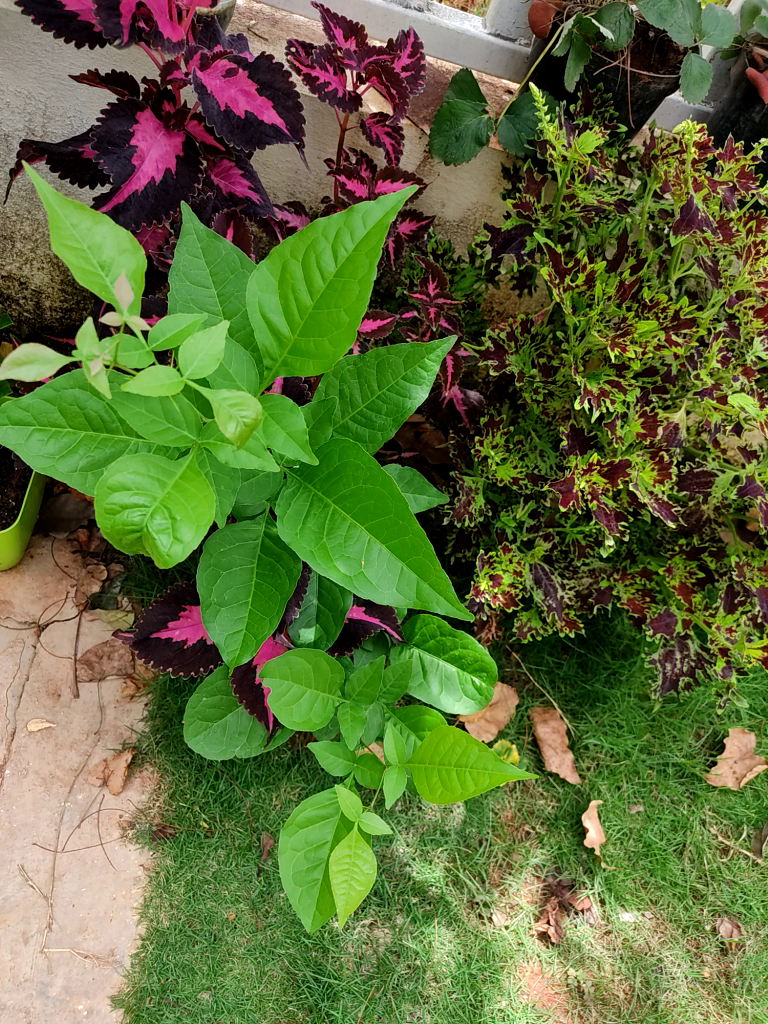
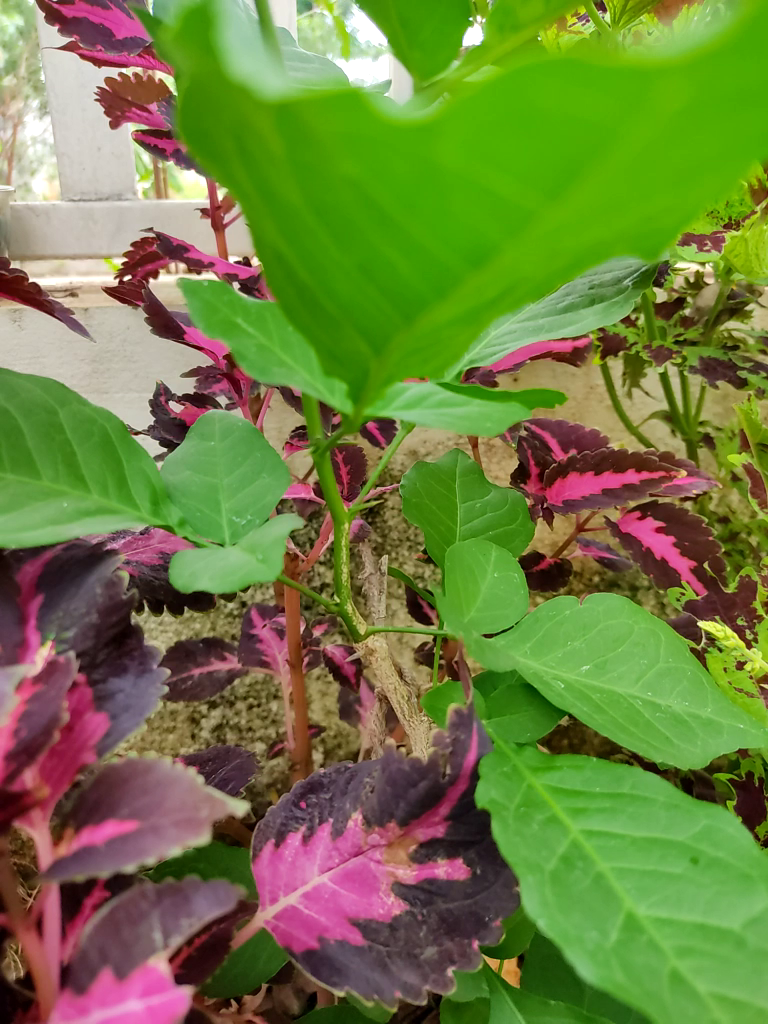
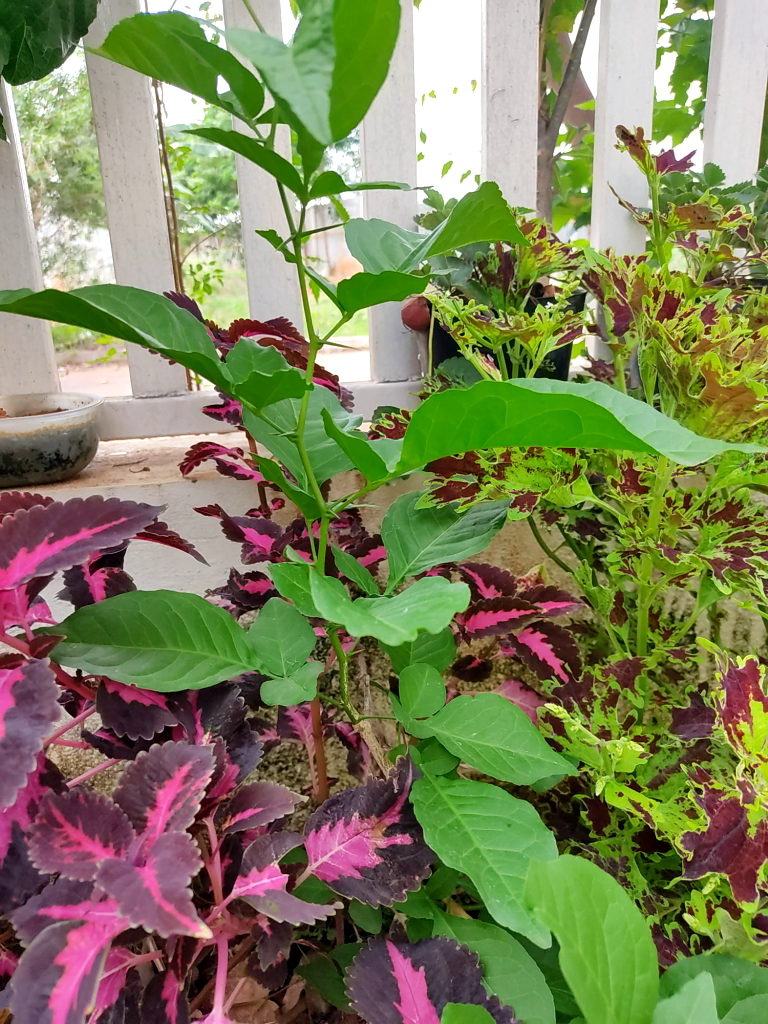
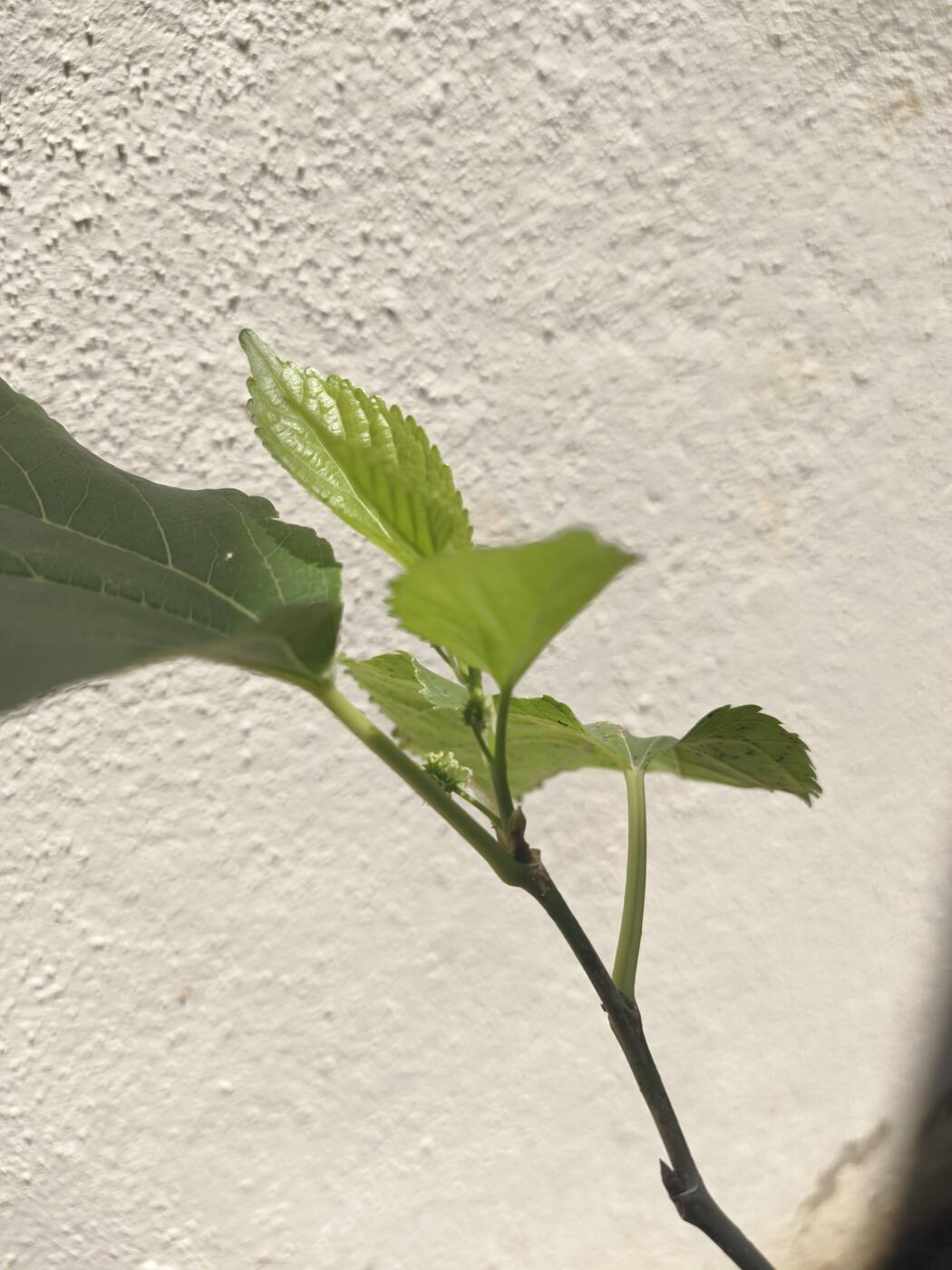
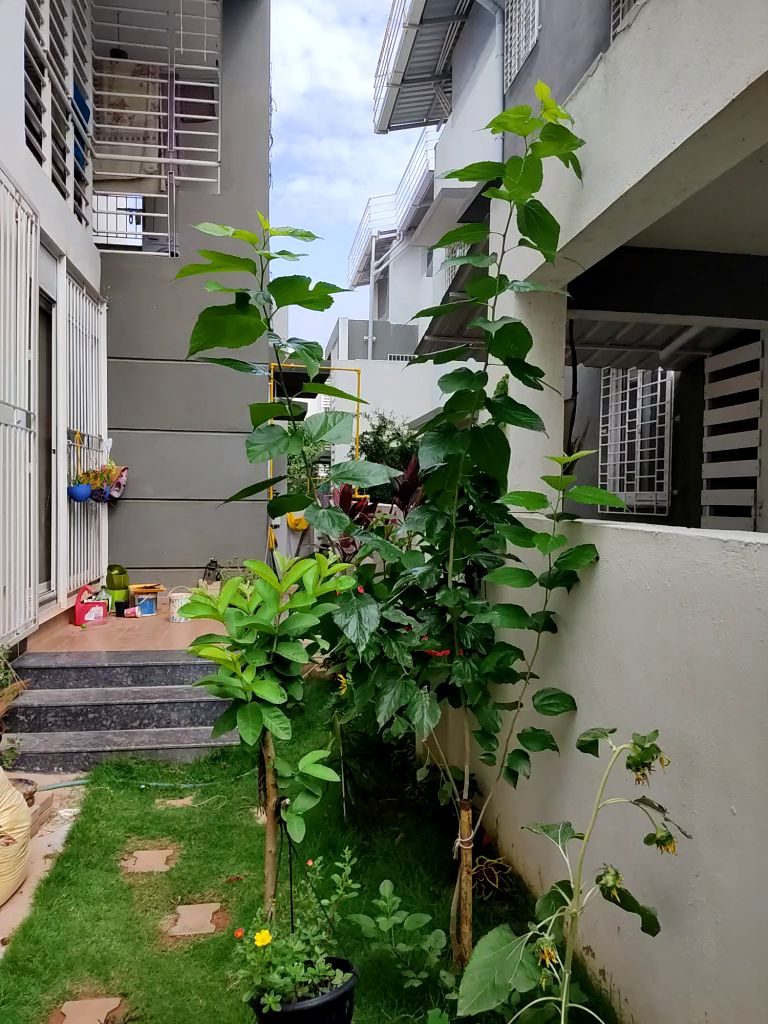
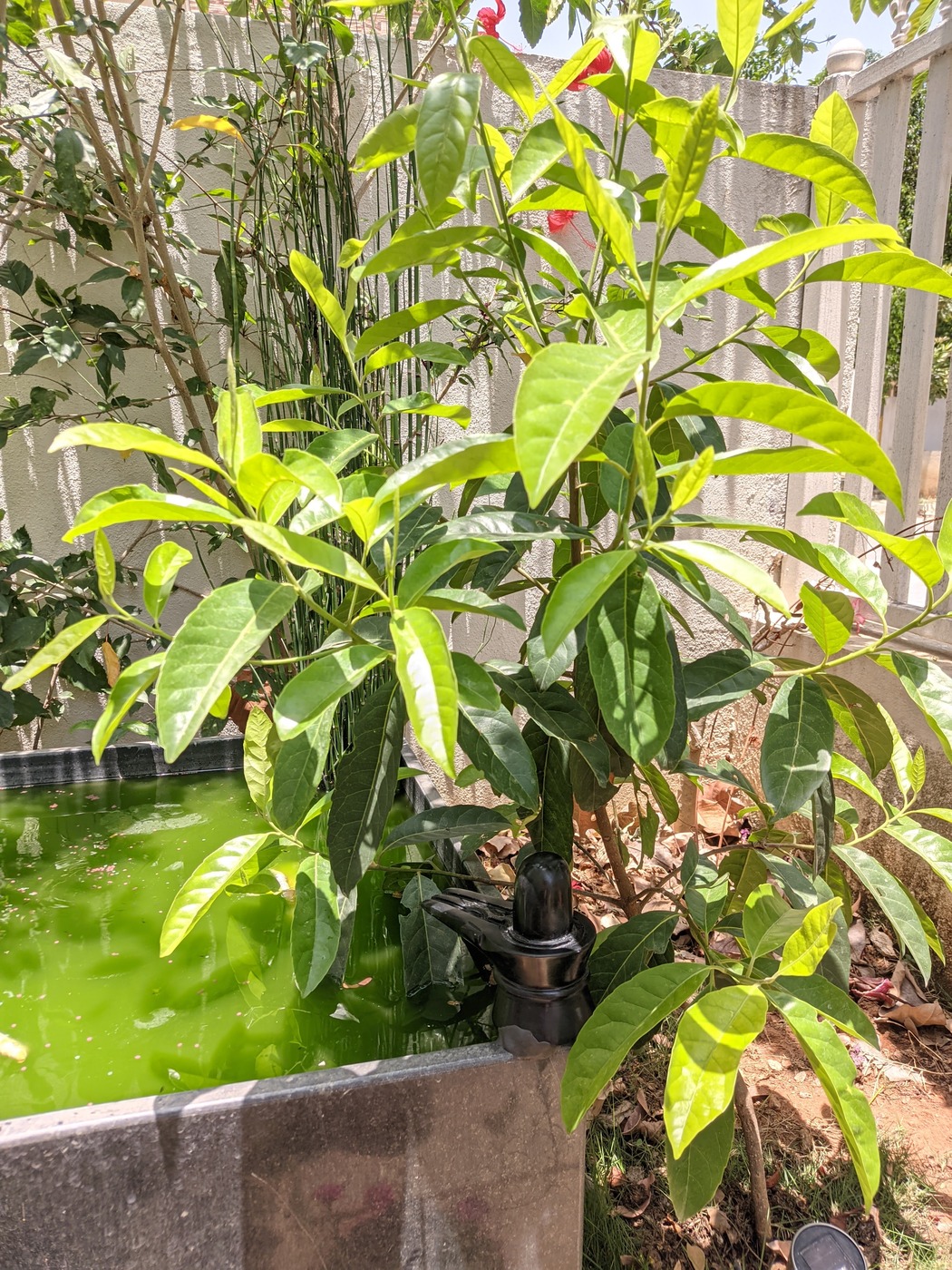
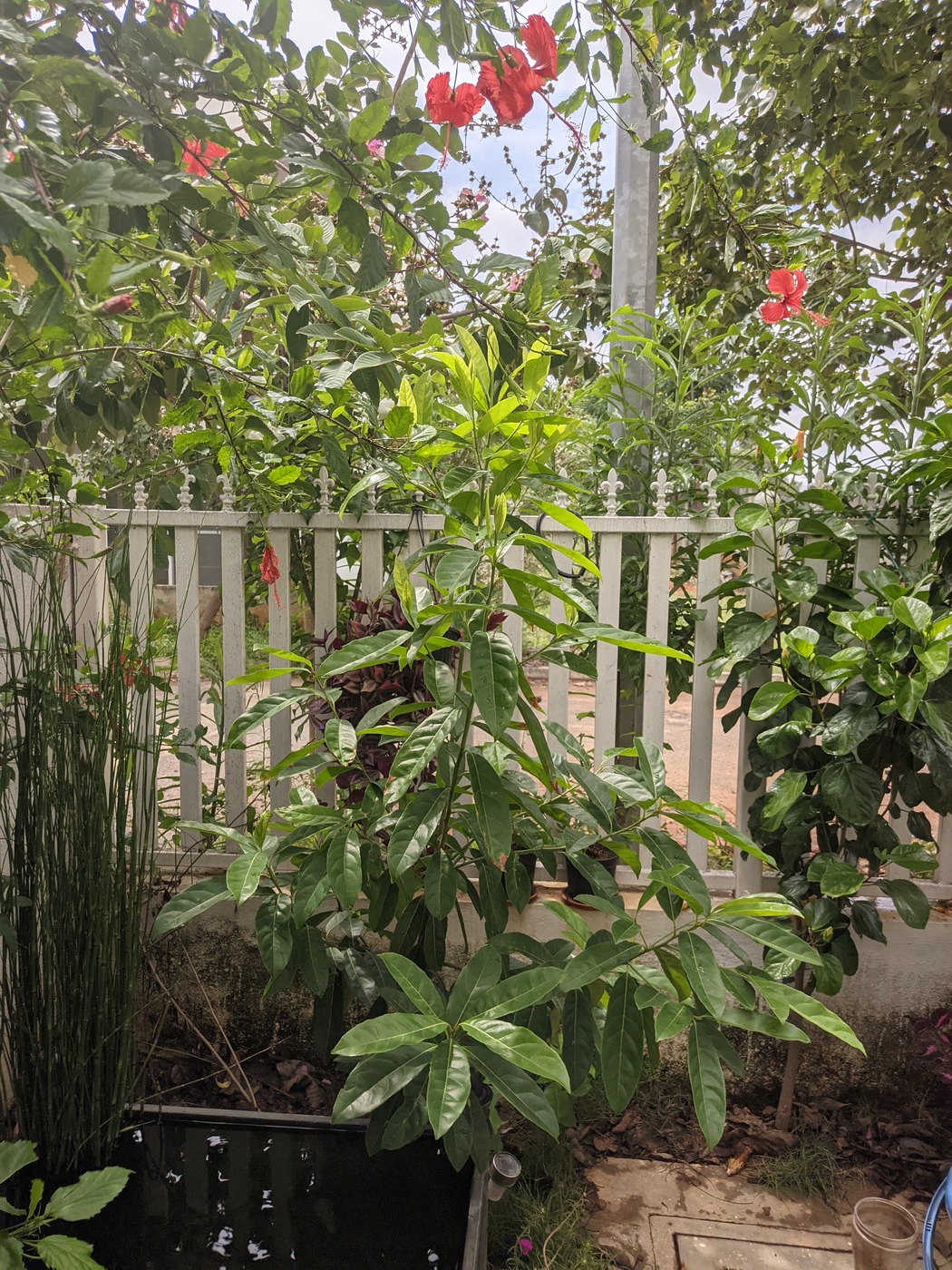
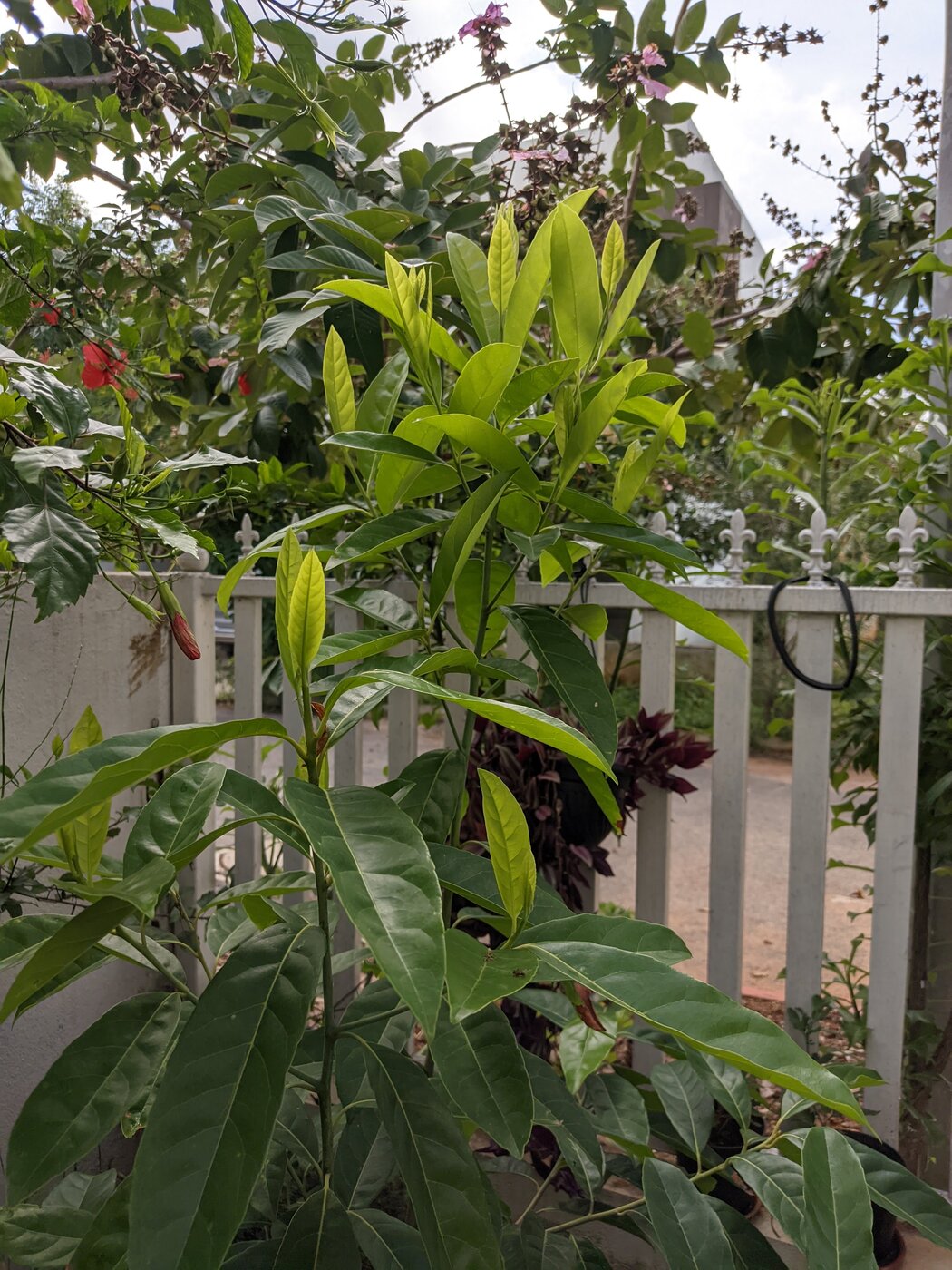
 This blog post is about my observations of some of the plants in my home garden.
While still a n00b on the subject, these notes are my observations and experiences over days, weeks and months. Thankfully, with the capability to take frequent pictures, it has been easy to do an assessment and generate a report of some of these amazing behaviors of plants, in an easy timeline order; all thanks to the EXIF data embedded.
This has very helpfully allowed me to record my, otherwise minor observations, into great detail; and make some sense out of it by correlating the data over time.
It is an emotional experience. You see, plants are amazing. When I sow a sapling, water it, feed it, watch it grow, prune it, medicate it, and what not; I build up affection towards it.
Though, at the same time, to me it is a strict relationship, not too attached; as in it doesn t hurt to uproot a plant if there is a good reason. But still, I find some sort of association to it.
With plants around, it feels I have a lot of lives around me. All prospering, communicating, sharing. And communicate they do. What is needed is just the right language to observe and absorb their signals and decipher what they are trying to say.
This blog post is about my observations of some of the plants in my home garden.
While still a n00b on the subject, these notes are my observations and experiences over days, weeks and months. Thankfully, with the capability to take frequent pictures, it has been easy to do an assessment and generate a report of some of these amazing behaviors of plants, in an easy timeline order; all thanks to the EXIF data embedded.
This has very helpfully allowed me to record my, otherwise minor observations, into great detail; and make some sense out of it by correlating the data over time.
It is an emotional experience. You see, plants are amazing. When I sow a sapling, water it, feed it, watch it grow, prune it, medicate it, and what not; I build up affection towards it.
Though, at the same time, to me it is a strict relationship, not too attached; as in it doesn t hurt to uproot a plant if there is a good reason. But still, I find some sort of association to it.
With plants around, it feels I have a lot of lives around me. All prospering, communicating, sharing. And communicate they do. What is needed is just the right language to observe and absorb their signals and decipher what they are trying to say.
 In the last few months I presented several talks. Topics ranged from a round table on free
software, to sharing some of my work as SRE in the Cloud Services team at the Wikimedia Foundation.
For some of them the videos are now published, so I would like to write a reference here, mostly as
a way to collect such events for my own record. Isn t that what
In the last few months I presented several talks. Topics ranged from a round table on free
software, to sharing some of my work as SRE in the Cloud Services team at the Wikimedia Foundation.
For some of them the videos are now published, so I would like to write a reference here, mostly as
a way to collect such events for my own record. Isn t that what  I had been meaning to write on the above topic for almost a couple of months now but just kept procrastinating about it. That push came to a shove when Sucheta Dalal and Debasis Basu shared their understanding, wisdom, and all in the new book called
  The psyche of the Bengali and the Bhadralok has gone through enormous shifts. I have met quite a few and do see the guilt they feel. If one wonders as to how socialist parties are able to hold power in Bengal, look no further than