Ian Jackson: Adopting tag2upload and modernising your Debian packaging
Introduction
tag2upload allows authorised Debian contributors to upload to Debian simply by pushing a signed git tag to Debian s gitlab instance, Salsa.
We have recently announced that tag2upload is, in our opinion, now very stable, and ready for general use by all Debian uploaders.
tag2upload, as part of Debian s git transition programme, is very flexible - it needs to support a large variety of maintainer practices. And it s relatively unopinionated, wherever that s possible. But, during the open beta, various contributors emailed us asking for Debian packaging git workflow advice and recommendations.
This post is an attempt to give some more opinionated answers, and guide you through modernising your workflow.
(This article is aimed squarely at Debian contributors. Much of it will make little sense to Debian outsiders.)
git merge
Option 1: simply use git, directly, including git merge.
Just make changes directly to upstream files on your Debian branch, when necessary. Use plain
Determine upstream git and stop using upstream tarballs
We recommend using upstream git, only and directly. You should ignore upstream tarballs completely.
git-debrebase
From now on we ll generate our own .orig tarballs directly from git.
Convert the git branch
git merge
Prepare a new branch on top of upstream git, containing what we want:
git-debrebase
Convert the branch to git-debrebase format and rebase onto the upstream git:
Manually make your history fast forward from the git import of your previous upload.
git merge
Change
git-debrebase
Ensure that
Now you are ready to do a local test build.
Sort out the documentation and metadata
Edit
git merge
Add a note to
git-debrebase
Configure Salsa Merge Requests
git-debrebase
In Settings / Merge requests , change Squash commits when merging to Do not allow .
Set up Salsa CI, and use it to block merges of bad changes
Caveat - the tradeoff
gitlab is a giant pile of enterprise crap. It is full of startling bugs, many of which reveal a fundamentally broken design. It is only barely Free Software in practice for Debian (in the sense that we are very reluctant to try to modify it). The constant-churn development approach and open-core business model are serious problems. It s very slow (and resource-intensive). It can be depressingly unreliable. That Salsa works as well as it does is a testament to the dedication of the Debian Salsa team (and those who support them, including DSA).
However, I have found that despite these problems, Salsa CI is well worth the trouble. Yes, there are frustrating days when work is blocked because gitlab CI is broken and/or one has to keep mashing Retry . But, the upside is no longer having to remember to run tests, track which of my multiple dev branches tests have passed on, and so on. Automatic tests on Merge Requests are a great way of reducing maintainer review burden for external contributions, and helping uphold quality norms within a team. They re a great boon for the lazy solo programmer.
The bottom line is that I absolutely love it when the computer thoroughly checks my work. This is tremendously freeing, precisely at the point when one most needs it deep in the code. If the price is to occasionally be blocked by a confused (or broken) computer, so be it.
Setup procedure
Create
git-debrebase
Add to
Push this to salsa and make the CI pass.
If you configured the pipeline filename after your last push, you will need to explicitly start the first CI run. That s in Pipelines : press New pipeline in the top right. The defaults will very probably be correct.
Block untested pushes, preventing regressions
In your project on Salsa, go into Settings / Repository . In the section Branch rules , use Add branch rule . Select the branch
git merge
Use
git-debrebase
Use
Push the MR branch (topic branch) to Salsa and make a Merge Request.
Set the MR to auto-merge when all checks pass . (Or, depending on your team policy, you could ask for an MR Review of course.)
If CI fails, fix up the MR branch, squash/tidy it again, force push the MR branch, and once again set it to auto-merge.
Test build
An informal test build can be done like this:
git merge
gbp dch can help write the changelog for you:
Change
git merge
git-debrebase
Uploading a NEW package to Debian
If your package is NEW (completely new source, or has new binary packages) you can t do a source-only upload. You have to build the source and binary packages locally, and upload those build artifacts.
Happily, given the same git branch you d tag for tag2upload, and assuming you have sbuild installed and a suitable chroot,
git-debrebase
Create the orig tarball and launder the git-derebase branch:
Build the source and binary packages, locally:
git merge
Simply merge the new upstream version and update the changelog:
git-debrebase
Rebase your delta queue onto the new upstream version:
If there are conflicts between your Debian delta for 1.2.3, and the upstream changes in 1.2.4, this is when you need to resolve them, as part of
git-debrebase
Or to show all the delta as a series of commits:
Incorporating an NMU
Fetch the NMU into your local git, and see what it contains:
git-debrebase
You should
Then make any followup changes that seem appropriate. Supposing your previous maintainer upload was
git-debrebase
The actual changes made to upstream files will always show up as diff hunks to those files. diff commands will often also show you changes to
DFSG filtering (handling non-free files)
Some upstreams ship non-free files of one kind of another. Often these are just in the tarballs, in which case basing your work on upstream git avoids the problem. But if the files are in upstream s git trees, you need to filter them out.
This advice is not for (legally or otherwise) dangerous files. If your package contains files that may be illegal, or hazardous, you need much more serious measures. In this case, even pushing the upstream git history to any Debian service, including Salsa, must be avoided. If you suspect this situation you should seek advice, privately and as soon as possible, from dgit-owner@d.o and/or the DFSG team. Thankfully, legally dangerous files are very rare in upstream git repositories, for obvious reasons.
Our approach is to make a filtered git branch, based on the upstream history, with the troublesome files removed. We then treat that as the upstream for all of the rest of our work.
git-debrebase
- Why
- Adopting tag2upload - the minimal change
- Overhauling your workflow, using advanced git-first tooling
- Day-to-day work
- Common issues
- Further reading
Vcs-Git at it. However:
- The format of git branches on Salsa is not standardised. They might be patches-unapplied, patches-applied, bare
debian/, or something even stranger. - There is no guarantee that the DEP-14
debian/1.2.3-7tag on salsa corresponds precisely to what was actually uploaded. dput-based tooling (such asgbp buildpackage) doesn t cross-check the .dsc against git. - There is no guarantee that the presence of a DEP-14 tag even means that that version of package is in the archive.
Vcs-Git and Salsa to build a Debian derivative? You could not.
tag2upload and dgit do solve this problem. When you upload, they:
- Make a canonical-form (patches-applied) derivative of your git branch;
- Ensure that there is a well-defined correspondence between the git tree and the source package;
- Publish both the DEP-14 tag and a canonical-form
archive/debian/1.2.3-7tag to a single central git depository,*.dgit.debian.org; - Record the git information in the
Dgitfield in.dscso that clients can tell (using the ftpmaster API) that this was a git-based upload, what the corresponding git objects are, and where to find them.
dgit clone, as advertised in e.g. dgit-user(7). For dput-based uploads, it falls back to importing the source package.)
Adopting tag2upload - the minimal change
tag2upload is a substantial incremental improvement to many existing workflows. git-debpush is a drop-in replacement for building, signing, and uploading the source package.
So, you can just adopt it without completely overhauling your packaging practices. You and your co-maintainers can even mix-and-match tag2upload, dgit, and traditional approaches, for the same package.
Start with the wiki page and git-debpush(1) (ideally from forky aka testing).
You don t need to do any of the other things recommended in this article.
Overhauling your workflow, using advanced git-first tooling
The rest of this article is a guide to adopting the best and most advanced git-based tooling for Debian packaging.
Assumptions
- Your current approach uses the patches-unapplied git branch format used with
gbp pqand/orquilt, and often used withgit-buildpackage. You previously usedgbp import-orig. - You are fluent with git, and know how to use Merge Requests on gitlab (Salsa). You have your
originremote set to Salsa. - Your main Debian branch name on Salsa is
master. Personally I think we should usemainbut changing your main branch name is outside the scope of this article. - You have enough familiarity with Debian packaging including concepts like source and binary packages, and NEW review.
- Your co-maintainers are also adopting the new approach.
- tag2upload
- Patches-applied git branch for your packaging
- Either plain git merge or git-debrebase
- dgit when a with-binaries uploaded is needed (NEW)
- git-based sponsorship
- Salsa (gitlab), including Debian Salsa CI
rationale Much traditional Debian tooling like
quiltandgbp pquses the patches-unapplied branch format, which stores the delta as patch files indebian/patches/, in a git tree full of unmodified upstream files. This is clumsy to work with, and can even be an alarming beartrap for Debian outsiders.
git merge
Option 1: simply use git, directly, including git merge.
Just make changes directly to upstream files on your Debian branch, when necessary. Use plain git merge when merging from upstream.
This is appropriate if your package has no or very few upstream changes. It is a good approach if the Debian maintainers and upstream maintainers work very closely, so that any needed changes for Debian are upstreamed quickly, and any desired behavioural differences can be arranged by configuration controlled from within debian/.
This is the approach documented more fully in our workflow tutorial dgit-maint-merge(7).
git-debrebase Option 2: Adopt git-debrebase. git-debrebase helps maintain your delta as linear series of commits (very like a topic branch in git terminology). The delta can be reorganised, edited, and rebased. git-debrebase is designed to help you carry a significant and complicated delta series. The older versions of the Debian delta are preserved in the history. git-debrebase makes extra merges to make a fast-forwarding history out of the successive versions of the delta queue branch. This is the approach documented more fully in our workflow tutorial dgit-maint-debrebase(7). Examples of complex packages using this approach include src:xen and src:sbcl.
First, establish which upstream git tag corresponds to the version currently in Debian. From the sake of readability, I m going to pretend that upstream version isrationale Many maintainers have been importing upstream tarballs into git, for example by using
gbp import-orig. But in reality the upstream tarball is an intermediate build product, not (just) source code. Using tarballs rather than git exposes us to additional supply chain attacks; indeed, the key activation part of the xz backdoor attack was hidden only in the tarball! git offers better traceability than so-called pristine upstream tarballs. (The word pristine is even a joke by the author of pristine-tar!)
1.2.3, and that upstream tagged it v1.2.3.
Edit debian/watch to contain something like this:
version=4
opts="mode=git" https://codeberg.org/team/package refs/tags/v(\d\S*)debian/watch had a files-excluded, you ll need to make a filtered version of upstream git.
git-debrebase
From now on we ll generate our own .orig tarballs directly from git.
rationale
We need some upstream tarball for the 3.0 (quilt) source format to work with. It needs to correspond to the git commit we re using as our upstream. We don t need or want to use a tarball from upstream for this. The .orig is just needed so a nice legacy Debian source package (.dsc) can be generated.
Probably, the current .orig in the Debian archive, is an upstream tarball, which may be different to the output of git-archive and possibly even have different contents to what s in git. The legacy archive has trouble with differing .origs for the same upstream version .
So we must until the next upstream release change our idea of the upstream version number. We re going to add +git to Debian s idea of the upstream version. Manually make a tag with that name:
git tag -m "Compatibility tag for orig transition" v1.2.3+git v1.2.3~0
git push origin v1.2.3+git
If you are doing the packaging overhaul at the same time as a new upstream version, you can skip this part.
rationale
We need some upstream tarball for the 3.0 (quilt) source format to work with. It needs to correspond to the git commit we re using as our upstream. We don t need or want to use a tarball from upstream for this. The .orig is just needed so a nice legacy Debian source package (.dsc) can be generated.
git tag -m "Compatibility tag for orig transition" v1.2.3+git v1.2.3~0
git push origin v1.2.3+gitgit merge
Prepare a new branch on top of upstream git, containing what we want:
git branch -f old-master         # make a note of the old git representation
git reset --hard v1.2.3          # go back to the real upstream git tag
git checkout old-master :debian  # take debian/* from old-master
git commit -m "Re-import Debian packaging on top of upstream git"
git merge --allow-unrelated-histories -s ours -m "Make fast forward from tarball-based history" old-master
git branch -d old-master         # it's incorporated in our history now
If there are any patches, manually apply them to your main branch with git am, and delete the patch files (git rm -r debian/patches, and commit). (If you ve chosen this workflow, there should be hardly any patches,)
rationale
These are some pretty nasty git runes, indeed. They re needed because we want to restart our Debian packaging on top of a possibly quite different notion of what the upstream is.
git branch -f old-master # make a note of the old git representation
git reset --hard v1.2.3 # go back to the real upstream git tag
git checkout old-master :debian # take debian/* from old-master
git commit -m "Re-import Debian packaging on top of upstream git"
git merge --allow-unrelated-histories -s ours -m "Make fast forward from tarball-based history" old-master
git branch -d old-master # it's incorporated in our history nowrationale These are some pretty nasty git runes, indeed. They re needed because we want to restart our Debian packaging on top of a possibly quite different notion of what the upstream is.
git-debrebase
Convert the branch to git-debrebase format and rebase onto the upstream git:
git-debrebase -fdiverged convert-from-gbp upstream/1.2.3
git-debrebase -fdiverged -fupstream-not-ff new-upstream 1.2.3+git
If you had patches which patched generated files which are present only in the upstream tarball, and not in upstream git, you will encounter rebase conflicts. You can drop hunks editing those files, since those files are no longer going to be part of your view of the upstream source code at all.
rationale
The force option -fupstream-not-ff will be needed this one time because your existing Debian packaging history is (probably) not based directly on the upstream history. -fdiverged may be needed because git-debrebase might spot that your branch is not based on dgit-ish git history.
git-debrebase -fdiverged convert-from-gbp upstream/1.2.3
git-debrebase -fdiverged -fupstream-not-ff new-upstream 1.2.3+gitrationale
The force option -fupstream-not-ff will be needed this one time because your existing Debian packaging history is (probably) not based directly on the upstream history. -fdiverged may be needed because git-debrebase might spot that your branch is not based on dgit-ish git history.
dgit fetch
git show dgit/dgit/sid:debian/changelog
# check that you have the same version number
git merge -s ours --allow-unrelated-histories -m 'Declare fast forward from pre-git-based history' dgit/dgit/siddebian/source/options and/or debian/source/local-options.
git merge
Change debian/source/format to 1.0. Add debian/source/options containing -sn.
rationale
We are using the 1.0 native source format. This is the simplest possible source format - just a tarball. We would prefer 3.0 (native) , which has some advantages, but dpkg-source between 2013 (wheezy) and 2025 (trixie) inclusive unjustifiably rejects this configuration.
You may receive bug reports from over-zealous folks complaining about the use of the 1.0 source format. You should close such reports, with a reference to this article and to #1106402.
rationale We are using the 1.0 native source format. This is the simplest possible source format - just a tarball. We would prefer 3.0 (native) , which has some advantages, but dpkg-source between 2013 (wheezy) and 2025 (trixie) inclusive unjustifiably rejects this configuration. You may receive bug reports from over-zealous folks complaining about the use of the 1.0 source format. You should close such reports, with a reference to this article and to #1106402.
git-debrebase
Ensure that debian/source/format contains 3.0 (quilt).
README.source to at least mention dgit-maint-merge(7) or dgit-maint-debrebase(7), and to tell people not to try to edit or create anything in debian/patches/. Consider saying that uploads should be done via dgit or tag2upload.
Check that your Vcs-Git is correct in debian/control. Consider deleting or pruning debian/gbp.conf, since it isn t used by dgit, tag2upload, or git-debrebase.
git merge
Add a note to debian/changelog about the git packaging change.
git-debrebase
git-debrebase new-upstream will have added a new upstream version stanza to debian/changelog. Edit that so that it instead describes the packaging change. (Don t remove the +git from the upstream version number there!)
git-debrebase
In Settings / Merge requests , change Squash commits when merging to Do not allow .
rationale
Squashing could destroy your carefully-curated delta queue. It would also disrupt git-debrebase s git branch structure.
rationale Squashing could destroy your carefully-curated delta queue. It would also disrupt git-debrebase s git branch structure.
debian/salsa-ci.yml containing
include:
- https://salsa.debian.org/salsa-ci-team/pipeline/raw/master/recipes/debian.ymldebian/salsa-ci.yml.
rationale Your project may have an upstream CI config in
.gitlab-ci.yml. But you probably want to run the Debian Salsa CI jobs. You can add various extra configuration todebian/salsa-ci.ymlto customise it. Consult the Salsa CI docs.
git-debrebase
Add to debian/salsa-ci.yml:
.git-debrebase-prepare: &git-debrebase-prepare
  # install the tools we'll need
  - apt-get update
  - apt-get --yes install git-debrebase git-debpush
  # git-debrebase needs git user setup
  - git config user.email "salsa-ci@invalid.invalid"
  - git config user.name "salsa-ci"
  # run git-debrebase make-patches
  # https://salsa.debian.org/salsa-ci-team/pipeline/-/issues/371
  - git-debrebase --force
  - git-debrebase --noop-ok make-patches
  # make an orig tarball using the upstream tag, not a gbp upstream/ tag
  # https://salsa.debian.org/salsa-ci-team/pipeline/-/issues/541
  - git-deborig
.build-definition: &build-definition
  extends: .build-definition-common
  before_script: *git-debrebase-prepare
build source:
  extends: .build-source-only
  before_script: *git-debrebase-prepare
variables:
  # disable shallow cloning of git repository. This is needed for git-debrebase
  GIT_DEPTH: 0
rationale
Unfortunately the Salsa CI pipeline currently lacks proper support for git-debrebase (salsa-ci#371) and has trouble directly using upstream git for orig tarballs (#salsa-ci#541).
These runes were based on those in the Xen package. You should subscribe to the tickets #371 and #541 so that you can replace the clone-and-hack when proper support is merged.
.git-debrebase-prepare: &git-debrebase-prepare
# install the tools we'll need
- apt-get update
- apt-get --yes install git-debrebase git-debpush
# git-debrebase needs git user setup
- git config user.email "salsa-ci@invalid.invalid"
- git config user.name "salsa-ci"
# run git-debrebase make-patches
# https://salsa.debian.org/salsa-ci-team/pipeline/-/issues/371
- git-debrebase --force
- git-debrebase --noop-ok make-patches
# make an orig tarball using the upstream tag, not a gbp upstream/ tag
# https://salsa.debian.org/salsa-ci-team/pipeline/-/issues/541
- git-deborig
.build-definition: &build-definition
extends: .build-definition-common
before_script: *git-debrebase-prepare
build source:
extends: .build-source-only
before_script: *git-debrebase-prepare
variables:
# disable shallow cloning of git repository. This is needed for git-debrebase
GIT_DEPTH: 0rationale Unfortunately the Salsa CI pipeline currently lacks proper support for git-debrebase (salsa-ci#371) and has trouble directly using upstream git for orig tarballs (#salsa-ci#541). These runes were based on those in the Xen package. You should subscribe to the tickets #371 and #541 so that you can replace the clone-and-hack when proper support is merged.
master. Set Allowed to merge to Maintainers . Set Allowed to push and merge to No one . Leave Allow force push disabled.
This means that the only way to land anything on your mainline is via a Merge Request. When you make a Merge Request, gitlab will offer Set to auto-merge . Use that.
gitlab won t normally merge an MR unless CI passes, although you can override this on a per-MR basis if you need to.
(Sometimes, immediately after creating a merge request in gitlab, you will see a plain Merge button. This is a bug. Don t press that. Reload the page so that Set to auto-merge appears.)
autopkgtests
Ideally, your package would have meaningful autopkgtests (DEP-8 tests) This makes Salsa CI more useful for you, and also helps detect and defend you against regressions in your dependencies.
The Debian CI docs are a good starting point. In-depth discussion of writing autopkgtests is beyond the scope of this article.
Day-to-day work
With this capable tooling, most tasks are much easier.
Making changes to the package
Make all changes via a Salsa Merge Request. So start by making a branch that will become the MR branch.
On your MR branch you can freely edit every file. This includes upstream files, and files in debian/.
For example, you can:
- Make changes with your editor and commit them.
git cherry-pickan upstream commit.git ama patch from a mailing list or from the Debian Bug System.git revertan earlier commit, even an upstream one.
git merge
Use git-rebase to squash/edit/combine/reorder commits.
git-debrebase
Use git-debrebase -i to squash/edit/combine/reorder commits. When you are happy, run git-debrebase conclude.
Do not edit debian/patches/. With git-debrebase, this is purely an output. Edit the upstream files directly instead. To reorganise/maintain the patch queue, use git-debrebase -i to edit the actual commits.
apt-get build-dep .
dpkg-buildpackage -uc -bgit status clean, with no modified or un-ignored untracked files. If it shows untracked files, add them to .gitignore or debian/.gitignore as applicable.
If it dirties the tree, consider trying to make it stop doing that. The easiest way is probably to build out-of-tree, if supported upstream. If this is too difficult, you can leave the messy build arrangements as they are, but you ll need to be disciplined about always committing, using git clean and git reset, and so on.
For formal binaries builds, including for testing, use dgit sbuild as described below for uploading to NEW.
Uploading to Debian
Start an MR branch for the administrative changes for the release.
Document all the changes you re going to release, in the debian/changelog.
git merge
gbp dch can help write the changelog for you:
dgit fetch sid
gbp dch --ignore-branch --since=dgit/dgit/sid --git-log=^upstream/main
rationale
--ignore-branch is needed because gbp dch wrongly thinks you ought to be running this on master, but of course you re running it on your MR branch.
The --git-log=^upstream/main excludes all upstream commits from the listing used to generate the changelog. (I m assuming you have an upstream remote and that you re basing your work on their main branch.) If there was a new upstream version, you ll usually want to write a single line about that, and perhaps summarise anything really important.
(For the first upload after switching to using tag2upload or dgit you need --since=debian/1.2.3-1, where 1.2.3-1 is your previous DEP-14 tag, because dgit/dgit/sid will be a dsc import, not your actual history.)
dgit fetch sid
gbp dch --ignore-branch --since=dgit/dgit/sid --git-log=^upstream/mainrationale
--ignore-branch is needed because gbp dch wrongly thinks you ought to be running this on master, but of course you re running it on your MR branch.
The --git-log=^upstream/main excludes all upstream commits from the listing used to generate the changelog. (I m assuming you have an upstream remote and that you re basing your work on their main branch.) If there was a new upstream version, you ll usually want to write a single line about that, and perhaps summarise anything really important.
UNRELEASED to the target suite, and finalise the changelog. (Note that dch will insist that you at least save the file in your editor.)
dch -r
git commit -m 'Finalise for upload' debian/changeloggit checkout master
git pull --ff-only # bring the gitlab-made MR merge commit into your local treegit merge
git-debpush
git-debpushgit-debrebase
git-debpush --quilt=linear
--quilt=linear is needed only the first time, but it is very important that first time, to tell the system the correct git branch layout.
git-debpush --quilt=lineardgit can help take care of the build and upload for you:
Prepare the changelog update and merge it, as above. Then:
git-debrebase
Create the orig tarball and launder the git-derebase branch:
git-deborig
git-debrebase quick
rationale
Source package format 3.0 (quilt), which is what I m recommending here for use with git-debrebase, needs an orig tarball; it would also be needed for 1.0-with-diff.
git-deborig
git-debrebase quickrationale Source package format 3.0 (quilt), which is what I m recommending here for use with git-debrebase, needs an orig tarball; it would also be needed for 1.0-with-diff.
dgit sbuild
dgit push-builtNew upstream version Find the new upstream version number and corresponding tag. (Let s suppose it srationale You don t have to use
dgit sbuild, but it is usually convenient to do so, because unlike sbuild, dgit understands git. Also it works around a gitignore-related defect in dpkg-source.
1.2.4.) Check the provenance:
git verify-tag v1.2.4rationale Not all upstreams sign their git tags, sadly. Sometimes encouraging them to do so can help. You may need to use some other method(s) to check that you have the right git commit for the release.
git merge
Simply merge the new upstream version and update the changelog:
git merge v1.2.4
dch -v1.2.4-1 'New upstream release.'
git merge v1.2.4
dch -v1.2.4-1 'New upstream release.'git-debrebase
Rebase your delta queue onto the new upstream version:
git debrebase mew-upstream 1.2.4
git debrebase mew-upstream 1.2.4git merge or git (deb)rebase.
After you ve completed the merge, test your package and make any further needed changes. When you have it working in a local branch, make a Merge Request, as above.
Sponsorship
git-based sponsorship is super easy! The sponsee can maintain their git branch on Salsa, and do all normal maintenance via gitlab operations.
When the time comes to upload, the sponsee notifies the sponsor that it s time. The sponsor fetches and checks out the git branch from Salsa, does their checks, as they judge appropriate, and when satisfied runs git-debpush.
As part of the sponsor s checks, they might want to see all changes since the last upload to Debian:
dgit fetch sid
git diff dgit/dgit/sid..HEADgit verify-tag v1.2.3
git diff v1.2.3..HEAD ':!debian'git-debrebase
Or to show all the delta as a series of commits:
git log -p v1.2.3..HEAD ':!debian'
Don t look at debian/patches/. It can be absent or out of date.
git log -p v1.2.3..HEAD ':!debian'dgit fetch sid
git diff master...dgit/dgit/sidgit log dgit/dgit/sid will show you the commits they made.
Normally the best thing to do is to simply merge the NMU, and then do any reverts or rework in followup commits:
git merge dgit/dgit/sidgit-debrebase
You should git-debrebase quick at this stage, to check that the merge went OK and the package still has a lineariseable delta queue.
1.2.3-7, you can go back and see the NMU diff again with:
git diff debian/1.2.3-7...dgit/dgit/sidgit-debrebase
The actual changes made to upstream files will always show up as diff hunks to those files. diff commands will often also show you changes to debian/patches/. Normally it s best to filter them out with git diff ... ':!debian/patches'
If you d prefer to read the changes to the delta queue as an interdiff (diff of diffs), you can do something like
git checkout debian/1.2.3-7
git-debrebase --force make-patches
git diff HEAD...dgit/dgit/sid -- :debian/patches
to diff against a version with debian/patches/ up to date. (The NMU, in dgit/dgit/sid, will necessarily have the patches already up to date.)
git checkout debian/1.2.3-7
git-debrebase --force make-patches
git diff HEAD...dgit/dgit/sid -- :debian/patchesInitial filteringrationale Yes, this will end up including the non-free files in the git history, on official Debian servers. That s OK. What s forbidden is non-free material in the Debianised git tree, or in the source packages.
git checkout -b upstream-dfsg v1.2.3
git rm nonfree.exe
git commit -m "upstream version 1.2.3 DFSG-cleaned"
git tag -s -m "upstream version 1.2.3 DFSG-cleaned" v1.2.3+ds1
git push origin upstream-dfsg1.2.3+ds1, and the filtered branch upstream-dfsg, as the upstream version, instead of 1.2.3 and upstream/main. Follow the steps for Convert the git branch or New upstream version, as applicable, adding +ds1 into debian/changelog.
If you missed something and need to filter out more a nonfree files, re-use the same upstream-dfsg branch and bump the ds version, eg v1.2.3+ds2.
Subsequent upstream releases
git checkout upstream-dfsg
git merge v1.2.4
git rm additional-nonfree.exe # if any
git commit -m "upstream version 1.2.4 DFSG-cleaned"
git tag -s -m "upstream version 1.2.4 DFSG-cleaned" v1.2.4+ds1
git push origin upstream-dfsgdebian/rm-nonfree containing appropriate git rm commands. If you use git rm -f it will succeed even if the git merge from real upstream has conflicts due to changes to non-free files.
Common issuesrationale Ideally
uscan, which has a way of representing DFSG filtering patterns indebian/watch, would be able to do this, but sadly the relevant functionality is entangled with uscan s tarball generation.
- Tarball contents: If you are switching from upstream tarballs to upstream git, you may find that the git tree is significantly different. It may be missing files that your current build system relies on. If so, you definitely want to be using git, not the tarball. Those extra files in the tarball are intermediate built products, but in Debian we should be building from the real source! Fixing this may involve some work, though.
- gitattributes:
For Reasons the dgit and tag2upload system disregards and disables the use of
.gitattributesto modify files as they are checked out. Normally this doesn t cause a problem so long as any orig tarballs are generated the same way (as they will be by tag2upload orgit-deborig). But if the package or build system relies on them, you may need to institute some workarounds, or, replicate the effect of the gitattributes as commits in git. - git submodules: git submodules are terrible and should never ever be used. But not everyone has got the message, so your upstream may be using them.
If you re lucky, the code in the submodule isn t used in which case you can
git rmthe submodule.
- dgit workflow manpages: As part of the git transition project, we have written workflow manpages, which are more comprehensive than this article. They re centered around use of dgit, but also discuss tag2upload where applicable.
These cover a much wider range of possibilities, including (for example) choosing different source package formats, how to handle upstreams that publish only tarballs, etc. They are correspondingly much less opinionated.
Look in dgit-maint-merge(7) and dgit-maint-debrebase(7). There is also dgit-maint-gbp(7) for those who want to keep using
gbp pqand/orquiltwith a patches-unapplied branch.
- NMUs are very easy with dgit. (tag2upload is usually less suitable than dgit, for an NMU.) You can work with any package, in git, in a completely uniform way, regardless of maintainer git workflow, See dgit-nmu-simple(7).
- Native packages (meaning packages maintained wholly within Debian) are much simpler. See dgit-maint-native(7).
- tag2upload documentation: The tag2upload wiki page is a good starting point. There s the git-debpush(1) manpage of course.
- dgit reference documentation: There is a comprehensive command-line manual in dgit(1). Description of the dgit data model and Principles of Operation is in dgit(7); including coverage of out-of-course situations. dgit is a complex and powerful program so this reference material can be overwhelming. So, we recommend starting with a guide like this one, or the dgit- (7) workflow tutorials.
- Design and implementation documentation for tag2upload is linked to from the wiki.
- Debian s git transition blog post from December.
tag2upload and dgit are part of the git transition project, and aim to support a very wide variety of git workflows. tag2upload and dgit work well with existing git tooling, including git-buildpackage-based approaches.
git-debrebase is conceptually separate from, and functionally independent of, tag2upload and dgit. It s a git workflow and delta management tool, competing with
gbp pq, manual use ofquilt,git-dpmand so on.
git-debrebase
- git-debrebase reference documentation:
Of course there s a comprehensive command-line manual in git-debrebase(1).
git-debrebase is quick and easy to use, but it has a complex data model and sophisticated algorithms. This is documented in git-debrebase(5).
Edited 2026-03-05 18:48 UTC to add a missing
--noop-ok to the Salsa CI runes. Thanks to Charlemagne Lasse for the report. Apologies if this causes Debian Planet to re-post this article as if it were new.

 The Debian LTS Team, funded by
  Current AI companies ignore licenses such as the GPL, and often train on anything they can scrape.
This is not acceptable.
The AI companies ignore web conventions, e.g., they deep link images from your web sites (even adding
Current AI companies ignore licenses such as the GPL, and often train on anything they can scrape.
This is not acceptable.
The AI companies ignore web conventions, e.g., they deep link images from your web sites (even adding  About 80% of my Debian contributions this month were













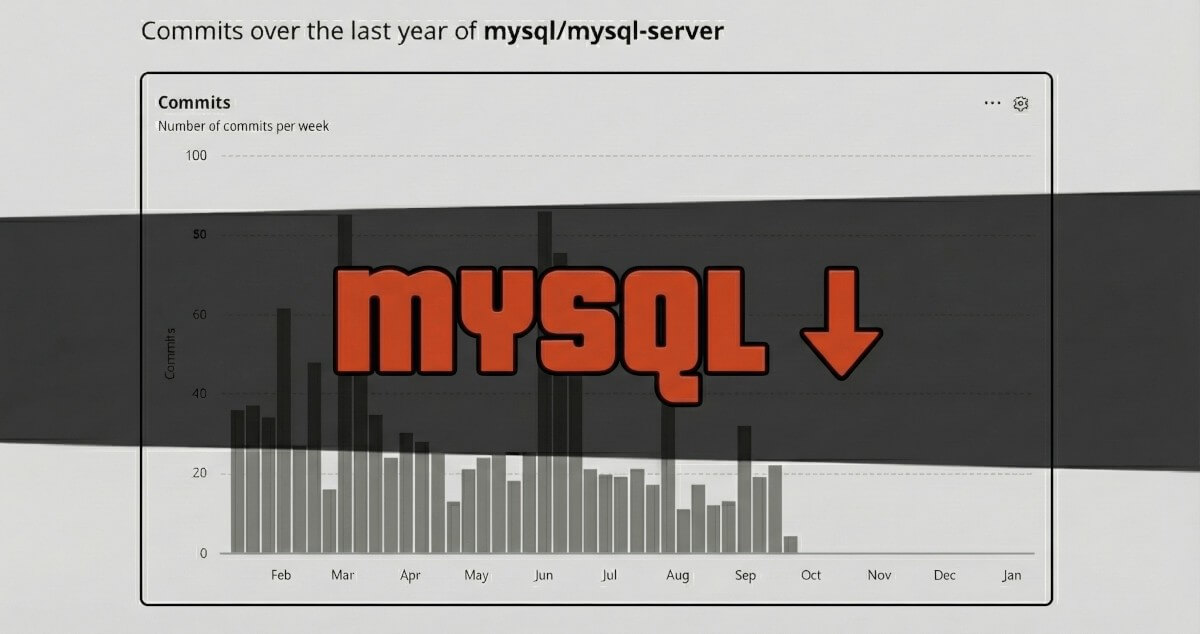 If you care about supporting open source software, and still use MySQL in 2026, you should switch to MariaDB like so many others have already done.
The number of git commits on
If you care about supporting open source software, and still use MySQL in 2026, you should switch to MariaDB like so many others have already done.
The number of git commits on 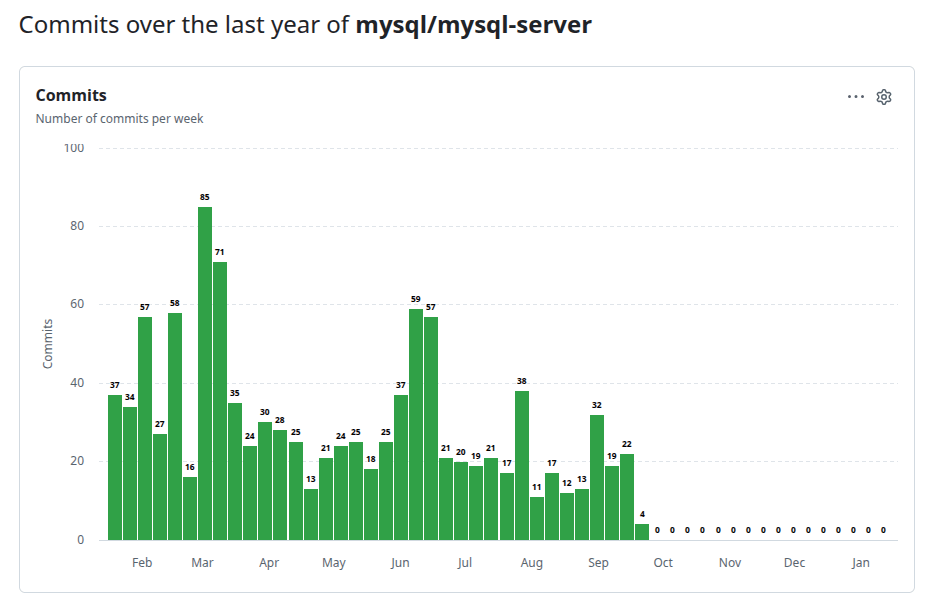
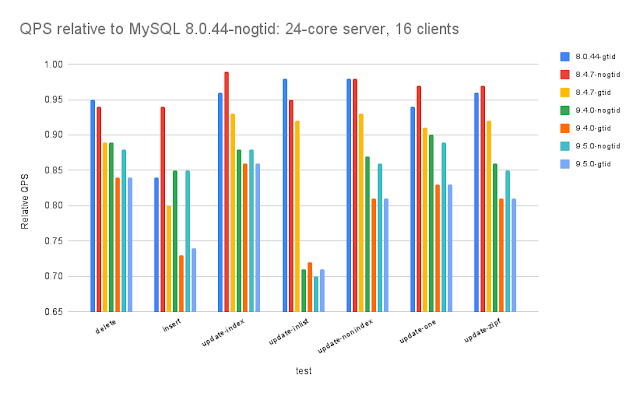 Due to newer MySQL versions deprecating many features, a lot of users also complained about significant struggles regarding both MySQL 5.7->8.0 and 8.0->8.4 upgrades. With few new features and heavy focus on code base cleanup and feature deprecation, it became obvious to many that Oracle had decided to just keep MySQL barely alive, and put all new relevant features (e.g. vector search) into Heatwave, Oracle s closed-source and cloud-only service for MySQL customers.
As it was evident that Oracle isn t investing in MySQL, Percona s Peter Zaitsev wrote
Due to newer MySQL versions deprecating many features, a lot of users also complained about significant struggles regarding both MySQL 5.7->8.0 and 8.0->8.4 upgrades. With few new features and heavy focus on code base cleanup and feature deprecation, it became obvious to many that Oracle had decided to just keep MySQL barely alive, and put all new relevant features (e.g. vector search) into Heatwave, Oracle s closed-source and cloud-only service for MySQL customers.
As it was evident that Oracle isn t investing in MySQL, Percona s Peter Zaitsev wrote 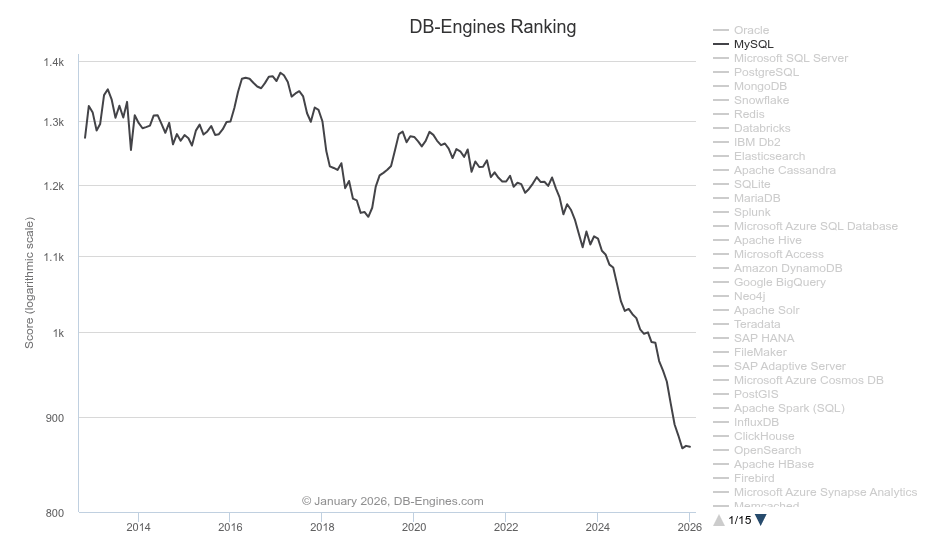 In September 2025
 Team Rcpp is thrilled to share that an exciting new version 1.1.1 of
Rcpp is now on
Team Rcpp is thrilled to share that an exciting new version 1.1.1 of
Rcpp is now on 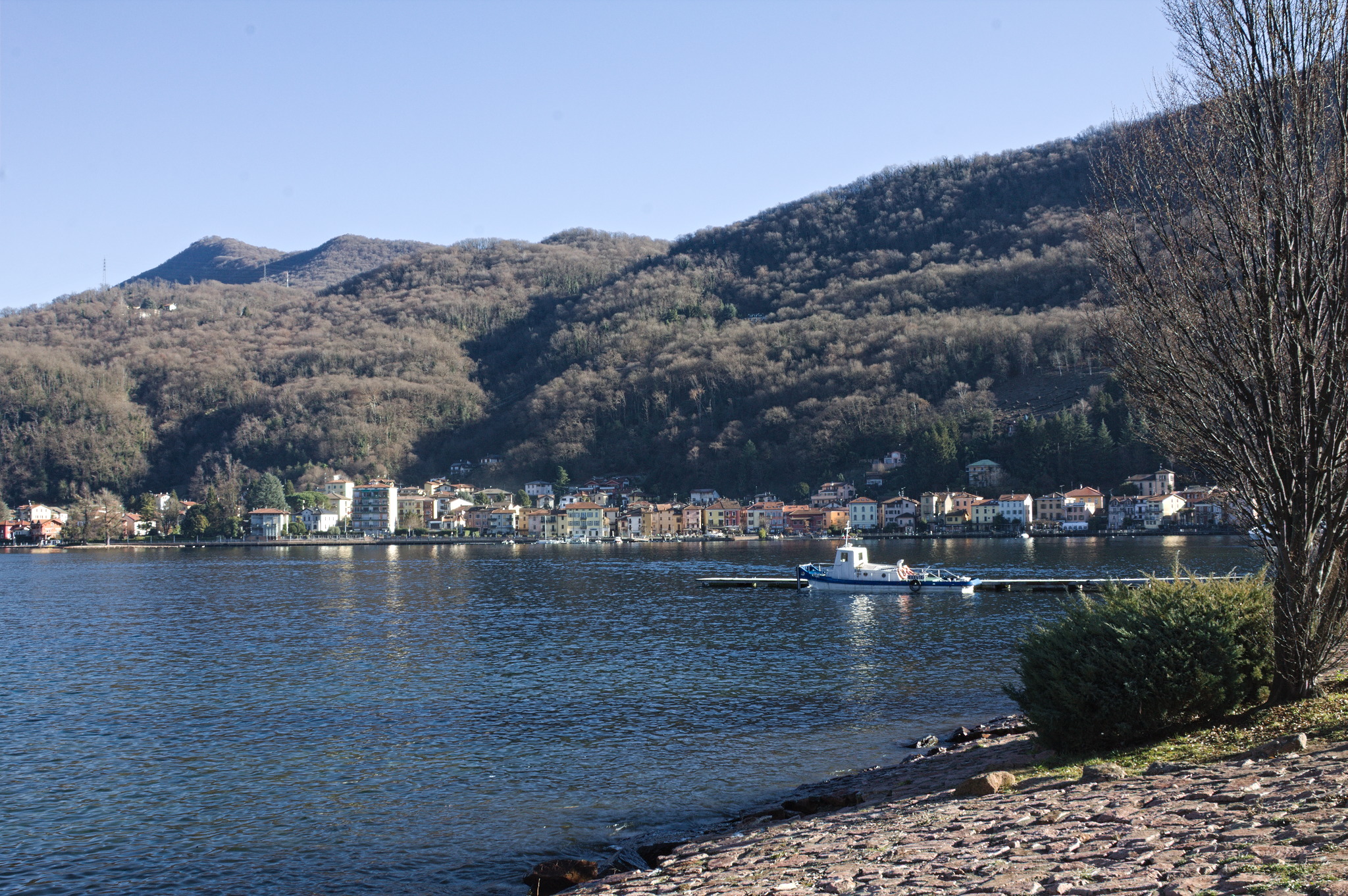 A lot of the youtube channels I follow tend to involve somebody making
things, so of course one of the videos my SO and I watched a few days
ago was about
A lot of the youtube channels I follow tend to involve somebody making
things, so of course one of the videos my SO and I watched a few days
ago was about 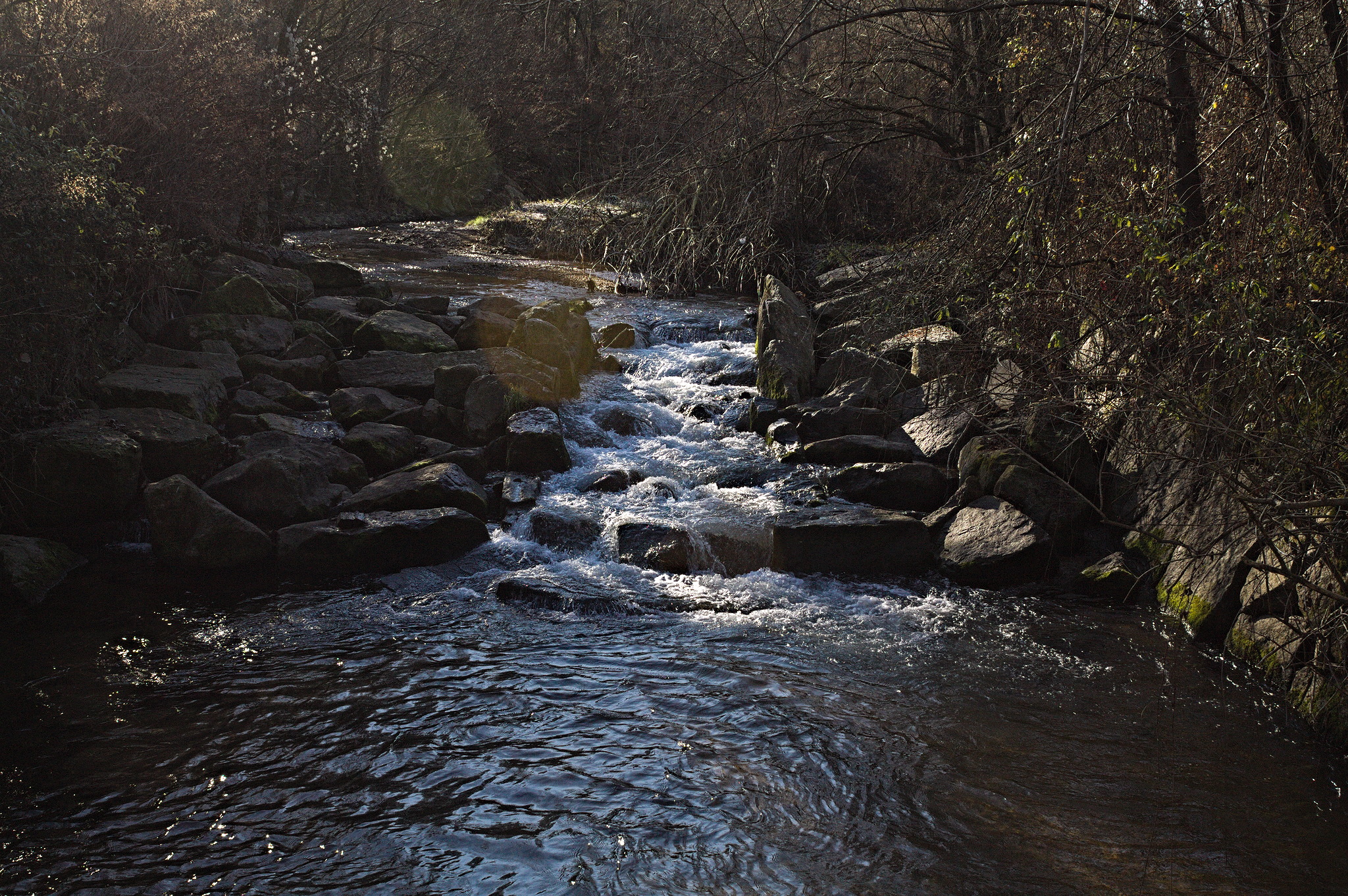 And then, 10 minutes after we had left, realizing that I had written
down the password for the train website, since it was no longer saved on
the phone, but i had forgotten the bit of paper at home. We could have
gone back to take it, but decided not to bother, as we could also
hopefully buy paper-ish tickets at the train station (we could).
Later on, I also realized I had also forgotten my GPS tracker, so I have
no record of where we went exactly (but it s not hard to recognize it on
a map) nor on what the temperature was. It s a shame, but by that point
it was way too late to go back.
Anyway, that probably was when Murphy felt we had paid our respects, and
from then on everything went lovingly well!
Routing had been done on the
And then, 10 minutes after we had left, realizing that I had written
down the password for the train website, since it was no longer saved on
the phone, but i had forgotten the bit of paper at home. We could have
gone back to take it, but decided not to bother, as we could also
hopefully buy paper-ish tickets at the train station (we could).
Later on, I also realized I had also forgotten my GPS tracker, so I have
no record of where we went exactly (but it s not hard to recognize it on
a map) nor on what the temperature was. It s a shame, but by that point
it was way too late to go back.
Anyway, that probably was when Murphy felt we had paid our respects, and
from then on everything went lovingly well!
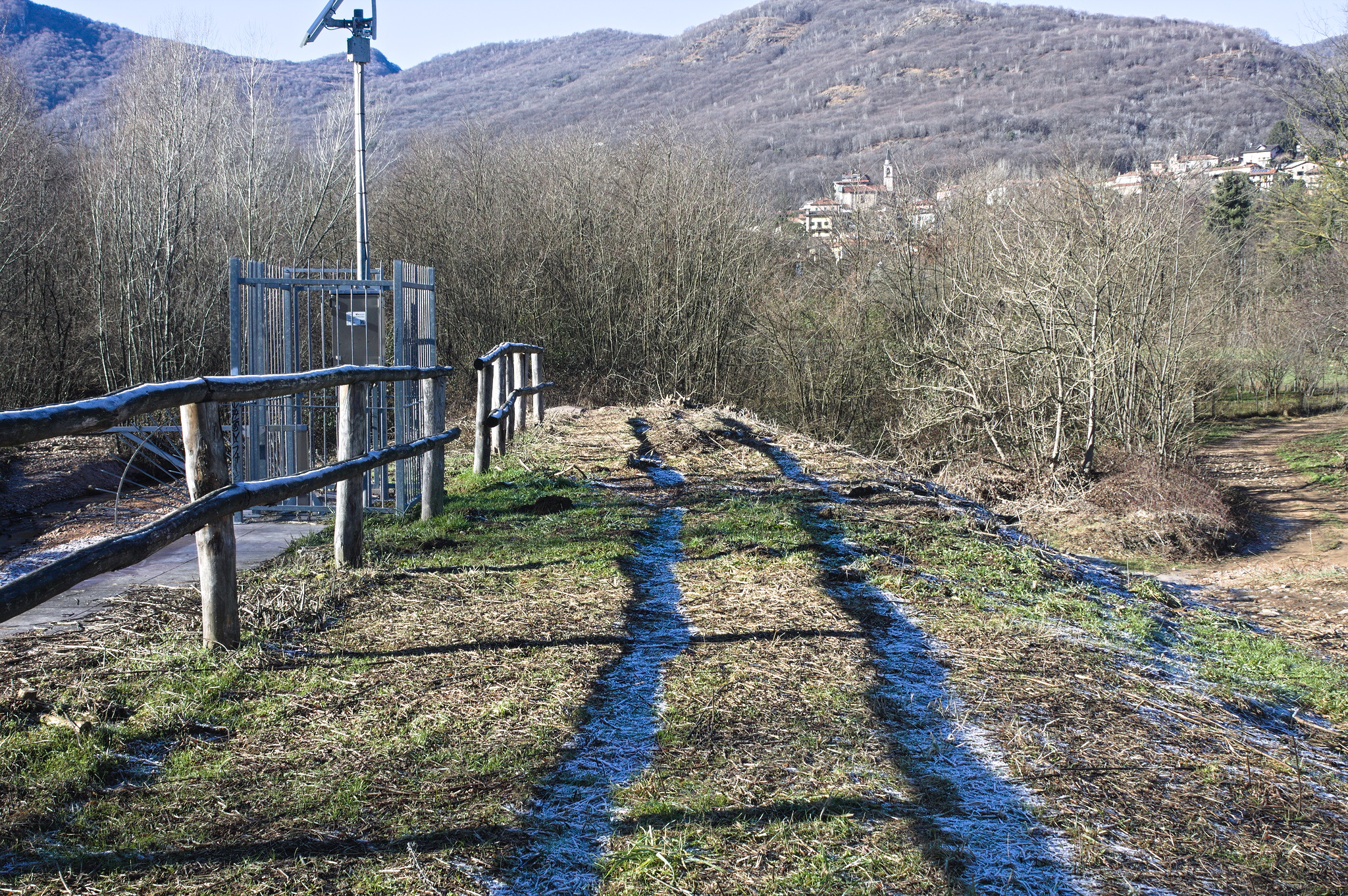
Routing had been done on the 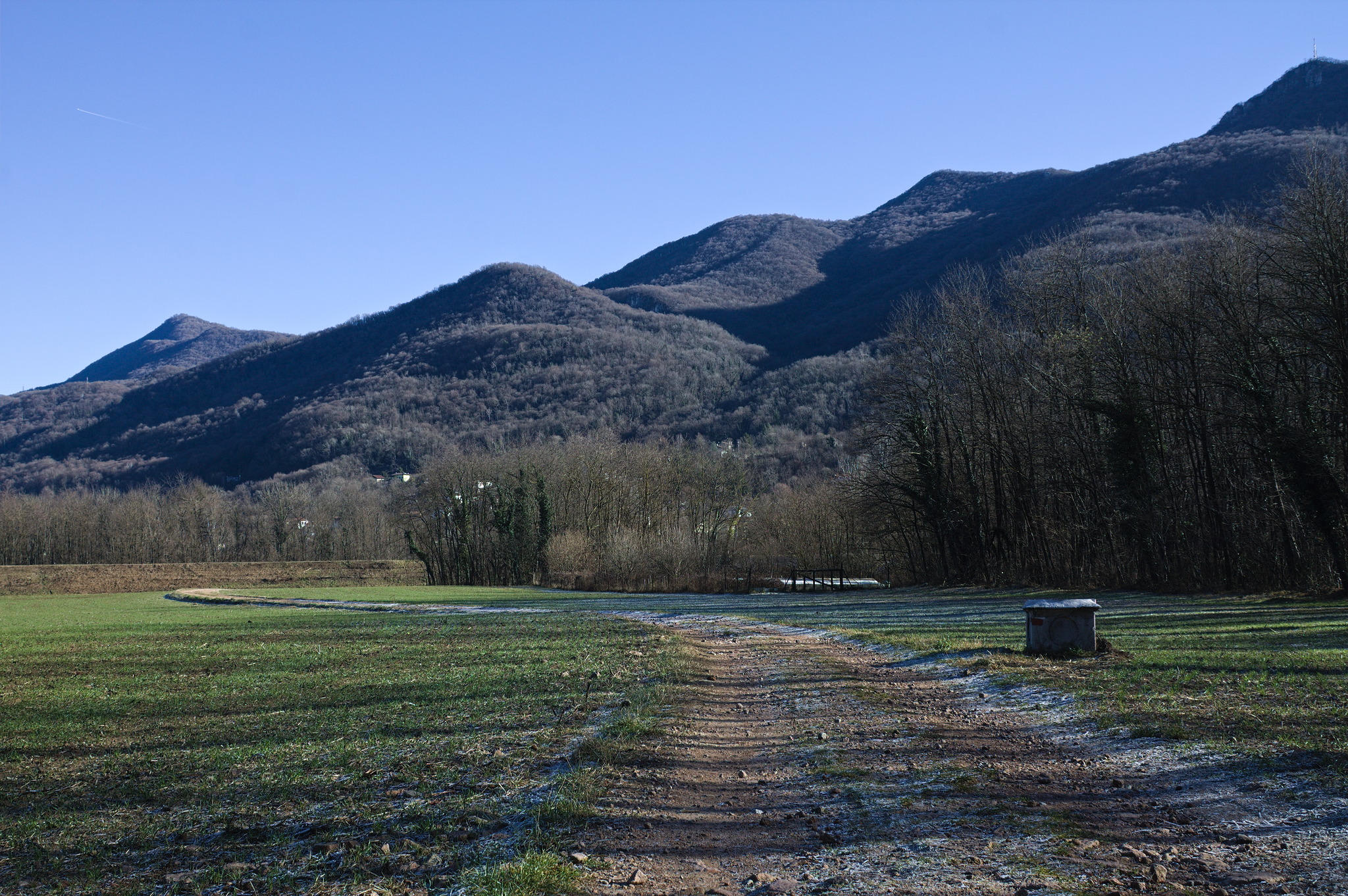 And indeed, after a short while the paved road ended, but the path
continued on a wide and flat track, and was a welcome detour through
what looked like water works to prevent flood damage from a stream.
In a warmer season, with longer grass and ticks maybe the fact that I
was wearing a long skirt may have been an issue, but in winter it was
just fine.
And soon afterwards, we were in Porto Ceresio. I think I have been there
as a child, but I had no memory of it. On the other hand, it was about
as I expected: a tiny town with a lakeside street full of houses built
in the early 1900s when the area was an important tourism destination,
with older buildings a bit higher up on the hills (because streams
in this area will flood). And of course, getting there by foot rather
than by train we also saw the parts where real people live (but not
work: that s cross-border commuters country).
And indeed, after a short while the paved road ended, but the path
continued on a wide and flat track, and was a welcome detour through
what looked like water works to prevent flood damage from a stream.
In a warmer season, with longer grass and ticks maybe the fact that I
was wearing a long skirt may have been an issue, but in winter it was
just fine.
And soon afterwards, we were in Porto Ceresio. I think I have been there
as a child, but I had no memory of it. On the other hand, it was about
as I expected: a tiny town with a lakeside street full of houses built
in the early 1900s when the area was an important tourism destination,
with older buildings a bit higher up on the hills (because streams
in this area will flood). And of course, getting there by foot rather
than by train we also saw the parts where real people live (but not
work: that s cross-border commuters country).
 Soon after arriving in Porto Ceresio we stopped to eat our lunch on a
bench at the lakeside; up to then we had been pretty comfortable in the
clothing we had decided to wear: there was plenty of frost on the
ground, in the shade, but the sun was warm and the temperatures were
cleanly above freezing. Removing the gloves to eat, however, resulted in
quite cold hands, and we didn t want to stay still for longer than
strictly necessary.
So we spent another hour and a bit walking around Porto Ceresio like
proper tourists and taking pictures. There was an exhibition of nativity
scenes all around the streets, but to get a map one had to go to either
facebook or instagram, or wait for the opening hours of an office that
were later than the train we planned to get to go back home, so we only
saw maybe half of them, as we walked around: some were quite nice, some
were nativity scenes, and some showed that the school children must have
had some fun making them.
Soon after arriving in Porto Ceresio we stopped to eat our lunch on a
bench at the lakeside; up to then we had been pretty comfortable in the
clothing we had decided to wear: there was plenty of frost on the
ground, in the shade, but the sun was warm and the temperatures were
cleanly above freezing. Removing the gloves to eat, however, resulted in
quite cold hands, and we didn t want to stay still for longer than
strictly necessary.
So we spent another hour and a bit walking around Porto Ceresio like
proper tourists and taking pictures. There was an exhibition of nativity
scenes all around the streets, but to get a map one had to go to either
facebook or instagram, or wait for the opening hours of an office that
were later than the train we planned to get to go back home, so we only
saw maybe half of them, as we walked around: some were quite nice, some
were nativity scenes, and some showed that the school children must have
had some fun making them.
 Another Christmas decoration were groups of creatures made of evergreen
branches that dotted the sidewalks around the lake: I took pictures of
the first couple of groups, and then after seeing a few more something
clicked in my brain, and I noticed that they were wrapped in green LED
strings, like chains, and they had a red ball that was supposed to be
the nose, but could just be around the mouth area, and suddenly I felt
the need to play
Another Christmas decoration were groups of creatures made of evergreen
branches that dotted the sidewalks around the lake: I took pictures of
the first couple of groups, and then after seeing a few more something
clicked in my brain, and I noticed that they were wrapped in green LED
strings, like chains, and they had a red ball that was supposed to be
the nose, but could just be around the mouth area, and suddenly I felt
the need to play 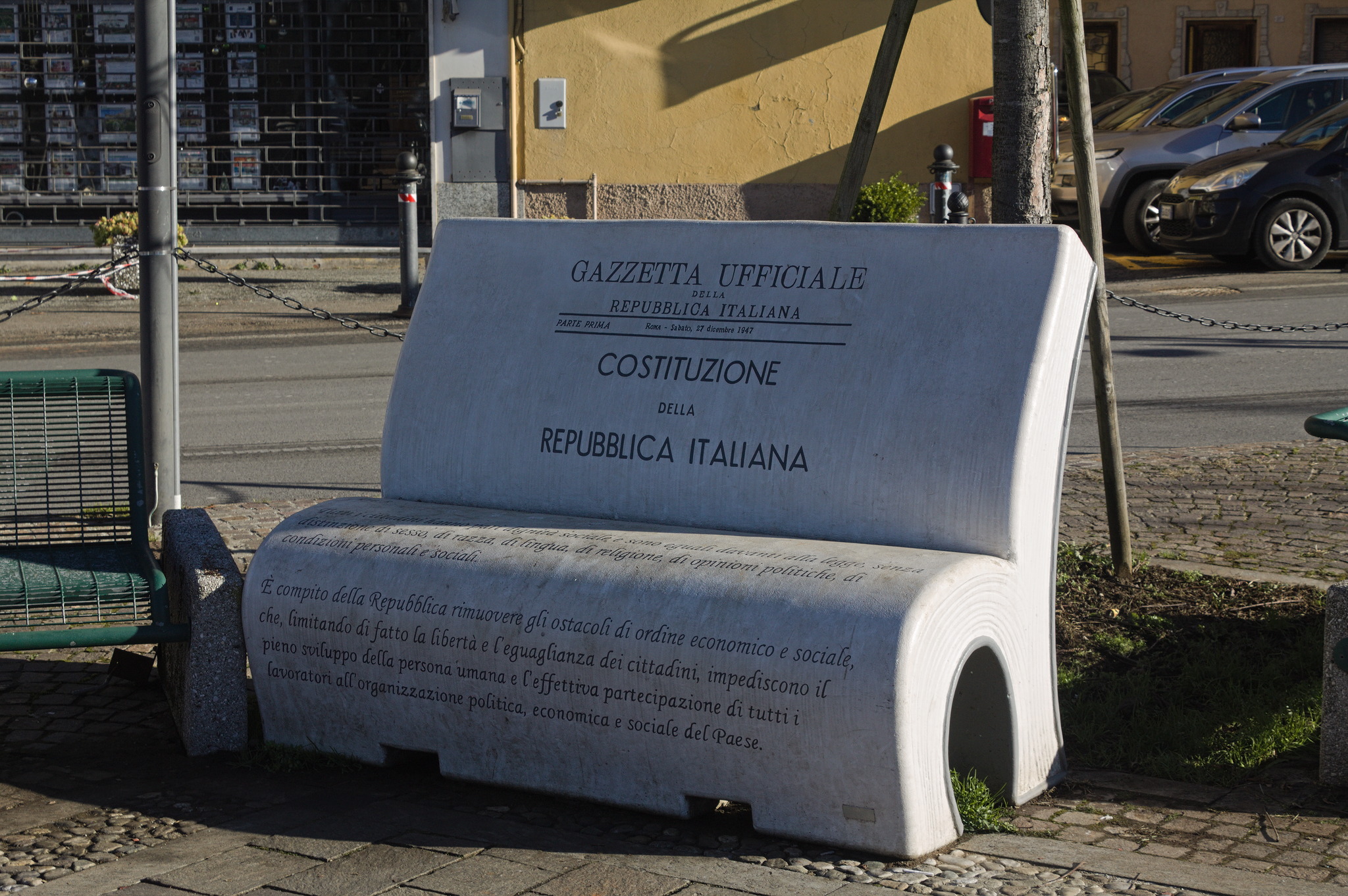 Another thing that we noticed were some benches in the shape of books,
with book quotations on them; most were on reading-related topics, but
the one with the Constitution felt worth taking a picture of, especially
these days.
And then, our train was waiting at the station, and we had to go back
home for the afternoon; it was a nice outing, if a bit brief, and we
agreed to do it again, possibly with a bit of a detour to make the walk
a bit longer. And then maybe one day we ll train to do the whole 5-6
hour thing through the hills.
Another thing that we noticed were some benches in the shape of books,
with book quotations on them; most were on reading-related topics, but
the one with the Constitution felt worth taking a picture of, especially
these days.
And then, our train was waiting at the station, and we had to go back
home for the afternoon; it was a nice outing, if a bit brief, and we
agreed to do it again, possibly with a bit of a detour to make the walk
a bit longer. And then maybe one day we ll train to do the whole 5-6
hour thing through the hills.
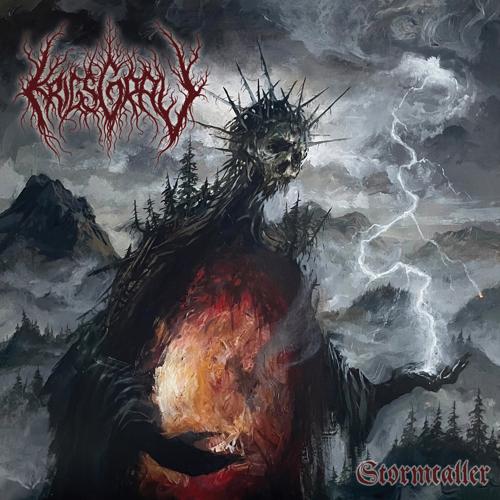
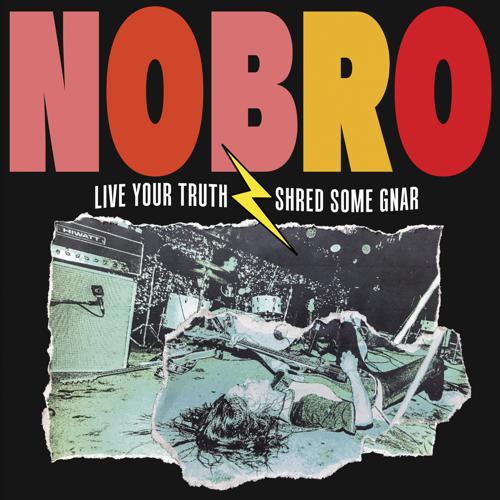
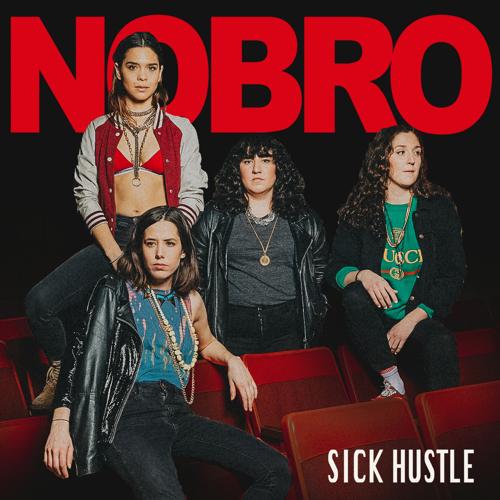
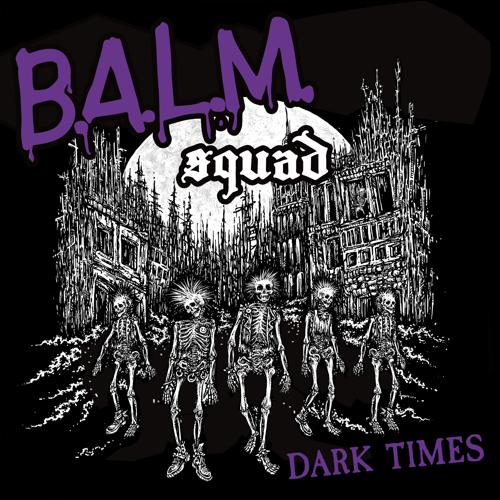
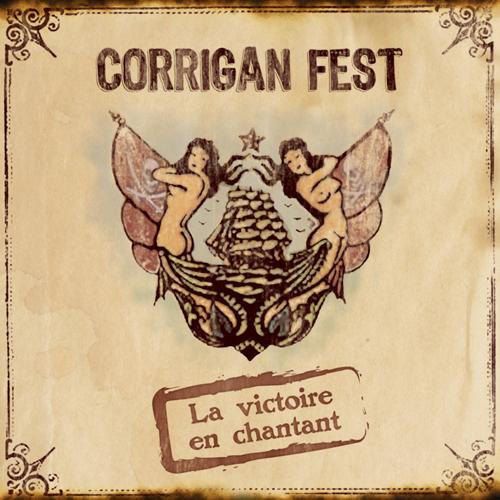
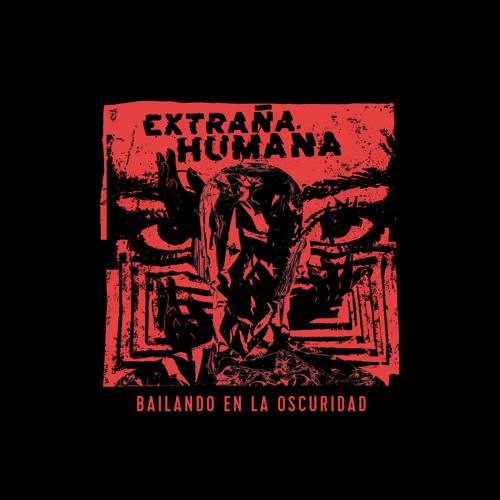
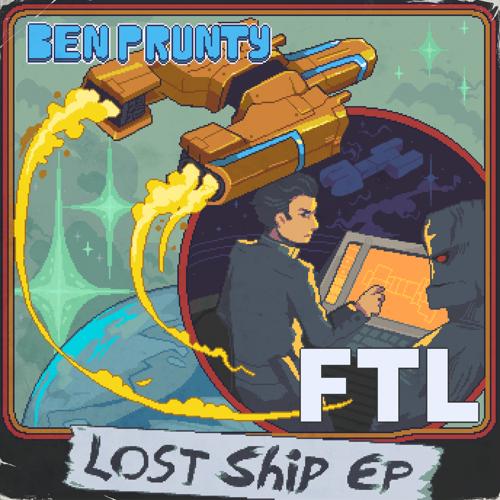
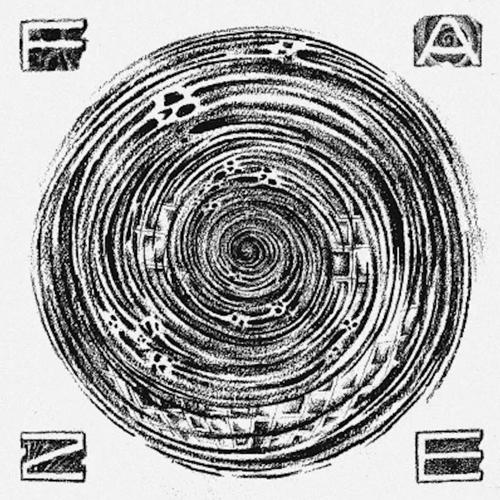
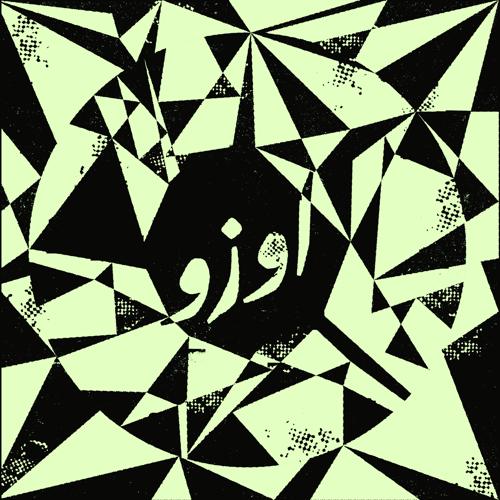
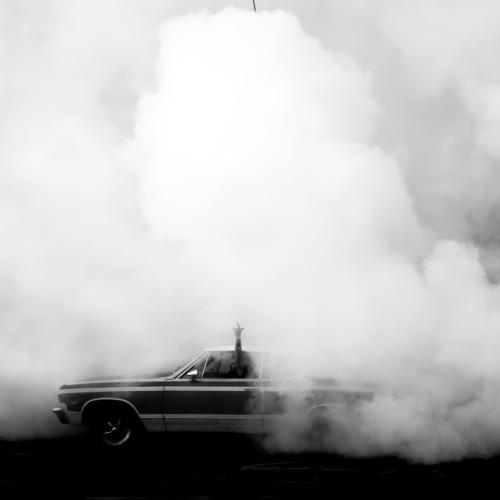
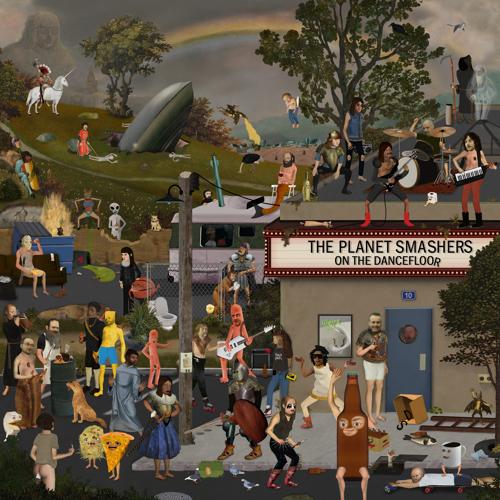
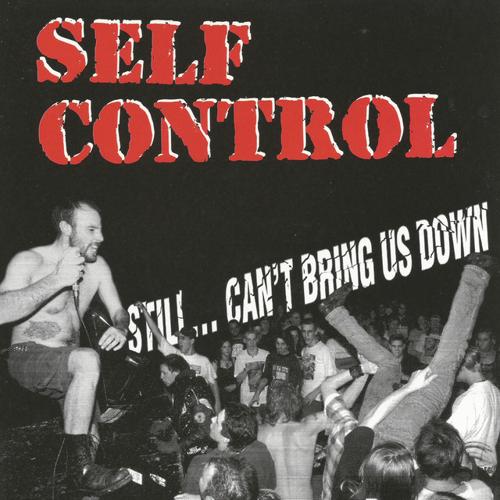
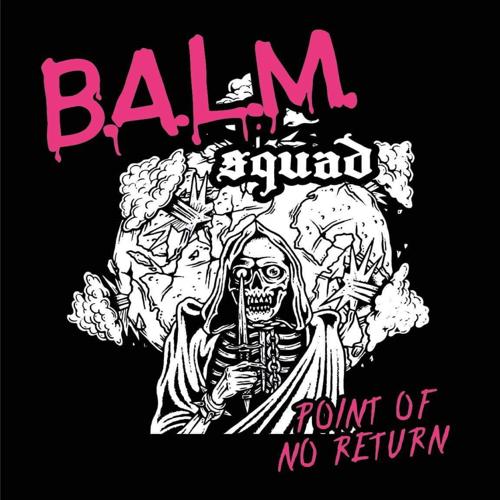
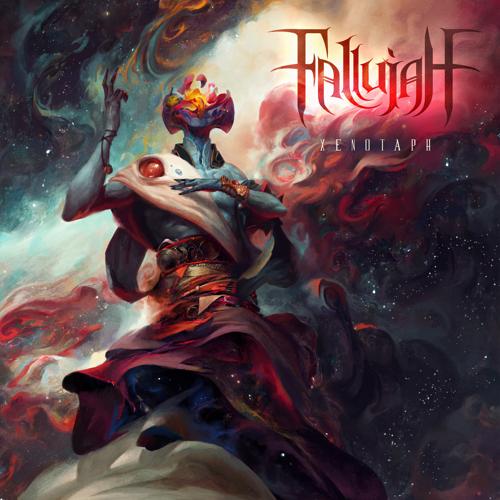
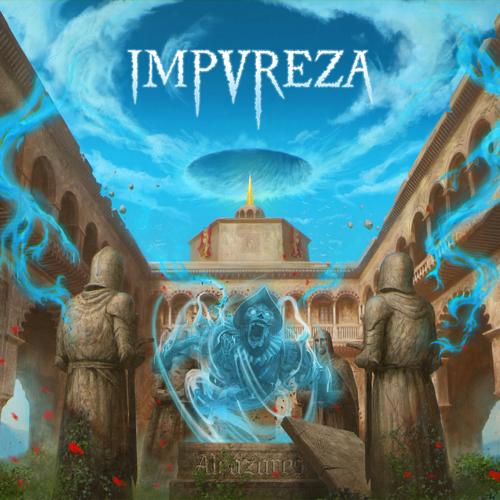
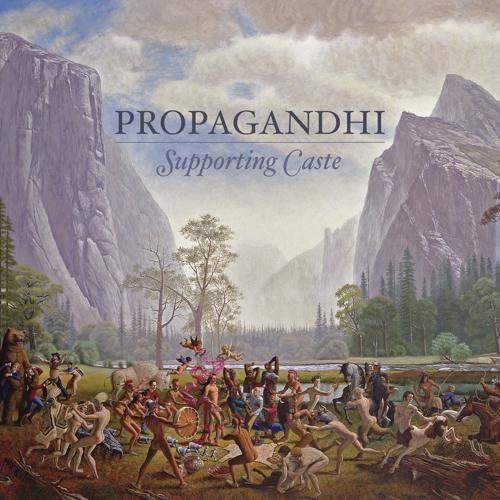
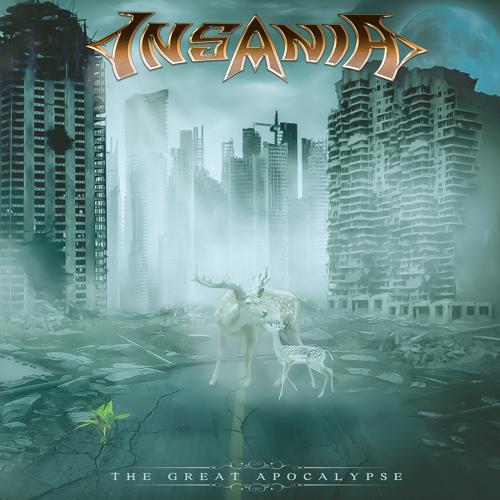
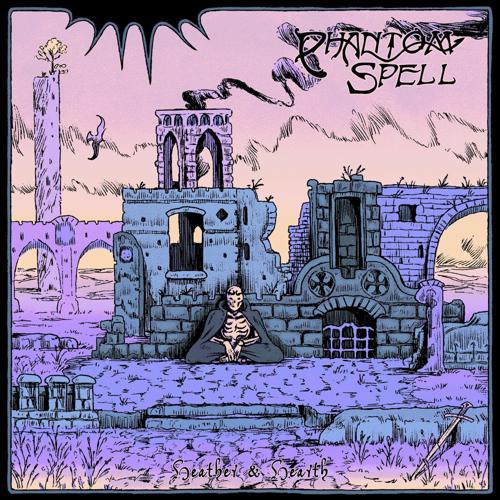
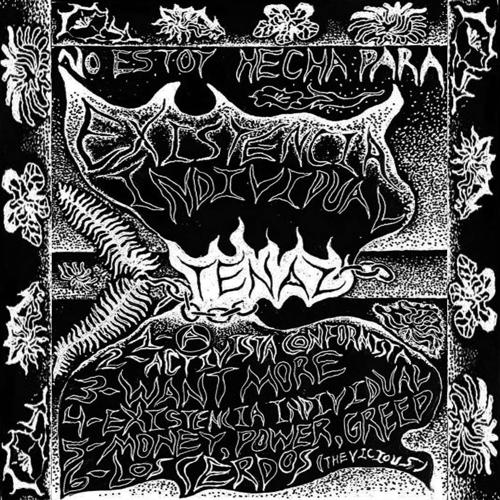
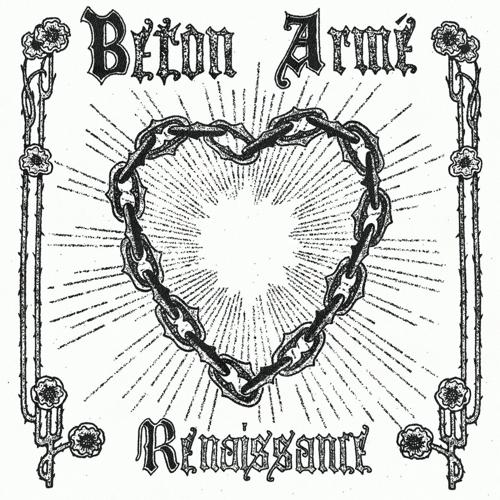
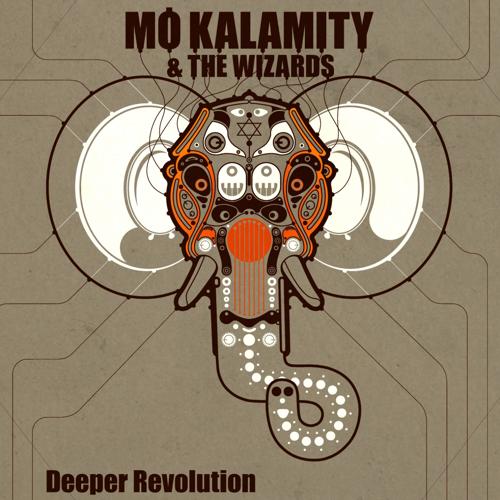
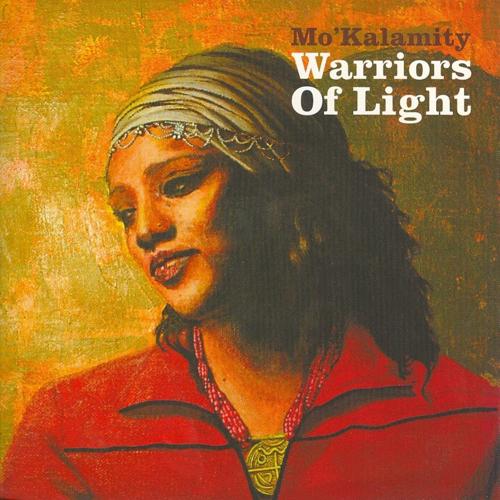
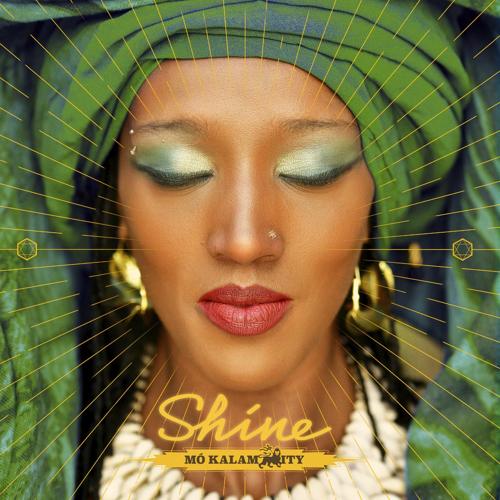
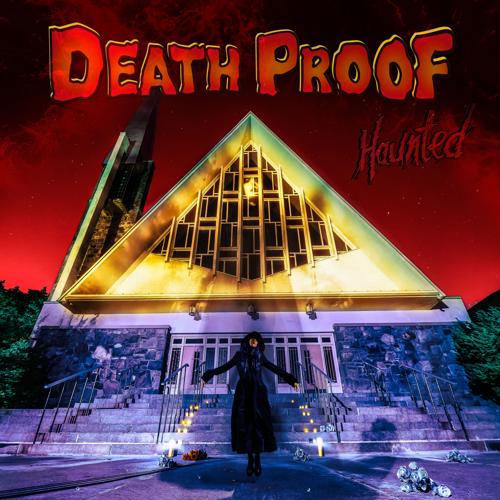
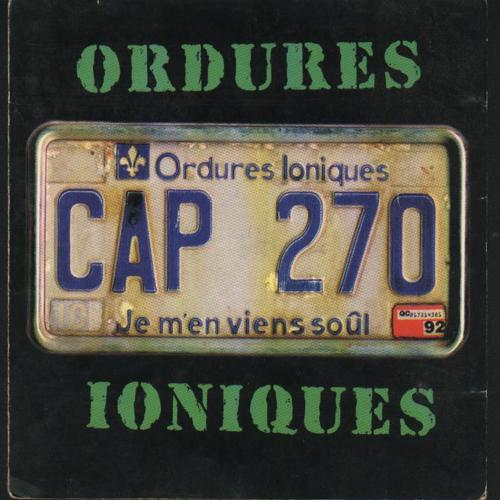
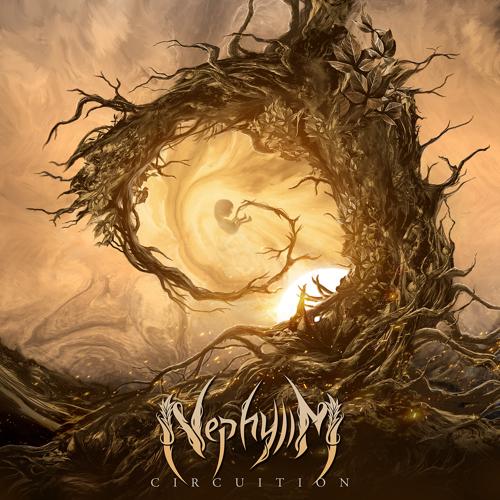
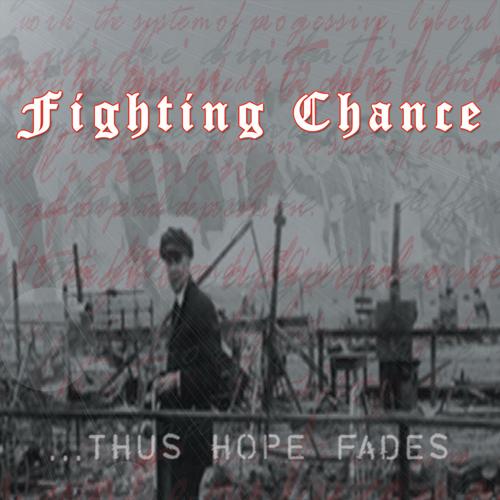
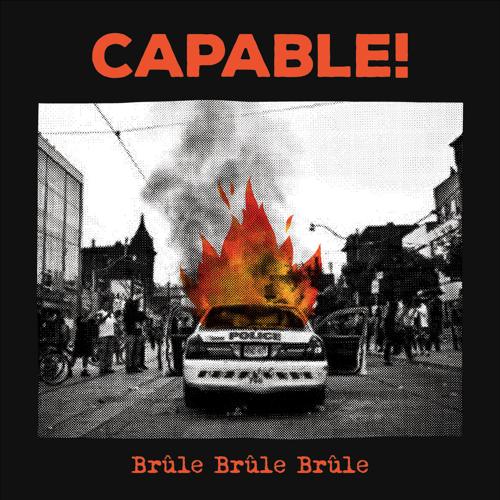
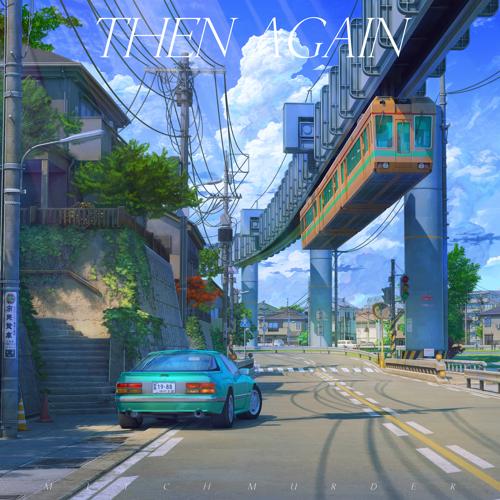
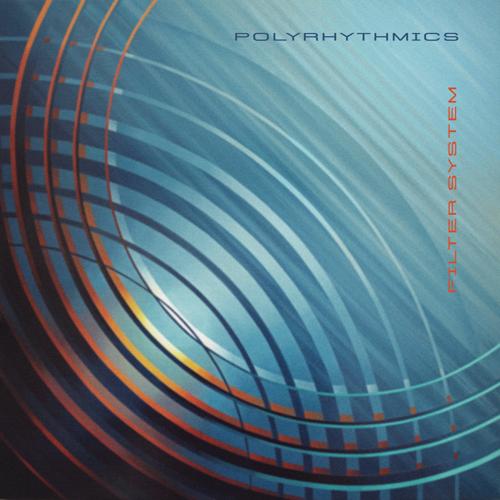
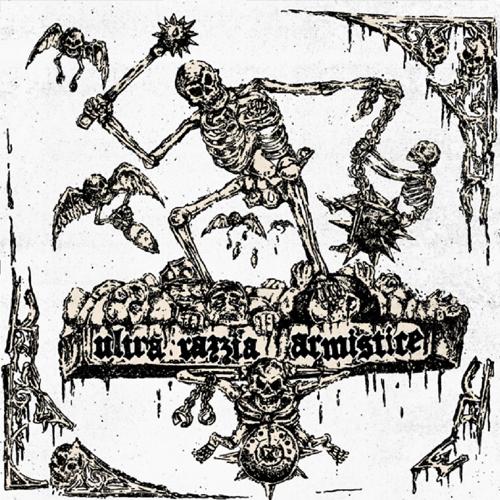
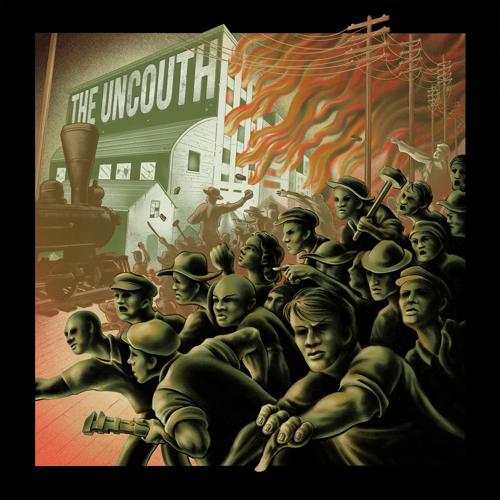
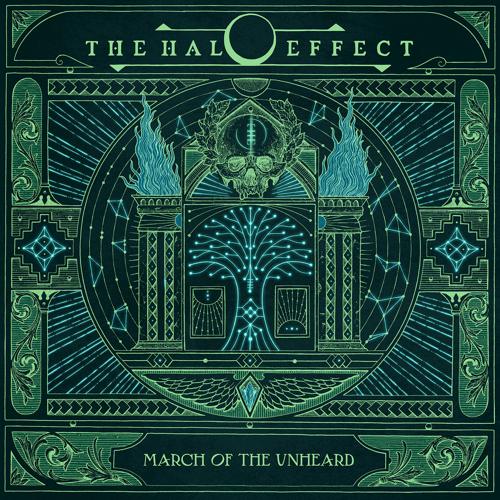
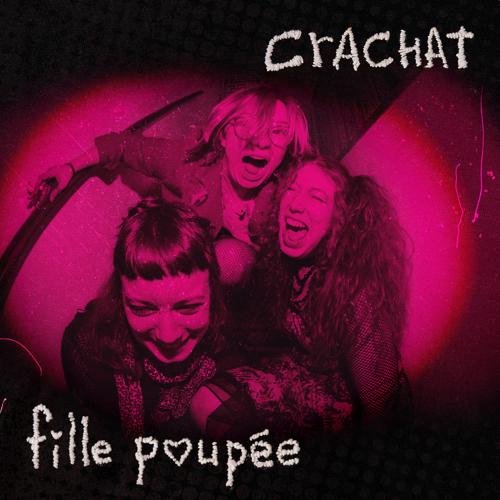
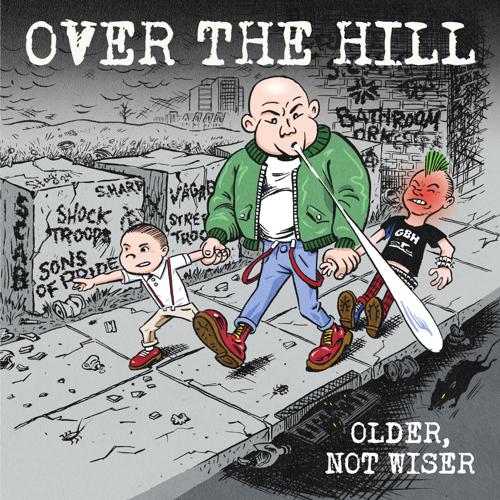
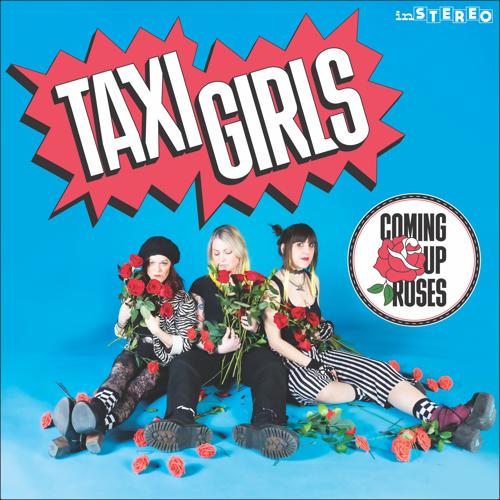
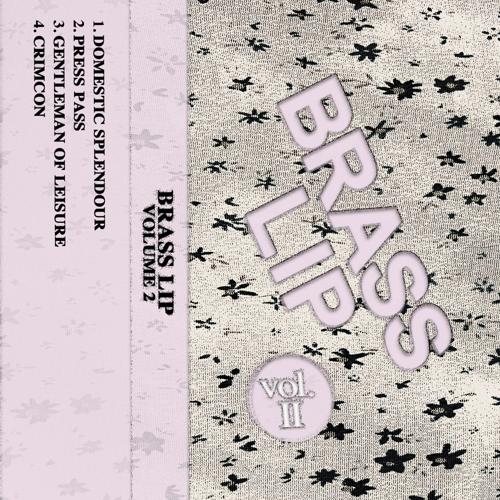
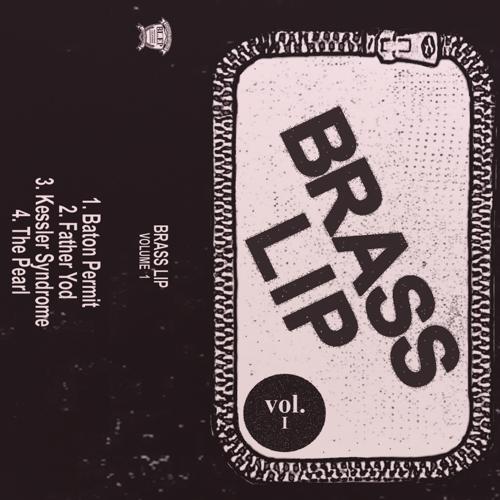
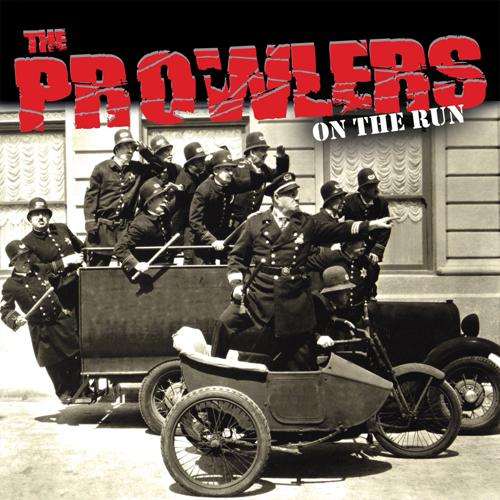
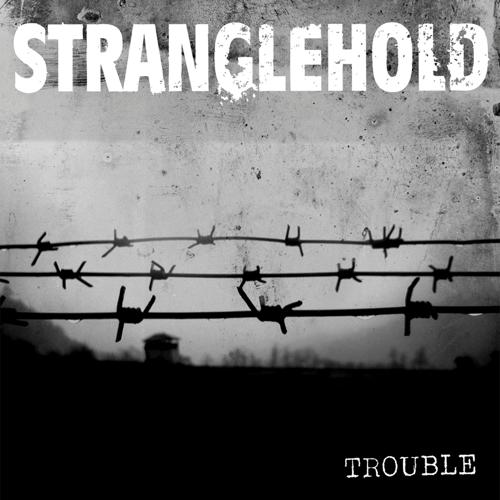
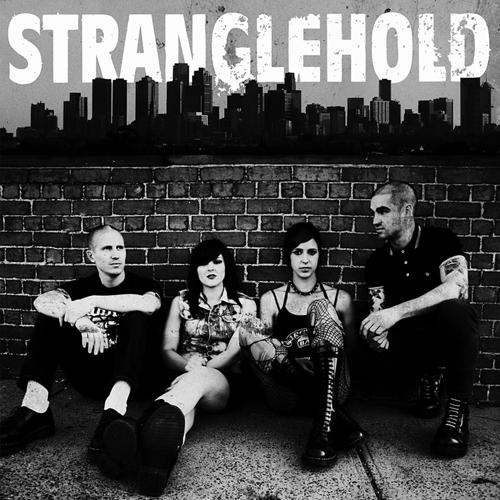
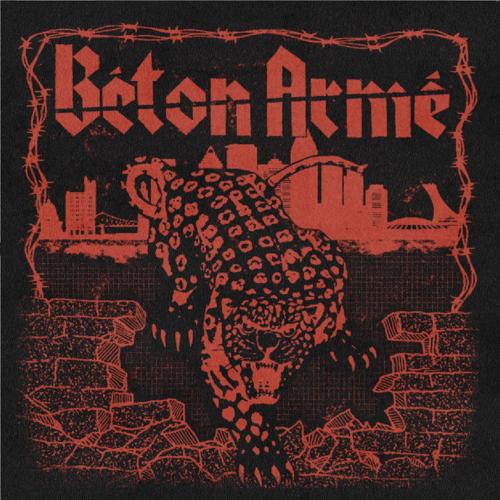
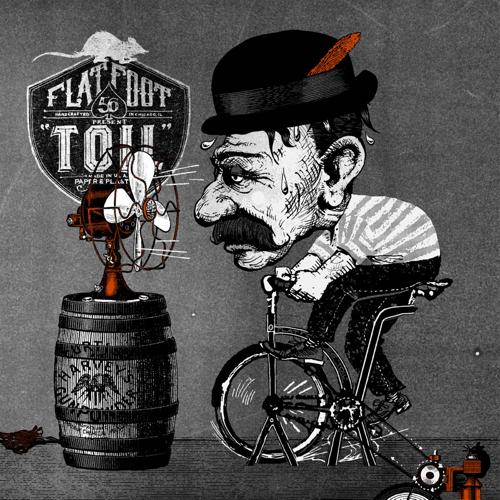
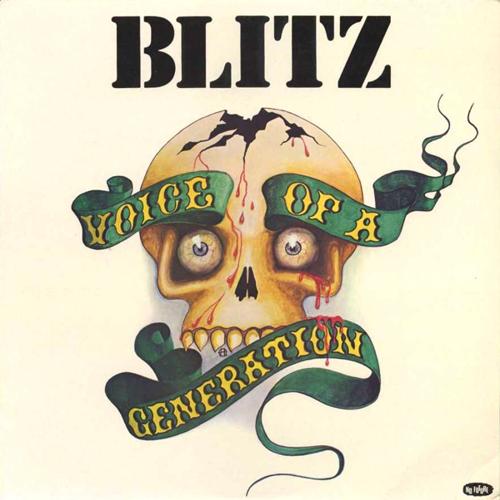
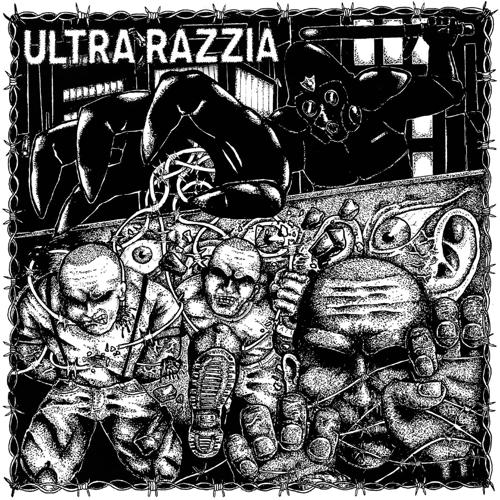
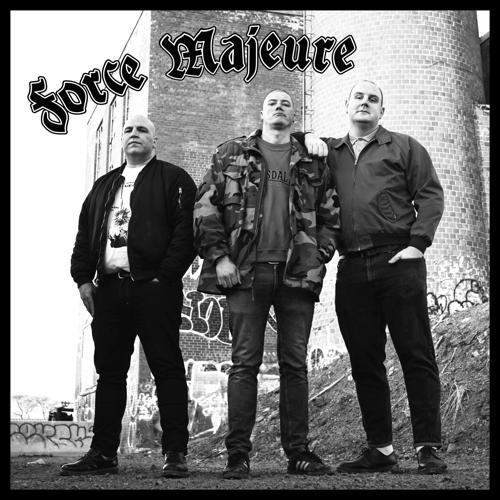
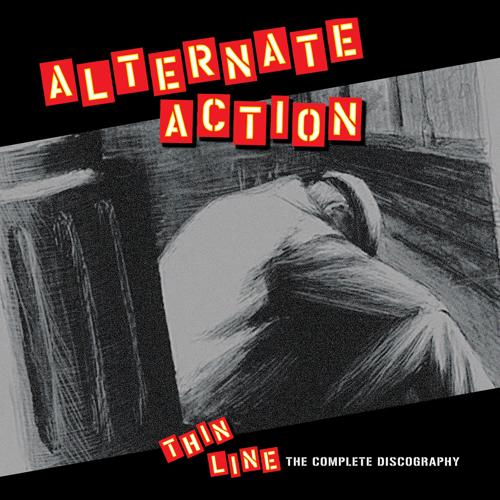
 2026 already! The winter weather here has really been beautiful and I always enjoy
this time of year. Writing this yearly musical retrospective has now become a
beloved tradition of mine
2026 already! The winter weather here has really been beautiful and I always enjoy
this time of year. Writing this yearly musical retrospective has now become a
beloved tradition of mine
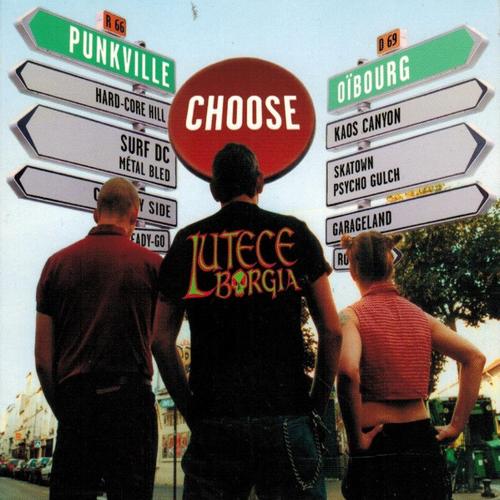


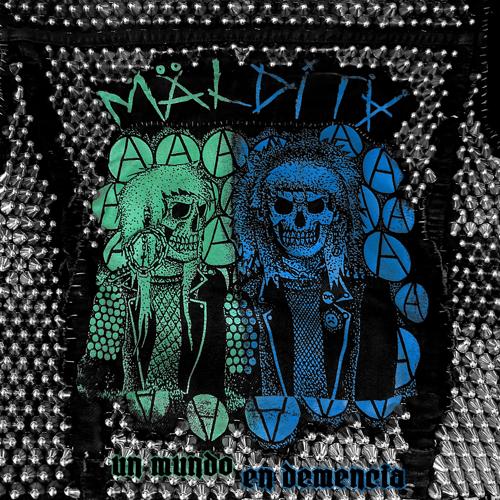
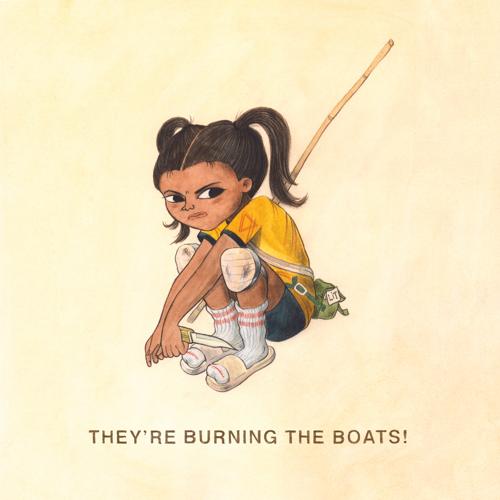
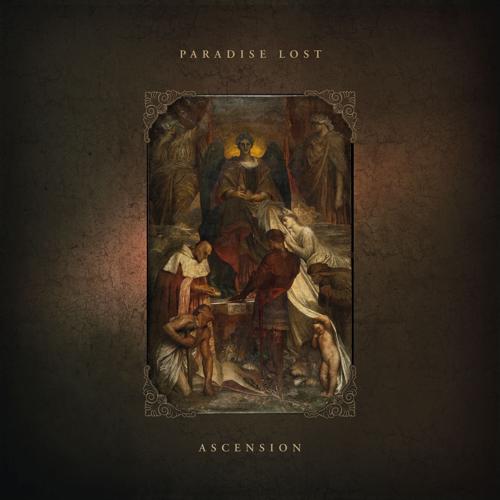

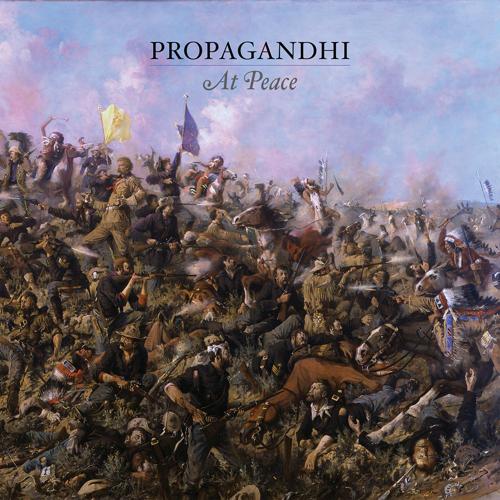
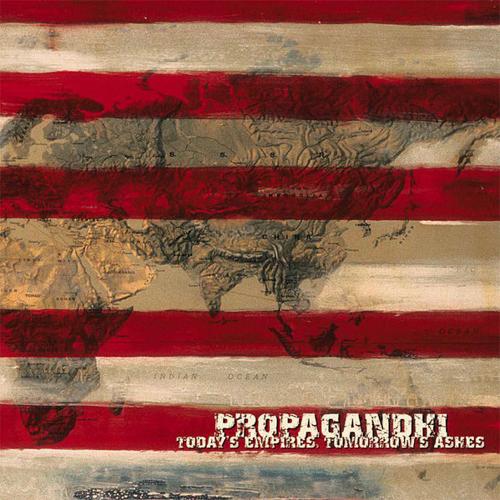
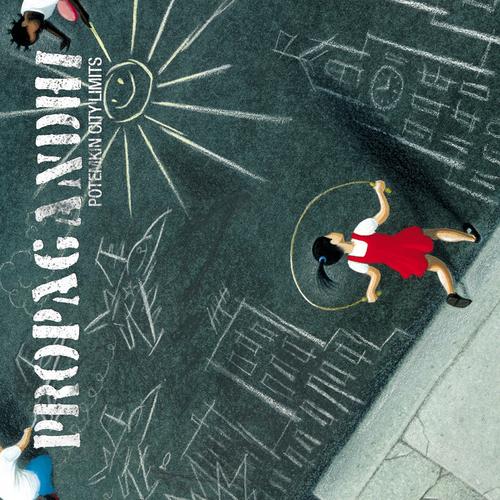

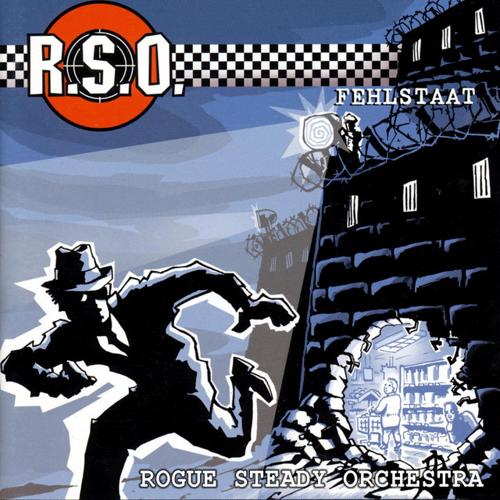

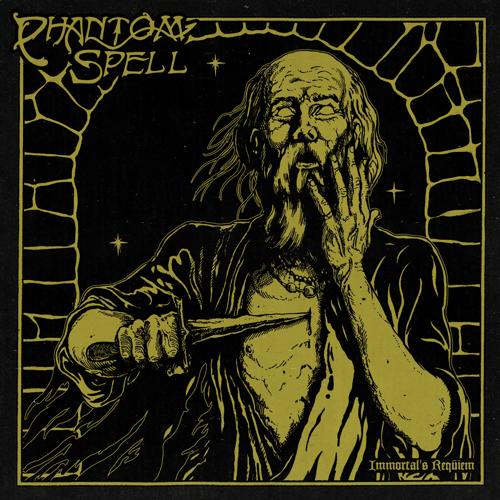
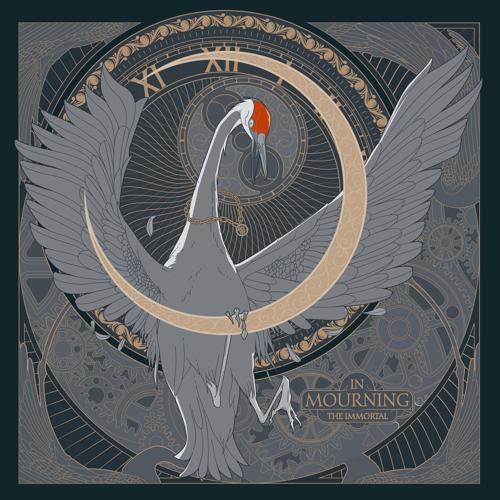
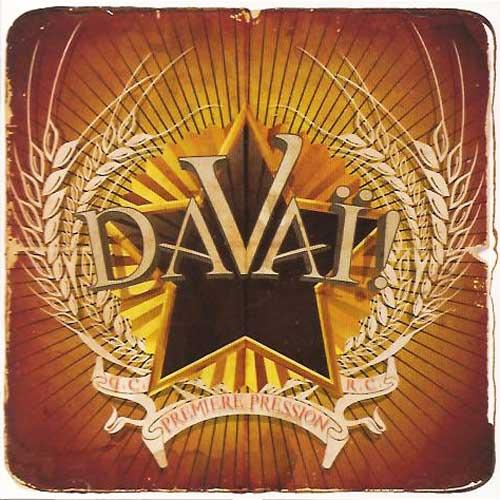
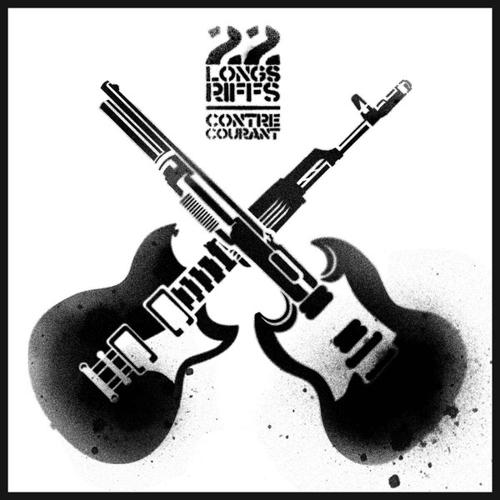
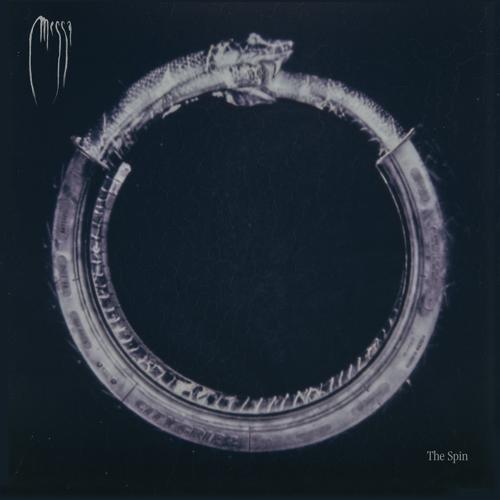
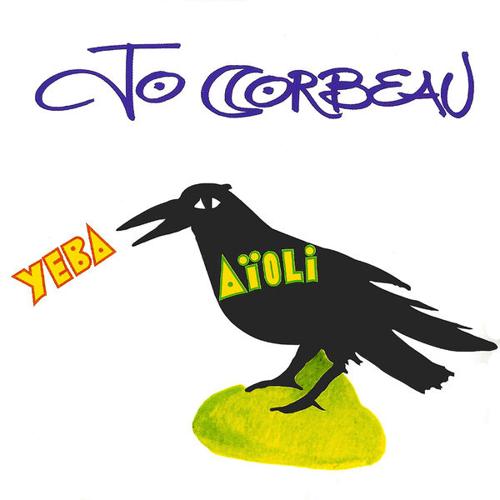
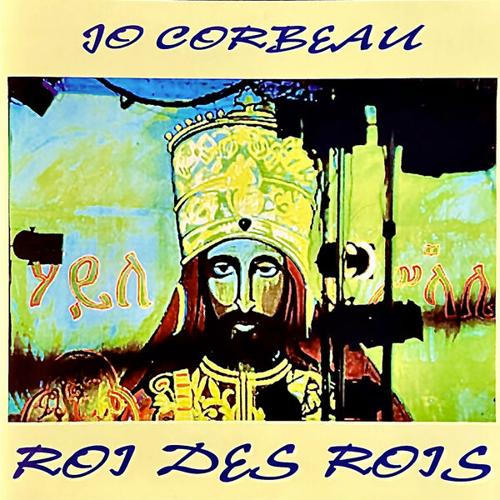
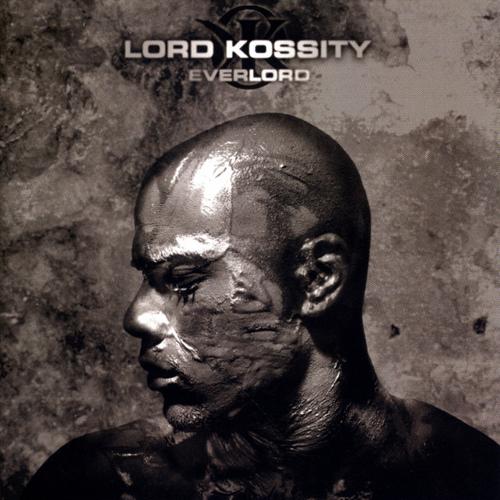



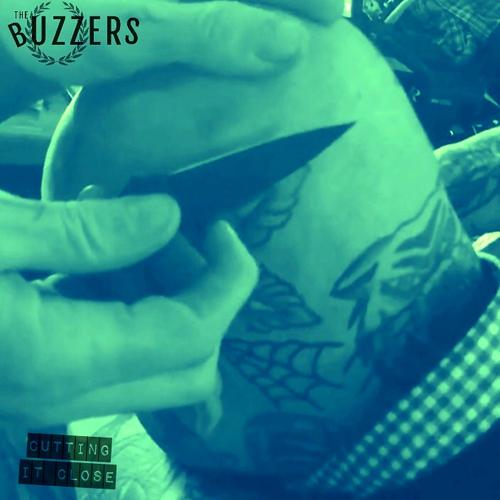
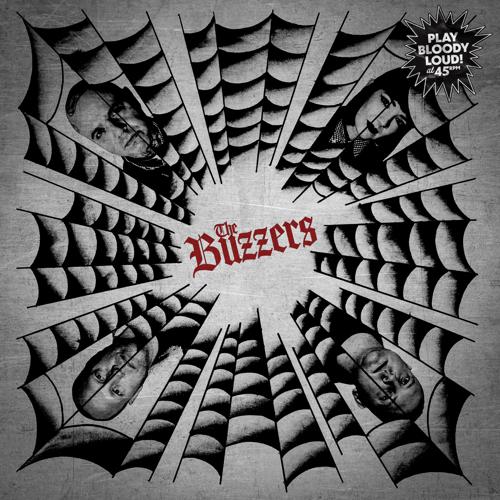

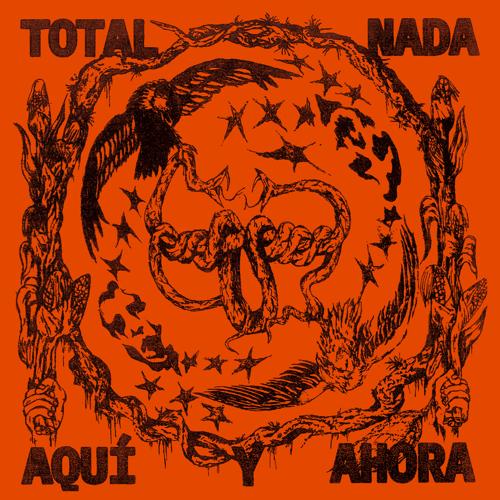
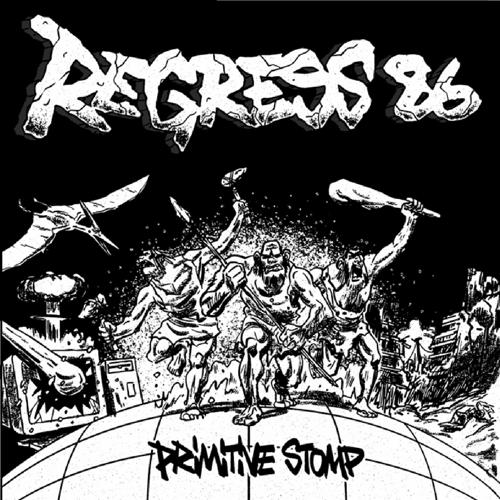

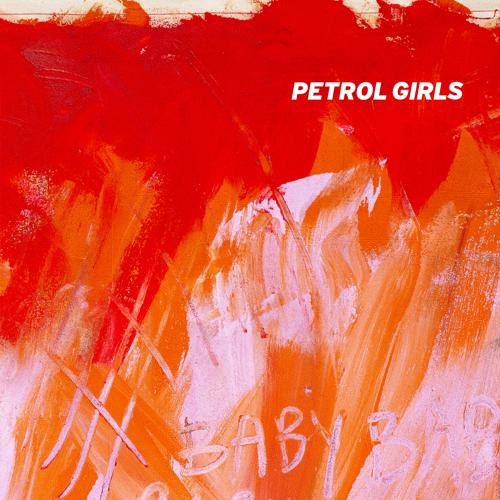
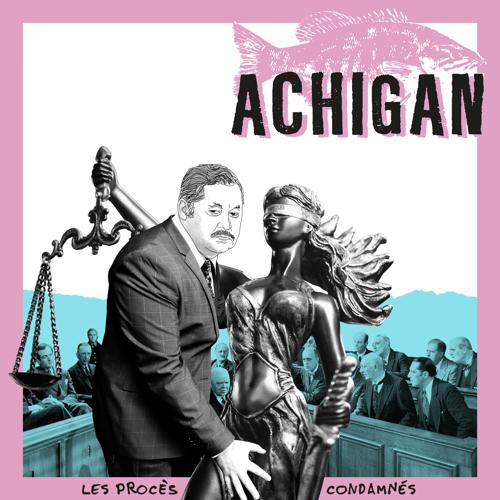

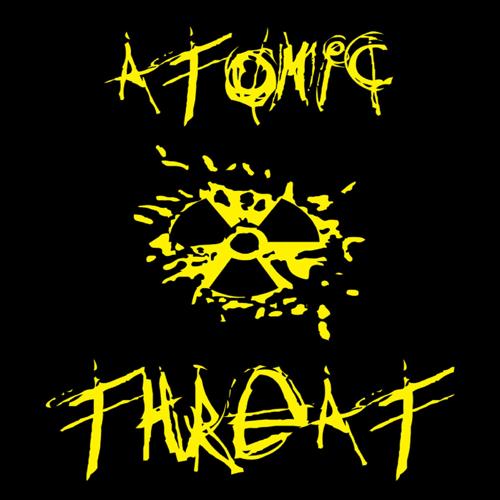

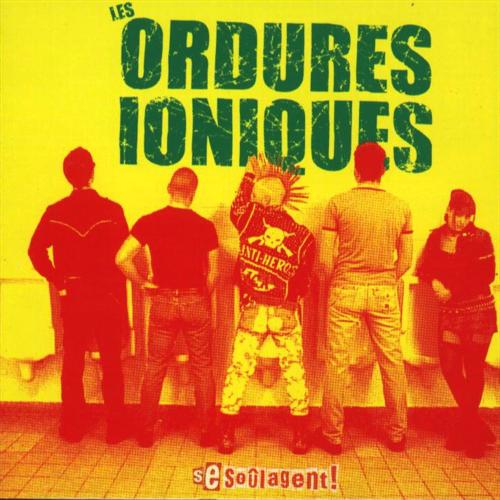


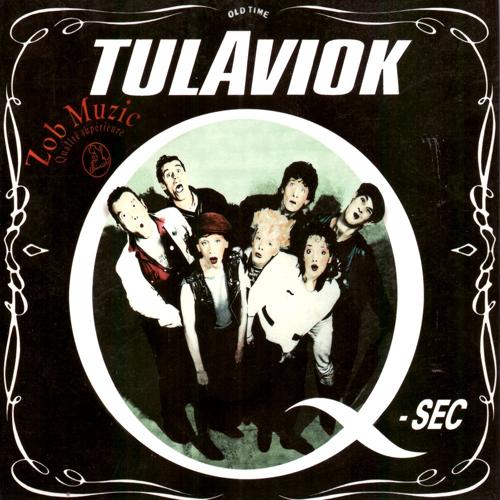
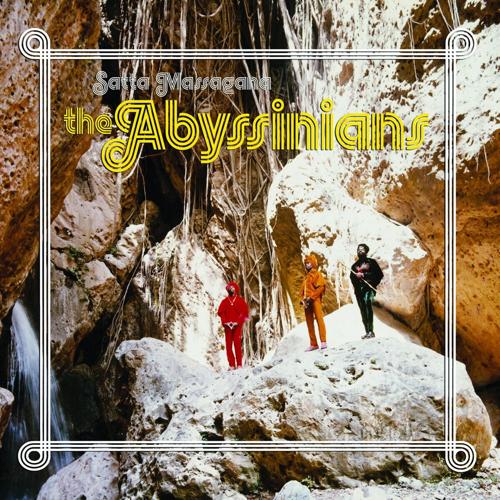




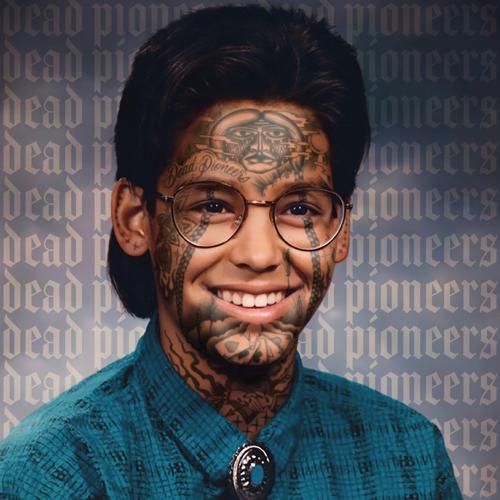

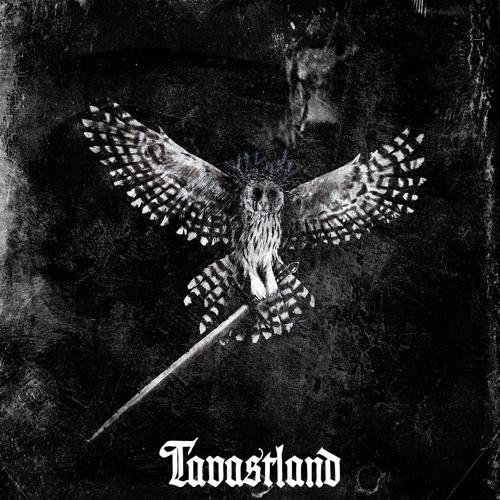

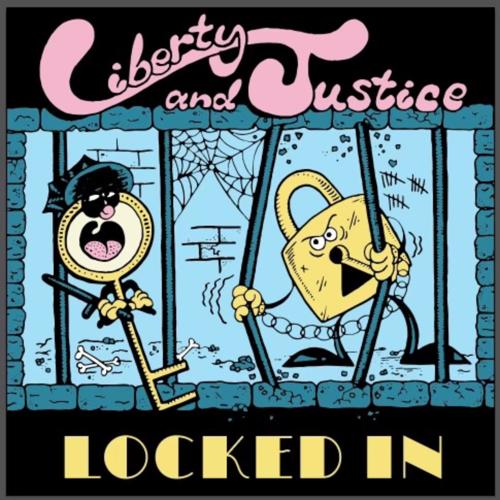
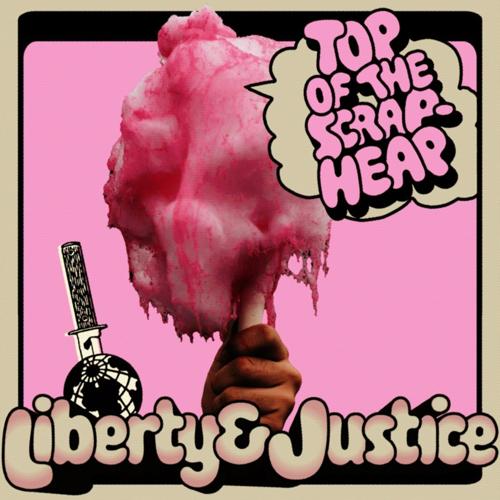
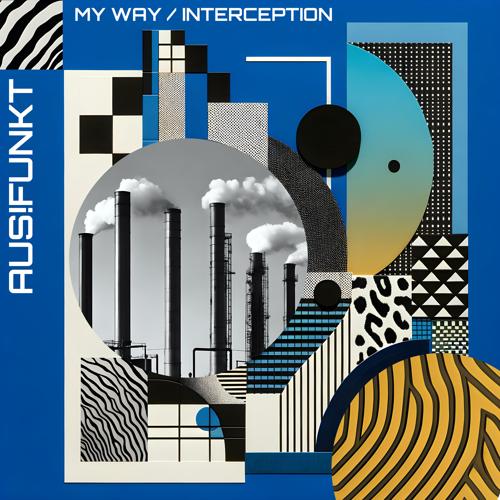


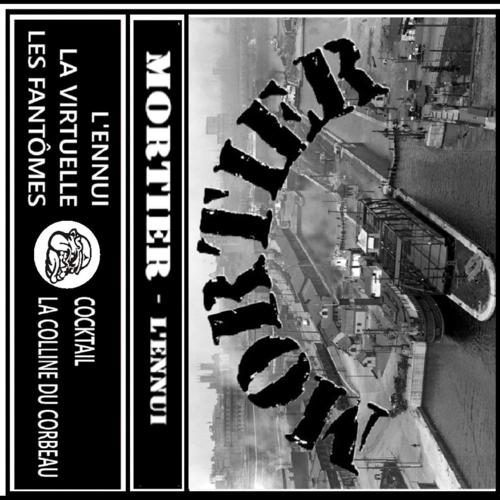

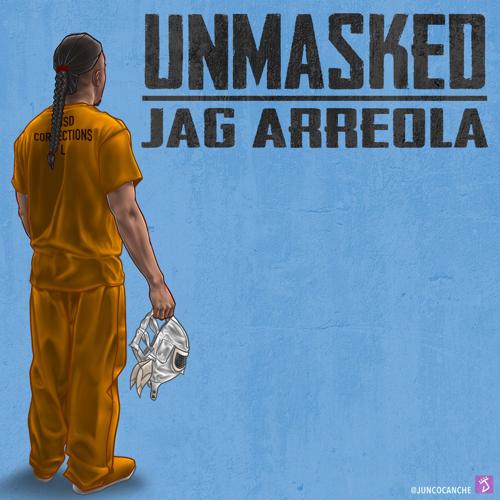
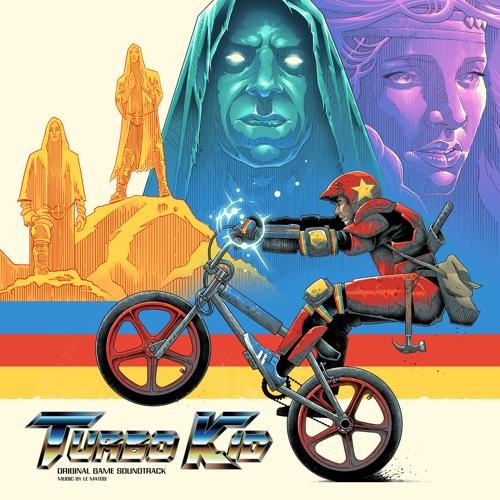
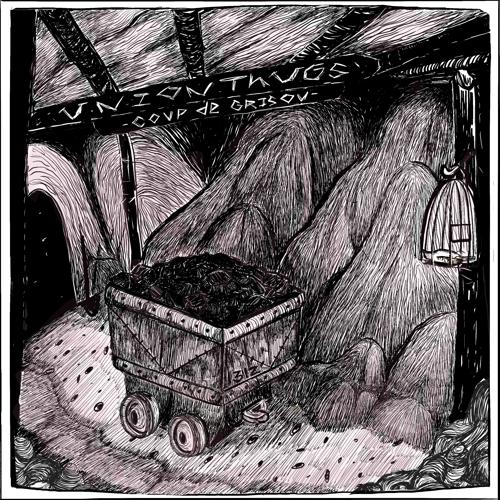
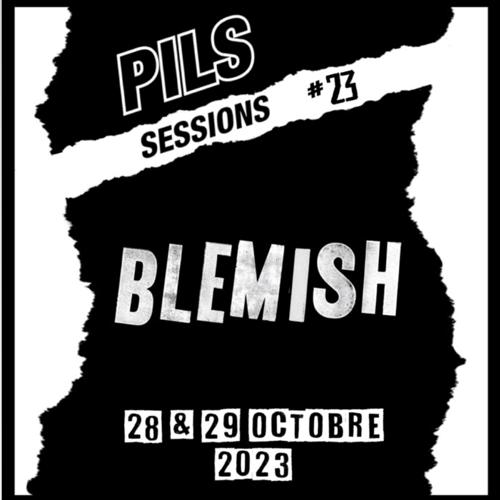





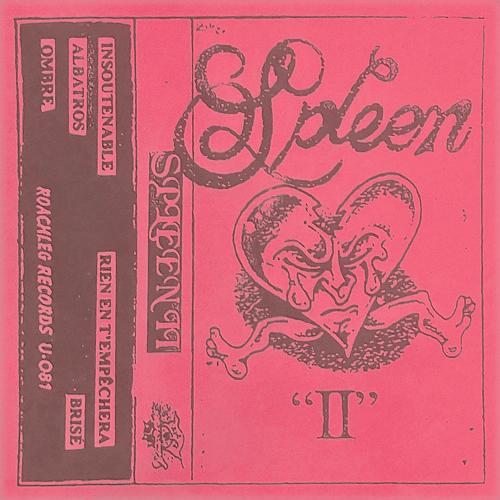
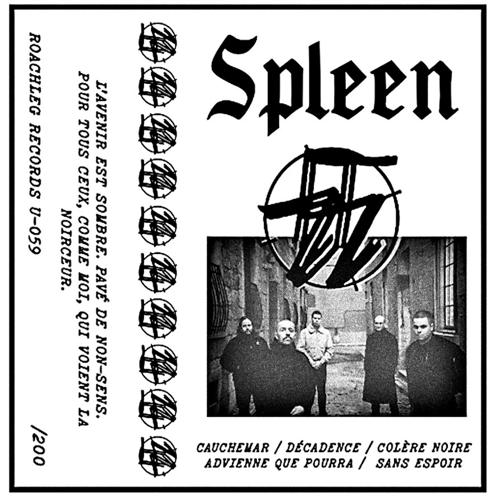
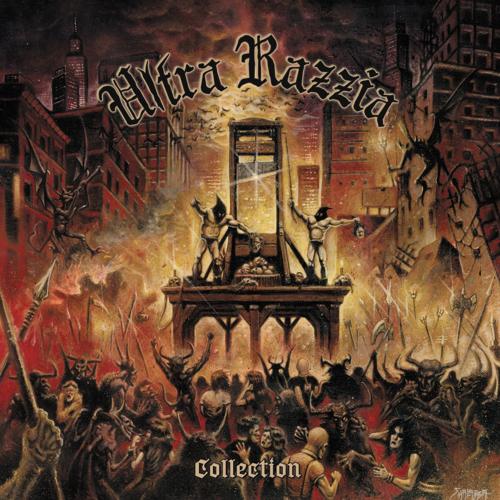
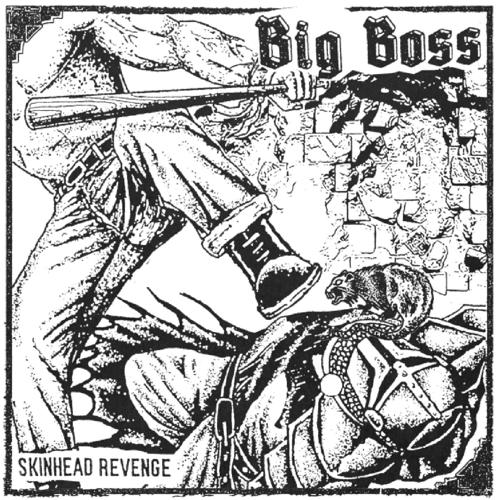

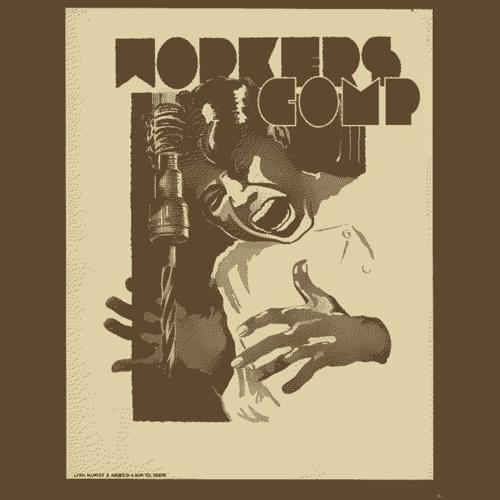
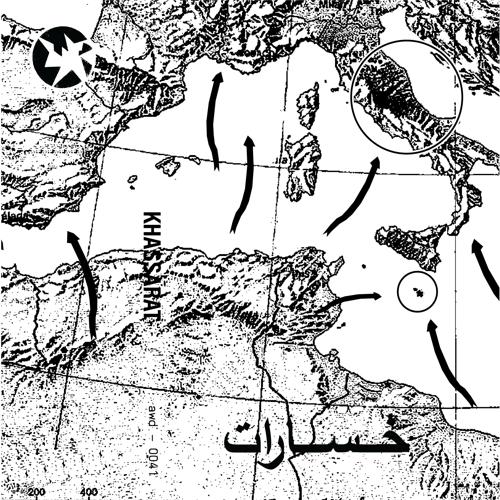



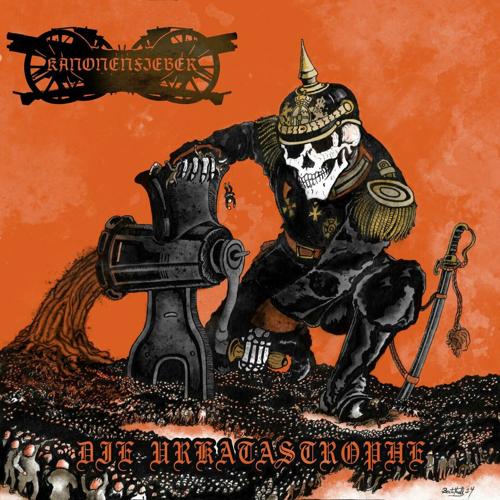
 Happy new year.


 We re currently thinking of renovating our study/home office. I ll likely write
more about that project. Embarking on it reminded me that I d taken a photo of
the state of it nearly a year ago and forgot to post it, so here it is.
We re currently thinking of renovating our study/home office. I ll likely write
more about that project. Embarking on it reminded me that I d taken a photo of
the state of it nearly a year ago and forgot to post it, so here it is.
