While visiting a convention during Easter, it occurred to me that
it would be great if I could have a digital Dictaphone with
transcribing capabilities, providing me with texts to cut-n-paste into
stuff I need to write. The background is that long drives often bring
up the urge to write on texts I am working on, which of course is out
of the question while driving. With the release of
OpenAI Whisper, this
seem to be within reach with Free Software, so I decided to give it a
go. OpenAI Whisper is a Linux based neural network system to read in
audio files and provide text representation of the speech in that
audio recording. It handle multiple languages and according to its
creators even can translate into a different language than the spoken
one. I have not tested the latter feature. It can either use the CPU
or a GPU with CUDA support. As far as I can tell, CUDA in practice
limit that feature to NVidia graphics cards. I have few of those, as
they do not work great with free software drivers, and have not tested
the GPU option. While looking into the matter, I did discover some
work to provide CUDA support on non-NVidia GPUs, and some work with
the library used by Whisper to port it to other GPUs, but have not
spent much time looking into GPU support yet. I've so far used an old
X220 laptop as my test machine, and only transcribed using its
CPU.
As it from a privacy standpoint is unthinkable to use computers
under control of someone else (aka a "cloud" service) to transcribe
ones thoughts and personal notes, I want to run the transcribing
system locally on my own computers. The only sensible approach to me
is to make the effort I put into this available for any Linux user and
to upload the needed packages into Debian. Looking at Debian Bookworm, I
discovered that only three packages were missing,
tiktoken,
triton, and
openai-whisper. For a while
I also believed
ffmpeg-python was
needed, but as its
upstream
seem to have vanished I found it safer
to rewrite
whisper to stop depending on in than to introduce ffmpeg-python
into Debian. I decided to place these packages under the umbrella of
the Debian Deep
Learning Team, which seem like the best team to look after such
packages. Discussing the topic within the group also made me aware
that the triton package was already a future dependency of newer
versions of the torch package being planned, and would be needed after
Bookworm is released.
All required code packages have been now waiting in
the Debian NEW
queue since Wednesday, heading for Debian Experimental until
Bookworm is released. An unsolved issue is how to handle the neural
network models used by Whisper. The default behaviour of Whisper is
to require Internet connectivity and download the model requested to
~/.cache/whisper/ on first invocation. This obviously would
fail
the
deserted island test of free software as the Debian packages would
be unusable for someone stranded with only the Debian archive and solar
powered computer on a deserted island.
Because of this, I would love to include the models in the Debian
mirror system. This is problematic, as the models are very large
files, which would put a heavy strain on the Debian mirror
infrastructure around the globe. The strain would be even higher if
the models change often, which luckily as far as I can tell they do
not. The small model, which according to its creator is most useful
for English and in my experience is not doing a great job there
either, is 462 MiB (deb is 414 MiB). The medium model, which to me
seem to handle English speech fairly well is 1.5 GiB (deb is 1.3 GiB)
and the large model is 2.9 GiB (deb is 2.6 GiB). I would assume
everyone with enough resources would prefer to use the large model for
highest quality. I believe the models themselves would have to go
into the non-free part of the Debian archive, as they are not really
including any useful source code for updating the models. The
"source", aka the model training set, according to the creators
consist of "680,000 hours of multilingual and multitask supervised
data collected from the web", which to me reads material with both
unknown copyright terms, unavailable to the general public. In other
words, the source is not available according to the Debian Free
Software Guidelines and the model should be considered non-free.
I asked the Debian FTP masters for advice regarding uploading a
model package on their IRC channel, and based on the feedback there it
is still unclear to me if such package would be accepted into the
archive. In any case I wrote build rules for a
OpenAI
Whisper model package and
modified the
Whisper code base to prefer shared files under
/usr/ and
/var/ over user specific files in
~/.cache/whisper/
to be able to use these model packages, to prepare for such
possibility. One solution might be to include only one of the models
(small or medium, I guess) in the Debian archive, and ask people to
download the others from the Internet. Not quite sure what to do
here, and advice is most welcome (use the debian-ai mailing list).
To make it easier to test the new packages while I wait for them to
clear the NEW queue, I created an APT source targeting bookworm. I
selected Bookworm instead of Bullseye, even though I know the latter
would reach more users, is that some of the required dependencies are
missing from Bullseye and I during this phase of testing did not want
to backport a lot of packages just to get up and running.
Here is a recipe to run as user root if you want to test OpenAI
Whisper using Debian packages on your Debian Bookworm installation,
first adding the APT repository GPG key to the list of trusted keys,
then setting up the APT repository and finally installing the packages
and one of the models:
curl https://geekbay.nuug.no/~pere/openai-whisper/D78F5C4796F353D211B119E28200D9B589641240.asc \
  -o /etc/apt/trusted.gpg.d/pere-whisper.asc
mkdir -p /etc/apt/sources.list.d
cat > /etc/apt/sources.list.d/pere-whisper.list <<EOF
deb https://geekbay.nuug.no/~pere/openai-whisper/ bookworm main
deb-src https://geekbay.nuug.no/~pere/openai-whisper/ bookworm main
EOF
apt update
apt install openai-whisper
The package work for me, but have not yet been tested on any other
computer than my own. With it, I have been able to (badly) transcribe
a 2 minute 40 second Norwegian audio clip to test using the small
model. This took 11 minutes and around 2.2 GiB of RAM. Transcribing
the same file with the medium model gave a accurate text in 77 minutes
using around 5.2 GiB of RAM. My test machine had too little memory to
test the large model, which I believe require 11 GiB of RAM. In
short, this now work for me using Debian packages, and I hope it will
for you and everyone else once the packages enter Debian.
Now I can start on the audio recording part of this project.
As usual, if you use Bitcoin and want to show your support of my
activities, please send Bitcoin donations to my address
15oWEoG9dUPovwmUL9KWAnYRtNJEkP1u1b.
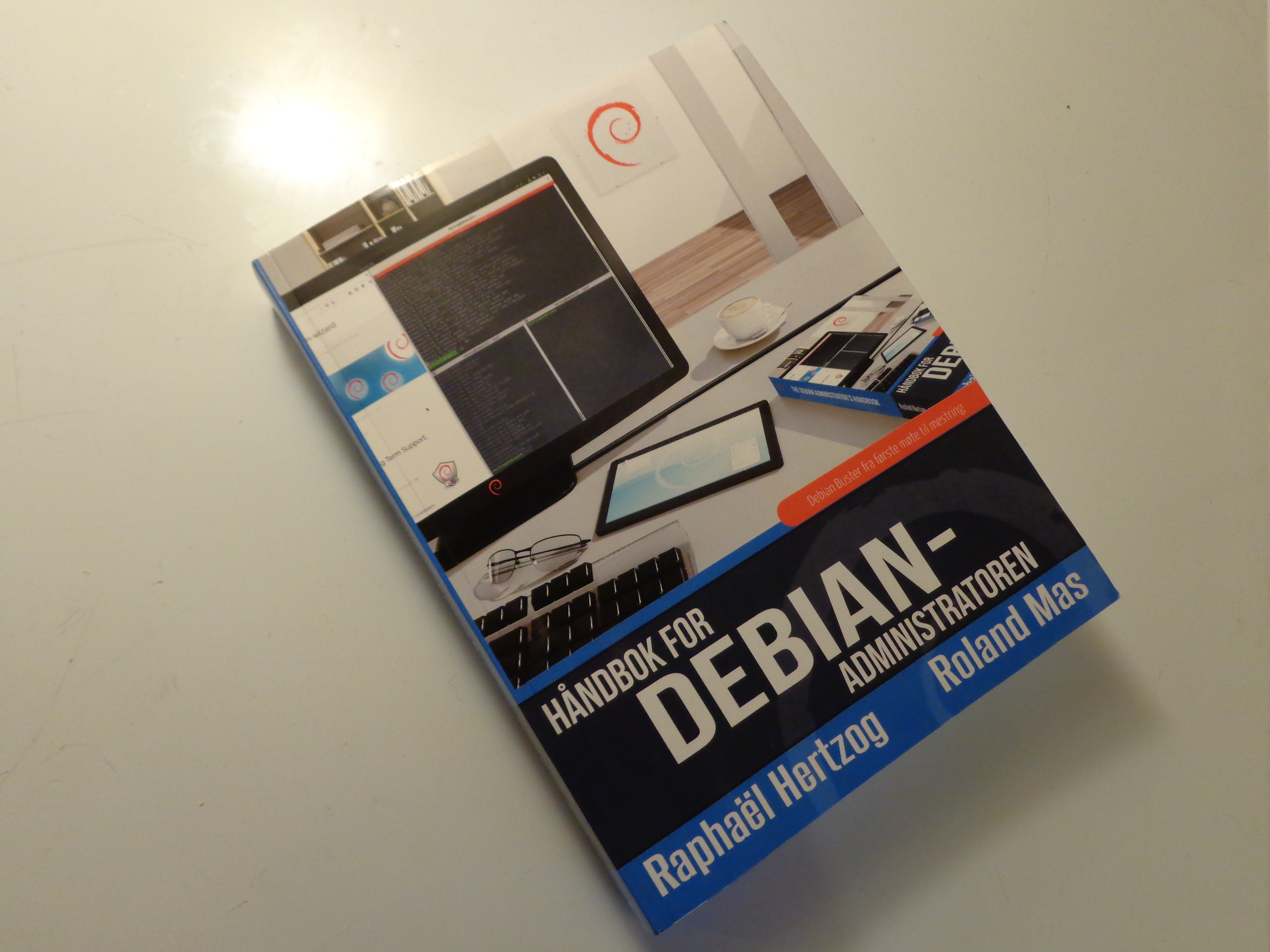 (The picture is of the previous edition.)
Almost two years after the previous Norwegian Bokm l translation of
the "