Many developers manage their user-specific application configuration also
known as dotfiles in a version control system such as
git. This allows
for keeping track of changes and synchronizing the dotfiles across different
machines. Searching on github, you ll find
thousands of dotfile
repositories.
As your dotfiles are sprinkled all over your home directory, managing them in
a single repository is not trivial, i.e. how do you make sure that your
.bashrc,
.tmux.conf, etc. that life in your dotfile repository appear in
the proper places in your home directory? The most common solution is to use
symlinks so that the
.tmux.conf in your home directory is just a symlink
pointing to the appropriate file in your dotfile repository:
$ ls -l ~/.tmux.conf
lrwxrwxrwx 1 venthur venthur 34 18. Dez 22:53 /home/venthur/.tmux.conf -> git/dotfiles/tmux/.tmux.conf
This leads immediately to another problem: how do you manage the symlinks? For
the longest time I just manually maintained the symlinks on the various
machines, but this approach does not scale well with the number of dotfiles
and machines you re using this repository on. Often, people write their own
shell scripts that help them with the maintenance of the symlinks, but at
least the solutions I ve seen so far did not convince me.
Last year I stumbled upon
GNU Stow, an unpretentious little tool that
does not reveal at first sight how useful it would be for the job. The
description on the website says:
GNU Stow is a symlink farm manager which takes distinct packages of software
and/or data located in separate directories on the filesystem, and makes
them appear to be installed in the same place.
Right.
How does it work?
In
stow s terminology, a package is a set of files and directories that
need to be installed in a particular directory structure. The target
directory is the root of the tree in which the package appear to be
installed.
When you stow a package,
stow creates symlinks in the target directory
that point into the package.
Let s say I have my dotfiles repository in
~/git/dotfiles/. Within this
repository, I have a
tmux package, containing the
.tmux.conf dotfile:
$ pwd
/home/venthur/git/dotfiles
$ find tmux
tmux                # the package
tmux/.tmux.conf     # the dotfile
The target directory is my home directory, as this is where the symlinks
need to be created. I can now stow the
tmux package into the target
directory like so:
$ stow --target=/home/venthur tmux
and
stow will create the appropriate symlinks to the contents of the package
into the target directory:
$ ls -l ~/.tmux.conf
lrwxrwxrwx 1 venthur venthur 34  2. Jun 2021  /home/venthur/.tmux.conf -> git/dotfiles/tmux/.tmux.conf
Note that the name of the package (i.e. the name of the directory) does not
matter as
stow points the symlinks into the package, so you can choose
it freely. I usually use the name of the program that the configuration
belongs to as the package name.
Your package can also contain several files or even a complex directory
structure. Let s look at the configuration for neovim, which lives below
~/.config/nvim/:
$ pwd
/home/venthur/git/dotfiles
$ find neovim
neovim
neovim/.config
neovim/.config/nvim
neovim/.config/nvim/init.vim
$ stow --target=/home/venthur neovim
$ ls -l ~/.config/nvim
lrwxrwxrwx 1 venthur venthur 41  2. Jun 2021  /home/venthur/.config/nvim -> ../git/dotfiles/neovim/.config/nvim
At this point we should mention that the target directory for my dotfiles will
always be my home directory, so the contents of the packages are either the
configuration files or the directory structure as they live in my home
directory.
Deleting a package from the parent directory
You can also remove (unstow) a package from the target directory again, using
the
--delete parameter:
$ ls -l ~/.tmux.conf
lrwxrwxrwx 1 venthur venthur 34 18. Dez 22:53 /home/venthur/.tmux.conf -> git/dotfiles/tmux/.tmux.conf
$ stow --target=/home/venthur --delete tmux/
$ ls -l ~/.tmux.conf
ls: cannot access '/home/venthur/.tmux.conf': No such file or directory
Stowing several packages at once
Since your dotfile repository will likely contain more than one package, it
makes sense to combine the individual
stow commands into one, so instead of
stowing everything individually,
$ stow --target=/home/venthur tmux
$ stow --target=/home/venthur vim
$ stow --target=/home/venthur neovim
you can stow everything at once:
$ stow --target=/home/venthur */
Note that I use
*/ instead of
* to match all directories (i.e. packages),
since my dotfiles repository also contains a
README.md and a
makefile.
Putting it all together
My dotfiles repository contains a
makefile that allows me to
create/update or delete all symlinks at once:
all:
        stow --verbose --target=$$HOME --restow */
delete:
        stow --verbose --target=$$HOME --delete */
The
--restow parameter tells
stow to unstow the packages first before
stowing them again, which is useful for pruning obsolete symlinks from the
target directory.
Et voil ! Whenever I make a change in my dotfiles repository that involves
creating or deleting a dotfile (or a package), I simply call:
and everything is updated. To delete all dotfile-related symlinks from this
machine, I simply run:
 A new maintenance
  In November I was assigned 0.75 hours of work by Freexian's Debian
LTS initiative and carried over 15.25 hours from earlier months. I
mistakenly worked 20 hours, which we'll try to resolve.
I continued work on an update to the linux (4.9) package, but did
not make an upload this month.
In November I was assigned 0.75 hours of work by Freexian's Debian
LTS initiative and carried over 15.25 hours from earlier months. I
mistakenly worked 20 hours, which we'll try to resolve.
I continued work on an update to the linux (4.9) package, but did
not make an upload this month.

 Debian comes with tons of fonts for all kinds of purposes,
you can easily list them (almost) all with:
Debian comes with tons of fonts for all kinds of purposes,
you can easily list them (almost) all with: 









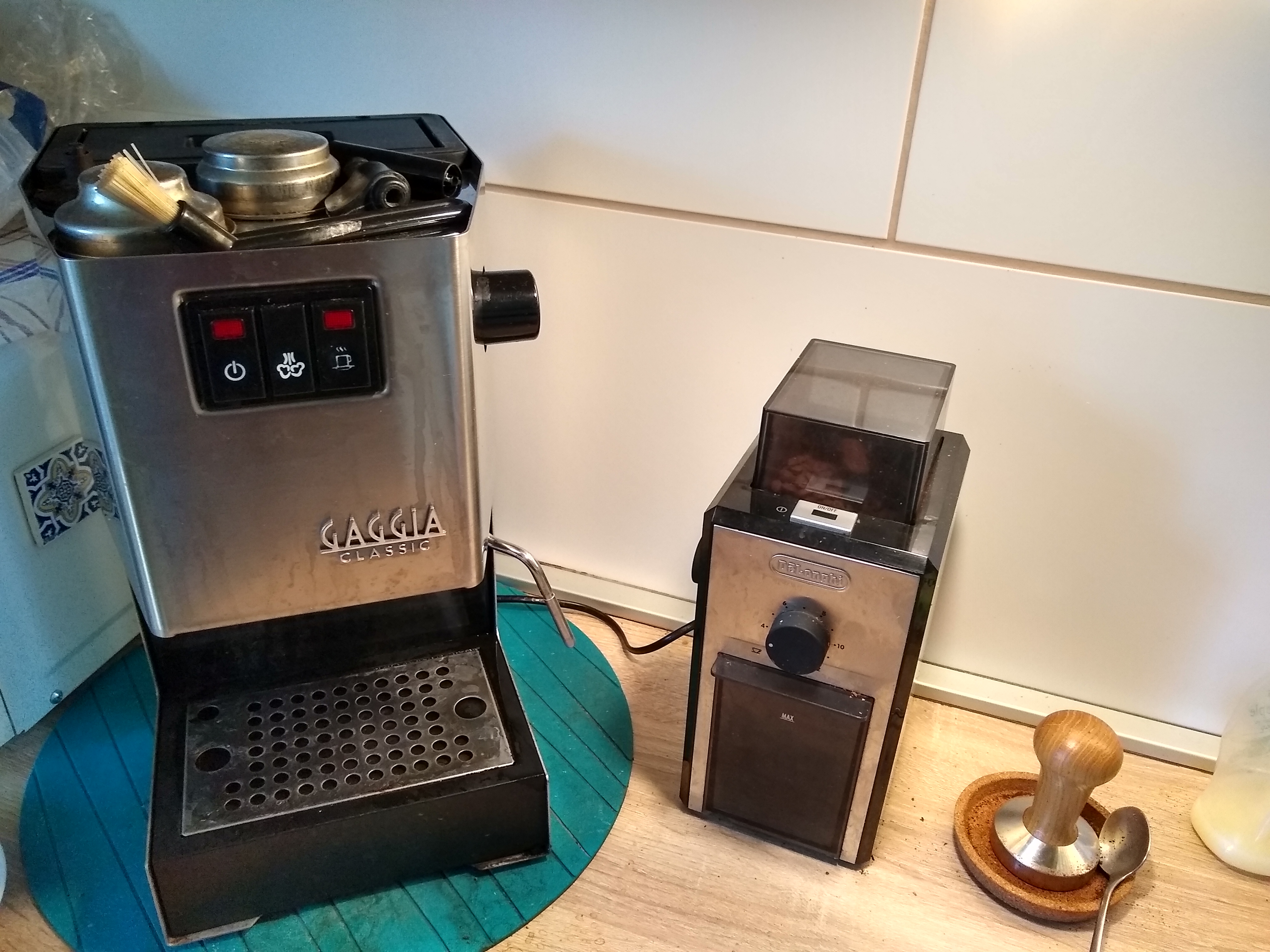 Gaggia Classic 2015 and De Longhi grinder
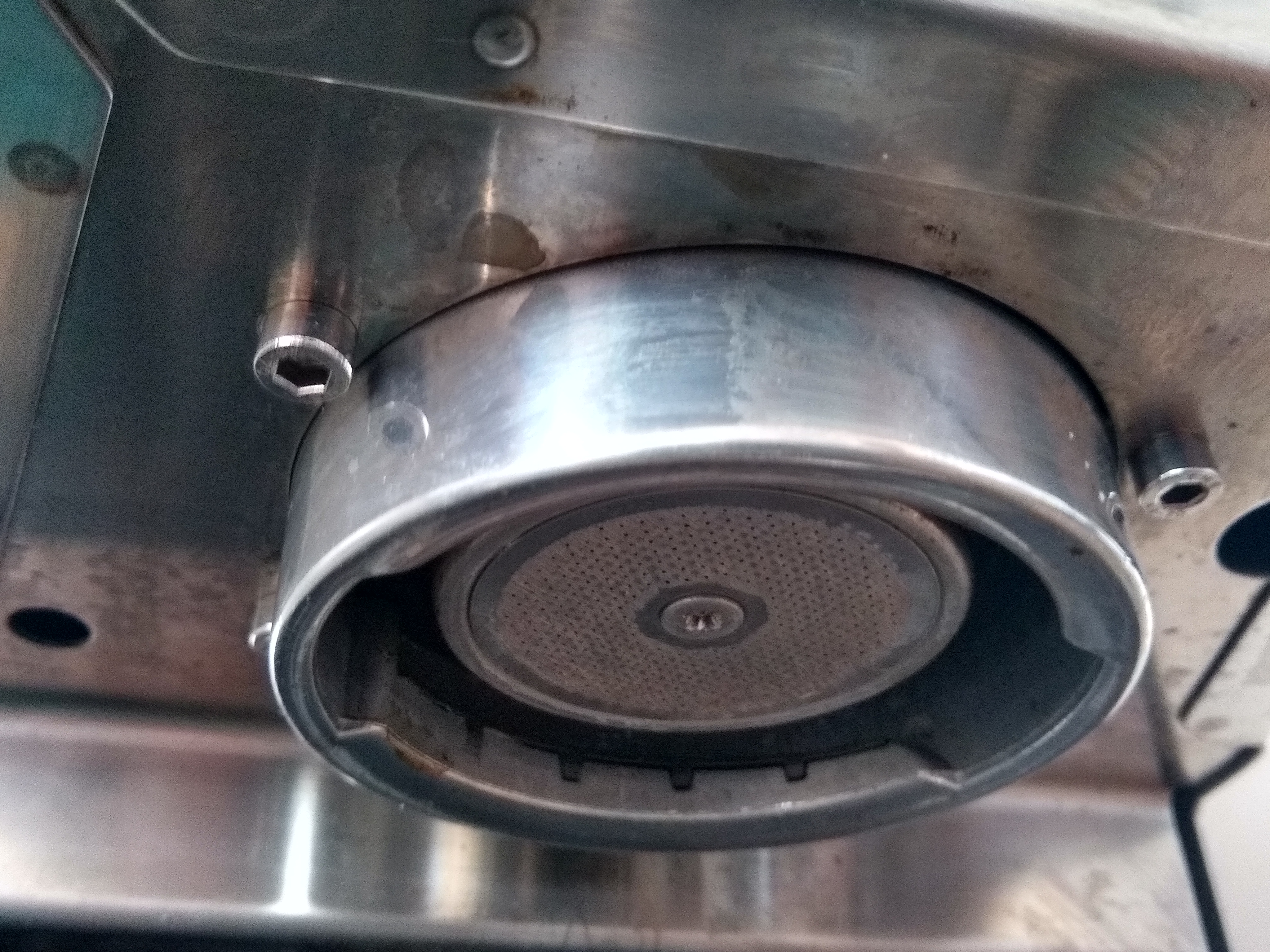 The Gaggia Classic 2015 group head
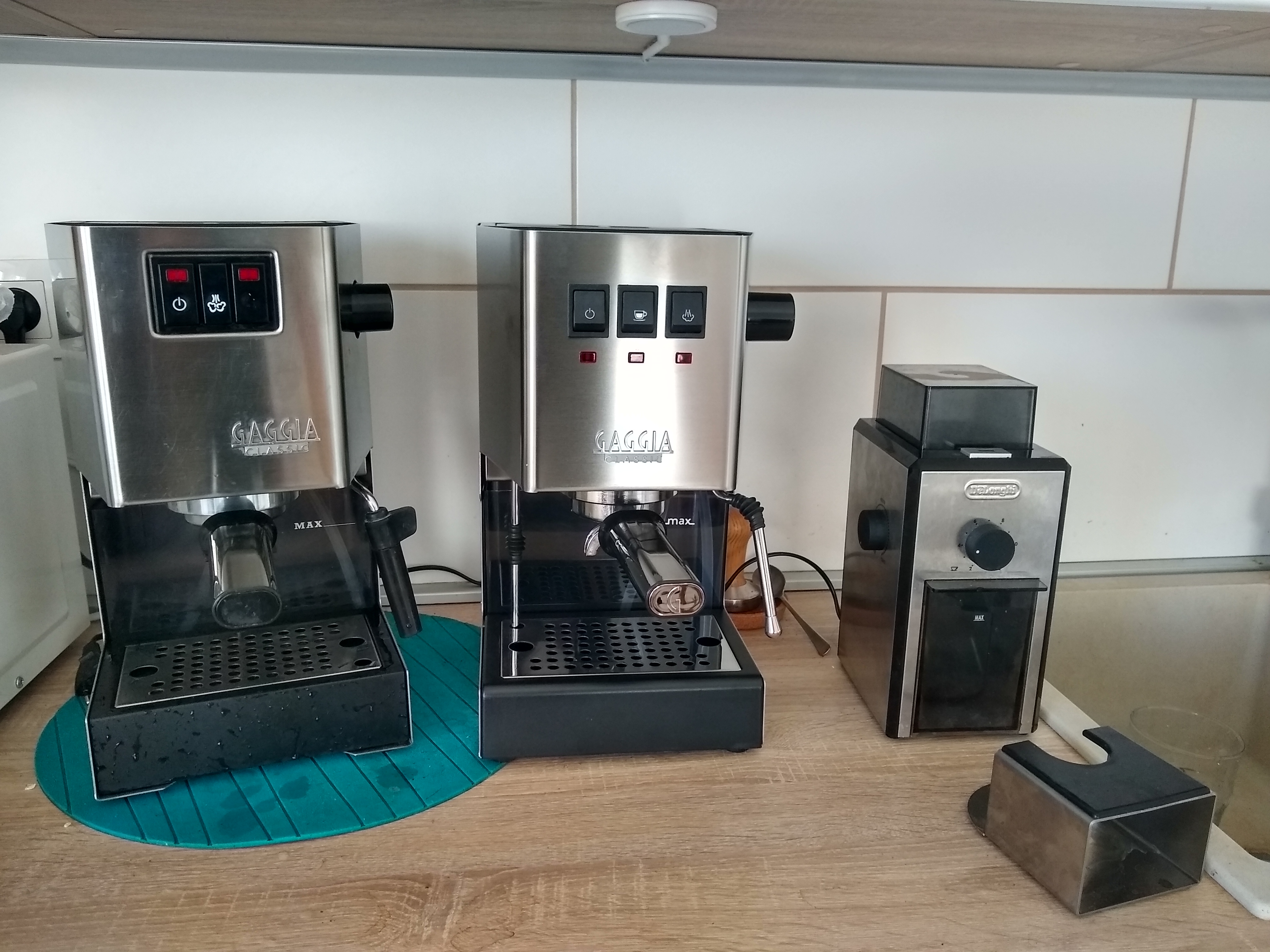 Gaggia Classic 2015 vs 2019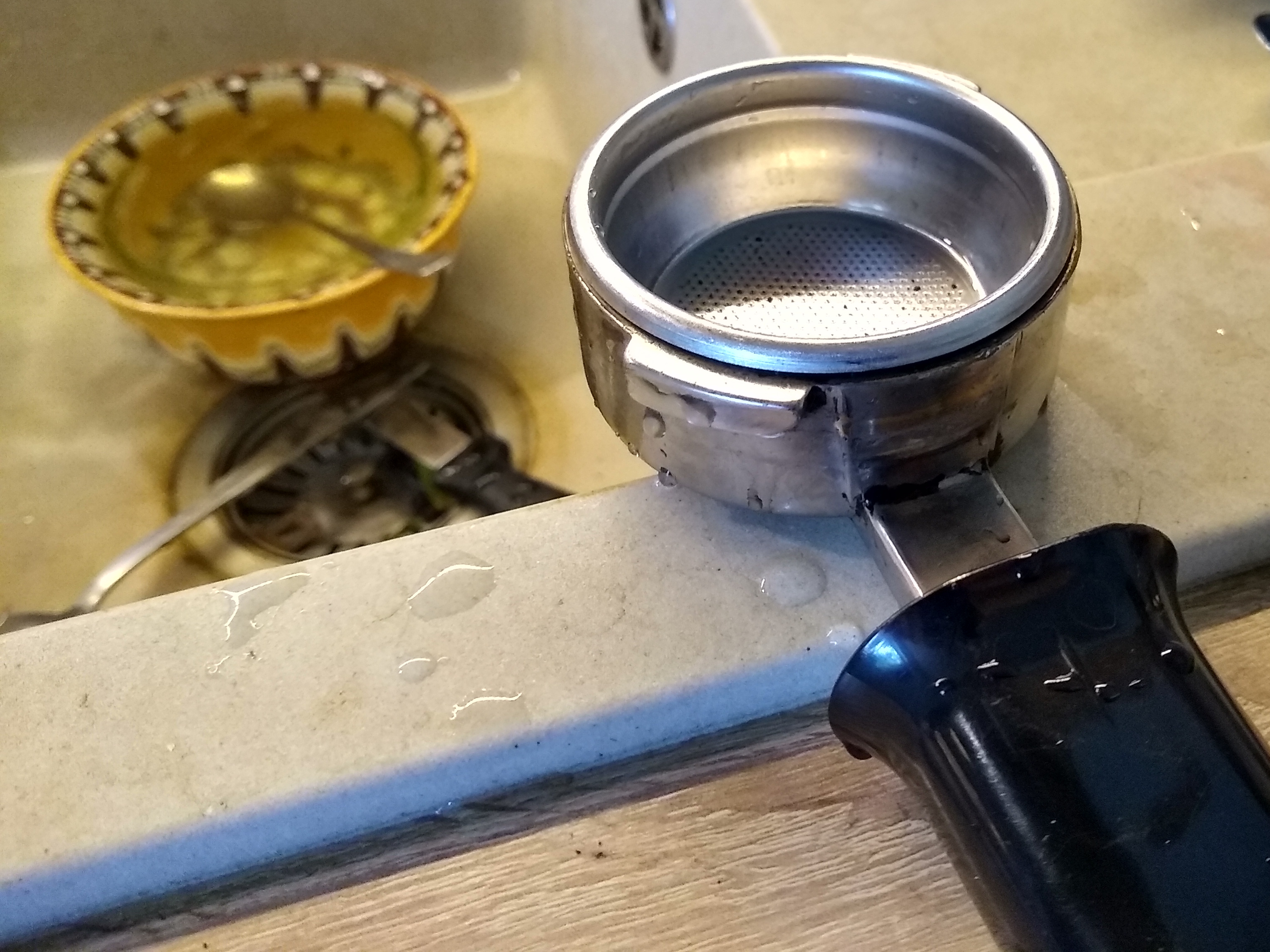
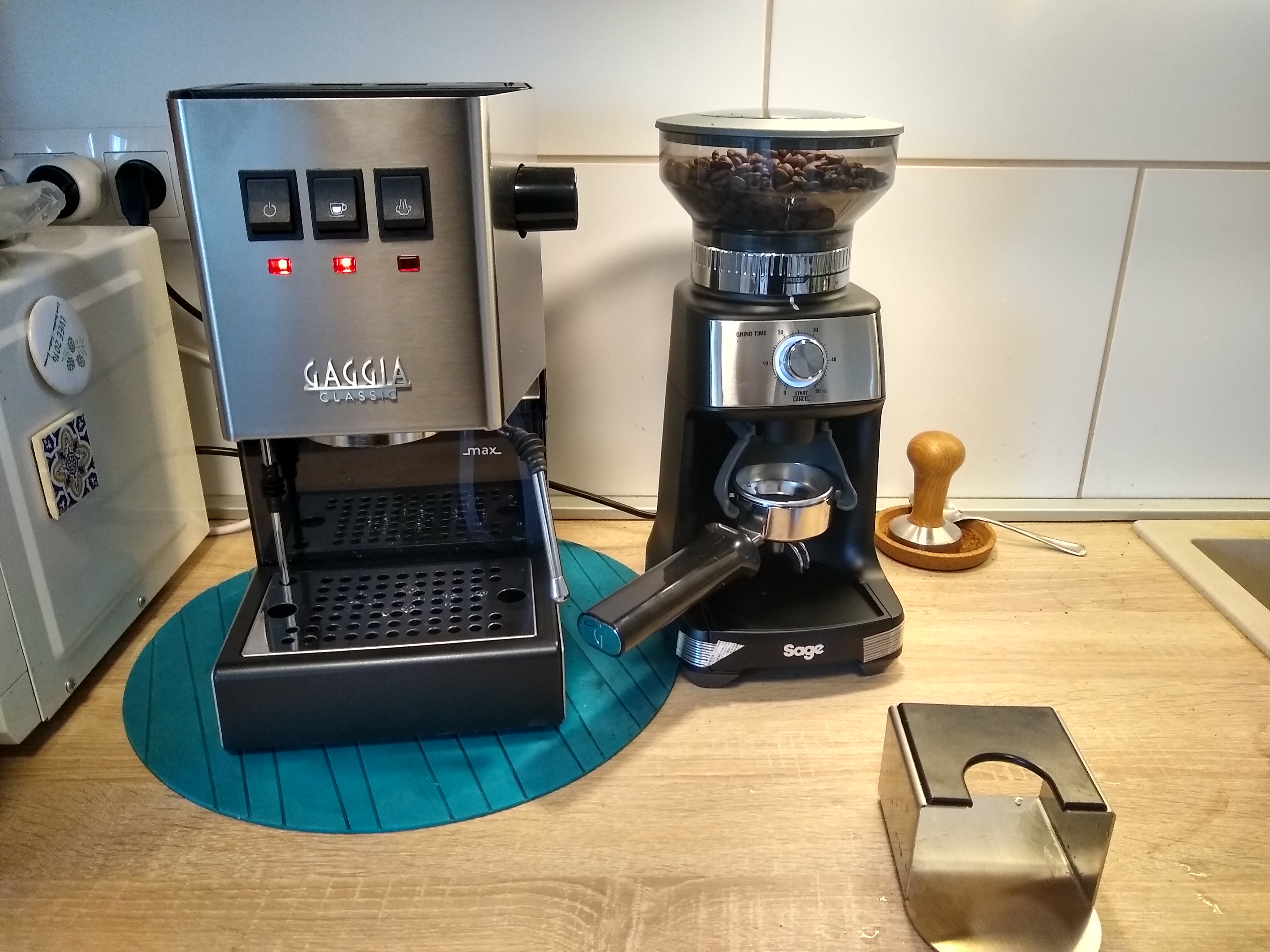 Gaggia Classic 2019 and Sage BCG600 Dose Control Pro
 Happy with my new purchase, I went to read this review and thought to myself: lucky me, my grinder is absolutely quiet! And then I realised that
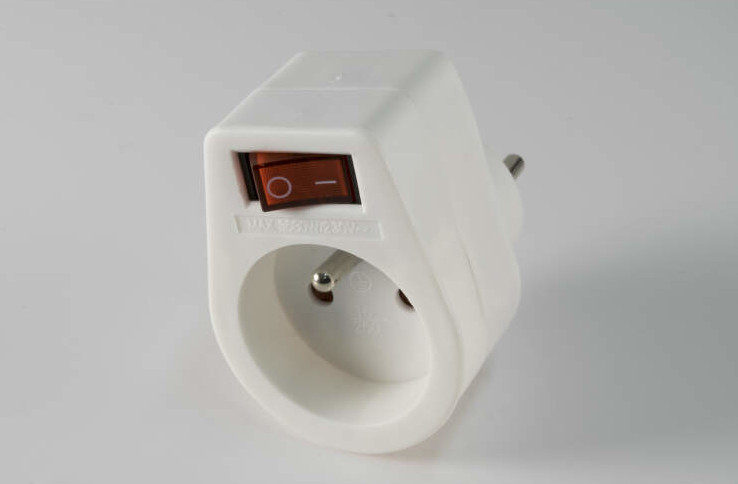
the noise in my kitchen is not, in fact, produced by the fridge, but the grinder. Well, a cheap switched plug solved the issue completely (I wish
sockets here each had a switch like they usually to in the UK!)
Happy with my new purchase, I went to read this review and thought to myself: lucky me, my grinder is absolutely quiet! And then I realised that
the noise in my kitchen is not, in fact, produced by the fridge, but the grinder. Well, a cheap switched plug solved the issue completely (I wish
sockets here each had a switch like they usually to in the UK!)