Ryan Kavanagh: Setting up full-disk encryption in OpenBSD 5.3
I recently decided to try out a snapshot of OpenBSD 5.3, intrigued by the notice that
 Here s a screenshot of the passphrase prompt, after successfully entering the passphrase:
 If I ve made any errors in the steps above, please point them out in the comments below or by sending me an email.
softraid(4) RAID1 and crypto volumes are now bootable on i386 and amd64 (full disk encryption).I ve always used an encrypted LVM (as setup by the alternate CD) with a fully encrypted root on my netbook and laptop when running Debian/Kubuntu and never noticed much a performance hit. Unfortunately, I m not the only one who has noticed a significant drop in performance with full-disk encryption on OpenBSD. Although the steps required to setup full-disk encryption (as opposed to requiring manual intervention at boot or the equivalent of loop-mounted encrypted images via
vnconfig(8)) on OpenBSD are not explicitly documented anywhere, searching through the mailing lists, man pages, and trial and error provided the following steps:
- Boot from your install media. Select the
(S)helloption. - Assuming the disk you re installing to is
wd0, runfdisk -i wd0if you re on an i386. If I m not mistaken, you can skip to the following step otherwise. - Run
disklabel -E wd0. Create a label (typicallyb) of the appropriate size of typeswapfor swap, and then add a labelausing the remainder of the space of typeRAID. We aren t going to putswapon our crypto device since OpenBSD has encrypted the swap partition by default since 2005. - Setup the crypto volume as described in
bioctl(8). You will be prompted for a passphrase and presented with a message along the lines ofsoftraid0: SR CRYPTO volume attached as sd0on successful setup. I usedbioctl -c C -l /dev/wd0a softraid0where --c Cspecifies a device with raidlevel CRYPTO , --l /dev/wd0aspecifies the label of type RAID created in step 3 to use for the CRYPTO device, and -softraid0is the softraid device to configure (this value should work unless you already have asoftraid0device). exitfrom the shell and(I)nstallas normal, installing to the disksd0(or whichever disk the crypto volume got attached as). In the partitioning dialog, you may need to manually adjust things since the auto-partitioning creates an additional swap label onsd0, which we don t need given we already havewd0b.- Using
ed(1), add the line1a8bab44e9cc178d.b none swap swto/mnt/etc/fstab, assuming that1a8bab44e9cc178dis the DUID associated withwd0(you can find this out by runningsysctl hw.disknames, which will output something likehw.disknames=wd0:1a8bab44e9cc178d,cd0:,rd0:6ce80c78714fa32f,sd0:fce7bfa23c8ec20d; just search for the DUID associated withwd0). Alternatively, wait until you boot into your system, and add it to your/etc/fstabusingvi(1)ormg(1). - Reboot, and you ll be prompted for your passhprase. You re done!
Here s a screenshot of the passphrase prompt, after successfully entering the passphrase:
If I ve made any errors in the steps above, please point them out in the comments below or by sending me an email.
 We were lazy and wrote a simple PostgreSQL monitoring check in shell instead of
using some proper language. The code looked about this:
We were lazy and wrote a simple PostgreSQL monitoring check in shell instead of
using some proper language. The code looked about this:

 A new relase 0.10.3 of
 I just pushed out a new
  As part of the
  Also this year the
 On the next two days at the booth we chatted and discussed with visitors and other exhibitors a wide variety of questions, including 'When will be (the next Debian version) released?' and 'Are there installation disks available?'. The answers was as always 'When we are ready and we will have reached the quality-level we defined', 'No we don't have installation medias, as they are always outdated. Do you have an USB-dongle with you?'.
Merchandising was requested by visitors as always, but we just had some leftovers of fosdem, brought by Axel.
On the next two days at the booth we chatted and discussed with visitors and other exhibitors a wide variety of questions, including 'When will be (the next Debian version) released?' and 'Are there installation disks available?'. The answers was as always 'When we are ready and we will have reached the quality-level we defined', 'No we don't have installation medias, as they are always outdated. Do you have an USB-dongle with you?'.
Merchandising was requested by visitors as always, but we just had some leftovers of fosdem, brought by Axel.
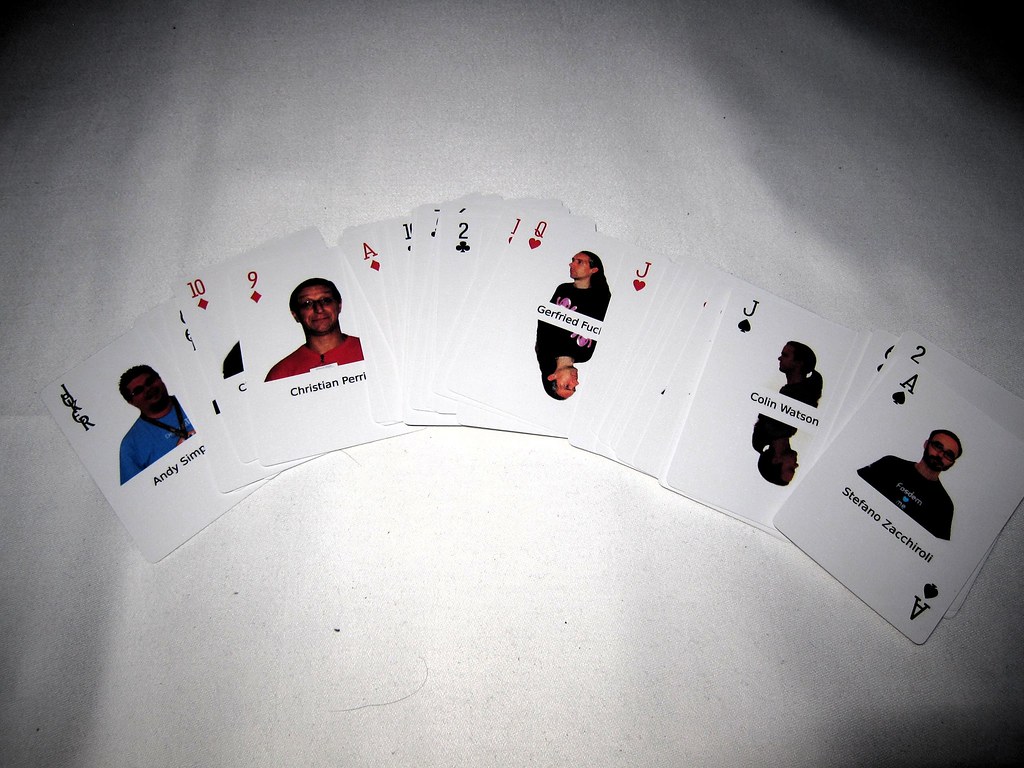
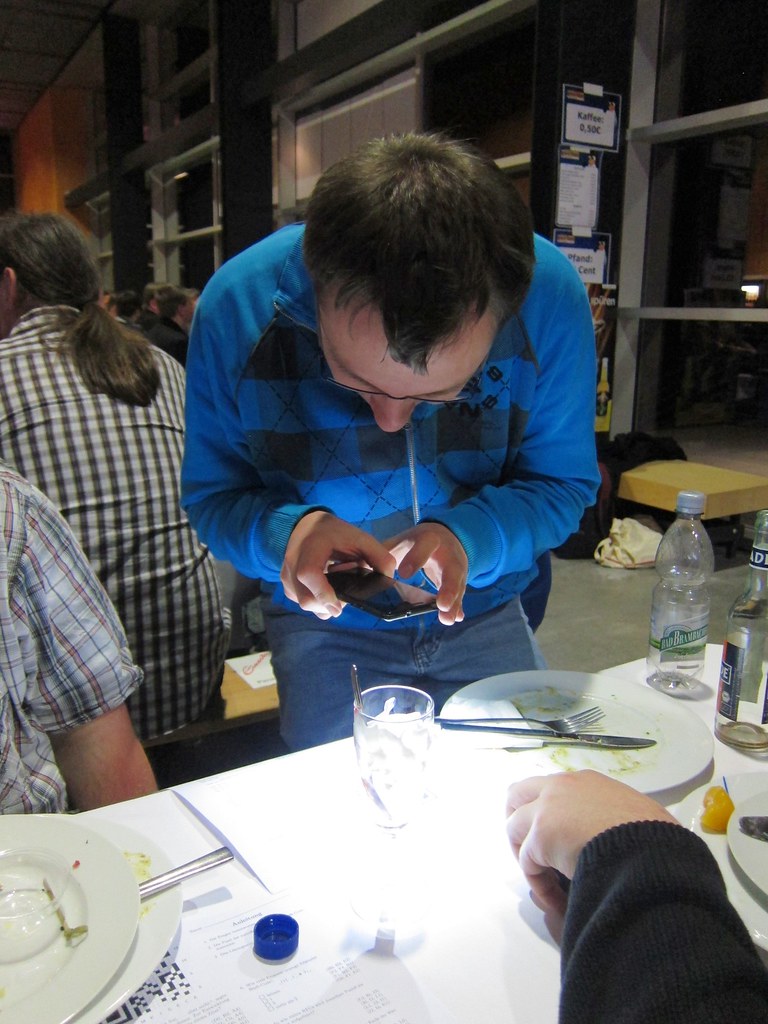
 Many thanks to Florian Baumann, Jan Dittberner, Andreas Tille, Christian Hoffmann, Axel Beckert, Markus Rekkenbeil, Daniel Schier, Jonas Genannt, Jan H rsch and kurio for taking care and running the booth, which worked out this year extreme smoothly from my point of view. Likewise as the last years a special thanks to
  On Tuesday, there was a memorial for
  While reading
  FTP Team is just one of the

 Last year, I invited you all to
 Micka l Delahaye has a