Russell Coker: PIN for Login
Windows 10 added a new PIN login method, which is an optional login method instead of an Internet based password through Microsoft or a Domain password through Active Directory. Here is a web page explaining some of the technology (don t watch the YouTube video) [1]. There are three issues here, whether a PIN is any good in concept, whether the specifics of how it works are any good, and whether we can copy any useful ideas for Linux.
Is a PIN Any Good?
A PIN in concept is a shorter password. I think that less secure methods of screen unlocking (fingerprint, face unlock, and a PIN) can be reasonably used in less hostile environments. For example if you go to the bathroom or to get a drink in a relatively secure environment like a typical home or office you don t need to enter a long password afterwards. Having a short password that works for short time periods of screen locking and a long password for longer times could be a viable option.
It could also be an option to allow short passwords when the device is in a certain area (determined by GPS or Wifi connection). Android devices have in the past had options to disable passwords when at home.
Is the Windows 10 PIN Any Good?
The Windows 10 PIN is based on TPM security which can provide real benefits, but this is more of a failure of Windows local passwords in not using the TPM than a benefit for the PIN. When you login to a Windows 10 system you will be given a choice of PIN or the configured password (local password or AD password).
As a general rule providing a user a choice of ways to login is bad for security as an attacker can use whichever option is least secure.
The configuration options for Windows 10 allow either group policy in AD or the registry to determine whether PIN login is allowed but doesn t have any control over when the PIN can be used which seems like a major limitation to me.
The claim that the PIN is more secure than a password would only make sense if it was a viable option to disable the local password or AD domain password and only use the PIN. That s unreasonably difficult for home users and usually impossible for people on machines with corporate management.
Ideas For Linux
I think it would be good to have separate options for short term and long term screen locks. This could be implemented by having a screen locking program use two different PAM configurations for unlocking after short term and long term lock periods.
Having local passwords based on the TPM might be useful. But if you have the root filesystem encrypted via the TPM using systemd-cryptoenroll it probably doesn t gain you a lot. One benefit of the TPM is limiting the number of incorrect attempts at guessing the password in hardware, the default is allowing 32 wrong attempts and then one every 10 minutes. Trying to do that in software would allow 32 guesses and then a hardware reset which could average at something like 32 guesses per minute instead of 32 guesses per 320 minutes. Maybe something like fail2ban could help with this (a similar algorithm but for password authentication guesses instead of network access).
Having a local login method to use when there is no Internet access and network authentication can t work could be useful. But if the local login method is easier then an attacker could disrupt Internet access to force a less secure login method.
Is there a good federated authentication system for Linux? Something to provide comparable functionality to AD but with distributed operation as a possibility?
 Back in April 2021 I introduced



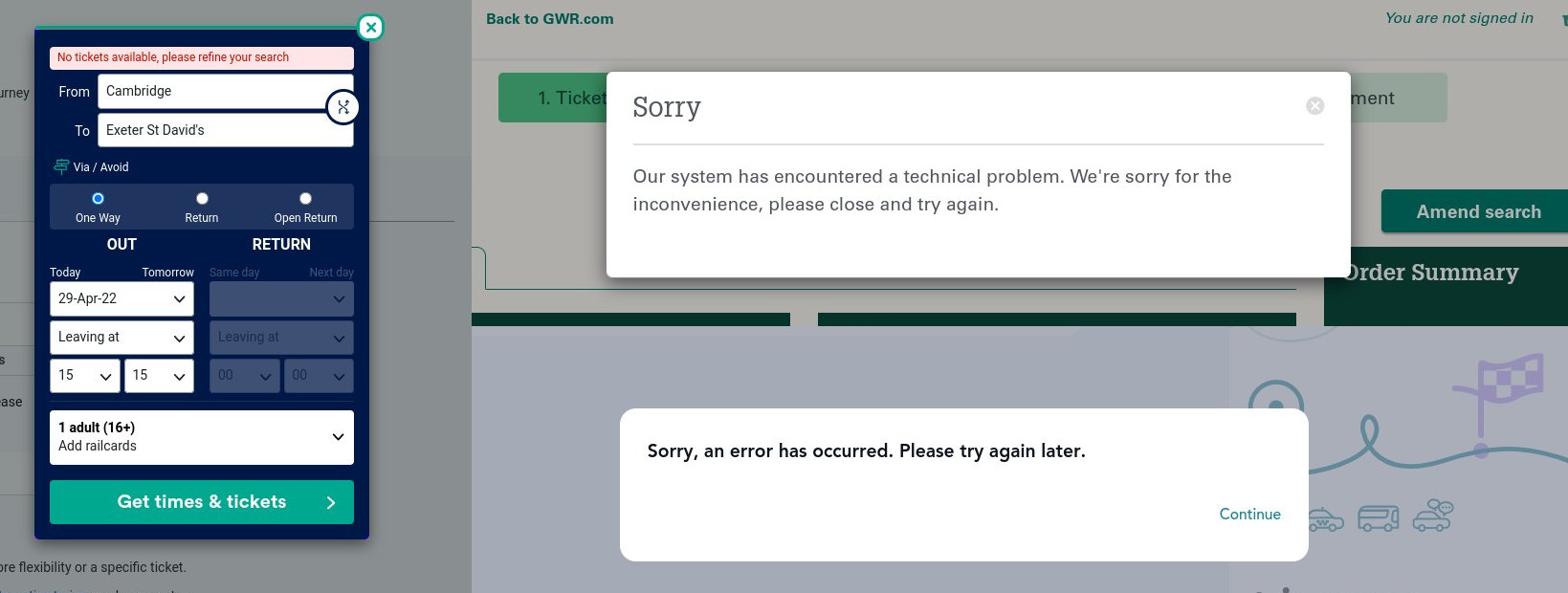 Trainline, GWR and SNCF kept crashing
 The complete route

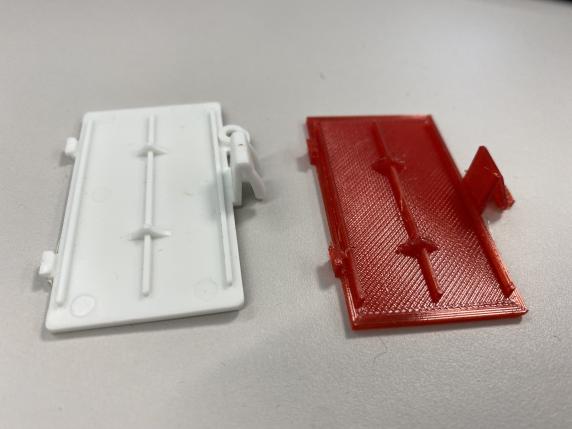
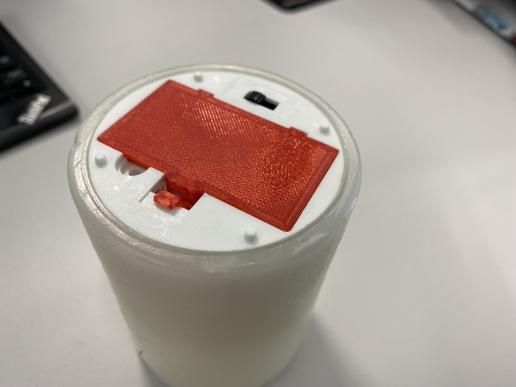
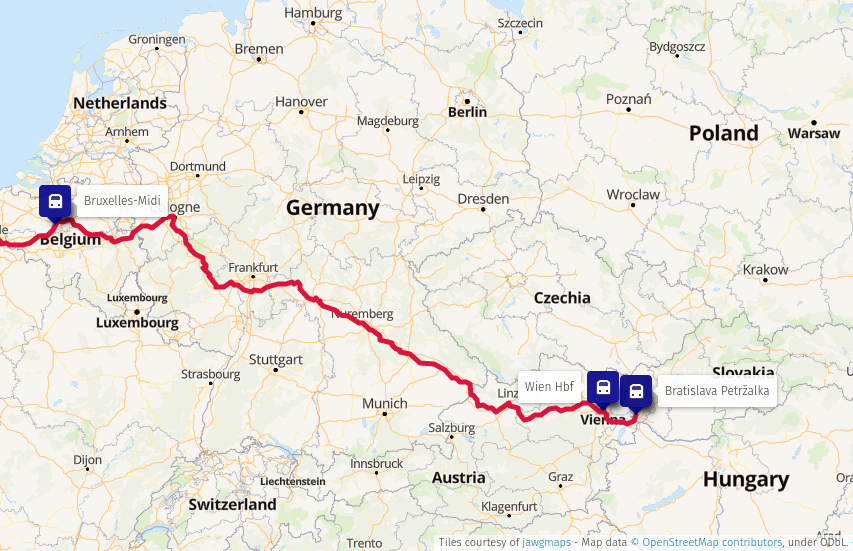 Train route from Bratislava to Brussels
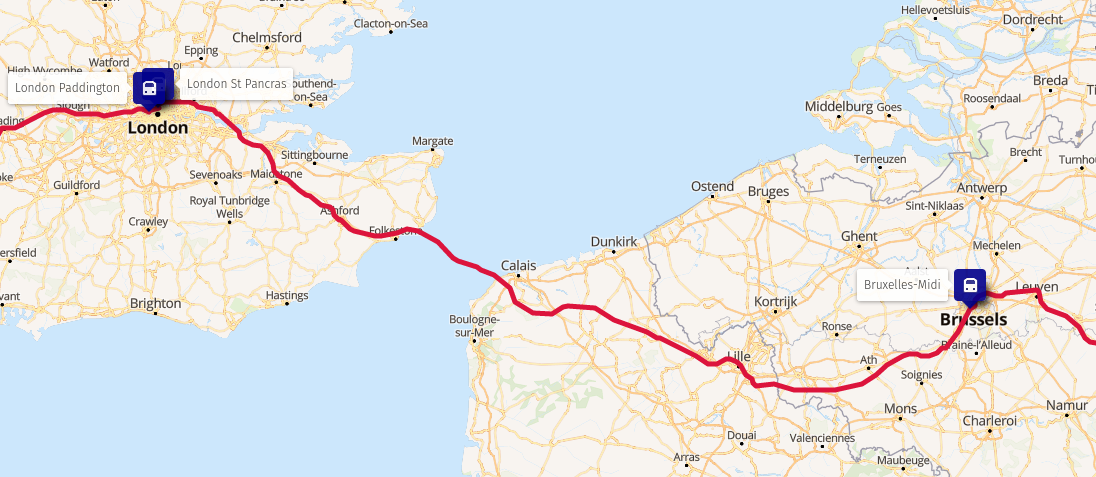 Train route from Brussels to London
 Change of trains in London
 Change of trains in Exeter
 Finally, TIL, what can all be the reason for systemd services to hang indefinitely. The internet is flooded with numerous reports on this topic but no clear answers. So no more uselessly marked workarounds like:
  There has been a
flurry of activity on the Debian mailing lists ever since Steve
McIntyre raised the issue of including non-free firmware as part of
official Debian installation images.
Firstly I should point out that I am in complete agreement with Steve s proposal to include non-free firmware as part of an installation image. Likewise I think that we should have a separate archive section for firmware. Because without doing so it will soon become almost impossible to install onto any new hardware. However, as always the issue is more nuanced than a first glance would suggest.
Lets start by
defining what is firmware?
Firmware is any
software that runs outside the orchestration of the operating system.
Typically firmware will be executed on a processor(s) separate from
the processor(s) running the OS, but this does not need to be the
case.
As Debian we
are content that our systems can operate using fully free and open
source software and firmware. We can install our OS without needing
any non-free firmware.
This is an illusion!
Each and every PC
platform contains non-free firmware
It may be possible to run free firmware on some Graphics controllers, Wi-Fi chip-sets, or Ethernet cards and we can (and perhaps should) choose to spend our money on systems where this is the case. When installing a new system we might still be forced to hold our nose and install with non-free firmware on the peripheral before we are able to upgrade it to FLOSS firmware later if this is exists or is even possible to do so. However after the installation we are running a full FLOSS system in terms of software and firmware.
We all (almost
without exception) are running propitiatory firmware whether we like
it or not.
Even after carefully selecting graphics and network hardware with FLOSS firmware options we still haven t escaped from non-free-firmware. Other peripherals contain firmware too each keyboard, disk (SSDs and Spinning rust). Even your USB memory stick that you use to contain the Debian installation image contains a microcontroller and hence also contains firmware that runs on it.
There has been a
flurry of activity on the Debian mailing lists ever since Steve
McIntyre raised the issue of including non-free firmware as part of
official Debian installation images.
Firstly I should point out that I am in complete agreement with Steve s proposal to include non-free firmware as part of an installation image. Likewise I think that we should have a separate archive section for firmware. Because without doing so it will soon become almost impossible to install onto any new hardware. However, as always the issue is more nuanced than a first glance would suggest.
Lets start by
defining what is firmware?
Firmware is any
software that runs outside the orchestration of the operating system.
Typically firmware will be executed on a processor(s) separate from
the processor(s) running the OS, but this does not need to be the
case.
As Debian we
are content that our systems can operate using fully free and open
source software and firmware. We can install our OS without needing
any non-free firmware.
This is an illusion!
Each and every PC
platform contains non-free firmware
It may be possible to run free firmware on some Graphics controllers, Wi-Fi chip-sets, or Ethernet cards and we can (and perhaps should) choose to spend our money on systems where this is the case. When installing a new system we might still be forced to hold our nose and install with non-free firmware on the peripheral before we are able to upgrade it to FLOSS firmware later if this is exists or is even possible to do so. However after the installation we are running a full FLOSS system in terms of software and firmware.
We all (almost
without exception) are running propitiatory firmware whether we like
it or not.
Even after carefully selecting graphics and network hardware with FLOSS firmware options we still haven t escaped from non-free-firmware. Other peripherals contain firmware too each keyboard, disk (SSDs and Spinning rust). Even your USB memory stick that you use to contain the Debian installation image contains a microcontroller and hence also contains firmware that runs on it.
 The voting period and tally of votes for the Debian Project Leader election has just concluded, and the winner is Jonathan Carter, who has been elected for third time.
Congratulations! The new term for the project leader starts on 2022-04-21.
354 of 1,023 Developers voted using the
The voting period and tally of votes for the Debian Project Leader election has just concluded, and the winner is Jonathan Carter, who has been elected for third time.
Congratulations! The new term for the project leader starts on 2022-04-21.
354 of 1,023 Developers voted using the 

 TL;DR: firmware support in Debian sucks, and we need to change
this. See the "My preference, and rationale" Section below.
In my opinion, the way we deal with (non-free) firmware in Debian is a
mess, and this is hurting many of our users daily. For a long time
we've been pretending that supporting and including (non-free)
firmware on Debian systems is not necessary. We don't want to have
to provide (non-free) firmware to our users, and in an ideal world we
wouldn't need to. However, it's very clearly no longer a sensible path
when trying to support lots of common current hardware.
Background - why has (non-free) firmware become an issue?
Firmware is the low-level software that's designed to make
hardware devices work. Firmware is tightly coupled to the hardware,
exposing its features, providing higher-level functionality and
interfaces for other software to use. For a variety of reasons, it's
typically not Free Software.
For Debian's purposes, we typically separate firmware from
software by considering where the code executes (does it run on a
separate processor? Is it visible to the host OS?) but it can be
difficult to define a single reliable dividing line here. Consider the
Intel/AMD CPU microcode packages, or the U-Boot firmware packages as
examples.
In times past, all necessary firmware would normally be included
directly in devices / expansion cards by their vendors. Over time,
however, it has become more and more attractive (and therefore more
common) for device manufacturers to not include complete firmware
on all devices. Instead, some devices just embed a very simple set
of firmware that allows for upload of a more complete firmware "blob"
into memory. Device drivers are then expected to provide that blob
during device initialisation.
There are a couple of key drivers for this change:
TL;DR: firmware support in Debian sucks, and we need to change
this. See the "My preference, and rationale" Section below.
In my opinion, the way we deal with (non-free) firmware in Debian is a
mess, and this is hurting many of our users daily. For a long time
we've been pretending that supporting and including (non-free)
firmware on Debian systems is not necessary. We don't want to have
to provide (non-free) firmware to our users, and in an ideal world we
wouldn't need to. However, it's very clearly no longer a sensible path
when trying to support lots of common current hardware.
Background - why has (non-free) firmware become an issue?
Firmware is the low-level software that's designed to make
hardware devices work. Firmware is tightly coupled to the hardware,
exposing its features, providing higher-level functionality and
interfaces for other software to use. For a variety of reasons, it's
typically not Free Software.
For Debian's purposes, we typically separate firmware from
software by considering where the code executes (does it run on a
separate processor? Is it visible to the host OS?) but it can be
difficult to define a single reliable dividing line here. Consider the
Intel/AMD CPU microcode packages, or the U-Boot firmware packages as
examples.
In times past, all necessary firmware would normally be included
directly in devices / expansion cards by their vendors. Over time,
however, it has become more and more attractive (and therefore more
common) for device manufacturers to not include complete firmware
on all devices. Instead, some devices just embed a very simple set
of firmware that allows for upload of a more complete firmware "blob"
into memory. Device drivers are then expected to provide that blob
during device initialisation.
There are a couple of key drivers for this change: