Simon Josefsson: Reproducible Guix Container Images
Around a year ago I wrote about Guix Container Images for GitLab CI/CD and these images have served the community well. Besides continous use in CI/CD, these Guix container images are used to confirm reproducibility of the source tarball artifacts in the releases of Libtasn1 v4.20, InetUtils v2.6, Libidn2 v2.3.8, Libidn v1.43, SASL v2.2.2, Guile-GnuTLS v5.0.1, and OATH Toolkit v2.6.13. See how all those release announcements mention a Guix commit? That s the essential supply-chain information about the Guix build environment that allows the artifacts to be re-created. To make sure this is repeatable, the release tarball artifacts are re-created from source code every week in the verify-reproducible-artifacts project, that I wrote about earlier. Guix s time travelling feature make this sustainable to maintain, and hopefully will continue to be able to reproduce the exact same tarball artifacts for years to come.
During the last year, unfortunately Guix was removed from Debian stable. My Guix container images were created from Debian with that Guix package. My setup continued to work since the old stage0 Debian+Guix containers were still available. Such a setup is not sustainable, as there will be bit-rot and we don t want to rely on old containers forever, which (after the removal of Guix in Debian) could not be re-produced any more. Let this be a reminder how user-empowering features such as Guix time-travelling is! I have reworked my Guix container image setup, and this post is an update on the current status of this effort.
The first step was to re-engineer Debian container images with Guix, and I realized these were useful on their own, and warrant a separate project. A more narrowly scoped project makes will hopefully make it easier to keep them working. Now instead of
apt-get install guix they use the official Guix guix-install.sh approach. Read more about that effort in the announcement of Debian with Guix.
The second step was to reconsider my approach to generate the Guix images. The earlier design had several stages. First, Debian+Guix containers were created. Then from those containers, a pure Guix container was created. Finally, using the pure Guix container another pure Guix container was created. The idea behind that GCC-like approach was to get to reproducible images that were created from an image that had no Debian left on it. However, I never managed to finish this. Partially because I hadn t realized that every time you build a Guix container image from Guix, you effectively go back in time. When using Guix version X to build a container with Guix on it, it will not put Guix version X into the container but will put whatever version of Guix is available in its package archive, which will be an earlier version, such as version X-N. I had hope to overcome this somehow (running a guix pull in newly generated images may work), but never finished this before Guix was removed from Debian.
So what could a better design look like?
For efficiency, I had already started experimenting with generating the final images directly from the Debian+Guix images, and after reproducibility bugs were fixed I was able to get to reproducible images. However, I was still concerned that the Debian container could taint the process somehow, and was also concerned about the implied dependency on non-free software in Debian.
I ve been using comparative rebuilds using similar distributions to confirm artifact reproducibility for my software projects, comparing builds on Trisquel 11 with Ubuntu 22.04, and AlmaLinux 9 with RockyLinux 9 for example. This works surprisingly well. Including one freedom-respecting distribution like Trisquel will detect if any non-free software has bearing on artifacts. Using different architectures, such as amd64 vs arm64 also help with deeper supply-chain concerns.
My conclusion was that I wanted containers with the same Guix commit for both Trisquel and Ubuntu. Given the similarity with Debian, adapting and launching the Guix on Trisquel/Debian project was straight forward. So we now have Trisquel 11/12 and Ubuntu 22.04/24.04 images with the same Guix on them.
Do you see where the debian-with-guix and guix-on-dpkg projects are leading to?
We are now ready to look at the modernized Guix Container Images project. The tags are the same as before:
registry.gitlab.com/debdistutils/guix/container:latest
registry.gitlab.com/debdistutils/guix/container:slim
registry.gitlab.com/debdistutils/guix/container:extra
registry.gitlab.com/debdistutils/guix/container:gashjas@kaka:~$ podman run -it --privileged --entrypoint=/bin/sh registry.gitlab.com/debdistutils/guix/container:latest
sh-5.2# env HOME=/ guix describe # https://issues.guix.gnu.org/74949
guix 21ce6b3
repository URL: https://git.guix.gnu.org/guix.git
branch: master
commit: 21ce6b392ace4c4d22543abc41bd7c22596cd6d2
sh-5.2# --entrypoint=/bin/sh is because Guix s pack command sets up the entry point differently than most other containers. This could probably be fixed if people want that, and there may be open bug reports about this.
The need for --privileged is more problematic, but is discussed upstream. The above example works fine without it, but running anything more elaborate with guix-daemon installing packages will trigger a fatal error. Speaking of that, here is a snippet of commands that allow you to install Guix packages in the container.
cp -rL /gnu/store/*profile/etc/* /etc/
echo 'root:x:0:0:root:/:/bin/sh' > /etc/passwd
echo 'root:x:0:' > /etc/group
groupadd --system guixbuild
for i in $(seq -w 1 10); do useradd -g guixbuild -G guixbuild -d /var/empty -s $(command -v nologin) -c "Guix build user $i" --system guixbuilder$i; done
env LANG=C.UTF-8 guix-daemon --build-users-group=guixbuild &
guix archive --authorize < /share/guix/ci.guix.gnu.org.pub
guix archive --authorize < /share/guix/bordeaux.guix.gnu.org.pub
guix install hello
GUIX_PROFILE="/var/guix/profiles/per-user/root/guix-profile"
. "$GUIX_PROFILE/etc/profile"
hello--disable-chroot to guix-daemon.
To use the containers to build something in a GitLab pipeline, here is an example snippet:
test-amd64-latest-wget-configure-make-libksba:
  image: registry.gitlab.com/debdistutils/guix/container:latest
  before_script:
  - cp -rL /gnu/store/*profile/etc/* /etc/
  - echo 'root:x:0:0:root:/:/bin/sh' > /etc/passwd
  - echo 'root:x:0:' > /etc/group
  - groupadd --system guixbuild
  - for i in $(seq -w 1 10); do useradd -g guixbuild -G guixbuild -d /var/empty -s $(command -v nologin) -c "Guix build user $i" --system guixbuilder$i; done
  - export HOME=/
  - env LANG=C.UTF-8 guix-daemon --build-users-group=guixbuild &
  - guix archive --authorize < /share/guix/ci.guix.gnu.org.pub
  - guix archive --authorize < /share/guix/bordeaux.guix.gnu.org.pub
  - guix describe
  - guix install libgpg-error
  - GUIX_PROFILE="//.guix-profile"
  - . "$GUIX_PROFILE/etc/profile"
  script:
  - wget https://www.gnupg.org/ftp/gcrypt/libksba/libksba-1.6.7.tar.bz2
  - tar xfa libksba-1.6.7.tar.bz2
  - cd libksba-1.6.7
  - ./configure
  - make V=1
  - make check VERBOSE=t V=1




 I am a huge fan of Git, as I have witnessed how it has made software development so much more productive compared to the pre-2010s era. I wish all Debian source code were in Git to reap the full benefits.
Git is not perfect, as it requires significant effort to learn properly, and the ecosystem is complex with even more things to learn ranging from cryptographic signatures and commit hooks to Git-assisted code review best practices, forge websites, and CI systems.
Sure, there is still room to optimize its use, but Git certainly has proven itself and is now the industry standard. Thus, some readers might be surprised to learn that Debian development in 2025 is not actually based on Git. In Debian, the version control is done by the Debian archive itself. Each commit is a new upload to the archive, and the commit message is the
I am a huge fan of Git, as I have witnessed how it has made software development so much more productive compared to the pre-2010s era. I wish all Debian source code were in Git to reap the full benefits.
Git is not perfect, as it requires significant effort to learn properly, and the ecosystem is complex with even more things to learn ranging from cryptographic signatures and commit hooks to Git-assisted code review best practices, forge websites, and CI systems.
Sure, there is still room to optimize its use, but Git certainly has proven itself and is now the industry standard. Thus, some readers might be surprised to learn that Debian development in 2025 is not actually based on Git. In Debian, the version control is done by the Debian archive itself. Each commit is a new upload to the archive, and the commit message is the 
 The Debian LTS Team, funded by

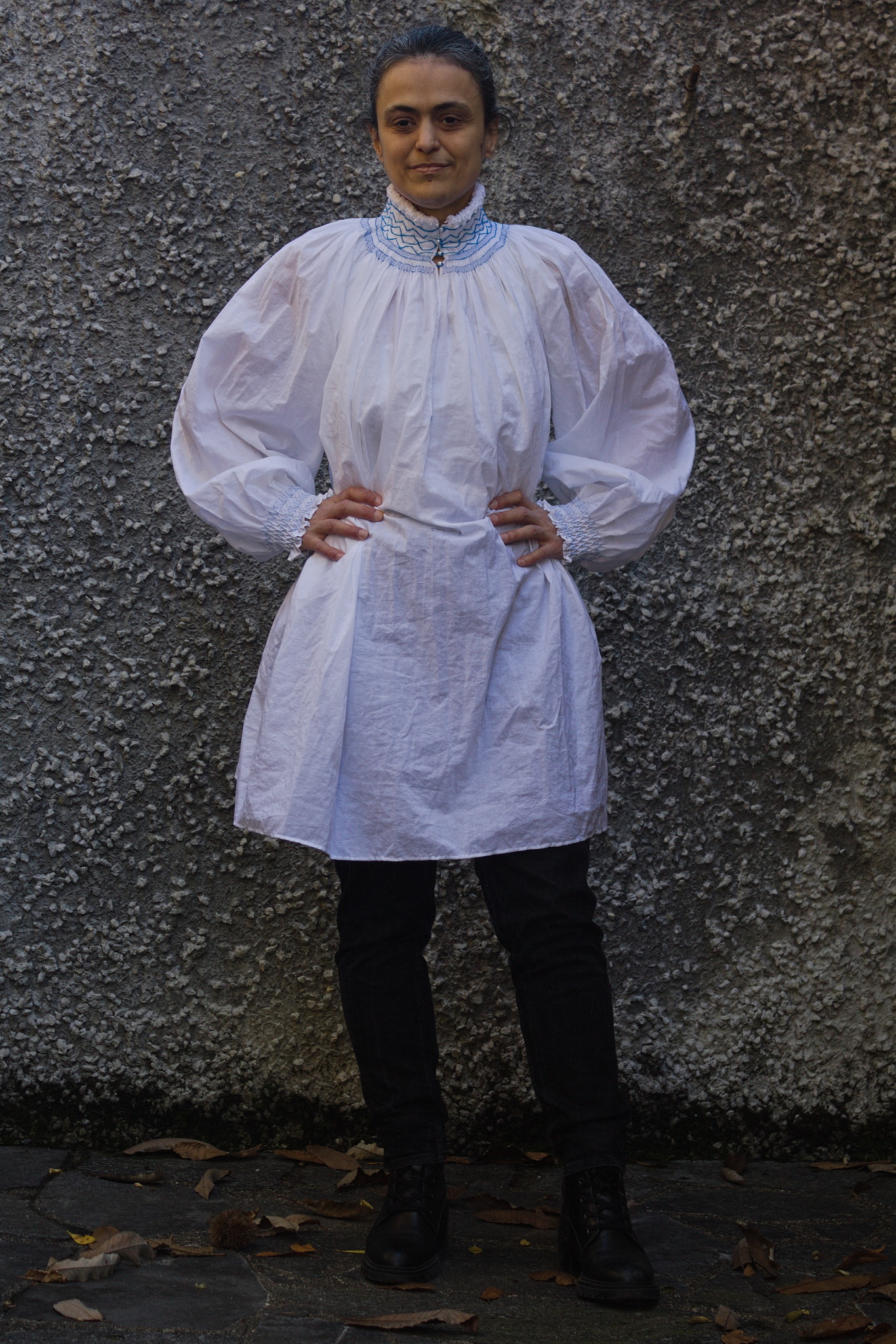 After cartridge pleating and honeycombing, I was still somewhat in the
mood for that kind of fabric manipulation, and directing my internet
searches in that vague direction, and I stumbled on this:
After cartridge pleating and honeycombing, I was still somewhat in the
mood for that kind of fabric manipulation, and directing my internet
searches in that vague direction, and I stumbled on this:
 With the pieces being rectangles the width of the fabric, I was able to
have at least one side of selvedge on all seams, and took advantage of it
by finishing the seams by simply folding the allowances to one sides so
that the selvedge was on top, and hemstitching them down as I would have
done with a folded edge when felling.
Also, at first I wanted to make the smocking in white on white, but then
I thought about a few hanks of electric blue floss I had in my stash,
and decided to just go with it.
The initial seams were quickly made, then I started the smocking at the
neck, and at that time the project went on hold while I got ready to go
to DebConf. Then I came back and took some time to get back into a
sewing mood, but finally the smocking on the next was finished, and I
could go on with the main sewing, which, as I expected, went decently
fast for a handsewing project.
With the pieces being rectangles the width of the fabric, I was able to
have at least one side of selvedge on all seams, and took advantage of it
by finishing the seams by simply folding the allowances to one sides so
that the selvedge was on top, and hemstitching them down as I would have
done with a folded edge when felling.
Also, at first I wanted to make the smocking in white on white, but then
I thought about a few hanks of electric blue floss I had in my stash,
and decided to just go with it.
The initial seams were quickly made, then I started the smocking at the
neck, and at that time the project went on hold while I got ready to go
to DebConf. Then I came back and took some time to get back into a
sewing mood, but finally the smocking on the next was finished, and I
could go on with the main sewing, which, as I expected, went decently
fast for a handsewing project.
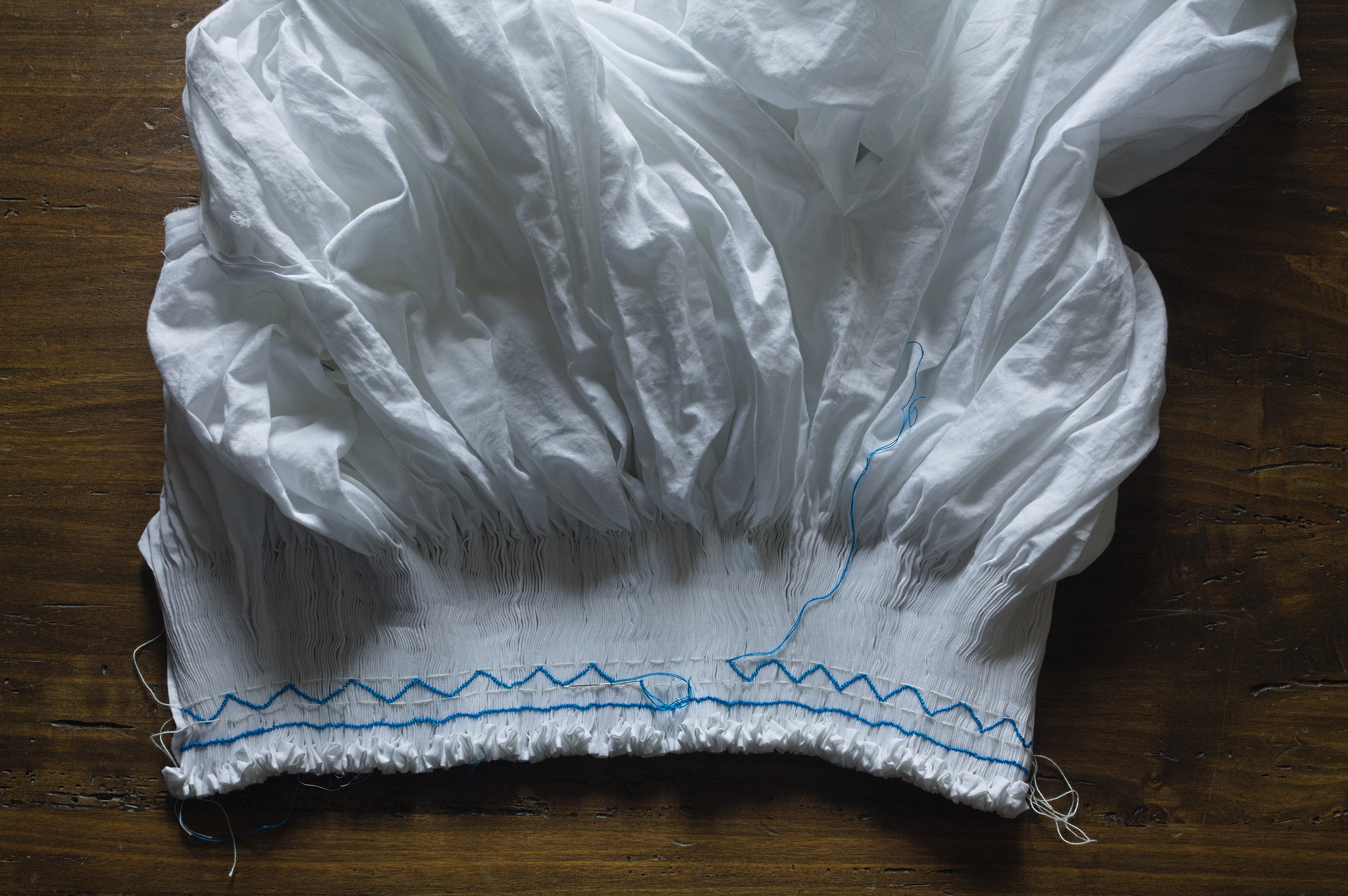 While doing the diagonal smocking on the collar I counted the stitches
to make each side the same length, which didn t completely work because
the gathers weren t that regular to start with, and started each line
from the two front opening going towards the center back, leaving a
triangle with a different size right in the middle. I think overall it
worked well enough.
Then there were a few more interruptions, but at last it was ready! just
as the weather turned cold-ish and puffy shirts were no longer in
season, but it will be there for me next spring.
I did manage to wear it a few times and I have to say that the neck
shaping is quite comfortable indeed: it doesn t pull in odd ways like
the classical historically accurate pirate shirt sometimes does, and the
heavy gathering at the neck makes it feel padded and soft.
While doing the diagonal smocking on the collar I counted the stitches
to make each side the same length, which didn t completely work because
the gathers weren t that regular to start with, and started each line
from the two front opening going towards the center back, leaving a
triangle with a different size right in the middle. I think overall it
worked well enough.
Then there were a few more interruptions, but at last it was ready! just
as the weather turned cold-ish and puffy shirts were no longer in
season, but it will be there for me next spring.
I did manage to wear it a few times and I have to say that the neck
shaping is quite comfortable indeed: it doesn t pull in odd ways like
the classical historically accurate pirate shirt sometimes does, and the
heavy gathering at the neck makes it feel padded and soft.
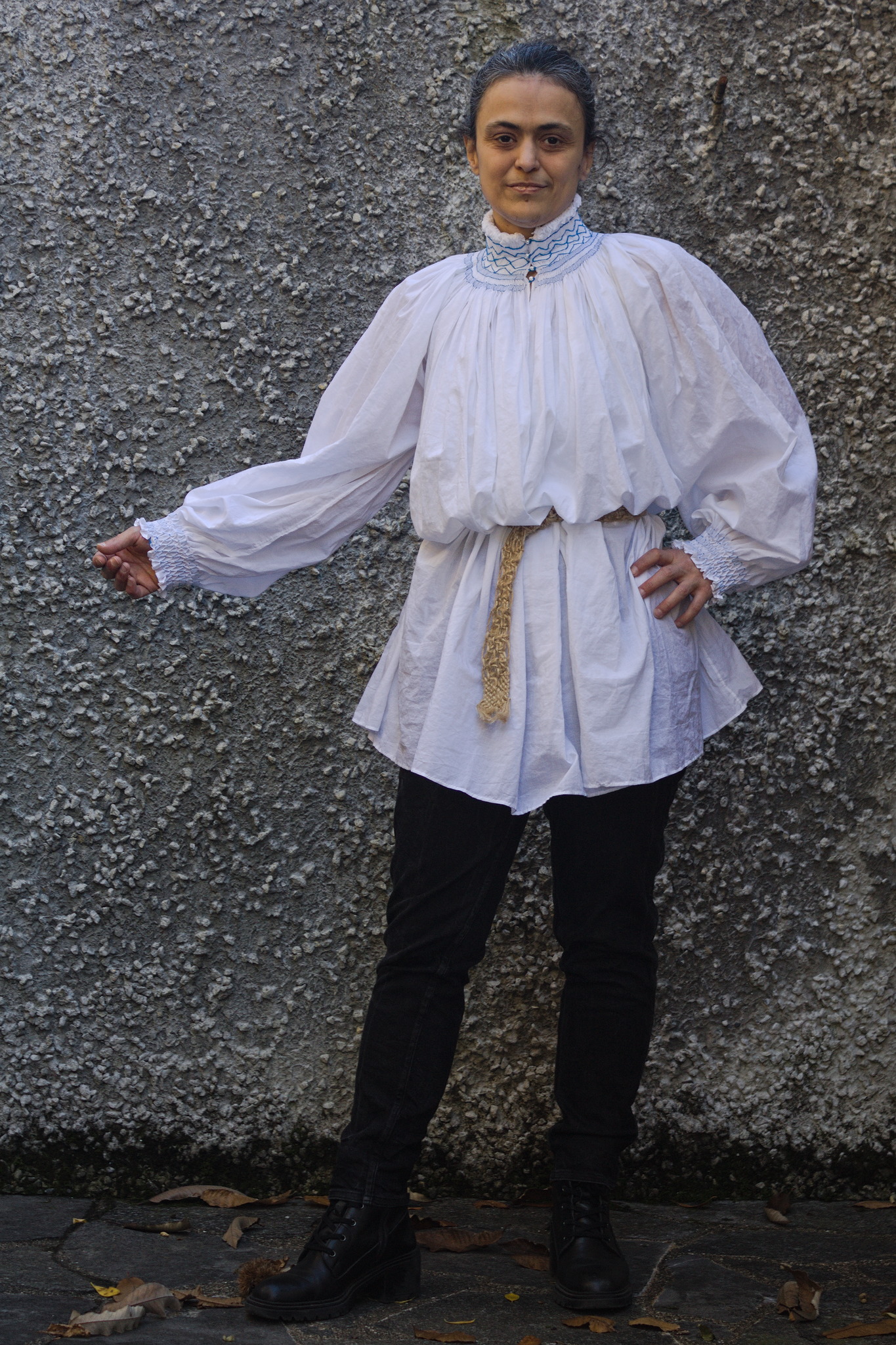 I m not as happy with the cuffs: the way I did them with just
honeycombing means that they don t need a closure, and after washing and
a bit of steaming they lie nicely, but then they tend to relax in a
wider shape. The next time I think I ll leave a slit in the sleeves,
possibly make a different type of smocking (depending on whether I have
enough fabric) and then line them like the neck so that they are stable.
Because, yes, I think that there will be another time: I have a few more
project before that, and I want to spend maybe another year working from
my stash, but then I think I ll buy some soft linen and make at least
another one, maybe with white-on-white smocking so that it will be
easier to match with different garments.
I m not as happy with the cuffs: the way I did them with just
honeycombing means that they don t need a closure, and after washing and
a bit of steaming they lie nicely, but then they tend to relax in a
wider shape. The next time I think I ll leave a slit in the sleeves,
possibly make a different type of smocking (depending on whether I have
enough fabric) and then line them like the neck so that they are stable.
Because, yes, I think that there will be another time: I have a few more
project before that, and I want to spend maybe another year working from
my stash, but then I think I ll buy some soft linen and make at least
another one, maybe with white-on-white smocking so that it will be
easier to match with different garments.
 If you read the above title, you might wonder how the switch to wayland (yes, the
  [1]: If you try to run
  About 95% of my Debian contributions this month were
 This week, some of the
 gst-fallbacksrc
Carl's box's needs lead to looking at
gst-fallbacksrc
Carl's box's needs lead to looking at
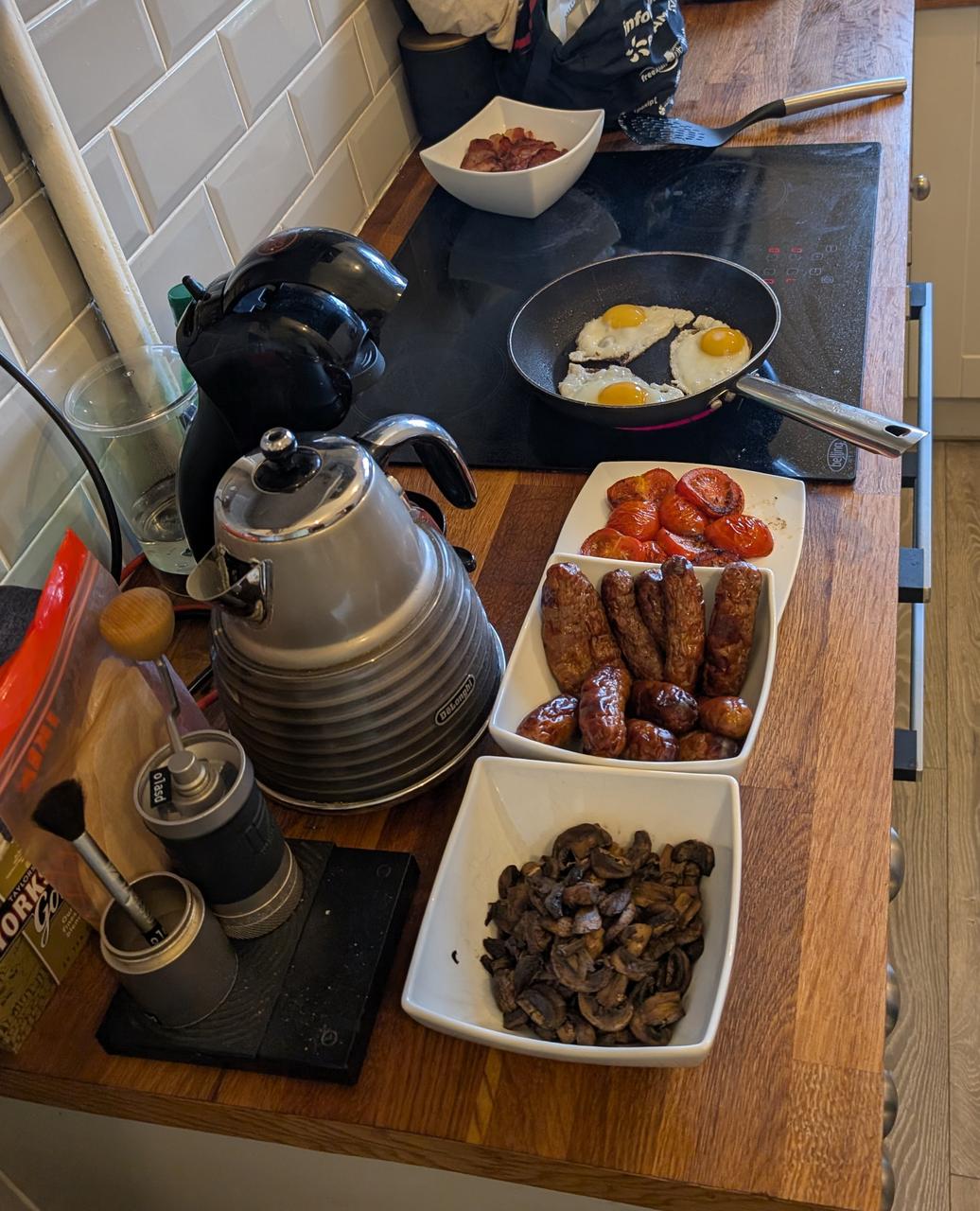
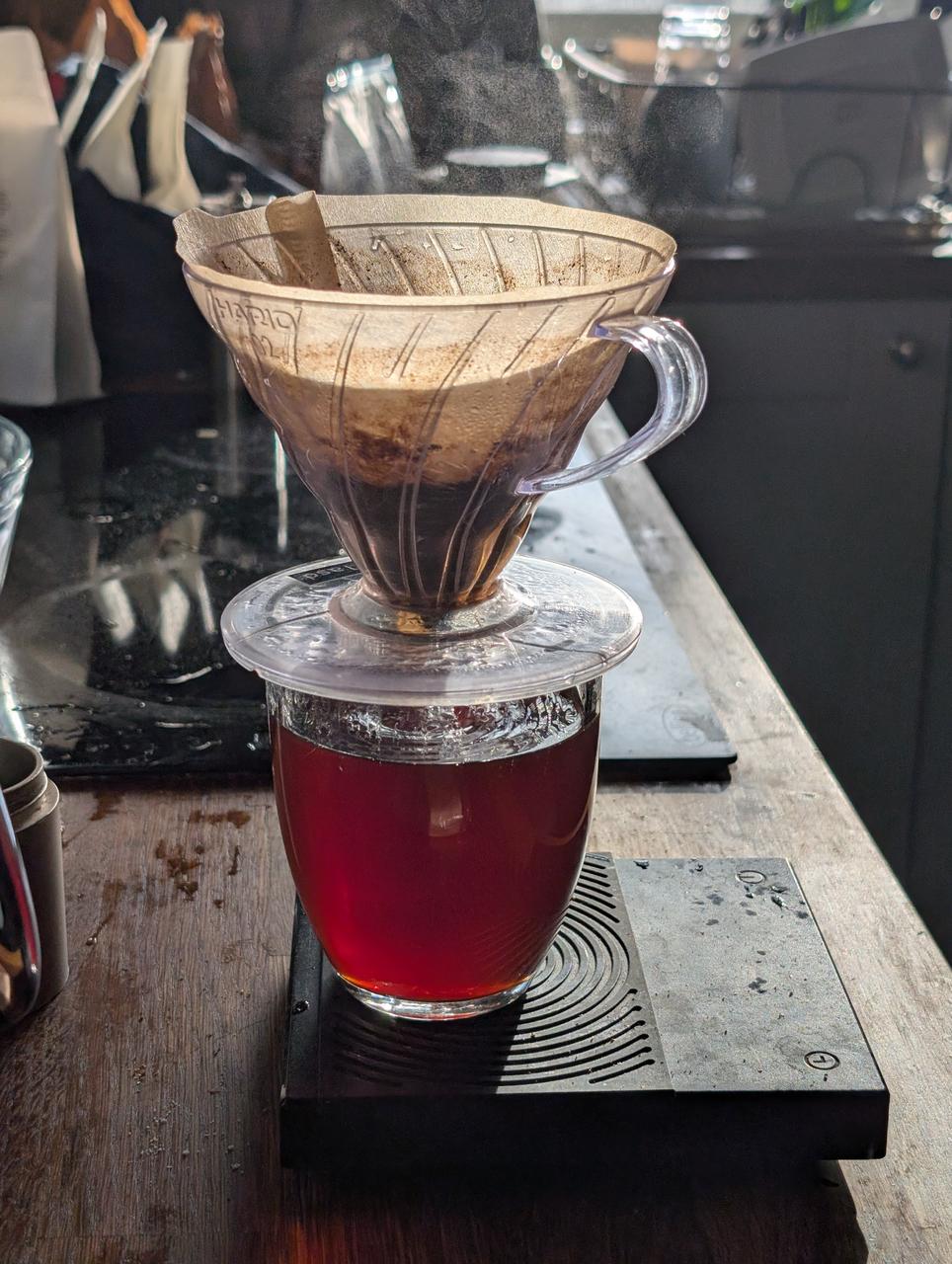
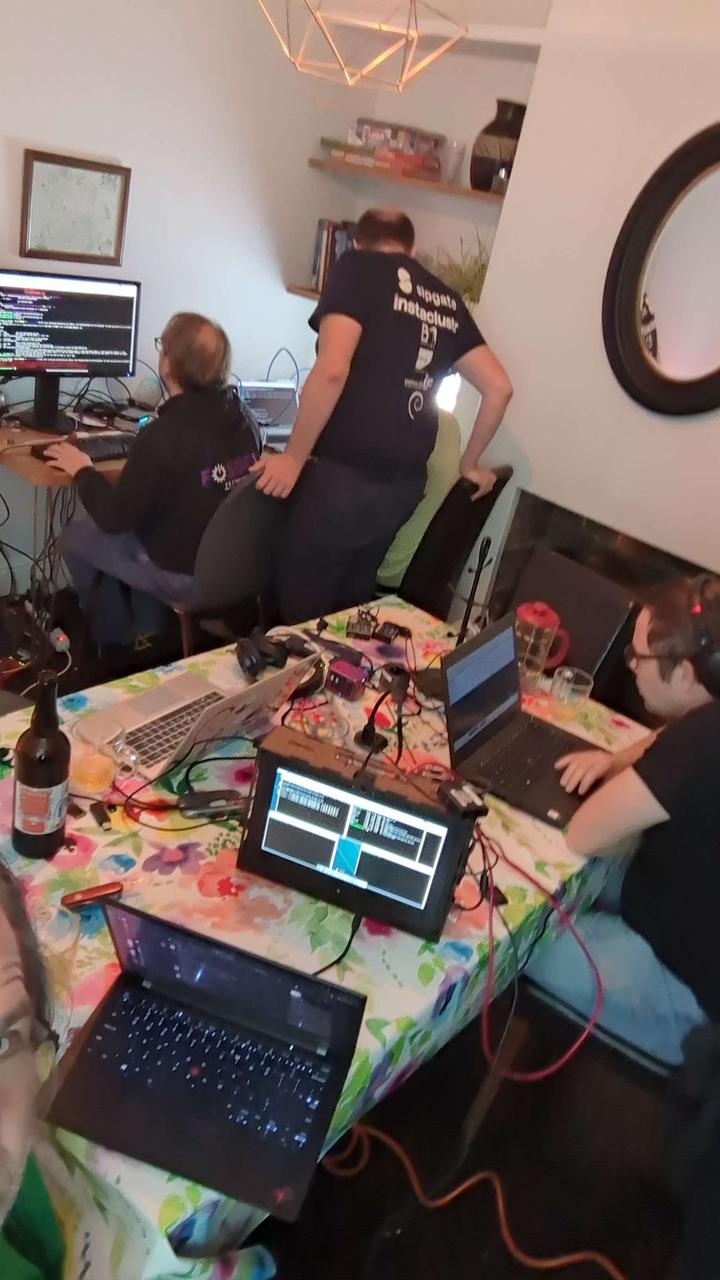
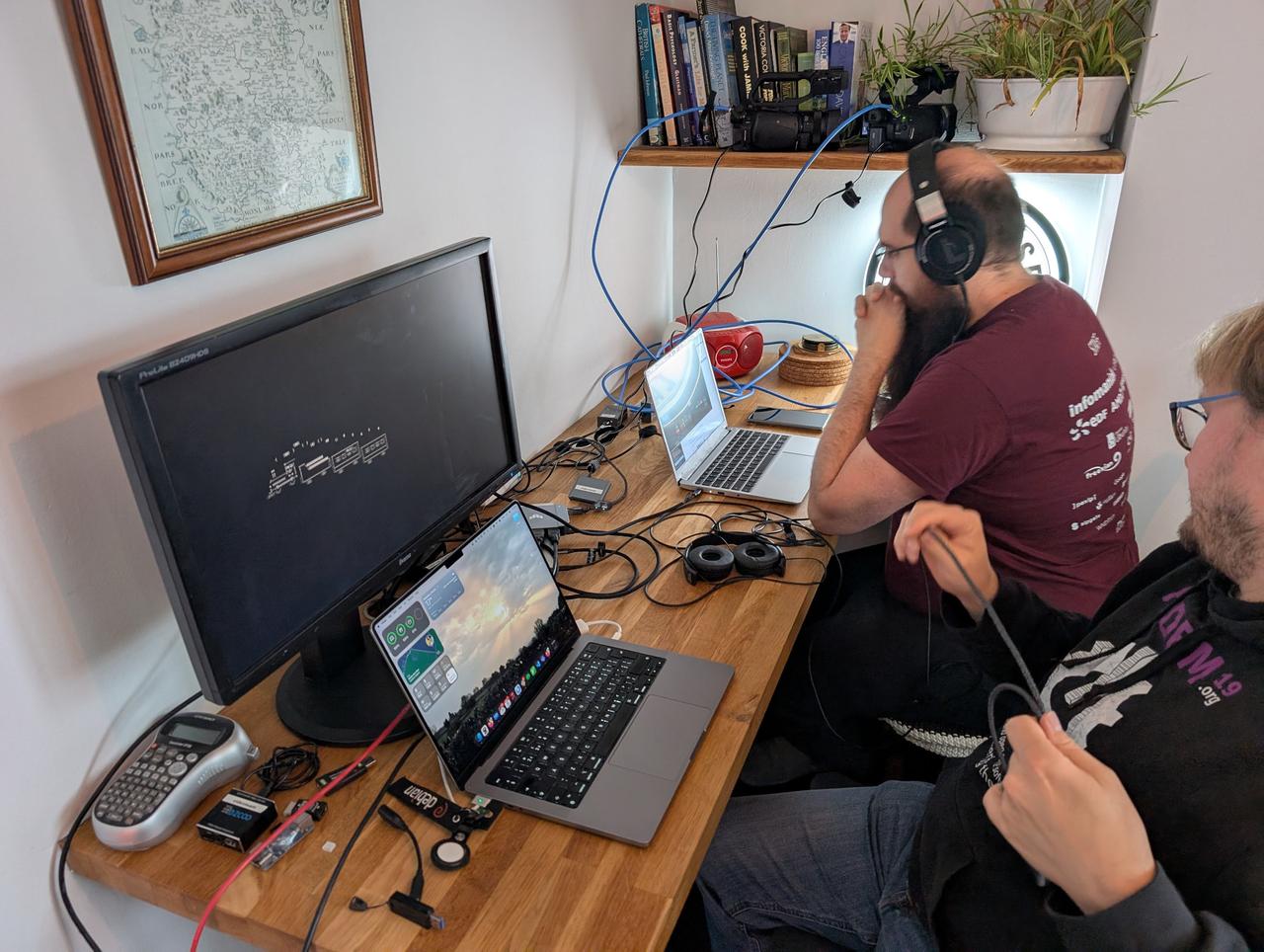
 This was the first year I attended
  Hi, I m Melissa Wen from Igalia. As we already started sharing kernel recipes
and even more is coming in the next three days, in this presentation I ll talk
about kworkflow: a cookbook to mix & match kernel recipes end-to-end.
Hi, I m Melissa Wen from Igalia. As we already started sharing kernel recipes
and even more is coming in the next three days, in this presentation I ll talk
about kworkflow: a cookbook to mix & match kernel recipes end-to-end.
 This is my first time attending Kernel Recipes, so lemme introduce myself
briefly.
This is my first time attending Kernel Recipes, so lemme introduce myself
briefly.
 And what s this cookbook called kworkflow?
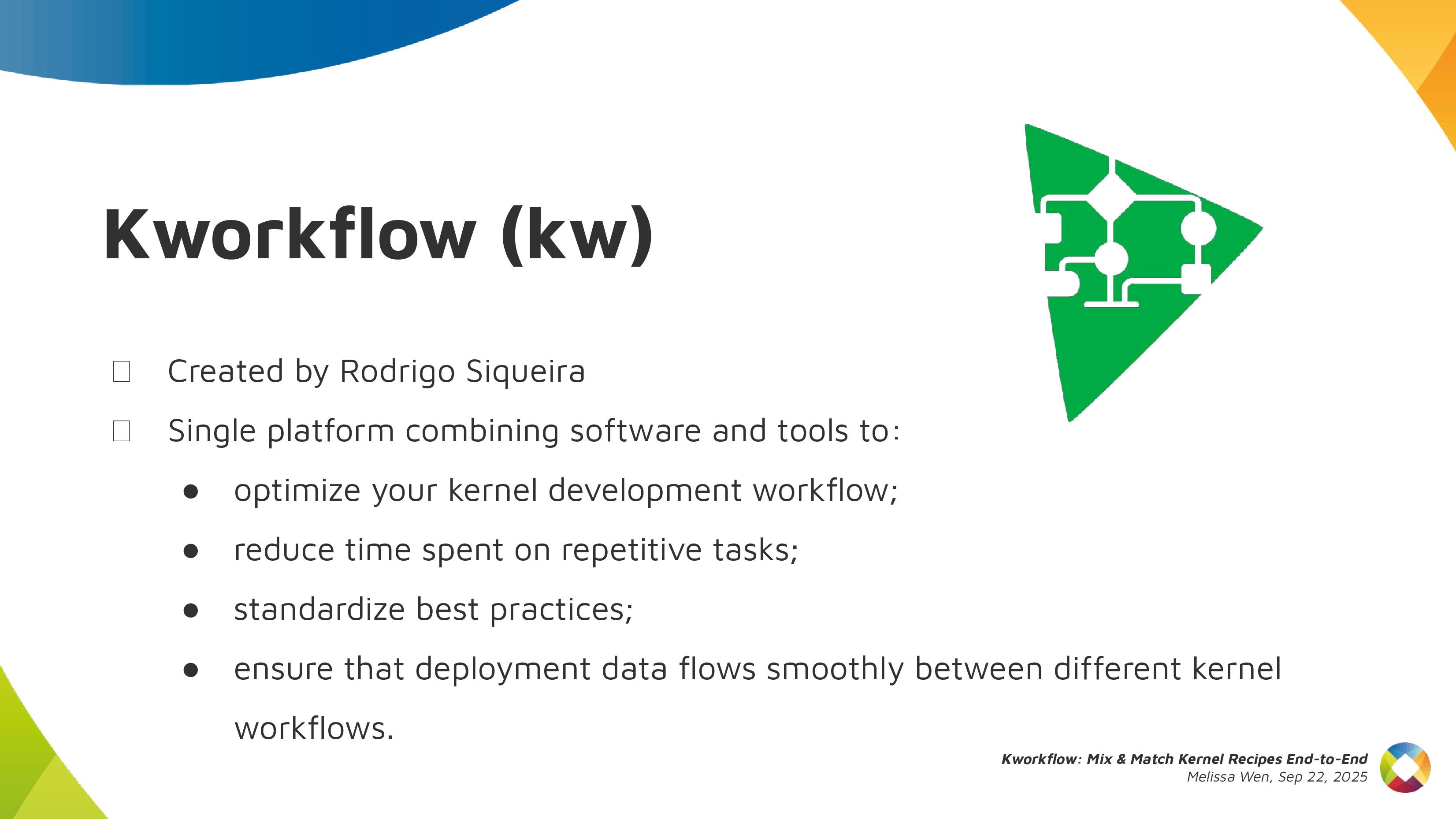 Kworkflow is a tool created by
  It s mostly done by volunteers, kernel developers using their spare time. Its
features cover real use cases according to kernel developer needs.
It s mostly done by volunteers, kernel developers using their spare time. Its
features cover real use cases according to kernel developer needs.
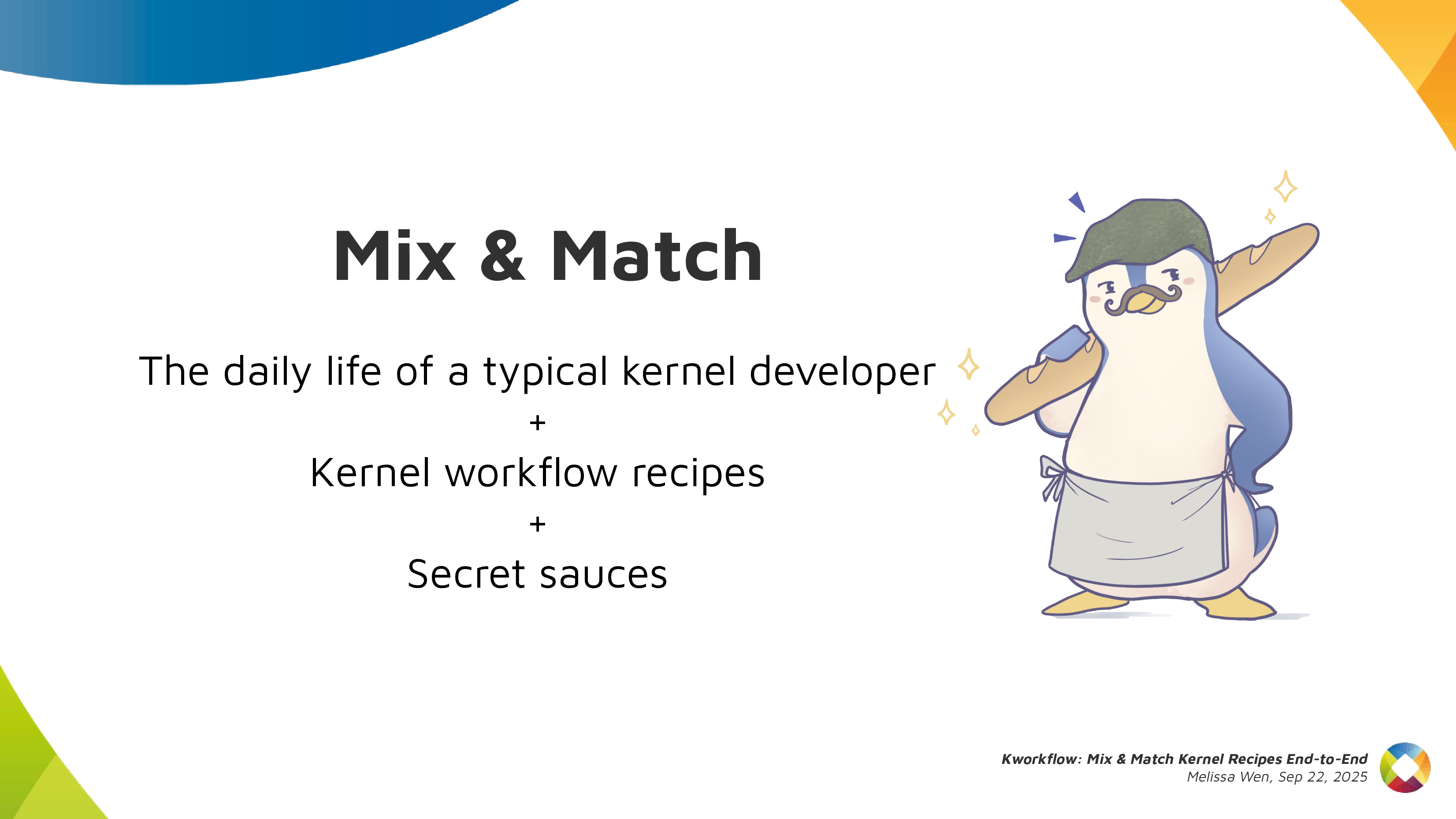 Basically it s mixing and matching the daily life of a typical kernel developer
with kernel workflow recipes with some secret sauces.
Basically it s mixing and matching the daily life of a typical kernel developer
with kernel workflow recipes with some secret sauces.
 So, it s time to start the first recipe: A good GPU driver for my AMD laptop.
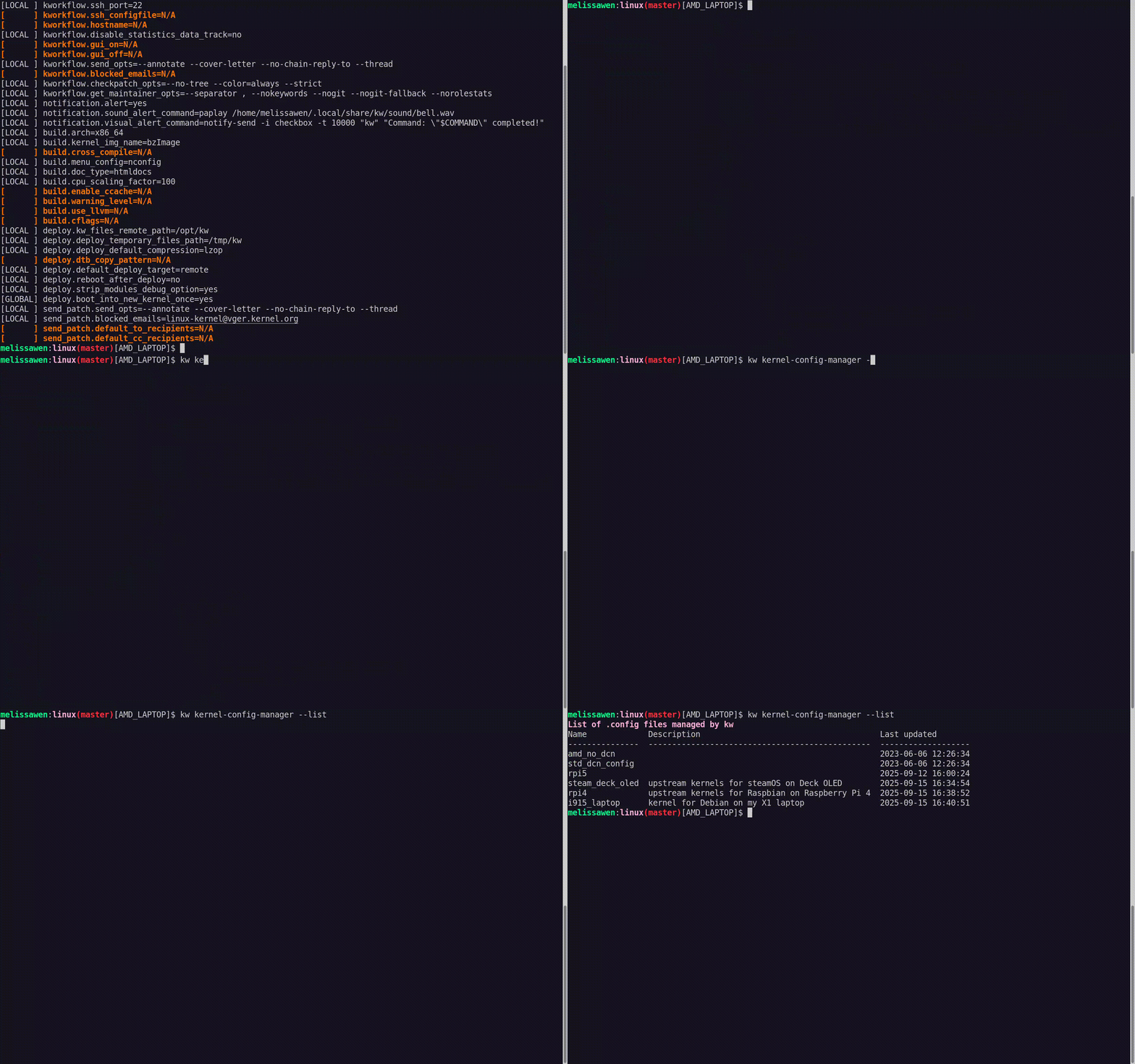
 Before starting any recipe we need to check the necessary ingredients and
tools. So, let s check what you have at home.
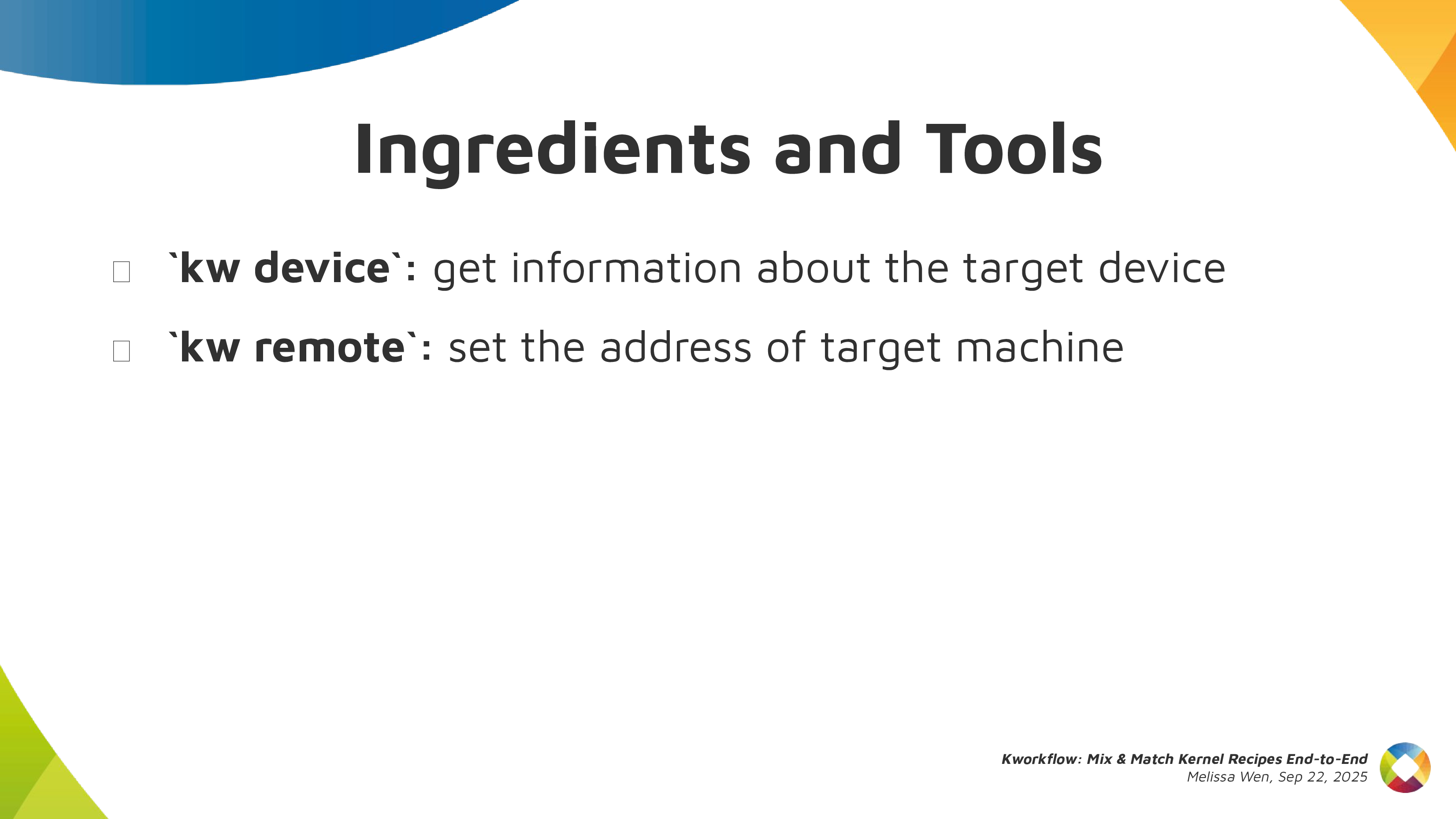
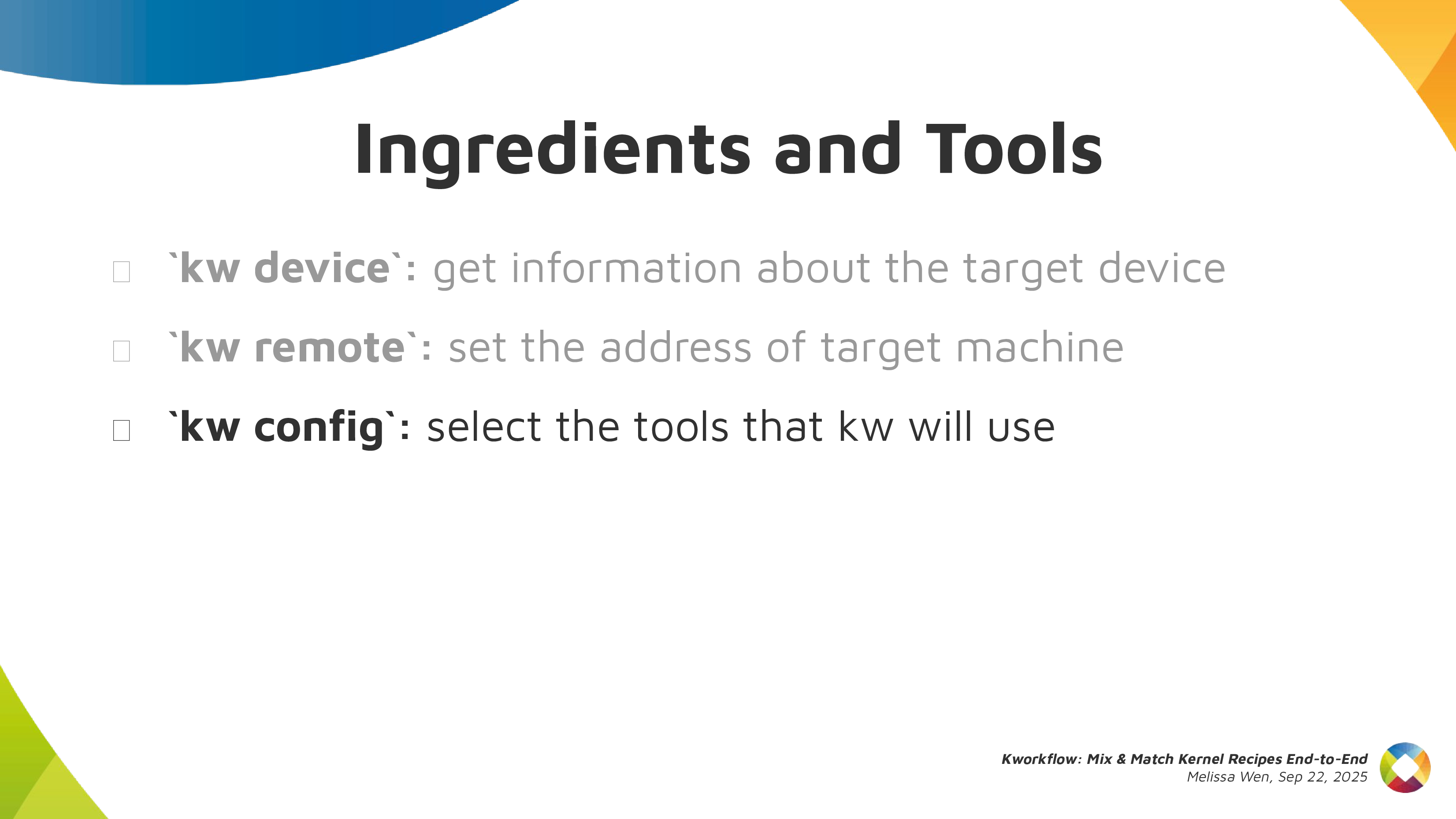
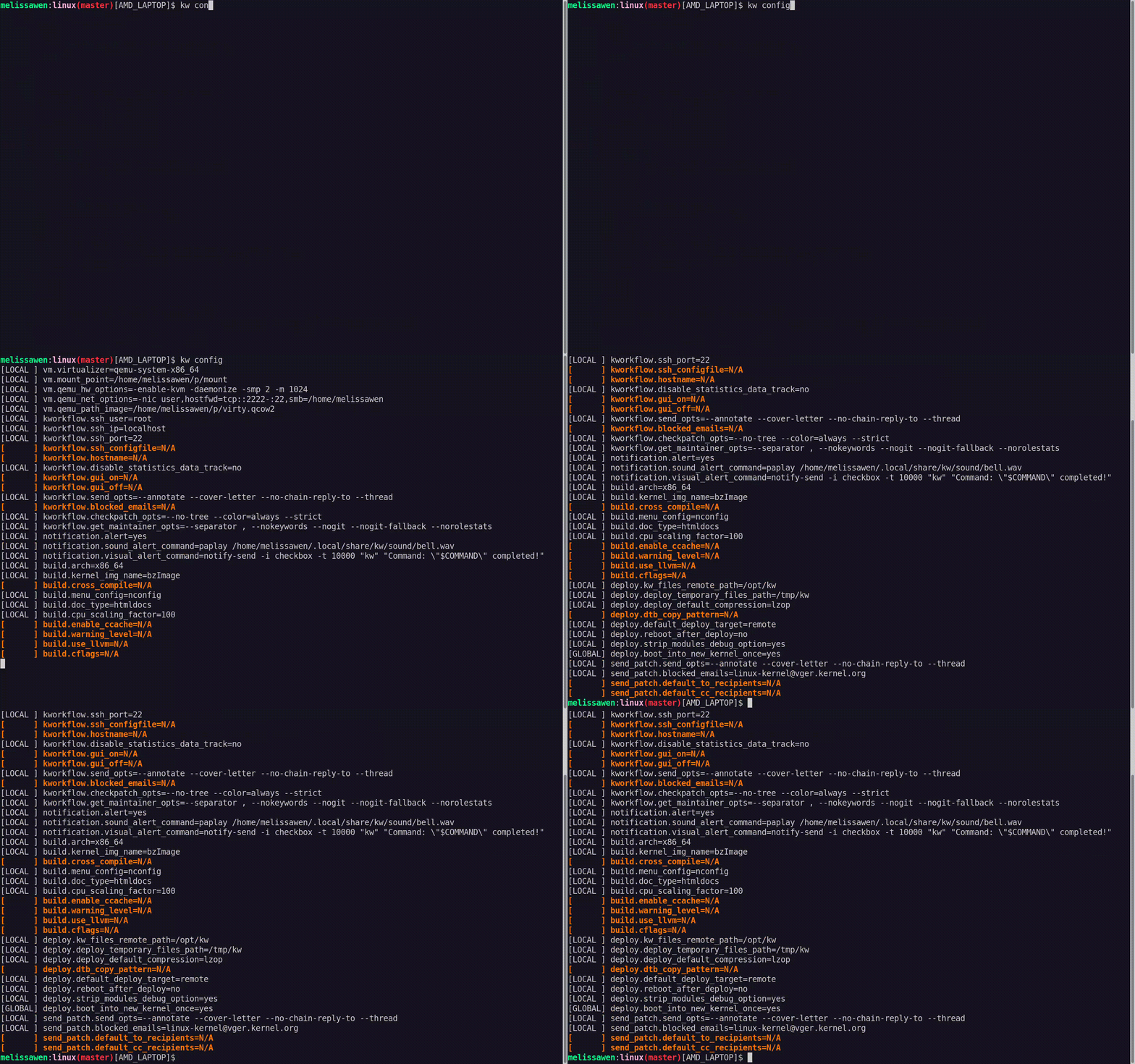
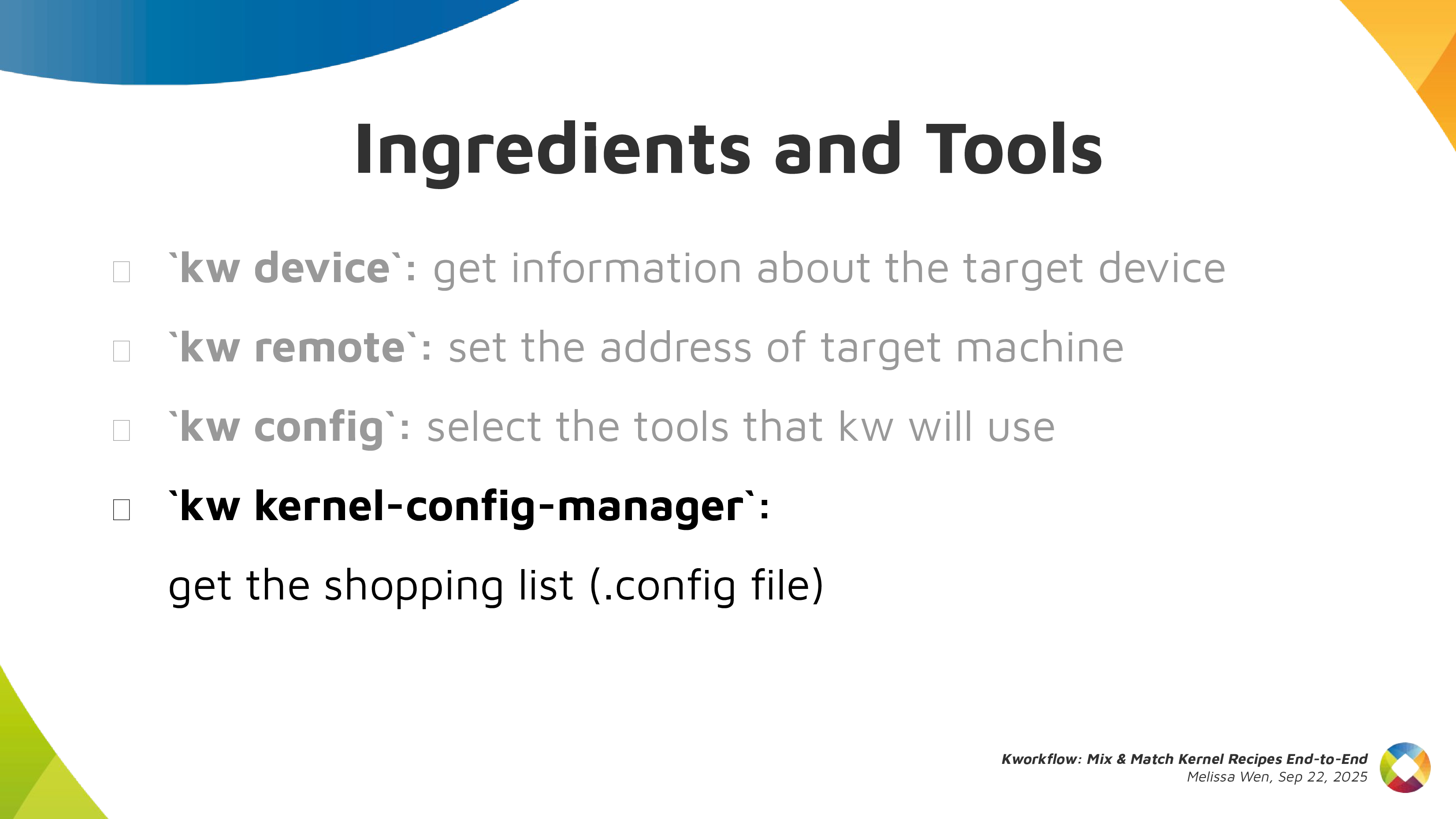
With kworkflow, you can use:
Before starting any recipe we need to check the necessary ingredients and
tools. So, let s check what you have at home.
With kworkflow, you can use:

 Now, with all ingredients and tools selected and well portioned, follow the
right steps to prepare your custom kernel!
First step: Mix ingredients with
Now, with all ingredients and tools selected and well portioned, follow the
right steps to prepare your custom kernel!
First step: Mix ingredients with 

 After compiling the custom kernel, we want to install it in the target machine.
Check the name of the custom kernel built:
After compiling the custom kernel, we want to install it in the target machine.
Check the name of the custom kernel built: 
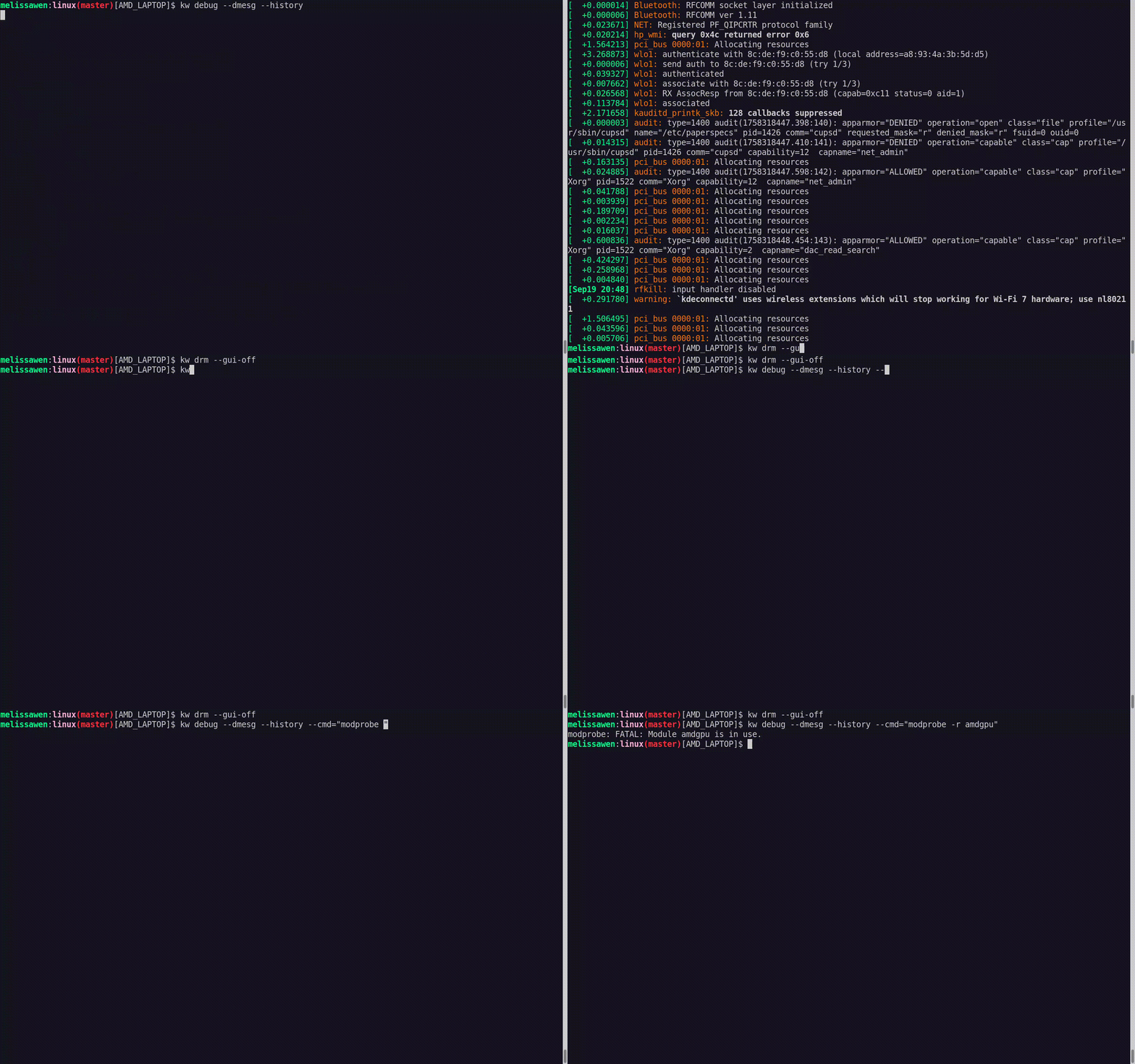
 Oh no! That custom kernel isn t tasting good. Don t worry, as in many recipes
preparations, we can search on the internet to find suggestions on how to make
it tasteful, alternative ingredients and other flavours according to your
taste.
Oh no! That custom kernel isn t tasting good. Don t worry, as in many recipes
preparations, we can search on the internet to find suggestions on how to make
it tasteful, alternative ingredients and other flavours according to your
taste.
 With
With  As in all recipes, we need ingredients and tools, but with kworkflow you can
get everything set as when changing scenarios in a TV show. We can use kw env
to change to a different environment with all kw and kernel configuration set
and also with the latest compiled kernel cached.
As in all recipes, we need ingredients and tools, but with kworkflow you can
get everything set as when changing scenarios in a TV show. We can use kw env
to change to a different environment with all kw and kernel configuration set
and also with the latest compiled kernel cached.
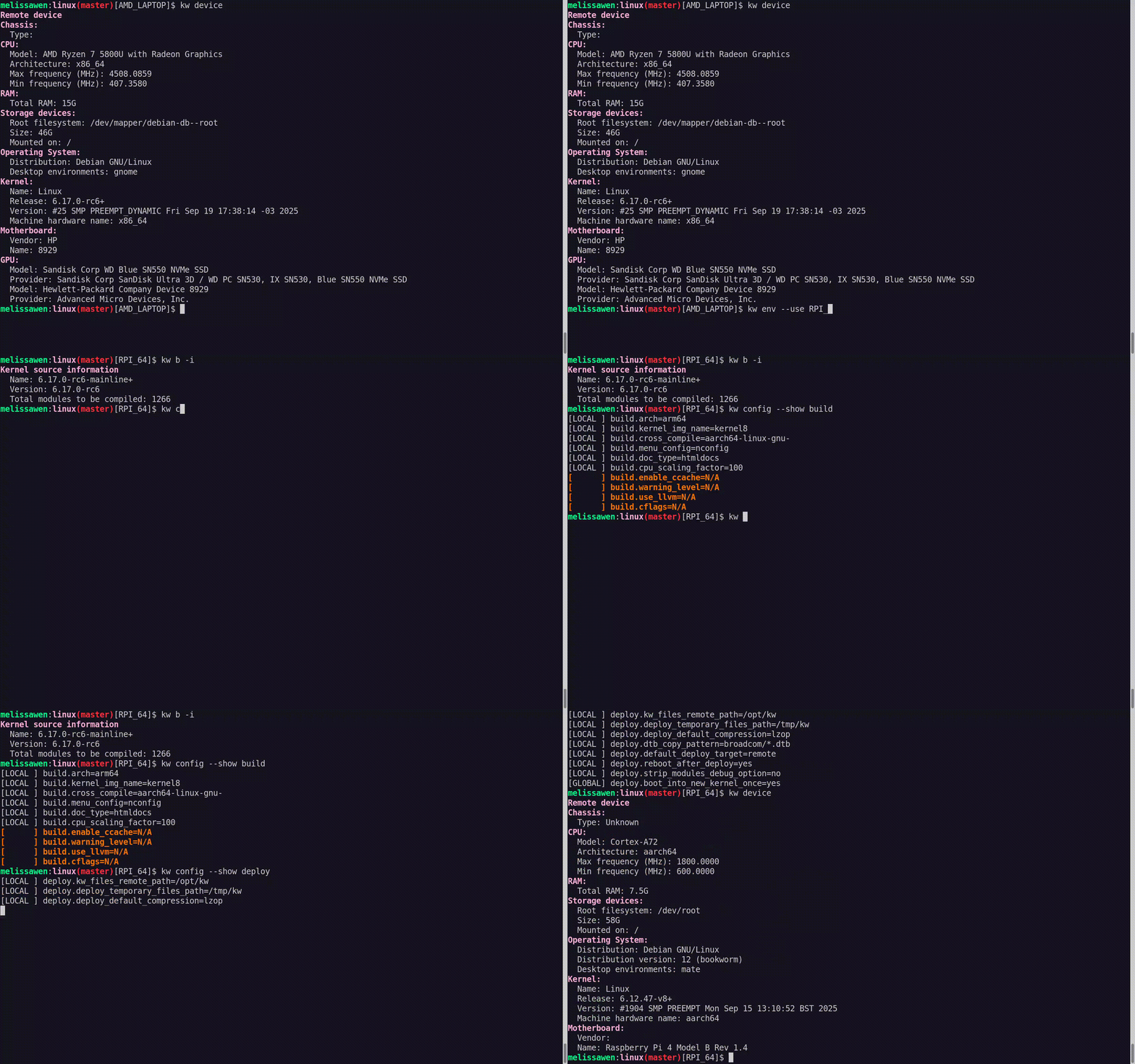 I was preparing the first recipe for a x86 AMD laptop and with
  If you didn t plan for this recipe in advance, don t worry. You can create a
new environment with
If you didn t plan for this recipe in advance, don t worry. You can create a
new environment with  And you can use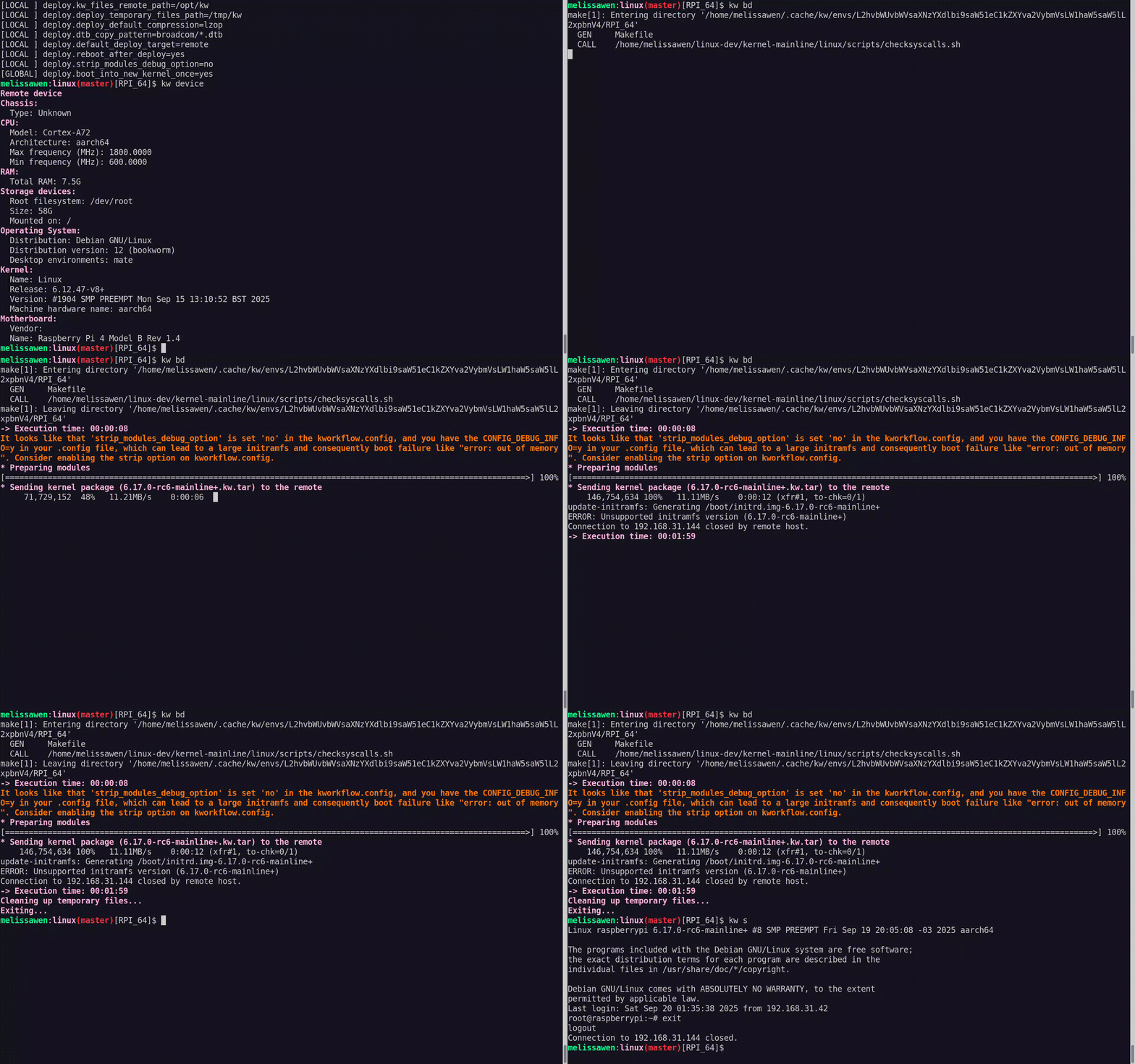
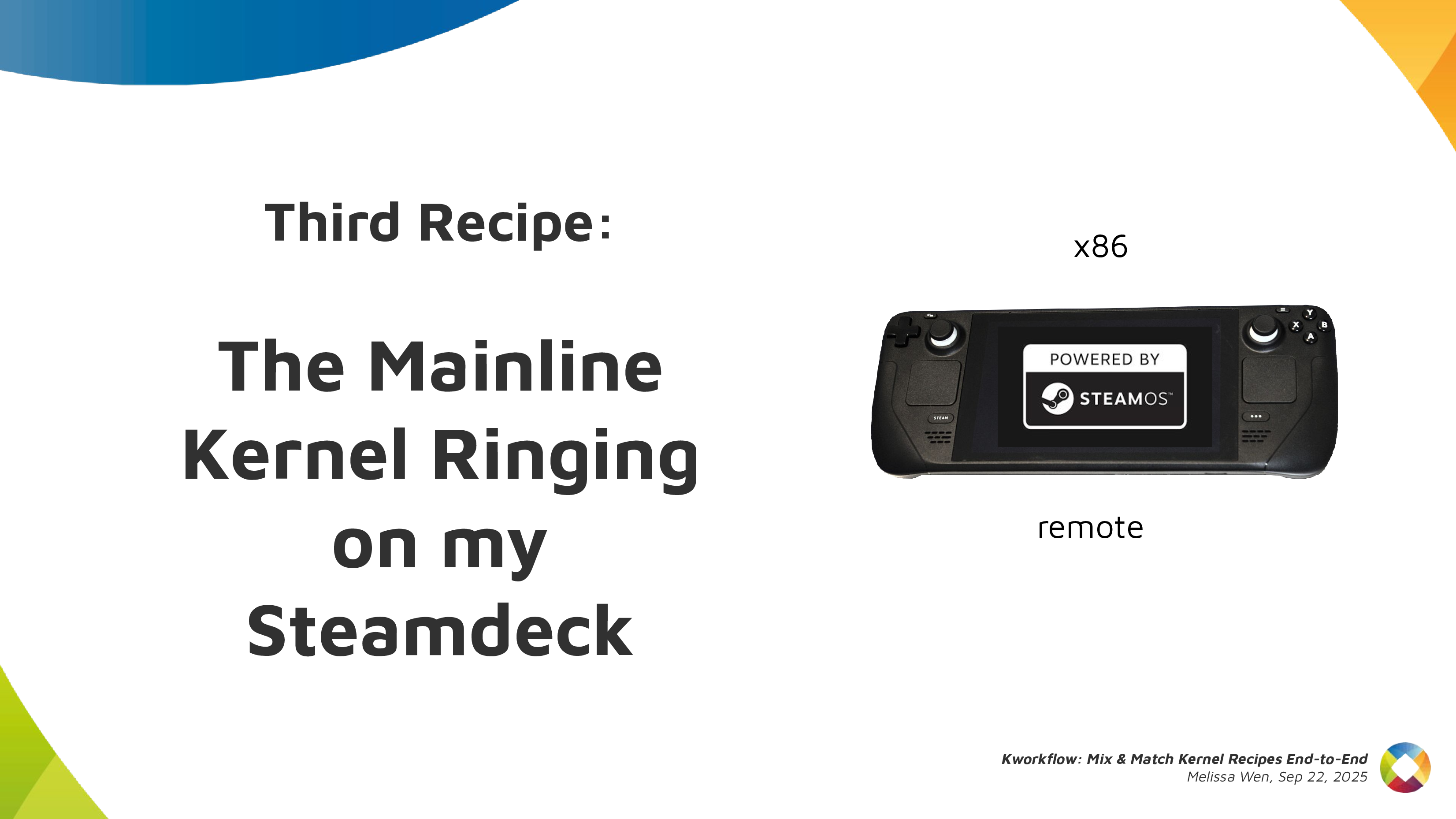 Let s show you how easy is to build, install and test a custom kernel for Steam
Deck with Kworkflow. It s a live demo, but I also recorded it because I know
the risks I m exposed to and something can go very wrong just because of
reasons :)
Let s show you how easy is to build, install and test a custom kernel for Steam
Deck with Kworkflow. It s a live demo, but I also recorded it because I know
the risks I m exposed to and something can go very wrong just because of
reasons :)
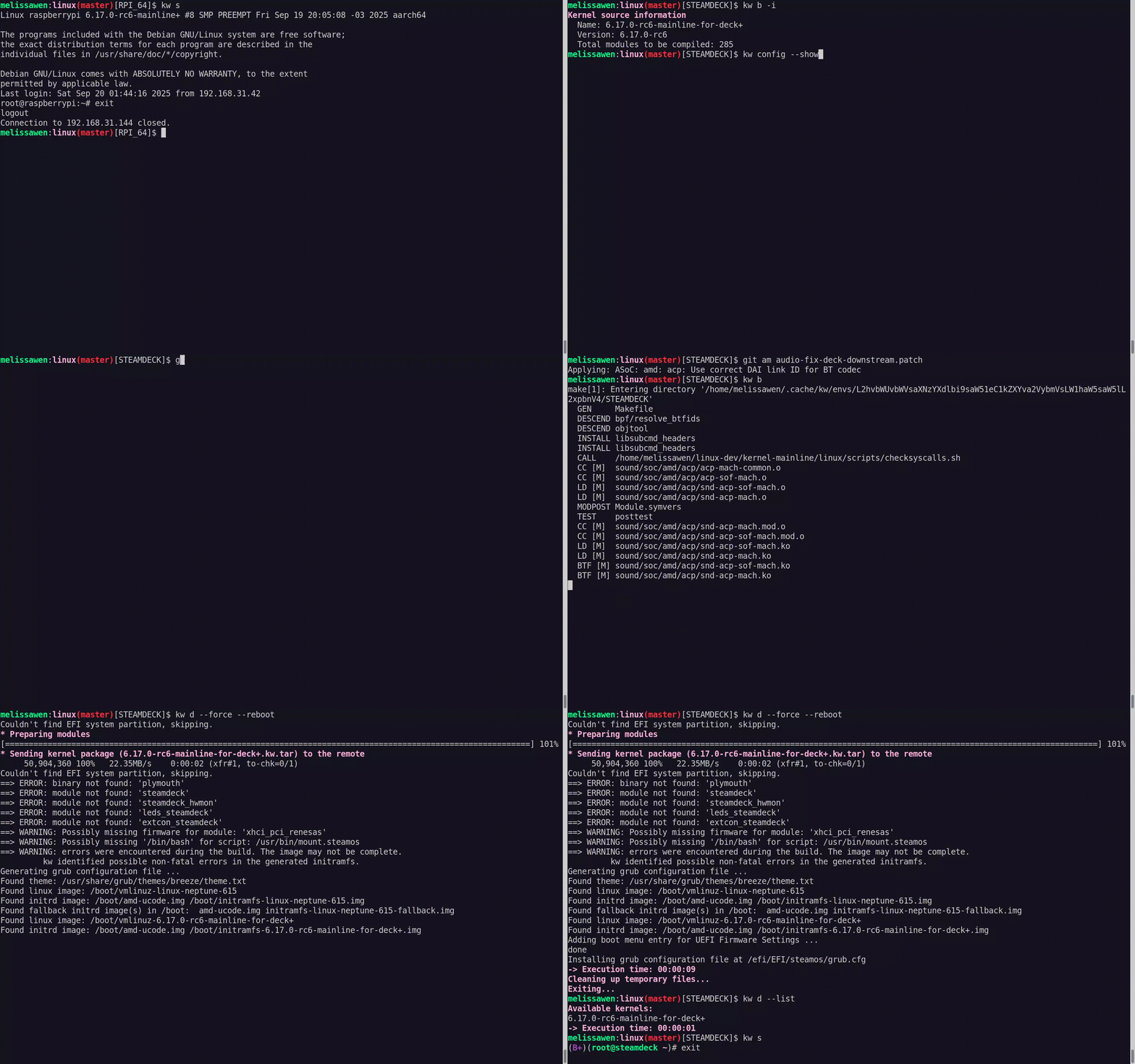
 As I started the demo in the kw environment for Raspberry Pi 4, I first moved
to another environment previously used for Steam Deck. In this STEAMDECK
environment, the mainline kernel was already compiled and cached, and all
settings for accessing the target machine, compiling and installing a custom
kernel were retrieved automatically.
My live demo followed these steps:
As I started the demo in the kw environment for Raspberry Pi 4, I first moved
to another environment previously used for Steam Deck. In this STEAMDECK
environment, the mainline kernel was already compiled and cached, and all
settings for accessing the target machine, compiling and installing a custom
kernel were retrieved automatically.
My live demo followed these steps: