Search Results: "sf"

12 May 2025

Sergio Talens-Oliag: Playing with vCluster

After my previous posts related to Argo CD (one about argocd-autopilot and another with some usage examples) I started to look into Kluctl (I also plan to review Flux, but I m more interested on the kluctl approach right now). While reading an entry on the project blog about Cluster API somehow I ended up on the vCluster site and decided to give it a try, as it can be a valid way of providing developers with on demand clusters for debugging or run CI/CD tests before deploying things on common clusters or even to have multiple debugging virtual clusters on a local machine with only one of them running at any given time. On this post I will deploy a vcluster using the k3d_argocd kubernetes cluster (the one we created on the posts about argocd) as the host and will show how to:
  • use its ingress (in our case traefik) to access the API of the virtual one (removes the need of having to use the vcluster connect command to access it with kubectl),
  • publish the ingress objects deployed on the virtual cluster on the host ingress, and
  • use the sealed-secrets of the host cluster to manage the virtual cluster secrets.

Creating the virtual cluster

Installing the vcluster applicationTo create the virtual clusters we need the vcluster command, we can install it with arkade:
  arkade get vcluster

The vcluster.yaml fileTo create the cluster we are going to use the following vcluster.yaml file (you can find the documentation about all its options here):
controlPlane:
  proxy:
    # Extra hostnames to sign the vCluster proxy certificate for
    extraSANs:
    - my-vcluster-api.lo.mixinet.net
exportKubeConfig:
  context: my-vcluster_k3d-argocd
  server: https://my-vcluster-api.lo.mixinet.net:8443
  secret:
    name: my-vcluster-kubeconfig
sync:
  toHost:
    ingresses:
      enabled: true
    serviceAccounts:
      enabled: true
  fromHost:
    ingressClasses:
      enabled: true
    nodes:
      enabled: true
      clearImageStatus: true
    secrets:
      enabled: true
      mappings:
        byName:
          # sync all Secrets from the 'my-vcluster-default' namespace to the
          # virtual "default" namespace.
          "my-vcluster-default/*": "default/*"
          # We could add other namespace mappings if needed, i.e.:
          # "my-vcluster-kube-system/*": "kube-system/*"
On the controlPlane section we ve added the proxy.extraSANs entry to add an extra host name to make sure it is added to the cluster certificates if we use it from an ingress. The exportKubeConfig section creates a kubeconfig secret on the virtual cluster namespace using the provided host name; the secret can be used by GitOps tools or we can dump it to a file to connect from our machine. On the sync section we enable the synchronization of Ingress objects and ServiceAccounts from the virtual to the host cluster:
  • We copy the ingress definitions to use the ingress server that runs on the host to make them work from the outside world.
  • The service account synchronization is not really needed, but we enable it because if we test this configuration with EKS it would be useful if we use IAM roles for the service accounts.
On the opposite direction (from the host to the virtual cluster) we synchronize:
  • The IngressClass objects, to be able to use the host ingress server(s).
  • The Nodes (we are not using the info right now, but it could be interesting if we want to have the real information of the nodes running pods of the virtual cluster).
  • The Secrets from the my-vcluster-default host namespace to the default of the virtual cluster; that synchronization allows us to deploy SealedSecrets on the host that generate secrets that are copied automatically to the virtual one. Initially we only copy secrets for one namespace but if the virtual cluster needs others we can add namespaces on the host and their mappings to the virtual one on the vcluster.yaml file.

Creating the virtual clusterTo create the virtual cluster we run the following command:
vcluster create my-vcluster --namespace my-vcluster --upgrade --connect=false \
  --values vcluster.yaml
It creates the virtual cluster on the my-vcluster namespace using the vcluster.yaml file shown before without connecting to the cluster from our local machine (if we don t pass that option the command adds an entry on our kubeconfig and launches a proxy to connect to the virtual cluster that we don t plan to use).

Adding an ingress TCP route to connect to the vcluster apiAs explained before, we need to create an IngressTcpRoute object to be able to connect to the vcluster API, we use the following definition:
apiVersion: traefik.containo.us/v1alpha1
kind: IngressRouteTCP
metadata:
  name: my-vcluster-api
  namespace: my-vcluster
spec:
  entryPoints:
    - websecure
  routes:
    - match: HostSNI( my-vcluster-api.lo.mixinet.net )
      services:
        - name: my-vcluster
          port: 443
  tls:
    passthrough: true
Once we apply those changes the cluster API will be available on the https://my-cluster-api.lo.mixinet.net:8443 URL using its own self signed certificate (we have enabled TLS passthrough) that includes the hostname we use (we adjusted it on the vcluster.yaml file, as explained before).

Getting the kubeconfig for the vclusterOnce the vcluster is running we will have its kubeconfig available on the my-vcluster-kubeconfig secret on its namespace on the host cluster. To dump it to the ~/.kube/my-vcluster-config we can do the following:
  kubectl get -n my-vcluster secret/my-vcluster-kubeconfig \
    --template=" .data.config "   base64 -d > ~/.kube/my-vcluster-config
Once available we can define the vkubectl alias to adjust the KUBECONFIG variable to access it:
alias vkubectl="KUBECONFIG=~/.kube/my-vcluster-config kubectl"
Or we can merge the configuration with the one on the KUBECONFIG variable and use kubectx or a similar tool to change the context (for our vcluster the context will be my-vcluster_k3d-argocd). If the KUBECONFIG variable is defined and only has the PATH to a single file the merge can be done running the following:
KUBECONFIG="$KUBECONFIG:~/.kube/my-vcluster-config" kubectl config view \
  --flatten >"$KUBECONFIG.new"
mv "$KUBECONFIG.new" "$KUBECONFIG"
On the rest of this post we will use the vkubectl alias when connecting to the virtual cluster, i.e. to check that it works we can run the cluster-info subcommand:
  vkubectl cluster-info
Kubernetes control plane is running at https://my-vcluster-api.lo.mixinet.net:8443
CoreDNS is running at https://my-vcluster-api.lo.mixinet.net:8443/api/v1/namespaces/kube-system/services/kube-dns:dns/proxy
To further debug and diagnose cluster problems, use 'kubectl cluster-info dump'.

Installing the dummyhttpd applicationTo test the virtual cluster we are going to install the dummyhttpd application using the following kustomization.yaml file:
apiVersion: kustomize.config.k8s.io/v1beta1
kind: Kustomization
resources:
  - https://forgejo.mixinet.net/blogops/argocd-applications.git//dummyhttp/?ref=dummyhttp-v1.0.0
# Add the config map
configMapGenerator:
  - name: dummyhttp-configmap
    literals:
      - CM_VAR="Vcluster Test Value"
    behavior: create
    options:
      disableNameSuffixHash: true
patches:
  # Change the ingress host name
  - target:
      kind: Ingress
      name: dummyhttp
    patch:  -
      - op: replace
        path: /spec/rules/0/host
        value: vcluster-dummyhttp.lo.mixinet.net
  # Add reloader annotations -- it will only work if we install reloader on the
  # virtual cluster, as the one on the host cluster doesn't see the vcluster
  # deployment objects
  - target:
      kind: Deployment
      name: dummyhttp
    patch:  -
      - op: add
        path: /metadata/annotations
        value:
          reloader.stakater.com/auto: "true"
          reloader.stakater.com/rollout-strategy: "restart"
It is quite similar to the one we used on the Argo CD examples but uses a different DNS entry; to deploy it we run kustomize and vkubectl:
  kustomize build .   vkubectl apply -f -
configmap/dummyhttp-configmap created
service/dummyhttp created
deployment.apps/dummyhttp created
ingress.networking.k8s.io/dummyhttp created
We can check that everything worked using curl:
  curl -s https://vcluster-dummyhttp.lo.mixinet.net:8443/   jq -cM .
 "c": "Vcluster Test Value","s": "" 
The objects available on the vcluster now are:
  vkubectl get all,configmap,ingress
NAME                             READY   STATUS    RESTARTS   AGE
pod/dummyhttp-55569589bc-9zl7t   1/1     Running   0          24s
NAME                 TYPE        CLUSTER-IP     EXTERNAL-IP   PORT(S)   AGE
service/dummyhttp    ClusterIP   10.43.51.39    <none>        80/TCP    24s
service/kubernetes   ClusterIP   10.43.153.12   <none>        443/TCP   14m

NAME                        READY   UP-TO-DATE   AVAILABLE   AGE
deployment.apps/dummyhttp   1/1     1            1           24s
NAME                                   DESIRED   CURRENT   READY   AGE
replicaset.apps/dummyhttp-55569589bc   1         1         1       24s
NAME                            DATA   AGE
configmap/dummyhttp-configmap   1      24s
configmap/kube-root-ca.crt      1      14m
NAME                                CLASS   HOSTS                             ADDRESS                          PORTS AGE
ingress.networking.k8s.io/dummyhttp traefik vcluster-dummyhttp.lo.mixinet.net 172.20.0.2,172.20.0.3,172.20.0.4 80    24s
While we have the following ones on the my-vcluster namespace of the host cluster:
  kubectl get all,configmap,ingress -n my-vcluster
NAME                                                      READY   STATUS    RESTARTS   AGE
pod/coredns-bbb5b66cc-snwpn-x-kube-system-x-my-vcluster   1/1     Running   0          18m
pod/dummyhttp-55569589bc-9zl7t-x-default-x-my-vcluster    1/1     Running   0          45s
pod/my-vcluster-0                                         1/1     Running   0          19m
NAME                                           TYPE        CLUSTER-IP      EXTERNAL-IP   PORT(S)                  AGE
service/dummyhttp-x-default-x-my-vcluster      ClusterIP   10.43.51.39     <none>        80/TCP                   45s
service/kube-dns-x-kube-system-x-my-vcluster   ClusterIP   10.43.91.198    <none>        53/UDP,53/TCP,9153/TCP   18m
service/my-vcluster                            ClusterIP   10.43.153.12    <none>        443/TCP,10250/TCP        19m
service/my-vcluster-headless                   ClusterIP   None            <none>        443/TCP                  19m
service/my-vcluster-node-k3d-argocd-agent-1    ClusterIP   10.43.189.188   <none>        10250/TCP                18m

NAME                           READY   AGE
statefulset.apps/my-vcluster   1/1     19m
NAME                                                     DATA   AGE
configmap/coredns-x-kube-system-x-my-vcluster            2      18m
configmap/dummyhttp-configmap-x-default-x-my-vcluster    1      45s
configmap/kube-root-ca.crt                               1      19m
configmap/kube-root-ca.crt-x-default-x-my-vcluster       1      11m
configmap/kube-root-ca.crt-x-kube-system-x-my-vcluster   1      18m
configmap/vc-coredns-my-vcluster                         1      19m
NAME                                                        CLASS   HOSTS                             ADDRESS                          PORTS AGE
ingress.networking.k8s.io/dummyhttp-x-default-x-my-vcluster traefik vcluster-dummyhttp.lo.mixinet.net 172.20.0.2,172.20.0.3,172.20.0.4 80    45s
As shown, we have copies of the Service, Pod, Configmap and Ingress objects, but there is no copy of the Deployment or ReplicaSet.

Creating a sealed secret for dummyhttpdTo use the hosts sealed secrets controller with the virtual cluster we will create the my-vcluster-default namespace and add there the sealed secrets we want to have available as secrets on the default namespace of the virtual cluster:
  kubectl create namespace my-vcluster-default
  echo -n "Vcluster Boo"   kubectl create secret generic "dummyhttp-secret" \
    --namespace "my-vcluster-default" --dry-run=client \
    --from-file=SECRET_VAR=/dev/stdin -o yaml >dummyhttp-secret.yaml
  kubeseal -f dummyhttp-secret.yaml -w dummyhttp-sealed-secret.yaml
  kubectl apply -f dummyhttp-sealed-secret.yaml
  rm -f dummyhttp-secret.yaml dummyhttp-sealed-secret.yaml
After running the previous commands we have the following objects available on the host cluster:
  kubectl get sealedsecrets.bitnami.com,secrets -n my-vcluster-default
NAME                                        STATUS   SYNCED   AGE
sealedsecret.bitnami.com/dummyhttp-secret            True     34s
NAME                      TYPE     DATA   AGE
secret/dummyhttp-secret   Opaque   1      34s
And we can see that the secret is also available on the virtual cluster with the content we expected:
  vkubectl get secrets
NAME               TYPE     DATA   AGE
dummyhttp-secret   Opaque   1      34s
  vkubectl get secret/dummyhttp-secret --template=" .data.SECRET_VAR " \
    base64 -d
Vcluster Boo
But the output of the curl command has not changed because, although we have the reloader controller deployed on the host cluster, it does not see the Deployment object of the virtual one and the pods are not touched:
  curl -s https://vcluster-dummyhttp.lo.mixinet.net:8443/   jq -cM .
 "c": "Vcluster Test Value","s": "" 

Installing the reloader applicationTo make reloader work on the virtual cluster we just need to install it as we did on the host using the following kustomization.yaml file:
apiVersion: kustomize.config.k8s.io/v1beta1
kind: Kustomization
namespace: kube-system
resources:
- github.com/stakater/Reloader/deployments/kubernetes/?ref=v1.4.2
patches:
# Add flags to reload workloads when ConfigMaps or Secrets are created or deleted
- target:
    kind: Deployment
    name: reloader-reloader
  patch:  -
    - op: add
      path: /spec/template/spec/containers/0/args
      value:
        - '--reload-on-create=true'
        - '--reload-on-delete=true'
        - '--reload-strategy=annotations'
We deploy it with kustomize and vkubectl:
  kustomize build .   vkubectl apply -f -
serviceaccount/reloader-reloader created
clusterrole.rbac.authorization.k8s.io/reloader-reloader-role created
clusterrolebinding.rbac.authorization.k8s.io/reloader-reloader-role-binding created
deployment.apps/reloader-reloader created
As the controller was not available when the secret was created the pods linked to the Deployment are not updated, but we can force things removing the secret on the host system; after we do that the secret is re-created from the sealed version and copied to the virtual cluster where the reloader controller updates the pod and the curl command shows the new output:
  kubectl delete -n my-vcluster-default secrets dummyhttp-secret
secret "dummyhttp-secret" deleted
  sleep 2
  vkubectl get pods
NAME                         READY   STATUS        RESTARTS   AGE
dummyhttp-78bf5fb885-fmsvs   1/1     Terminating   0          6m33s
dummyhttp-c68684bbf-nx8f9    1/1     Running       0          6s
  curl -s https://vcluster-dummyhttp.lo.mixinet.net:8443/   jq -cM .
 "c":"Vcluster Test Value","s":"Vcluster Boo" 
If we change the secret on the host systems things get updated pretty quickly now:
  echo -n "New secret"   kubectl create secret generic "dummyhttp-secret" \
    --namespace "my-vcluster-default" --dry-run=client \
    --from-file=SECRET_VAR=/dev/stdin -o yaml >dummyhttp-secret.yaml
  kubeseal -f dummyhttp-secret.yaml -w dummyhttp-sealed-secret.yaml
  kubectl apply -f dummyhttp-sealed-secret.yaml
  rm -f dummyhttp-secret.yaml dummyhttp-sealed-secret.yaml
  curl -s https://vcluster-dummyhttp.lo.mixinet.net:8443/   jq -cM .
 "c":"Vcluster Test Value","s":"New secret" 

Pause and restore the vclusterThe status of pods and statefulsets while the virtual cluster is active can be seen using kubectl:
  kubectl get pods,statefulsets -n my-vcluster
NAME                                                                 READY   STATUS    RESTARTS   AGE
pod/coredns-bbb5b66cc-snwpn-x-kube-system-x-my-vcluster              1/1     Running   0          127m
pod/dummyhttp-587c7855d7-pt9b8-x-default-x-my-vcluster               1/1     Running   0          4m39s
pod/my-vcluster-0                                                    1/1     Running   0          128m
pod/reloader-reloader-7f56c54d75-544gd-x-kube-system-x-my-vcluster   1/1     Running   0          60m
NAME                           READY   AGE
statefulset.apps/my-vcluster   1/1     128m

Pausing the vclusterIf we don t need to use the virtual cluster we can pause it and after a small amount of time all Pods are gone because the statefulSet is scaled down to 0 (note that other resources like volumes are not removed, but all the objects that have to be scheduled and consume CPU cycles are not running, which can translate in a lot of savings when running on clusters from cloud platforms or, in a local cluster like the one we are using, frees resources like CPU and memory that now can be used for other things):
  vcluster pause my-vcluster
11:20:47 info Scale down statefulSet my-vcluster/my-vcluster...
11:20:48 done Successfully paused vcluster my-vcluster/my-vcluster
  kubectl get pods,statefulsets -n my-vcluster
NAME                           READY   AGE
statefulset.apps/my-vcluster   0/0     130m
Now the curl command fails:
  curl -s https://vcluster-dummyhttp.localhost.mixinet.net:8443
404 page not found
Although the ingress is still available (it returns a 404 because there is no pod behind the service):
  kubectl get ingress -n my-vcluster
NAME                                CLASS     HOSTS                               ADDRESS                            PORTS   AGE
dummyhttp-x-default-x-my-vcluster   traefik   vcluster-dummyhttp.lo.mixinet.net   172.20.0.2,172.20.0.3,172.20.0.4   80      120m
In fact, the same problem happens when we try to connect to the vcluster API; the error shown by kubectl is related to the TLS certificate because the 404 page uses the wildcard certificate instead of the self signed one:
  vkubectl get pods
Unable to connect to the server: tls: failed to verify certificate: x509: certificate signed by unknown authority
  curl -s https://my-vcluster-api.lo.mixinet.net:8443/api/v1/
404 page not found
  curl -v -s https://my-vcluster-api.lo.mixinet.net:8443/api/v1/ 2>&1   grep subject
*  subject: CN=lo.mixinet.net
*  subjectAltName: host "my-vcluster-api.lo.mixinet.net" matched cert's "*.lo.mixinet.net"

Resuming the vclusterWhen we want to use the virtual cluster again we just need to use the resume command:
  vcluster resume my-vcluster
12:03:14 done Successfully resumed vcluster my-vcluster in namespace my-vcluster
Once all the pods are running the virtual cluster goes back to its previous state, although all of them were started, of course.

Cleaning upThe virtual cluster can be removed using the delete command:
  vcluster delete my-vcluster
12:09:18 info Delete vcluster my-vcluster...
12:09:18 done Successfully deleted virtual cluster my-vcluster in namespace my-vcluster
12:09:18 done Successfully deleted virtual cluster namespace my-vcluster
12:09:18 info Waiting for virtual cluster to be deleted...
12:09:50 done Virtual Cluster is deleted
That removes everything we used on this post except the sealed secrets and secrets that we put on the my-vcluster-default namespace because it was created by us. If we delete the namespace all the secrets and sealed secrets on it are also removed:
  kubectl delete namespace my-vcluster-default
namespace "my-vcluster-default" deleted

ConclusionsI believe that the use of virtual clusters can be a good option for two of the proposed use cases that I ve encountered in real projects in the past:
  • need of short lived clusters for developers or teams,
  • execution of integration tests from CI pipelines that require a complete cluster (the tests can be run on virtual clusters that are created on demand or paused and resumed when needed).
For both cases things can be set up using the Apache licensed product, although maybe evaluating the vCluster Platform offering could be interesting. In any case when everything is not done inside kubernetes we will also have to check how to manage the external services (i.e. if we use databases or message buses as SaaS instead of deploying them inside our clusters we need to have a way of creating, deleting or pause and resume those services).

5 May 2025

Sergio Talens-Oliag: Argo CD Usage Examples

As a followup of my post about the use of argocd-autopilot I m going to deploy various applications to the cluster using Argo CD from the same repository we used on the previous post. For our examples we are going to test a solution to the problem we had when we updated a ConfigMap used by the argocd-server (the resource was updated but the application Pod was not because there was no change on the argocd-server deployment); our original fix was to kill the pod manually, but the manual operation is something we want to avoid. The proposed solution to this kind of issues on the helm documentation is to add annotations to the Deployments with values that are a hash of the ConfigMaps or Secrets used by them, this way if a file is updated the annotation is also updated and when the Deployment changes are applied a roll out of the pods is triggered. On this post we will install a couple of controllers and an application to show how we can handle Secrets with argocd and solve the issue with updates on ConfigMaps and Secrets, to do it we will execute the following tasks:
  1. Deploy the Reloader controller to our cluster. It is a tool that watches changes in ConfigMaps and Secrets and does rolling upgrades on the Pods that use them from Deployment, StatefulSet, DaemonSet or DeploymentConfig objects when they are updated (by default we have to add some annotations to the objects to make things work).
  2. Deploy a simple application that can use ConfigMaps and Secrets and test that the Reloader controller does its job when we add or update a ConfigMap.
  3. Install the Sealed Secrets controller to manage secrets inside our cluster, use it to add a secret to our sample application and see that the application is reloaded automatically.

Creating the test project for argocd-autopilotAs we did our installation using argocd-autopilot we will use its structure to manage the applications. The first thing to do is to create a project (we will name it test) as follows:
  argocd-autopilot project create test
INFO cloning git repository: https://forgejo.mixinet.net/blogops/argocd.git
Enumerating objects: 18, done.
Counting objects: 100% (18/18), done.
Compressing objects: 100% (16/16), done.
Total 18 (delta 1), reused 0 (delta 0), pack-reused 0
INFO using revision: "", installation path: "/"
INFO pushing new project manifest to repo
INFO project created: 'test'
Now that the test project is available we will use it on our argocd-autopilot invocations when creating applications.

Installing the reloader controllerTo add the reloader application to the test project as a kustomize application and deploy it on the tools namespace with argocd-autopilot we do the following:
  argocd-autopilot app create reloader \
    --app 'github.com/stakater/Reloader/deployments/kubernetes/?ref=v1.4.2' \
    --project test --type kustomize --dest-namespace tools
INFO cloning git repository: https://forgejo.mixinet.net/blogops/argocd.git
Enumerating objects: 19, done.
Counting objects: 100% (19/19), done.
Compressing objects: 100% (18/18), done.
Total 19 (delta 2), reused 0 (delta 0), pack-reused 0
INFO using revision: "", installation path: "/"
INFO created 'application namespace' file at '/bootstrap/cluster-resources/in-cluster/tools-ns.yaml'
INFO committing changes to gitops repo...
INFO installed application: reloader
That command creates four files on the argocd repository:
  1. One to create the tools namespace:
    bootstrap/cluster-resources/in-cluster/tools-ns.yaml
    apiVersion: v1
    kind: Namespace
    metadata:
      annotations:
        argocd.argoproj.io/sync-options: Prune=false
      creationTimestamp: null
      name: tools
    spec:  
    status:  
  2. Another to include the reloader base application from the upstream repository:
    apps/reloader/base/kustomization.yaml
    apiVersion: kustomize.config.k8s.io/v1beta1
    kind: Kustomization
    resources:
    - github.com/stakater/Reloader/deployments/kubernetes/?ref=v1.4.2
  3. The kustomization.yaml file for the test project (by default it includes the same configuration used on the base definition, but we could make other changes if needed):
    apps/reloader/overlays/test/kustomization.yaml
    apiVersion: kustomize.config.k8s.io/v1beta1
    kind: Kustomization
    namespace: tools
    resources:
    - ../../base
  4. The config.json file used to define the application on argocd for the test project (it points to the folder that includes the previous kustomization.yaml file):
    apps/reloader/overlays/test/config.json
     
      "appName": "reloader",
      "userGivenName": "reloader",
      "destNamespace": "tools",
      "destServer": "https://kubernetes.default.svc",
      "srcPath": "apps/reloader/overlays/test",
      "srcRepoURL": "https://forgejo.mixinet.net/blogops/argocd.git",
      "srcTargetRevision": "",
      "labels": null,
      "annotations": null
     
We can check that the application is working using the argocd command line application:
  argocd app get argocd/test-reloader -o tree
Name:               argocd/test-reloader
Project:            test
Server:             https://kubernetes.default.svc
Namespace:          tools
URL:                https://argocd.lo.mixinet.net:8443/applications/test-reloader
Source:
- Repo:             https://forgejo.mixinet.net/blogops/argocd.git
  Target:
  Path:             apps/reloader/overlays/test
SyncWindow:         Sync Allowed
Sync Policy:        Automated (Prune)
Sync Status:        Synced to  (2893b56)
Health Status:      Healthy
KIND/NAME                                          STATUS  HEALTH   MESSAGE
ClusterRole/reloader-reloader-role                 Synced
ClusterRoleBinding/reloader-reloader-role-binding  Synced
ServiceAccount/reloader-reloader                   Synced           serviceaccount/reloader-reloader created
Deployment/reloader-reloader                       Synced  Healthy  deployment.apps/reloader-reloader created
 ReplicaSet/reloader-reloader-5b6dcc7b6f                  Healthy
   Pod/reloader-reloader-5b6dcc7b6f-vwjcx                 Healthy

Adding flags to the reloader serverThe runtime configuration flags for the reloader server are described on the project README.md file, in our case we want to adjust three values:
  • We want to enable the option to reload a workload when a ConfigMap or Secret is created,
  • We want to enable the option to reload a workload when a ConfigMap or Secret is deleted,
  • We want to use the annotations strategy for reloads, as it is the recommended mode of operation when using argocd.
To pass them we edit the apps/reloader/overlays/test/kustomization.yaml file to patch the pod container template, the text added is the following:
patches:
# Add flags to reload workloads when ConfigMaps or Secrets are created or deleted
- target:
    kind: Deployment
    name: reloader-reloader
  patch:  -
    - op: add
      path: /spec/template/spec/containers/0/args
      value:
        - '--reload-on-create=true'
        - '--reload-on-delete=true'
        - '--reload-strategy=annotations'
After committing and pushing the updated file the system launches the application with the new options.

The dummyhttp applicationTo do a quick test we are going to deploy the dummyhttp web server using an image generated using the following Dockerfile:
# Image to run the dummyhttp application <https://github.com/svenstaro/dummyhttp>
# This arg could be passed by the container build command (used with mirrors)
ARG OCI_REGISTRY_PREFIX
# Latest tested version of alpine
FROM $ OCI_REGISTRY_PREFIX alpine:3.21.3
# Tool versions
ARG DUMMYHTTP_VERS=1.1.1
# Download binary
RUN ARCH="$(apk --print-arch)" && \
  VERS="$DUMMYHTTP_VERS" && \
  URL="https://github.com/svenstaro/dummyhttp/releases/download/v$VERS/dummyhttp-$VERS-$ARCH-unknown-linux-musl" && \
  wget "$URL" -O "/tmp/dummyhttp" && \
  install /tmp/dummyhttp /usr/local/bin && \
  rm -f /tmp/dummyhttp
# Set the entrypoint to /usr/local/bin/dummyhttp
ENTRYPOINT [ "/usr/local/bin/dummyhttp" ]
The kustomize base application is available on a monorepo that contains the following files:
  1. A Deployment definition that uses the previous image but uses /bin/sh -c as its entrypoint (command in the k8s Pod terminology) and passes as its argument a string that runs the eval command to be able to expand environment variables passed to the pod (the definition includes two optional variables, one taken from a ConfigMap and another one from a Secret):
    apiVersion: apps/v1
    kind: Deployment
    metadata:
      name: dummyhttp
      labels:
        app: dummyhttp
    spec:
      selector:
        matchLabels:
          app: dummyhttp
      template:
        metadata:
          labels:
            app: dummyhttp
        spec:
          containers:
          - name: dummyhttp
            image: forgejo.mixinet.net/oci/dummyhttp:1.0.0
            command: [ "/bin/sh", "-c" ]
            args:
            - 'eval dummyhttp -b \" \\\"c\\\": \\\"$CM_VAR\\\", \\\"s\\\": \\\"$SECRET_VAR\\\" \"'
            ports:
            - containerPort: 8080
            env:
            - name: CM_VAR
              valueFrom:
                configMapKeyRef:
                  name: dummyhttp-configmap
                  key: CM_VAR
                  optional: true
            - name: SECRET_VAR
              valueFrom:
                secretKeyRef:
                  name: dummyhttp-secret
                  key: SECRET_VAR
                  optional: true
  2. A Service that publishes the previous Deployment (the only relevant thing to mention is that the web server uses the port 8080 by default):
    apiVersion: v1
    kind: Service
    metadata:
      name: dummyhttp
    spec:
      selector:
        app: dummyhttp
      ports:
      - name: http
        port: 80
        targetPort: 8080
  3. An Ingress definition to allow access to the application from the outside:
    apiVersion: networking.k8s.io/v1
    kind: Ingress
    metadata:
      name: dummyhttp
      annotations:
        traefik.ingress.kubernetes.io/router.tls: "true"
    spec:
      rules:
        - host: dummyhttp.localhost.mixinet.net
          http:
            paths:
              - path: /
                pathType: Prefix
                backend:
                  service:
                    name: dummyhttp
                    port:
                      number: 80
  4. And the kustomization.yaml file that includes the previous files:
    apiVersion: kustomize.config.k8s.io/v1beta1
    kind: Kustomization
    resources:
    - deployment.yaml
    - service.yaml
    - ingress.yaml

Deploying the dummyhttp application from argocdWe could create the dummyhttp application using the argocd-autopilot command as we ve done on the reloader case, but we are going to do it manually to show how simple it is. First we ve created the apps/dummyhttp/base/kustomization.yaml file to include the application from the previous repository:
apiVersion: kustomize.config.k8s.io/v1beta1
kind: Kustomization
resources:
  - https://forgejo.mixinet.net/blogops/argocd-applications.git//dummyhttp/?ref=dummyhttp-v1.0.0
As a second step we create the apps/dummyhttp/overlays/test/kustomization.yaml file to include the previous file:
apiVersion: kustomize.config.k8s.io/v1beta1
kind: Kustomization
resources:
- ../../base
And finally we add the apps/dummyhttp/overlays/test/config.json file to configure the application as the ApplicationSet defined by argocd-autopilot expects:
 
  "appName": "dummyhttp",
  "userGivenName": "dummyhttp",
  "destNamespace": "default",
  "destServer": "https://kubernetes.default.svc",
  "srcPath": "apps/dummyhttp/overlays/test",
  "srcRepoURL": "https://forgejo.mixinet.net/blogops/argocd.git",
  "srcTargetRevision": "",
  "labels": null,
  "annotations": null
 
Once we have the three files we commit and push the changes and argocd deploys the application; we can check that things are working using curl:
  curl -s https://dummyhttp.lo.mixinet.net:8443/   jq -M .
 
  "c": "",
  "s": ""
 

Patching the applicationNow we will add patches to the apps/dummyhttp/overlays/test/kustomization.yaml file:
  • One to add annotations for reloader (one to enable it and another one to set the roll out strategy to restart to avoid touching the deployments, as that can generate issues with argocd).
  • Another to change the ingress hostname (not really needed, but something quite reasonable for a specific project).
The file diff is as follows:
--- a/apps/dummyhttp/overlays/test/kustomization.yaml
+++ b/apps/dummyhttp/overlays/test/kustomization.yaml
@@ -2,3 +2,22 @@ apiVersion: kustomize.config.k8s.io/v1beta1
 kind: Kustomization
 resources:
 - ../../base
+patches:
+# Add reloader annotations
+- target:
+    kind: Deployment
+    name: dummyhttp
+  patch:  -
+    - op: add
+      path: /metadata/annotations
+      value:
+        reloader.stakater.com/auto: "true"
+        reloader.stakater.com/rollout-strategy: "restart"
+# Change the ingress host name
+- target:
+    kind: Ingress
+    name: dummyhttp
+  patch:  -
+    - op: replace
+      path: /spec/rules/0/host
+      value: test-dummyhttp.lo.mixinet.net
After committing and pushing the changes we can use the argocd cli to check the status of the application:
  argocd app get argocd/test-dummyhttp -o tree
Name:               argocd/test-dummyhttp
Project:            test
Server:             https://kubernetes.default.svc
Namespace:          default
URL:                https://argocd.lo.mixinet.net:8443/applications/test-dummyhttp
Source:
- Repo:             https://forgejo.mixinet.net/blogops/argocd.git
  Target:
  Path:             apps/dummyhttp/overlays/test
SyncWindow:         Sync Allowed
Sync Policy:        Automated (Prune)
Sync Status:        Synced to  (fbc6031)
Health Status:      Healthy
KIND/NAME                           STATUS  HEALTH   MESSAGE
Deployment/dummyhttp                Synced  Healthy  deployment.apps/dummyhttp configured
 ReplicaSet/dummyhttp-55569589bc           Healthy
   Pod/dummyhttp-55569589bc-qhnfk          Healthy
Ingress/dummyhttp                   Synced  Healthy  ingress.networking.k8s.io/dummyhttp configured
Service/dummyhttp                   Synced  Healthy  service/dummyhttp unchanged
 Endpoints/dummyhttp
 EndpointSlice/dummyhttp-x57bl
As we can see, the Deployment and Ingress where updated, but the Service is unchanged. To validate that the ingress is using the new hostname we can use curl:
  curl -s https://dummyhttp.lo.mixinet.net:8443/
404 page not found
  curl -s https://test-dummyhttp.lo.mixinet.net:8443/
 "c": "", "s": "" 

Adding a ConfigMapNow that the system is adjusted to reload the application when the ConfigMap or Secret is created, deleted or updated we are ready to add one file and see how the system reacts. We modify the apps/dummyhttp/overlays/test/kustomization.yaml file to create the ConfigMap using the configMapGenerator as follows:
--- a/apps/dummyhttp/overlays/test/kustomization.yaml
+++ b/apps/dummyhttp/overlays/test/kustomization.yaml
@@ -2,6 +2,14 @@ apiVersion: kustomize.config.k8s.io/v1beta1
 kind: Kustomization
 resources:
 - ../../base
+# Add the config map
+configMapGenerator:
+- name: dummyhttp-configmap
+  literals:
+  - CM_VAR="Default Test Value"
+  behavior: create
+  options:
+    disableNameSuffixHash: true
 patches:
 # Add reloader annotations
 - target:
After committing and pushing the changes we can see that the ConfigMap is available, the pod has been deleted and started again and the curl output includes the new value:
  kubectl get configmaps,pods
NAME                             READY   STATUS        RESTARTS   AGE
configmap/dummyhttp-configmap   1      11s
configmap/kube-root-ca.crt      1      4d7h
NAME                            DATA   AGE
pod/dummyhttp-779c96c44b-pjq4d   1/1     Running       0          11s
pod/dummyhttp-fc964557f-jvpkx    1/1     Terminating   0          2m42s
  curl -s https://test-dummyhttp.lo.mixinet.net:8443   jq -M .
 
  "c": "Default Test Value",
  "s": ""
 

Using helm with argocd-autopilotRight now there is no direct support in argocd-autopilot to manage applications using helm (see the issue #38 on the project), but we want to use a chart in our next example. There are multiple ways to add the support, but the simplest one that allows us to keep using argocd-autopilot is to use kustomize applications that call helm as described here. The only thing needed before being able to use the approach is to add the kustomize.buildOptions flag to the argocd-cm on the bootstrap/argo-cd/kustomization.yaml file, its contents now are follows:
bootstrap/argo-cd/kustomization.yaml
apiVersion: kustomize.config.k8s.io/v1beta1
configMapGenerator:
- behavior: merge
  literals:
  # Enable helm usage from kustomize (see https://github.com/argoproj/argo-cd/issues/2789#issuecomment-960271294)
  - kustomize.buildOptions="--enable-helm"
  -  
    repository.credentials=- passwordSecret:
        key: git_token
        name: autopilot-secret
      url: https://forgejo.mixinet.net/
      usernameSecret:
        key: git_username
        name: autopilot-secret
  name: argocd-cm
  # Disable TLS for the Argo Server (see https://argo-cd.readthedocs.io/en/stable/operator-manual/ingress/#traefik-v30)
- behavior: merge
  literals:
  - "server.insecure=true"
  name: argocd-cmd-params-cm
kind: Kustomization
namespace: argocd
resources:
- github.com/argoproj-labs/argocd-autopilot/manifests/base?ref=v0.4.19
- ingress_route.yaml
On the following section we will explain how the application is defined to make things work.

Installing the sealed-secrets controllerTo manage secrets in our cluster we are going to use the sealed-secrets controller and to install it we are going to use its chart. As we mentioned on the previous section, the idea is to create a kustomize application and use that to deploy the chart, but we are going to create the files manually, as we are not going import the base kustomization files from a remote repository. As there is no clear way to override helm Chart values using overlays we are going to use a generator to create the helm configuration from an external resource and include it from our overlays (the idea has been taken from this repository, which was referenced from a comment on the kustomize issue #38 mentioned earlier).

The sealed-secrets applicationWe have created the following files and folders manually:
apps/sealed-secrets/
  helm
    chart.yaml
    kustomization.yaml
  overlays
      test
          config.json
          kustomization.yaml
          values.yaml
The helm folder contains the generator template that will be included from our overlays. The kustomization.yaml includes the chart.yaml as a resource:
apps/sealed-secrets/helm/kustomization.yaml
apiVersion: kustomize.config.k8s.io/v1beta1
kind: Kustomization
resources:
- chart.yaml
And the chart.yaml file defines the HelmChartInflationGenerator:
apps/sealed-secrets/helm/chart.yaml
apiVersion: builtin
kind: HelmChartInflationGenerator
metadata:
  name: sealed-secrets
releaseName: sealed-secrets
name: sealed-secrets
namespace: kube-system
repo: https://bitnami-labs.github.io/sealed-secrets
version: 2.17.2
includeCRDs: true
# Add common values to all argo-cd projects inline
valuesInline:
  fullnameOverride: sealed-secrets-controller
# Load a values.yaml file from the same directory that uses this generator
valuesFile: values.yaml
For this chart the template adjusts the namespace to kube-system and adds the fullnameOverride on the valuesInline key because we want to use those settings on all the projects (they are the values expected by the kubeseal command line application, so we adjust them to avoid the need to add additional parameters to it). We adjust global values as inline to be able to use a the valuesFile from our overlays; as we are using a generator the path is relative to the folder that contains the kustomization.yaml file that calls it, in our case we will need to have a values.yaml file on each overlay folder (if we don t want to overwrite any values for a project we can create an empty file, but it has to exist). Finally, our overlay folder contains three files, a kustomization.yaml file that includes the generator from the helm folder, the values.yaml file needed by the chart and the config.json file used by argocd-autopilot to install the application. The kustomization.yaml file contents are:
apps/sealed-secrets/overlays/test/kustomization.yaml
apiVersion: kustomize.config.k8s.io/v1beta1
kind: Kustomization
# Uncomment if you want to add additional resources using kustomize
#resources:
#- ../../base
generators:
- ../../helm
The values.yaml file enables the ingress for the application and adjusts its hostname:
apps/sealed-secrets/overlays/test/values.yaml
ingress:
  enabled: true
  hostname: test-sealed-secrets.lo.mixinet.net
And the config.json file is similar to the ones used with the other applications we have installed:
apps/sealed-secrets/overlays/test/config.json
 
  "appName": "sealed-secrets",
  "userGivenName": "sealed-secrets",
  "destNamespace": "kube-system",
  "destServer": "https://kubernetes.default.svc",
  "srcPath": "apps/sealed-secrets/overlays/test",
  "srcRepoURL": "https://forgejo.mixinet.net/blogops/argocd.git",
  "srcTargetRevision": "",
  "labels": null,
  "annotations": null
 
Once we commit and push the files the sealed-secrets application is installed in our cluster, we can check it using curl to get the public certificate used by it:
  curl -s https://test-sealed-secrets.lo.mixinet.net:8443/v1/cert.pem
-----BEGIN CERTIFICATE-----
[...]
-----END CERTIFICATE-----

The dummyhttp-secretTo create sealed secrets we need to install the kubeseal tool:
  arkade get kubeseal
Now we create a local version of the dummyhttp-secret that contains some value on the SECRET_VAR key (the easiest way for doing it is to use kubectl):
  echo -n "Boo"   kubectl create secret generic dummyhttp-secret \
    --dry-run=client --from-file=SECRET_VAR=/dev/stdin -o yaml \
    >/tmp/dummyhttp-secret.yaml
The secret definition in yaml format is:
apiVersion: v1
data:
  SECRET_VAR: Qm9v
kind: Secret
metadata:
  creationTimestamp: null
  name: dummyhttp-secret
To create a sealed version using the kubeseal tool we can do the following:
  kubeseal -f /tmp/dummyhttp-secret.yaml -w /tmp/dummyhttp-sealed-secret.yaml
That invocation needs to have access to the cluster to do its job and in our case it works because we modified the chart to use the kube-system namespace and set the controller name to sealed-secrets-controller as the tool expects. If we need to create the secrets without credentials we can connect to the ingress address we added to retrieve the public key:
  kubeseal -f /tmp/dummyhttp-secret.yaml -w /tmp/dummyhttp-sealed-secret.yaml \
    --cert https://test-sealed-secrets.lo.mixinet.net:8443/v1/cert.pem
Or, if we don t have access to the ingress address, we can save the certificate on a file and use it instead of the URL. The sealed version of the secret looks like this:
apiVersion: bitnami.com/v1alpha1
kind: SealedSecret
metadata:
  creationTimestamp: null
  name: dummyhttp-secret
  namespace: default
spec:
  encryptedData:
    SECRET_VAR: [...]
  template:
    metadata:
      creationTimestamp: null
      name: dummyhttp-secret
      namespace: default
This file can be deployed to the cluster to create the secret (in our case we will add it to the argocd application), but before doing that we are going to check the output of our dummyhttp service and get the list of Secrets and SealedSecrets in the default namespace:
  curl -s https://test-dummyhttp.lo.mixinet.net:8443   jq -M .
 
  "c": "Default Test Value",
  "s": ""
 
  kubectl get sealedsecrets,secrets
No resources found in default namespace.
Now we add the SealedSecret to the dummyapp copying the file and adding it to the kustomization.yaml file:
--- a/apps/dummyhttp/overlays/test/kustomization.yaml
+++ b/apps/dummyhttp/overlays/test/kustomization.yaml
@@ -2,6 +2,7 @@ apiVersion: kustomize.config.k8s.io/v1beta1
 kind: Kustomization
 resources:
 - ../../base
+- dummyhttp-sealed-secret.yaml
 # Create the config map value
 configMapGenerator:
 - name: dummyhttp-configmap
Once we commit and push the files Argo CD creates the SealedSecret and the controller generates the Secret:
  kubectl apply -f /tmp/dummyhttp-sealed-secret.yaml
sealedsecret.bitnami.com/dummyhttp-secret created
  kubectl get sealedsecrets,secrets
NAME                                        STATUS   SYNCED   AGE
sealedsecret.bitnami.com/dummyhttp-secret            True     3s
NAME                      TYPE     DATA   AGE
secret/dummyhttp-secret   Opaque   1      3s
If we check the command output we can see the new value of the secret:
  curl -s https://test-dummyhttp.lo.mixinet.net:8443   jq -M .
 
  "c": "Default Test Value",
  "s": "Boo"
 

Using sealed-secrets in production clustersIf you plan to use sealed-secrets look into its documentation to understand how it manages the private keys, how to backup things and keep in mind that, as the documentation explains, you can rotate your sealed version of the secrets, but that doesn t change the actual secrets. If you want to rotate your secrets you have to update them and commit the sealed version of the updates (as the controller also rotates the encryption keys your new sealed version will also be using a newer key, so you will be doing both things at the same time).

Final remarksOn this post we have seen how to deploy applications using the argocd-autopilot model, including the use of helm charts inside kustomize applications and how to install and use the sealed-secrets controller. It has been interesting and I ve learnt a lot about argocd in the process, but I believe that if I ever want to use it in production I will also review the native helm support in argocd using a separate repository to manage the applications, at least to be able to compare it to the model explained here.

4 May 2025

Dirk Eddelbuettel: #47: r2u at its Third Birthday

Welcome to post 47 in the $R^4 series! r2u provides Ubuntu binaries for all CRAN packages for the R system. It started three years ago, and offers for Linux users on Ubuntu what windows and macOS users already experience: fast, easy and reliable installation of binary packages. But by integrating with the system package manager (which is something that cannot be done on those other operating systems) we can fully and completely integrate it with underlying system. External libraries are resolved as shared libraries and handled by the system package manager. This offers fully automatic installation both at the initial installation and all subsequent upgrades. R users just say, e.g., install.packages("sf") and spatial libraries proj, gdal, geotiff (as well as several others) are automatically installed as dependencies in the correct versions. And they remain installed along with sf as the system manager now knows of the dependency. Work on r2u began as a quick weekend experiment in March 2022, and by May 4 a first release was marked in the NEWS file after a few brave alpha testers kicked tires quite happily. This makes today the third anniversary of that first release, and marks a good time to review where we are. This short post does this, and stresses three aspects: overall usage, current versions, and new developments.

Steadily Growing Usage at 42 Million Packages Shipped r2u ships from two sites. Its main repository is at the University of Illinois campus providing ample and heavily redundant bandwidth. We remain very grateful for the sponsorship from Atlas. It also still ships from my own server though that may be discontinued or could be spotty as it is on retail fiber connectivity. As we have access to the both sets of server logs, we can tabulate and chart usage. As of yesterday, total downloads were north of 42 million with current weekly averages around 500 thousand. These are quite staggering numbers for what started as a small hobby project, and are quite humbling. Usage is driven by deployment in continuous integration (as for example the Ubuntu-use at GitHub makes this both an easy and obvious choice), cloud computing (as it is easy to spin up Ubuntu instances, it is as easy to add r2u via four simple commands or one short script), explorative use (for example on Google Colab) or of course in general laptop, desktop, or server settings.

Current Versions Since r2u began, we added two Ubuntu LTS releases, three annual R releases as well as multiple BioConductor releases. BioConductor support is on a best-efforts basis motivated primarily to support the CRAN packages having dependencies. It has grown to around 500 packages and includes the top-250 by usage. Right now, current versions R 4.5.0 and BioConductor 3.21, both released last month, are supported.

New Development: arm64 A recent change is the support of the arm64 platform. As discussed in the introductory post, it is a popular and increasingly common CPU choice seen anywhere from the Raspberry Pi 5 and it Cortex CPU to in-house cloud computing platforms (called, respectively, Graviton at AWS and Axiom at GCS), general server use via Ampere CPUs, Cortex-based laptops that start to appears and last but not least on the popular M1 to M4-based macOS machines. (For macOS, one key appeal is in use of lighterweight Docker use as these M1 to M4 cpus can run arm64-based containers without a translation layer making it an attractive choice.) This is currently supported only for the noble aka 24.04 release. GitHub Actions, where we compile these packages, now also supports jammy aka 22.04 but it may not be worth it to expand there as the current latest release is available. We have not yet added BioConductor support but may do so. Drop us a line (maybe via an issue) if this of interest. With the provision of arm64 binaries, we also started to make heavier use of GitHub Actions. The BioConductor 3.21 release binaries were also created there. This makes the provision more transparent as well as the configuration repo as well as the two builder repos (arm64, bioc) are public, as is of course the main r2u repo.

Summing Up This short post summarised the current state of r2u along with some recent news. If you are curious, head over to the r2u site and try it, for example in a rocker/r2u container.

This post by Dirk Eddelbuettel originated on his Thinking inside the box blog. If you like this or other open-source work I do, you can now sponsor me at GitHub.

Russ Allbery: Review: The Book That Held Her Heart

Review: The Book That Held Her Heart, by Mark Lawrence
Series: Library Trilogy #3
Publisher: ACE
Copyright: 2025
ISBN: 0-593-43799-3
Format: Kindle
Pages: 367
The Book That Held Her Heart is the third and final book of the Library fantasy trilogy and a direct sequel to The Book That Broke the World. Lawrence provides a much-needed summary of the previous volumes at the start of this book (thank you to every author who does this!), but I was still struggling a bit with the blizzard of character names. I recommend reading this series entry in relatively close proximity to the other two. At the end of the previous book, and following some rather horrific violence, the cast split into four groups. Three of those are pursuing different resolutions to the moral problem of the Library's existence. The fourth group opens the book still stuck with the series villains, who were responsible for the over-the-top morality that undermined my enjoyment of The Book That Broke the World. Lawrence follows all four groups in interwoven chapters, maintaining that complex structure through most of this book. I thought this was a questionable structural decision that made this book feel choppy, disconnected, and unnecessarily confusing. The larger problem, though, is that this is the payoff book, the book where we find out if Lawrence is equal to the tricky ethical questions he's raised and the world-building masterpiece that The Book That Wouldn't Burn kicked off. The answer, unfortunately, is "not really." This is not a total failure; there are some excellent set pieces and world-building twists, and the characters remain likable and enjoyable to read about (although the regrettable sidelining of Livira continues). But the grand finale is weirdly conservative and not particularly grand, and Lawrence's answer to the moral questions he raised is cliched and wholly unsatisfying. I was really hoping Lawrence was going somewhere more interesting than "Nazis bad." I am entirely sympathetic to this moral position, but so is every other likely reader of this series, and we all know how that story goes. What a waste of a compelling setup. Sadly, "Nazis bad" isn't even a metaphor for the black-and-white morality that Lawrence first introduced at the end of the previous book. It's a literal description of the main moral thrust of this book. Lawrence introduces yet another new character and timeline so that he can write about thinly-disguised Nazis persecuting even more thinly-disguised Jews, and this conflict is roughly half this book. It's also integral to the ending, which uses obvious, stock secular sainthood as a sort of trump card to resolve ideological conflicts at the heart of the series. This is one of the things I was worried about after I read the short stories that Lawrence published between the volumes of this series. All of them were thuddingly trite, which did not make me optimistic that Lawrence would find a sufficiently interesting answer to his moral trilemma to satisfy the high expectations created by the build-up. That is, I am sad to report, precisely the failure mode of this book. The resolution of the moral question of the series is arguably radical within the context of the prior world-building, but in a way that effectively reduces it to the boring, small-c conservative bromides of everyday reality. This is precisely the opposite of why I read fantasy, and I did not find Lawrence's arguments for it at all convincing. Neither, I think, did Lawrence, given that the critical debate takes place off camera so that he could avoid having to present the argument. This is, unfortunately, another series where the author's reach exceeded their grasp. The world-building of The Book That Wouldn't Burn is a masterpiece that created one of the most original and compelling settings that I have read in fantasy for a long time, but unfortunately Lawrence did not have an equally original plan for how to use the setting. This is a common problem and I'm not going to judge it too harshly; it's much harder to end a series than it is to start one. I thought the occasional flashes of brilliance was worth the journey, and they continue into this book with some elaborations on the Library's mythic structure that are going to stick in my mind. You can sense the story slipping away from the hoped-for conclusion as you read, though. The story shifts more and more away from the setting and the world-building and towards character stories, and while Lawrence's characters are fine, they're not that novel. I am happy to read about Clovis and Arpix, but I can read variations of that story in a lot of places. Livira never recovers her dynamism and drive from the first book, and there is much less beneath Yute's thoughtful calm than I was hoping to find. I think Lawrence knows that the story was not entirely working because the narrative voice becomes more strident as the morality becomes less interesting. I know of only one fantasy author who can make this type of overbearing and freighted narrative style work, and Lawrence is sadly not Guy Gavriel Kay. This is not a bad book. It is an enjoyable adventure story on its own terms, with some moments of real beauty and awe and a handful of memorable characters, somewhat undermined by a painfully obvious and unoriginal moral frame. It's only a disappointment in the context of what came before it, and it is far from the first series conclusion that doesn't quite live up to the earlier volumes. I'm glad that I read it, and the series as a whole, and I do appreciate that Lawrence brought the whole series to a firm and at least somewhat satisfying conclusion in the promised number of volumes. But I do wish the series as a whole had been as special as the first book. Rating: 6 out of 10

3 May 2025

Russell Coker: Silly Job Titles

Many years ago I was on a programming project porting code from OS/2 1.x to NT. When I was there they suddenly decided to make a database of all people and get job titles for everyone apparently the position description used when advertising the jobs wasn t sufficient. When I got given a clipboard with a form to write my details I looked at what everyone else had done, It was a heap of ridiculous propaganda with everyone trying to put in synonyms for senior or skillful and listing things that they were allegedly in charge of. There were even some people trying to create impressive titles for their managers to try and suck up. I chose the job title coder as the shortest and most accurate description of what I was doing. I had to confirm that yes I really did want to put a one word title and not a paragraph of frippery. Part of my intent was to mock the ridiculously long job titles used by others but I don t think anyone realised that. I was reminded of that company when watching a video of a Trump cabinet meeting where everyone had to tell Trump how great he is. I think that a programmer who wants to be known as a Principal Solutions Architect of Advanced Algorithmic Systems and Digital Innovation Strategy (suggested by ChatGPT because I can t write such ridiculous things) is showing a Trump level of lack of self esteem. When job titles are discussed there s always someone who will say what if my title isn t impressive enough and I don t get a pay rise . If a company bases salaries on how impressive job titles are and not on whether people actually do good work then it s a very dysfunctional workplace. But dysfunctional companies aren t uncommon so it s something you might reasonably have to do. In the company in question I could have described my work as lead debugger as I ended up doing most of the debugging on that project (as on many programming projects). The title lead debugger accurately described a significant part of my work and it s work that is essential to project completion. What do you think are the worst job titles?

2 May 2025

Daniel Lange: The Stallman wars

So, 2021 isn't bad enough yet, but don't despair, people are working to fix that:

Welcome to the Stallman wars Team Cancel: https://rms-open-letter.github.io/ (repo) Team Support: https://rms-support-letter.github.io/ (repo) Current Final stats are:

Team Cancel:  3019 signers from 1415 individual commit authors
Team Support: 6853 signers from 5418 individual commit authors
Git shortlog (Top 10):
rms_cancel.git (Last update: 2021-08-16 00:11:15 (UTC))
  1230  Neil McGovern
   251  Joan Touzet
    99  Elana Hashman
    73  Molly de Blanc
    36  Shauna
    19  Juke
    18  Stefano Zacchiroli
    17  Alexey Mirages
    16  Devin Halladay
    14  Nader Jafari
rms_support.git (Last update: 2021-09-29 07:14:39 (UTC))
  1821  shenlebantongying
  1585  nukeop
  1560  Ivanq
  1057  Victor
   880  Job Bautista
   123  nekonee
   101  Victor Gridnevsky
    41  Patrick Spek
    25  Borys Kabakov
    17  KIM Taeyeob
(data as of 2021-10-01) Technical info:
Signers are counted from their "Signed / Individuals" sections. Commits are counted with git shortlog -s.
Team Cancel also has organizational signatures with Mozilla, Suse and X.Org being among the notable signatories. The 16 original signers of the Cancel petition are added in their count. Neil McGovern, Juke and shenlebantongying need .mailmap support as they have committed with different names. Further reading: 12.04.2021 Statements from the accused 18.04.2021 Debian General Resolution The Debian General Resolution (GR) vote of the developers has concluded to not issue a public statement at all, see https://www.debian.org/vote/2021/vote_002#outcome for the results.
It is better to keep quiet and seem ignorant than to speak up and remove all doubt.
See Quote Investigator for the many people that rephrased these words over the centuries. They still need to be recalled more often as too many people in the FLOSS community have forgotten about that wisdom... 01.10.2021 Final stats It seems enough dust has settled on this unfortunate episode of mob activity now. Hence I stopped the cronjob that updated the stats above regularly. Team Support has kept adding signature all the time while Team Cancel gave up very soon after the FSF decided to stand with Mr. Stallman. So this battle was decided within two months. The stamina of the accused and determined support from some dissenting web devs trumped the orchestrated outrage of well known community figures and their publicity power this time. But history teaches us that does not mean the war is over. There will a the next opportunity to call for arms. And people will call. Unfortunately. 01.11.2024 Team Cancel is opening a new round; Team Support responds with exposing the author of "The Stallman report" I hate to be right. Three years later than the above: An anonymous member of team Cancel has published https://stallman-report.org/ [local pdf mirror, 504kB] to "justify our unqualified condemnation of Richard Stallman". It contains a detailed collection of quotes that are used to allege supporting (sexual) misconduct. The demand is again that Mr. Stallman "step[s] down from all positions at the FSF and the GNU project". Addressing him: "the scope and extent of your misconduct disqualifies you from formal positions of power within our community indefinitely". Team Support has not issues a rebuttal (yet?) but has instead identified the anonymous author as Drew "sircmpwn" DeVault, a gifted software developer, but also a vocal and controversial figure in the Open Source / Free Software space. Ironically quite similar to Richard "rms" Stallman. Their piece is published at https://dmpwn.info/ [local pdf mirror, 929kB]. They also allege a proximity of Mr. DeVault to questionable "Lolita" anime preferences and societal positions to disqualify him.

Ben Hutchings: FOSS activity in April 2025

I also co-organised a Debian BSP (Bug-Squashing Party) last weekend, for which I will post a separate report later.

Russ Allbery: Review: Sixteen Ways to Defend a Walled City

Review: Sixteen Ways to Defend a Walled City, by K.J. Parker
Series: Siege #1
Publisher: Orbit
Copyright: April 2019
ISBN: 0-316-27080-6
Format: Kindle
Pages: 349
Sixteen Ways to Defend a Walled City is... hm, honestly, I'm not sure what the genre of this novel is. It is a story about medieval engineering and siege weapons in a Rome-inspired secondary world that so far as I can tell is not meant to match ours. There is not a hint of magic. It's not technically a fantasy, but it's marketed like a fantasy, and it's not historical fiction nor is it attempting to be alternate history. The most common description is a fantasy of logistics, so I guess I'll go with that, as long as you understand that the fantasy here is of the non-magical sort. K.J. Parker is a pen name for Tom Holt. Orhan is Colonel-in-Chief of the Engineers for the Robur empire, even though he's a milkface, not a blueskin like a proper Robur. (Both of those racial terms are quite offensive.) He started out as a slave, learned a trade, joined the navy as a shipwright, and worked his way up the ranks through luck and enemy action. He's canny, practical, highly respected by his men, happy to cheat and steal to get material for his projects and wages for his people, and just wants to build literal bridges. Nice, sturdy bridges that let people get from one place to another the short way. When this book opens, Orhan is in Classis trying to requisition some rope. He is saved from discovery of his forged paperwork by pirates burning down the warehouse that held all of the rope, and then saved from the pirates by the sorts of coincidences that seem to happen to Orhan all the time. A few subsequent discoveries about what the pirates were after, and news of another unexpected attack on the empire, make Orhan nervous enough that he takes his men to do a job as far away from the City at the heart of the empire as possible. It's just his luck to return in time to find slaughtered troops and to have to sneak his men into a City already under siege. Sixteen Ways to Defend a Walled City is told in the first person by Orhan, with an internal justification that the reader only discovers at the end of the book. That means your enjoyment of this book is going to depend a lot on how much you like Orhan's voice. This mostly worked for me; his voice is an odd combination of chatty, self-deprecating, and brusque, and it took a bit for me to get used to it, but I came around. This book is clearly competence porn nearly all the fun of this book is seeing what desperate plan Orhan will come up with next so it helps that Orhan does indeed come across as competent. The part that did not work for me was the morality. You would think from the title that would be straightforward: The City is under siege, people want to capture it and kill everyone, Orhan is on the inside, and his job is to keep them out. That would have been the morality of simplistic military fiction, but most of the appeal was in watching the problem-solving anyway. That's how the story starts, but then Parker started dropping hints of more complexity. Orhan is a disfavored minority and the Robur who run the empire are racist assholes, even though Orhan mostly gets along with the ones who work with him closely. Orhan says a few things that make the reader wonder whether the City warrants defending, and it becomes less clear whether Orhan's loyalties were as solid as they appeared to be. Parker then offers a few moral dilemmas and has Orhan not follow them in the expected directions, making me wonder where Parker was going with the morality of this story. And then we find out that the answer is nowhere. Parker is going nowhere. None of that setup has a payoff, and the ending is deeply unsatisfying and arguably pointless. I am not sure this is an objective analysis. This is one of those books where I would not be surprised to see someone else praise its realism. Orhan is in some ways a more likely figure than the typical hero of a book. He likes accomplishing things, he's a cheat and a liar when that serves his purposes, he's loyal to the people he considers friends in a way that often doesn't involve consulting them about what they want, and he makes decisions mostly on vibes and stubbornness. Both his cynicism and his idealism are different types of masks; beneath both, he's an incoherent muddle. You could argue that we're all that sort of muddle, deep down, and the consistent idealists are the unrealistic (and frightening) ones, and I think Parker may be attempting exactly that argument. I know some readers like this sort of fallibly human incoherence. But wow did I ever loathe this ending because I was not reading this book for a realistic psychological profile of an average guy. I was here for the competence porn, for the fantasy of logistics, for the experience of watching someone have a plan and get shit done. Apparently that extends to needing him to be competent at morality as well, or at least think about it as hard as he thinks about siege weapons. One of the reasons why I am primarily a genre reader is that I don't read books for depressing psychological profiles. There are enough of those in the news. I read books to spend some time in a world better than mine, where things work out the way that they are supposed to, or at least in a way that's satisfying. The other place where this book interfered with my vibes is that it's about a war, and a lot of Orhan's projects are finding more efficient ways to kill people. Parker takes a "war is hell" perspective, and Orhan gets deeply upset at the graphic sights of mangled human bodies that are the frequent results of his plans. I feel weird complaining about this because yes, it's good to be aware of the horrific things that we do to other people in wars, but man, I just wanted to watch some effective project management. I want to enjoy unexpected lateral thinking, appreciate the friendly psychological manipulation involved in getting a project to deliver on deadline, and watch someone solve logistical problems. Battlefields provide an endless supply of interesting challenges, but then Parker feels compelled to linger on the brutal consequences of Orhan's ideas and now I'm depressed and sickened rather than enjoying myself. I really wanted to like this book, and for a lot of the book I did, but that ending was a bottomless pit that sucked away all my enjoyment and retroactively made the rest of the book feel worse. I so wanted Parker to be going somewhere clever and surprising, and the disappointment when none of that happened was intense. This is probably an excessively negative reaction, and I will not be surprised when other people get along with this book better than I did, but not only will I not be recommending it, I'm now rather dubious about reading any more Parker. Followed by How to Rule an Empire and Get Away With It. Rating: 5 out of 10

1 May 2025

Ian Jackson: Free Software, internal politics, and governance

There is a thread of opinion in some Free Software communities, that we shouldn t be doing politics , and instead should just focus on technology. But that s impossible. This approach is naive, harmful, and, ultimately, self-defeating, even on its own narrow terms. Today I m talking about small-p politics In this article I m using politics in the very wide sense: us humans managing our disagreements with each other. I m not going to talk about culture wars, woke, racism, trans rights, and so on. I am not going to talk about how Free Software has always had explicitly political goals; or how it s impossible to be neutral because choosing not to take a stand is itself to take a stand. Those issues are all are important and Free Software definitely must engage with them. Many of the points I make are applicable there too. But those are not my focus today. Today I m talking in more general terms about politics, power, and governance. Many people working together always entails politics Computers are incredibly complicated nowadays. Making software is a joint enterprise. Even if an individual program has only a single maintainer, it fits into an ecosystem of other software, maintained by countless other developers. Larger projects can have thousands of maintainers and hundreds of thousands of contributors. Humans don t always agree about everything. This is natural. Indeed, it s healthy: to write the best code, we need a wide range of knowledge and experience. When we can t come to agreement, we need a way to deal with that: a way that lets us still make progress, but also leaves us able to work together afterwards. A way that feels OK for everyone. Providing a framework for disagreement is the job of a governance system. The rules say which people make which decisions, who must be consulted, how the decisions are made, and, how, if any, they can be reviewed. This is all politics. Consensus is great but always requiring it is harmful Ideally a discussion will converge to a synthesis that satisfies everyone, or at least a consensus. When consensus can t be achieved, we can hope for compromise: something everyone can live with. Compromise is achieved through negotiation. If every decision requires consensus, then the proponents of any wide-ranging improvement have an almost insurmountable hurdle: those who are favoured by the status quo and find it convenient can always object. So there will never be consensus for change. If there is any objection at all, no matter how ill-founded, the status quo will always win. This is where governance comes in. Governance is like backups: we need to practice it Governance processes are the backstop for when discussions, and then negotiations, fail, and people still don t see eye to eye. In a healthy community, everyone needs to know how the governance works and what the rules are. The participants need to accept the system s legitimacy. Everyone, including the losing side, must be prepared to accept and implement (or, at least not obstruct) whatever the decision is, and hopefully live with it and stay around. That means we need to practice our governance processes. We can t just leave them for the day we have a huge and controversial decision to make. If we do that, then when it comes to the crunch we ll have toxic rows where no-one can agree the rules; where determined people bend the rules to fit their outcome; and where afterwards people feel like the whole thing was horrible and unfair. So our decisionmaking bodies and roles need to be making decisions, as a matter of routine, and we need to get used to that. First-line decisionmaking bodies should be making decisions frequently. Last-line appeal mechanisms (large-scale votes, for example) are naturally going to be exercised more rarely, but they must happen, be seen as legitimate, and their outcomes must be implemented in full. Governance should usually be routine and boring When governance is working well it s quite boring. People offer their input, and are heard. Angles are debated, and concerns are addressed. If agreement still isn t reached, the committee, or elected leader, makes a decision. Hopefully everyone thinks the leadership is legitimate, and that it properly considered and heard their arguments, and made the decision for good reasons. Hopefully the losing side can still get their work done (and make their own computer work the way they want); so while they will be disappointed, they can live with the outcome. Many human institutions manage this most of the time. It does take some knowledge about principles of governance, and ideally some experience. Governance means deciding, not just mediating By making decisions I mean exercising their authority to rule on an actual disagreement: one that wasn t resolved by debate or negotiation. Governance processes by definition involve deciding, not just mediating. It s not governance if we re advising or cajoling: in that case, we re back to demanding consensus. Governance is necessary precisely when consensus is not achieved. If the governance systems are to mean anything, they must be able to (over)rule; that means (over)ruling must be normal and accepted. Otherwise, when the we need to overrule, we ll find that we can t, because we lack the collective practice. To be legitimate (and seen as legitimate) decisions must usually be made based on the merits, not on participants status, and not only on process questions. On the autonomy of the programmer Many programmers seem to find the very concept of governance, and binding decisionmaking, deeply uncomfortable. Ultimately, it means sometimes overruling someone s technical decision. As programmers and maintainers we naturally see how this erodes our autonomy. But we have all seen projects where the maintainers are unpleasant, obstinate, or destructive. We have all found this frustrating. Software is all interconnected, and one programmer s bad decisions can cause problems for many of the rest of us. We exasperate, why won t they just do the right thing . This is futile. People have never just ed and they re not going to start just ing now. So often the boot is on the other foot. More broadly, as software developers, we have a responsibility to our users, and a duty to write code that does good rather than ill in the world. We ought to be accountable. (And not just to capitalist bosses!) Governance mechanisms are the answer. (No, forking anything but the smallest project is very rarely a practical answer.) Mitigate the consequences of decisions retain flexibility In software, it is often possible to soften the bad social effects of a controversial decision, by retaining flexibility. With a bit of extra work, we can often provide hooks, non-default configuration options, or plugin arrangements. If we can convert the question from how will the software always behave into merely what should the default be , we can often save ourselves a lot of drama. So it is often worth keeping even suboptimal or untidy features or options, if people want to use them and are willing to maintain them. There is a tradeoff here, of course. But Free Software projects often significantly under-value the social benefits of keeping everyone happy. Wrestling software even crusty or buggy software is a lot more fun than having unpleasant arguments. But don t do decisionmaking like a corporation Many programmers experience of formal decisionmaking is from their boss at work. But corporations are often a very bad example. They typically don t have as much trouble actually making decisions, but the actual decisions are often terrible, and not just because corporations goals are often bad. You get to be a decisionmaker in a corporation by spouting plausible nonsense, sounding confident, buttering up the even-more-vacuous people further up the chain, and sometimes by sabotaging your rivals. Corporate senior managers are hardly ever held accountable typically the effects of their tenure are only properly felt well after they ve left to mess up somewhere else. We should select our leaders more wisely, and base decisions on substance. If you won t do politics, politics will do you As a participant in a project, or a society, you can of course opt out of getting involved in politics. You can opt out of learning how to do politics generally, and opt out of understanding your project s governance structures. You can opt out of making judgements about disputed questions, and tell yourself there s merit on both sides . You can hate politicians indiscriminately, and criticise anyone you see doing politics. If you do this, then you are abdicating your decisionmaking authority, to those who are the most effective manipulators, or the most committed to getting their way. You re tacitly supporting the existing power bases. You re ceding power to the best liars, to those with the least scruples, and to the people who are most motivated by dominance. This is precisely the opposite of what you wanted. If enough people won t do politics, and hate anyone who does, your discussion spaces will be reduced to a battleground of only the hardiest and the most toxic. If you don t see the politics, it s still happening If your governance systems don t work, then there is no effective redress against bad or even malicious decisions. Your roleholders and subteams are unaccountable power centres. Power radically distorts every human relationship, and it takes great strength of character for an unaccountable power centre not to eventually become an unaccountable toxic cabal. So if you have a reasonable sized community, but don t see your formal governance systems working people debating things, votes, leadership making explicit decisions that doesn t mean everything is fine, and all the decisions are great, and there s no politics happening. It just means that most of your community have given up on the official process. It also probably means that some parts of your project have formed toxic and unaccountable cabals. Those who won t put up with that will leave. The same is true if the only governance actions that ever happen are massive drama. That means that only the most determined victim of a bad decision, will even consider using such a process. Conclusions

comment count unavailable comments

30 April 2025

Simon Josefsson: Building Debian in a GitLab Pipeline

After thinking about multi-stage Debian rebuilds I wanted to implement the idea. Recall my illustration:
Earlier I rebuilt all packages that make up the difference between Ubuntu and Trisquel. It turned out to be a 42% bit-by-bit identical similarity. To check the generality of my approach, I rebuilt the difference between Debian and Devuan too. That was the debdistreproduce project. It only had to orchestrate building up to around 500 packages for each distribution and per architecture. Differential reproducible rebuilds doesn t give you the full picture: it ignore the shared package between the distribution, which make up over 90% of the packages. So I felt a desire to do full archive rebuilds. The motivation is that in order to trust Trisquel binary packages, I need to trust Ubuntu binary packages (because that make up 90% of the Trisquel packages), and many of those Ubuntu binaries are derived from Debian source packages. How to approach all of this? Last year I created the debdistrebuild project, and did top-50 popcon package rebuilds of Debian bullseye, bookworm, trixie, and Ubuntu noble and jammy, on a mix of amd64 and arm64. The amount of reproducibility was lower. Primarily the differences were caused by using different build inputs. Last year I spent (too much) time creating a mirror of snapshot.debian.org, to be able to have older packages available for use as build inputs. I have two copies hosted at different datacentres for reliability and archival safety. At the time, snapshot.d.o had serious rate-limiting making it pretty unusable for massive rebuild usage or even basic downloads. Watching the multi-month download complete last year had a meditating effect. The completion of my snapshot download co-incided with me realizing something about the nature of rebuilding packages. Let me below give a recap of the idempotent rebuilds idea, because it motivate my work to build all of Debian from a GitLab pipeline. One purpose for my effort is to be able to trust the binaries that I use on my laptop. I believe that without building binaries from source code, there is no practically feasible way to trust binaries. To trust any binary you receive, you can de-assemble the bits and audit the assembler instructions for the CPU you will execute it on. Doing that on a OS-wide level this is unpractical. A more practical approach is to audit the source code, and then confirm that the binary is 100% bit-by-bit identical to one that you can build yourself (from the same source) on your own trusted toolchain. This is similar to a reproducible build. My initial goal with debdistrebuild was to get to 100% bit-by-bit identical rebuilds, and then I would have trustworthy binaries. Or so I thought. This also appears to be the goal of reproduce.debian.net. They want to reproduce the official Debian binaries. That is a worthy and important goal. They achieve this by building packages using the build inputs that were used to build the binaries. The build inputs are earlier versions of Debian packages (not necessarily from any public Debian release), archived at snapshot.debian.org. I realized that these rebuilds would be not be sufficient for me: it doesn t solve the problem of how to trust the toolchain. Let s assume the reproduce.debian.net effort succeeds and is able to 100% bit-by-bit identically reproduce the official Debian binaries. Which appears to be within reach. To have trusted binaries we would only have to audit the source code for the latest version of the packages AND audit the tool chain used. There is no escaping from auditing all the source code that s what I think we all would prefer to focus on, to be able to improve upstream source code. The trouble is about auditing the tool chain. With the Reproduce.debian.net approach, that is a recursive problem back to really ancient Debian packages, some of them which may no longer build or work, or even be legally distributable. Auditing all those old packages is a LARGER effort than auditing all current packages! Doing auditing of old packages is of less use to making contributions: those releases are old, and chances are any improvements have already been implemented and released. Or that improvements are no longer applicable because the projects evolved since the earlier version. See where this is going now? I reached the conclusion that reproducing official binaries using the same build inputs is not what I m interested in. I want to be able to build the binaries that I use from source using a toolchain that I can also build from source. And preferably that all of this is using latest version of all packages, so that I can contribute and send patches for them, to improve matters. The toolchain that Reproduce.Debian.Net is using is not trustworthy unless all those ancient packages are audited or rebuilt bit-by-bit identically, and I don t see any practical way forward to achieve that goal. Nor have I seen anyone working on that problem. It is possible to do, though, but I think there are simpler ways to achieve the same goal. My approach to reach trusted binaries on my laptop appears to be a three-step effort: How to go about achieving this? Today s Debian build architecture is something that lack transparency and end-user control. The build environment and signing keys are managed by, or influenced by, unidentified people following undocumented (or at least not public) security procedures, under unknown legal jurisdictions. I always wondered why none of the Debian-derivates have adopted a modern GitDevOps-style approach as a method to improve binary build transparency, maybe I missed some project? If you want to contribute to some GitHub or GitLab project, you click the Fork button and get a CI/CD pipeline running which rebuild artifacts for the project. This makes it easy for people to contribute, and you get good QA control because the entire chain up until its artifact release are produced and tested. At least in theory. Many projects are behind on this, but it seems like this is a useful goal for all projects. This is also liberating: all users are able to reproduce artifacts. There is no longer any magic involved in preparing release artifacts. As we ve seen with many software supply-chain security incidents for the past years, where the magic is involved is a good place to introduce malicious code. To allow me to continue with my experiment, I thought the simplest way forward was to setup a GitDevOps-centric and user-controllable way to build the entire Debian archive. Let me introduce the debdistbuild project. Debdistbuild is a re-usable GitLab CI/CD pipeline, similar to the Salsa CI pipeline. It provide one build job definition and one deploy job definition. The pipeline can run on GitLab.org Shared Runners or you can set up your own runners, like my GitLab riscv64 runner setup. I have concerns about relying on GitLab (both as software and as a service), but my ideas are easy to transfer to some other GitDevSecOps setup such as Codeberg.org. Self-hosting GitLab, including self-hosted runners, is common today, and Debian rely increasingly on Salsa for this. All of the build infrastructure could be hosted on Salsa eventually. The build job is simple. From within an official Debian container image build packages using dpkg-buildpackage essentially by invoking the following commands.
sed -i 's/ deb$/ deb deb-src/' /etc/apt/sources.list.d/*.sources
apt-get -o Acquire::Check-Valid-Until=false update
apt-get dist-upgrade -q -y
apt-get install -q -y --no-install-recommends build-essential fakeroot
env DEBIAN_FRONTEND=noninteractive \
    apt-get build-dep -y --only-source $PACKAGE=$VERSION
useradd -m build
DDB_BUILDDIR=/build/reproducible-path
chgrp build $DDB_BUILDDIR
chmod g+w $DDB_BUILDDIR
su build -c "apt-get source --only-source $PACKAGE=$VERSION" > ../$PACKAGE_$VERSION.build
cd $DDB_BUILDDIR
su build -c "dpkg-buildpackage"
cd ..
mkdir out
mv -v $(find $DDB_BUILDDIR -maxdepth 1 -type f) out/
The deploy job is also simple. It commit artifacts to a Git project using Git-LFS to handle large objects, essentially something like this:
if ! grep -q '^pool/**' .gitattributes; then
    git lfs track 'pool/**'
    git add .gitattributes
    git commit -m"Track pool/* with Git-LFS." .gitattributes
fi
POOLDIR=$(if test "$(echo "$PACKAGE"   cut -c1-3)" = "lib"; then C=4; else C=1; fi; echo "$DDB_PACKAGE"   cut -c1-$C)
mkdir -pv pool/main/$POOLDIR/
rm -rfv pool/main/$POOLDIR/$PACKAGE
mv -v out pool/main/$POOLDIR/$PACKAGE
git add pool
git commit -m"Add $PACKAGE." -m "$CI_JOB_URL" -m "$VERSION" -a
if test "$ DDB_GIT_TOKEN:- " = ""; then
    echo "SKIP: Skipping git push due to missing DDB_GIT_TOKEN (see README)."
else
    git push -o ci.skip
fi
That s it! The actual implementation is a bit longer, but the major difference is for log and error handling. You may review the source code of the base Debdistbuild pipeline definition, the base Debdistbuild script and the rc.d/-style scripts implementing the build.d/ process and the deploy.d/ commands. There was one complication related to artifact size. GitLab.org job artifacts are limited to 1GB. Several packages in Debian produce artifacts larger than this. What to do? GitLab supports up to 5GB for files stored in its package registry, but this limit is too close for my comfort, having seen some multi-GB artifacts already. I made the build job optionally upload artifacts to a S3 bucket using SHA256 hashed file hierarchy. I m using Hetzner Object Storage but there are many S3 providers around, including self-hosting options. This hierarchy is compatible with the Git-LFS .git/lfs/object/ hierarchy, and it is easy to setup a separate Git-LFS object URL to allow Git-LFS object downloads from the S3 bucket. In this mode, only Git-LFS stubs are pushed to the git repository. It should have no trouble handling the large number of files, since I have earlier experience with Apt mirrors in Git-LFS. To speed up job execution, and to guarantee a stable build environment, instead of installing build-essential packages on every build job execution, I prepare some build container images. The project responsible for this is tentatively called stage-N-containers. Right now it create containers suitable for rolling builds of trixie on amd64, arm64, and riscv64, and a container intended for as use the stage-0 based on the 20250407 docker images of bookworm on amd64 and arm64 using the snapshot.d.o 20250407 archive. Or actually, I m using snapshot-cloudflare.d.o because of download speed and reliability. I would have prefered to use my own snapshot mirror with Hetzner bandwidth, alas the Debian snapshot team have concerns about me publishing the list of (SHA1 hash) filenames publicly and I haven t been bothered to set up non-public access. Debdistbuild has built around 2.500 packages for bookworm on amd64 and bookworm on arm64. To confirm the generality of my approach, it also build trixie on amd64, trixie on arm64 and trixie on riscv64. The riscv64 builds are all on my own hosted runners. For amd64 and arm64 my own runners are only used for large packages where the GitLab.com shared runners run into the 3 hour time limit. What s next in this venture? Some ideas include: What do you think?

28 April 2025

Sergio Talens-Oliag: ArgoCD Autopilot

For a long time I ve been wanting to try GitOps tools, but I haven t had the chance to try them for real on the projects I was working on. As now I have some spare time I ve decided I m going to play a little with Argo CD, Flux and Kluctl to test them and be able to use one of them in a real project in the future if it looks appropriate. On this post I will use Argo-CD Autopilot to install argocd on a k3d local cluster installed using OpenTofu to test the autopilot approach of managing argocd and test the tool (as it manages argocd using a git repository it can be used to test argocd as well).

Installing tools locally with arkadeRecently I ve been using the arkade tool to install kubernetes related applications on Linux servers and containers, I usually get the applications with it and install them on the /usr/local/bin folder. For this post I ve created a simple script that checks if the tools I ll be using are available and installs them on the $HOME/.arkade/bin folder if missing (I m assuming that docker is already available, as it is not installable with arkade):
#!/bin/sh
# TOOLS LIST
ARKADE_APPS="argocd argocd-autopilot k3d kubectl sops tofu"
# Add the arkade binary directory to the path if missing
case ":$ PATH :" in
  *:"$ HOME /.arkade/bin":*) ;;
  *) export PATH="$ PATH :$ HOME /.arkade/bin" ;;
esac
# Install or update arkade
if command -v arkade >/dev/null; then
  echo "Trying to update the arkade application"
  sudo arkade update
else
  echo "Installing the arkade application"
  curl -sLS https://get.arkade.dev   sudo sh
fi
echo ""
echo "Installing tools with arkade"
echo ""
for app in $ARKADE_APPS; do
  app_path="$(command -v $app)"   true
  if [ "$app_path" ]; then
    echo "The application '$app' already available on '$app_path'"
  else
    arkade get "$app"
  fi
done
cat <<EOF
Add the ~/.arkade/bin directory to your PATH if tools have been installed there
EOF
The rest of scripts will add the binary directory to the PATH if missing to make sure things work if something was installed there.

Creating a k3d cluster with opentofuAlthough using k3d directly will be a good choice for the creation of the cluster, I m using tofu to do it because that will probably be the tool used to do it if we were working with Cloud Platforms like AWS or Google. The main.tf file is as follows:
terraform  
  required_providers  
    k3d =  
      source  = "moio/k3d"
      version = "0.0.12"
     
    sops =  
      source = "carlpett/sops"
      version = "1.2.0"


data "sops_file" "secrets"  
    source_file = "secrets.yaml"
 
resource "k3d_cluster" "argocd_cluster"  
  name    = "argocd"
  servers = 1
  agents  = 2
  image   = "rancher/k3s:v1.31.5-k3s1"
  network = "argocd"
  token   = data.sops_file.secrets.data["token"]
  port  
    host_port      = 8443
    container_port = 443
    node_filters = [
      "loadbalancer",
    ]
   
  k3d  
    disable_load_balancer     = false
    disable_image_volume      = false
   
  kubeconfig  
    update_default_kubeconfig = true
    switch_current_context    = true
   
  runtime  
    gpu_request = "all"
   
 
The k3d configuration is quite simple, as I plan to use the default traefik ingress controller with TLS I publish the 443 port on the hosts 8443 port, I ll explain how I add a valid certificate on the next step. I ve prepared the following script to initialize and apply the changes:
#!/bin/sh
set -e
# VARIABLES
# Default token for the argocd cluster
K3D_CLUSTER_TOKEN="argocdToken"
# Relative PATH to install the k3d cluster using terr-iaform
K3D_TF_RELPATH="k3d-tf"
# Secrets yaml file
SECRETS_YAML="secrets.yaml"
# Relative PATH to the workdir from the script directory
WORK_DIR_RELPATH=".."
# Compute WORKDIR
SCRIPT="$(readlink -f "$0")"
SCRIPT_DIR="$(dirname "$SCRIPT")"
WORK_DIR="$(readlink -f "$SCRIPT_DIR/$WORK_DIR_RELPATH")"
# Update the PATH to add the arkade bin directory
# Add the arkade binary directory to the path if missing
case ":$ PATH :" in
  *:"$ HOME /.arkade/bin":*) ;;
  *) export PATH="$ PATH :$ HOME /.arkade/bin" ;;
esac
# Go to the k3d-tf dir
cd "$WORK_DIR/$K3D_TF_RELPATH"   exit 1
# Create secrets.yaml file and encode it with sops if missing
if [ ! -f "$SECRETS_YAML" ]; then
  echo "token: $K3D_CLUSTER_TOKEN" >"$SECRETS_YAML"
  sops encrypt -i "$SECRETS_YAML"
fi
# Initialize terraform
tofu init
# Apply the configuration
tofu apply

Adding a wildcard certificate to the k3d ingressAs an optional step, after creating the k3d cluster I m going to add a default wildcard certificate for the traefik ingress server to be able to use everything with HTTPS without certificate issues. As I manage my own DNS domain I ve created the lo.mixinet.net and *.lo.mixinet.net DNS entries on my public and private DNS servers (both return 127.0.0.1 and ::1) and I ve created a TLS certificate for both entries using Let s Encrypt with Certbot. The certificate is updated automatically on one of my servers and when I need it I copy the contents of the fullchain.pem and privkey.pem files from the /etc/letsencrypt/live/lo.mixinet.net server directory to the local files lo.mixinet.net.crt and lo.mixinet.net.key. After copying the files I run the following file to install or update the certificate and configure it as the default for traefik:
#!/bin/sh
# Script to update the
secret="lo-mixinet-net-ingress-cert"
cert="$ 1:-lo.mixinet.net.crt "
key="$ 2:-lo.mixinet.net.key "
if [ -f "$cert" ] && [ -f "$key" ]; then
  kubectl -n kube-system create secret tls $secret \
    --key=$key \
    --cert=$cert \
    --dry-run=client --save-config -o yaml    kubectl apply -f -
  kubectl apply -f - << EOF
apiVersion: traefik.containo.us/v1alpha1
kind: TLSStore
metadata:
  name: default
  namespace: kube-system
spec:
  defaultCertificate:
    secretName: $secret
EOF
else
  cat <<EOF
To add or update the traefik TLS certificate the following files are needed:
- cert: '$cert'
- key: '$key'
Note: you can pass the paths as arguments to this script.
EOF
fi
Once it is installed if I connect to https://foo.lo.mixinet.net:8443/ I get a 404 but the certificate is valid.

Installing argocd with argocd-autopilot

Creating a repository and a token for autopilotI ll be using a project on my forgejo instance to manage argocd, the repository I ve created is on the URL https://forgejo.mixinet.net/blogops/argocd and I ve created a private user named argocd that only has write access to that repository. Logging as the argocd user on forgejo I ve created a token with permission to read and write repositories that I ve saved on my pass password store on the mixinet.net/argocd@forgejo/repository-write entry.

Bootstrapping the installationTo bootstrap the installation I ve used the following script (it uses the previous GIT_REPO and GIT_TOKEN values):
#!/bin/sh
set -e
# VARIABLES
# Relative PATH to the workdir from the script directory
WORK_DIR_RELPATH=".."
# Compute WORKDIR
SCRIPT="$(readlink -f "$0")"
SCRIPT_DIR="$(dirname "$SCRIPT")"
WORK_DIR="$(readlink -f "$SCRIPT_DIR/$WORK_DIR_RELPATH")"
# Update the PATH to add the arkade bin directory
# Add the arkade binary directory to the path if missing
case ":$ PATH :" in
  *:"$ HOME /.arkade/bin":*) ;;
  *) export PATH="$ PATH :$ HOME /.arkade/bin" ;;
esac
# Go to the working directory
cd "$WORK_DIR"   exit 1
# Set GIT variables
if [ -z "$GIT_REPO" ]; then
  export GIT_REPO="https://forgejo.mixinet.net/blogops/argocd.git"
fi
if [ -z "$GIT_TOKEN" ]; then
  GIT_TOKEN="$(pass mixinet.net/argocd@forgejo/repository-write)"
  export GIT_TOKEN
fi
argocd-autopilot repo bootstrap --provider gitea
The output of the execution is as follows:
  bin/argocd-bootstrap.sh
INFO cloning repo: https://forgejo.mixinet.net/blogops/argocd.git
INFO empty repository, initializing a new one with specified remote
INFO using revision: "", installation path: ""
INFO using context: "k3d-argocd", namespace: "argocd"
INFO applying bootstrap manifests to cluster...
namespace/argocd created
customresourcedefinition.apiextensions.k8s.io/applications.argoproj.io created
customresourcedefinition.apiextensions.k8s.io/applicationsets.argoproj.io created
customresourcedefinition.apiextensions.k8s.io/appprojects.argoproj.io created
serviceaccount/argocd-application-controller created
serviceaccount/argocd-applicationset-controller created
serviceaccount/argocd-dex-server created
serviceaccount/argocd-notifications-controller created
serviceaccount/argocd-redis created
serviceaccount/argocd-repo-server created
serviceaccount/argocd-server created
role.rbac.authorization.k8s.io/argocd-application-controller created
role.rbac.authorization.k8s.io/argocd-applicationset-controller created
role.rbac.authorization.k8s.io/argocd-dex-server created
role.rbac.authorization.k8s.io/argocd-notifications-controller created
role.rbac.authorization.k8s.io/argocd-redis created
role.rbac.authorization.k8s.io/argocd-server created
clusterrole.rbac.authorization.k8s.io/argocd-application-controller created
clusterrole.rbac.authorization.k8s.io/argocd-applicationset-controller created
clusterrole.rbac.authorization.k8s.io/argocd-server created
rolebinding.rbac.authorization.k8s.io/argocd-application-controller created
rolebinding.rbac.authorization.k8s.io/argocd-applicationset-controller created
rolebinding.rbac.authorization.k8s.io/argocd-dex-server created
rolebinding.rbac.authorization.k8s.io/argocd-notifications-controller created
rolebinding.rbac.authorization.k8s.io/argocd-redis created
rolebinding.rbac.authorization.k8s.io/argocd-server created
clusterrolebinding.rbac.authorization.k8s.io/argocd-application-controller created
clusterrolebinding.rbac.authorization.k8s.io/argocd-applicationset-controller created
clusterrolebinding.rbac.authorization.k8s.io/argocd-server created
configmap/argocd-cm created
configmap/argocd-cmd-params-cm created
configmap/argocd-gpg-keys-cm created
configmap/argocd-notifications-cm created
configmap/argocd-rbac-cm created
configmap/argocd-ssh-known-hosts-cm created
configmap/argocd-tls-certs-cm created
secret/argocd-notifications-secret created
secret/argocd-secret created
service/argocd-applicationset-controller created
service/argocd-dex-server created
service/argocd-metrics created
service/argocd-notifications-controller-metrics created
service/argocd-redis created
service/argocd-repo-server created
service/argocd-server created
service/argocd-server-metrics created
deployment.apps/argocd-applicationset-controller created
deployment.apps/argocd-dex-server created
deployment.apps/argocd-notifications-controller created
deployment.apps/argocd-redis created
deployment.apps/argocd-repo-server created
deployment.apps/argocd-server created
statefulset.apps/argocd-application-controller created
networkpolicy.networking.k8s.io/argocd-application-controller-network-policy created
networkpolicy.networking.k8s.io/argocd-applicationset-controller-network-policy created
networkpolicy.networking.k8s.io/argocd-dex-server-network-policy created
networkpolicy.networking.k8s.io/argocd-notifications-controller-network-policy created
networkpolicy.networking.k8s.io/argocd-redis-network-policy created
networkpolicy.networking.k8s.io/argocd-repo-server-network-policy created
networkpolicy.networking.k8s.io/argocd-server-network-policy created
secret/autopilot-secret created
INFO pushing bootstrap manifests to repo
INFO applying argo-cd bootstrap application
INFO pushing bootstrap manifests to repo
INFO applying argo-cd bootstrap application
application.argoproj.io/autopilot-bootstrap created
INFO running argocd login to initialize argocd config
Context 'autopilot' updated
INFO argocd initialized. password: XXXXXXX-XXXXXXXX
INFO run:
    kubectl port-forward -n argocd svc/argocd-server 8080:80
Now we have the argocd installed and running, it can be checked using the port-forward and connecting to https://localhost:8080/ (the certificate will be wrong, we are going to fix that in the next step).

Updating the argocd installation in gitNow that we have the application deployed we can clone the argocd repository and edit the deployment to disable TLS for the argocd server (we are going to use TLS termination with traefik and that needs the server running as insecure, see the Argo CD documentation)
  ssh clone ssh://git@forgejo.mixinet.net/blogops/argocd.git
  cd argocd
  edit bootstrap/argo-cd/kustomization.yaml
  git commit -m 'Disable TLS for the argocd-server'
The changes made to the kustomization.yaml file are the following:
--- a/bootstrap/argo-cd/kustomization.yaml
+++ b/bootstrap/argo-cd/kustomization.yaml
@@ -11,6 +11,11 @@ configMapGenerator:
         key: git_username
         name: autopilot-secret
   name: argocd-cm
+  # Disable TLS for the Argo Server (see https://argo-cd.readthedocs.io/en/stable/operator-manual/ingress/#traefik-v30)
+- behavior: merge
+  literals:
+  - "server.insecure=true"
+  name: argocd-cmd-params-cm
 kind: Kustomization
 namespace: argocd
 resources:
Once the changes are pushed we sync the argo-cd application manually to make sure they are applied:
argo cd sync
As a test we can download the argocd-cmd-params-cm ConfigMap to make sure everything is OK:
apiVersion: v1
data:
  server.insecure: "true"
kind: ConfigMap
metadata:
  annotations:
    kubectl.kubernetes.io/last-applied-configuration:  
       "apiVersion":"v1","data": "server.insecure":"true" ,"kind":"ConfigMap","metadata": "annotations": ,"labels": "app.kubernetes.io/instance":"argo-cd","app.kubernetes.io/name":"argocd-cmd-params-cm","app.kubernetes.io/part-of":"argocd" ,"name":"argocd-cmd-params-cm","namespace":"argocd" 
  creationTimestamp: "2025-04-27T17:31:54Z"
  labels:
    app.kubernetes.io/instance: argo-cd
    app.kubernetes.io/name: argocd-cmd-params-cm
    app.kubernetes.io/part-of: argocd
  name: argocd-cmd-params-cm
  namespace: argocd
  resourceVersion: "16731"
  uid: a460638f-1d82-47f6-982c-3017699d5f14
As this simply changes the ConfigMap we have to restart the argocd-server to read it again, to do it we delete the server pods so they are re-created using the updated resource:
  kubectl delete pods -n argocd -l app.kubernetes.io/name=argocd-server
After doing this the port-forward command is killed automatically, if we run it again the connection to get to the argocd-server has to be done using HTTP instead of HTTPS. Instead of testing that we are going to add an ingress definition to be able to connect to the server using HTTPS and GRPC against the address argocd.lo.mixinet.net using the wildcard TLS certificate we installed earlier. To do it we to edit the bootstrap/argo-cd/kustomization.yaml file to add the ingress_route.yaml file to the deployment:
--- a/bootstrap/argo-cd/kustomization.yaml
+++ b/bootstrap/argo-cd/kustomization.yaml
@@ -20,3 +20,4 @@ kind: Kustomization
 namespace: argocd
 resources:
 - github.com/argoproj-labs/argocd-autopilot/manifests/base?ref=v0.4.19
+- ingress_route.yaml
The ingress_route.yaml file contents are the following:
apiVersion: traefik.io/v1alpha1
kind: IngressRoute
metadata:
  name: argocd-server
  namespace: argocd
spec:
  entryPoints:
    - websecure
  routes:
    - kind: Rule
      match: Host( argocd.lo.mixinet.net )
      priority: 10
      services:
        - name: argocd-server
          port: 80
    - kind: Rule
      match: Host( argocd.lo.mixinet.net ) && Header( Content-Type ,  application/grpc )
      priority: 11
      services:
        - name: argocd-server
          port: 80
          scheme: h2c
  tls:
    certResolver: default
After pushing the changes and waiting a little bit the change is applied and we can access the server using HTTPS and GRPC, the first way can be tested from a browser and the GRPC using the command line interface:
  argocd --grpc-web login argocd.lo.mixinet.net:8443
Username: admin
Password:
'admin:login' logged in successfully
Context 'argocd.lo.mixinet.net:8443' updated
  argocd app list -o name
argocd/argo-cd
argocd/autopilot-bootstrap
argocd/cluster-resources-in-cluster
argocd/root
So things are working fine and that is all on this post, folks!

25 April 2025

Simon Josefsson: GitLab Runner with Rootless Privilege-less Capability-less Podman on riscv64

I host my own GitLab CI/CD runners, and find that having coverage on the riscv64 CPU architecture is useful for testing things. The HiFive Premier P550 seems to be a common hardware choice. The P550 is possible to purchase online. You also need a (mini-)ATX chassi, power supply (~500W is more than sufficient), PCI-to-M2 converter and a NVMe storage device. Total cost per machine was around $8k/ 8k for me. Assembly was simple: bolt everything, connect ATX power, connect cables for the front-panel, USB and and Audio. Be sure to toggle the physical power switch on the P550 before you close the box. Front-panel power button will start your machine. There is a P550 user manual available. Below I will guide you to install the GitLab Runner on the pre-installed Ubuntu 24.04 that ships with the P550, and configure it to use Podman in root-less mode and without the --privileged flag, without any additional capabilities like SYS_ADMIN. Presumably you want to migrate to some other OS instead; hey Trisquel 13 riscv64 I m waiting for you! I wouldn t recommend using this machine for anything sensitive, there is an awful lot of non-free and/or vendor-specific software installed, and the hardware itself is young. I am not aware of any riscv64 hardware that can run a libre OS, all of them appear to require non-free blobs and usually a non-mainline kernel.
apt-get install minicom
minicom -o -D /dev/ttyUSB3
#cmd: ifconfig
inet 192.168.0.2 netmask: 255.255.240.0
gatway 192.168.0.1
SOM_Mac0: 8c:00:00:00:00:00
SOM_Mac1: 8c:00:00:00:00:00
MCU_Mac: 8c:00:00:00:00:00
#cmd: setmac 0 CA:FE:42:17:23:00
The MAC setting will be valid after rebooting the carrier board!!!
MAC[0] addr set to CA:FE:42:17:23:00(ca:fe:42:17:23:0)
#cmd: setmac 1 CA:FE:42:17:23:01
The MAC setting will be valid after rebooting the carrier board!!!
MAC[1] addr set to CA:FE:42:17:23:01(ca:fe:42:17:23:1)
#cmd: setmac 2 CA:FE:42:17:23:02
The MAC setting will be valid after rebooting the carrier board!!!
MAC[2] addr set to CA:FE:42:17:23:02(ca:fe:42:17:23:2)
#cmd:
apt-get install openocd
wget https://raw.githubusercontent.com/sifiveinc/hifive-premier-p550-tools/refs/heads/master/mcu-firmware/stm32_openocd.cfg
echo 'acc115d283ff8533d6ae5226565478d0128923c8a479a768d806487378c5f6c3 stm32_openocd.cfg' sha256sum -c
openocd -f stm32_openocd.cfg &
telnet localhost 4444
...
echo 'ssh-ed25519 AAA...' > ~/.ssh/authorized_keys
sed -i 's;^#PasswordAuthentication.*;PasswordAuthentication no;' /etc/ssh/sshd_config
service ssh restart
parted /dev/nvme0n1 print
blkdiscard /dev/nvme0n1
parted /dev/nvme0n1 mklabel gpt
parted /dev/nvme0n1 mkpart jas-p550-nvm-02 ext2 1MiB 100% align-check optimal 1
parted /dev/nvme0n1 set 1 lvm on
partprobe /dev/nvme0n1
pvcreate /dev/nvme0n1p1
vgcreate vg0 /dev/nvme0n1p1
lvcreate -L 400G -n glr vg0
mkfs.ext4 -L glr /dev/mapper/vg0-glr
Now with a reasonable setup ready, let s install the GitLab Runner. The following is adapted from gitlab-runner s official installation instructions documentation. The normal installation flow doesn t work because they don t publish riscv64 apt repositories, so you will have to perform upgrades manually.
# wget https://s3.dualstack.us-east-1.amazonaws.com/gitlab-runner-downloads/latest/deb/gitlab-runner_riscv64.deb
# wget https://s3.dualstack.us-east-1.amazonaws.com/gitlab-runner-downloads/latest/deb/gitlab-runner-helper-images.deb
wget https://gitlab-runner-downloads.s3.amazonaws.com/v17.11.0/deb/gitlab-runner_riscv64.deb
wget https://gitlab-runner-downloads.s3.amazonaws.com/v17.11.0/deb/gitlab-runner-helper-images.deb
echo '68a4c2a4b5988a5a5bae019c8b82b6e340376c1b2190228df657164c534bc3c3 gitlab-runner-helper-images.deb' sha256sum -c
echo 'ee37dc76d3c5b52e4ba35cf8703813f54f536f75cfc208387f5aa1686add7a8c gitlab-runner_riscv64.deb' sha256sum -c
dpkg -i gitlab-runner-helper-images.deb gitlab-runner_riscv64.deb
Remember the NVMe device? Let s not forget to use it, to avoid wear and tear of the internal MMC root disk. Do this now before any files in /home/gitlab-runner appears, or you have to move them manually.
gitlab-runner stop
echo 'LABEL=glr /home/gitlab-runner ext4 defaults,noatime 0 1' >> /etc/fstab
systemctl daemon-reload
mount /home/gitlab-runner
Next install gitlab-runner and configure it. Replace token glrt-REPLACEME below with the registration token you get from your GitLab project s Settings -> CI/CD -> Runners -> New project runner. I used the tags riscv64 and a runner description of the hostname.
gitlab-runner register --non-interactive --url https://gitlab.com --token glrt-REPLACEME --name $(hostname) --executor docker --docker-image debian:stable
We install and configure gitlab-runner to use podman, and to use non-root user.
apt-get install podman
gitlab-runner stop
usermod --add-subuids 100000-165535 --add-subgids 100000-165535 gitlab-runner
You need to run some commands as the gitlab-runner user, but unfortunately some interaction between sudo/su and pam_systemd makes this harder than it should be. So you have to setup SSH for the user and login via SSH to run the commands. Does anyone know of a better way to do this?
# on the p550:
cp -a /root/.ssh/ /home/gitlab-runner/
chown -R gitlab-runner:gitlab-runner /home/gitlab-runner/.ssh/
# on your laptop:
ssh gitlab-runner@jas-p550-01
systemctl --user --now enable podman.socket
systemctl --user --now start podman.socket
loginctl enable-linger gitlab-runner gitlab-runner
systemctl status --user podman.socket
We modify /etc/gitlab-runner/config.toml as follows, replace 997 with the user id shown by systemctl status above. See feature flags documentation for more documentation.
...
[[runners]]
environment = ["FF_NETWORK_PER_BUILD=1", "FF_USE_FASTZIP=1"]
...
[runners.docker]
host = "unix:///run/user/997/podman/podman.sock"
Note that unlike the documentation I do not add the privileged = true parameter here. I will come back to this later. Restart the system to confirm that pushing a .gitlab-ci.yml with a job that uses the riscv64 tag like the following works properly.
dump-env-details-riscv64:
stage: build
image: riscv64/debian:testing
tags: [ riscv64 ]
script:
- set
Your gitlab-runner should now be receiving jobs and running them in rootless podman. You may view the log using journalctl as follows:
journalctl --follow _SYSTEMD_UNIT=gitlab-runner.service
To stop the graphical environment and disable some unnecessary services, you can use:
systemctl set-default multi-user.target
systemctl disable openvpn cups cups-browsed sssd colord
At this point, things were working fine and I was running many successful builds. Now starts the fun part with operational aspects! I had a problem when running buildah to build a new container from within a job, and noticed that aardvark-dns was crashing. You can use the Debian aardvark-dns binary instead.
wget http://ftp.de.debian.org/debian/pool/main/a/aardvark-dns/aardvark-dns_1.14.0-3_riscv64.deb
echo 'df33117b6069ac84d3e97dba2c59ba53775207dbaa1b123c3f87b3f312d2f87a aardvark-dns_1.14.0-3_riscv64.deb' sha256sum -c
mkdir t
cd t
dpkg -x ../aardvark-dns_1.14.0-3_riscv64.deb .
mv /usr/lib/podman/aardvark-dns /usr/lib/podman/aardvark-dns.ubuntu
mv usr/lib/podman/aardvark-dns /usr/lib/podman/aardvark-dns.debian
My setup uses podman in rootless mode without passing the privileged parameter or any add-cap parameters to add non-default capabilities. This is sufficient for most builds. However if you try to create container using buildah from within a job, you may see errors like this:
Writing manifest to image destination
Error: mounting new container: mounting build container "8bf1ec03d967eae87095906d8544f51309363ddf28c60462d16d73a0a7279ce1": creating overlay mount to /var/lib/containers/storage/overlay/23785e20a8bac468dbf028bf524274c91fbd70dae195a6cdb10241c345346e6f/merged, mount_data="lowerdir=/var/lib/containers/storage/overlay/l/I3TWYVYTRZ4KVYCT6FJKHR3WHW,upperdir=/var/lib/containers/storage/overlay/23785e20a8bac468dbf028bf524274c91fbd70dae195a6cdb10241c345346e6f/diff,workdir=/var/lib/containers/storage/overlay/23785e20a8bac468dbf028bf524274c91fbd70dae195a6cdb10241c345346e6f/work,volatile": using mount program /usr/bin/fuse-overlayfs: unknown argument ignored: lazytime
fuse: device not found, try 'modprobe fuse' first
fuse-overlayfs: cannot mount: No such file or directory
: exit status 1
According to GitLab runner security considerations, you should not enable the privileged = true parameter, and the alternative appears to run Podman as root with privileged=false. Indeed setting privileged=true as in the following example solves the problem, and I suppose running podman as root would too.
[[runners]]
[runners.docker]
privileged = true
Can we do better? After some experimentation, and reading open issues with suggested capabilities and configuration snippets, I ended up with the following configuration. It runs podman in rootless mode (as the gitlab-runner user) without --privileged, but add the CAP_SYS_ADMIN capability and exposes the /dev/fuse device. Still, this is running as non-root user on the machine, so I think it is an improvement compared to using --privileged and also compared to running podman as root.
[[runners]]
[runners.docker]
privileged = false
cap_add = ["SYS_ADMIN"]
devices = ["/dev/fuse"]
Still I worry about the security properties of such a setup, so I only enable these settings for a separately configured runner instance that I use when I need this docker-in-docker (oh, I meant buildah-in-podman) functionality. I found one article discussing Rootless Podman without the privileged flag that suggest isolation=chroot but I have yet to make this work. Suggestions for improvement are welcome. Happy Riscv64 Building! Update 2025-05-05: I was able to make it work without the SYS_ADMIN capability too, with a GitLab /etc/gitlab-runner/config.toml like the following:
[[runners]]
  [runners.docker]
    privileged = false
    devices = ["/dev/fuse"]
And passing --isolation chroot to Buildah like this:
buildah build --isolation chroot -t $CI_REGISTRY_IMAGE:name image/
I ve updated the blog title to add the word capability-less as well. I ve confirmed that the same recipe works on podman on a ppc64el platform too. Remaining loop-holes are escaping from the chroot into the non-root gitlab-runner user, and escalating that privilege to root. The /dev/fuse and sub-uid/gid may be privilege escalation vectors here, otherwise I believe you ve found a serious software security issue rather than a configuration mistake.

24 April 2025

Jonathan McDowell: Local Voice Assistant Step 1: An ATOM Echo voice satellite

Back when I setup my home automation I ended up with one piece that used an external service: Amazon Alexa. I d rather not have done this, but voice control is extremely convenient, both for us, and guests. Since then Home Assistant has done a lot of work in developing the capability of a local voice assistant - 2023 was their Year of Voice. I ve had brief looks at this in the past, but never quite had the time to dig into setting it up, and was put off by the fact a lot of the setup instructions were just Download our prebuilt components . While I admire the efforts to get Home Assistant fully packaged for Debian I accept that s a tricky proposition, and settle for running it in a venv on a Debian stable container. Voice requires a lot more binary components, and I want to have voice satellites in more than one location, so I set about trying to understand a bit better what I was deploying, and actually building the binary bits myself. This is the start of a write-up of that. I ll break it into a bunch of posts, trying to cover one bit in each, because otherwise this will get massive. Let s start with some requirements: My house server is an AMD Ryzen 7 5700G, so my expectation was that I d have enough local processing power to be able to do this. That turned out to be a valid assumption - speech to text really has come a long way in recent years. I m still running Home Assistant 2024.3.3 - the last one that supports (but complains about) Python 3.11. Trixie has started the freeze process, so once it releases I ll look at updating the HA install. For now what I have has turned out to be Good Enough, but I know there have been improvements upstream I m missing. Finally, before I get into the details, I should point out that if you just want to get started with a voice assistant on Home Assistant and don t care about what s under the hood, there are a bunch of more user friendly details on Home Assistant s site itself, and they have pre-built images you can just deploy. My first step was sorting out a voice satellite . This is the device that actually has a microphone and speaker and communicates with the main Home Assistant setup. I d seen the post about a $13 voice assistant, and as a result had an ATOM Echo sitting on my desk I hadn t got around to setting up. Here, we ignore a bit about delving into exactly what s going on under the hood, even if we re compiling locally. This is a constrained embedded device and while I m familiar with the ESP32 IDF build system I just accepted that using ESPHome and letting it do it s thing was the quickest way to get up and running. It is possible to do this all via the web with a pre-built image, but I wanted to change the wake word to Hey Jarvis rather than the default Okay Nabu , and that was a good reason to bother doing a local build. We ll get into actually building a voice satellite on Debian in later posts. I started with the default upstream assistant config and tweaked it a little for my setup:
diff of my configuration tweaks
$ diff -u m5stack-atom-echo.yaml assistant.yaml
--- m5stack-atom-echo.yaml    2025-04-18 13:41:21.812766112 +0100
+++ assistant.yaml  2025-01-20 17:33:24.918585244 +0000
@@ -1,7 +1,7 @@
 substitutions:
-  name: m5stack-atom-echo
+  name: study-atom-echo
   friendly_name: M5Stack Atom Echo
-  micro_wake_word_model: okay_nabu  # alexa, hey_jarvis, hey_mycroft are also supported
+  micro_wake_word_model: hey_jarvis  # alexa, hey_jarvis, hey_mycroft are also supported
 
 esphome:
   name: $ name 
@@ -16,15 +16,26 @@
     version: 4.4.8
     platform_version: 5.4.0
 
+# Enable logging
 logger:
+
+# Enable Home Assistant API
 api:
+  encryption:
+    key: "TGlrZVRoaXNJc1JlYWxseUl0Rm9vbGlzaFBlb3BsZSE="
 
 ota:
   - platform: esphome
-    id: ota_esphome
+    password: "itsnotarealthing"
 
 wifi:
+  ssid: "My Wifi Goes Here"
+  password: "AndThePasswordGoesHere"
+
+  # Enable fallback hotspot (captive portal) in case wifi connection fails
   ap:
+    ssid: "Study-Atom-Echo Fallback Hotspot"
+    password: "ThisIsRandom"
 
 captive_portal:

(I note that the current upstream config has moved on a bit since I first did this, but I double checked the above instructions still work at the time of writing. I end up pinning ESPHome to the right version below due to that.) It turns out to be fairly easy to setup ESPHome in a venv and get it to build + flash the image for you:
Instructions for building + flashing ESPHome to ATOM Echo
noodles@sevai:~$ python3 -m venv esphome-atom-echo
noodles@sevai:~$ . esphome-atom-echo/bin/activate
(esphome-atom-echo) noodles@sevai:~$ cd esphome-atom-echo/
(esphome-atom-echo) noodles@sevai:~/esphome-atom-echo$  pip install esphome==2024.12.4
Collecting esphome==2024.12.4
  Using cached esphome-2024.12.4-py3-none-any.whl (4.1 MB)
 
Successfully installed FontTools-4.57.0 PyYAML-6.0.2 appdirs-1.4.4 attrs-25.3.0 bottle-0.13.2 defcon-0.12.1 esphome-2024.12.4 esphome-dashboard-20241217.1 freetype-py-2.5.1 fs-2.4.16 gflanguages-0.7.3 glyphsLib-6.10.1 glyphsets-1.0.0 openstep-plist-0.5.0 pillow-10.4.0 platformio-6.1.16 protobuf-3.20.3 puremagic-1.27 ufoLib2-0.17.1 unicodedata2-16.0.0
(esphome-atom-echo) noodles@sevai:~/esphome-atom-echo$ esphome compile assistant.yaml 
INFO ESPHome 2024.12.4
INFO Reading configuration assistant.yaml...
INFO Updating https://github.com/esphome/esphome.git@pull/5230/head
INFO Updating https://github.com/jesserockz/esphome-components.git@None
 
Linking .pioenvs/study-atom-echo/firmware.elf
/home/noodles/.platformio/packages/toolchain-xtensa-esp32@8.4.0+2021r2-patch5/bin/../lib/gcc/xtensa-esp32-elf/8.4.0/../../../../xtensa-esp32-elf/bin/ld: missing --end-group; added as last command line option
RAM:   [=         ]  10.6% (used 34632 bytes from 327680 bytes)
Flash: [========  ]  79.8% (used 1463813 bytes from 1835008 bytes)
Building .pioenvs/study-atom-echo/firmware.bin
Creating esp32 image...
Successfully created esp32 image.
esp32_create_combined_bin([".pioenvs/study-atom-echo/firmware.bin"], [".pioenvs/study-atom-echo/firmware.elf"])
Wrote 0x176fb0 bytes to file /home/noodles/esphome-atom-echo/.esphome/build/study-atom-echo/.pioenvs/study-atom-echo/firmware.factory.bin, ready to flash to offset 0x0
esp32_copy_ota_bin([".pioenvs/study-atom-echo/firmware.bin"], [".pioenvs/study-atom-echo/firmware.elf"])
==================================================================================== [SUCCESS] Took 130.57 seconds ====================================================================================
INFO Successfully compiled program.
(esphome-atom-echo) noodles@sevai:~/esphome-atom-echo$ esphome upload --device /dev/serial/by-id/usb-Hades2001_M5stack_9552AF8367-if00-port0 assistant.yaml 
INFO ESPHome 2024.12.4
INFO Reading configuration assistant.yaml...
INFO Updating https://github.com/esphome/esphome.git@pull/5230/head
INFO Updating https://github.com/jesserockz/esphome-components.git@None
 
INFO Upload with baud rate 460800 failed. Trying again with baud rate 115200.
esptool.py v4.7.0
Serial port /dev/serial/by-id/usb-Hades2001_M5stack_9552AF8367-if00-port0
Connecting....
Chip is ESP32-PICO-D4 (revision v1.1)
Features: WiFi, BT, Dual Core, 240MHz, Embedded Flash, VRef calibration in efuse, Coding Scheme None
Crystal is 40MHz
MAC: 64:b7:08:8a:1b:c0
Uploading stub...
Running stub...
Stub running...
Configuring flash size...
Auto-detected Flash size: 4MB
Flash will be erased from 0x00010000 to 0x00176fff...
Flash will be erased from 0x00001000 to 0x00007fff...
Flash will be erased from 0x00008000 to 0x00008fff...
Flash will be erased from 0x00009000 to 0x0000afff...
Compressed 1470384 bytes to 914252...
Wrote 1470384 bytes (914252 compressed) at 0x00010000 in 82.0 seconds (effective 143.5 kbit/s)...
Hash of data verified.
Compressed 25632 bytes to 16088...
Wrote 25632 bytes (16088 compressed) at 0x00001000 in 1.8 seconds (effective 113.1 kbit/s)...
Hash of data verified.
Compressed 3072 bytes to 134...
Wrote 3072 bytes (134 compressed) at 0x00008000 in 0.1 seconds (effective 383.7 kbit/s)...
Hash of data verified.
Compressed 8192 bytes to 31...
Wrote 8192 bytes (31 compressed) at 0x00009000 in 0.1 seconds (effective 813.5 kbit/s)...
Hash of data verified.
Leaving...
Hard resetting via RTS pin...
INFO Successfully uploaded program.

And then you can watch it boot (this is mine already configured up in Home Assistant):
Watching the ATOM Echo boot
$ picocom --quiet --imap lfcrlf --baud 115200 /dev/serial/by-id/usb-Hades2001_M5stack_9552AF8367-if00-port0
I (29) boot: ESP-IDF 4.4.8 2nd stage bootloader
I (29) boot: compile time 17:31:08
I (29) boot: Multicore bootloader
I (32) boot: chip revision: v1.1
I (36) boot.esp32: SPI Speed      : 40MHz
I (40) boot.esp32: SPI Mode       : DIO
I (45) boot.esp32: SPI Flash Size : 4MB
I (49) boot: Enabling RNG early entropy source...
I (55) boot: Partition Table:
I (58) boot: ## Label            Usage          Type ST Offset   Length
I (66) boot:  0 otadata          OTA data         01 00 00009000 00002000
I (73) boot:  1 phy_init         RF data          01 01 0000b000 00001000
I (81) boot:  2 app0             OTA app          00 10 00010000 001c0000
I (88) boot:  3 app1             OTA app          00 11 001d0000 001c0000
I (96) boot:  4 nvs              WiFi data        01 02 00390000 0006d000
I (103) boot: End of partition table
I (107) esp_image: segment 0: paddr=00010020 vaddr=3f400020 size=58974h (362868) map
I (247) esp_image: segment 1: paddr=0006899c vaddr=3ffb0000 size=03400h ( 13312) load
I (253) esp_image: segment 2: paddr=0006bda4 vaddr=40080000 size=04274h ( 17012) load
I (260) esp_image: segment 3: paddr=00070020 vaddr=400d0020 size=f5cb8h (1006776) map
I (626) esp_image: segment 4: paddr=00165ce0 vaddr=40084274 size=112ach ( 70316) load
I (665) boot: Loaded app from partition at offset 0x10000
I (665) boot: Disabling RNG early entropy source...
I (677) cpu_start: Multicore app
I (677) cpu_start: Pro cpu up.
I (677) cpu_start: Starting app cpu, entry point is 0x400825c8
I (0) cpu_start: App cpu up.
I (695) cpu_start: Pro cpu start user code
I (695) cpu_start: cpu freq: 160000000
I (695) cpu_start: Application information:
I (700) cpu_start: Project name:     study-atom-echo
I (705) cpu_start: App version:      2024.12.4
I (710) cpu_start: Compile time:     Apr 18 2025 17:29:39
I (716) cpu_start: ELF file SHA256:  1db4989a56c6c930...
I (722) cpu_start: ESP-IDF:          4.4.8
I (727) cpu_start: Min chip rev:     v0.0
I (732) cpu_start: Max chip rev:     v3.99 
I (737) cpu_start: Chip rev:         v1.1
I (742) heap_init: Initializing. RAM available for dynamic allocation:
I (749) heap_init: At 3FFAE6E0 len 00001920 (6 KiB): DRAM
I (755) heap_init: At 3FFB8748 len 000278B8 (158 KiB): DRAM
I (761) heap_init: At 3FFE0440 len 00003AE0 (14 KiB): D/IRAM
I (767) heap_init: At 3FFE4350 len 0001BCB0 (111 KiB): D/IRAM
I (774) heap_init: At 40095520 len 0000AAE0 (42 KiB): IRAM
I (781) spi_flash: detected chip: gd
I (784) spi_flash: flash io: dio
I (790) cpu_start: Starting scheduler on PRO CPU.
I (0) cpu_start: Starting scheduler on APP CPU.
[I][logger:171]: Log initialized
[C][safe_mode:079]: There have been 0 suspected unsuccessful boot attempts
[D][esp32.preferences:114]: Saving 1 preferences to flash...
[D][esp32.preferences:143]: Saving 1 preferences to flash: 0 cached, 1 written, 0 failed
[I][app:029]: Running through setup()...
[C][esp32_rmt_led_strip:021]: Setting up ESP32 LED Strip...
[D][template.select:014]: Setting up Template Select
[D][template.select:023]: State from initial (could not load stored index): On device
[D][select:015]: 'Wake word engine location': Sending state On device (index 1)
[D][esp-idf:000]: I (100) gpio: GPIO[39]  InputEn: 1  OutputEn: 0  OpenDrain: 0  Pullup: 0  Pulldown: 0  Intr:0 
[D][binary_sensor:034]: 'Button': Sending initial state OFF
[C][light:021]: Setting up light 'M5Stack Atom Echo 8a1bc0'...
[D][light:036]: 'M5Stack Atom Echo 8a1bc0' Setting:
[D][light:041]:   Color mode: RGB
[D][template.switch:046]:   Restored state ON
[D][switch:012]: 'Use listen light' Turning ON.
[D][switch:055]: 'Use listen light': Sending state ON
[D][light:036]: 'M5Stack Atom Echo 8a1bc0' Setting:
[D][light:047]:   State: ON
[D][light:051]:   Brightness: 60%
[D][light:059]:   Red: 100%, Green: 89%, Blue: 71%
[D][template.switch:046]:   Restored state OFF
[D][switch:016]: 'timer_ringing' Turning OFF.
[D][switch:055]: 'timer_ringing': Sending state OFF
[C][i2s_audio:028]: Setting up I2S Audio...
[C][i2s_audio.microphone:018]: Setting up I2S Audio Microphone...
[C][i2s_audio.speaker:096]: Setting up I2S Audio Speaker...
[C][wifi:048]: Setting up WiFi...
[D][esp-idf:000]: I (206) wifi:
[D][esp-idf:000]: wifi driver task: 3ffc8544, prio:23, stack:6656, core=0
[D][esp-idf:000]: 
[D][esp-idf:000][wifi]: I (1238) system_api: Base MAC address is not set
[D][esp-idf:000][wifi]: I (1239) system_api: read default base MAC address from EFUSE
[D][esp-idf:000][wifi]: I (1274) wifi:
[D][esp-idf:000][wifi]: wifi firmware version: ff661c3
[D][esp-idf:000][wifi]: 
[D][esp-idf:000][wifi]: I (1274) wifi:
[D][esp-idf:000][wifi]: wifi certification version: v7.0
[D][esp-idf:000][wifi]: 
[D][esp-idf:000][wifi]: I (1286) wifi:
[D][esp-idf:000][wifi]: config NVS flash: enabled
[D][esp-idf:000][wifi]: 
[D][esp-idf:000][wifi]: I (1297) wifi:
[D][esp-idf:000][wifi]: config nano formating: disabled
[D][esp-idf:000][wifi]: 
[D][esp-idf:000][wifi]: I (1317) wifi:
[D][esp-idf:000][wifi]: Init data frame dynamic rx buffer num: 32
[D][esp-idf:000][wifi]: 
[D][esp-idf:000][wifi]: I (1338) wifi:
[D][esp-idf:000][wifi]: Init static rx mgmt buffer num: 5
[D][esp-idf:000][wifi]: 
[D][esp-idf:000][wifi]: I (1348) wifi:
[D][esp-idf:000][wifi]: Init management short buffer num: 32
[D][esp-idf:000][wifi]: 
[D][esp-idf:000][wifi]: I (1368) wifi:
[D][esp-idf:000][wifi]: Init dynamic tx buffer num: 32
[D][esp-idf:000][wifi]: 
[D][esp-idf:000][wifi]: I (1389) wifi:
[D][esp-idf:000][wifi]: Init static rx buffer size: 1600
[D][esp-idf:000][wifi]: 
[D][esp-idf:000][wifi]: I (1399) wifi:
[D][esp-idf:000][wifi]: Init static rx buffer num: 10
[D][esp-idf:000][wifi]: 
[D][esp-idf:000][wifi]: I (1419) wifi:
[D][esp-idf:000][wifi]: Init dynamic rx buffer num: 32
[D][esp-idf:000][wifi]: 
[D][esp-idf:000]: I (1441) wifi_init: rx ba win: 6
[D][esp-idf:000]: I (1441) wifi_init: tcpip mbox: 32
[D][esp-idf:000]: I (1450) wifi_init: udp mbox: 6
[D][esp-idf:000]: I (1450) wifi_init: tcp mbox: 6
[D][esp-idf:000]: I (1460) wifi_init: tcp tx win: 5760
[D][esp-idf:000]: I (1471) wifi_init: tcp rx win: 5760
[D][esp-idf:000]: I (1481) wifi_init: tcp mss: 1440
[D][esp-idf:000]: I (1481) wifi_init: WiFi IRAM OP enabled
[D][esp-idf:000]: I (1491) wifi_init: WiFi RX IRAM OP enabled
[C][wifi:061]: Starting WiFi...
[C][wifi:062]:   Local MAC: 64:B7:08:8A:1B:C0
[D][esp-idf:000][wifi]: I (1513) phy_init: phy_version 4791,2c4672b,Dec 20 2023,16:06:06
[D][esp-idf:000][wifi]: I (1599) wifi:
[D][esp-idf:000][wifi]: mode : sta (64:b7:08:8a:1b:c0)
[D][esp-idf:000][wifi]: 
[D][esp-idf:000][wifi]: I (1600) wifi:
[D][esp-idf:000][wifi]: enable tsf
[D][esp-idf:000][wifi]: 
[D][esp-idf:000][wifi]: I (1605) wifi:
[D][esp-idf:000][wifi]: Set ps type: 1
[D][esp-idf:000][wifi]: 
[D][wifi:482]: Starting scan...
[D][esp32.preferences:114]: Saving 1 preferences to flash...
[D][esp32.preferences:143]: Saving 1 preferences to flash: 1 cached, 0 written, 0 failed
[W][micro_wake_word:151]: Wake word detection can't start as the component hasn't been setup yet
[D][esp-idf:000][wifi]: I (1646) wifi:
[D][esp-idf:000][wifi]: Set ps type: 1
[D][esp-idf:000][wifi]: 
[W][component:157]: Component wifi set Warning flag: scanning for networks
 
[I][wifi:617]: WiFi Connected!
 
[D][wifi:626]: Disabling AP...
[C][api:026]: Setting up Home Assistant API server...
[C][micro_wake_word:062]: Setting up microWakeWord...
[C][micro_wake_word:069]: Micro Wake Word initialized
[I][app:062]: setup() finished successfully!
[W][component:170]: Component wifi cleared Warning flag
[W][component:157]: Component api set Warning flag: unspecified
[I][app:100]: ESPHome version 2024.12.4 compiled on Apr 18 2025, 17:29:39
 
[C][logger:185]: Logger:
[C][logger:186]:   Level: DEBUG
[C][logger:188]:   Log Baud Rate: 115200
[C][logger:189]:   Hardware UART: UART0
[C][esp32_rmt_led_strip:187]: ESP32 RMT LED Strip:
[C][esp32_rmt_led_strip:188]:   Pin: 27
[C][esp32_rmt_led_strip:189]:   Channel: 0
[C][esp32_rmt_led_strip:214]:   RGB Order: GRB
[C][esp32_rmt_led_strip:215]:   Max refresh rate: 0
[C][esp32_rmt_led_strip:216]:   Number of LEDs: 1
[C][template.select:065]: Template Select 'Wake word engine location'
[C][template.select:066]:   Update Interval: 60.0s
[C][template.select:069]:   Optimistic: YES
[C][template.select:070]:   Initial Option: On device
[C][template.select:071]:   Restore Value: YES
[C][gpio.binary_sensor:015]: GPIO Binary Sensor 'Button'
[C][gpio.binary_sensor:016]:   Pin: GPIO39
[C][light:092]: Light 'M5Stack Atom Echo 8a1bc0'
[C][light:094]:   Default Transition Length: 0.0s
[C][light:095]:   Gamma Correct: 2.80
[C][template.switch:068]: Template Switch 'Use listen light'
[C][template.switch:091]:   Restore Mode: restore defaults to ON
[C][template.switch:057]:   Optimistic: YES
[C][template.switch:068]: Template Switch 'timer_ringing'
[C][template.switch:091]:   Restore Mode: always OFF
[C][template.switch:057]:   Optimistic: YES
[C][factory_reset.button:011]: Factory Reset Button 'Factory reset'
[C][factory_reset.button:011]:   Icon: 'mdi:restart-alert'
[C][captive_portal:089]: Captive Portal:
[C][mdns:116]: mDNS:
[C][mdns:117]:   Hostname: study-atom-echo-8a1bc0
[C][esphome.ota:073]: Over-The-Air updates:
[C][esphome.ota:074]:   Address: study-atom-echo.local:3232
[C][esphome.ota:075]:   Version: 2
[C][esphome.ota:078]:   Password configured
[C][safe_mode:018]: Safe Mode:
[C][safe_mode:020]:   Boot considered successful after 60 seconds
[C][safe_mode:021]:   Invoke after 10 boot attempts
[C][safe_mode:023]:   Remain in safe mode for 300 seconds
[C][api:140]: API Server:
[C][api:141]:   Address: study-atom-echo.local:6053
[C][api:143]:   Using noise encryption: YES
[C][micro_wake_word:051]: microWakeWord:
[C][micro_wake_word:052]:   models:
[C][micro_wake_word:015]:     - Wake Word: Hey Jarvis
[C][micro_wake_word:016]:       Probability cutoff: 0.970
[C][micro_wake_word:017]:       Sliding window size: 5
[C][micro_wake_word:021]:     - VAD Model
[C][micro_wake_word:022]:       Probability cutoff: 0.500
[C][micro_wake_word:023]:       Sliding window size: 5
[D][api:103]: Accepted 192.168.39.6
[W][component:170]: Component api cleared Warning flag
[W][component:237]: Component api took a long time for an operation (58 ms).
[W][component:238]: Components should block for at most 30 ms.
[D][api.connection:1446]: Home Assistant 2024.3.3 (192.168.39.6): Connected successfully
[D][ring_buffer:034]: Created ring buffer with size 2048
[D][micro_wake_word:399]: Resetting buffers and probabilities
[D][micro_wake_word:195]: State changed from IDLE to START_MICROPHONE
[D][micro_wake_word:107]: Starting Microphone
[D][micro_wake_word:195]: State changed from START_MICROPHONE to STARTING_MICROPHONE
[D][esp-idf:000]: I (11279) I2S: DMA Malloc info, datalen=blocksize=1024, dma_buf_count=4
[D][micro_wake_word:195]: State changed from STARTING_MICROPHONE to DETECTING_WAKE_WORD

That s enough to get a voice satellite that can be configured up in Home Assistant; you ll need the ESPHome Integration added, then for the noise_psk key you use the same string as I have under api/encryption/key in my diff above (obviously do your own, I used dd if=/dev/urandom bs=32 count=1 base64 to generate mine). If you re like me and a compulsive VLANer and firewaller even within your own network then you need to allow Home Assistant to connect on TCP port 6053 to the ATOM Echo, and also allow access to/from UDP port 6055 on the Echo (it ll send audio from that port to Home Assistant, then receive back audio to the same port). At this point you can now shout Hey Jarvis, what time is it? at the Echo, and the white light will turn flashing blue (indicating it s heard the wake word). Which means we re ready to teach Home Assistant how to do something with the incoming audio.

22 April 2025

Melissa Wen: 2025 FOSDEM: Don't let your motivation go, save time with kworkflow

2025 was my first year at FOSDEM, and I can say it was an incredible experience where I met many colleagues from Igalia who live around the world, and also many friends from the Linux display stack who are part of my daily work and contributions to DRM/KMS. In addition, I met new faces and recognized others with whom I had interacted on some online forums and we had good and long conversations. During FOSDEM 2025 I had the opportunity to present about kworkflow in the kernel devroom. Kworkflow is a set of tools that help kernel developers with their routine tasks and it is the tool I use for my development tasks. In short, every contribution I make to the Linux kernel is assisted by kworkflow. The goal of my presentation was to spread the word about kworkflow. I aimed to show how the suite consolidates good practices and recommendations of the kernel workflow in short commands. These commands are easily configurable and memorized for your current work setup, or for your multiple setups. For me, Kworkflow is a tool that accommodates the needs of different agents in the Linux kernel community. Active developers and maintainers are the main target audience for kworkflow, but it is also inviting for users and user-space developers who just want to report a problem and validate a solution without needing to know every detail of the kernel development workflow. Something I didn t emphasize during the presentation but would like to correct this flaw here is that the main author and developer of kworkflow is my colleague at Igalia, Rodrigo Siqueira. Being honest, my contributions are mostly on requesting and validating new features, fixing bugs, and sharing scripts to increase feature coverage. So, the video and slide deck of my FOSDEM presentation are available for download here. And, as usual, you will find in this blog post the script of this presentation and more detailed explanation of the demo presented there.

Kworkflow at FOSDEM 2025: Speaker Notes and Demo Hi, I m Melissa, a GPU kernel driver developer at Igalia and today I ll be giving a very inclusive talk to not let your motivation go by saving time with kworkflow. So, you re a kernel developer, or you want to be a kernel developer, or you don t want to be a kernel developer. But you re all united by a single need: you need to validate a custom kernel with just one change, and you need to verify that it fixes or improves something in the kernel. And that s a given change for a given distribution, or for a given device, or for a given subsystem Look to this diagram and try to figure out the number of subsystems and related work trees you can handle in the kernel. So, whether you are a kernel developer or not, at some point you may come across this type of situation: There is a userspace developer who wants to report a kernel issue and says:

  • Oh, there is a problem in your driver that can only be reproduced by running this specific distribution. And the kernel developer asks:
  • Oh, have you checked if this issue is still present in the latest kernel version of this branch?
But the userspace developer has never compiled and installed a custom kernel before. So they have to read a lot of tutorials and kernel documentation to create a kernel compilation and deployment script. Finally, the reporter managed to compile and deploy a custom kernel and reports:
  • Sorry for the delay, this is the first time I have installed a custom kernel. I am not sure if I did it right, but the issue is still present in the kernel of the branch you pointed out.
And then, the kernel developer needs to reproduce this issue on their side, but they have never worked with this distribution, so they just created a new script, but the same script created by the reporter. What s the problem of this situation? The problem is that you keep creating new scripts! Every time you change distribution, change architecture, change hardware, change project - even in the same company - the development setup may change when you switch to a different project, you create another script for your new kernel development workflow! You know, you have a lot of babies, you have a collection of my precious scripts , like Sm agol (Lord of the Rings) with the precious ring. Instead of creating and accumulating scripts, save yourself time with kworkflow. Here is a typical script that many of you may have. This is a Raspberry Pi 4 script and contains everything you need to memorize to compile and deploy a kernel on your Raspberry Pi 4. With kworkflow, you only need to memorize two commands, and those commands are not specific to Raspberry Pi. They are the same commands to different architecture, kernel configuration, target device.
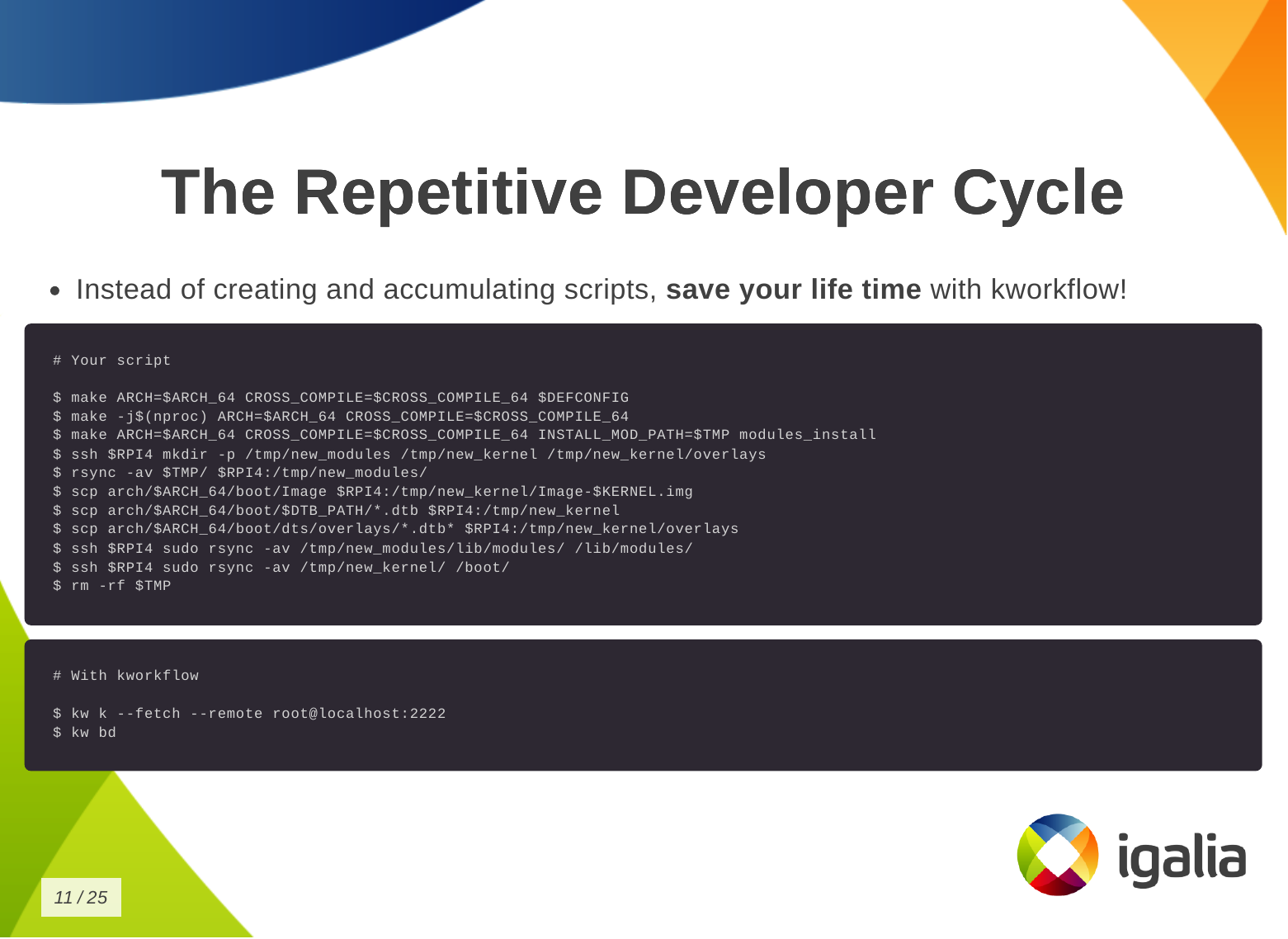
What is kworkflow? Kworkflow is a collection of tools and software combined to:
  • Optimize Linux kernel development workflow.
  • Reduce time spent on repetitive tasks, since we are spending our lives compiling kernels.
  • Standardize best practices.
  • Ensure reliable data exchange across kernel workflow. For example: two people describe the same setup, but they are not seeing the same thing, kworkflow can ensure both are actually with the same kernel, modules and options enabled.
I don t know if you will get this analogy, but kworkflow is for me a megazord of scripts. You are combining all of your scripts to create a very powerful tool.
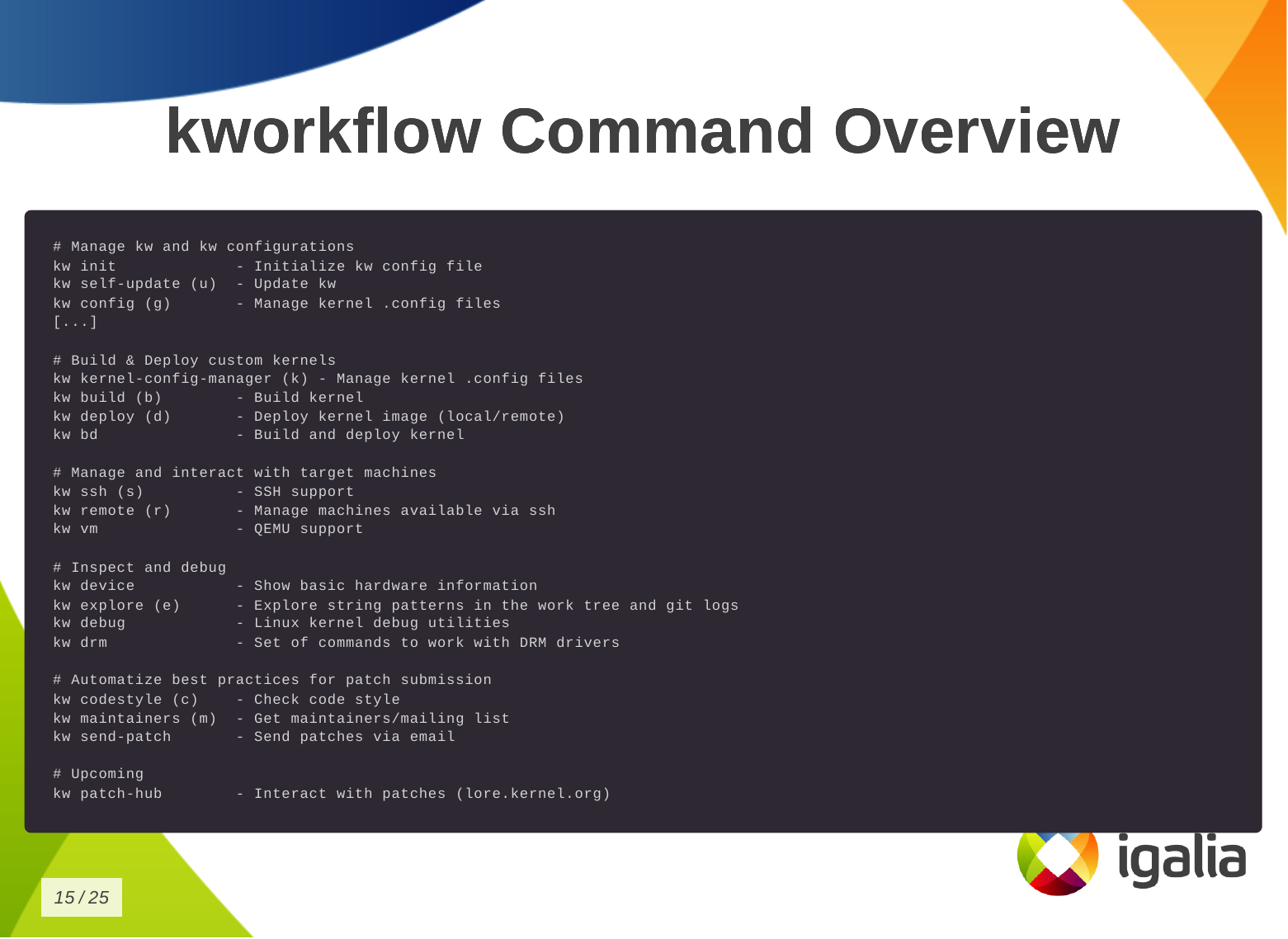
What is the main feature of kworflow? There are many, but these are the most important for me:
  • Build & deploy custom kernels across devices & distros.
  • Handle cross-compilation seamlessly.
  • Manage multiple architecture, settings and target devices in the same work tree.
  • Organize kernel configuration files.
  • Facilitate remote debugging & code inspection.
  • Standardize Linux kernel patch submission guidelines. You don t need to double check documentantion neither Greg needs to tell you that you are not following Linux kernel guidelines.
  • Upcoming: Interface to bookmark, apply and reviewed-by patches from mailing lists (lore.kernel.org).
This is the list of commands you can run with kworkflow. The first subset is to configure your tool for various situations you may face in your daily tasks.
# Manage kw and kw configurations
kw init             - Initialize kw config file
kw self-update (u)  - Update kw
kw config (g)       - Manage kernel .config files
The second subset is to build and deploy custom kernels.
# Build & Deploy custom kernels
kw kernel-config-manager (k) - Manage kernel .config files
kw build (b)        - Build kernel
kw deploy (d)       - Deploy kernel image (local/remote)
kw bd               - Build and deploy kernel
We have some tools to manage and interact with target machines.
# Manage and interact with target machines
kw ssh (s)          - SSH support
kw remote (r)       - Manage machines available via ssh
kw vm               - QEMU support
To inspect and debug a kernel.
# Inspect and debug
kw device           - Show basic hardware information
kw explore (e)      - Explore string patterns in the work tree and git logs
kw debug            - Linux kernel debug utilities
kw drm              - Set of commands to work with DRM drivers
To automatize best practices for patch submission like codestyle, maintainers and the correct list of recipients and mailing lists of this change, to ensure we are sending the patch to who is interested in it.
# Automatize best practices for patch submission
kw codestyle (c)    - Check code style
kw maintainers (m)  - Get maintainers/mailing list
kw send-patch       - Send patches via email
And the last one, the upcoming patch hub.
# Upcoming
kw patch-hub        - Interact with patches (lore.kernel.org)

How can you save time with Kworkflow? So how can you save time building and deploying a custom kernel? First, you need a .config file.
  • Without kworkflow: You may be manually extracting and managing .config files from different targets and saving them with different suffixes to link the kernel to the target device or distribution, or any descriptive suffix to help identify which is which. Or even copying and pasting from somewhere.
  • With kworkflow: you can use the kernel-config-manager command, or simply kw k, to store, describe and retrieve a specific .config file very easily, according to your current needs.
Then you want to build the kernel:
  • Without kworkflow: You are probably now memorizing a combination of commands and options.
  • With kworkflow: you just need kw b (kw build) to build the kernel with the correct settings for cross-compilation, compilation warnings, cflags, etc. It also shows some information about the kernel, like number of modules.
Finally, to deploy the kernel in a target machine.
  • Without kworkflow: You might be doing things like: SSH connecting to the remote machine, copying and removing files according to distributions and architecture, and manually updating the bootloader for the target distribution.
  • With kworkflow: you just need kw d which does a lot of things for you, like: deploying the kernel, preparing the target machine for the new installation, listing available kernels and uninstall them, creating a tarball, rebooting the machine after deploying the kernel, etc.
You can also save time on debugging kernels locally or remotely.
  • Without kworkflow: you do: ssh, manual setup and traces enablement, copy&paste logs.
  • With kworkflow: more straighforward access to debug utilities: events, trace, dmesg.
You can save time on managing multiple kernel images in the same work tree.
  • Without kworkflow: now you can be cloning multiple times the same repository so you don t lose compiled files when changing kernel configuration or compilation options and manually managing build and deployment scripts.
  • With kworkflow: you can use kw env to isolate multiple contexts in the same worktree as environments, so you can keep different configurations in the same worktree and switch between them easily without losing anything from the last time you worked in a specific context.
Finally, you can save time when submitting kernel patches. In kworkflow, you can find everything you need to wrap your changes in patch format and submit them to the right list of recipients, those who can review, comment on, and accept your changes. This is a demo that the lead developer of the kw patch-hub feature sent me. With this feature, you will be able to check out a series on a specific mailing list, bookmark those patches in the kernel for validation, and when you are satisfied with the proposed changes, you can automatically submit a reviewed-by for that whole series to the mailing list.
Demo Now a demo of how to use kw environment to deal with different devices, architectures and distributions in the same work tree without losing compiled files, build and deploy settings, .config file, remote access configuration and other settings specific for those three devices that I have.

Setup
  • Three devices:
    • laptop (debian x86 intel local)
    • SteamDeck (steamos x86 amd remote)
    • RaspberryPi 4 (raspbian arm64 broadcomm remote)
  • Goal: To validate a change on DRM/VKMS using a single kernel tree.
  • Kworkflow commands:
    • kw env
    • kw d
    • kw bd
    • kw device
    • kw debug
    • kw drm

Demo script In the same terminal and worktree.

First target device: Laptop (debian x86 intel local)
$ kw env --list # list environments available in this work tree
$ kw env --use LOCAL # select the environment of local machine (laptop) to use: loading pre-compiled files, kernel and kworkflow settings.
$ kw device # show device information
$ sudo modinfo vkms # show VKMS module information before applying kernel changes.
$ <open VKMS file and change module info>
$ kw bd # compile and install kernel with the given change
$ sudo modinfo vkms # show VKMS module information after kernel changes.
$ git checkout -- drivers
Second target device: RaspberryPi 4 (raspbian arm64 broadcomm remote)
$ kw env --use RPI_64 # move to the environment for a different target device.
$ kw device # show device information and kernel image name
$ kw drm --gui-off-after-reboot # set the system to not load graphical layer after reboot
$ kw b # build the kernel with the VKMS change
$ kw d --reboot # deploy the custom kernel in a Raspberry Pi 4 with Raspbian 64, and reboot
$ kw s # connect with the target machine via ssh and check the kernel image name
$ exit
Third target device: SteamDeck (steamos x86 amd remote)
$ kw env --use STEAMDECK # move to the environment for a different target device
$ kw device # show device information
$ kw debug --dmesg --follow --history --cmd="modprobe vkms" # run a command and show the related dmesg output
$ kw debug --dmesg --follow --history --cmd="modprobe -r vkms" # run a command and show the related dmesg output
$ <add a printk with a random msg to appear on dmesg log>
$ kw bd # deploy and install custom kernel to the target device
$ kw debug --dmesg --follow --history --cmd="modprobe vkms" # run a command and show the related dmesg output after build and deploy the kernel change

Q&A Most of the questions raised at the end of the presentation were actually suggestions and additions of new features to kworkflow. The first participant, that is also a kernel maintainer, asked about two features: (1) automatize getting patches from patchwork (or lore) and triggering the process of building, deploying and validating them using the existing workflow, (2) bisecting support. They are both very interesting features. The first one fits well the patch-hub subproject, that is under-development, and I ve actually made a similar request a couple of weeks before the talk. The second is an already existing request in kworkflow github project. Another request was to use kexec and avoid rebooting the kernel for testing. Reviewing my presentation I realized I wasn t very clear that kworkflow doesn t support kexec. As I replied, what it does is to install the modules and you can load/unload them for validations, but for built-in parts, you need to reboot the kernel. Another two questions: one about Android Debug Bridge (ADB) support instead of SSH and another about support to alternative ways of booting when the custom kernel ended up broken but you only have one kernel image there. Kworkflow doesn t manage it yet, but I agree this is a very useful feature for embedded devices. On Raspberry Pi 4, kworkflow mitigates this issue by preserving the distro kernel image and using config.txt file to set a custom kernel for booting. For ADB, there is no support too, and as I don t see currently users of KW working with Android, I don t think we will have this support any time soon, except if we find new volunteers and increase the pool of contributors. The last two questions were regarding the status of b4 integration, that is under development, and other debugging features that the tool doesn t support yet. Finally, when Andrea and I were changing turn on the stage, he suggested to add support for virtme-ng to kworkflow. So I opened an issue for tracking this feature request in the project github. With all these questions and requests, I could see the general need for a tool that integrates the variety of kernel developer workflows, as proposed by kworflow. Also, there are still many cases to be covered by kworkflow. Despite the high demand, this is a completely voluntary project and it is unlikely that we will be able to meet these needs given the limited resources. We will keep trying our best in the hope we can increase the pool of users and contributors too.

21 April 2025

Louis-Philippe V ronneau: One last Bookworm for the road report from the Montreal 2025 BSP

Hello, hello, hello! This report for the Bug Squashing Party we held in Montreal on March 28-29th is very late ... but better late than never? We're now at our fifth BSP in a row1, which is both nice and somewhat terrifying. Have I really been around for five Debian releases already? Geez... This year, around 13 different people showed up, including some brand new folks! All in all, we ended up working on 77 bugs, 61 of which have since been closed. This is somewhat skewed by the large number of Lintian bugs I closed by merging and releasing the very many patches submitted by Maytham Alsudany (hello Maytham!), but that was still work :D For our past few events, we have been renting a space at Ateliers de la transition socio- cologique. This building used to be nunnery (thus the huge cross on the top floor), but has since been transformed into a multi-faceted project. A drawing of the building where the BSP was hosted BSPs are great and this one was no exception. You should try to join an upcoming event or to organise one if you can. It is loads of fun and you will be helping the Debian project release its next stable version sooner! As always, thanks to Debian for granting us a budget for the food and to rent the venue. Pictures Here are a bunch of pictures of the BSP, mixed in with some other pictures I took at this venue during a previous event. Some of the people present on Friday, in the smaller room we had that day A picture of a previous event, which includes many of the folks present at the BSP and the larger room we used on Saturday A sticker on the door of the bathroom with text saying 'All Employees Must Wash Away Sin Before Returning To Work', a tongue-in-cheek reference to the building's previous purpose A wall with posters for upcoming events A drawing on one of the single-occupancy rooms in the building, warning people the door can't be opened from the inside (yikes!) A table at the entrance with many flyers for social and political events
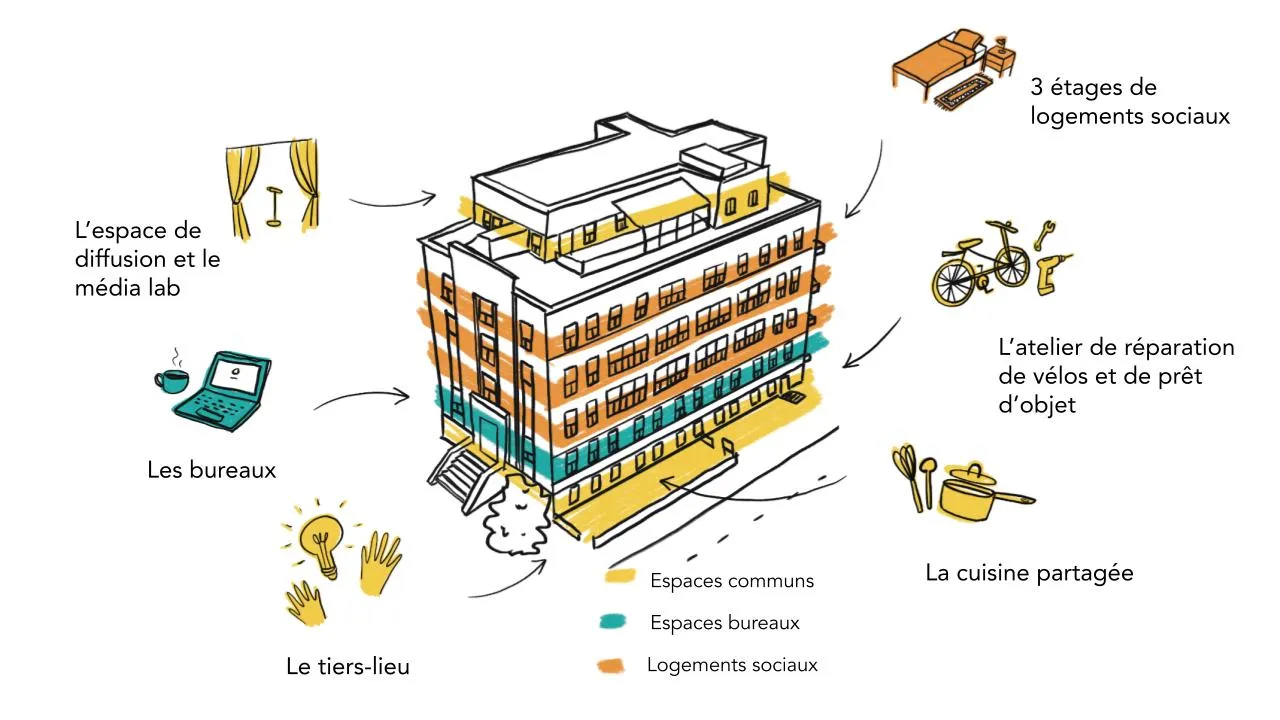
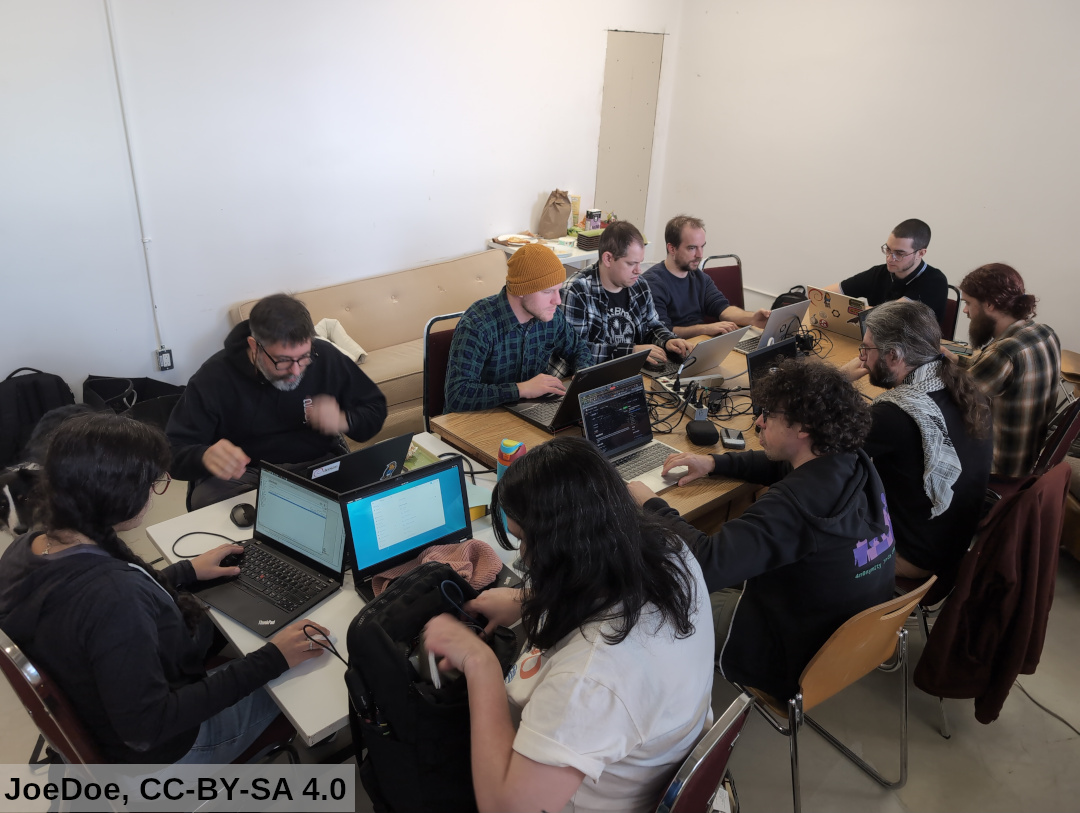
  1. See our previous BSPs in 2017, 2019, 2021 and 2023!

20 April 2025

Russ Allbery: Review: Up the Down Staircase

Review: Up the Down Staircase, by Bel Kaufman
Publisher: Vintage Books
Copyright: 1964, 1991, 2019
Printing: 2019
ISBN: 0-525-56566-3
Format: Kindle
Pages: 360
Up the Down Staircase is a novel (in an unconventional format, which I'll describe in a moment) about the experiences of a new teacher in a fictional New York City high school. It was a massive best-seller in the 1960s, including a 1967 movie, but seems to have dropped out of the public discussion. I read it from the library sometime in the late 1980s or early 1990s and have thought about it periodically ever since. It was Bel Kaufman's first novel. Sylvia Barrett is a new graduate with a master's degree in English, where she specialized in Chaucer. As Up the Down Staircase opens, it is her first day as an English teacher in Calvin Coolidge High School. As she says in a letter to a college friend:
What I really had in mind was to do a little teaching. "And gladly wolde he lerne, and gladly teche" like Chaucer's Clerke of Oxenford. I had come eager to share all I know and feel; to imbue the young with a love for their language and literature; to instruct and to inspire. What happened in real life (when I had asked why they were taking English, a boy said: "To help us in real life") was something else again, and even if I could describe it, you would think I am exaggerating.
She instead encounters chaos and bureaucracy, broken windows and mindless regulations, a librarian who is so protective of her books that she doesn't let any students touch them, a school guidance counselor who thinks she's Freud, and a principal whose sole interaction with the school is to occasionally float through on a cushion of cliches, dispensing utterly useless wisdom only to vanish again.
I want to take this opportunity to extend a warm welcome to all faculty and staff, and the sincere hope that you have returned from a healthful and fruitful summer vacation with renewed vim and vigor, ready to gird your loins and tackle the many important and vital tasks that lie ahead undaunted. Thank you for your help and cooperation in the past and future. Maxwell E. Clarke
Principal
In practice, the school is run by James J. McHare, Clarke's administrative assistant, who signs his messages JJ McH, Adm. Asst. and who Sylvia immediately starts calling Admiral Ass. McHare is a micro-managing control freak who spends the book desperately attempting to impose order over school procedures, the teachers, and the students, with very little success. The title of the book comes from one of his detention slips:
Please admit bearer to class Detained by me for going Up the Down staircase and subsequent insolence. JJ McH
The conceit of this book is that, except for the first and last chapters, it consists only of memos, letters, notes, circulars, and other paper detritus, often said to come from Sylvia's wastepaper basket. Sylvia serves as the first-person narrator through her long letters to her college friend, and through shorter but more frequent exchanges via intraschool memo with Beatrice Schachter, another English teacher at the same school, but much of the book lies outside her narration. The reader has to piece together what's happening from the discarded paper of a dysfunctional institution. Amid the bureaucratic and personal communications, there are frequent chapters with notes from the students, usually from the suggestion box that Sylvia establishes early in the book. These start as chaotic glimpses of often-misspelled wariness or open hostility, but over the course of Up the Down Staircase, some of the students become characters with fragmentary but still visible story arcs. This remains confusing throughout the novel there are too many students to keep them entirely straight, and several of them use pseudonyms for the suggestion box but it's the sort of confusion that feels like an intentional authorial choice. It mirrors the difficulty a teacher has in piecing together and remembering the stories of individual students in overstuffed classrooms, even if (like Sylvia and unlike several of her colleagues) the teacher is trying to pay attention. At the start, Up the Down Staircase reads as mostly-disconnected humor. There is a strong "kids say the darnedest things" vibe, which didn't entirely work for me, but the send-up of chaotic bureaucracy is both more sophisticated and more entertaining. It has the "laugh so that you don't cry" absurdity of a system with insufficient resources, entirely absent management, and colleagues who have let their quirks take over their personalities. Sylvia alternates between incredulity and stubbornness, and I think this book is at its best when it shows the small acts of practical defiance that one uses to carve out space and coherence from mismanaged bureaucracy. But this book is not just a collection of humorous anecdotes about teaching high school. Sylvia is sincere in her desire to teach, which crystallizes around, but is not limited to, a quixotic attempt to reach one delinquent that everyone else in the school has written off. She slowly finds her footing, she has a few breakthroughs in reaching her students, and the book slowly turns into an earnest portrayal of an attempt to make the system work despite its obvious unfitness for purpose. This part of the book is hard to review. Parts of it worked brilliantly; I could feel myself both adjusting my expectations alongside Sylvia to something less idealistic and also celebrating the rare breakthrough with her. Parts of it were weirdly uncomfortable in ways that I'm not sure I enjoyed. That includes Sylvia's climactic conversation with the boy she's been trying to reach, which was weirdly charged and ambiguous in a way that felt like the author's reach exceeding their grasp. One thing that didn't help my enjoyment is Sylvia's relationship with Paul Barringer, another of the English teachers and a frustrated novelist and poet. Everyone who works at the school has found their own way to cope with the stress and chaos, and many of the ways that seem humorous turn out to have a deeper logic and even heroism. Paul's, however, is to retreat into indifference and alcohol. He is a believable character who works with Kaufman's themes, but he's also entirely unlikable. I never understood why Sylvia tolerated that creepy asshole, let alone kept having lunch with him. It is clear from the plot of the book that Kaufman at least partially understands Paul's deficiencies, but that did not help me enjoy reading about him. This is a great example of a book that tried to do something unusual and risky and didn't entirely pull it off. I like books that take a risk, and sometimes Up the Down Staircase is very funny or suddenly insightful in a way that I'm not sure Kaufman could have reached with a more traditional novel. It takes a hard look at what it means to try to make a system work when it's clearly broken and you can't change it, and the way all of the characters arrive at different answers that are much deeper than their initial impressions was subtle and effective. It's the sort of book that sticks in your head, as shown by the fact I bought it on a whim to re-read some 35 years after I first read it. But it's not consistently great. Some parts of it drag, the characters are frustratingly hard to keep track of, and the emotional climax points are odd and unsatisfying, at least to me. I'm not sure whether to recommend it or not, but it's certainly unusual. I'm glad I read it again, but I probably won't re-read it for another 35 years, at least. If you are considering getting this book, be aware that it has a lot of drawings and several hand-written letters. The publisher of the edition I read did a reasonably good job formatting this for an ebook, but some of the pages, particularly the hand-written letters, were extremely hard to read on a Kindle. Consider paper, or at least reading on a tablet or computer screen, if you don't want to have to puzzle over low-resolution images. The 1991 trade paperback had a new introduction by the author, reproduced in the edition I read as an afterward (which is a better choice than an introduction). It is a long and fascinating essay from Kaufman about her experience with the reaction to this book, culminating in a passionate plea for supporting public schools and public school teachers. Kaufman's personal account adds a lot of depth to the story; I highly recommend it. Content note: Self-harm, plus several scenes that are closely adjacent to student-teacher relationships. Kaufman deals frankly with the problems of mostly-poor high school kids, including sexuality, so be warned that this is not the humorous romp that it might appear on first glance. A couple of the scenes made me uncomfortable; there isn't anything explicit, but the emotional overtones can be pretty disturbing. Rating: 7 out of 10

17 April 2025

Simon Josefsson: Verified Reproducible Tarballs

Remember the XZ Utils backdoor? One factor that enabled the attack was poor auditing of the release tarballs for differences compared to the Git version controlled source code. This proved to be a useful place to distribute malicious data. The differences between release tarballs and upstream Git sources is typically vendored and generated files. Lots of them. Auditing all source tarballs in a distribution for similar issues is hard and boring work for humans. Wouldn t it be better if that human auditing time could be spent auditing the actual source code stored in upstream version control instead? That s where auditing time would help the most. Are there better ways to address the concern about differences between version control sources and tarball artifacts? Let s consider some approaches: While I like the properties of the first solution, and have made effort to support that approach, I don t think normal source tarballs are going away any time soon. I am concerned that it may not even be a desirable complete solution to this problem. We may need tarballs with pre-generated content in them for various reasons that aren t entirely clear to us today. So let s consider the second approach. It could help while waiting for more experience with the first approach, to see if there are any fundamental problems with it. How do you know that the XZ release tarballs was actually derived from its version control sources? The same for Gzip? Coreutils? Tar? Sed? Bash? GCC? We don t know this! I am not aware of any automated or collaborative effort to perform this independent confirmation. Nor am I aware of anyone attempting to do this on a regular basis. We would want to be able to do this in the year 2042 too. I think the best way to reach that is to do the verification continuously in a pipeline, fixing bugs as time passes. The current state of the art seems to be that people audit the differences manually and hope to find something. I suspect many package maintainers ignore the problem and take the release source tarballs and trust upstream about this. We can do better. I have launched a project to setup a GitLab pipeline that invokes per-release scripts to rebuild that release artifact from git sources. Currently it only contain recipes for projects that I released myself. Releases which where done in a controlled way with considerable care to make reproducing the tarballs possible. The project homepage is here: https://gitlab.com/debdistutils/verify-reproducible-releases The project is able to reproduce the release tarballs for Libtasn1 v4.20.0, InetUtils v2.6, Libidn2 v2.3.8, Libidn v1.43, and GNU SASL v2.2.2. You can see this in a recent successful pipeline. All of those releases were prepared using Guix, and I m hoping the Guix time-machine will make it possible to keep re-generating these tarballs for many years to come. I spent some time trying to reproduce the current XZ release tarball for version 5.8.1. That would have been a nice example, wouldn t it? First I had to somehow mimic upstream s build environment. The XZ release tarball contains GNU Libtool files that are identified with version 2.5.4.1-baa1-dirty. I initially assumed this was due to the maintainer having installed libtool from git locally (after making some modifications) and made the XZ release using it. Later I learned that it may actually be coming from ArchLinux which ship with this particular libtool version. It seems weird for a distribution to use libtool built from a non-release tag, and furthermore applying patches to it, but things are what they are. I made some effort to setup an ArchLinux build environment, however the now-current Gettext version in ArchLinux seems to be more recent than the one that were used to prepare the XZ release. I don t know enough ArchLinux to setup an environment corresponding to an earlier version of ArchLinux, which would be required to finish this. I gave up, maybe the XZ release wasn t prepared on ArchLinux after all. Actually XZ became a good example for this writeup anyway: while you would think this should be trivial, the fact is that it isn t! (There is another aspect here: fingerprinting the versions used to prepare release tarballs allows you to infer what kind of OS maintainers are using to make releases on, which is interesting on its own.) I made some small attempts to reproduce the tarball for GNU Shepherd version 1.0.4 too, but I still haven t managed to complete it. Do you want a supply-chain challenge for the Easter weekend? Pick some well-known software and try to re-create the official release tarballs from the corresponding Git checkout. Is anyone able to reproduce anything these days? Bonus points for wrapping it up as a merge request to my project. Happy Supply-Chain Security Hacking!

Petter Reinholdtsen: Gearing up OpenSnitch for a 1.6.8 release in Trixie

Sadly, the interactive application firewall OpenSnitch have in practice been unmaintained in Debian for a while. A few days ago I decided to do something about it, and today I am happy with the result. This package monitor network traffic going in and out of a Linux machine, and show a popup dialog to the logged in desktop user, asking to approve or deny any new connections. It has proved very valuable in discovering programs calling home, giving me more control of how information leak out of my Linux machine. So far the new version is only available in Debian experimental, but I plan to upload it to unstable as soon as I know it is working on a few more machines, and make sure the new version make it into the next stable release of Debian. The package freeze is approaching, and it is not a lot of time left. If you read this blog post, I hope you can be one of the testers. The new version should be using eBPF on architectures where this is working (amd64 and arm64), and fall back to /proc/ probing where the opensnitch-ebpf-modules package is missing (so far only armhf, a unrelated bug blocks building on riscv64 and s390x). Using eBPF should provide more accurate attribution of packages responsible for network traffic for short lived processes, which some times were unavailable in /proc/ when opensnitch tried to probe for information. I have limited experience with the new version, having used it myself for a day or so. It is easily backportable to Debian 12 Bookworm without code changes, all it need is a simple 'debuild' thanks to the optional build dependencies. Due to a misfeature of llc on armhf, there is no eBPF support available there. I have not investigated the details, nor reported any bug yet, but for some reason -march=bpf is an unknown option on this architecture, causing the build in the ebpf_prog subdirectory build to fail. The package is maintained under the umbrella of Debian Go team, and you can meet the current maintainers on the #debian-golang and #opensnitch IRC channels on irc.debian.org. As usual, if you use Bitcoin and want to show your support of my activities, please send Bitcoin donations to my address 15oWEoG9dUPovwmUL9KWAnYRtNJEkP1u1b.

15 April 2025

Russell Coker: What Desktop PCs Need

It seems to me that we haven t had much change in the overall design of desktop PCs since floppy drives were removed, and modern PCs still have bays the size of 5.25 floppy drives despite having nothing modern that can fit in such spaces other than DVD drives (which aren t really modern) and carriers for 4*2.5 drives both of which most people don t use. We had the PC System Design Guide [1] which was last updated in 2001 which should have been updated more recently to address some of these issues, the thing that most people will find familiar in that standard is the colours for audio ports. Microsoft developed the Legacy Free PC [2] concept which was a good one. There s a lot of things that could be added to the list of legacy stuff to avoid, TPM 1.2, 5.25 drive bays, inefficient PSUs, hardware that doesn t sleep when idle or which prevents the CPU from sleeping, VGA and DVI ports, ethernet slower than 2.5Gbit, and video that doesn t include HDMI 2.1 or DisplayPort 2.1 for 8K support. There are recently released high-end PCs on sale right now with 1gbit ethernet as standard and hardly any PCs support resolutions above 4K properly. Here are some of the things that I think should be in a modern PC System Design Guide. Power Supply The power supply is a core part of the computer and it s central location dictates the layout of the rest of the PC. GaN PSUs are more power efficient and therefore require less cooling. A 400W USB power supply is about 1/4 the size of a standard PC PSU and doesn t have a cooling fan. A new PC standard should include less space for the PSU except for systems with multiple CPUs or that are designed for multiple GPUs. A Dell T630 server has an option of a 1600W PSU that is 20*8.5*4cm = 680cc. The typical dimensions of an ATX PSU are 15*8.6*14cm = 1806cc. The SFX (small form factor variant of ATX) PSU is 12.5*6.3*10cm = 787cc. There is a reason for the ATX and SFX PSUs having a much worse ratio of power to size and that is the airflow. Server class systems are designed for good airflow and can efficiently cool the PSU with less space and they are also designed for uses where people are less concerned about fan noise. But the 680cc used for a 1600W Dell server PSU that predates GaN technology could be used for a modern GaN PSU that supplies the ~600W needed for a modern PC while being quiet. There are several different smaller size PSUs for name-brand PCs (where compatibility with other systems isn t needed) that have been around for ~20 years but there hasn t been a standard so all white-box PC systems have had really large PSUs. PCs need USB-C PD ports that can charge a laptop etc. There are phones that can draw 80W for fast charging and it s not unreasonable to expect a PC to be able to charge a phone at it s maximum speed. GPUs should have USB-C alternate mode output and support full USB functionality over the cable as well as PD that can power the monitor. Having a monitor with a separate PSU, a HDMI or DP cable to the PC, and a USB cable between PC and monitor is an annoyance. There should be one cable between PC and monitor and then keyboard, mouse, etc should connect to the monior. All devices that are connected to a PC should use USB-C for power connection. That includes monitors that are using HDMI or DisplayPort for video, desktop switches, home Wifi APs, printers, and speakers (even when using line-in for the audio signal). The European Commission Common Charger Directive is really good but it only covers portable devices, keyboards, and mice. Motherboard Features Latest verions of Wifi and Bluetooth on the motherboard (this is becoming a standard feature). On motherboard video that supports 8K resolution. An option of a PCIe GPU is a good thing to have but it would be nice if the motherboard had enough video capabilities to satisfy most users. There are several options for video that have a higher resolution than 4K and making things just work at 8K means that there will be less e-waste in future. ECC RAM should be a standard feature on all motherboards, having a single bit error cause a system crash is a MS-DOS thing, we need to move past that. There should be built in hardware for monitoring the system status that is better than BIOS beeps on boot. Lenovo laptops have a feature for having the BIOS play a tune on a serious error with an Android app to decode the meaning of the tune, we could have a standard for this. For desktop PCs there should be a standard for LCD status displays similar to the ones on servers, this would be cheap if everyone did it. Case Features The way the Framework Laptop can be expanded with modules is really good [3]. There should be something similar for PC cases. While you can buy USB devices for these things they are messy and risk getting knocked out of their sockets when moving cables around. While the Framework laptop expansion cards are much more expensive than other devices with similar functions that are aimed at a mass market if there was a standard for PCs then the devices to fit them would become cheap. The PC System Design Guide specifies colors for ports (which is good) but not the feel of them. While some ports like Ethernet ports allow someone to feel which way the connector should go it isn t possible to easily feel which way a HDMI or DisplayPort connector should go. It would be good if there was a standard that required plastic spikes on one side or some other way of feeling which way a connector should go. GPU Placement In modern systems it s fairly common to have a high heatsink on the CPU with a fan to blow air in at the front and out the back of the PC. The GPU (which often dissipates twice as much heat as the CPU) has fans blowing air in sideways and not out the back. This gives some sort of compromise between poor cooling and excessive noise. What we need is to have air blown directly through a GPU heatsink and out of the case. One option for a tower case that needs minimal changes is to have the PCIe slot nearest the bottom of the case used for the GPU and have a grille in the bottom to allow air to go out, the case could have feet to keep it a few cm above the floor or desk. Another possibility is to have a PCIe slot parallel to the rear surface of the case (right angles to the other PCIe slots). A common case with desktop PCs is to have the GPU use more than half the total power of the PC. The placement of the GPU shouldn t be an afterthought, it should be central to the design. Is a PCIe card even a good way of installing a GPU? Could we have a standard GPU socket on the motherboard next to the CPU socket and use the same type of heatsink and fan for GPU and CPU? External Cooling There are a range of aftermarket cooling devices for laptops that push cool air in the bottom or suck it out the side. We need to have similar options for desktop PCs. I think it would be ideal to have a standard attachments for airflow on the front and back of tower PCs. The larger a fan is the slower it can spin to give the same airflow and therefore the less noise it will produce. Instead of just relying on 10cm fans at the front and back of a PC to push air in and suck it out you could have a conical rubber duct connected to a 30cm diameter fan. That would allow quieter fans to do most of the work in pushing air through the PC and also allow the hot air to be directed somewhere suitable. When doing computer work in summer it s not great to have a PC sending 300+W of waste heat into the room you are in. If it could be directed out a window that would be good. Noise For restricting noise of PCs we have industrial relations legislation that seems to basically require that workers not be exposed to noise louder than a blender, so if a PC is quieter than that then it s OK. For name brand PCs there are specs about how much noise is produced but there are usually caveats like under typical load or with a typical feature set that excuse them from liability if the noise is louder than expected. It doesn t seem possible for someone to own a PC, determine that the noise from it is what is acceptable, and then buy another that is close to the same. We need regulations about this, and the EU seems the best jurisdiction for it as they cover the purchase of a lot of computer equipment that is also sold without change in other countries. The regulations need to also cover updates, for example I have a Dell T630 which is unreasonably loud and Dell support doesn t have much incentive to be particularly helpful about it. BIOS updates routinely tweak things like fan speeds without the developers having an incentive to keep it as quiet as it was when it was sold. What Else? Please comment about other things you think should be standard PC features.

9 April 2025

Freexian Collaborators: Debian Contributions: Preparations for Trixie, Updated debvm, DebConf 25 registration website updates and more! (by Anupa Ann Joseph)

Debian Contributions: 2025-03 Contributing to Debian is part of Freexian s mission. This article covers the latest achievements of Freexian and their collaborators. All of this is made possible by organizations subscribing to our Long Term Support contracts and consulting services.

Preparing for Trixie, by Rapha l Hertzog As we are approaching the trixie freeze, it is customary for Debian developers to review their packages and clean them up in preparation for the next stable release. That s precisely what Rapha l did with publican, a package that had not seen any change since the last Debian release and that partially stopped working along the way due to a major Perl upgrade. While upstream s activity is close to zero, hope is not yet entirely gone as the git repository moved to a new location a couple of months ago and contained the required fix. Rapha l also developed another fix to avoid an annoying warning that was seen at runtime. Rapha l also ensured that the last upstream version of zim was uploaded to Debian unstable, and developed a fix for gnome-shell-extension-hamster to make it work with GNOME 48 and thus ensure that the package does not get removed from trixie.

Abseil and re2 transition in Debian, by Stefano Rivera One of the last transitions to happen for trixie was an update to abseil, bringing it up to 202407. This library is a dependency for one of Freexian s customers, as well as blocking newer versions of re2, a package maintained by Stefano. The transition had been stalled for several months while some issues with reverse dependencies were investigated and dealt with. It took a final push to make the transition happen, including fixing a few newly discovered problems downstream. The abseil package s autopkgtests were (trivially) broken by newer cmake versions, and some tests started failing on PPC64 (a known issue upstream).

debvm uploaded, by Helmut Grohne debvm is a command line tool for quickly creating a Debian-based virtual machine for testing purposes. Over time, it accumulated quite a few minor issues as well as CI failures. The most notorious one was an ARM32 failure present since August. It was diagnosed down to a glibc bug by Tj and Chris Hofstaedtler and little has happened since then. To have debvm work somewhat, it now contains a workaround for this situation. Few changes are expected to be noticeable, but related tools such as apt, file, linux, passwd, and qemu required quite a few adaptations all over the place. Much of the necessary debugging was contributed by others.

DebConf 25 Registration website, by Stefano Rivera and Santiago Ruano Rinc n DebConf 25, the annual Debian developer conference, is now open for registration. Other than preparing the conference website, getting there always requires some last minute changes to the software behind the registration interface and this year was no exception. Every year, the conference is a little different to previous years, and has some different details that need to be captured from attendees. And every year we make minor incremental improvements to fix long-standing problems. New concepts this year included: brunch, the closing talks on the departure day, venue security clearance, partial contributions towards food and accommodation bursaries, and attendee-selected bursary budgets.

Miscellaneous contributions
  • Helmut uploaded guess-concurrency incorporating feedback from others.
  • Helmut reacted to rebootstrap CI results and adapted it to cope with changes in unstable.
  • Helmut researched real world /usr-move fallout though little was actually attributable. He also NMUed systemd unsuccessfully.
  • Helmut sent 12 cross build patches.
  • Helmut looked into undeclared file conflicts in Debian more systematically and filed quite some bugs.
  • Helmut attended the cross/bootstrap sprint in W rzburg. A report of the event is pending.
  • Lucas worked on the CFP and tracks definition for DebConf 25.
  • Lucas worked on some bits involving Rails 7 transition.
  • Carles investigated why the job piuparts on salsa-ci/pipeline was passing but was failing on piuparts.debian.org for simplemonitor package. Created an issue and MR with a suggested fix, under discussion.
  • Carles improved the documentation of salsa-ci/pipeline: added documentation for different variables.
  • Carles made debian-history package reproducible (with help from Chris Lamb).
  • Carles updated simplemonitor package (new upstream version), prepared a new qdacco version (fixed bugs in qdacco, packaged with the upgrade from Qt 5 to Qt 6).
  • Carles reviewed and submitted translations to Catalan for adduser, apt, shadow, apt-listchanges.
  • Carles reviewed, created merge-requests for translations to Catalan of 38 packages (using po-debconf-manager tooling). Created 40 bug reports for some merge requests that haven t been actioned for some time.
  • Colin Watson fixed 59 RC bugs (including 26 packages broken by the long-overdue removal of dh-python s dependency on python3-setuptools), and upgraded 38 packages (mostly Python-related) to new upstream versions.
  • Colin worked with Pranav P to track down and fix a dnspython autopkgtest regression on s390x caused by an endianness bug in pylsqpack.
  • Colin fixed a time-based test failure in python-dateutil that would have triggered in 2027, and contributed the fix upstream.
  • Colin fixed debconf to automatically use the noninteractive frontend if stdin is not a terminal.
  • Stefano bisected and fixed a pypy translation regression on Debian stable and older on 32-bit ARM.
  • Emilio coordinated and helped finish various transitions in light of the transition freeze.
  • Thorsten Alteholz uploaded cups-filters to fix an FTBFS with a new upstream version of qpdf.
  • With the aim of enhancing the support for packages related to Software Bill of Materials (SBOMs) in recent industrial standards, Santiago has worked on finishing the packaging of and uploaded CycloneDX python library. There is on-going work about SPDX python tools, but it requires (build-)dependencies currently not shipped in Debian, such as owlrl and pyshacl.
  • Anupa worked with the Publicity team to announce the Debian 12.10 point release.
  • Anupa with the support of Santiago prepared an announcement and announced the opening of CfP and Registrations for DebConf 25.

Next.

Previous.