Aigars Mahinovs: Figuring out finances part 2

A week ago I started to migrate my financial planning from a closed
source system to a new system based on an open source, self-hosted solution. Main candidate is
Firefly III - a relatively simple financial planner with a rather rich feature
set and a solid user base and developer support.
Starting it up with a Docker-Compose file was quite easy, following the official documentation. The same
Compose file also managed the MySQL database, the importer app and a cron container for regular imports. The
separate importer app allows both imports from CSV files and also from external bank account connection services.
For whatever weird reason both of those services support exporting data from my regular bank accounts, but not
from my credit cards for exactly the same bank. So for those cards I would need to periodically download CVS
transaction exports and feed them into the importer.
The combination of the cron container and the importer app allows for both of these functions. To do this you first
do the import via the Web UI first and configure all the mappings - configure file and date formats, map account names
in the bank output to account names that you added in Firefly, configure what otehr columns mean and what is the
mapping of other values, like expense and income accounts. At the end of the process you can download a json file
representing all the settings of the import you just did. Putting such a json config file in the input folder of the
cron container and telling it to do an import (weekly, for example) would do such import periodically. Putting a credit
card CSV file along with a config file for credit card import would also auto-import that.
So far so good. However, when I tried importing exports from MoneyWiz or even when I tried re-creating account
history directly from the bank data, I hit a very annoying problem. Transfers. Thing is detecting transfers
between the real (asset) accounts that you are managing is really essential. For one those are not real expenses
and incomes, so failing to mark them as transfers would show weird income/expense numbers. But if you do detect
them as transfers and correctly map the destination account, but fail to match the transations between another
you get a double-transaction. This becomes really hard when transactions happen on different dates and have different
descriptions. So you get both a +1000 transaction "Credit card reset" on 14.09.2023 in the credit card account and
a -1000$ transaction "Repayment of own credit card" on 24.09.2023 in the main account of the bank. Matching them to
recognise that it is just one transfer and not two is ... non-trivial. The best solution I could come up with so far
is to always map the "Opposing account name" for such transfers to a virtual "Transfers" asset account. That has the
benefit of being actually able to correctly represent transfers that take several days to move between accounts and
showing you how much money is still in transit at any point in time.
So after I figured this out, finally the account balances started matching up with reality.
Setting up spending categories required another change - the author of the Firefly III does not like complexity
so it does not support nesting categories. Categories can only be in a single, flat list. It is suggested that if you
do need to track multiple categories and also their combination, then category groups might help you. I will survive
for now by simplifying the categories that I do actually use. Might actually make the reports more usable.
A new feature for me will be the ability to use automation rules to assign transactions to categories based on their
contents, like expense accounts of keywords in descriptions.
Setting up regular bills (with matching rules to assign incoming transactions to those bills) is another feature that
is very important to me. The feature itself works just fine in Firefly III, but it has two restrictions that the author
of the software does not actually want to be changed. For one it can not be used to track prodictable incomes (like
salary), presumably because it is only there for bills (subscriptions in v3 UI). And for other, there is nothing in the
base software that actually uses the data from bills to look forward. The author does not like to try to predict
the future. Which for me is basically the one of two reasons to use this kind of software at all. I want to know - given
all manually entered regular and 100% predictable expenses and incomes, what will be the state of my accounts at
particular date? It seems that to get at that I will need to write my own oracle script using the rich Firefly III API.
The last question I had for this week was - how will I enter a new cash puchace of potatoes on a farmers market into the
system that sits in a private server in my home network? Turns out there are actually multiple Android apps for Firefly III
that can be easily used for this using a robust OAuth or shared token authentification. Except the web UI needs to be
exposed online for this to work (and ideally protected by HTTPS). Other users have also created Telegram bots that allow
using chat messages to create transaction entries. This is a bit harder to use and more narrow scope, but should be
easier to setup. Will have to try both apporaches.
But before I really get going on this, I need to fix another thing that I have been postponing for a while: I will need
to migrate my Home Assistant installation from a Docker container installation to a Home Assistant OS installation so that
I can install Addons, including Firefly III, MySQL and Portainer to have a bit more organised and less hand-knitted
home server setup. Let's see how that goes next week :D
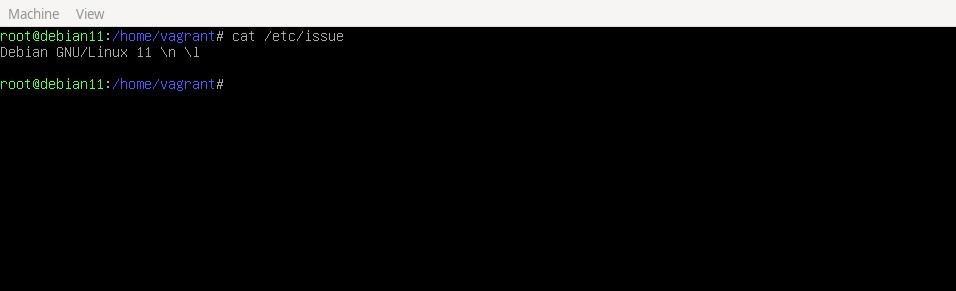 After performing the required tests within the virtual machine we can simply
kill the active NBD backup job :
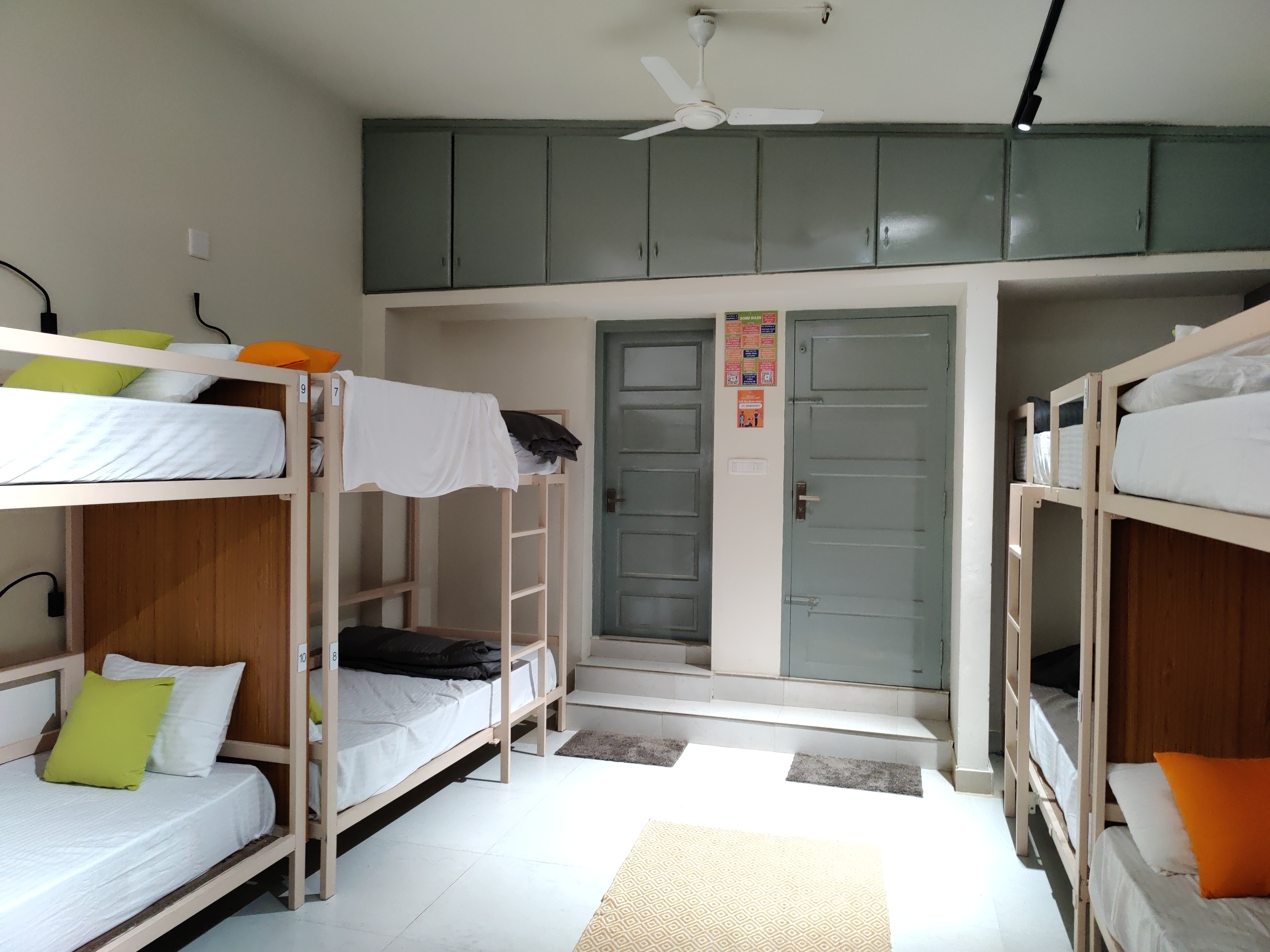 Dormitory room in Zostel Ernakulam, Kochi.
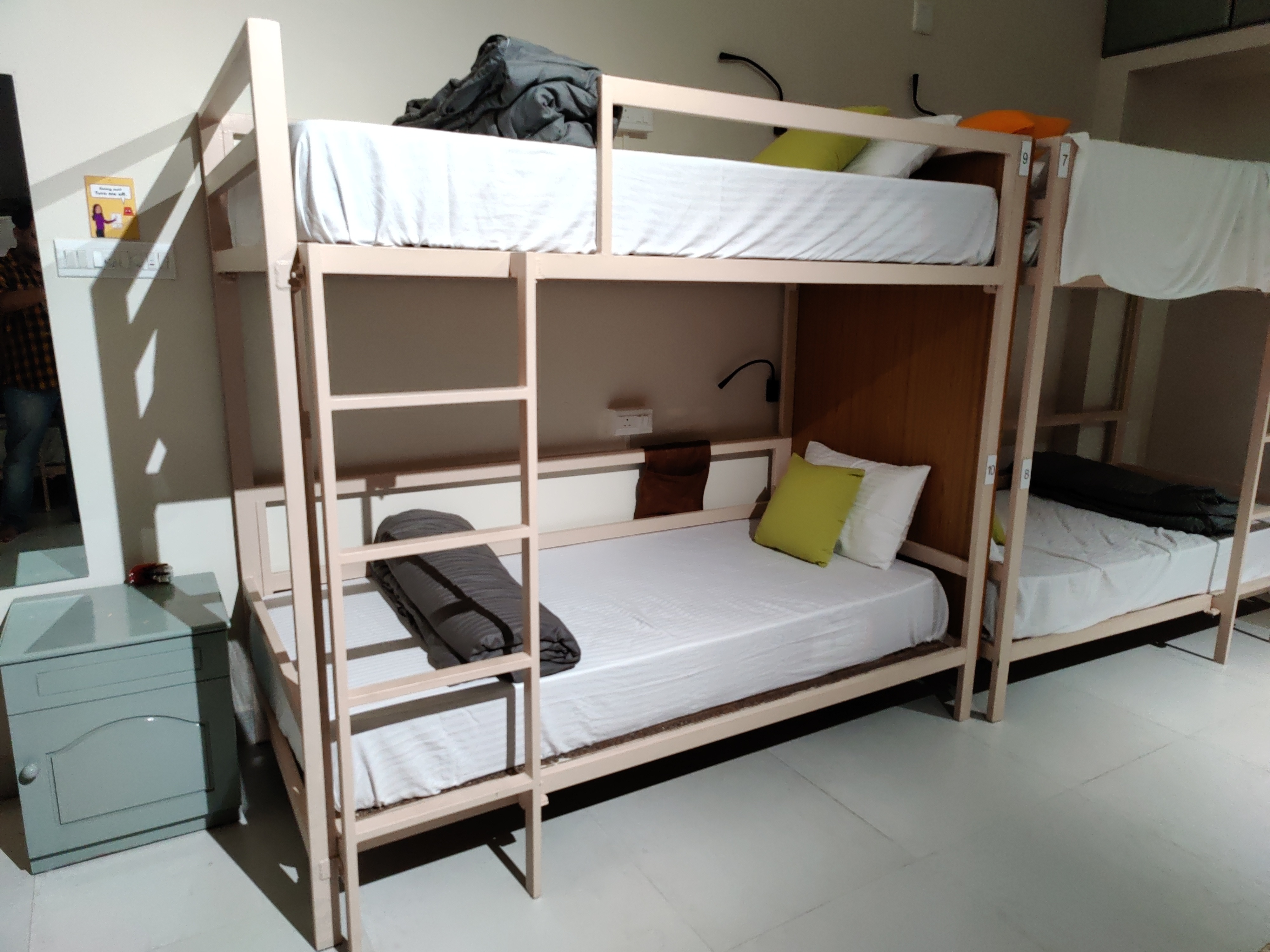 Beds in Zostel Ernakulam, Kochi.
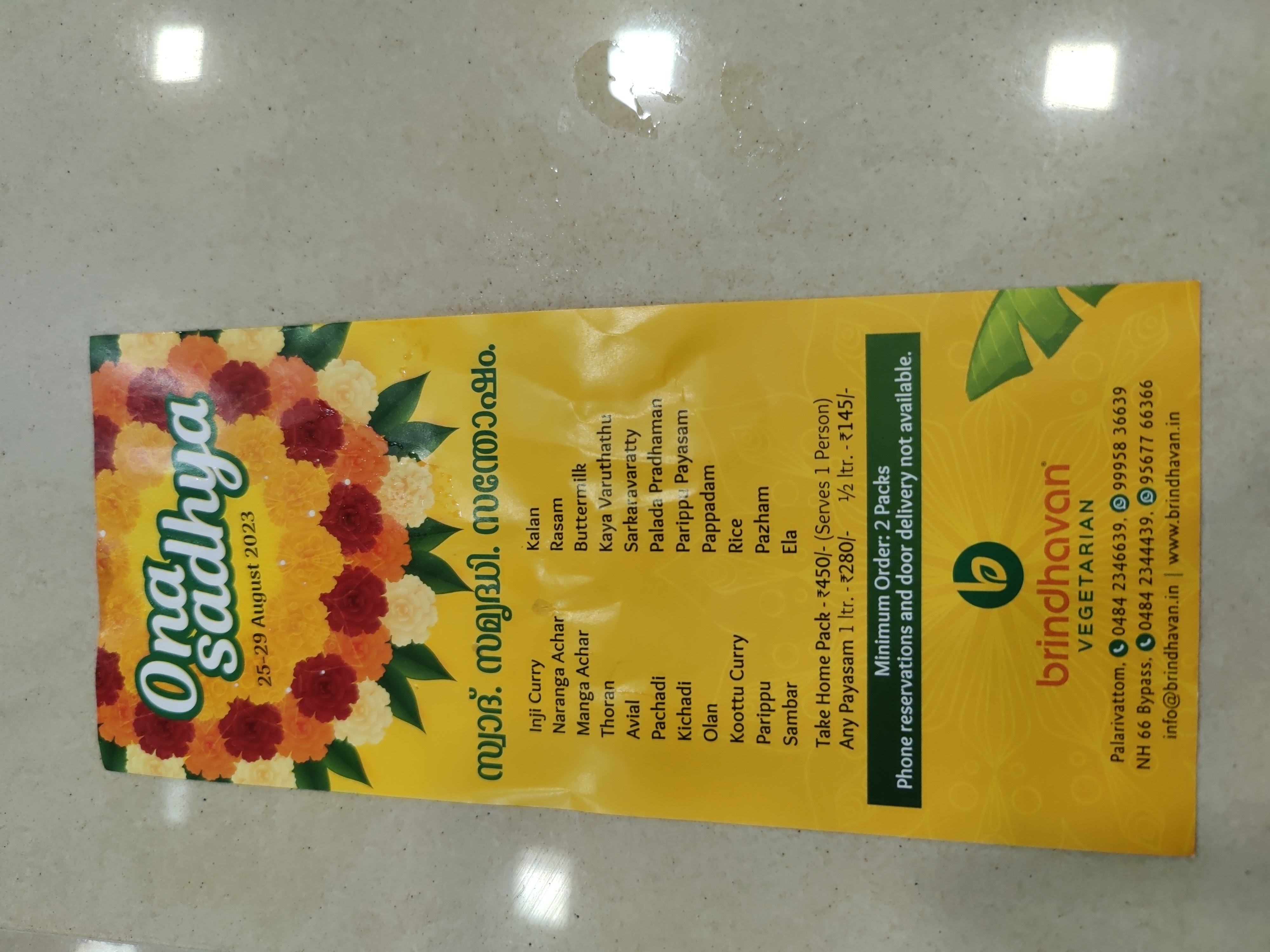 Onam sadya menu from Brindhavan restaurant.
 Sadya lined up for serving
 Sadya thali served on banana leaf.
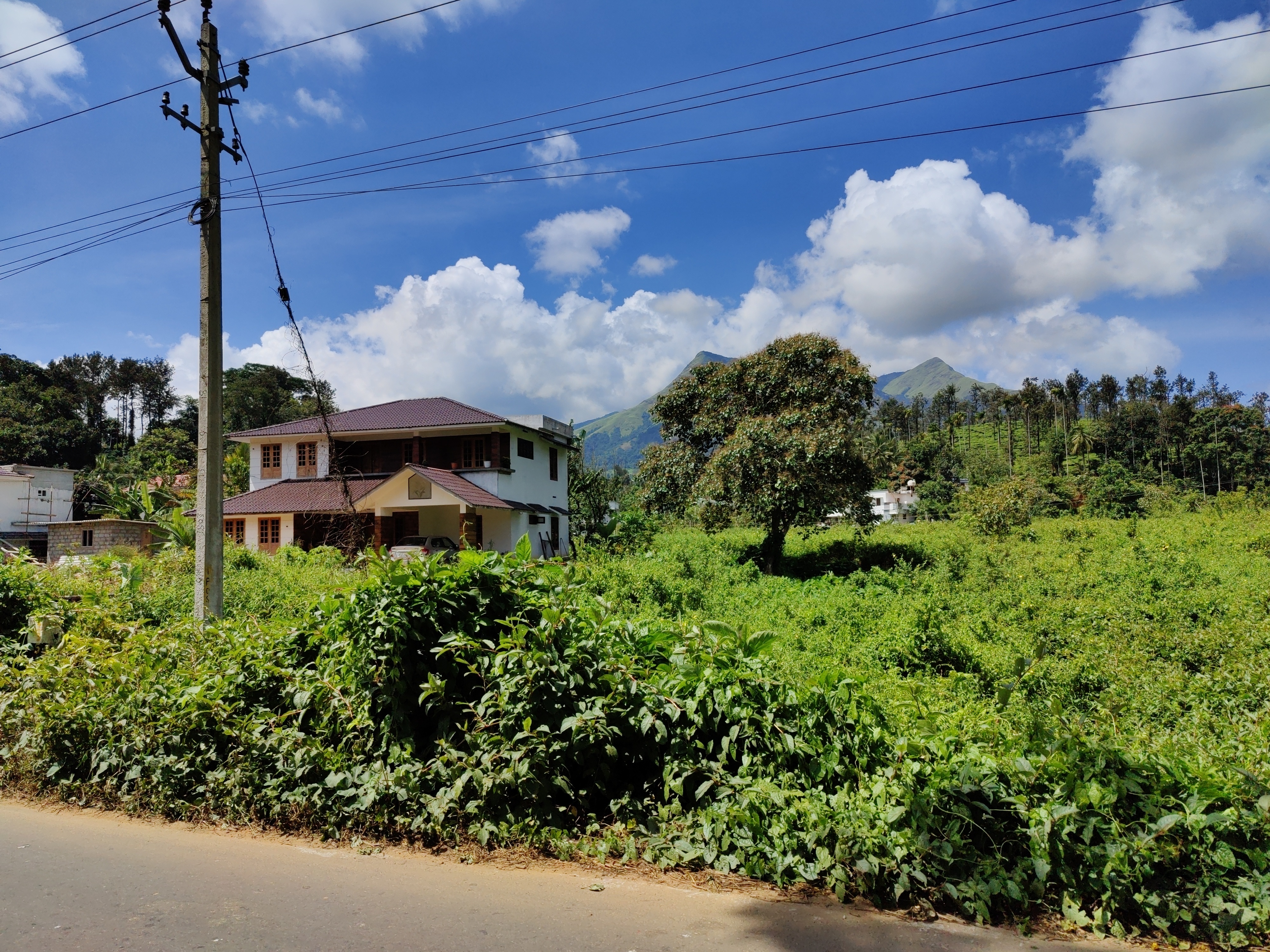 We were treated with such views during the Wayanad trip.
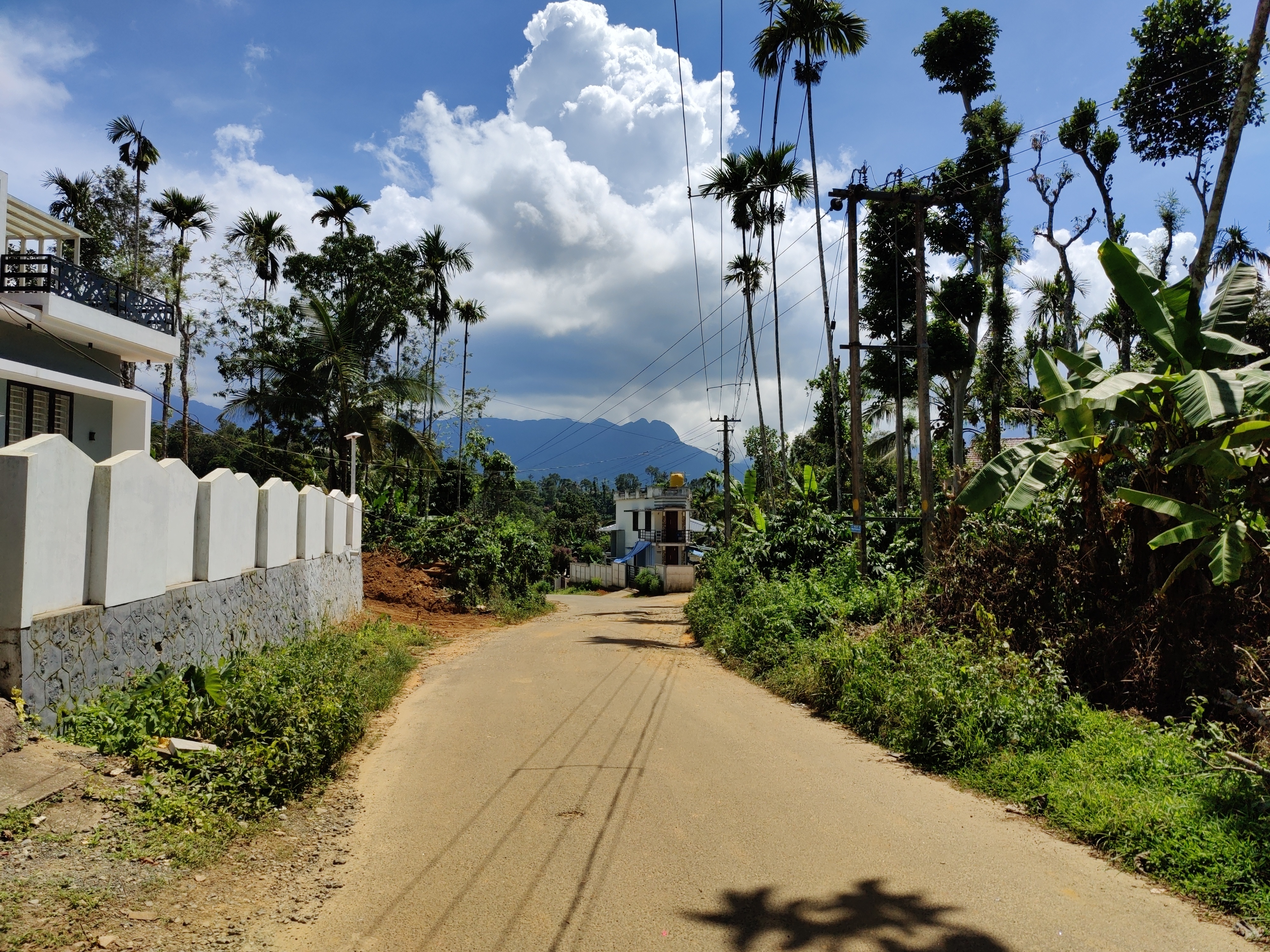 A road in Rippon.
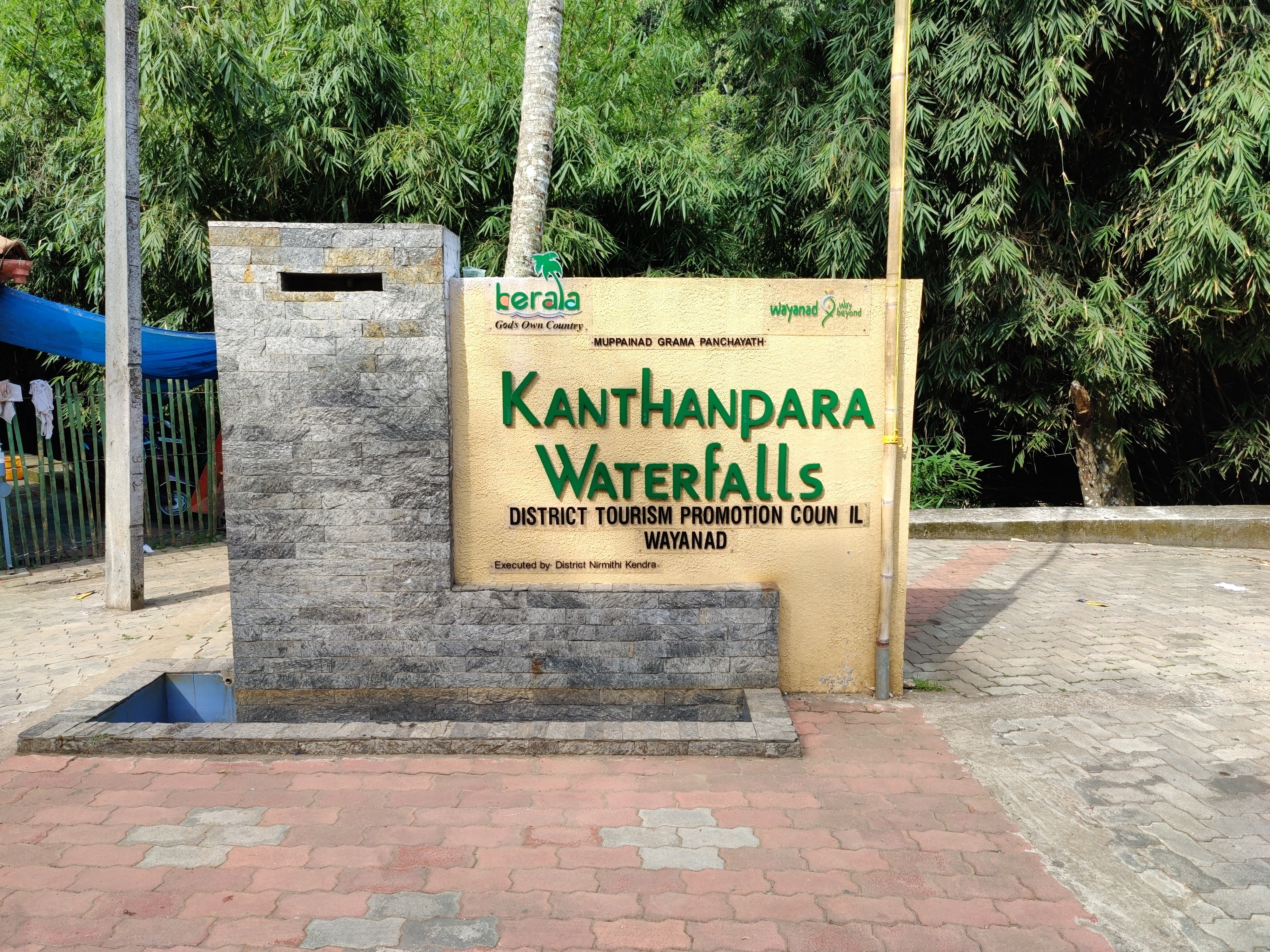 Entry to Kanthanpara Falls.
 Kanthanpara Falls.
 A view of Zostel Wayanad.
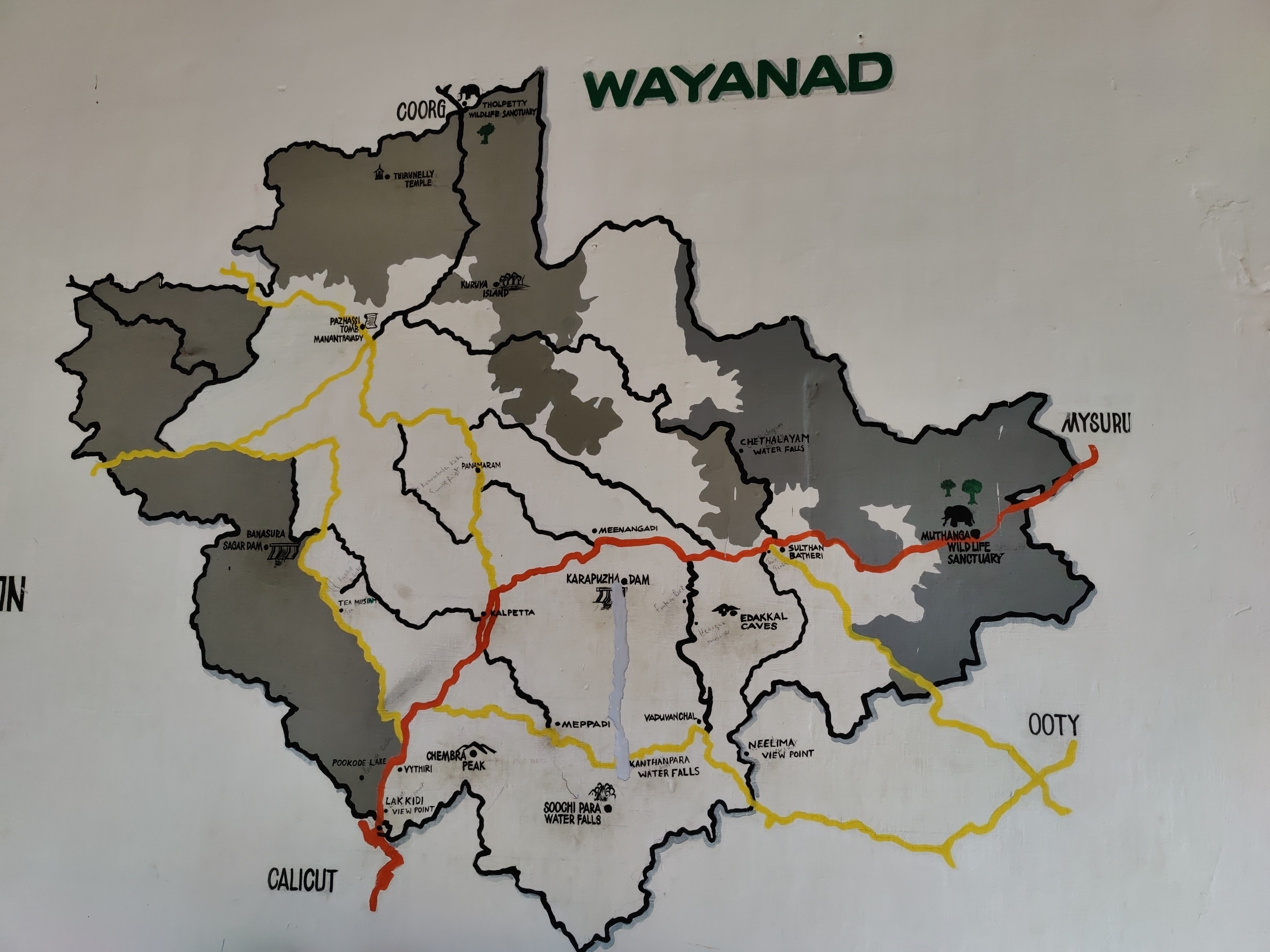 A map of Wayanad showing tourist places.
 A view from inside the Zostel Wayanad property.
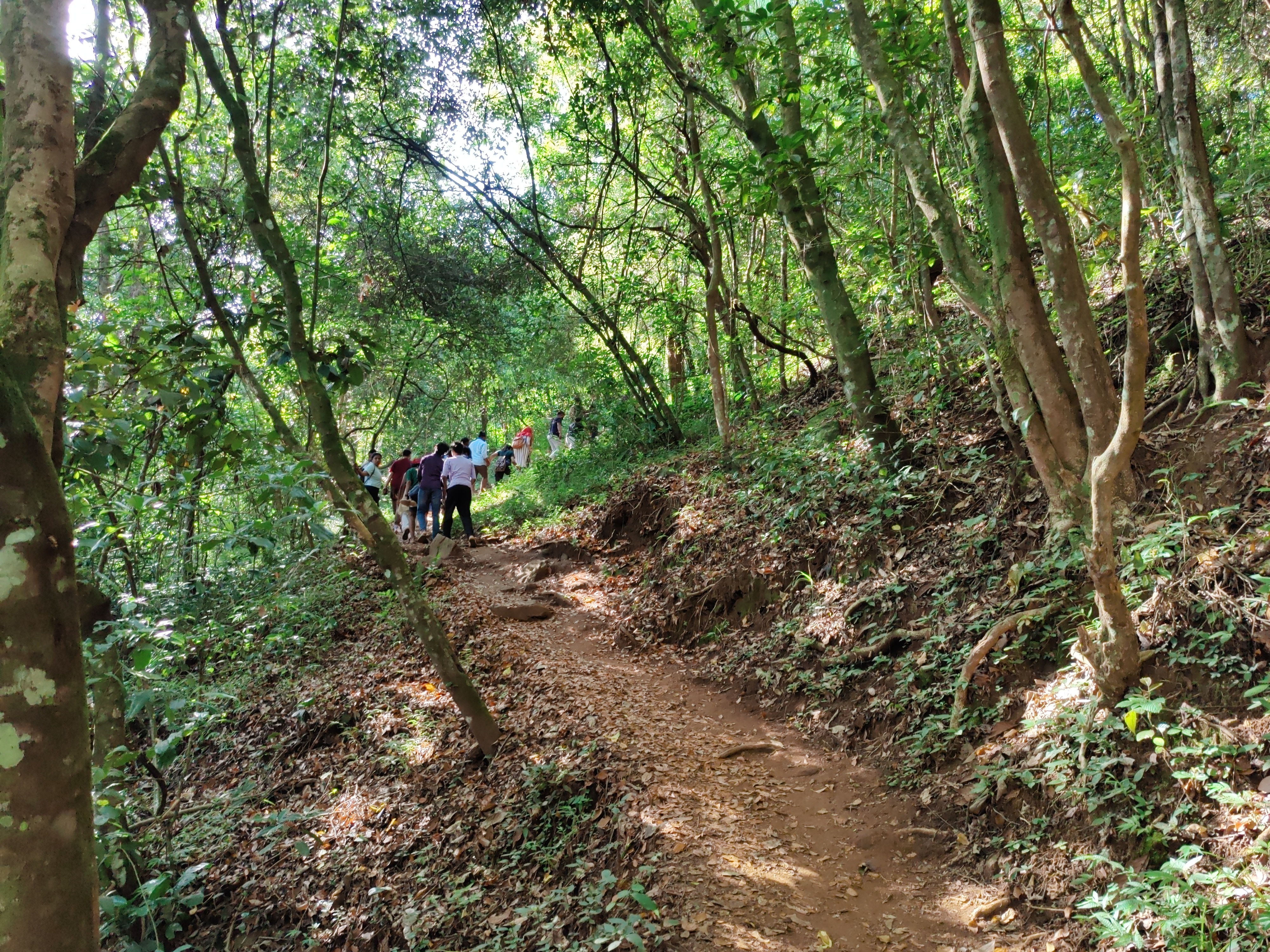 Terrain during trekking towards the Chembra peak.
 Heart-shaped lake at the Chembra peak.
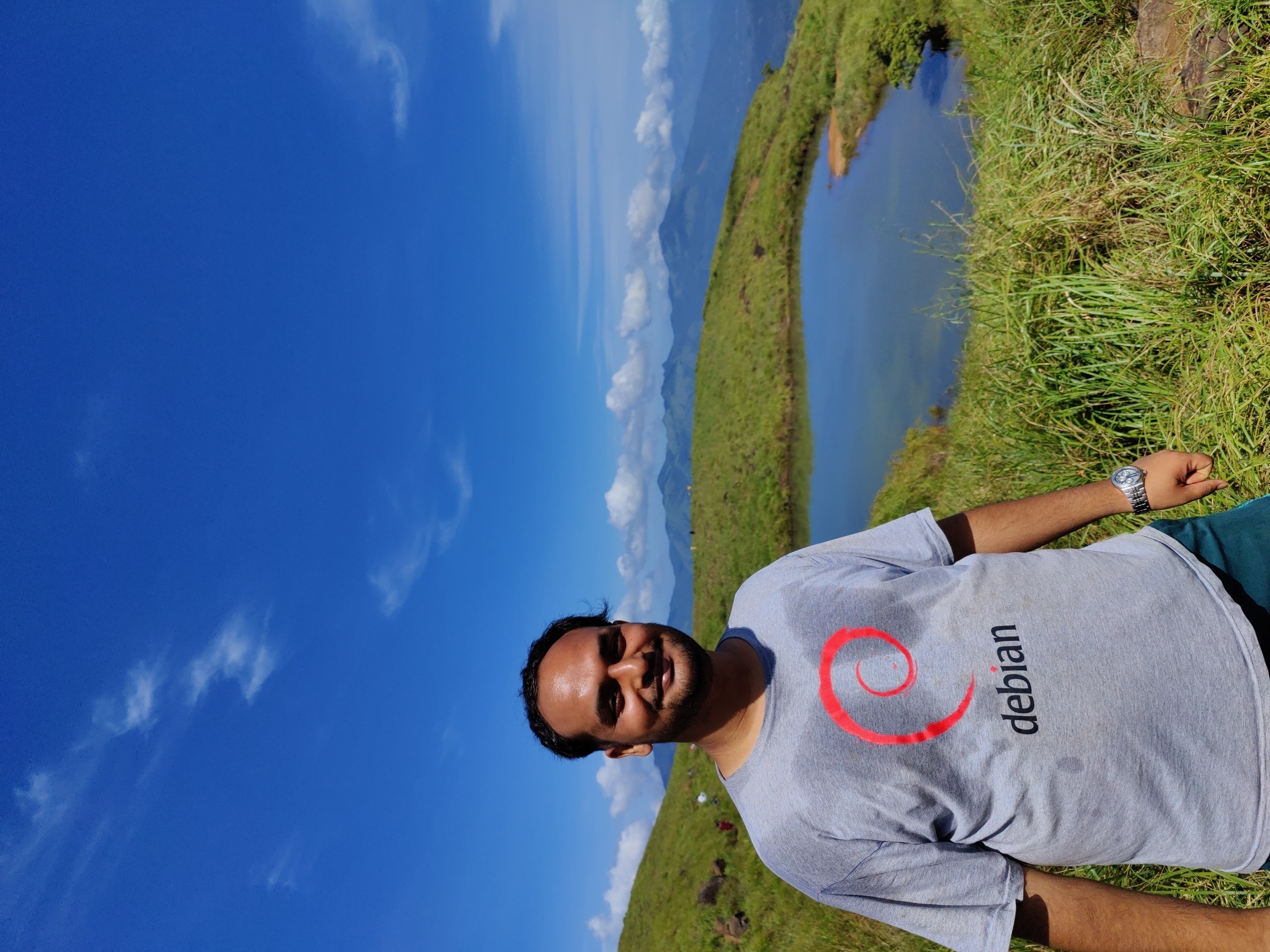 Me at the heart-shaped lake.
 Views from the top of the Chembra peak.
 View of another peak from the heart-shaped lake.
 My previously mentioned
 The Free Software Foundation Europe and the Software Freedom Conservancy recently released a






 Like each month, have a look at the work funded by
 Physical keyboard found.


 A new minor release of the
 For documentation, please have a look at: