Ritesh Raj Sarraf: Linux Desktop in 2014

We are almost at the end of 2014. While 2014 has been a year with many mixed experiences, I think it does warrant one blog entry ;-)
Recently, I've again started spending more time on Linux products / solutions, than spending time focused on a specfic subsystem. This change has been good. It has allowed me to re-cap all the advancements that have happened in the Linux world, umm... in the last 5 years.
Once upon a time, the Linux kernel sucked on the Desktop. It led to many desktop improvement related initiatives. Many accepted in kernel, while others stood as it is (out-of-tree) still as of today. Over the years, there are many people that advocate for such out-of-tree features, for example the -ck patchset, claiming it has better performance. Most of the times, these are patches not carried by your distribution vendor, which leads you to alternate sources, if you want to try. Having some spare time, I tried the Alternative Kernel project. It is nothing but a bunch of patchsets, on top of the stock kernel.
After trying it out, I must say that these patchsets are out-of-tree, for good. I hardly could make out any performance gain. But I did notice a considerable increase in the power consumption. On my stock Debian kernel, the power consumption lies around 15-18 W. That increased to 20+ W on the alternate kernels. I guess most advocates for the out-of-tree patchsets, only measure the 1-2% performance gain, where as completely neglect the fact that that kernel sleeps less often.
But back to the generic Linux kernel performance problem......
Recently, in the last 2 years, the performance suckiness of the Linux kernel is hardly noticed. So what changed ?
The last couple of years have seen a rise in high capacity RAM, at affordable consumer price. 8 - 16 GiB of RAM is common on laptops these days.
If you go and look at the sucky bug report linked above, it is marked as closed, justified Working as Designed. The core problem with the bug reported, has to do with slow media. The Linux scheduler is (in?)efficient. It works hard to give you the best throughput and performance (for server workloads). I/O threads are a high priority task in the Linux kernel. Now map this scene to the typical Linux desktop. If you end up with doing too much buffered I/O, thus exhausting all your available cache, and trigger paging, you are in for some sweet experience.
Given that the kernel highly priotizes I/O tasks, and if your underneath persistent storage device is slow (which is common if you have an external USB disk, or even an internal rotating magnetic disk), you end up blocking all your CPU cycles against the slow media. Which further leads to no available CPU cycles for your other desktop tasks. Hence, when you do I/O at such level, you find your desktop go terribly sluggish.
It is not that your CPU is slow or in-capable. It is just that all your CPU slices are blocked. Blocked waiting for your write() to report a completion.
So what exactly changed that we don't notice that problem any more ????
- RAM - Increase in RAM has led to more I/O be accommodated in cache. The best way to see this in action is to do a copy of a large file, something almost equivalent to the amount of RAM you have. But make sure it is less than the overall amount. For example, if you have 4 GiB of RAM, try copying a file of size 3.5 GiB in your graphical file manager. And at the same time, on the terminal, keep triggering the sync command. Check how long does it take for the sync to complete. By being able to cache large amount of data, the Linux kernel has been better at improving the overall performance in the eyes of the user.
- File System - But RAM is not alone. The file system has played a very important role too. Earlier, with ext3 file system, we had a commit interval of (5?) 30 seconds. That led to the above mentioned sync equivalent to get triggered every 30 secs. It was a safety measure to ensure, that at worst, you lose 30 secs worth of data. But it did hinder performance. With ext4, came delayed allocation. Delayed Allocation allowed the write() to return immediate while the data was in cache, and deferred the task of actual write() to the file system. This allowed for the allocator to find the best contiguous slot for the data to be written. Thus it improved the file system. It also brough corruption for some of the apps. :-)
- Solid State Drives - The file system and RAM alone aren't the sole factors that led to the drastic improvement in the overall experience of the Linux desktop. If you read through the bug report linked in this article, you'll find the core root cause to be slow persistent storage devices. Could the allocator have been improved (like Windows) to not be so pressing of the Linux desktop ? Maybe, yes. But that was a decision for the kernel devs and they believed (and believe) to keep those numbers to minimum. Thus for I/O, as for today, you have 3 schedulers and for CPU, just 1. What dramatically improved the overall Linux Desktop performance was the general availability of solid state devices. These device are real fast, which in effect made the write() calls return immediate, and did not block the CPU.

 I have spent the last days trying to understand the relationship between
  The
The  You have a machine someplace, probably in The Cloud, and it has Linux
installed, but not to your liking. You want to do a clean reinstall,
maybe switching the distribution, or getting rid of the cruft. But
this requires running an installer, and it's too difficult to run d-i on
remote machines.
Wouldn't it be nice if you could point a program at that machine and have
it do a reinstall, on the fly, while the machine was running?
This is what I've now taught propellor to do! Here's a working
configuration which will make propellor convert a system running Fedora
(or probably many other Linux distros) to Debian:
You have a machine someplace, probably in The Cloud, and it has Linux
installed, but not to your liking. You want to do a clean reinstall,
maybe switching the distribution, or getting rid of the cruft. But
this requires running an installer, and it's too difficult to run d-i on
remote machines.
Wouldn't it be nice if you could point a program at that machine and have
it do a reinstall, on the fly, while the machine was running?
This is what I've now taught propellor to do! Here's a working
configuration which will make propellor convert a system running Fedora
(or probably many other Linux distros) to Debian:

 Here s
  My LTS November
In November I resumed work on Debian LTS and worked on the following packages:
My LTS November
In November I resumed work on Debian LTS and worked on the following packages:

 My monthly report covers a large part of what I have been doing in the free software world. I write it for
  DEP-14: Recommended layout for Git packaging repositories
I have drafted an initial version of a document called
DEP-14: Recommended layout for Git packaging repositories
I have drafted an initial version of a document called 
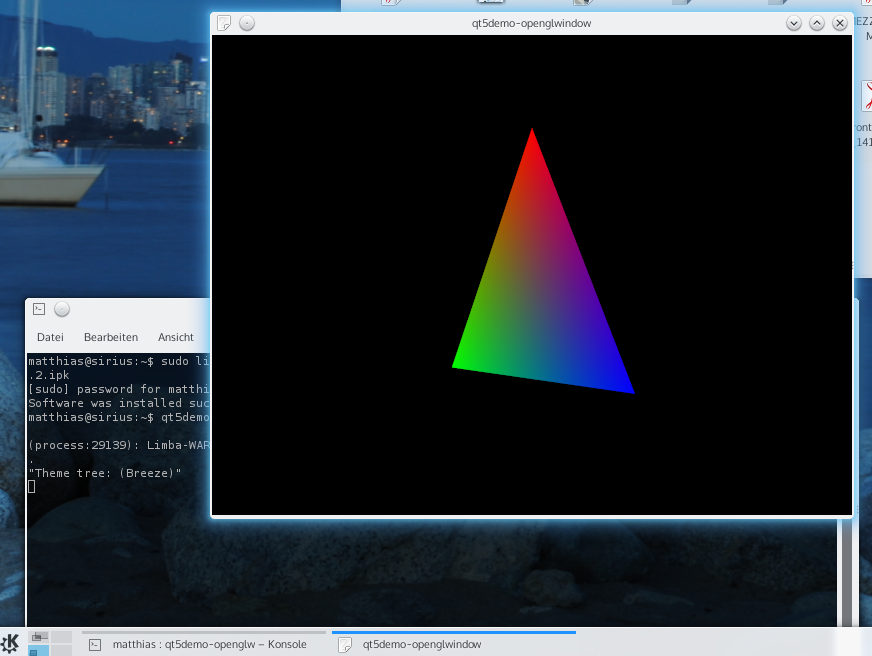
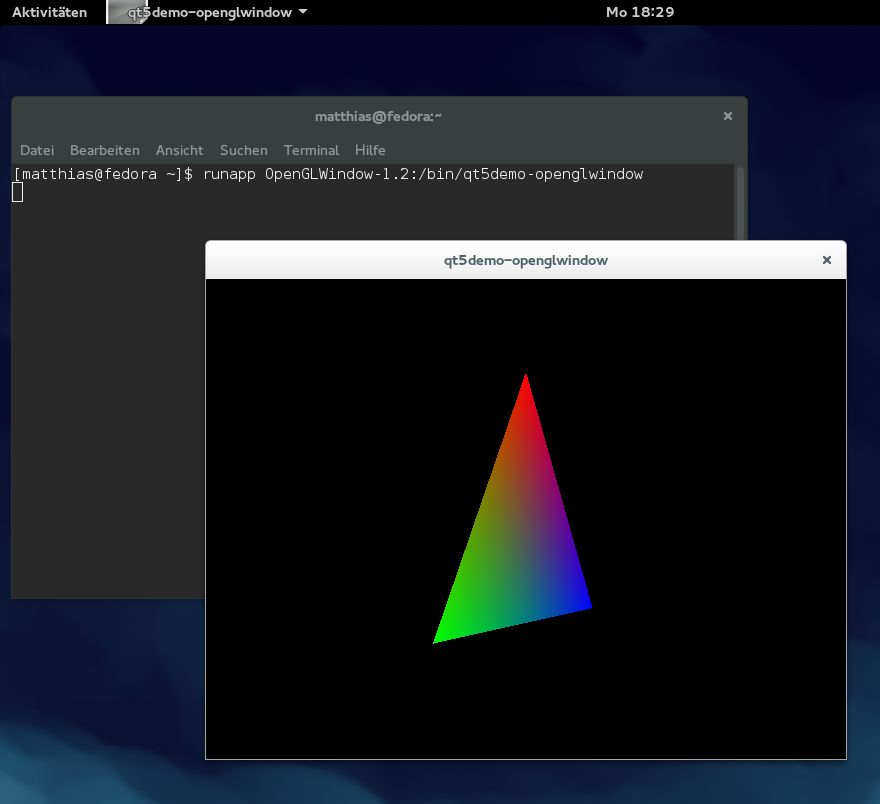
 I used these steps to create a Limba package for the OpenGL Qt5 demo on Tanglu 2 (Bartholomea), and tested it on Kubuntu 15.04 (Vivid) with KDE, as well as on an up-to-date Fedora 21, with GNOME and without any Qt or KDE stuff installed:
 That's a lot stronger incentive than some paypal donation button or flattr
link! The details of how it works are explained on
That's a lot stronger incentive than some paypal donation button or flattr
link! The details of how it works are explained on
 A week ago,