Ian Jackson: Rooting an Eos Fairphone 4
Last week I received (finally) my Fairphone 4, supplied with a de-googled operating system, which I had ordered from the E Foundation s shop in December. (I m am very hard on hardware and my venerable Fairphone 2 is really on its last legs.)
I expect to have full control over the software on any computing device I own which is as complicated, capable, and therefore, hazardous, as a mobile phone. Unfortunately the Eos image (they prefer to spell it /e/ os , srsly!) doesn t come with a way to get root without taking fairly serious measures including unlocking the bootloader. Unlocking the bootloader wouldn t be desirable for me but I can t live without root. So.
I started with these helpful instructions: https://forum.xda-developers.com/t/fairphone-4-root.4376421/
I found the whole process a bit of a trial, and I thought I would write down what I did. But, it s not straightforward, at least for someone like me who only has a dim understanding of all this Android stuff. Unfortunately, due to the number of missteps and restarts, what I actually did is not really a sensible procedure. So here is a retcon of a process I think will work:
Unlock the bootloader
The E Foundation provide instructions for unlocking the bootloader on a stock FP4, here https://doc.e.foundation/devices/FP4/install and they seem applicable to the Murena phone supplied with Eos pre-installed, too.
NB tht unlocking the bootloader wipes the phone. So we do it first.
So:
 comments
- Power on the phone, with no SIM installed
- You get a welcome screen.
- Skip all things on startup including wifi
- Go to the very end of the settings, tap a gazillion times on the phone s version until you re a developer
- In the developer settings, allow usb debugging
- In the developer settings, allow oem bootloader unlocking
- Connect a computer via a USB cable, say yes on phone to USB debugging
adb reboot bootloader- The phone will reboot into a texty kind of screen, the bootloader
fastboot flashing unlock- The phone will reboot, back to the welcome screen
- Repeat steps 3-9 (maybe not all are necessary)
fastboot flashing unlock_critical- The phone will reboot, back to the welcome screen
fastboot, you must run this command with the phone in bootloader mode, not fastboot (aka fastbootd ) mode. If you run fastboot flashing unlcok from fastboot you just get a don t know what you re talking about . I found conflicting instructions on what kind of Vulcan nerve pinches could be used to get into which boot modes, and had poor experiences with those. adb reboot bootloader always worked reliably for me.
Some docs say to run fastboot oem unlock; I used flashing. Maybe this depends on the Android tools version.
Initial privacy prep and OTA update
We want to update the supplied phone OS. The build mine shipped with is too buggy to run Magisk, the application we are going to use to root the phone. (With the pre-installed phone OS, Magisk crashes at the patch boot image step.) But I didn t want to let the phone talk to Google, even for the push notifications registration.
- From the welcome screen, skip all things except location, date, time. Notably, do not set up wifi
- In settings, microg section
- turn off cloud messaging
- turn off google safetynet
- turn off google registration (NB you must do this after the other two, because their sliders become dysfunctional after you turn google registration off)
- turn off both location modules
- In settings, location section, turn off allowed location for browser and magic earth
- Now go into settings and enable wifi, giving it your wifi details
- Tell the phone to update its operating system. This is a big download.
boot.img. Bizarrely there doesn t seem to be a way to obtain this from the phone. Instead, you must download it. You can find it by starting at https://doc.e.foundation/devices/FP4/install which links to https://images.ecloud.global/stable/FP4/. At the time of writing, the most recent version, whose version number seemed to correspond to the OS update I installed above, was IMG-e-0.21-r-20220123158735-stable-FP4.zip.
- Download the giant zipfile to your computer
- Unzip it to extract boot.img
- Copy the file to your phone s storage . Eg, via adb: with the phone booted into the main operating system, using USB debugging,
adb push boot.img /storage/self/primary/Download. - On the phone, open the browser, and enter
https://f-droid.org. Click on the link to install f-droid. You will need to enable installing apps from the browser (follow the provided flow to the settings, change the setting, and then use Back, and you can do the install). If you wish, you can download the f-droid apk separately on a computer, and verify it with pgp. - Using f-droid, install Magisk. You will need to enable installing apps from f-droid. (I installed Magisk from f-droid because 1. I was going to trust f-droid anyway 2. it has a shorter URL than Magisk s.)
- Open the Magisk app. Tell Magisk to install (Magisk, not the app). There will be only one option: patch boot file. Tell it to patch the
boot.imgfile from before. - Transfer the
magisk_patched-THING.imgback to your computer (eg viaadb pull). adb reboot bootloaderfastboot boot magisk_patched-THING.img(again, NB, from bootloader mode, not from fastboot mode)- In Magisk you ll see it shows as installed. But it s not really; you ve just booted from an image with it. Ask to install Magisk with Direct install .
fastboot boot dance again.
After all this, I was able to use tsu in Termux. There s a strange behaviour with the root prompt you get apropos Termux s request for root; I found that it definitely worked if Termux wasn t the foreground app
You have to leave the bootloader unlocked. Howwever, as I understand it, the phone s encryption will still prevent an attacker from hoovering the data out of your phone. The bootloader lock is to prevent someone tricking you into entering the decryption passkey into a trojaned device.
Other things to change
- Probably, after you re done with this, disable installing apps from the Browser. I will install Signal before doing that, since that s not in f-droid because of mutual distrust between the f-droid and Signal folks. The permission is called Install unknown apps .
- Turn off instant apps aka open links in apps even if the app is not installed . OMG WTF BBQ.
- Turn off wifi scanning even if wifi off . WTF.
- I turned off storage manager auto delete, on the grounds that I didn t know what the phone might think of as having been backed up . I can manage my own space use, thanks very much.
 I recently learned about the
 . This is somewhat from a Republican perspective. That is also the reason they are much anti-science.
 As of 2022-02-16, Launchpad supports a couple of features on its
  Earlier this week, Neil McGovern
  I have been using
  Since it is my first package I made for Arch, it took me a bit of reading through the excellent wiki of Arch, and comparing a few other
  In 2017, I was attending FOSDEM when GNOME announced that I was to become the new Executive Director of the Foundation. Now, nearly 5 years later, I ve decided the timing is right for me to step back and for GNOME to start looking for its next leader. I ve been working closely with Rob and the rest of the board to ensure that there s an extended and smooth transition, and that GNOME can continue to go from strength to strength.
GNOME has changed a lot in the last 5 years, and a lot has happened in that time. As a Foundation, we ve gone from a small team of 3, to employing people to work on marketing, investment in technical frameworks, conference organisation and much more beyond. We ve become the default desktop on all major Linux distributions. We ve launched Flathub to help connect application developers directly to their users. We ve dealt with patent suits, trademarks, and bylaw changes. We ve moved our entire development platform to GitLab. We released 10 new GNOME releases, GTK 4 and GNOME 40. We ve reset our relationships with external community partners and forged our way towards that future we all dream of where everyone is empowered by technology they can trust.
For that future, we now need to build on that work. We need to look beyond the traditional role that desktop Linux has held and this is something that GNOME has always been able to do. I ve shown that the Foundation can be more than just a bank account for the project, and I believe that this is vital in our efforts to build a diverse and sustainable free software personal computing ecosystem. For this, we need to establish programs that align not only with the unique community and technology of the project, but also deliver those benefits to the wider world and drive real impact.
5 years has been the longest that the Foundation has had an ED for, and certainly the longest that I ve held a single post for. I remember my first GUADEC as ED. As you may know, like many of you, I m used to giving talks at conferences and yet I have never been so nervous as when I walked out on that stage. However, the welcome and genuine warmth that I received that day, and the continued support throughout the last 5 years makes me proud of what a welcoming and amazing community GNOME is. Thank you all.
In 2017, I was attending FOSDEM when GNOME announced that I was to become the new Executive Director of the Foundation. Now, nearly 5 years later, I ve decided the timing is right for me to step back and for GNOME to start looking for its next leader. I ve been working closely with Rob and the rest of the board to ensure that there s an extended and smooth transition, and that GNOME can continue to go from strength to strength.
GNOME has changed a lot in the last 5 years, and a lot has happened in that time. As a Foundation, we ve gone from a small team of 3, to employing people to work on marketing, investment in technical frameworks, conference organisation and much more beyond. We ve become the default desktop on all major Linux distributions. We ve launched Flathub to help connect application developers directly to their users. We ve dealt with patent suits, trademarks, and bylaw changes. We ve moved our entire development platform to GitLab. We released 10 new GNOME releases, GTK 4 and GNOME 40. We ve reset our relationships with external community partners and forged our way towards that future we all dream of where everyone is empowered by technology they can trust.
For that future, we now need to build on that work. We need to look beyond the traditional role that desktop Linux has held and this is something that GNOME has always been able to do. I ve shown that the Foundation can be more than just a bank account for the project, and I believe that this is vital in our efforts to build a diverse and sustainable free software personal computing ecosystem. For this, we need to establish programs that align not only with the unique community and technology of the project, but also deliver those benefits to the wider world and drive real impact.
5 years has been the longest that the Foundation has had an ED for, and certainly the longest that I ve held a single post for. I remember my first GUADEC as ED. As you may know, like many of you, I m used to giving talks at conferences and yet I have never been so nervous as when I walked out on that stage. However, the welcome and genuine warmth that I received that day, and the continued support throughout the last 5 years makes me proud of what a welcoming and amazing community GNOME is. Thank you all.
 About a month ago, I got tired of waiting for the

 Back to the old and new normal: inbox zero
So, a long time ago, on the last two days of January 2020 I had reached zero unread mails
in my inbox and all mailing lists and then... some stuff kept me distracted for a (too) long time...
And then two weeks ago on the 29th of January 2022, I've reached inbox zero again,
and again on the 30th and then I had a hardware issue and couldn't really use my computer
for two days (one day trying to fix, the other copying data around...) and thus
only on February 2nd I've hit zero unread mails again and again and again, every
day for the last 9 days up until today. Yay!
I'm sure there will be days (and weeks) where I won't manage to deal with all
my incoming mail everyday, but I surely hope I'll manage at least once a month.
As I did in 2019 when I started tracking this
Back to the old and new normal: inbox zero
So, a long time ago, on the last two days of January 2020 I had reached zero unread mails
in my inbox and all mailing lists and then... some stuff kept me distracted for a (too) long time...
And then two weeks ago on the 29th of January 2022, I've reached inbox zero again,
and again on the 30th and then I had a hardware issue and couldn't really use my computer
for two days (one day trying to fix, the other copying data around...) and thus
only on February 2nd I've hit zero unread mails again and again and again, every
day for the last 9 days up until today. Yay!
I'm sure there will be days (and weeks) where I won't manage to deal with all
my incoming mail everyday, but I surely hope I'll manage at least once a month.
As I did in 2019 when I started tracking this  Reaching inbox zero every day is good for several reasons and probably the most
important one is peace of mind. Even though the incoming flood of email never really
stops, by reaching inbox zero I can achieve the feeling that I've dealt with all
my emails for the day and that I can put email off my focus, at least for that
day and despite emails coming in...
...and then email is too easy to be used as a todo list. Narf. So I guess I need
to improve those workflows eventually as well. And offline days, do you remember
those? Fully offline even, and by choice?!!
Reaching inbox zero every day is good for several reasons and probably the most
important one is peace of mind. Even though the incoming flood of email never really
stops, by reaching inbox zero I can achieve the feeling that I've dealt with all
my emails for the day and that I can put email off my focus, at least for that
day and despite emails coming in...
...and then email is too easy to be used as a todo list. Narf. So I guess I need
to improve those workflows eventually as well. And offline days, do you remember
those? Fully offline even, and by choice?!!
 Recently, I've wrote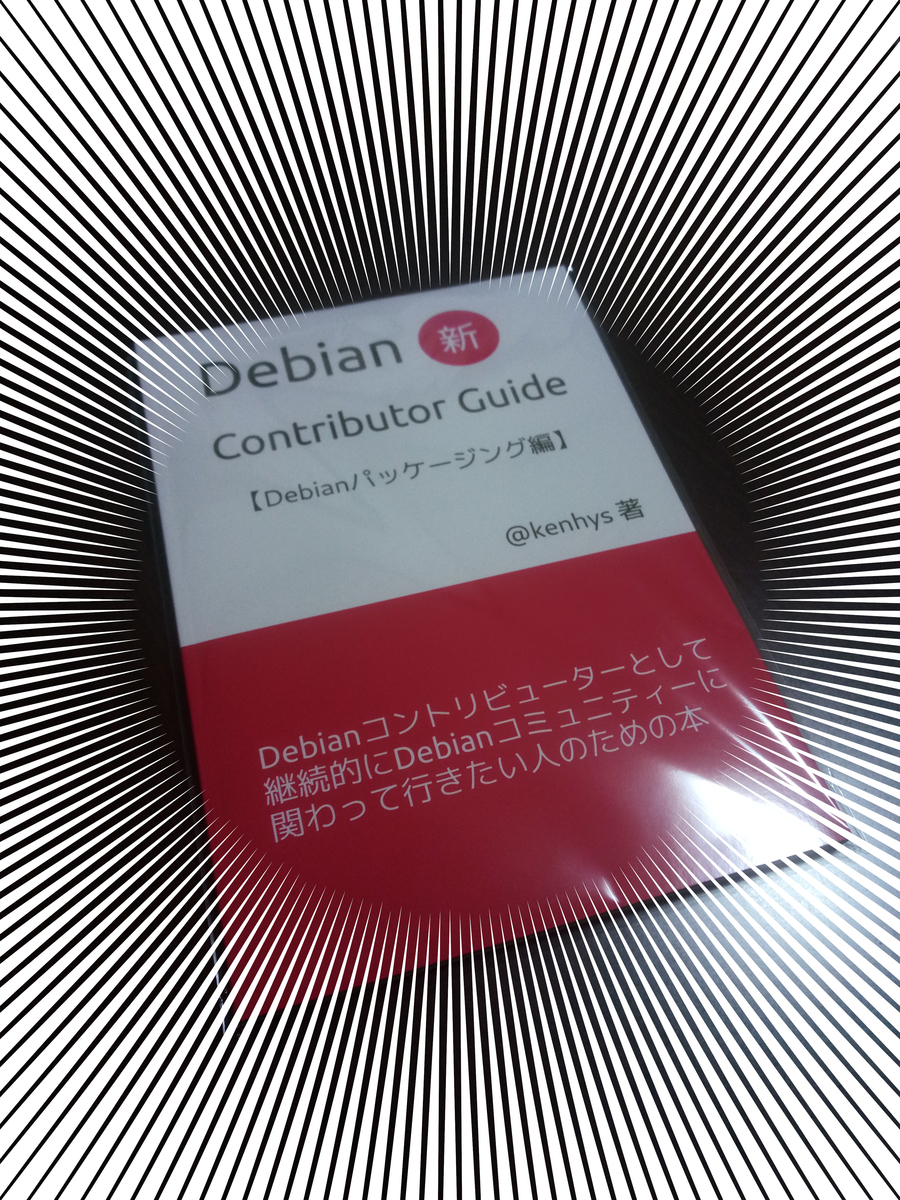
 I first started using ledger the original

