
The
cherry-pick command in
git allows you to copy commits from one branch to another, one commit at a time. In order to copy more than one commit at once, you need a different approach.
Cherry-picking a single commitSay we have the following repository composed of three branches (
master,
feature1 and
stable):
$ git tree --all
* d9484311 (HEAD, master) Delete test file
* 4d4a0da8 Add a test file
  * 5753515c (stable) Add a license
  * 4b95278e Add readme file
 /
  * a37658bd (feature1) Add fourth file
  * a7785c10 Add lines to 3rd file
  * 7f545188 Add third file
  * 2bca593b Add line to second file
  * 0c13e436 Add second file
 /
* d3199755 Add a line
* b58d925c Initial commit
The "git tree" command is an alias I defined in my
~/.gitconfig:
[alias]
tree = log --oneline --decorate --graph
To copy the license file (commit
5753515c) to the
master branch then we simply need to run:
$ git checkout master
$ git cherry-pick 5753515c
Finished one cherry-pick.
[master 08ff7d4] Add a license
1 files changed, 676 insertions(+), 0 deletions(-)
create mode 100644 COPYING
and the repository now looks like this:
$ git tree --all
* 08ff7d4a4 (HEAD, master) Add a license
* d94843113 Delete test file
* 4d4a0da88 Add a test file
  * 5753515c (stable) Add a license
  * 4b95278e Add readme file
 /
  * a37658bd (feature1) Add fourth file
  * a7785c10 Add lines to 3rd file
  * 7f545188 Add third file
  * 2bca593b Add line to second file
  * 0c13e436 Add second file
 /
* d3199755 Add a line
* b58d925c Initial commit
Cherry-picking a range of commits
In order to only take the third file (commits
a7785c10 and
7f545188) from the
feature1 branch and add it to the
stable branch, I could cherry-pick each commit separately, but there is a faster way if you need to cherry-pick a large range of commits.
First of all, let's create a new branch which ends on the last commit we want to cherry-pick:
$ git branch tempbranch a7785c10
$ git tree --all
* 08ff7d4a (HEAD, master) Add a license
* d9484311 Delete test file
* 4d4a0da8 Add a test file
  * 5753515c (stable) Add a license
  * 4b95278e Add readme file
 /
  * a37658bd (feature1) Add fourth file
  * a7785c10 (tempbranch) Add lines to 3rd file
  * 7f545188 Add third file
  * 2bca593b Add line to second file
  * 0c13e436 Add second file
 /
* d3199755 Add a line
* b58d925c Initial commit
Now we'll rebase that temporary branch on top of the
stable branch:
$ git rebase --onto stable 7f545188^ tempbranch
First, rewinding head to replay your work on top of it...
Applying: Add third file
Applying: Add lines to 3rd file
$ git tree --all
* ec488677 (HEAD, tempbranch) Add lines to 3rd file
* a85e5281 Add third file
* 5753515c (stable) Add a license
* 4b95278e Add readme file
  * 08ff7d4a (master) Add a license
  * d9484311 Delete test file
  * 4d4a0da8 Add a test file
 /
  * a37658bd (feature1) Add fourth file
  * a7785c10 Add lines to 3rd file
  * 7f545188 Add third file
  * 2bca593b Add line to second file
  * 0c13e436 Add second file
 /
* d3199755 Add a line
* b58d925c Initial commit
All that's left to do is to make stable point to the top commit of
tempbranch and delete the old branch:
$ git checkout stable
Switched to branch 'stable'
$ git reset --hard tempbranch
HEAD is now at ec48867 Add lines to 3rd file
$ git tree --all
* ec488677 (HEAD, tempbranch, stable) Add lines to 3rd file
* a85e5281 Add third file
* 5753515c Add a license
* 4b95278e Add readme file
  * 08ff7d4a (master) Add a license
  * d9484311 Delete test file
  * 4d4a0da8 Add a test file
 /
  * a37658bd (feature1) Add fourth file
  * a7785c10 Add lines to 3rd file
  * 7f545188 Add third file
  * 2bca593b Add line to second file
  * 0c13e436 Add second file
 /
* d3199755 Add a line
* b58d925c Initial commit
$ git branch -d tempbranch
Deleted branch tempbranch (was ec48867).
It would be nice to be able to do it without having to use a temporary branch, but it still beats cherry-picking everything manually.
Another approachAnother way to achieve this is to use the
format-patch command to output patches for the commits you are interested in copying to another branch and then using the
am command to apply them all to the target branch:
$ git format-patch 7f545188^..a7785c10
0001-Add-third-file.patch
0002-Add-lines-to-3rd-file.patch
$ git am *.patch
Update: looking forward to git 1.7.2According to a few people who were nice to point this out in a comment, version 1.7.2 of git, which is going to be released soon, will have support for this in
cherry-pick:
git cherry-pick 7f545188^..a7785c10
 Dpkg got rid of Perl
Let s start with the interesting part and the great news: dpkg 1.15.8 (to be uploaded soon) will no longer need perl! After my changes to rewrite update-alternatives in C, Guillem recently pushed the rewrite of dpkg-divert/mksplit in C. Please test it out (binary package for i386 or .dsc).
This is rather exciting news for those who would like to use dpkg in embedded contexts. And it s great to see this completed in time for Squeeze. In Squeeze+1, we might go one step further and merge cdebconf, the C replacement for debconf.
I got rid of some recurring administrative tasks
I have been administrating the Alioth server since its inception (see the announce I sent in 2003) but I m no longer enjoying the day-to-day administrative work that it represents. That s why I just retired from the team. We recently recruited Tollef Fog Heen so the number of admins is still the same (that said, Alioth could benefit from some more help, if you re a DD and interested, drop a mail to admin@alioth.debian.org or come to #alioth).
Same goes for the collab-maint project. I have dealt with hundreds of requests to add new contributors to the project since it s the central repository where all Debian developers have write access and where they put the VCS for their packages that do not belong to a more specialized team. The new administrator that will approve the requests is Xavier Oswald and he s doing the work under the umbrella of the New Maintainer s Front Desk.
The future
I will continue to spend the same amount of time on Debian, the time freed will quickly be reallocated to other Debian and free software related projects. In fact, I even anticipated a bit by launching Flattr FOSS last week but that s a relatively simple project.
 The other projects that will never all fit in the freed time: I want to spend more time working on dpkg. I do plan to blog more often too, but I m sure you ll notice that yourself soon. I would like to see my Debian book translated into English (another post coming on the topic sometimes soon). In my dreams, I could even start yet another software project, I have some ideas that I really would like to see implemented but I don t see how that could fit in this year s planning unless I can convince someone else to implement them! Maybe I should blog about them.

 5 comments Support my work
 Like one or two years ago, I got myself a free Dropbox account. I use it
occasionally to exchange files with some friends. It does an excellent job
at that. Basically, it works like any network folder. Except it is not within
a local network, but over the internet.Dropbox serves me as an occasional replacement for both email and USB
pen drive. Instead of sending a modified file by email or bringing around
a dozen of photos on a USB stick, I just put them into the shared folder.
This also very useful for files such as flyers, templates. They may easily
grow to big to be sensibly sent by email.For all my use, a regular
 * Testing needed from more people. Feel free to break your working gwibber with,


 Just bought me an external flashlight; a Nikon Speedlight SB-900,
which is Nikon's top model. It wasn't as expensive as that sounds,
though, since this was their demo model that they got me a good discount
on, on top of the already rather low prices that this shop offers; this
made it cheaper than the list price of the SB-600, Nikon's second-best
model.
I'm afraid it will take a while before I'll be able to fully
understand its features, though. I did get a course at photography when
I was about 13 years old, which did help me in picking up again how to
work with an SLR camera when I bought it. But that course never included
anything about using flashlights; and while I do understand how bouncing
light off of walls and other things may sometimes help in getting the
picture just right, I haven't actually ever done that. So I
guess I'll be practicing a bit, now...
 Remember the


 Well, I suppose I should be happy that
 I have just released an ad supported version of my photo location tracking android app. If you are interested in photography and would like a way to keep track of photo opportunities
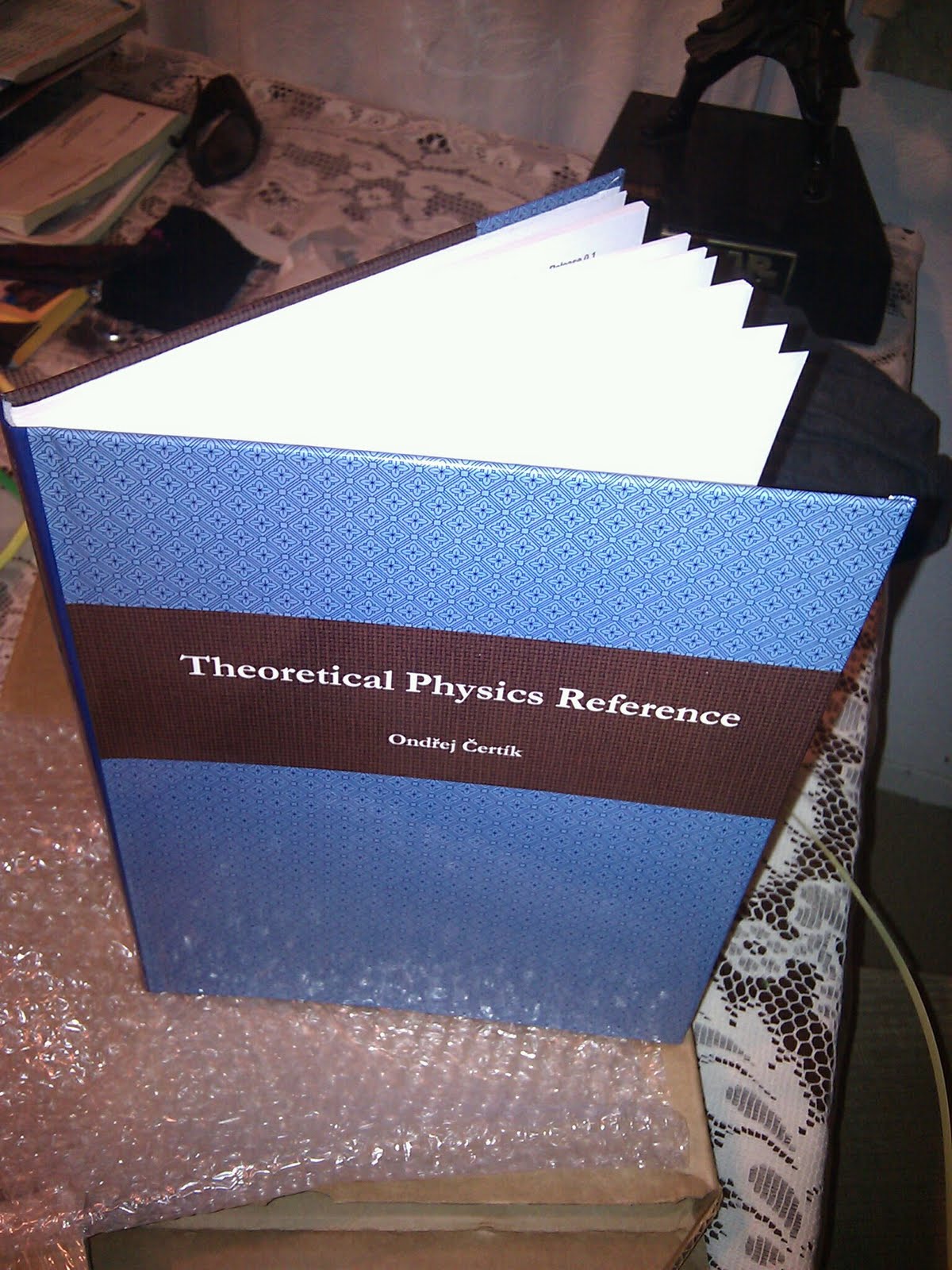
 Landau, L. D.; Lifshitz, E. M. (1976). Course of Theoretical Physics is still the most interesting and solid base that is to be considered as a reference and inspiration in Theoretical Physics.
The reference for "Classical Electrodynamics" is the book by J.D. Jackson. "Advanced Quantum Mechanics" by J.J. Sakurai is a popular student choice.



 As part of the 11th Debian Conference in New York City, USA, there will be OpenPGP (pgp/gpg) keysignings. If you intend to participate in the DebConf10 keysignings, please send your ascii armored public key
 Italian