Enrico Zini: Debugging printing to a remote printer
I upgraded to Debian testing/trixie, and my network printer stopped appearing
in print dialogs. These are notes from the debugging session.
Check firewall configuration
I tried out kde, which installed
Step 2: make sure the home zone can print:
I searched and searched but I could not find out whether
When it works:
Check if cups can see the printer
From CUPS' Using Network Printers:
Debugging session interrupted
At this point, the printer appeared.
It could be that:
plasma-firewall, which installed
firewalld, which closed by default the ports used for printing.
For extra fun, appindicators are not working in Gnome
and so firewall-applet is currently useless, although one can run
firewall-config manually, or use the command line that might be more user
friendly than the UI.
Step 1: change the zone for the home wifi to "Home":
firewall-cmd  --zone home --list-interfaces
firewall-cmd  --zone home --add-interface wlp1s0
firewall-cmd --zone home --list-services
firewall-cmd --zone home --add-service=ipp
firewall-cmd --zone home --add-service=ipp-client
firewall-cmd --zone home --add-service=mdns
ipp is needed,
ipp-client is needed, or both are needed.
Check if avahi can see the printer
Is the printer advertised correctly over mdns?
When it didn't work:
$ avahi-browse -avrt
= wlp1s0 IPv6 Brother HL-2030 series @ server                UNIX Printer         local
   hostname = [server.local]
   address = [...ipv6 address...]
   port = [0]
   txt = []
= wlp1s0 IPv4 Brother HL-2030 series @ server                UNIX Printer         local
   hostname = [server.local]
   address = [...ipv4 address...]
   port = [0]
   txt = []
$ avahi-browse -rt _ipp._tcp
[empty]
$ avahi-browse -avrt
= wlp1s0 IPv6 Brother HL-2030 series @ server                Secure Internet Printer local
   hostname = [server.local]
   address = [...ipv6 address...]
   port = [631]
   txt = ["printer-type=0x1046" "printer-state=3" "Copies=T" "TLS=1.2" "UUID= " "URF=DM3" "pdl=application/octet-stream,application/pdf,application/postscript,image/jpeg,image/png,image/pwg-raster,image/urf" "product=(HL-2030 series)" "priority=0" "note=" "adminurl=https://server.local.:631/printers/Brother_HL-2030_series" "ty=Brother HL-2030 series, using brlaser v6" "rp=printers/Brother_HL-2030_series" "qtotal=1" "txtvers=1"]
= wlp1s0 IPv6 Brother HL-2030 series @ server                UNIX Printer         local
   hostname = [server.local]
   address = [...ipv6 address...]
   port = [0]
   txt = []
= wlp1s0 IPv4 Brother HL-2030 series @ server                Secure Internet Printer local
   hostname = [server.local]
   address = [...ipv4 address...]
   port = [631]
   txt = ["printer-type=0x1046" "printer-state=3" "Copies=T" "TLS=1.2" "UUID= " "URF=DM3" "pdl=application/octet-stream,application/pdf,application/postscript,image/jpeg,image/png,image/pwg-raster,image/urf" "product=(HL-2030 series)" "priority=0" "note=" "adminurl=https://server.local.:631/printers/Brother_HL-2030_series" "ty=Brother HL-2030 series, using brlaser v6" "rp=printers/Brother_HL-2030_series" "qtotal=1" "txtvers=1"]
= wlp1s0 IPv4 Brother HL-2030 series @ server                UNIX Printer         local
   hostname = [server.local]
   address = [...ipv4 address...]
   port = [0]
   txt = []
$ avahi-browse -rt _ipp._tcp
+ wlp1s0 IPv6 Brother HL-2030 series @ server                Internet Printer     local
+ wlp1s0 IPv4 Brother HL-2030 series @ server                Internet Printer     local
= wlp1s0 IPv4 Brother HL-2030 series @ server                Internet Printer     local
   hostname = [server.local]
   address = [...ipv4 address...]
   port = [631]
   txt = ["printer-type=0x1046" "printer-state=3" "Copies=T" "TLS=1.2" "UUID= " "URF=DM3" "pdl=application/octet-stream,application/pdf,application/postscript,image/jpeg,image/png,image/pwg-raster,image/urf" "product=(HL-2030 series)" "priority=0" "note=" "adminurl=https://server.local.:631/printers/Brother_HL-2030_series" "ty=Brother HL-2030 series, using brlaser v6" "rp=printers/Brother_HL-2030_series" "qtotal=1" "txtvers=1"]
= wlp1s0 IPv6 Brother HL-2030 series @ server                Internet Printer     local
   hostname = [server.local]https://bugs.debian.org/cgi-bin/bugreport.cgi?bug=1092109
   address = [...ipv6 address...]
   port = [631]
   txt = ["printer-type=0x1046" "printer-state=3" "Copies=T" "TLS=1.2" "UUID= " "URF=DM3" "pdl=application/octet-stream,application/pdf,application/postscript,image/jpeg,image/png,image/pwg-raster,image/urf" "product=(HL-2030 series)" "priority=0" "note=" "adminurl=https://server.local.:631/printers/Brother_HL-2030_series" "ty=Brother HL-2030 series, using brlaser v6" "rp=printers/Brother_HL-2030_series" "qtotal=1" "txtvers=1"]
$ /usr/sbin/lpinfo --include-schemes dnssd -v
network dnssd://Brother%20HL-2030%20series%20%40%20server._ipp._tcp.local/cups?uuid=
lpinfosomehow made it work- after opening
ippservices on the firewall and spending enough minutes researching, eventuallycups-browsedcould see the printer - logging into the remote server to list printers woke it up somehow
- the printer just realised I was level headed, determined and not in a hurry.




 Dear Debianites
This morning I decided to just start writing Bits from DPL and send
whatever I have by 18:00 local time. Here it is, barely proof read,
along with all it's warts and grammar mistakes! It's slightly long and
doesn't contain any critical information, so if you're not in the mood,
don't feel compelled to read it!
Get ready for a new DPL!
Soon, the voting period will start to elect our next DPL, and my time
as DPL will come to an end. Reading the questions posted to the new
candidates on
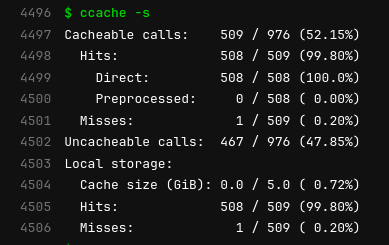 The image here comes from an example of building
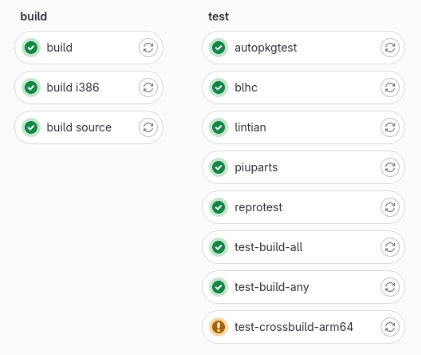 The
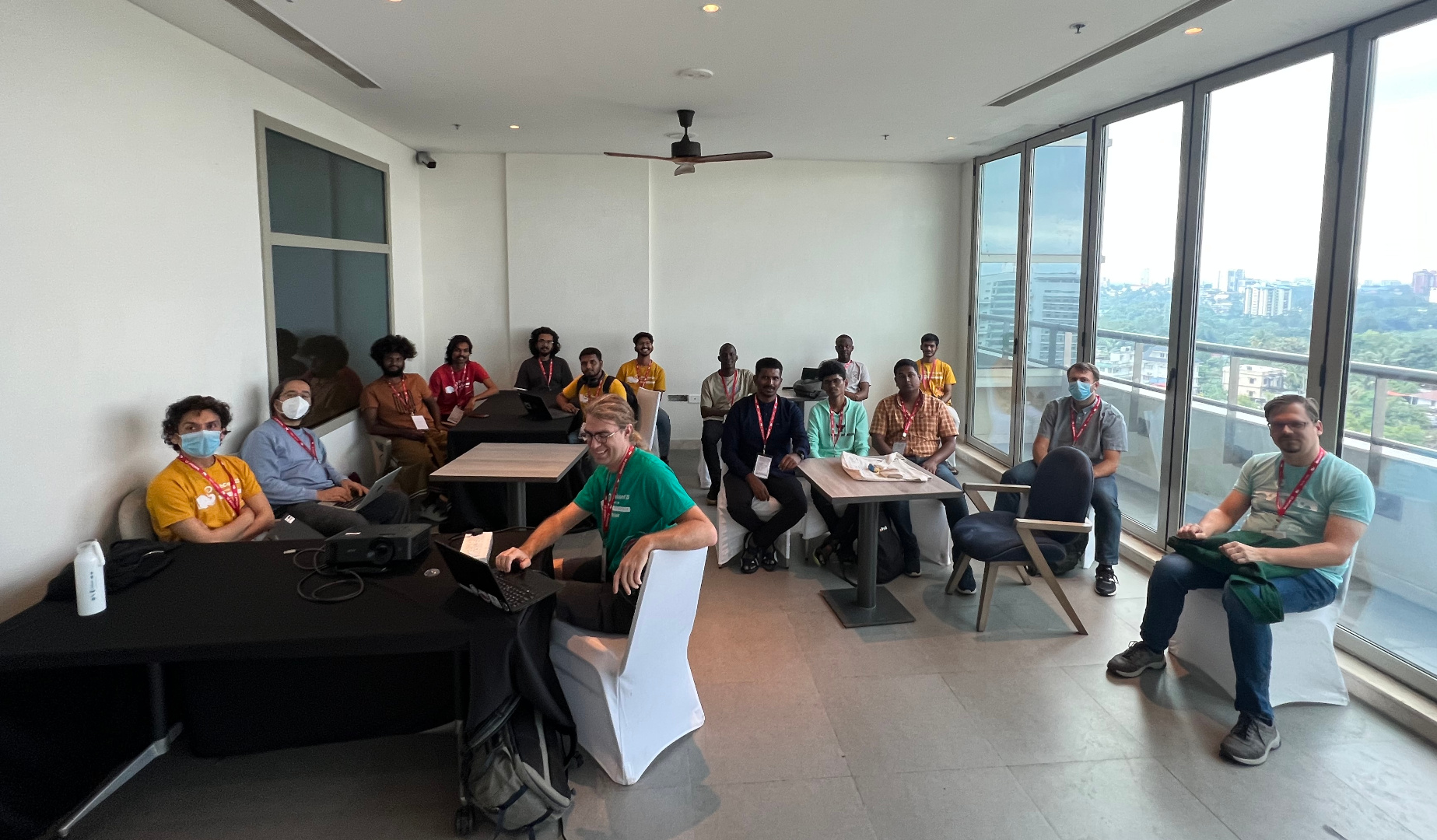

 (I wrote this up for an internal work post, but I figure it s worth sharing more publicly too.)
I spent last week at
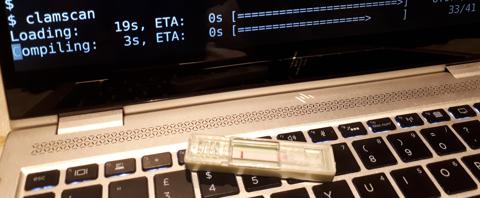 Debian: when you're more likely to get a virus than your laptop