Christian Kastner: Simple-PPA, a minimalistic PPA implementation
Today, the Debusine developers launched
Debusine repositories,
a beta implementation of PPAs. In the announcement, Colin remarks that
"[d]iscussions about this have been happening for long enough that people started
referring to PPAs for Debian as 'bikesheds'"; a characterization that I'm sure
most will agree with.
So it is with great amusement that on this same day, I launch a second PPA
implementation for Debian: Simple-PPA.
Simple-PPA was never meant to compete with Debusine, though. In fact, it's
entirely the opposite: from discussions at DebConf, I knew that it was only a
matter of time until Debusine gained a PPA-like feature, but I needed a
stop-gap solution earlier, and with some polish, what was once by Python script
already doing APT processing for
apt.ai.debian.net, recently became Simple-PPA.
Consequently, Simple-PPA lacks (and will always lack) all of the features that
Debusine offers: there is no auto-building, no CI, nor any other type of QA.
It's the simplest possible type of APT repository: you just upload packages,
they get imported into an archive, and the archive is exposed via a web server.
Under the hood, reprepro does all
the heavy lifting.
However, this also means it's trivial to set up. The following is the entire
configuration that
simple-ppa.debian.net started with:
# simple-ppa.conf
[CORE]
SignWith = 2906D748B7551BC8
ExportDir = /srv/www/simple-ppa
MailFrom: Simple-PPA <admin@simple-ppa.debian.net>
Codenames = sid forky trixie trixie-backports bookworm bookworm-backports
AlsoAllow = forky: unstable
            trixie: unstable
            bookworm: unstable
[simple-ppa-dev]
Label = Simple-PPA's self-hosted development repository
# ckk's key
Uploaders = allow * by key E76004C5CEF0C94C+
[ckk]
Label = Christian Kastner at Simple-PPA
Uploaders = allow * by key E76004C5CEF0C94C+
The CORE section just sets some defaults and sensible rules. Two PPAs are
defined, simple-ppa-dev and ckk, which accept packages signed by the
key with the ID E76004C5CEF0C94C. These PPAs use the global defaults, but
individual PPAs can override Architectures, Suites, and Components,
and of course allow an arbitrary number of users.
Users upload to this archive using SFTP (e.g.: with
dput-ng). Every 15 minutes,
uploads get processed, with ACCEPTED or REJECTED mails sent to the Maintainer
address. The APT archive of all PPAs is signed with a single global key.
I myself intend to use Debusine repositories soon, as the autobuilding and
the QA tasks Debusine offers are something I need. However, I do still see a
niche use case for Simple-PPA: when you need an APT archive, but don't want to
do a deep dive into reprepro (which is extremely powerful).
If you'd like to give Simple-PPA a try, head over to
simple-ppa.debian.net and follow the
instructions for users.


 A new release of the still-recent
 Another short status update of what happened on my side last month. Hand holding the
release machinery for






 This was the first year I attended
 Hi, I m Melissa Wen from Igalia. As we already started sharing kernel recipes
and even more is coming in the next three days, in this presentation I ll talk
about kworkflow: a cookbook to mix & match kernel recipes end-to-end.
 This is my first time attending Kernel Recipes, so lemme introduce myself
briefly.
 And what s this cookbook called kworkflow?
 Kworkflow is a tool created by
 It s mostly done by volunteers, kernel developers using their spare time. Its
features cover real use cases according to kernel developer needs.
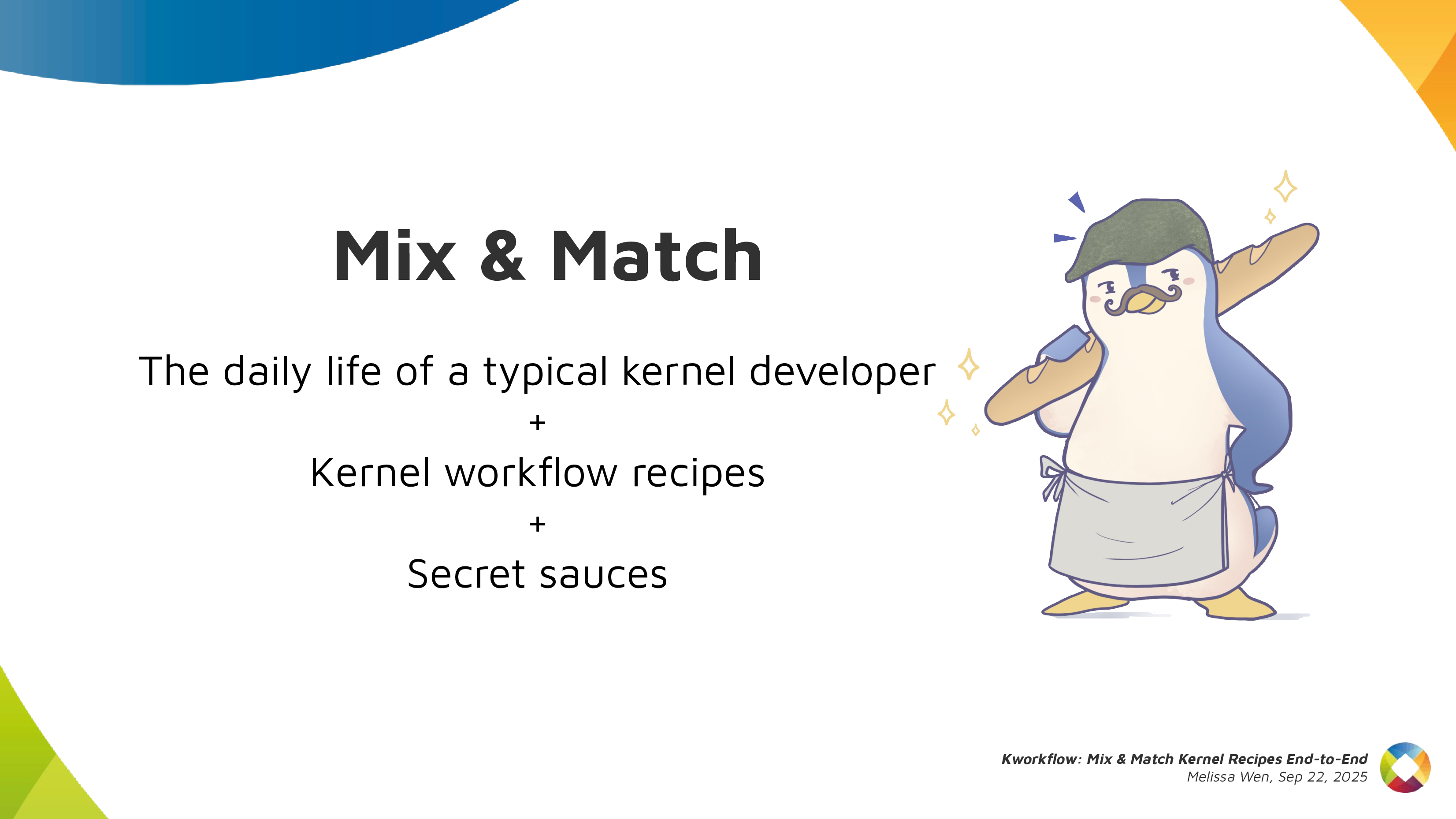 Basically it s mixing and matching the daily life of a typical kernel developer
with kernel workflow recipes with some secret sauces.
 So, it s time to start the first recipe: A good GPU driver for my AMD laptop.
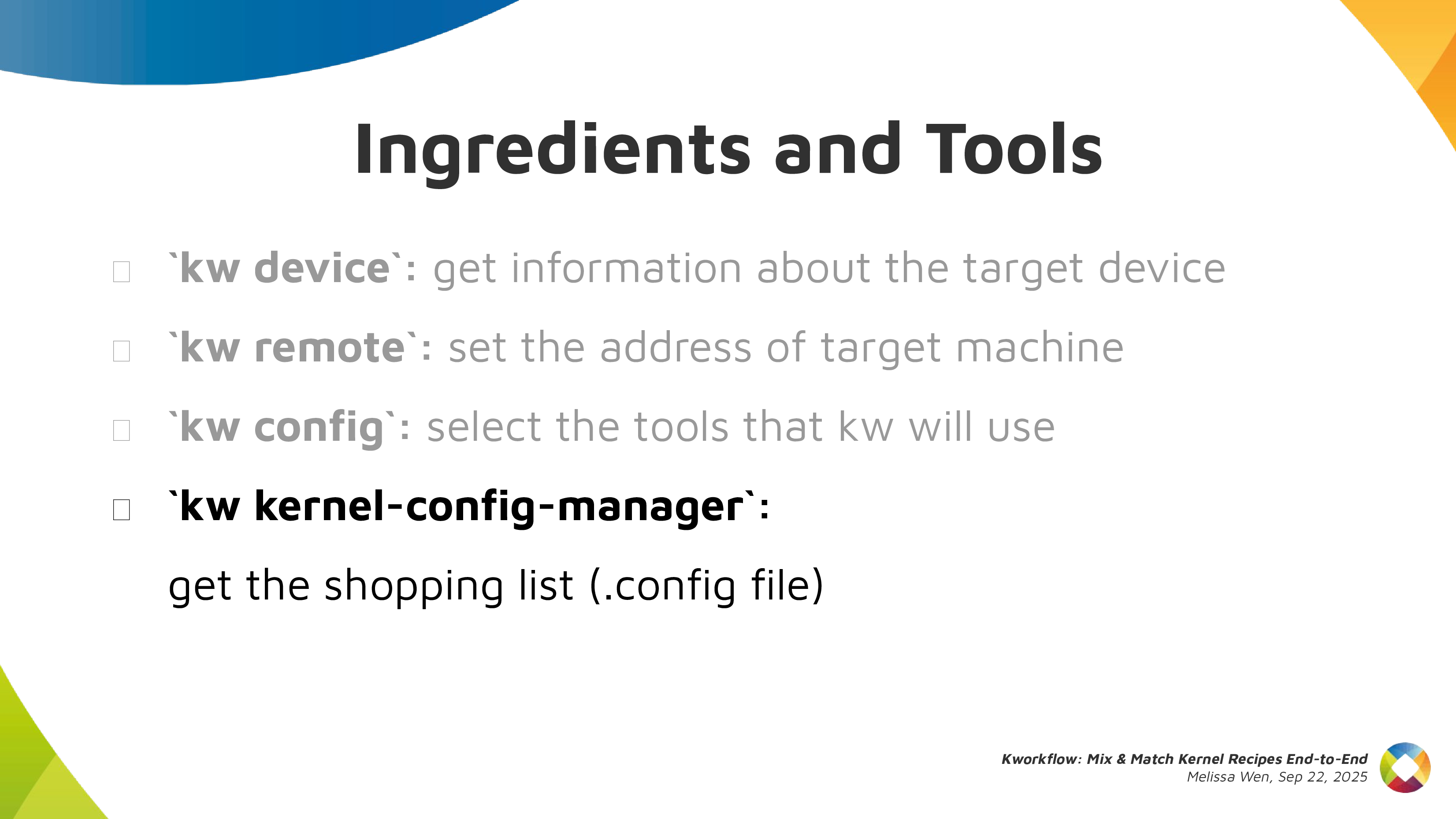
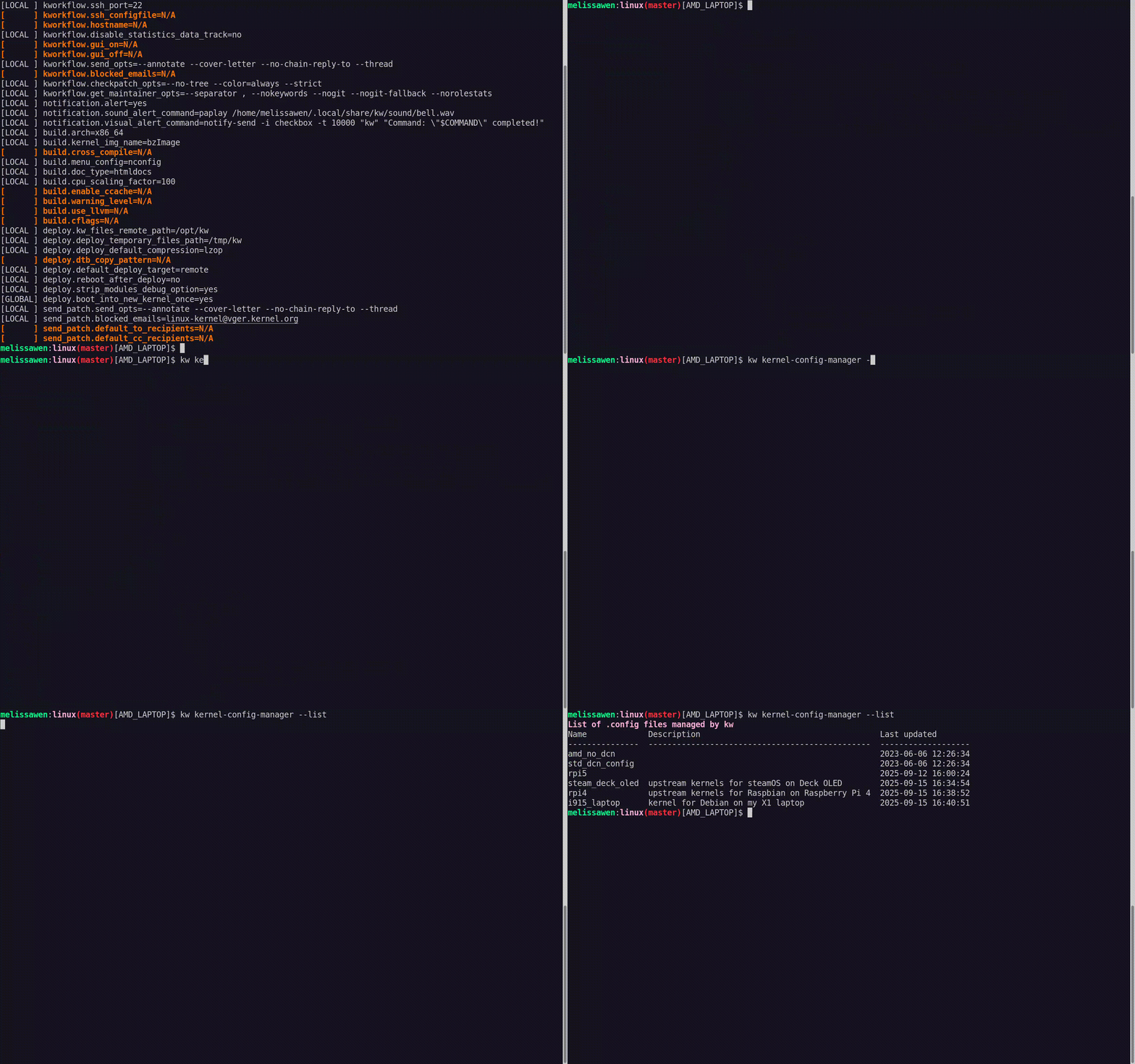
 Before starting any recipe we need to check the necessary ingredients and
tools. So, let s check what you have at home.
With kworkflow, you can use:
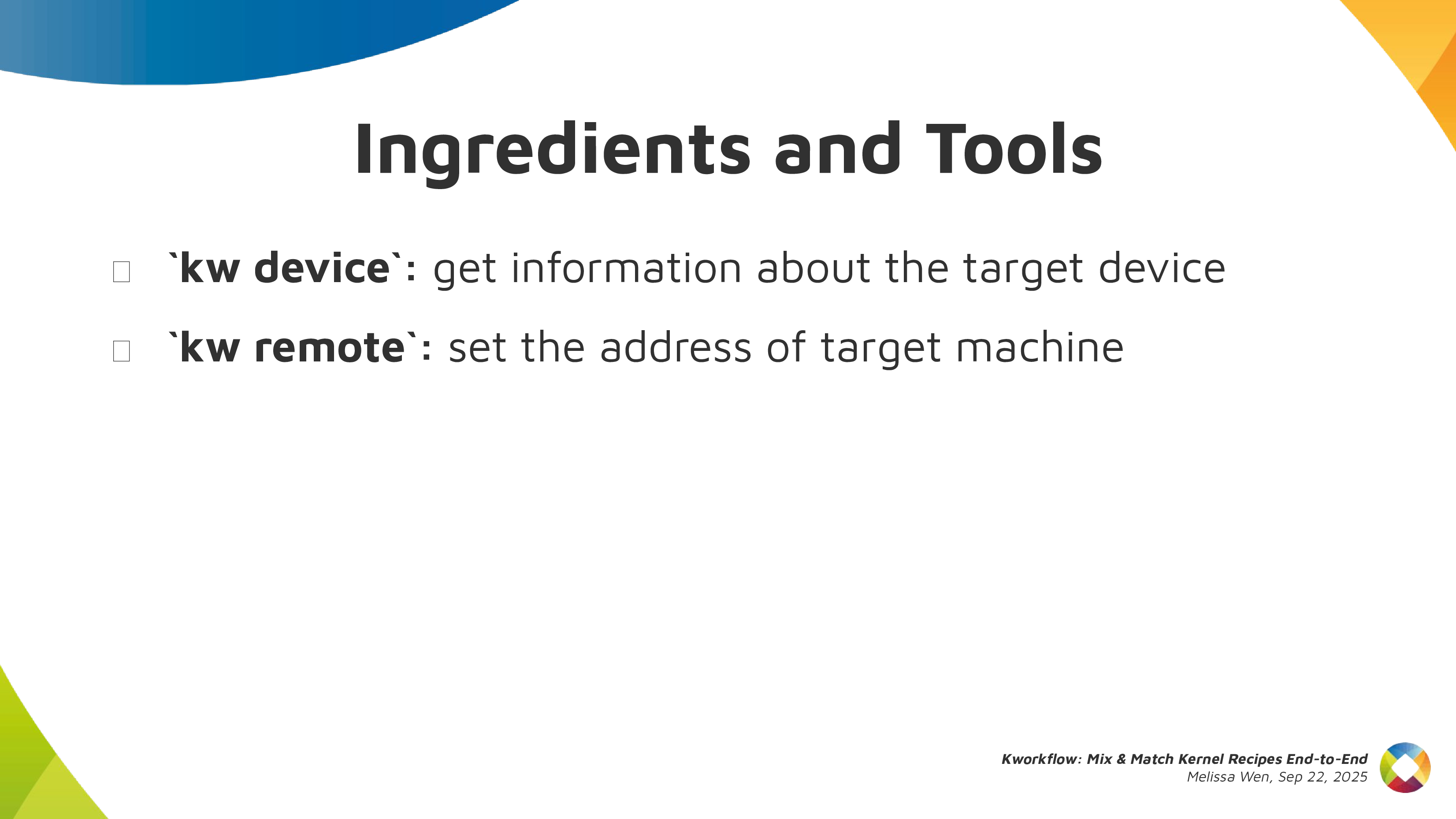
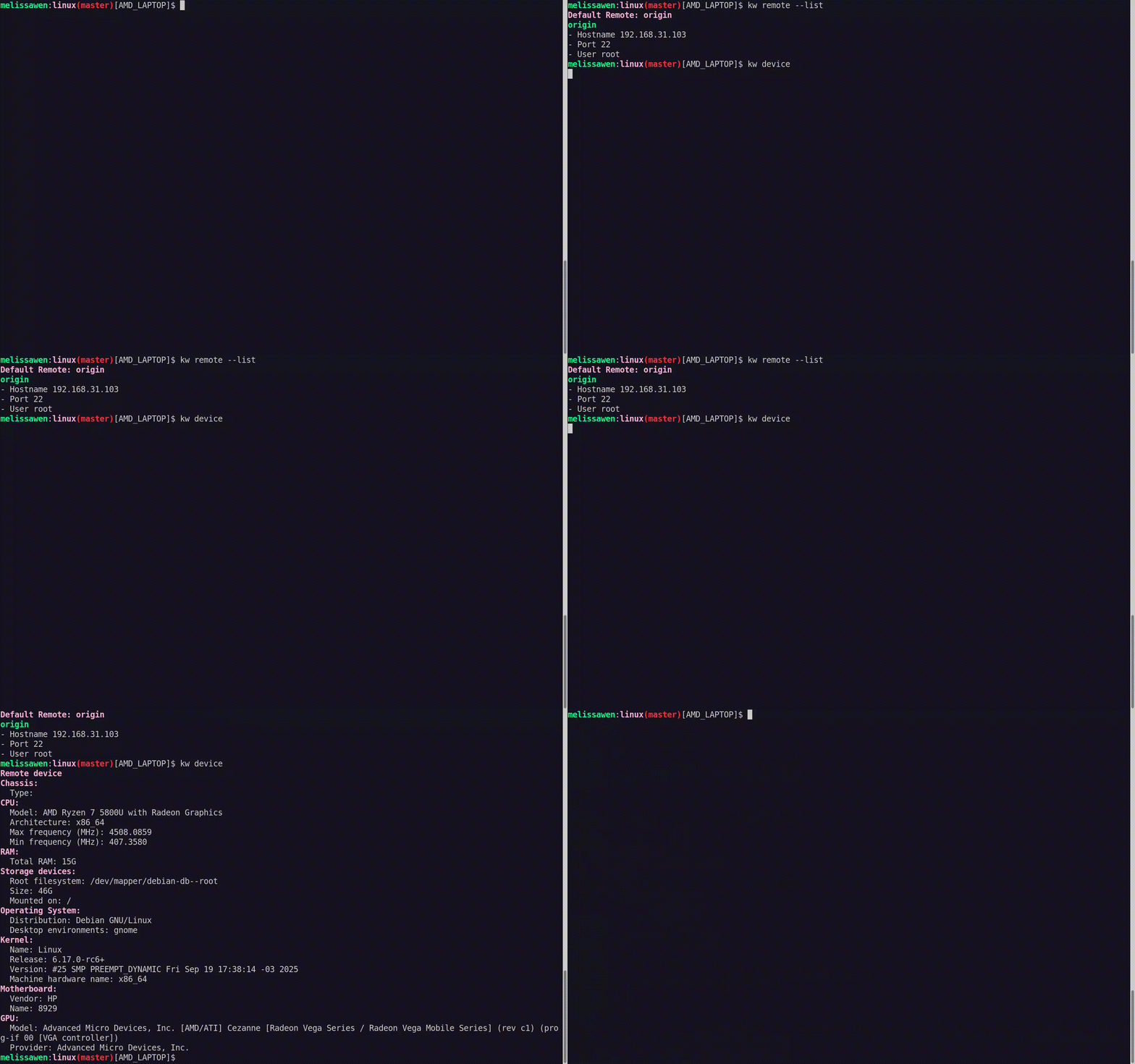
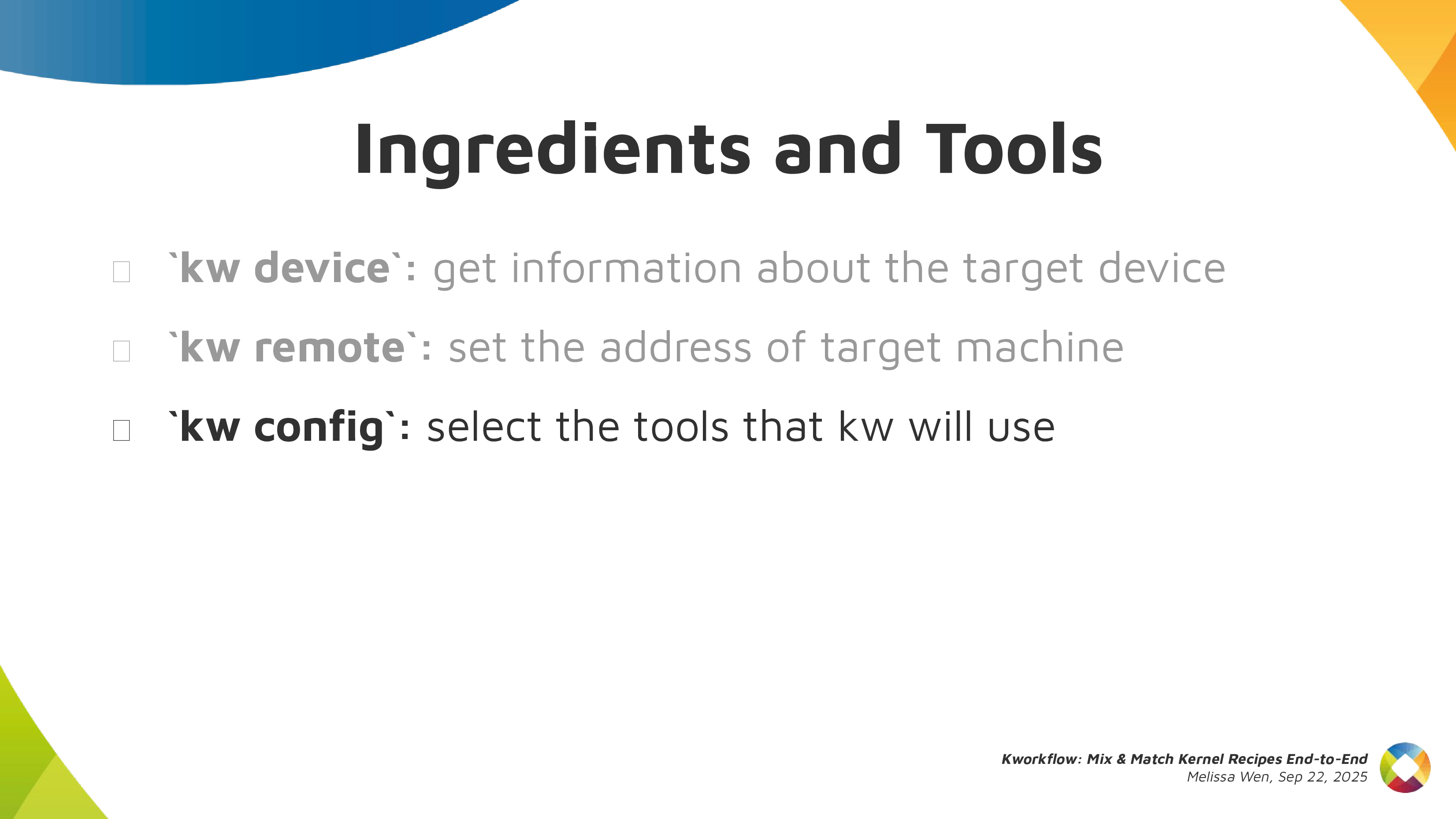
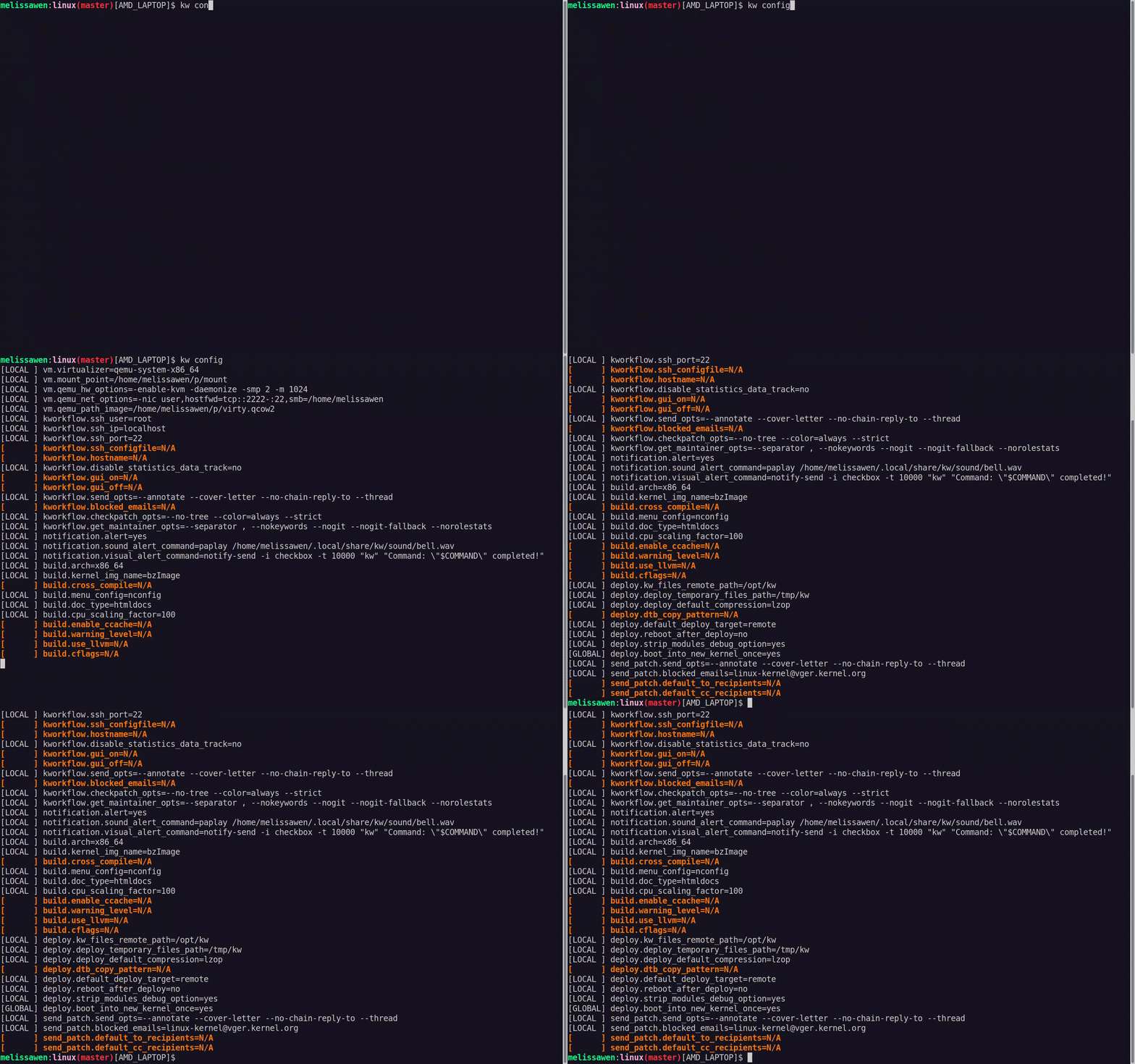
 Now, with all ingredients and tools selected and well portioned, follow the
right steps to prepare your custom kernel!
First step: Mix ingredients with

 After compiling the custom kernel, we want to install it in the target machine.
Check the name of the custom kernel built:
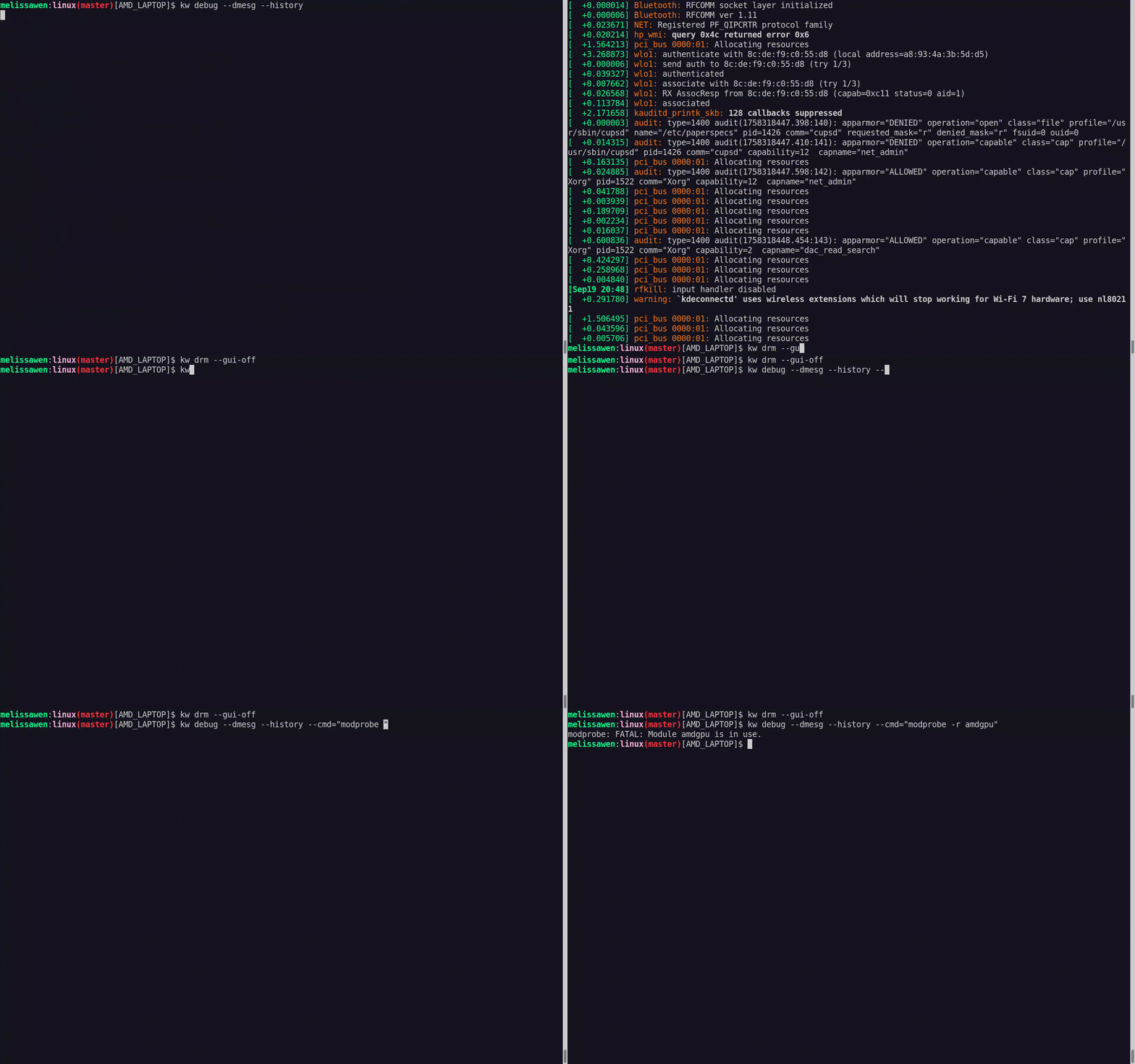
 Oh no! That custom kernel isn t tasting good. Don t worry, as in many recipes
preparations, we can search on the internet to find suggestions on how to make
it tasteful, alternative ingredients and other flavours according to your
taste.
 With
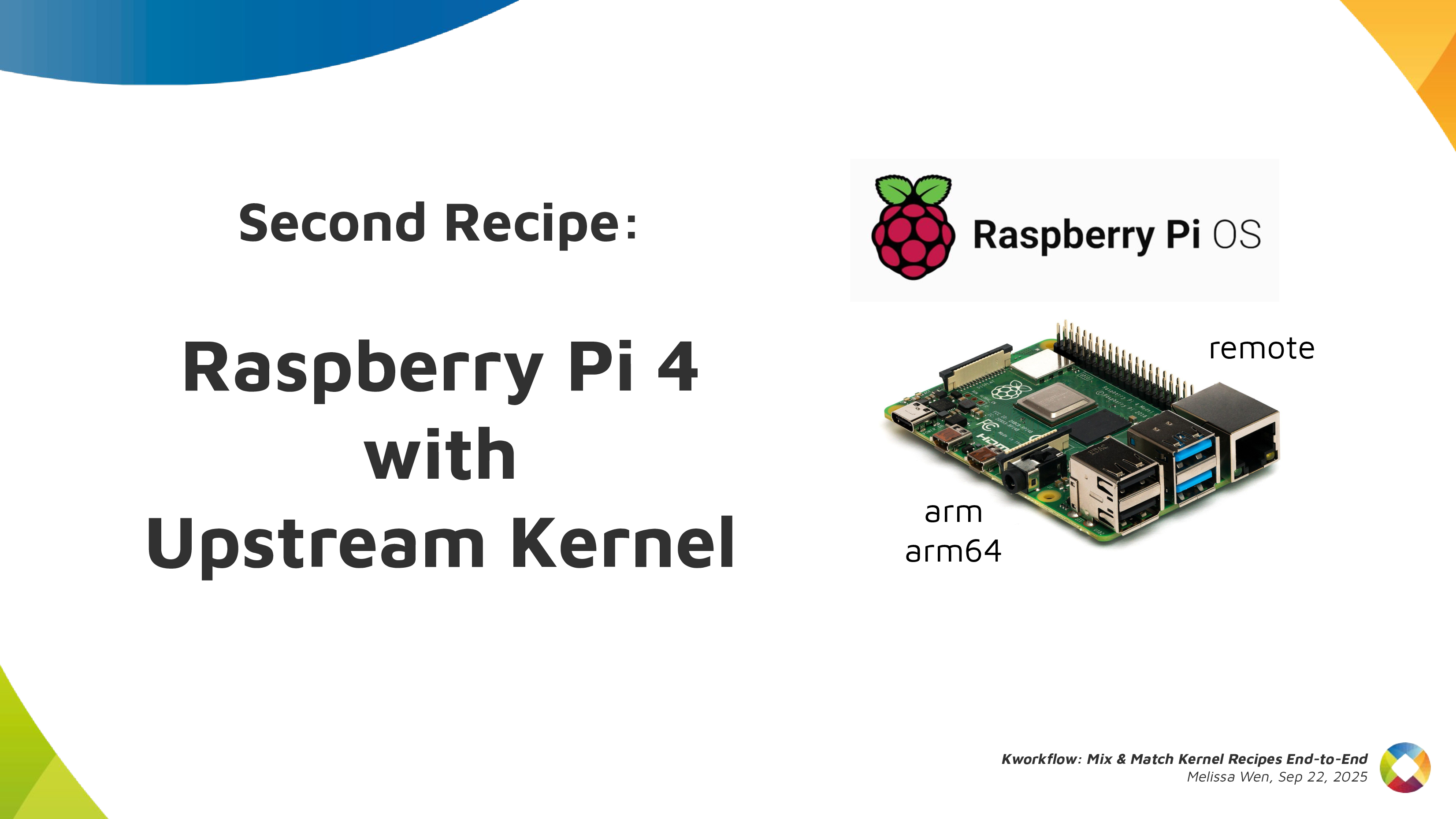 As in all recipes, we need ingredients and tools, but with kworkflow you can
get everything set as when changing scenarios in a TV show. We can use kw env
to change to a different environment with all kw and kernel configuration set
and also with the latest compiled kernel cached.
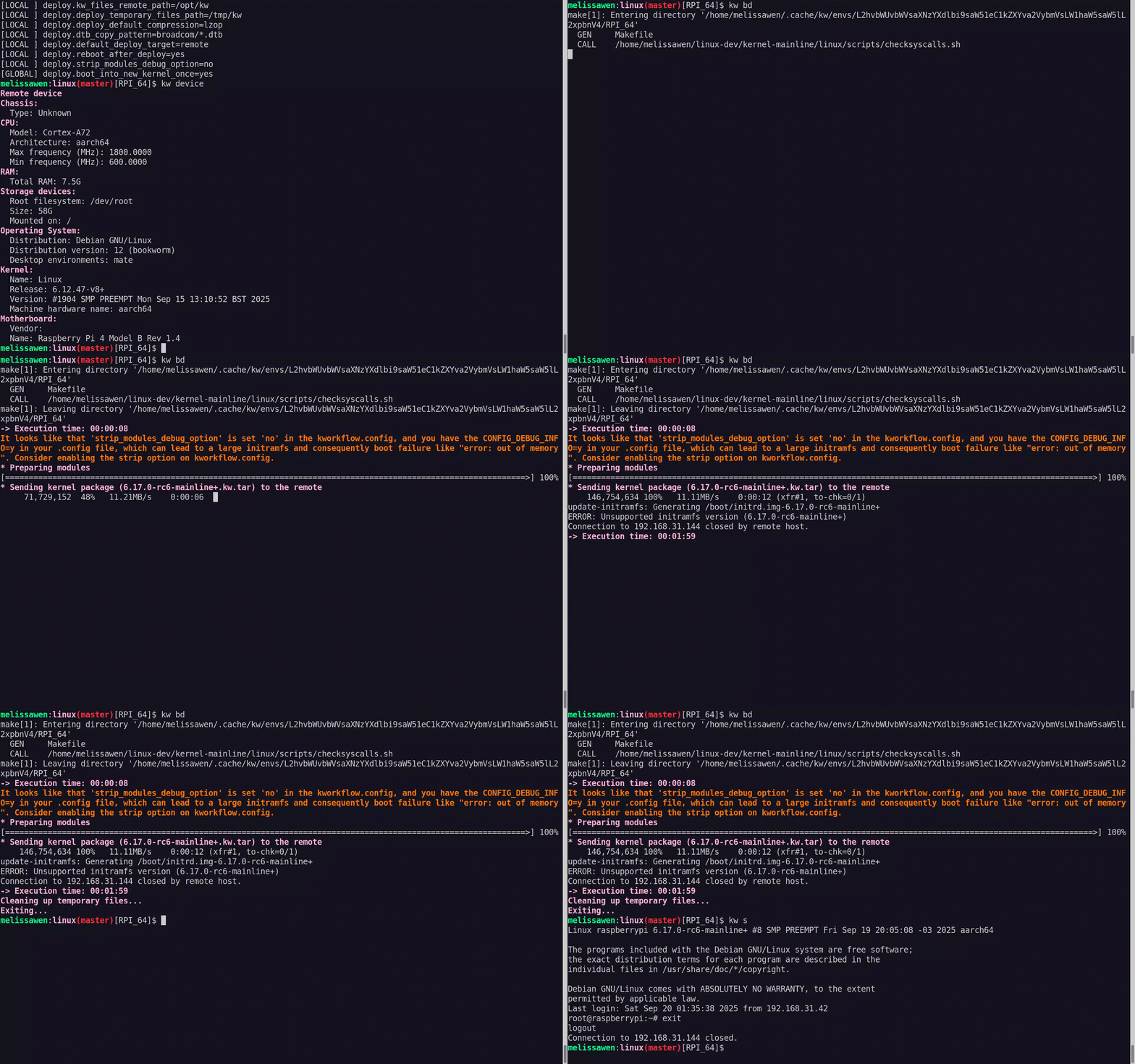
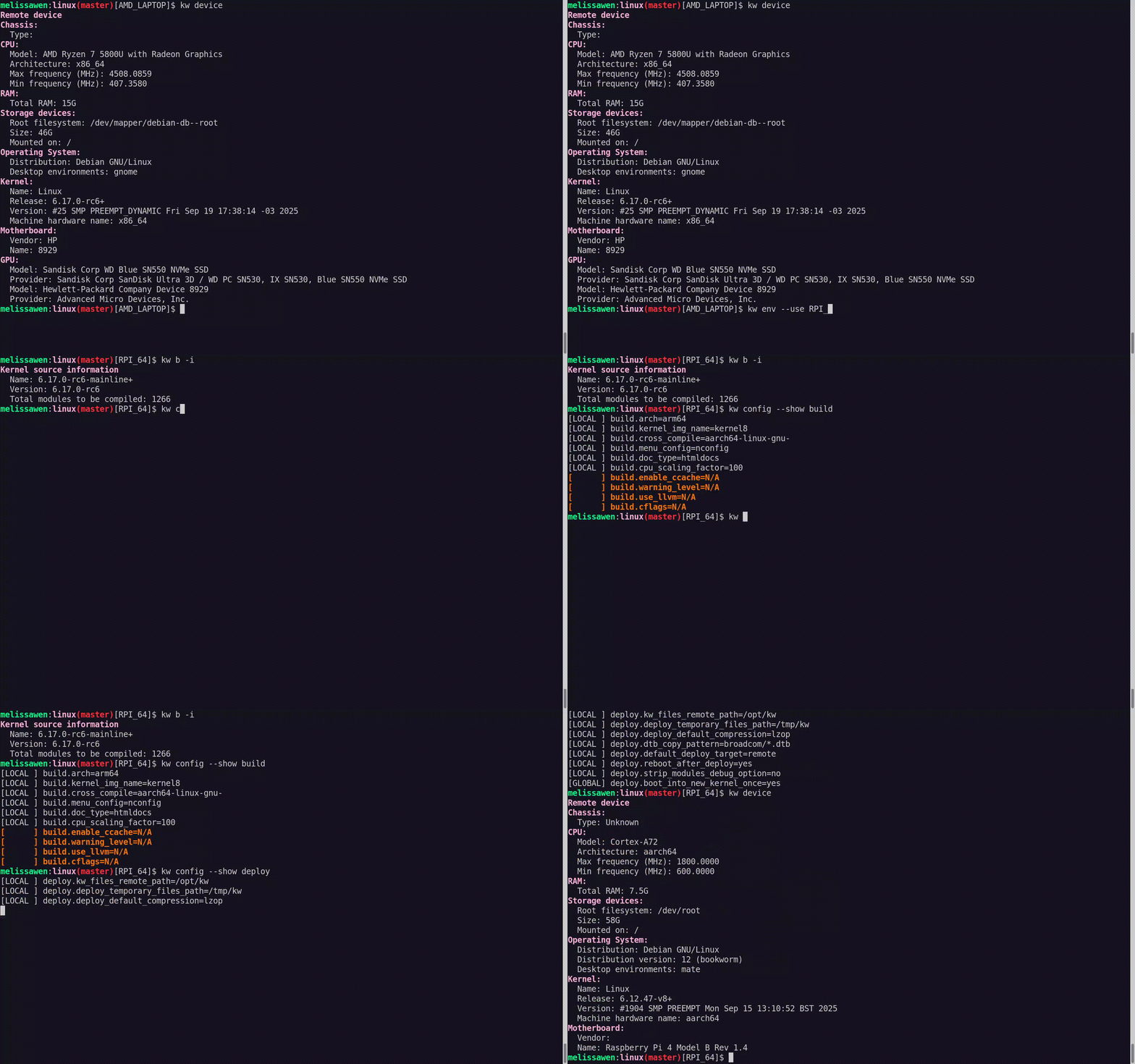 I was preparing the first recipe for a x86 AMD laptop and with
 If you didn t plan for this recipe in advance, don t worry. You can create a
new environment with
 And you can use
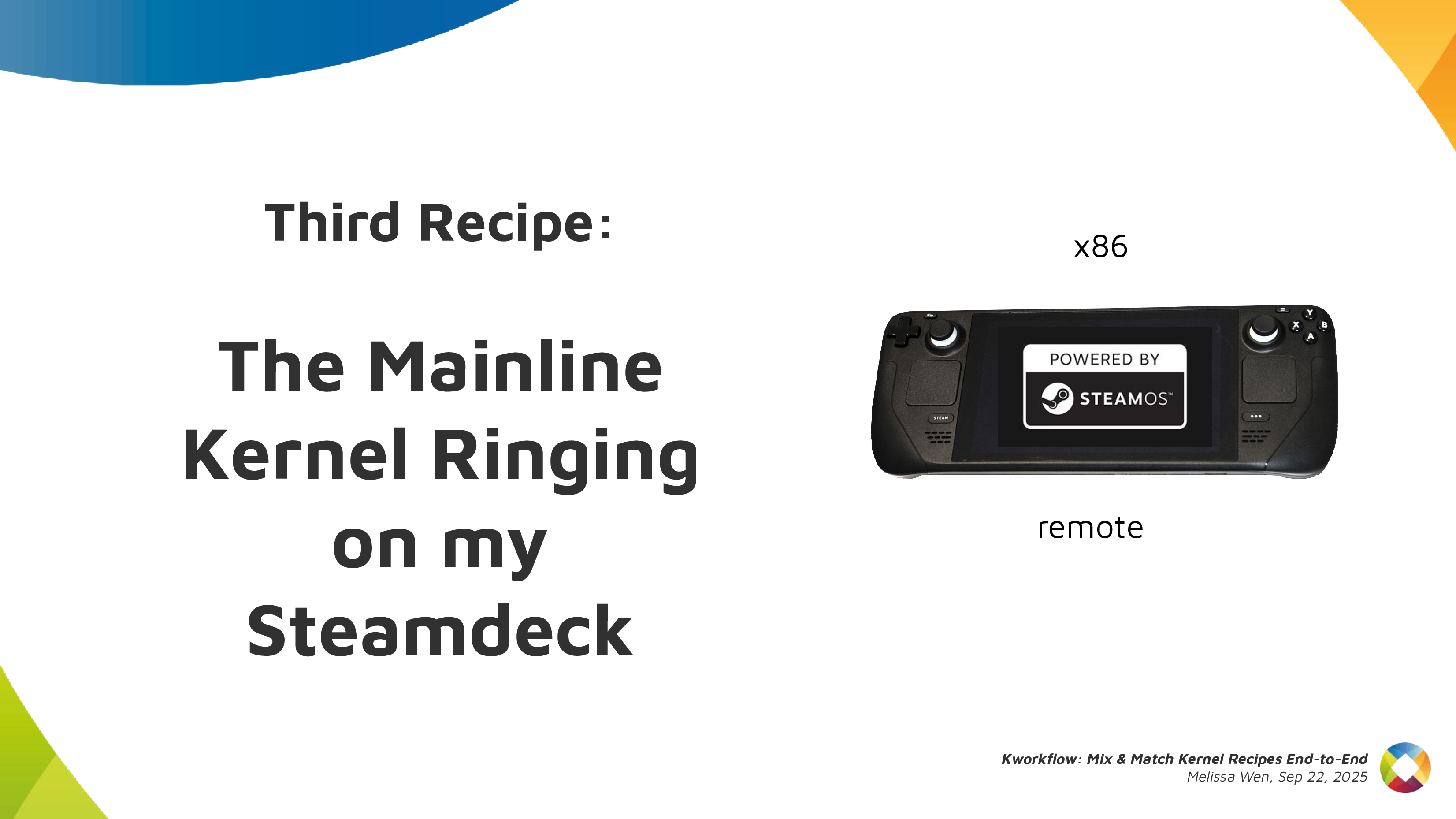 Let s show you how easy is to build, install and test a custom kernel for Steam
Deck with Kworkflow. It s a live demo, but I also recorded it because I know
the risks I m exposed to and something can go very wrong just because of
reasons :)
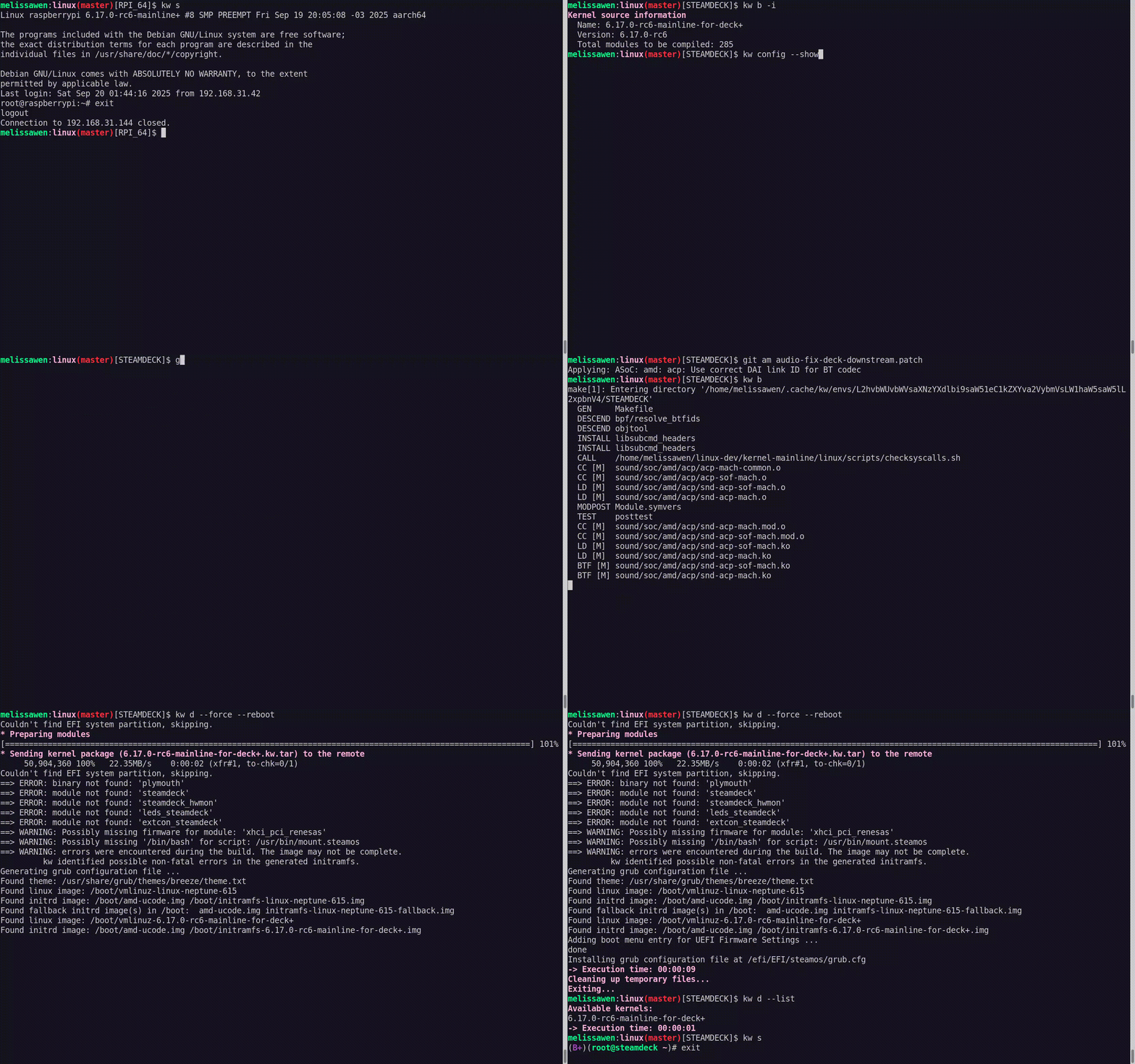
 As I started the demo in the kw environment for Raspberry Pi 4, I first moved
to another environment previously used for Steam Deck. In this STEAMDECK
environment, the mainline kernel was already compiled and cached, and all
settings for accessing the target machine, compiling and installing a custom
kernel were retrieved automatically.
My live demo followed these steps: