Search Results: "angel"

9 December 2023

Thorsten Alteholz: My Debian Activities in November 2023

FTP master This month I accepted 276 and rejected 25 packages. The overall number of packages that got accepted was 276. I also handled several RM bugs, so the archive did not grow that much :-). Debian LTS This was my hundred-thirteenth month that I did some work for the Debian LTS initiative, started by Raphael Hertzog at Freexian. During my allocated time I uploaded: The update of libde265 was a bit unusual this time. The security tracker had three CVEs listed for it and the maintainer was looking for a sponsor to fix them in Unstable. So far, so good! I sponsored the upload and suddenly a fourth CVE appeared in the security tracker. As the debian/changelog mentioned a different CVE, it was automatically added. Indeed upstreams changelog contained a patch for a CVE that was reserved but not yet published (hence the security tracker could not connect it to libde265). I informed upstream and as things turned out marking the CVE as public was just forgotten. Luckily there was some time left for the upcoming point release and all four patches finally arrived in Bookworm. Debian ELTS This month was the sixty-fourth ELTS month. During my allocated time I uploaded: In order to check whether the patch for the standalone version of minizip was ok, I used a test from the embedded minizip version in chromium and it worked. Debian Printing This month I uploaded a new upstream version of: Within the context of preserving old printing packages, I adopted: If you know of any other package that is also needed and still maintained by the QA team, please tell me. This work is generously funded by Freexian! Debian Astro This month I uploaded a new upstream version of: Debian IoT This month I uploaded a new upstream version of: Debian Mobcom This month I uploaded a package to fix one or the other issue: Other stuff This month I uploaded new upstream version of packages, did a source upload for the transition or uploaded it to fix one or the other issue:

6 December 2023

Reproducible Builds: Reproducible Builds in November 2023

Welcome to the November 2023 report from the Reproducible Builds project! In these reports we outline the most important things that we have been up to over the past month. As a rather rapid recap, whilst anyone may inspect the source code of free software for malicious flaws, almost all software is distributed to end users as pre-compiled binaries (more).

Reproducible Builds Summit 2023 Between October 31st and November 2nd, we held our seventh Reproducible Builds Summit in Hamburg, Germany! Amazingly, the agenda and all notes from all sessions are all online many thanks to everyone who wrote notes from the sessions. As a followup on one idea, started at the summit, Alexander Couzens and Holger Levsen started work on a cache (or tailored front-end) for the snapshot.debian.org service. The general idea is that, when rebuilding Debian, you do not actually need the whole ~140TB of data from snapshot.debian.org; rather, only a very small subset of the packages are ever used for for building. It turns out, for amd64, arm64, armhf, i386, ppc64el, riscv64 and s390 for Debian trixie, unstable and experimental, this is only around 500GB ie. less than 1%. Although the new service not yet ready for usage, it has already provided a promising outlook in this regard. More information is available on https://rebuilder-snapshot.debian.net and we hope that this service becomes usable in the coming weeks. The adjacent picture shows a sticky note authored by Jan-Benedict Glaw at the summit in Hamburg, confirming Holger Levsen s theory that rebuilding all Debian packages needs a very small subset of packages, the text states that 69,200 packages (in Debian sid) list 24,850 packages in their .buildinfo files, in 8,0200 variations. This little piece of paper was the beginning of rebuilder-snapshot and is a direct outcome of the summit! The Reproducible Builds team would like to thank our event sponsors who include Mullvad VPN, openSUSE, Debian, Software Freedom Conservancy, Allotropia and Aspiration Tech.

Beyond Trusting FOSS presentation at SeaGL On November 4th, Vagrant Cascadian presented Beyond Trusting FOSS at SeaGL in Seattle, WA in the United States. Founded in 2013, SeaGL is a free, grassroots technical summit dedicated to spreading awareness and knowledge about free source software, hardware and culture. The summary of Vagrant s talk mentions that it will:
[ ] introduce the concepts of Reproducible Builds, including best practices for developing and releasing software, the tools available to help diagnose issues, and touch on progress towards solving decades-old deeply pervasive fundamental security issues Learn how to verify and demonstrate trust, rather than simply hoping everything is OK!
Germane to the contents of the talk, the slides for Vagrant s talk can be built reproducibly, resulting in a PDF with a SHA1 of cfde2f8a0b7e6ec9b85377eeac0661d728b70f34 when built on Debian bookworm and c21fab273232c550ce822c4b0d9988e6c49aa2c3 on Debian sid at the time of writing.

Human Factors in Software Supply Chain Security Marcel Fourn , Dominik Wermke, Sascha Fahl and Yasemin Acar have published an article in a Special Issue of the IEEE s Security & Privacy magazine. Entitled A Viewpoint on Human Factors in Software Supply Chain Security: A Research Agenda, the paper justifies the need for reproducible builds to reach developers and end-users specifically, and furthermore points out some under-researched topics that we have seen mentioned in interviews. An author pre-print of the article is available in PDF form.

Community updates On our mailing list this month:

openSUSE updates Bernhard M. Wiedemann has created a wiki page outlining an proposal to create a general-purpose Linux distribution which consists of 100% bit-reproducible packages albeit minus the embedded signature within RPM files. It would be based on openSUSE Tumbleweed or, if available, its Slowroll-variant. In addition, Bernhard posted another monthly update for his work elsewhere in openSUSE.

Ubuntu Launchpad now supports .buildinfo files Back in 2017, Steve Langasek filed a bug against Ubuntu s Launchpad code hosting platform to report that .changes files (artifacts of building Ubuntu and Debian packages) reference .buildinfo files that aren t actually exposed by Launchpad itself. This was causing issues when attempting to process .changes files with tools such as Lintian. However, it was noticed last month that, in early August of this year, Simon Quigley had resolved this issue, and .buildinfo files are now available from the Launchpad system.

PHP reproducibility updates There have been two updates from the PHP programming language this month. Firstly, the widely-deployed PHPUnit framework for the PHP programming language have recently released version 10.5.0, which introduces the inclusion of a composer.lock file, ensuring total reproducibility of the shipped binary file. Further details and the discussion that went into their particular implementation can be found on the associated GitHub pull request. In addition, the presentation Leveraging Nix in the PHP ecosystem has been given in late October at the PHP International Conference in Munich by Pol Dellaiera. While the video replay is not yet available, the (reproducible) presentation slides and speaker notes are available.

diffoscope changes diffoscope is our in-depth and content-aware diff utility that can locate and diagnose reproducibility issues. This month, Chris Lamb made a number of changes, including:
  • Improving DOS/MBR extraction by adding support for 7z. [ ]
  • Adding a missing RequiredToolNotFound import. [ ]
  • As a UI/UX improvement, try and avoid printing an extended traceback if diffoscope runs out of memory. [ ]
  • Mark diffoscope as stable on PyPI.org. [ ]
  • Uploading version 252 to Debian unstable. [ ]

Website updates A huge number of notes were added to our website that were taken at our recent Reproducible Builds Summit held between October 31st and November 2nd in Hamburg, Germany. In particular, a big thanks to Arnout Engelen, Bernhard M. Wiedemann, Daan De Meyer, Evangelos Ribeiro Tzaras, Holger Levsen and Orhun Parmaks z. In addition to this, a number of other changes were made, including:

Upstream patches The Reproducible Builds project detects, dissects and attempts to fix as many currently-unreproducible packages as possible. We endeavour to send all of our patches upstream where appropriate. This month, we wrote a large number of such patches, including:

Reproducibility testing framework The Reproducible Builds project operates a comprehensive testing framework (available at tests.reproducible-builds.org) in order to check packages and other artifacts for reproducibility. In October, a number of changes were made by Holger Levsen:
  • Debian-related changes:
    • Track packages marked as Priority: important in a new package set. [ ][ ]
    • Stop scheduling packages that fail to build from source in bookworm [ ] and bullseye. [ ].
    • Add old releases dashboard link in web navigation. [ ]
    • Permit re-run of the pool_buildinfos script to be re-run for a specific year. [ ]
    • Grant jbglaw access to the osuosl4 node [ ][ ] along with lynxis [ ].
    • Increase RAM on the amd64 Ionos builders from 48 GiB to 64 GiB; thanks IONOS! [ ]
    • Move buster to archived suites. [ ][ ]
    • Reduce the number of arm64 architecture workers from 24 to 16 in order to improve stability [ ], reduce the workers for amd64 from 32 to 28 and, for i386, reduce from 12 down to 8 [ ].
    • Show the entire build history of each Debian package. [ ]
    • Stop scheduling already tested package/version combinations in Debian bookworm. [ ]
  • Snapshot service for rebuilders
    • Add an HTTP-based API endpoint. [ ][ ]
    • Add a Gunicorn instance to serve the HTTP API. [ ]
    • Add an NGINX config [ ][ ][ ][ ]
  • System-health:
    • Detect failures due to HTTP 503 Service Unavailable errors. [ ]
    • Detect failures to update package sets. [ ]
    • Detect unmet dependencies. (This usually occurs with builds of Debian live-build.) [ ]
  • Misc-related changes:
    • do install systemd-ommd on jenkins. [ ]
    • fix harmless typo in squid.conf for codethink04. [ ]
    • fixup: reproducible Debian: add gunicorn service to serve /api for rebuilder-snapshot.d.o. [ ]
    • Increase codethink04 s Squid cache_dir size setting to 16 GiB. [ ]
    • Don t install systemd-oomd as it unfortunately kills sshd [ ]
    • Use debootstrap from backports when commisioning nodes. [ ]
    • Add the live_build_debian_stretch_gnome, debsums-tests_buster and debsums-tests_buster jobs to the zombie list. [ ][ ]
    • Run jekyll build with the --watch argument when building the Reproducible Builds website. [ ]
    • Misc node maintenance. [ ][ ][ ]
Other changes were made as well, however, including Mattia Rizzolo fixing rc.local s Bash syntax so it can actually run [ ], commenting away some file cleanup code that is (potentially) deleting too much [ ] and fixing the html_brekages page for Debian package builds [ ]. Finally, diagnosed and submitted a patch to add a AddEncoding gzip .gz line to the tests.reproducible-builds.org Apache configuration so that Gzip files aren t re-compressed as Gzip which some clients can t deal with (as well as being a waste of time). [ ]

If you are interested in contributing to the Reproducible Builds project, please visit our Contribute page on our website. However, you can get in touch with us via:

4 December 2023

Ian Jackson: Don t use apt-get source; use dgit

tl;dr: If you are a Debian user who knows git, don t work with Debian source packages. Don t use apt source, or dpkg-source. Instead, use dgit and work in git. Also, don t use: VCS links on official Debian web pages, debcheckout, or Debian s (semi-)official gitlab, Salsa. These are suitable for Debian experts only; for most people they can be beartraps. Instead, use dgit. > Struggling with Debian source packages? A friend of mine recently asked for help on IRC. They re an experienced Debian administrator and user, and were trying to: make a change to a Debian package; build and install and run binary packages from it; and record that change for their future self, and their colleagues. They ended up trying to comprehend quilt. quilt is an ancient utility for managing sets of source code patches, from well before the era of modern version control. It has many strange behaviours and footguns. Debian s ancient and obsolete tarballs-and-patches source package format (which I designed the initial version of in 1993) nowadays uses quilt, at least for most packages. You don t want to deal with any of this nonsense. You don t want to learn quilt, and suffer its misbehaviours. You don t want to learn about Debian source packages and wrestle dpkg-source. Happily, you don t need to. Just use dgit One of dgit s main objectives is to minimise the amount of Debian craziness you need to learn. dgit aims to empower you to make changes to the software you re running, conveniently and with a minimum of fuss. You can use dgit to get the source code to a Debian package, as a git tree, with dgit clone (and dgit fetch). The git tree can be made into a binary package directly. The only things you really need to know are:
  1. By default dgit fetches from Debian unstable, the main work-in-progress branch. You may want something like dgit clone PACKAGE bookworm,-security (yes, with a comma).
  2. You probably want to edit debian/changelog to make your packages have a different version number.
  3. To build binaries, run dpkg-buildpackage -uc -b.
  4. Debian package builds are often disastrously messsy: builds might modify source files; and the official debian/rules clean can be inadequate, or crazy. Always commit before building, and use git clean and git reset --hard instead of running clean rules from the package.
Don t try to make a Debian source package. (Don t read the dpkg-source manual!) Instead, to preserve and share your work, use the git branch. dgit pull or dgit fetch can be used to get updates. There is a more comprehensive tutorial, with example runes, in the dgit-user(7) manpage. (There is of course complete reference documentation, but you don t need to bother reading it.) Objections But I don t want to learn yet another tool One of dgit s main goals is to save people from learning things you don t need to. It aims to be straightforward, convenient, and (so far as Debian permits) unsurprising. So: don t learn dgit. Just run it and it will be fine :-). Shouldn t I be using official Debian git repos? Absolutely not. Unless you are a Debian expert, these can be terrible beartraps. One possible outcome is that you might build an apparently working program but without the security patches. Yikes! I discussed this in more detail in 2021 in another blog post plugging dgit. Gosh, is Debian really this bad? Yes. On behalf of the Debian Project, I apologise. Debian is a very conservative institution. Change usually comes very slowly. (And when rapid or radical change has been forced through, the results haven t always been pretty, either technically or socially.) Sadly this means that sometimes much needed change can take a very long time, if it happens at all. But this tendency also provides the stability and reliability that people have come to rely on Debian for. I m a Debian maintainer. You tell me dgit is something totally different! dgit is, in fact, a general bidirectional gateway between the Debian archive and git. So yes, dgit is also a tool for Debian uploaders. You should use it to do your uploads, whenever you can. It s more convenient and more reliable than git-buildpackage and dput runes, and produces better output for users. You too can start to forget how to deal with source packages! A full treatment of this is beyond the scope of this blog post.

comment count unavailable comments

3 December 2023

Ben Hutchings: FOSS activity in November 2023

14 November 2023

John Goerzen: It s More Important To Recognize What Direction People Are Moving Than Where They Are

I recently read a post on social media that went something like this (paraphrased): If you buy an EV, you re part of the problem. You re advancing car culture and are actively hurting the planet. The only ethical thing to do is ditch your cars and put all your effort into supporting transit. Anything else is worthless. There is some truth there; supporting transit in areas it makes sense is better than having more cars, even EVs. But of course the key here is in areas it makes sense. My road isn t even paved. I live miles from the nearest town. And get into the remote regions of the western USA and you ll find people that live 40 miles from the nearest neighbor. There s no realistic way that mass transit is ever going to be a thing in these areas. And even if it were somehow usable, sending buses over miles where nobody lives just to reach the few that are there will be worse than private EVs. And because I can hear this argument coming a mile away, no, it doesn t make sense to tell these people to just not live in the country because the planet won t support that anymore, because those people are literally the ones that feed the ones that live in the cities. The funny thing is: the person that wrote that shares my concerns and my goals. We both care deeply about climate change. We both want positive change. And I, ahem, recently bought an EV. I have seen this play out in so many ways over the last few years. Drive a car? Get yelled at. Support the wrong politician? Get a shunning. Not speak up loudly enough about the right politician? That s a yellin too. The problem is, this doesn t make friends. In fact, it hurts the cause. It doesn t recognize this truth:
It is more important to recognize what direction people are moving than where they are.
I support trains and transit. I ve donated money and written letters to politicians. But, realistically, there will never be transit here. People in my county are unable to move all the way to transit. But what can we do? Plenty. We bought an EV. I ve been writing letters to the board of our local electrical co-op advocating for relaxation of rules around residential solar installations, and am planning one myself. It may well be that our solar-powered transportation winds up having a lower carbon footprint than the poster s transit use. Pick your favorite cause. Whatever it is, consider your strategy: What do you do with someone that is very far away from you, but has taken the first step to move an inch in your direction? Do you yell at them for not being there instantly? Or do you celebrate that they have changed and are moving?

11 November 2023

Matthias Klumpp: AppStream 1.0 released!

Today, 12 years after the meeting where AppStream was first discussed and 11 years after I released a prototype implementation I am excited to announce AppStream 1.0!    Check it out on GitHub, or get the release tarball or read the documentation or release notes!

Some nostalgic memories I was not in the original AppStream meeting, since in 2011 I was extremely busy with finals preparations and ball organization in high school, but I still vividly remember sitting at school in the students lounge during a break and trying to catch the really choppy live stream from the meeting on my borrowed laptop (a futile exercise, I watched parts of the blurry recording later). I was extremely passionate about getting software deployment to work better on Linux and to improve the overall user experience, and spent many hours on the PackageKit IRC channel discussing things with many amazing people like Richard Hughes, Daniel Nicoletti, Sebastian Heinlein and others. At the time I was writing a software deployment tool called Listaller this was before Linux containers were a thing, and building it was very tough due to technical and personal limitations (I had just learned C!). Then in university, when I intended to recreate this tool, but for real and better this time as a new project called Limba, I needed a way to provide metadata for it, and AppStream fit right in! Meanwhile, Richard Hughes was tackling the UI side of things while creating GNOME Software and needed a solution as well. So I implemented a prototype and together we pretty much reshaped the early specification from the original meeting into what would become modern AppStream. Back then I saw AppStream as a necessary side-project for my actual project, and didn t even consider me as the maintainer of it for quite a while (I hadn t been at the meeting afterall). All those years ago I had no idea that ultimately I was developing AppStream not for Limba, but for a new thing that would show up later, with an even more modern design called Flatpak. I also had no idea how incredibly complex AppStream would become and how many features it would have and how much more maintenance work it would be and also not how ubiquitous it would become. The modern Linux desktop uses AppStream everywhere now, it is supported by all major distributions, used by Flatpak for metadata, used for firmware metadata via Richard s fwupd/LVFS, runs on every Steam Deck, can be found in cars and possibly many places I do not know yet.

What is new in 1.0?

API breaks The most important thing that s new with the 1.0 release is a bunch of incompatible changes. For the shared libraries, all deprecated API elements have been removed and a bunch of other changes have been made to improve the overall API and especially make it more binding-friendly. That doesn t mean that the API is completely new and nothing looks like before though, when possible the previous API design was kept and some changes that would have been too disruptive have not been made. Regardless of that, you will have to port your AppStream-using applications. For some larger ones I already submitted patches to build with both AppStream versions, the 0.16.x stable series as well as 1.0+. For the XML specification, some older compatibility for XML that had no or very few users has been removed as well. This affects for example release elements that reference downloadable data without an artifact block, which has not been supported for a while. For all of these, I checked to remove only things that had close to no users and that were a significant maintenance burden. So as a rule of thumb: If your XML validated with no warnings with the 0.16.x branch of AppStream, it will still be 100% valid with the 1.0 release. Another notable change is that the generated output of AppStream 1.0 will always be 1.0 compliant, you can not make it generate data for versions below that (this greatly reduced the maintenance cost of the project).

Developer element For a long time, you could set the developer name using the top-level developer_name tag. With AppStream 1.0, this is changed a bit. There is now a developer tag with a name child (that can be translated unless the translate="no" attribute is set on it). This allows future extensibility, and also allows to set a machine-readable id attribute in the developer element. This permits software centers to group software by developer easier, without having to use heuristics. If we decide to extend the developer information per-app in future, this is also now possible. Do not worry though the developer_name tag is also still read, so there is no high pressure to update. The old 0.16.x stable series also has this feature backported, so it can be available everywhere. Check out the developer tag specification for more details.

Scale factor for screenshots Screenshot images can now have a scale attribute, to indicate an (integer) scaling factor to apply. This feature was a breaking change and therefore we could not have it for the longest time, but it is now available. Please wait a bit for AppStream 1.0 to become deployed more widespread though, as using it with older AppStream versions may lead to issues in some cases. Check out the screenshots tag specification for more details.

Screenshot environments It is now possible to indicate the environment a screenshot was recorded in (GNOME, GNOME Dark, KDE Plasma, Windows, etc.) via an environment attribute on the respective screenshot tag. This was also a breaking change, so use it carefully for now! If projects want to, they can use this feature to supply dedicated screenshots depending on the environment the application page is displayed in. Check out the screenshots tag specification for more details.

References tag This is a feature more important for the scientific community and scientific applications. Using the references tag, you can associate the AppStream component with a DOI (Digital object identifier) or provide a link to a CFF file to provide citation information. It also allows to link to other scientific registries. Check out the references tag specification for more details.

Release tags Releases can have tags now, just like components. This is generally not a feature that I expect to be used much, but in certain instances it can become useful with a cooperating software center, for example to tag certain releases as long-term supported versions.

Multi-platform support Thanks to the interest and work of many volunteers, AppStream (mostly) runs on FreeBSD now, a NetBSD port exists, support for macOS was written and a Windows port is on its way! Thank you to everyone working on this

Better compatibility checks For a long time I thought that the AppStream library should just be a thin layer above the XML and that software centers should just implement a lot of the actual logic. This has not been the case for a while, but there was still a lot of complex AppStream features that were hard for software centers to implement and where it makes sense to have one implementation that projects can just use. The validation of component relations is one such thing. This was implemented in 0.16.x as well, but 1.0 vastly improves upon the compatibility checks, so you can now just run as_component_check_relations and retrieve a detailed list of whether the current component will run well on the system. Besides better API for software developers, the appstreamcli utility also has much improved support for relation checks, and I wrote about these changes in a previous post. Check it out! With these changes, I hope this feature will be used much more, and beyond just drivers and firmware.

So much more! The changelog for the 1.0 release is huge, and there are many papercuts resolved and changes made that I did not talk about here, like us using gi-docgen (instead of gtkdoc) now for nice API documentation, or the many improvements that went into better binding support, or better search, or just plain bugfixes.

Outlook I expect the transition to 1.0 to take a bit of time. AppStream has not broken its API for many, many years (since 2016), so a bunch of places need to be touched even if the changes themselves are minor in many cases. In hindsight, I should have also released 1.0 much sooner and it should not have become such a mega-release, but that was mainly due to time constraints. So, what s in it for the future? Contrary to what I thought, AppStream does not really seem to be done and fetature complete at a point, there is always something to improve, and people come up with new usecases all the time. So, expect more of the same in future: Bugfixes, validator improvements, documentation improvements, better tools and the occasional new feature. Onwards to 1.0.1!

8 October 2023

Niels Thykier: A new Debian package helper: debputy

I have made a new helper for producing Debian packages called debputy. Today, I uploaded it to Debian unstable for the first time. This enables others to migrate their package build using dh +debputy rather than the classic dh. Eventually, I hope to remove dh entirely from this equation, so you only need debputy. But for now, debputy still leverages dh support for managing upstream build systems. The debputy tool takes a radicially different approach to packaging compared to our existing packaging methods by using a single highlevel manifest instead of all the debian/install (etc.) and no hook targets in debian/rules. Here are some of the things that debputy can do or does: There are also some features that debputy does not support at the moment: There are all limitations of the current work in progress. I hope to resolve them all in due time.

Trying debputy With the limitations aside, lets talk about how you would go about migrating a package:
# Assuming here you have already run: apt install dh-debputy
$ git clone https://salsa.debian.org/rra/kstart
[...]
$ cd kstart
# Add a Build-Dependency on dh-sequence-debputy
$ perl -n -i -e \
   'print; print " dh-sequence-debputy,\n" if m/debhelper-compat/;' \
    debian/control
$ debputy migrate-from-dh --apply-changes
debputy: info: Loading plugin debputy (version: archive/debian/4.3-1) ...
debputy: info: Verifying the generating manifest
debputy: info: Updated manifest debian/debputy.manifest
debputy: info: Removals:
debputy: info:   rm -f "./debian/docs"
debputy: info:   rm -f "./debian/examples"
debputy: info: Migrations performed successfully
debputy: info: Remember to validate the resulting binary packages after rebuilding with debputy
$ cat debian/debputy.manifest 
manifest-version: '0.1'
installations:
- install-docs:
    sources:
    - NEWS
    - README
    - TODO
- install-examples:
    source: examples/krenew-agent
$ git add debian/debputy.manifest
$ git commit --signoff -am"Migrate to debputy"
# Run build tool of choice to verify the output.
This is of course a specific example that works out of the box. If you were to try this on debianutils (from git), the output would look something like this:
$ debputy migrate-from-dh
debputy: info: Loading plugin debputy (version: 5.13-13-g9836721) ...
debputy: error: Unable to migrate automatically due to missing features in debputy.
  * The "debian/triggers" debhelper config file (used by dh_installdeb is currently not supported by debputy.
Use --acceptable-migration-issues=[...] to convert this into a warning [...]
And indeed, debianutils requires at least 4 debhelper features beyond what debputy can support at the moment (all related to maintscripts and triggers).

Rapid feedback Rapid feedback cycles are important for keeping developers engaged in their work. The debputy tool provides the following features to enable rapid feedback.

Immediate manifest validation It would be absolutely horrible if you had to do a full-rebuild only to realize you got the manifest syntax wrong. Therefore, debputy has a check-manifest command that checks the manifest for syntactical and semantic issues.
$ cat debian/debputy.manifest
manifest-version: '0.1'
installations:
- install-docs:
    sources:
    - GETTING-STARTED-WITH-dh-debputy.md
    - MANIFEST-FORMAT.md
    - MIGRATING-A-DH-PLUGIN.md
$ debputy check-manifest
debputy: info: Loading plugin debputy (version: 0.1.7-1-gf34bd66) ...
debputy: info: No errors detected.
$ cat <<EOF >> debian/debputy.manifest
- install:
    sourced: foo
    as: usr/bin/foo
EOF
# Did I typo anything?
$ debputy check-manifest
debputy: info: Loading plugin debputy (version: 0.1.7-2-g4ef8c2f) ...
debputy: warning: Possible typo: The key "sourced" at "installations[1].install" should probably have been 'source'
debputy: error: Unknown keys " 'sourced' " at installations[1].install".  Keys that could be used here are: sources, when, dest-dir, source, into.
debputy: info: Loading plugin debputy (version: 0.1.7-2-g4ef8c2f) ...
$ sed -i s/sourced:/source:/ debian/debputy.manifest
$ debputy check-manifest
debputy: info: Loading plugin debputy (version: 0.1.7-2-g4ef8c2f) ...
debputy: info: No errors detected.
The debputy check-manifest command is limited to the manifest itself and does not warn about foo not existing as it could be produced as apart of the upstream build system. Therefore, there are still issues that can only be detected at package build time. But where debputy can reliably give you immediate feedback, it will do so.

Idempotence: Clean re-runs of dh_debputy without clean/rebuild If you read the fine print of many debhelper commands, you may see the following note their manpage:
This command is not idempotent. dh_prep(1) should be called between invocations of this command Manpage of an anonymous debhelper tool
What this usually means, is that if you run the command twice, you will get its maintscript change (etc.) twice in the final deb. This fits into our single-use clean throw-away chroot builds on the buildds and CI as well as dpkg-buildpackage s no-clean (-nc) option. Single-use throw-away chroots are not very helpful for debugging though, so I rarely use them when doing the majority of my packaging work as I do not want to wait for the chroot initialization (including installing of build-depends). But even then, I have found that dpkg-buildpackage -nc has been useless for me in many cases as I am stuck between two options:
  • With -nc, you often still interact with the upstream build system. As an example, debhelper will do a dh_prep followed by dh_auto_install, so now we are waiting for upstream s install target to run again. What should have taken seconds now easily take 0.5-1 minute extra per attempt.
  • If you want to by-pass this, you have to manually call the helpers needed (in correct order) and every run accumulates cruft from previous runs to the point that cruft drowns out the actual change you want to see. Also, I am rarely in the mood to play human dh, when I am debugging an issue that I failed to fix in my first, second and third try.
As you can probably tell, neither option has worked that well for me. But with dh_debputy, I have made it a goal that it will not self-taint the final output. If dh_debputy fails, you should be able to tweak the manifest and re-run dh_debputy with the same arguments.
  • No waiting for dpkg-buildpackage -nc nor anything implied by that.
  • No self-tainting of the final deb. The result you get, is the result you would have gotten if the previous dh_debputy run never happened.
  • Because dh_debputy produces the final result, I do not have to run multiple tools in the right order.
Obviously, this is currently a lot easier, because debputy is not involved in the upstream build system at all. If this feature is useful to you, please do let me know and I will try to preserve it as debputy progresses in features.

Packager provided files On a different topic, have you ever wondered what kind of files you can place into the debian directory that debhelper automatically picks up or reacts too? I do not have an answer to that beyond it is over 80 files and that as the maintainer of debhelper, I am not willing to manually maintain such a list manually. However, I do know what the answer is in debputy, because I can just ask debputy:
$ debputy plugin list packager-provided-files
+-----------------------------+---------------------------------------------[...]
  Stem                          Installed As                                [...]
+-----------------------------+---------------------------------------------[...]
  NEWS                          /usr/share/doc/ name /NEWS.Debian           [...]
  README.Debian                 /usr/share/doc/ name /README.Debian         [...]
  TODO                          /usr/share/doc/ name /TODO.Debian           [...]
  bug-control                   /usr/share/bug/ name /control               [...]
  bug-presubj                   /usr/share/bug/ name /presubj               [...]
  bug-script                    /usr/share/bug/ name /script                [...]
  changelog                     /usr/share/doc/ name /changelog.Debian      [...]
  copyright                     /usr/share/doc/ name /copyright             [...]
[...]
This will list all file types (Stem column) that debputy knows about and it accounts for any plugin that debputy can find. Note to be deterministic, debputy will not auto-load plugins that have not been explicitly requested during package builds. So this list could list files that are available but not active for your current package. Note the output is not intended to be machine readable. That may come in later version. Feel free to chime in if you have a concrete use-case.

Take it for a spin As I started this blog post with, debputy is now available in unstable. I hope you will take it for a spin on some of your simpler packages and provide feedback on it.  For documentation, please have a look at: Thanks for considering PS: My deepest respect to the fakeroot maintainers. That game of whack-a-mole is not something I would have been willing to maintain. I think fakeroot is like the Python GIL in the sense that it has been important in getting Debian to where it is today. But at the same time, I feel it is time to let go of the crutch and find a proper solution.

5 October 2023

Scarlett Gately Moore: KDE: Why KDE snaps Love KDE neon and the Big Move.

KDE neonKDE neon
KDE neon: KDE neon is extremely important to the KDE snaps eco-system as I briefly mentioned in my last post. Why? KDE neon is based on Jammy LTS which is the same as Core 22 base for snaps. Neon has a very useful continuous integration system in place that tests all the things, including dependencies, qml, cmake errors, debian packaging lintian tool and the list go on. This is very important to get packages out that don t break things on user desktops. Once the packages are a lovely shade of green on the neon CI ( or at least all the important issues are resolved ) it is in good shape for snapping. I have scripts that pull the build and runtime dependency information for our application package to use in the snapcraft.yaml. We know this list is complete, because it passed the tests! As applications gain features, they requires newer dependencies than what is provided in the ubuntu jammy repositories. Neon builds those newer dependencies and provides them to our users in the neon aptly repositories. It is much easier and more reliable than tracking down PPAs and hoping they stay maintained. We use the neon user edition repository in our snapcraft file to ensure we are up to date on KDE applications dependency needs. This week my work in Neon included turning jobs green and fixing kio-gdrive which is still qt5, but it s dependency libkgapi is qt6! We have to provide both versions in cases like this which entails tracking both master and the qt5 release branch. Snaps:
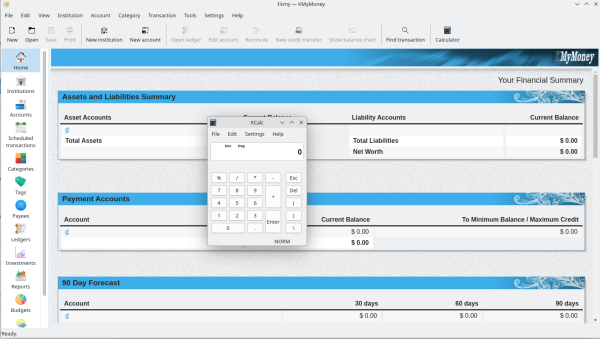
KMymoney 5.1
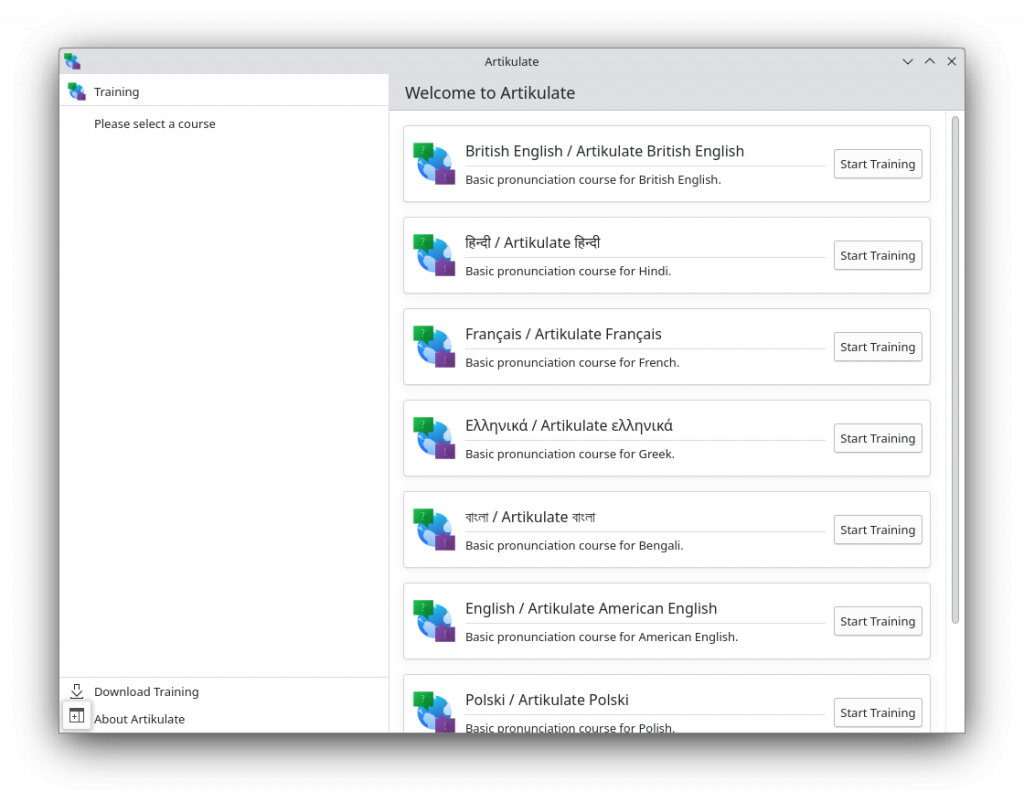
This week begun the big transition from single repository remote-builds to per repository snapcraft and using snap recipes on launchpad. This is an important move for a couple of reasons. We were having major issues with build failures as I pointed out in this bug report on launchpad: https://bugs.launchpad.net/launchpad/+bug/2031307 . This was due to the way remote-build works. It creates temporary snap recipes that builds once and sends back the snap or failure status. This made it very difficult to debug build failures as once the failure status was sent the job disappeared off of launchpad, taking all build logs with it. Now with the per repository snapcraft files, I have set up proper snap recipes on launchpad and the builds are automated by polling the github mirror for changes and it publishes the shiny new snap to candidate for testing or sends me the failure log that I can view at my convenience. This of course is a work in progress as we have 186 snaps currently and there are a few steps to get each one done. But once it is done, it will reduce my workload immensely and make debugging build issues faster. While making the move, I am also updating the snapcraft files for changes within snapcraft, adding cleanup to decrease bloat and fixing bugs! Snap move complete:
Artikulate with Courses
Current WIP: Audiotube, Digikam, Cantor, Neochat I also made a new content pack with KDE frameworks 5.110, but a new Qt 5.15.11 was just released so I will be making a new one tomorrow. The kf6 content snap has come to a halt as the qt6 content snap has stalled. I asked to be given access to the snapcraft file so that I may collaborate, but have not heard back. My mysterious project has reached its end for me. I might get a part time gig doing snaps out of it, but I do not meet the requirements to do any of the engineering of it. It is what it is. Thank you to all who vouched for me, alas it wasn t meant to be. If you can spare some change, I would appreciate it, especially to pay my phone/Internet bill so I can do more Neon and snaps  Thank you for stopping by. Donate https://gofund.me/b8b69e54

30 September 2023

Fran ois Marier: Things I do after uploading a new package to Debian

There are a couple of things I tend to do after packaging a piece of software for Debian, filing an Intent To Package bug and uploading the package. This is both a checklist for me and (hopefully) a way to inspire other maintainers to go beyond the basic package maintainer duties as documented in the Debian Developer's Reference. If I've missed anything, please leave an comment or send me an email!

Salsa for collaborative development To foster collaboration and allow others to contribute to the packaging, I upload my package to a new subproject on Salsa. By doing this, I enable other Debian contributors to make improvements and propose changes via merge requests. I also like to upload the project logo in the settings page (i.e. https://salsa.debian.org/debian/packagename/edit) since that will show up on some dashboards like the Package overview.

Launchpad for interacting with downstream Ubuntu users While Debian is my primary focus, I also want to keep an eye on how my package is doing on derivative distributions like Ubuntu. To do this, I subscribe to bugs related to my package on Launchpad. Ubuntu bugs are rarely Ubuntu-specific and so I will often fix them in Debian. I also set myself as the answer contact on Launchpad Answers since these questions are often the sign of a Debian or a lack of documentation. I don't generally bother to fix bugs on Ubuntu directly though since I've not had much luck with packages in universe lately. I'd rather not spend much time preparing a package that's not going to end up being released to users as part of a Stable Release Update. On the other hand, I have succesfully requested simple Debian syncs when an important update was uploaded after the Debian Import Freeze.

Screenshots and tags I take screenshots of my package and upload them on https://screenshots.debian.net to help users understand what my package offers and how it looks. I believe that these screenshots end up in software "stores" type of applications. Similarly, I add tags to my package using https://debtags.debian.org. I'm not entirely sure where these tags are used, but they are visible from apt show packagename.

Monitoring Upstream Releases Staying up-to-date with upstream releases is one of the most important duties of a software packager. There are a lot of different ways that upstream software authors publicize their new releases. Here are some of the things I do to monitor these releases:
  • I have a cronjob which run uscan once a day to check for new upstream releases using the information specified in my debian/watch files:
      0 12 * * 1-5   francois  test -e /home/francois/devel/deb && HTTPS_PROXY= https_proxy= uscan --report /home/francois/devel/deb   true
    
  • I subscribe to the upstream project's releases RSS feed, if available. For example, I subscribe to the GitHub tags feed for git-secrets and Launchpad announcements for email-reminder.
  • If the upstream project maintains an announcement mailing list, I subscribe to it (e.g. rkhunter-announce or tor release announcements).
When nothing else is available, I write a cronjob that downloads the upstream changelog once a day and commits it to a local git repo:
#!/bin/bash
pushd /home/francois/devel/zlib-changelog > /dev/null
wget --quiet -O ChangeLog.txt https://zlib.net/ChangeLog.txt   exit 1
git diff
git commit -a -m "Updated changelog" > /dev/null
popd > /dev/null
This sends me a diff by email when a new release is added (and no emails otherwise).

24 September 2023

Sahil Dhiman: Abraham Raji

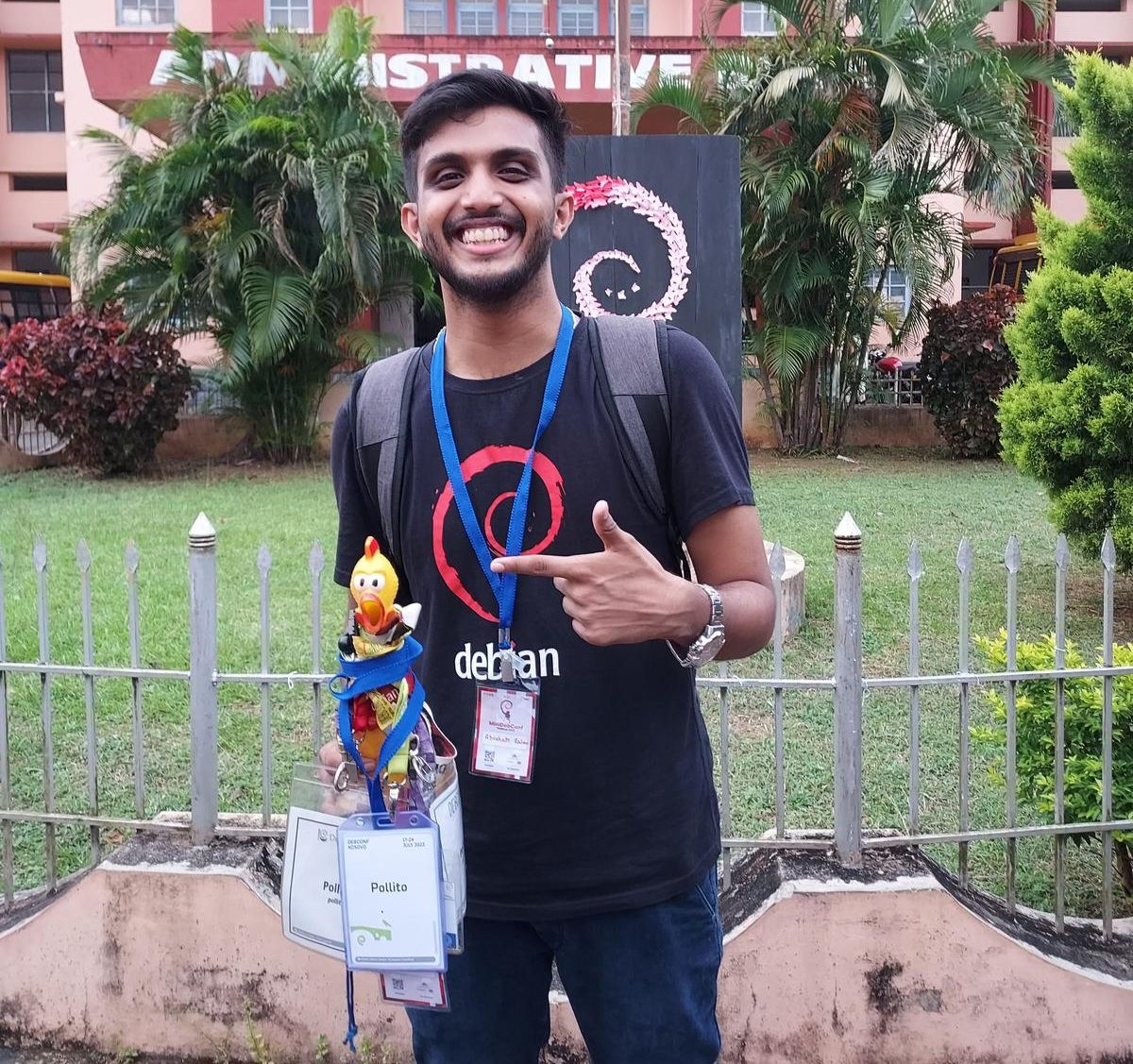
Abraham with Polito Man, you re no longer with us, but I am touched by the number of people you have positively impacted. Almost every DebConf23 presentations by locals I saw after you, carried how you were instrumental in bringing them there. How you were a dear friend and brother. It s a weird turn of events, that you left us during one thing we deeply cared and worked towards making possible since the last 3 years together. Who would have known, that Sahil, I m going back to my apartment tonight and casual bye post that would be the last conversation we ever had. Things were terrible after I heard the news. I had a hard time convincing myself to come see you one last time during your funeral. That was the last time I was going to get to see you, and I kept on looking at you. You, there in front of me, all calm, gave me peace. I ll carry that image all my life now. Your smile will always remain with me. Now, who ll meet and receive me on the door at almost every Debian event (just by sheer co-incidence?). Who ll help me speak out loud about all the Debian shortcomings (and then discuss solutions, when sober :)). Abraham and me during Debian discussion in DebUtsav Kochi It was a testament of the amount of time we had already spent together online, that when we first met during MDC Palakkad, it didn t feel we were physically meeting for the first time. The conversations just flowed. Now this song is associated with you due to your speech during post MiniDebConf Palakkad dinner. Hearing it reminds me of all the times we spent together chilling and talking community (which you cared deeply about). I guess, now we can t stop caring for the community, because your energy was contagious. Now, I can t directly dial your number to listen - Hey Sahil! What s up? from the other end, or Tell me, tell me on any mention of the problem. Nor would I be able to send reference usage of your Debian packaging guide in the wild. You already know how popular this guide of yours. How many people that guide has helped with getting started with packaging. Our last telegram text was me telling you about guide usage in Ravi s DebConf23 presentation. Did I ever tell you, I too got my first start with packaging from there. I started looking up to you from there, even before we met or talked. Now, I missed telling you, I was probably your biggest fan whenever you had the mic in hand and started speaking. You always surprised me all the insights and idea you brought and would kept on impressing me for someone who was just my age but was way more mature. Reading recent toots from Raju Dev made me realize how much I loved your writings. You wrote How the Future will remember Us , Doing what s right and many more. The level of depth in your thought was unparalleled. I loved reading those. That s why I kept pestering you to write more, which you slowly stopped. Now I fully understand why though. You were busy; really busy helping people out or just working for making things better. You were doing Debian, upstream projects, web development, designs, graphics, mentoring, free software evangelism while being the go-to person for almost everyone around. Everyone depended on you, because you were too kind to turn down anyone. Abraham and me just chilling around. We met for the first time there Man, I still get your spelling wrong :) Did I ever tell you that? That was the reason, I used to use AR instead online. You ll be missed and will always be part of our conversations, because you have left a profound impact on me, our friends, Debian India and everyone around. See you! the coolest man around. In memory: PS - Just found you even had a Youtube channel, you one heck of a talented man.

22 September 2023

Ravi Dwivedi: Debconf23

Official logo of DebConf23

Introduction DebConf23, the 24th annual Debian Conference, was held in India in the city of Kochi, Kerala from the 3rd to the 17th of September, 2023. Ever since I got to know about it (which was more than an year ago), I was excited to attend DebConf in my home country. This was my second DebConf, as I attended one last year in Kosovo. I was very happy that I didn t need to apply for a visa to attend. I got full bursary to attend the event (thanks a lot to Debian for that!) which is always helpful in covering the expenses, especially if the venue is a five star hotel :) For the conference, I submitted two talks. One was suggested by Sahil on Debian packaging for beginners, while the other was suggested by Praveen who opined that a talk covering broader topics about freedom in self-hosting services will be better, when I started discussing about submitting a talk about prav app project. So I submitted one on Debian packaging for beginners and the other on ideas on sustainable solutions for self-hosting. My friend Suresh - who is enthusiastic about Debian and free software - wanted to attend the DebConf as well. When the registration started, I reminded him about applying. We landed in Kochi on the 28th of August 2023 during the festival of Onam. We celebrated Onam in Kochi, had a trip to Wayanad, and returned to Kochi. On the evening of the 3rd of September, we reached the venue - Four Points Hotel by Sheraton, at Infopark Kochi, Ernakulam, Kerala, India.
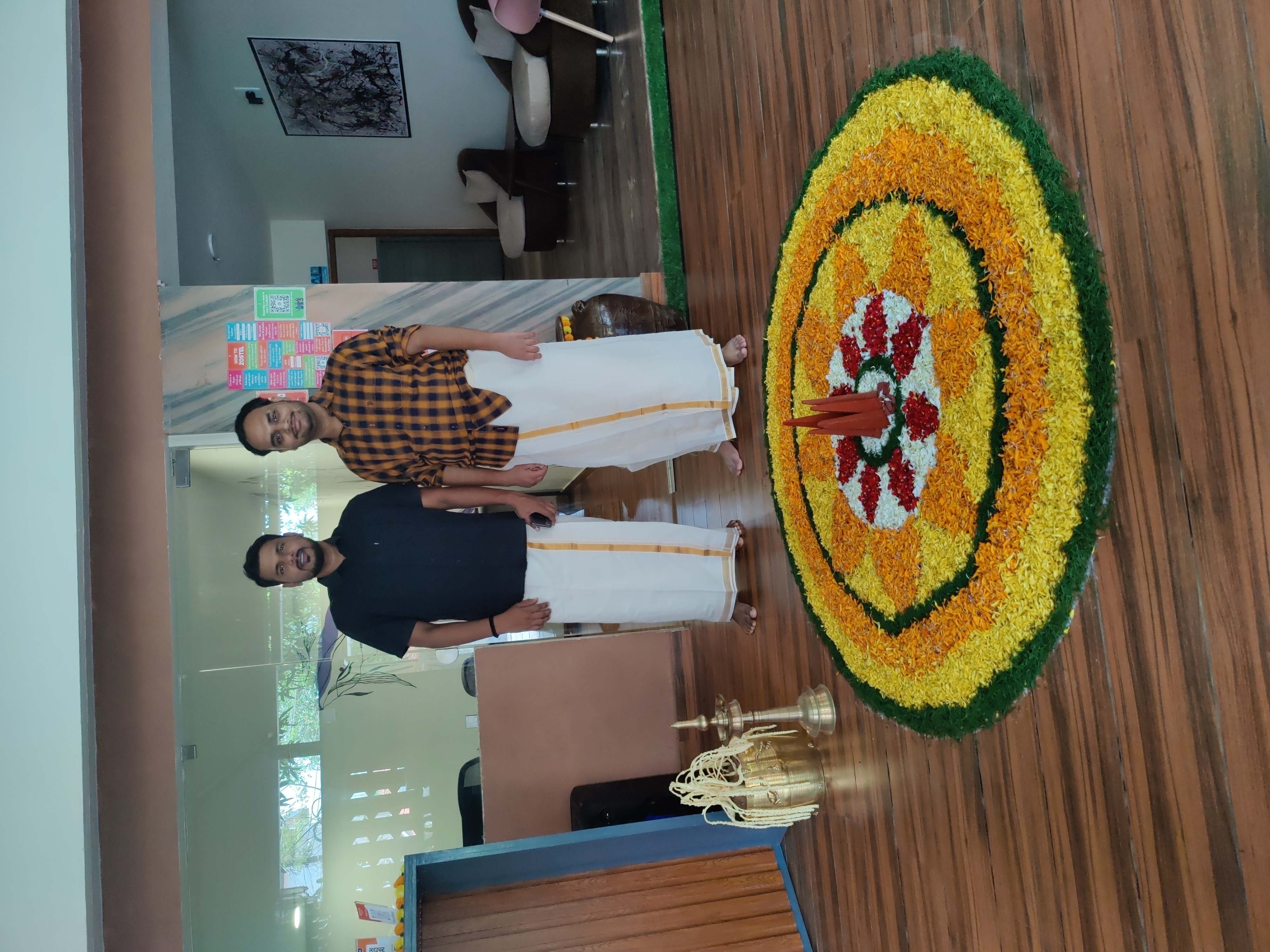
Suresh and me celebrating Onam in Kochi.

Hotel overview The hotel had 14 floors, and featured a swimming pool and gym (these were included in our package). The hotel gave us elevator access for only our floor, along with public spaces like the reception, gym, swimming pool, and dining areas. The temperature inside the hotel was pretty cold and I had to buy a jacket to survive. Perhaps the hotel was in cahoots with winterwear companies? :)
Four Points Hotel by Sheraton was the venue of DebConf23. Photo credits: Bilal
Photo of the pool. Photo credits: Andreas Tille.
View from the hotel window.

Meals On the first day, Suresh and I had dinner at the eatery on the third floor. At the entrance, a member of the hotel staff asked us about how many people we wanted a table for. I told her that it s just the two of us at the moment, but (as we are attending a conference) we might be joined by others. Regardless, they gave us a table for just two. Within a few minutes, we were joined by Alper from Turkey and urbec from Germany. So we shifted to a larger table but then we were joined by even more people, so we were busy adding more chairs to our table. urbec had already been in Kerala for the past 5-6 days and was, on one hand, very happy already with the quality and taste of bananas in Kerala and on the other, rather afraid of the spicy food :) Two days later, the lunch and dinner were shifted to the All Spice Restaurant on the 14th floor, but the breakfast was still served at the eatery. Since the eatery (on the 3rd floor) had greater variety of food than the other venue, this move made breakfast the best meal for me and many others. Many attendees from outside India were not accustomed to the spicy food. It is difficult for locals to help them, because what we consider mild can be spicy for others. It is not easy to satisfy everyone at the dining table, but I think the organizing team did a very good job in the food department. (That said, it didn t matter for me after a point, and you will know why.) The pappadam were really good, and I liked the rice labelled Kerala rice . I actually brought that exact rice and pappadam home during my last trip to Kochi and everyone at my home liked it too (thanks to Abhijit PA). I also wished to eat all types of payasams from Kerala and this really happened (thanks to Sruthi who designed the menu). Every meal had a different variety of payasam and it was awesome, although I didn t like some of them, mostly because they were very sweet. Meals were later shifted to the ground floor (taking away the best breakfast option which was the eatery).
This place served as lunch and dinner place and later as hacklab during debconf. Photo credits: Bilal

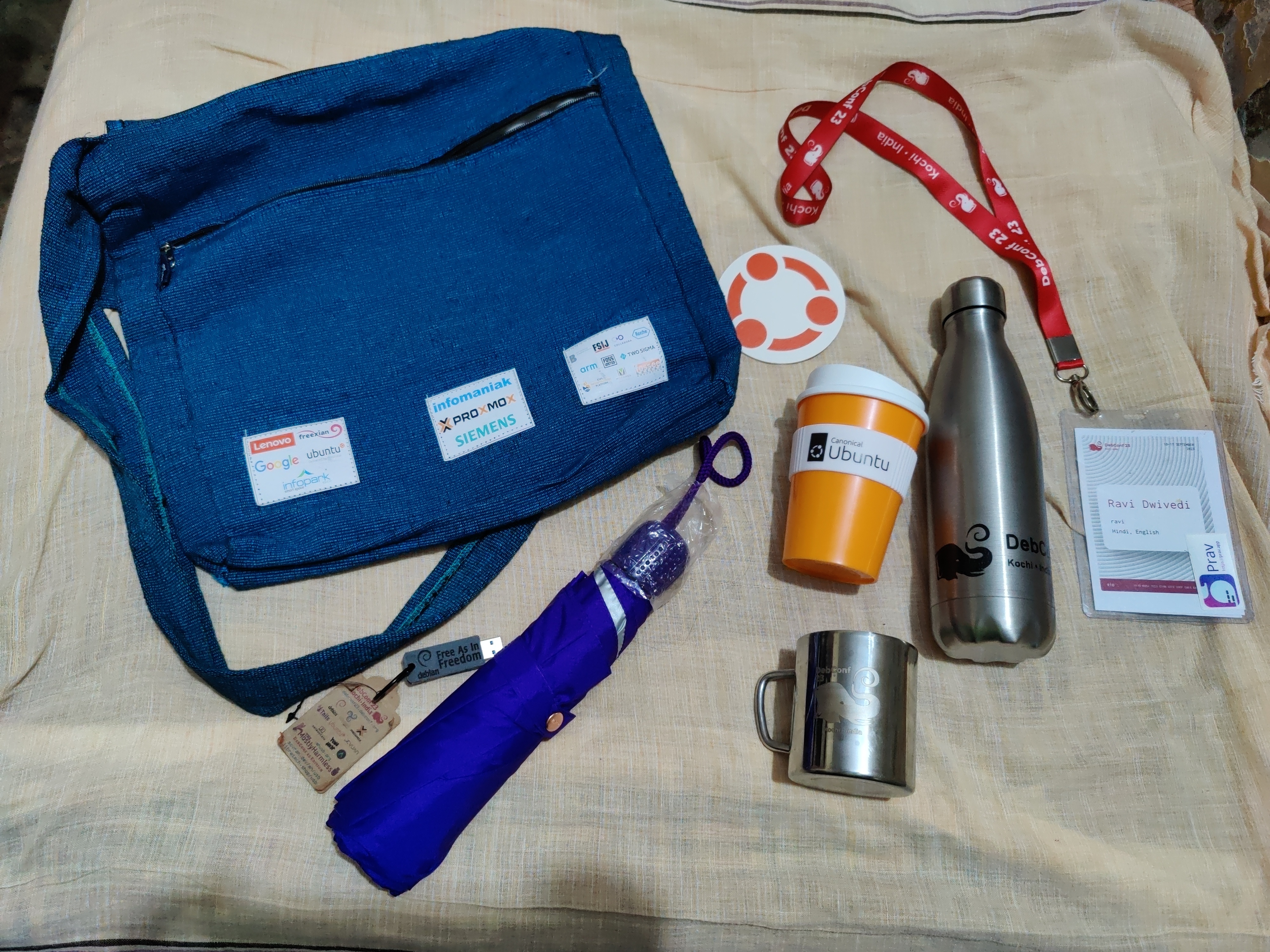
The excellent Swag Bag The DebConf registration desk was at the second floor. We were given a very nice swag bag. They were available in multiple colors - grey, green, blue, red - and included an umbrella, a steel mug, a multiboot USB drive by Mostly Harmless, a thermal flask, a mug by Canonical, a paper coaster, and stickers. It rained almost every day in Kochi during our stay, so handing out an umbrella to every attendee was a good idea.
Picture of the awesome swag bag given at DebConf23. Photo credits: Ravi Dwivedi

A gift for Nattie During breakfast one day, Nattie (Belgium) expressed the desire to buy a coffee filter. The next time I went to the market, I bought a coffee filter for her as a gift. She seemed happy with the gift and was flattered to receive a gift from a young man :)

Being a mentor There were many newbies who were eager to learn and contribute to Debian. So, I mentored whoever came to me and was interested in learning. I conducted a packaging workshop in the bootcamp, but could only cover how to set up the Debian Unstable environment, and had to leave out how to package (but I covered that in my talk). Carlos (Brazil) gave a keysigning session in the bootcamp. Praveen was also mentoring in the bootcamp. I helped people understand why we sign GPG keys and how to sign them. I planned to take a workshop on it but cancelled it later.

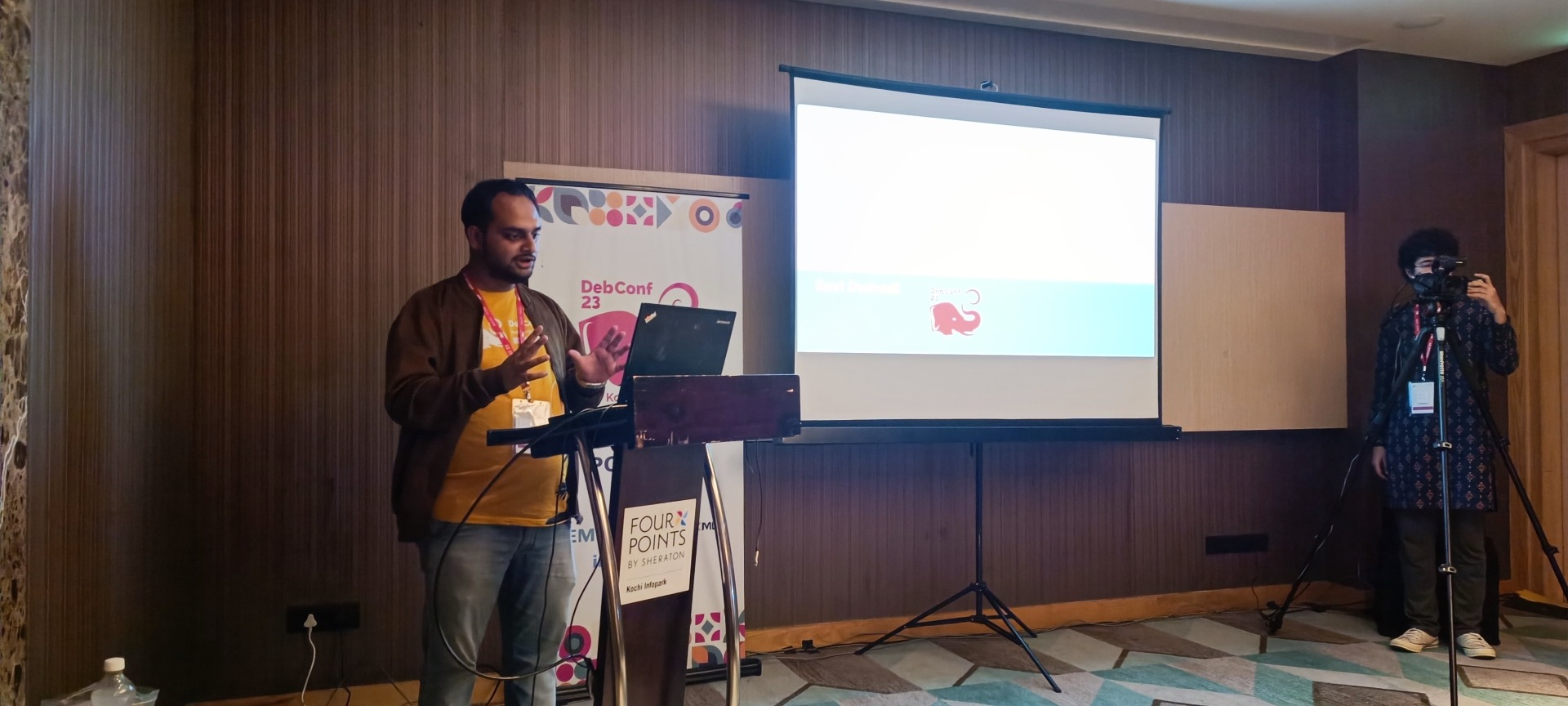
My talk My Debian packaging talk was on the 10th of September, 2023. I had not prepared slides for my Debian packaging talk in advance - I thought that I could do it during the trip, but I didn t get the time so I prepared them on the day before the talk. Since it was mostly a tutorial, the slides did not need much preparation. My thanks to Suresh, who helped me with the slides and made it possible to complete them in such a short time frame. My talk was well-received by the audience, going by their comments. I am glad that I could give an interesting presentation.
My presentation photo. Photo credits: Valessio

Visiting a saree shop After my talk, Suresh, Alper, and I went with Anisa and Kristi - who are both from Albania, and have a never-ending fascination for Indian culture :) - to buy them sarees. We took autos to Kakkanad market and found a shop with a great variety of sarees. I was slightly familiar with the area around the hotel, as I had been there for a week. Indian women usually don t try on sarees while buying - they just select the design. But Anisa wanted to put one on and take a few photos as well. The shop staff did not have a trial saree for this purpose, so they took a saree from a mannequin. It took about an hour for the lady at the shop to help Anisa put on that saree but you could tell that she was in heaven wearing that saree, and she bought it immediately :) Alper also bought a saree to take back to Turkey for his mother. Me and Suresh wanted to buy a kurta which would go well with the mundu we already had, but we could not find anything to our liking.
Selfie with Anisa and Kristi. Photo credits: Anisa.

Cheese and Wine Party On the 11th of September we had the Cheese and Wine Party, a tradition of every DebConf. I brought Kaju Samosa and Nankhatai from home. Many attendees expressed their appreciation for the samosas. During the party, I was with Abhas and had a lot of fun. Abhas brought packets of paan and served them at the Cheese and Wine Party. We discussed interesting things and ate burgers. But due to the restrictive alcohol laws in the state, it was less fun compared to the previous DebConfs - you could only drink alcohol served by the hotel in public places. If you bought your own alcohol, you could only drink in private places (such as in your room, or a friend s room), but not in public places.
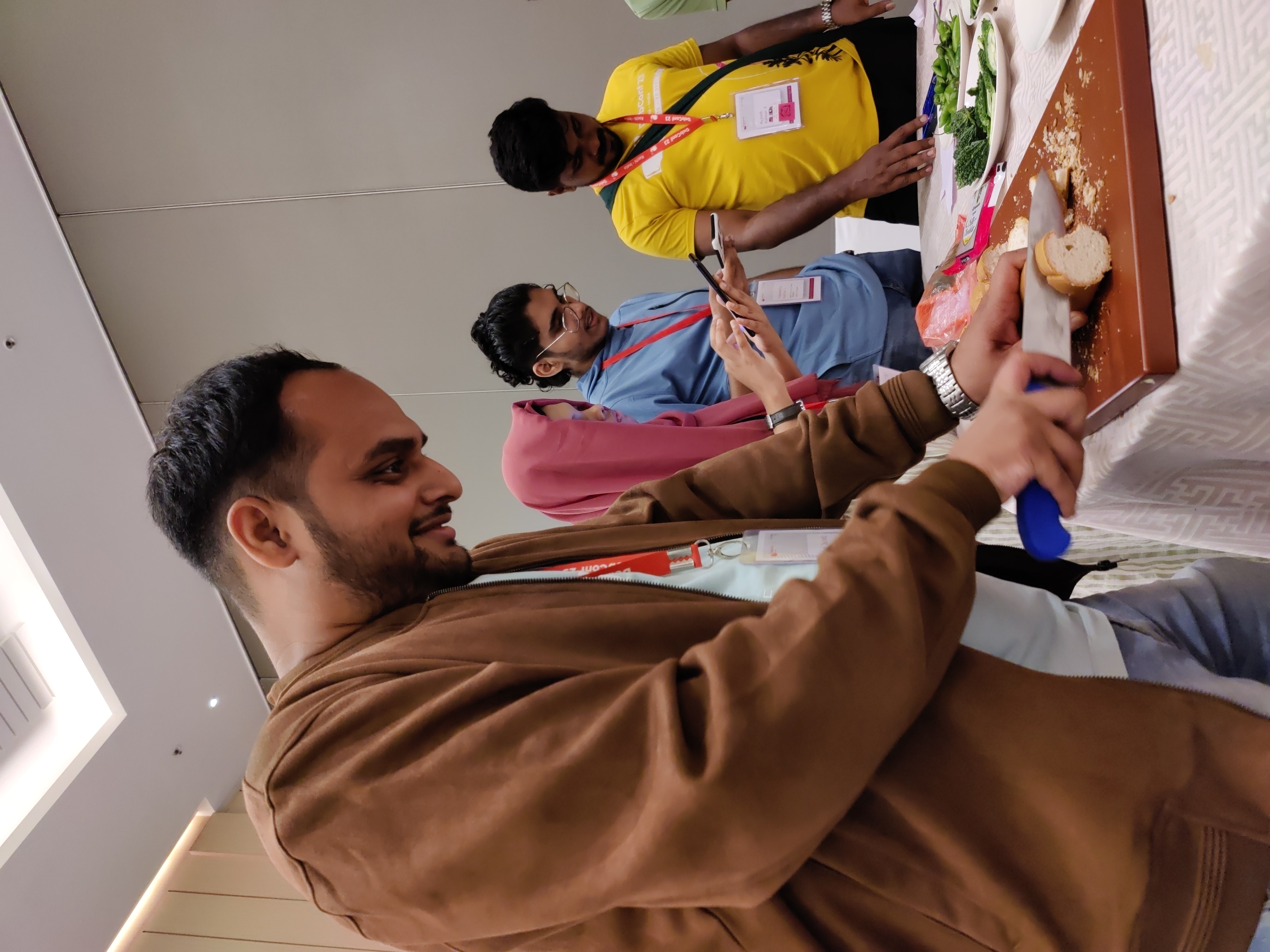
Me helping with the Cheese and Wine Party.

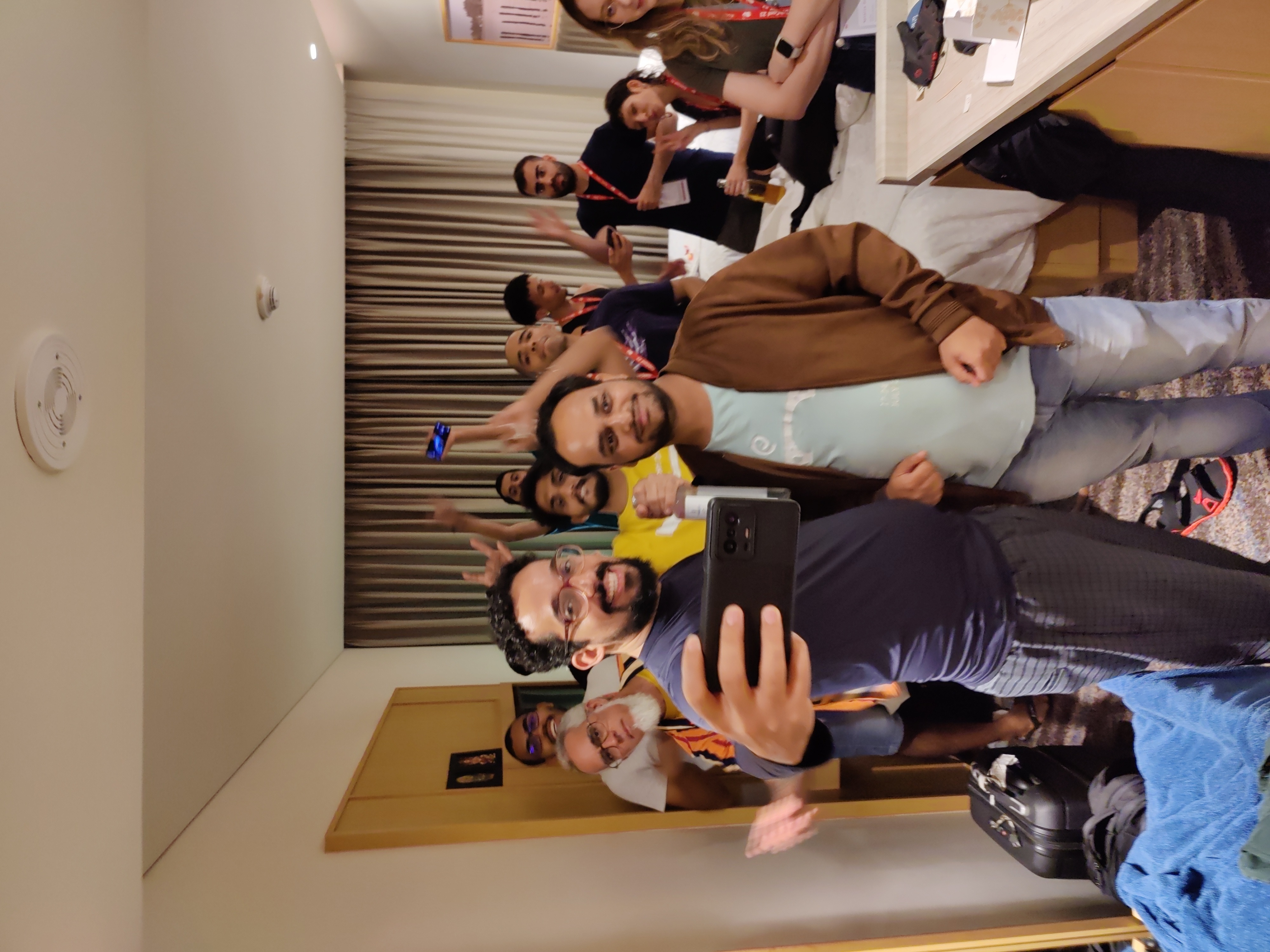
Party at my room Last year, Joenio (Brazilian) brought pastis from France which I liked. He brought the same alocholic drink this year too. So I invited him to my room after the Cheese and Wine party to have pastis. My idea was to have them with my roommate Suresh and Joenio. But then we permitted Joenio to bring as many people as he wanted and he ended up bringing some ten people. Suddenly, the room was crowded. I was having good time at the party, serving them the snacks given to me by Abhas. The news of an alcohol party at my room spread like wildfire. Soon there were so many people that the AC became ineffective and I found myself sweating. I left the room and roamed around in the hotel for some fresh air. I came back after about 1.5 hours - for most part, I was sitting at the ground floor with TK Saurabh. And then I met Abraham near the gym (which was my last meeting with him). I came back to my room at around 2:30 AM. Nobody seemed to have realized that I was gone. They were thanking me for hosting such a good party. A lot of people left at that point and the remaining people were playing songs and dancing (everyone was dancing all along!). I had no energy left to dance and to join them. They left around 03:00 AM. But I am glad that people enjoyed partying in my room.
This picture was taken when there were few people in my room for the party.

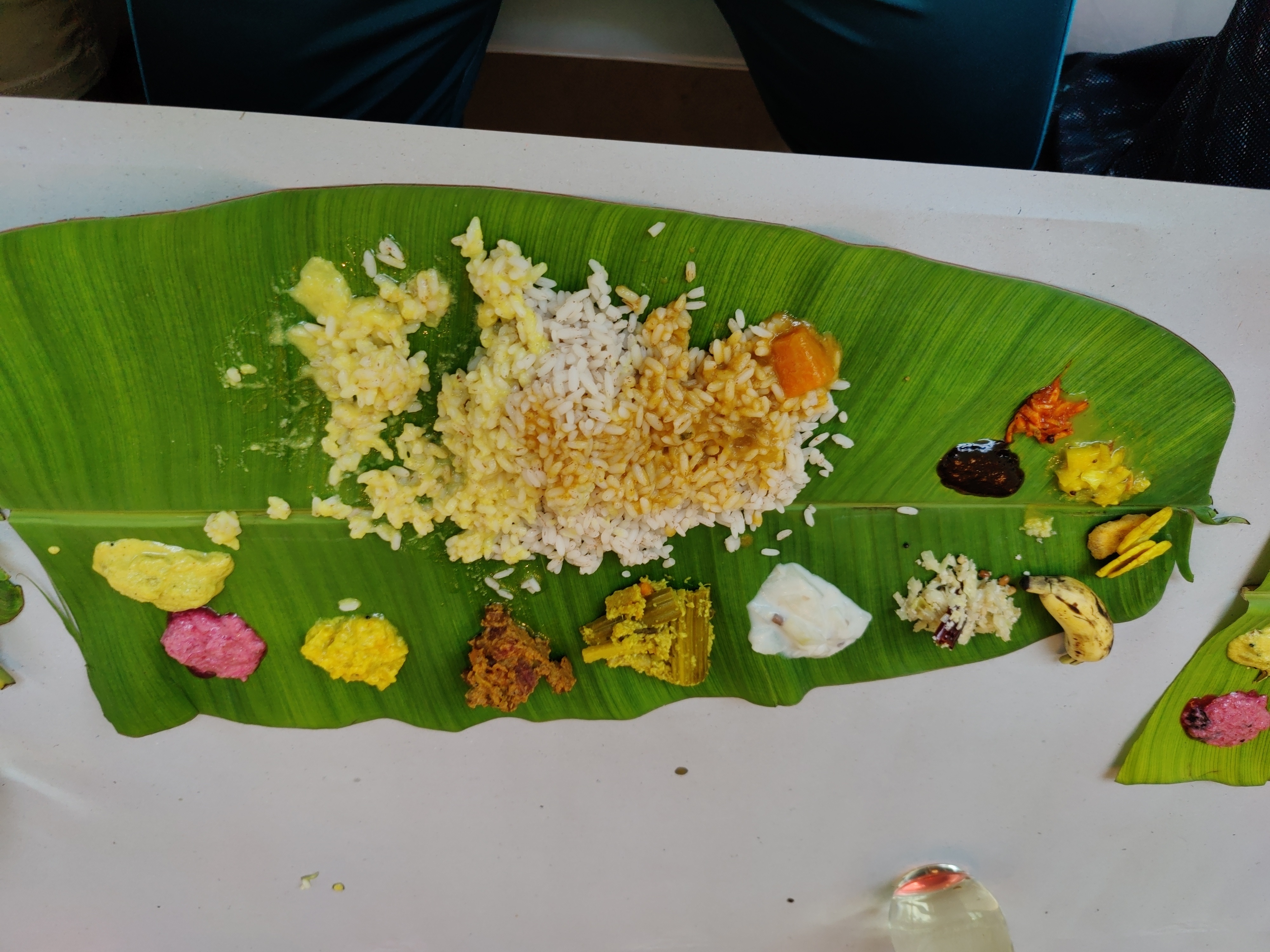
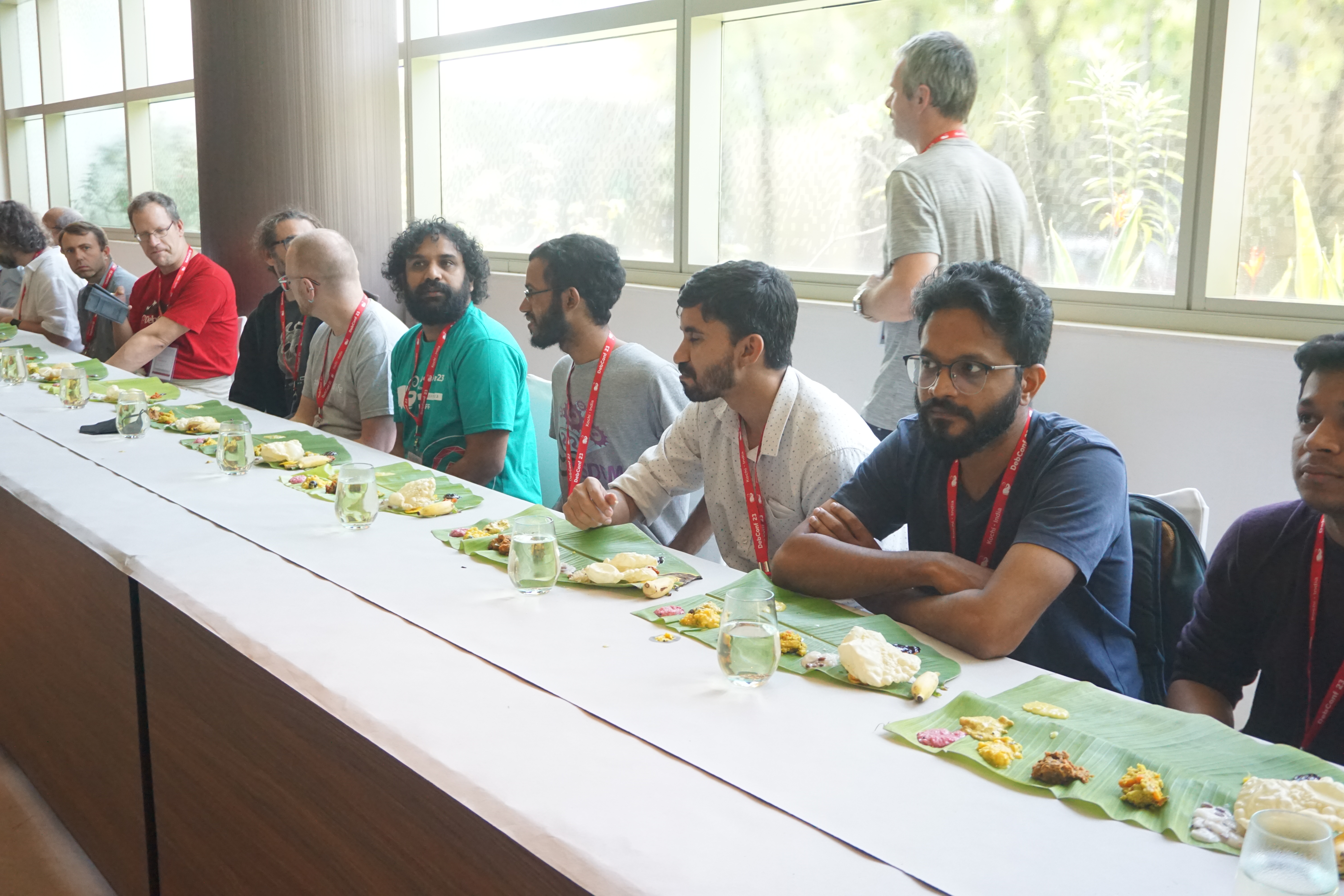
Sadhya Thali On the 12th of September, we had a sadhya thali for lunch. It is a vegetarian thali served on a banana leaf on the eve of Thiruvonam. It wasn t Thiruvonam on this day, but we got a special and filling lunch. The rasam and payasam were especially yummy.
Sadhya Thali: A vegetarian meal served on banana leaf. Payasam and rasam were especially yummy! Photo credits: Ravi Dwivedi.
Sadhya thali being served at debconf23. Photo credits: Bilal

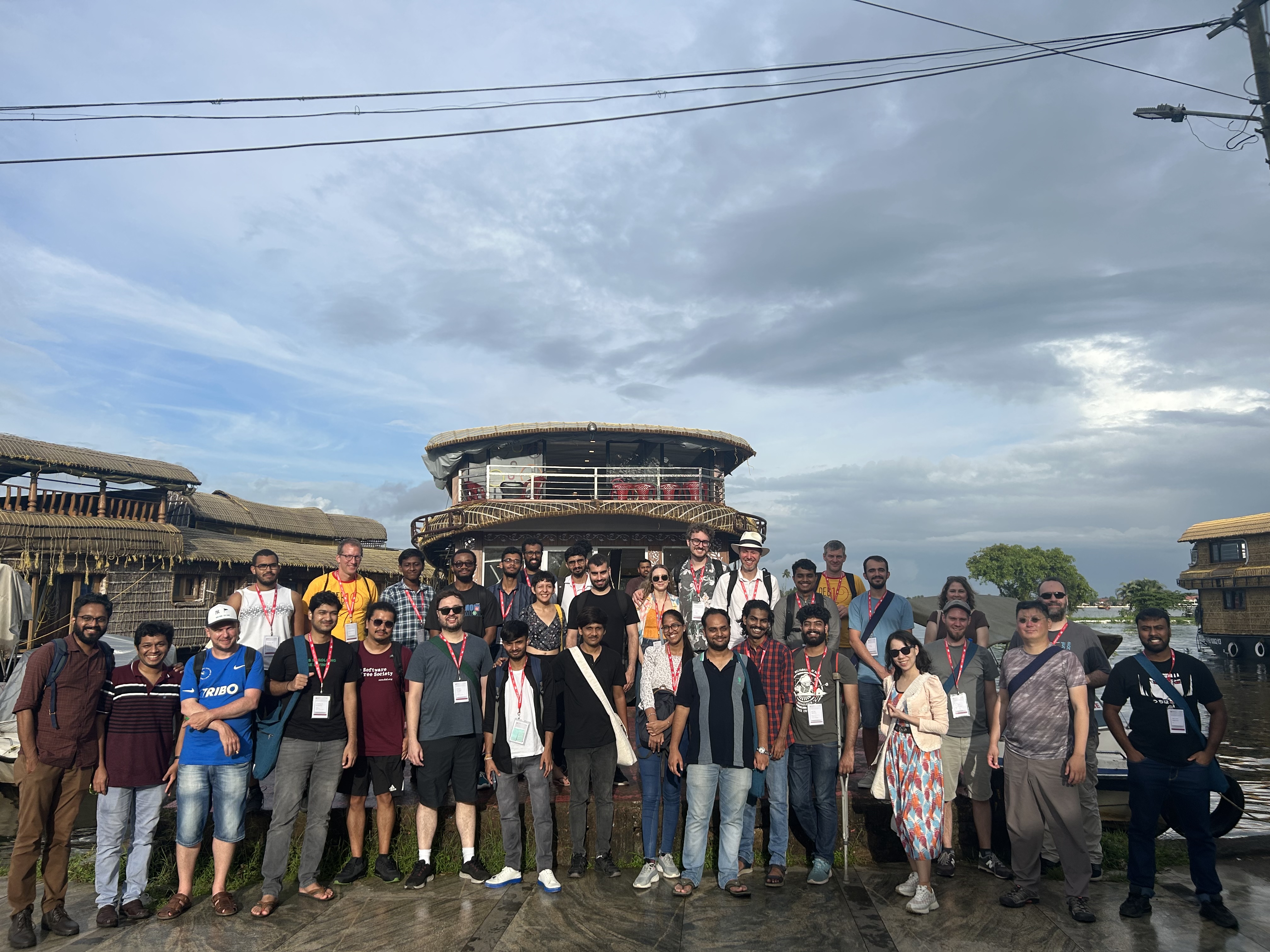
Day trip On the 13th of September, we had a daytrip. I chose the daytrip houseboat in Allepey. Suresh chose the same, and we registered for it as soon as it was open. This was the most sought-after daytrip by the DebConf attendees - around 80 people registered for it. Our bus was set to leave at 9 AM on the 13th of September. Me and Suresh woke up at 8:40 and hurried to get to the bus in time. It took two hours to reach the venue where we get the houseboat. The houseboat experience was good. The trip featured some good scenery. I got to experience the renowned Kerala backwaters. We were served food on the boat. We also stopped at a place and had coconut water. By evening, we came back to the place where we had boarded the boat.
Group photo of our daytrip. Photo credits: Radhika Jhalani

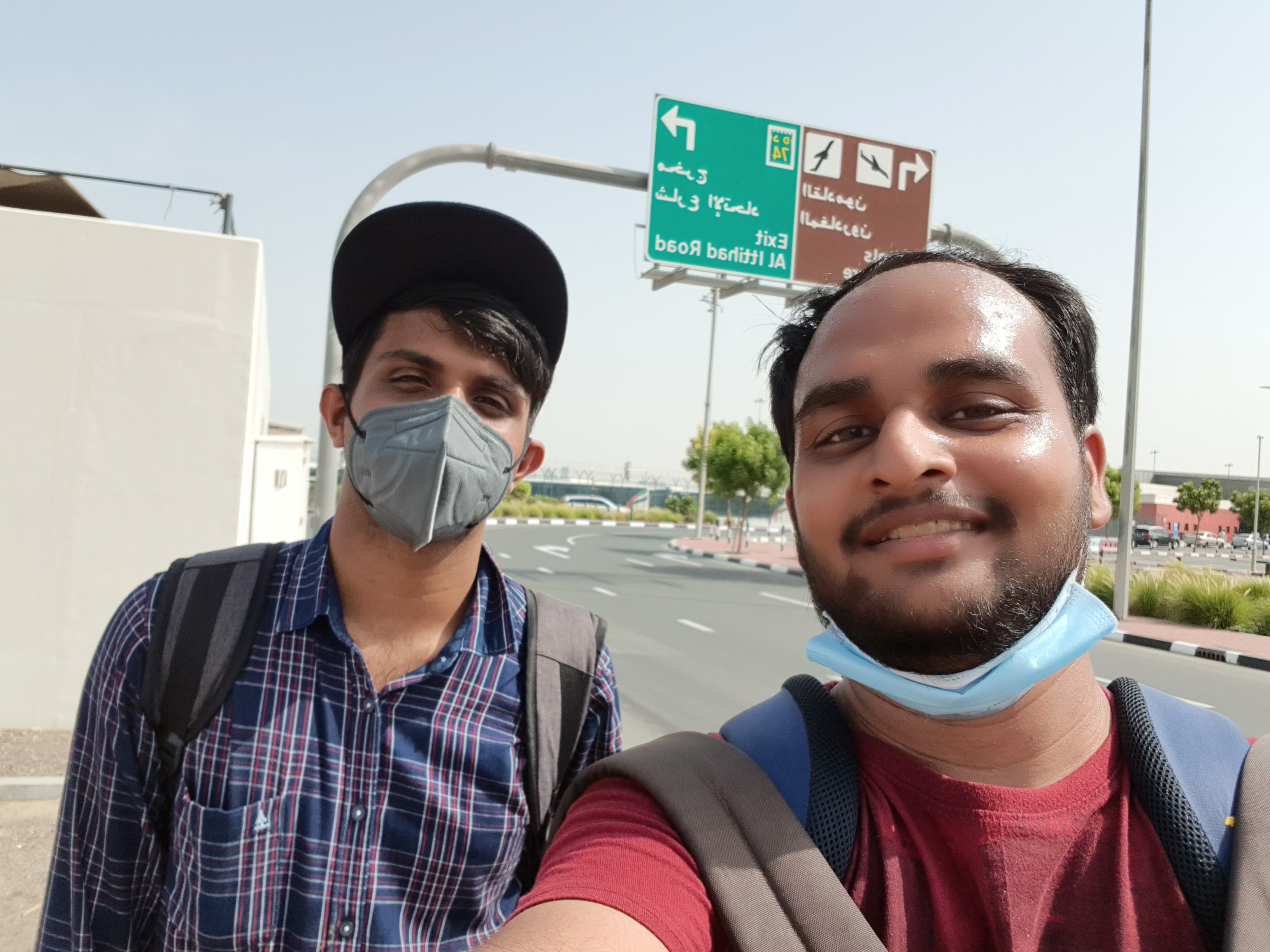
A good friend lost When we came back from the daytrip, we received news that Abhraham Raji was involved in a fatal accident during a kayaking trip. Abraham Raji was a very good friend of mine. In my Albania-Kosovo-Dubai trip last year, he was my roommate at our Tirana apartment. I roamed around in Dubai with him, and we had many discussions during DebConf22 Kosovo. He was the one who took the photo of me on my homepage. I also met him in MiniDebConf22 Palakkad and MiniDebConf23 Tamil Nadu, and went to his flat in Kochi this year in June. We had many projects in common. He was a Free Software activist and was the designer of the DebConf23 logo, in addition to those for other Debian events in India.
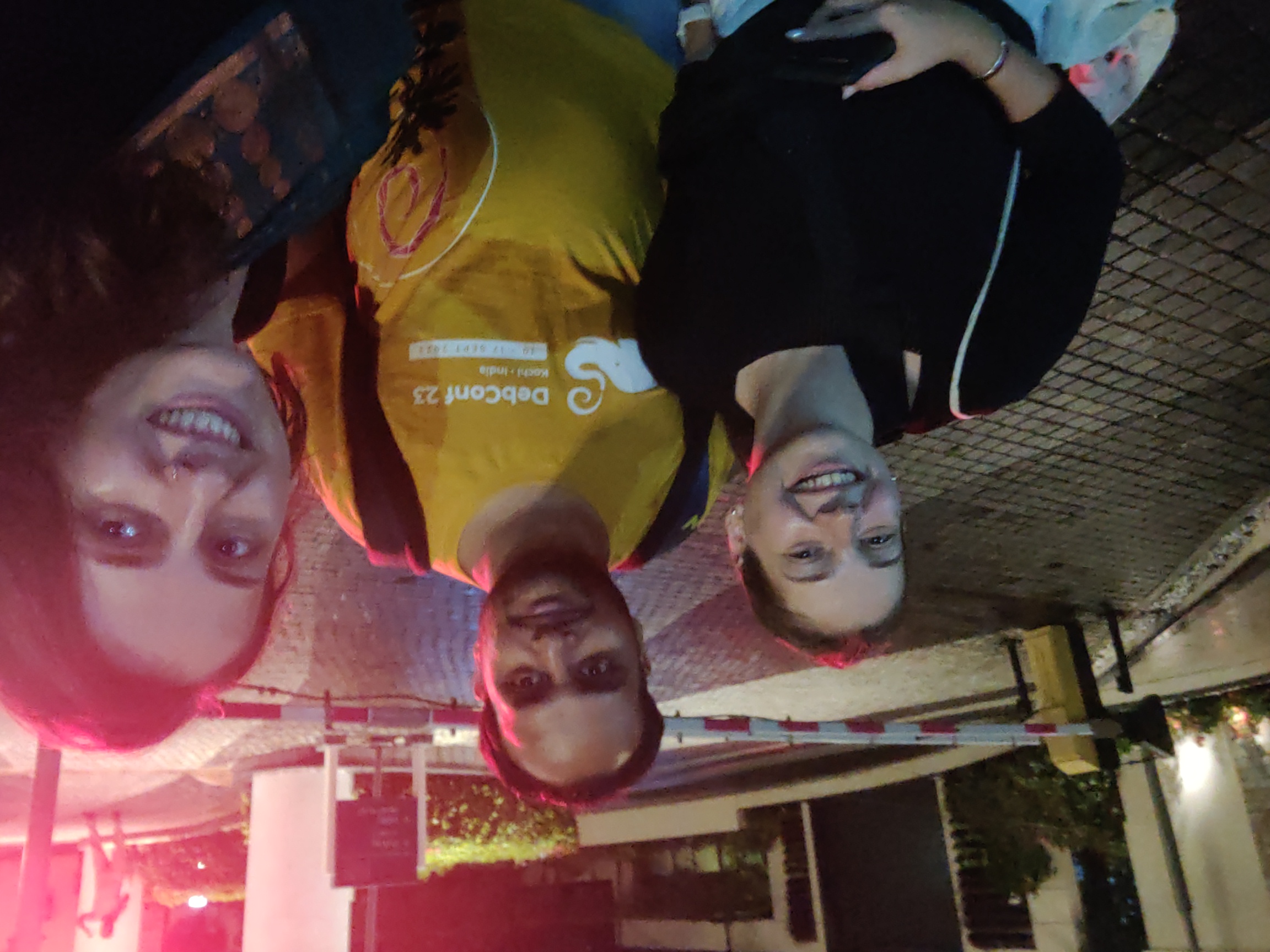
A selfie in memory of Abraham.
We were all fairly shocked by the news. I was devastated. Food lost its taste, and it became difficult to sleep. That night, Anisa and Kristi cheered me up and gave me company. Thanks a lot to them. The next day, Joenio also tried to console me. I thank him for doing a great job. I thank everyone who helped me in coping with the difficult situation. On the next day (the 14th of September), the Debian project leader Jonathan Carter addressed and announced the news officially. THe Debian project also mentioned it on their website. Abraham was supposed to give a talk, but following the incident, all talks were cancelled for the day. The conference dinner was also cancelled. As I write, 9 days have passed since his death, but even now I cannot come to terms with it.

Visiting Abraham s house On the 15th of September, the conference ran two buses from the hotel to Abraham s house in Kottayam (2 hours ride). I hopped in the first bus and my mood was not very good. Evangelos (Germany) was sitting opposite me, and he began conversing with me. The distraction helped and I was back to normal for a while. Thanks to Evangelos as he supported me a lot on that trip. He was also very impressed by my use of the StreetComplete app which I was using to edit OpenStreetMap. In two hours, we reached Abraham s house. I couldn t control myself and burst into tears. I went to see the body. I met his family (mother, father and sister), but I had nothing to say and I felt helpless. Owing to the loss of sleep and appetite over the past few days, I had no energy, and didn t think it was good idea for me to stay there. I went back by taking the bus after one hour and had lunch at the hotel. I withdrew my talk scheduled for the 16th of September.

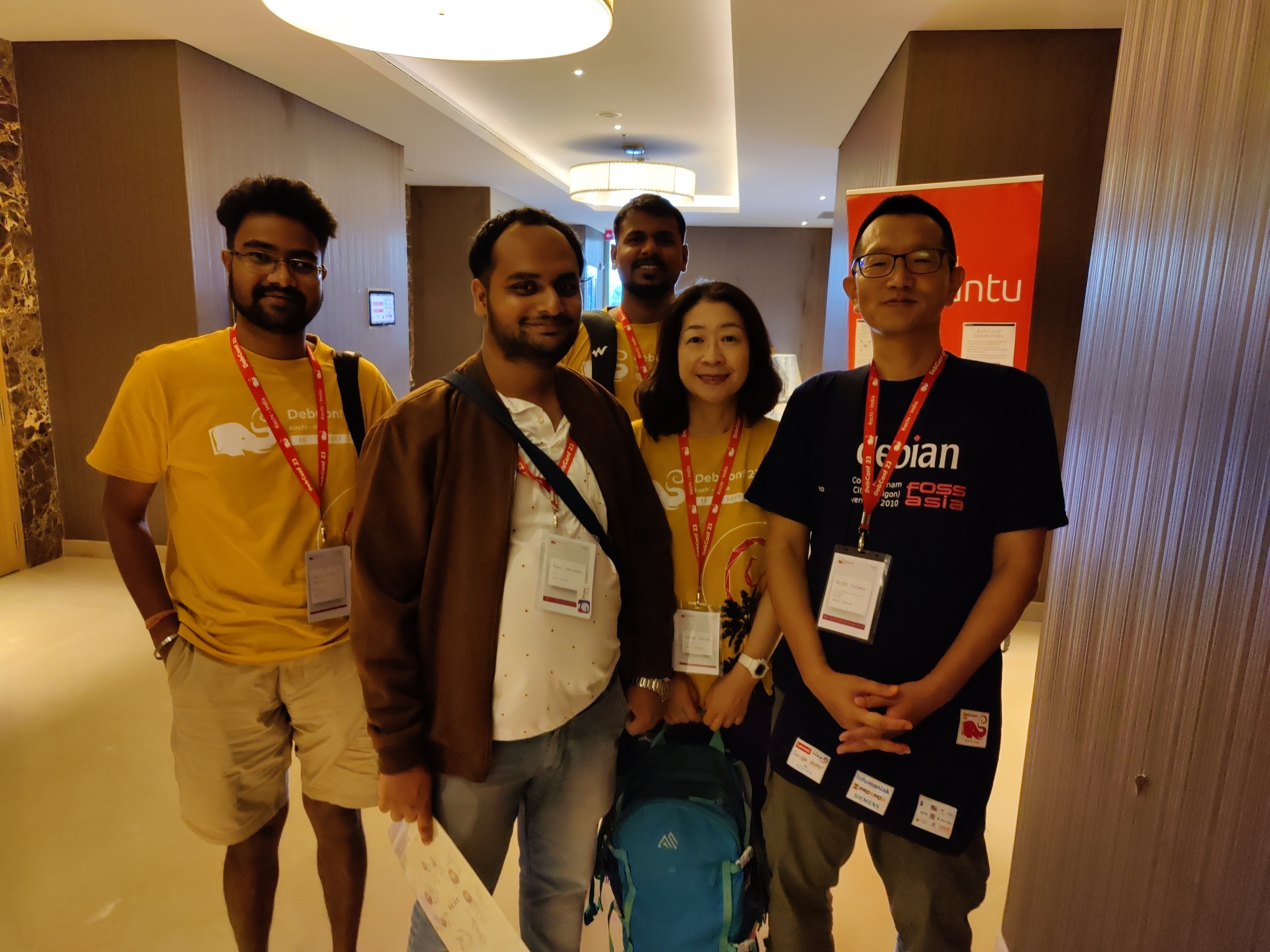
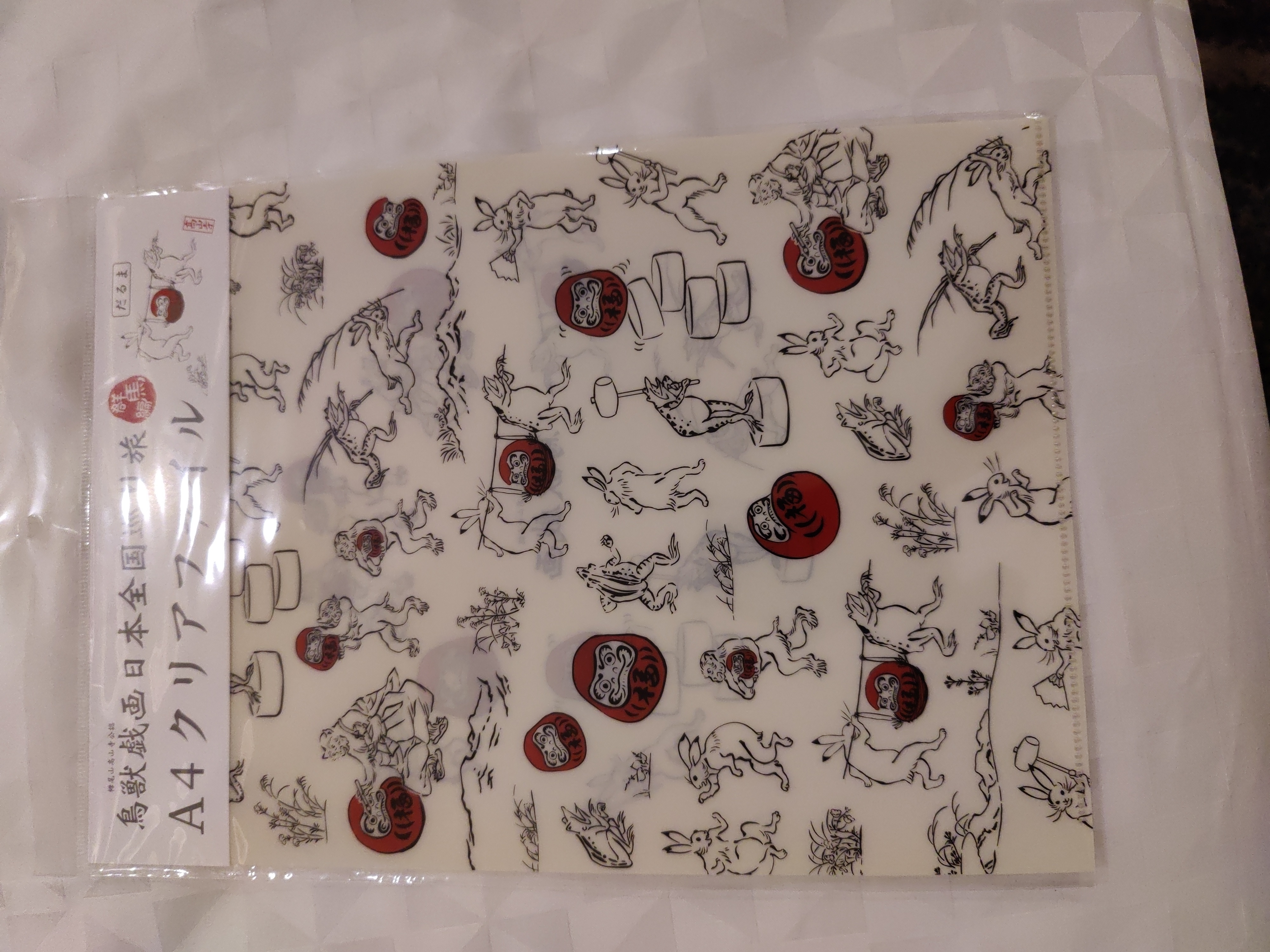
A Japanese gift I got a nice Japanese gift from Niibe Yutaka (Japan) - a folder to keep papers which had ancient Japanese manga characters. He said he felt guilty as he swapped his talk with me and so it got rescheduled from 12th September to 16 September which I withdrew later.
Thanks to Niibe Yutaka (the person towards your right hand) from Japan (FSIJ), who gave me a wonderful Japanese gift during debconf23: A folder to keep pages with ancient Japanese manga characters printed on it. I realized I immediately needed that :)
This is the Japanese gift I received.

Group photo On the 16th of September, we had a group photo. I am glad that this year I was more clear in this picture than in DebConf22.
Click to enlarge

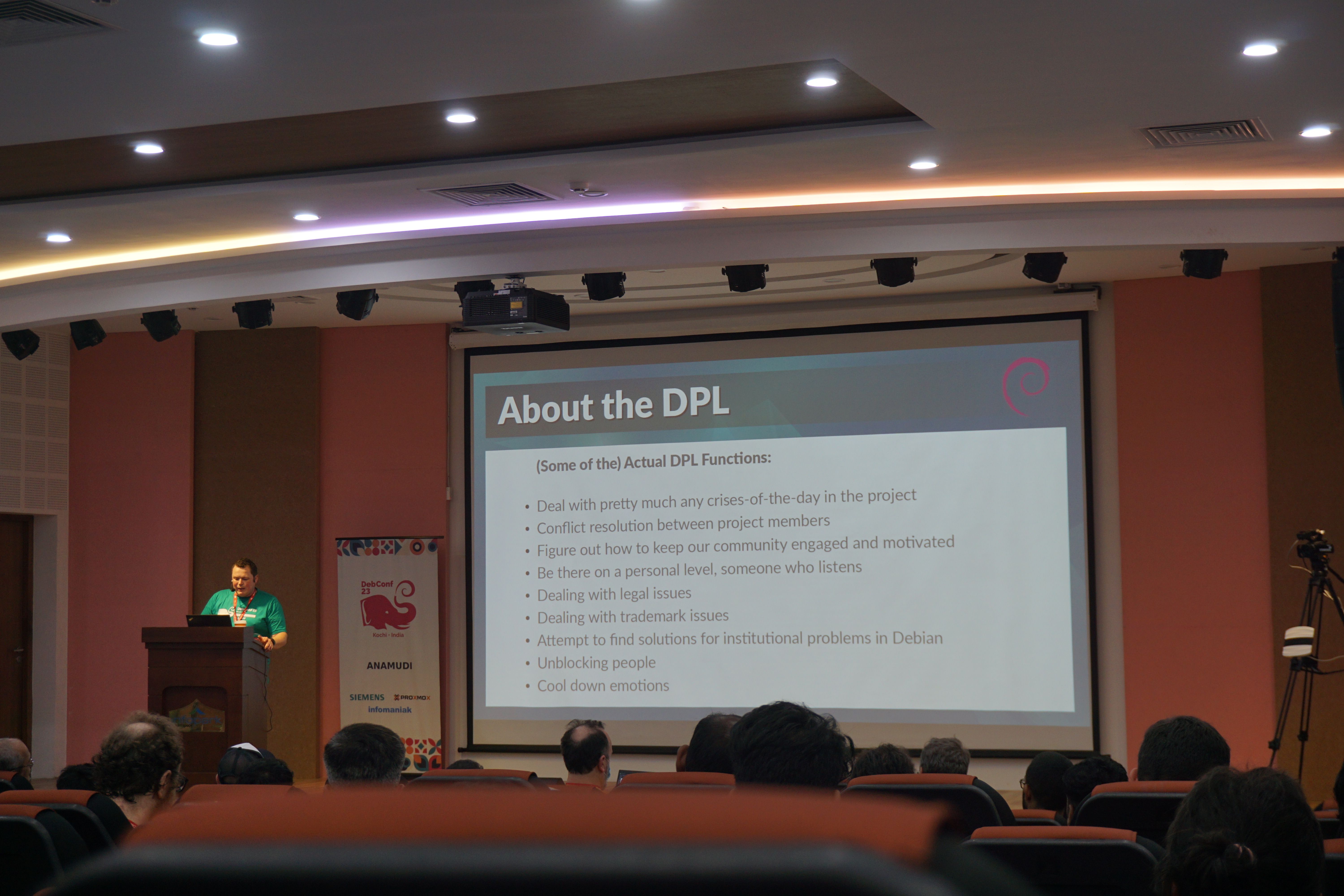
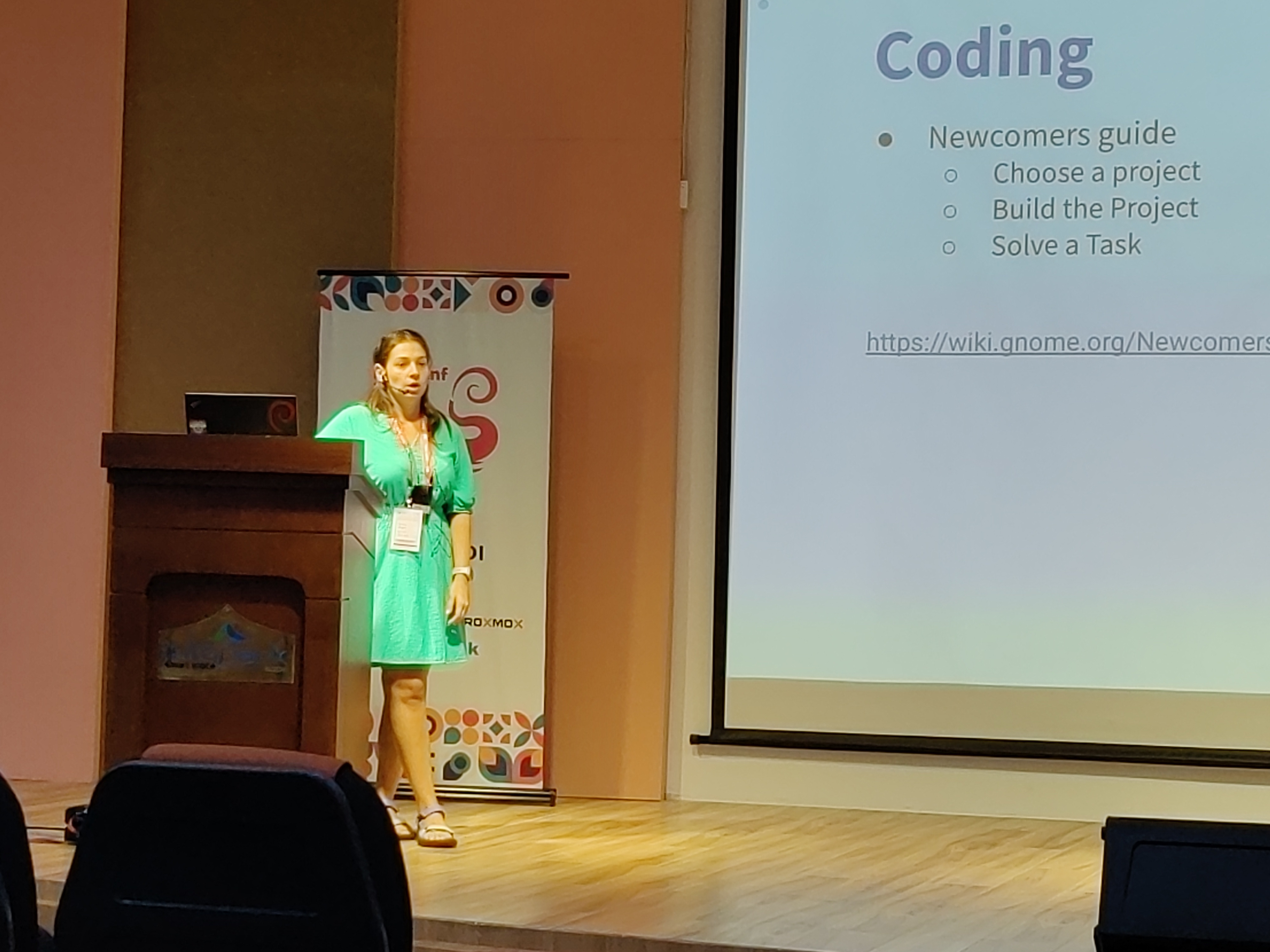
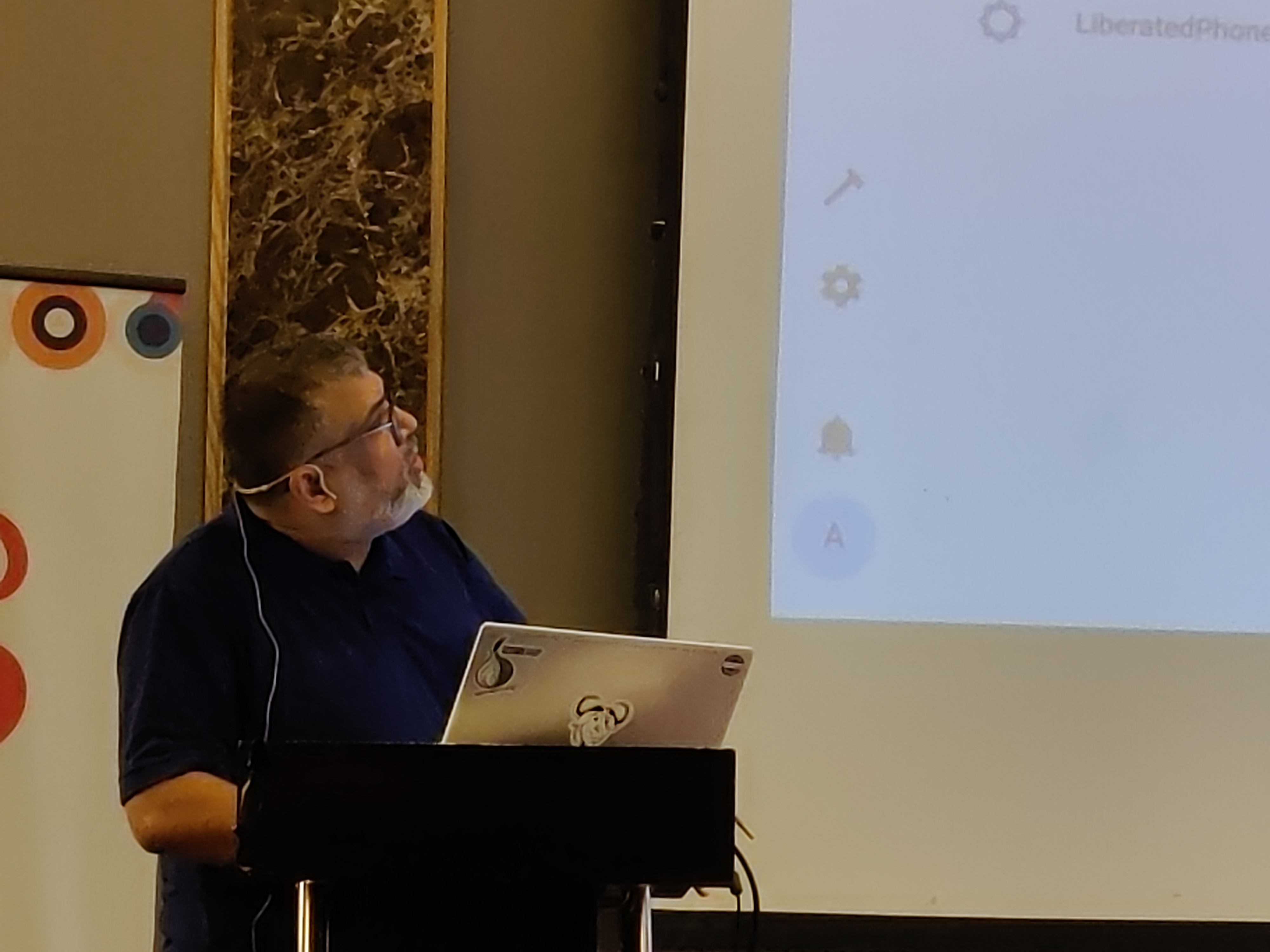
Volunteer work and talks attended I attended the training session for the video team and worked as a camera operator. The Bits from DPL was nice. I enjoyed Abhas presentation on home automation. He basically demonstrated how he liberated Internet-enabled home devices. I also liked Kristi s presentation on ways to engage with the GNOME community.
Bits from the DPL. Photo credits: Bilal
Kristi on GNOME community. Photo credits: Ravi Dwivedi.
Abhas' talk on home automation. Photo credits: Ravi Dwivedi.
I also attended lightning talks on the last day. Badri, Wouter, and I gave a demo on how to register on the Prav app. Prav got a fair share of advertising during the last few days.
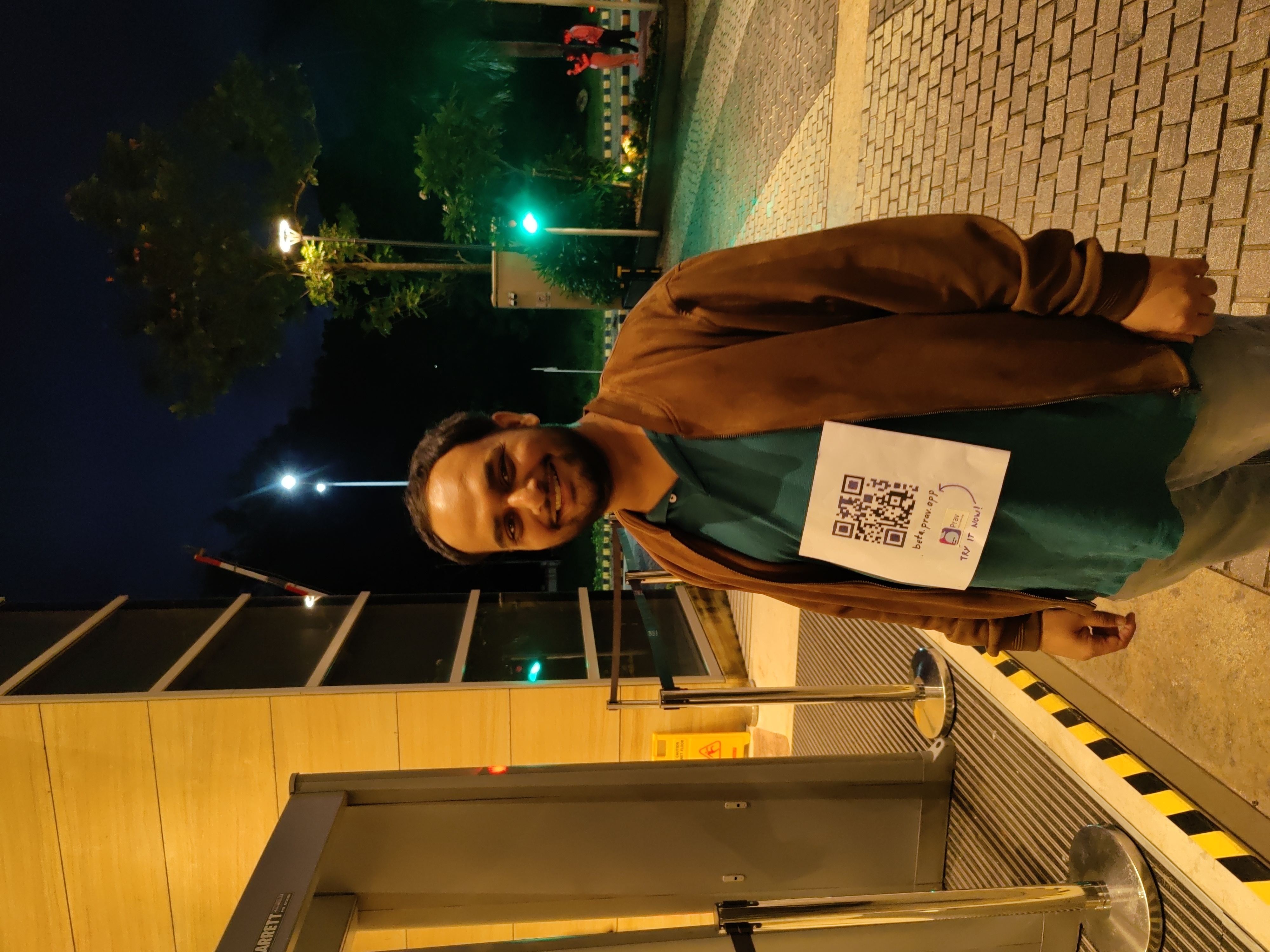
I was roaming around with a QR code on my T-shirt for downloading Prav.

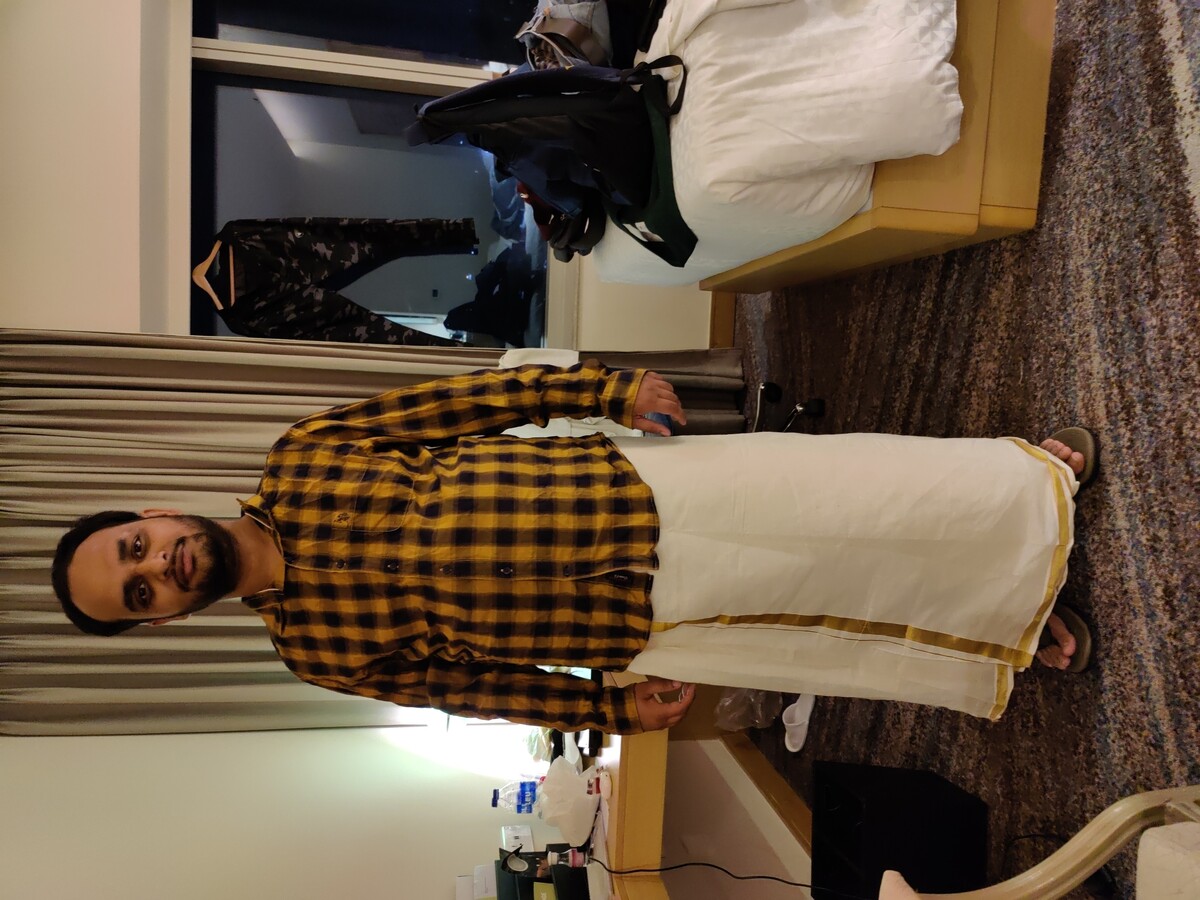
The night of the 17th of September Suresh left the hotel and Badri joined me in my room. Thanks to the efforts of Abhijit PA, Kiran, and Ananthu, I wore a mundu.
Me in mundu. Picture credits: Abhijith PA
I then joined Kalyani, Mangesh, Ruchika, Anisa, Ananthu and Kiran. We took pictures and this marked the last night of DebConf23.

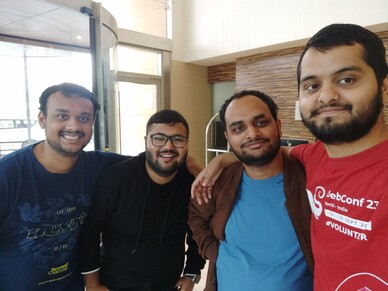
Departure day The 18th of September was the day of departure. Badri slept in my room and left early morning (06:30 AM). I dropped him off at the hotel gate. The breakfast was at the eatery (3rd floor) again, and it was good. Sahil, Saswata, Nilesh, and I hung out on the ground floor.
From left: Nilesh, Saswata, me, Sahil. Photo credits: Sahil.
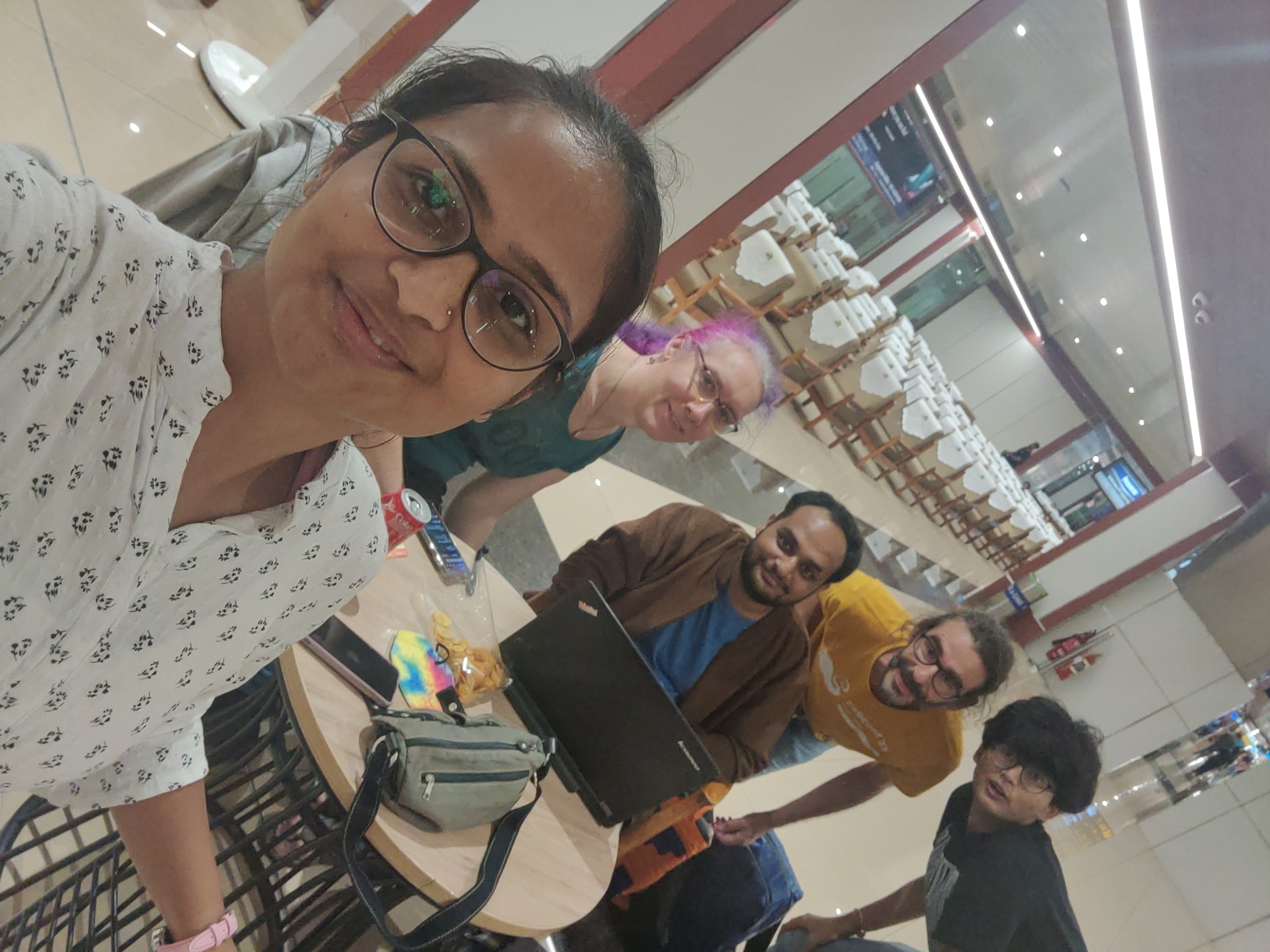
I had an 8 PM flight from Kochi to Delhi, for which I took a cab with Rhonda (Austria), Michael (Nigeria) and Yash (India). We were joined by other DebConf23 attendees at the Kochi airport, where we took another selfie.
Ruchika (taking the selfie) and from left to right: Yash, Joost (Netherlands), me, Rhonda
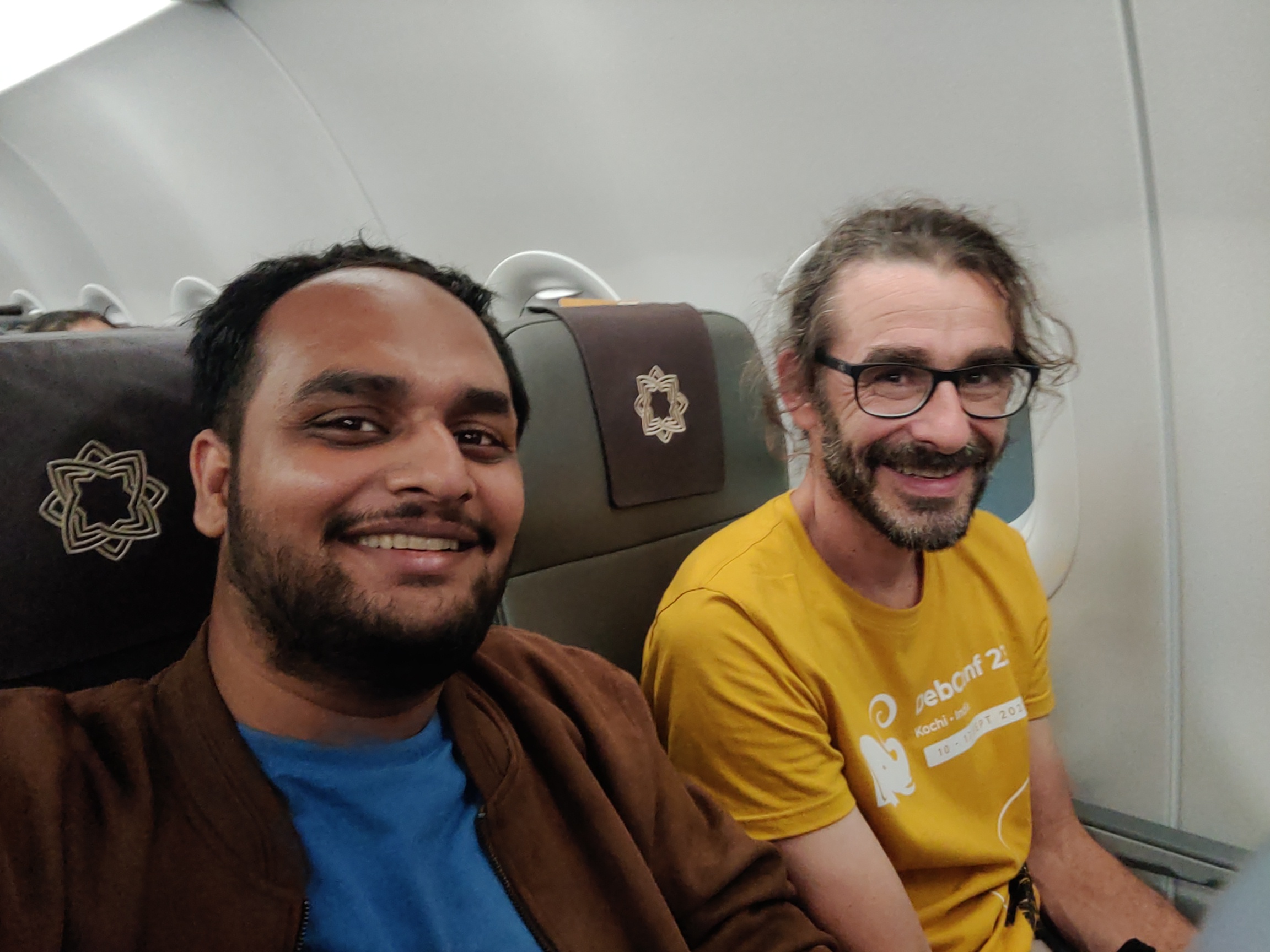
Joost and I were on the same flight, and we sat next to each other. He then took a connecting flight from Delhi to Netherlands, while I went with Yash to the New Delhi Railway Station, where we took our respective trains. I reached home on the morning of the 19th of September, 2023.
Joost and me going to Delhi. Photo credits: Ravi.

Big thanks to the organizers DebConf23 was hard to organize - strict alcohol laws, weird hotel rules, death of a close friend (almost a family member), and a scary notice by the immigration bureau. The people from the team are my close friends and I am proud of them for organizing such a good event. None of this would have been possible without the organizers who put more than a year-long voluntary effort to produce this. In the meanwhile, many of them had organized local events in the time leading up to DebConf. Kudos to them. The organizers also tried their best to get clearance for countries not approved by the ministry. I am also sad that people from China, Kosovo, and Iran could not join. In particular, I feel bad for people from Kosovo who wanted to attend but could not (as India does not consider their passport to be a valid travel document), considering how we Indians were so well-received in their country last year.

Note about myself I am writing this on the 22nd of September, 2023. It took me three days to put up this post - this was one of the tragic and hard posts for me to write. I have literally forced myself to write this. I have still not recovered from the loss of my friend. Thanks a lot to all those who helped me. PS: Credits to contrapunctus for making grammar, phrasing, and capitalization changes.

15 September 2023

John Goerzen: How Gapped is Your Air?

Sometimes we want better-than-firewall security for things. For instance:
  1. An industrial control system for a municipal water-treatment plant should never have data come in or out
  2. Or, a variant of the industrial control system: it should only permit telemetry and monitoring data out, and nothing else in or out
  3. A system dedicated to keeping your GPG private keys secure should only have material to sign (or decrypt) come in, and signatures (or decrypted data) go out
  4. A system keeping your tax records should normally only have new records go in, but may on occasion have data go out (eg, to print a copy of an old record)
In this article, I ll talk about the high side (the high-security or high-sensitivity systems) and the low side (the lower-sensitivity or general-purpose systems). For the sake of simplicity, I ll assume the high side is a single machine, but it could as well be a whole network. Let s focus on examples 3 and 4 to make things simpler. Let s consider the primary concern to be data exfiltration (someone stealing your data), with a secondary concern of data integrity (somebody modifying or destroying your data). You might think the safest possible approach is Airgapped that is, there is literal no physical network connection to the machine at all. This help! But then, the problem becomes: how do we deal with the inevitable need to legitimately get things on or off of the system? As I wrote in Dead USB Drives Are Fine: Building a Reliable Sneakernet, by using tools such as NNCP, you can certainly create a sneakernet : using USB drives as transport. While this is a very secure setup, as with most things in security, it s less than perfect. The Wikipedia airgap article discusses some ways airgapped machines can still be exploited. It mentions that security holes relating to removable media have been exploited in the past. There are also other ways to get data out; for instance, Debian ships with gensio and minimodem, both of which can transfer data acoustically. But let s back up and think about why we think of airgapped machines as so much more secure, and what the failure modes of other approaches might be.

What about firewalls? You could very easily set up high-side machine that is on a network, but is restricted to only one outbound TCP port. There could be a local firewall, and perhaps also a special port on an external firewall that implements the same restrictions. A variant on this approach would be two computers connected directly by a crossover cable, though this doesn t necessarily imply being more secure. Of course, the concern about a local firewall is that it could potentially be compromised. An external firewall might too; for instance, if your credentials to it were on a machine that got compromised. This kind of dual compromise may be unlikely, but it is possible. We can also think about the complexity in a network stack and firewall configuration, and think that there may be various opportunities to have things misconfigured or buggy in a system of that complexity. Another consideration is that data could be sent at any time, potentially making it harder to detect. On the other hand, network monitoring tools are commonplace. On the other hand, it is convenient and cheap. I use a system along those lines to do my backups. Data is sent, gpg-encrypted and then encrypted again at the NNCP layer, to the backup server. The NNCP process on the backup server runs as an untrusted user, and dumps the gpg-encrypted files to a secure location that is then processed by a cron job using Filespooler. The backup server is on a dedicated firewall port, with a dedicated subnet. The only ports allowed out are for NNCP and NTP, and offsite backups. There is no default gateway. Not even DNS is permitted out (the firewall does the appropriate redirection). There is one pinhole allowed out, where a subset of the backup data is sent offsite. I initially used USB drives as transport, and it had no network connection at all. But there were disadvantages to doing this for backups particularly that I d have no backups for as long as I d forget to move the drives. The backup system also would have clock drift, and the offsite backup picture was more challenging. (The clock drift was a problem because I use 2FA on the system; a password, plus a TOTP generated by a Yubikey) This is pretty good security, I d think. What are the weak spots? Well, if there were somehow a bug in the NNCP client, and the remote NNCP were compromised, that could lead to a compromise of the NNCP account. But this itself would accomplish little; some other vulnerability would have to be exploited on the backup server, because the NNCP account can t see plaintext data at all. I use borgbackup to send a subset of backup data offsite over ssh. borgbackup has to run as root to be able to access all the files, but the ssh it calls runs as a separate user. A ssh vulnerability is therefore unlikely to cause much damage. If, somehow, the remote offsite system were compromised and it was able to exploit a security issue in the local borgbackup, that would be a problem. But that sounds like a remote possibility. borgbackup itself can t even be used over a sneakernet since it is not asynchronous. A more secure solution would probably be using something like dar over NNCP. This would eliminate the ssh installation entirely, and allow a complete isolation between the data-access and the communication stacks, and notably not require bidirectional communication. Logic separation matters too. My Roundup of Data Backup and Archiving Tools may be helpful here. Other attack vectors could be a vulnerability in the kernel s networking stack, local root exploits that could be combined with exploiting NNCP or borgbackup to gain root, or local misconfiguration that makes the sandboxes around NNCP and borgbackup less secure. Because this system is in my basement in a utility closet with no chairs and no good place for a console, I normally manage it via a serial console. While it s a dedicated line between the system and another machine, if the other machine is compromised or an adversary gets access to the physical line, credentials (and perhaps even data) could leak, albeit slowly. But we can do much better with serial lines. Let s take a look.

Serial lines Some of us remember RS-232 serial lines and their once-ubiquitous DB-9 connectors. Traditionally, their speed maxxed out at 115.2Kbps. Serial lines have the benefit that they can be a direct application-to-application link. In my backup example above, a serial line could directly link the NNCP daemon on one system with the NNCP caller on another, with no firewall or anything else necessary. It is simply up to those programs to open the serial device appropriately. This isn t perfect, however. Unlike TCP over Ethernet, a serial line has no inherent error checking. Modern programs such as NNCP and ssh assume that a lower layer is making the link completely clean and error-free for them, and will interpret any corruption as an attempt to tamper and sever the connection. However, there is a solution to that: gensio. In my page Using gensio and ser2net, I discuss how to run NNCP and ssh over gensio. gensio is a generic framework that can add framing, error checking, and retransmit to an unreliable link such as a serial port. It can also add encryption and authentication using TLS, which could be particularly useful for applications that aren t already doing that themselves. More traditional solutions for serial communications have their own built-in error correction. For instance, UUCP and Kermit both were designed in an era of noisy serial lines and might be an excellent fit for some use cases. The ZModem protocol also might be, though it offers somewhat less flexibility and automation than Kermit. I have found that certain USB-to-serial adapters by Gearmo will actually run at up to 2Mbps on a serial line! Look for the ones on their spec pages with a FTDI chipset rated at 920Kbps. It turns out they can successfully be driven faster, especially if gensio s relpkt is used. I ve personally verified 2Mbps operation (Linux port speed 2000000) on Gearmo s USA-FTDI2X and the USA-FTDI4X. (I haven t seen any single-port options from Gearmo with the 920Kbps chipset, but they may exist). Still, even at 2Mbps, speed may well be a limiting factor with some applications. If what you need is a console and some textual or batch data, it s probably fine. If you are sending 500GB backup files, you might look for something else. In theory, this USB to RS-422 adapter should work at 10Mbps, but I haven t tried it. But if the speed works, running a dedicated application over a serial link could be a nice and fairly secure option. One of the benefits of the airgapped approach is that data never leaves unless you are physically aware of transporting a USB stick. Of course, you may not be physically aware of what is ON that stick in the event of a compromise. This could easily be solved with a serial approach by, say, only plugging in the cable when you have data to transfer.

Data diodes A traditional diode lets electrical current flow in only one direction. A data diode is the same concept, but for data: a hardware device that allows data to flow in only one direction. This could be useful, for instance, in the tax records system that should only receive data, or the industrial system that should only send it. Wikipedia claims that the simplest kind of data diode is a fiber link with transceivers connected in only one direction. I think you could go one simpler: a serial cable with only ground and TX connected at one end, wired to ground and RX at the other. (I haven t tried this.) This approach does have some challenges:
  • Many existing protocols assume a bidirectional link and won t be usable
  • There is a challenge of confirming data was successfully received. For a situation like telemetry, maybe it doesn t matter; another observation will come along in a minute. But for sending important documents, one wants to make sure they were properly received.
In some cases, the solution might be simple. For instance, with telemetry, just writing out data down the serial port in a simple format may be enough. For sending files, various mitigations, such as sending them multiple times, etc., might help. You might also look into FEC-supporting infrastructure such as blkar and flute, but these don t provide an absolute guarantee. There is no perfect solution to knowing when a file has been successfully received if the data communication is entirely one-way.

Audio transport I hinted above that minimodem and gensio both are software audio modems. That is, you could literally use speakers and microphones, or alternatively audio cables, as a means of getting data into or out of these systems. This is pretty limited; it is 1200bps, and often half-duplex, and could literally be disrupted by barking dogs in some setups. But hey, it s an option.

Airgapped with USB transport This is the scenario I began with, and named some of the possible pitfalls above as well. In addition to those, note also that USB drives aren t necessarily known for their error-free longevity. Be prepared for failure.

Concluding thoughts I wanted to lay out a few things in this post. First, that simply being airgapped is generally a step forward in security, but is not perfect. Secondly, that both physical and logical separation matter. And finally, that while tools like NNCP can make airgapped-with-USB-drive-transport a doable reality, there are also alternatives worth considering especially serial ports, firewalled hard-wired Ethernet, data diodes, and so forth. I think serial links, in particular, have been largely forgotten these days. Note: This article also appears on my website, where it may be periodically updated.

12 September 2023

John Goerzen: A Maze of Twisty Little Pixels, All Tiny

Two years ago, I wrote Managing an External Display on Linux Shouldn t Be This Hard. Happily, since I wrote that post, most of those issues have been resolved. But then you throw HiDPI into the mix and it all goes wonky. If you re running X11, basically the story is that you can change the scale factor, but it only takes effect on newly-launched applications (which means a logout/in because some of your applications you can t really re-launch). That is a problem if, like me, you sometimes connect an external display that is HiDPI, sometimes not, or your internal display is HiDPI but others aren t. Wayland is far better, supporting on-the-fly resizes quite nicely. I ve had two devices with HiDPI displays: a Surface Go 2, and a work-issued Thinkpad. The Surface Go 2 is my ultraportable Linux tablet. I use it sparingly at home, and rarely with an external display. I just put Gnome on it, in part because Gnome had better on-screen keyboard support at the time, and left it at that. On the work-issued Thinkpad, I really wanted to run KDE thanks to its tiling support (I wound up using bismuth with it). KDE was buggy with Wayland at the time, so I just stuck with X11 and ran my HiDPI displays at lower resolutions and lived with the fuzziness. But now that I have a Framework laptop with a HiDPI screen, I wanted to get this right. I tried both Gnome and KDE. Here are my observations with both: Gnome I used PaperWM with Gnome. PaperWM is a tiling manager with a unique horizontal ribbon approach. It grew on me; I think I would be equally at home, or maybe even prefer it, to my usual xmonad-style approach. Editing the active window border color required editing ~/.local/share/gnome-shell/extensions/paperwm@hedning:matrix.org/stylesheet.css and inserting background-color and border-color items in the paperwm-selection section. Gnome continues to have an absolutely terrible picture for configuring things. It has no less than four places to make changes (Settings, Tweaks, Extensions, and dconf-editor). In many cases, configuration for a given thing is split between Settings and Tweaks, and sometimes even with Extensions, and then there are sometimes options that are only visible in dconf. That is, where the Gnome people have even allowed something to be configurable. Gnome installs a power manager by default. It offers three options: performance, balanced, and saver. There is no explanation of the difference between them. None. What is it setting when I change the pref? A maximum frequency? A scaling governor? A balance between performance and efficiency cores? Not only that, but there s no way to tell it to just use performance when plugged in and balanced or saver when on battery. In an issue about adding that, a Gnome dev wrote We re not going to add a preference just because you want one . KDE, on the other hand, aside from not mucking with your system s power settings in this way, has a nice panel with on AC and on battery and you can very easily tweak various settings accordingly. The hostile attitude from the Gnome developers in that thread was a real turnoff. While Gnome has excellent support for Wayland, it doesn t (directly) support fractional scaling. That is, you can set it to 100%, 200%, and so forth, but no 150%. Well, unless you manage to discover that you can run gsettings set org.gnome.mutter experimental-features "['scale-monitor-framebuffer']" first. (Oh wait, does that make a FIFTH settings tool? Why yes it does.) Despite its name, that allows you to select fractional scaling under Wayland. For X11 apps, they will be blurry, a problem that is optional under KDE (more on that below). Gnome won t show the battery life time remaining on the task bar. Yikes. An extension might work in some cases. Not only that, but the Gnome battery icon frequently failed to indicate AC charging when AC was connected, a problem that didn t exist on KDE. Both Gnome and KDE support night light (warmer color temperatures at night), but Gnome s often didn t change when it should have, or changed on one display but not the other. The appindicator extension is pretty much required, as otherwise a number of applications (eg, Nextcloud) don t have their icon display anywhere. It does, however, generate a significant amount of log spam. There may be a fix for this. Unlike KDE, which has a nice inobtrusive popup asking what to do, Gnome silently automounts USB sticks when inserted. This is often wrong; for instance, if I m about to dd a Debian installer to it, I definitely don t want it mounted. I learned this the hard way. It is particularly annoying because in a GUI, there is no reason to mount a drive before the user tries to access it anyhow. It looks like there is a dconf setting, but then to actually mount a drive you have to open up Files (because OF COURSE Gnome doesn t have a nice removable-drives icon like KDE does) and it s a bunch of annoying clicks, and I didn t want to use the GUI file manager anyway. Same for unmounting; two clicks in KDE thanks to the task bar icon, but in Gnome you have to open up the file manager, unmount the drive, close the file manager again, etc. The ssh agent on Gnome doesn t start up for a Wayland session, though this is easily enough worked around. The reason I completely soured on Gnome is that after using it for awhile, I noticed my laptop fans spinning up. One core would be constantly busy. It was busy with a kworker events task, something to do with sound events. Logging out would resolve it. I believe it to be a Gnome shell issue. I could find no resolution to this, and am unwilling to tolerate the decreased battery life this implies. The Gnome summary: it looks nice out of the box, but you quickly realize that this is something of a paper-thin illusion when you try to actually use it regularly. KDE The KDE experience on Wayland was a little bit opposite of Gnome. While with Gnome, things start out looking great but you realize there are some serious issues (especially battery-eating), with KDE things start out looking a tad rough but you realize you can trivially fix them and wind up with a very solid system. Compared to Gnome, KDE never had a battery-draining problem. It will show me estimated battery time remaining if I want it to. It will do whatever I want it to when I insert a USB drive. It doesn t muck with my CPU power settings, and lets me easily define on AC vs on battery settings for things like suspend when idle. KDE supports fractional scaling, to any arbitrary setting (even with the gsettings thing above, Gnome still only supports it in 25% increments). Then the question is what to do with X11-only applications. KDE offers two choices. The first is Scaled by the system , which is also the only option for Gnome. With that setting, the X11 apps effectively run natively at 100% and then are scaled up within Wayland, giving them a blurry appearance on HiDPI displays. The advantage is that the scaling happens within Wayland, so the size of the app will always be correct even when the Wayland scaling factor changes. The other option is Apply scaling themselves , which uses native X11 scaling. This lets most X11 apps display crisp and sharp, but then if the system scaling changes, due to limitations of X11, you ll have to restart the X apps to get them to be the correct size. I appreciate the choice, and use Apply scaling by themselves because only a few of my apps aren t Wayland-aware. I did encounter a few bugs in KDE under Wayland: sddm, the display manager, would be slow to stop and cause a long delay on shutdown or reboot. This seems to be a known issue with sddm and Wayland, and is easily worked around by adding a systemd TimeoutStopSec. Konsole, the KDE terminal emulator, has weird display artifacts when using fractional scaling under Wayland. I applied some patches and rebuilt Konsole and then all was fine. The Bismuth tiling extension has some pretty weird behavior under Wayland, but a 1-character patch fixes it. On Debian, KDE mysteriously installed Pulseaudio instead of Debian s new default Pipewire, but that was easily fixed as well (and Pulseaudio also works fine). Conclusions I m sticking with KDE. Given that I couldn t figure out how to stop Gnome from deciding to eat enough battery to make my fan come on, the decision wasn t hard. But even if it weren t for that, I d have gone with KDE. Once a couple of things were patched, the experience is solid, fast, and flawless. Emacs (my main X11-only application) looks great with the self-scaling in KDE. Gimp, which I use occasionally, was terrible with the blurry scaling in Gnome. Update: Corrected the gsettings command

11 September 2023

John Goerzen: For the First Time In Years, I m Excited By My Computer Purchase

Some decades back, when I d buy a new PC, it would unlock new capabilities. Maybe AGP video, or a PCMCIA slot, or, heck, sound. Nowadays, mostly new hardware means things get a bit faster or less crashy, or I have some more space for files. It s good and useful, but sorta meh. Not this purchase. Cory Doctorow wrote about the Framework laptop in 2021:
There s no tape. There s no glue. Every part has a QR code that you can shoot with your phone to go to a service manual that has simple-to-follow instructions for installing, removing and replacing it. Every part is labeled in English, too! The screen is replaceable. The keyboard is replaceable. The touchpad is replaceable. Removing the battery and replacing it takes less than five minutes. The computer actually ships with a screwdriver.
Framework had been on my radar for awhile. But for various reasons, when I was ready to purchase, I didn t; either the waitlist was long, or they didn t have the specs I wanted. Lately my aging laptop with 8GB RAM started OOMing (running out of RAM). My desktop had developed a tendency to hard hang about once a month, and I researched replacing it, but the cost was too high to justify. But when I looked into the Framework, I thought: this thing could replace both. It is a real shift in perspective to have a laptop that is nearly as upgradable as a desktop, and can be specced out to exactly what I wanted: 2TB storage and 64GB RAM. And still cheaper than a Macbook or Thinkpad with far lower specs, because the Framework uses off-the-shelf components as much as possible. Cory Doctorow wrote, in The Framework is the most exciting laptop I ve ever broken:
The Framework works beautifully, but it fails even better Framework has designed a small, powerful, lightweight machine it works well. But they ve also designed a computer that, when you drop it, you can fix yourself. That attention to graceful failure saved my ass.
I like small laptops, so I ordered the Framework 13. I loaded it up with the 64GB RAM and 2TB SSD I wanted. Frameworks have four configurable ports, which are also hot-swappable. I ordered two USB-C, one USB-A, and one HDMI. I put them in my preferred spots (one USB-C on each side for easy docking and charging). I put Debian on it, and it all Just Worked. Perfectly. Now, I orderd the DIY version. I hesitated about this I HATE working with laptops because they re all so hard, even though I KNEW this one was different but went for it, because my preferred specs weren t available in a pre-assembled model. I m glad I did that, because assembly was actually FUN. I got my box. I opened it. There was the bottom shell with the motherboard and CPU installed. Here are the RAM sticks. There s the SSD. A minute or two with each has them installed. Put the bezel on the screen, attach the keyboard it has magnets to guide it into place and boom, ready to go. Less than 30 minutes to assemble a laptop nearly from scratch. It was easier than assembling most desktops. So now, for the first time, my main computing device is a laptop. Rather than having a desktop and a laptop, I just have a laptop. I ll be able to upgrade parts of it later if I want to. I can rearrange the ports. And I can take all my most important files with me. I m quite pleased!

24 August 2023

Lukas M rdian: Netplan v0.107 is now available

I m happy to announce that Netplan version 0.107 is now available on GitHub and is soon to be deployed into a Linux installation near you! Six months and more than 200 commits after the previous version (including a .1 stable release), this release is brought to you by 8 free software contributors from around the globe.

Highlights Highlights of this release include the new configuration types for veth and dummy interfaces:
network:
  version: 2
  virtual-ethernets:
    veth0:
      peer: veth1
    veth1:
      peer: veth0
  dummy-devices:
    dm0:
      addresses:
        - 192.168.0.123/24
      ...
Furthermore, we implemented CFFI based Python bindings on top of libnetplan s API, that can easily be consumed by 3rd party applications (see full cffi-bindings.py example):
from netplan import Parser, State, NetDefinition
from netplan import NetplanException, NetplanParserException

parser = Parser()
# Parse the full, existing YAML config hierarchy
parser.load_yaml_hierarchy(rootdir='/')
# Validate the final parser state
state = State()
try:
    # validation of current state + new settings
    state.import_parser_results(parser)
except NetplanParserException as e:
    print('Error in', e.filename, 'Row/Col', e.line, e.column, '->', e.message)
except NetplanException as e:
    print('Error:', e.message)
# Walk through ethernet NetdefIDs in the state and print their backend
# renderer, to demonstrate working with NetDefinitionIterator &
# NetDefinition
for netdef in state.ethernets.values():
    print('Netdef', netdef.id, 'is managed by:', netdef.backend)
    print('Is it configured to use DHCP?', netdef.dhcp4 or netdef.dhcp6)

Changelog:

Bug fixes:

17 August 2023

Jonathan Carter: Debian 30th Birthday: Local Group event and Interview

Inspired by the fine Debian Local Groups all over the world, I ve long since wanted to start one in Cape Town. Unfortunately, there s been many obstacles over the years. Shiny distractions, an epidemic, DPL terms these are just some of the things that got in the way. Fortunately, things are starting to gain traction, and we re well on our way to forming a bona fide local group for South Africa. We got together at Woodstock Grill, they have both a nice meeting room, and good food and beverage, also reasonably central for most of us.

Cake Starting with the important stuff, we got this Debian cake made that ended up much bigger than we expected, at least we all got to take some home too! (it tasted great too)

Yes, cake.

Talk This event was planned very last minute, so we didn t do any kind of RSVP and I had no idea who exactly would show up, so I went ahead and prepared one of my usual introduction to Linux and Debian talks, and how these things are having an impact on the world out there. I also talked a bit about the community and how we intend to grow our local team here in South Africa. It turned out most of the audience were already experienced Linux users, but I was happy to see that they were very enthusiastic about the local group concept!
While reading through some material to find some inspiration for this talk, I came across an old quote from the original Debian Manifesto that I found very poignant again, so I feel compelled to share (didn t use it in my talk this time though since I didn t cover much current events): The time has come to concentrate on the future of Linux rather than on the destructive goal of enriching oneself at the expense of the entire Linux community and its future. Ian Murdock, 1994

Debian-ZA logo Tammy spent some time creating a whole bunch of logo concepts, that she presented to us. They aren t meant as final logo choices, but as initial concepts, and they worked well to invoke a very lively discussion about logos and design!
Here are just some of her designs that I cherry picked since they were the most discussed. We still haven t decided if it will be Debian ZA or Debian-ZA or Debian South Africa, although the latter will probably cause least confusion internationally.
Personally, the last one on this image that I referred to as the carpet is my personal favourite :-)

Happy Birthday Song John and Heila wrote a happy birthday song. After seeing the lyrics (and considering myself an amateur lyricist) I thought it was way too tacky and I told John to put it away. But when the cake came out, someone said we should sing! and the lyrics quickly re-emerged and was handed out to everyone. It s also meant to be a loopy clip for the upcoming DebConf23. I ll concede that it worked out alright in the end! You judge for yourself:

Mousepads People still use mousepads? That was my initial reaction when Heila told me that she was going to make some commemorative 30 year Debian mousepads for our birthday event, and they ended up being popular. It s probably a safer surface to put dev boards on than on my desk directly, so at least I do have a use for one!

Group Photo The group photo, complete with disco ball! We should ve taken this earlier because it was already getting late and some people had to head back home. Lesson learned for next time!

30th Birthday Interview with The Changelog I also did an interview with The Changelog for Debian s 30th birthday. It was late, and I haven t had a chance to listen to it yet, so I hope their producers managed to edit something coherent out of my usual Debian babbling:

More later There s so much more I d like to say about Debian, the last 30 years, local groups, the eco-system that we find ourselves in. And, Lemmy! But I ll see if I can get an instance up over the weekend and will then talk about that some more another time.

4 August 2023

John Goerzen: Try the Last Internet Kermit Server

$ grep kermit /etc/services
kermit          1649/tcp
What is this mysterious protocol? Who uses it and what is its story? This story is a winding one, beginning in 1981. Kermit is, to the best of my knowledge, the oldest actively-maintained software package with an original developer still participating. It is also a scripting language, an Internet server, a (scriptable!) SSH client, and a file transfer protocol. And my first use of it was talking to my HP-48GX calculator over a 9600bps serial link. Yes, that calculator had a Kermit server built in. But let s back up and talk about serial ports and Modems.

Serial Ports and Modems In my piece The PC & Internet Revolution in Rural America, I recently talked about getting a modem what an excitement it was to get one! I realize that many people today have never used a serial line or a modem, so let s briefly discuss. Before Ethernet and Wifi took off in a big way, in the 1990s-2000s, two computers would talk to each other over a serial line and a modem. By modern standards, these were slow; 300bps was a common early speed. They also (at least in the beginning) had no kind of error checking. Characters could be dropped or changed. Sometimes even those speeds were faster than the receiving device could handle. Some serial links were 7-bit, and wouldn t even pass all 7-bit characters; for instance, sending a Ctrl-S could lock up a remote until you sent Ctrl-Q. And computers back in the 1970s and 1980s weren t as uniform as they are now. They used different character sets, different line endings, and even had different notions of what a file is. Today s notion of a file as whatever set of binary bytes an application wants it to be was by no means universal; some systems treated a file as a set of fixed-length records, for instance. So there were a lot of challenges in reliably moving files between systems. Kermit was introduced to reliably move files between systems using serial lines, automatically working around the varieties of serial lines, detecting errors and retransmitting, managing transmit speeds, and adapting between architectures as appropriate. Quite a task! And perhaps this explains why it was supported on a calculator with a primitive CPU by today s standards. Serial communication, by the way, is still commonplace, though now it isn t prominent in everyone s home PC setup. It s used a lot in industrial equipment, avionics, embedded systems, and so forth. The key point about serial lines is that they aren t inherently multiplexed or packetized. Whereas an Ethernet network is designed to let many dozens of applications use it at once, a serial line typically runs only one (unless it is something like PPP, which is designed to do multiplexing over the serial line). So it become useful to be able to both log in to a machine and transfer files with it. That is, incidentally, still useful today.

Kermit and XModem/ZModem I wondered: why did we end up with two diverging sets of protocols, created at about the same time? The Kermit website has the answer: essentially, BBSs could assume 8-bit clean connections, so XModem and ZModem had much less complexity to worry about. Kermit, on the other hand, was highly flexible. Although ZModem came out a few years before Kermit had its performance optimizations, by about 1993 Kermit was on par or faster than ZModem.

Beyond serial ports As LANs and the Internet came to be popular, people started to use telnet (and later ssh) to connect to remote systems, rather than serial lines and modems. FTP was an early way to transfer files across the Internet, but it had its challenges. Kermit added telnet support, as well as later support for ssh (as a wrapper around the ssh command you already know). Now you could easily log in to a machine and exchange files with it without missing a beat. And so it was that the Internet Kermit Service Daemon (IKSD) came into existence. It allows a person to set up a Kermit server, which can authenticate against local accounts or present anonymous access akin to FTP. And so I established the quux.org Kermit Server, which runs the Unix IKSD (part of the Debian ckermit package).

Trying Out the quux.org Kermit Server There are more instructions on the quux.org Kermit Server page! You can connect to it using either telnet or the kermit program. I won t duplicate all of the information here, but here s what it looks like to connect:
$ kermit
C-Kermit 10.0 Beta.08, 15 Dec 2022, for Linux+SSL (64-bit)
 Copyright (C) 1985, 2022,
  Trustees of Columbia University in the City of New York.
  Open Source 3-clause BSD license since 2011.
Type ? or HELP for help.
(/tmp/t/) C-Kermit>iksd /user:anonymous kermit.quux.org
 DNS Lookup...  Trying 135.148.101.37...  Reverse DNS Lookup... (OK)
Connecting to host glockenspiel.complete.org:1649
 Escape character: Ctrl-\ (ASCII 28, FS): enabled
Type the escape character followed by C to get back,
or followed by ? to see other options.
----------------------------------------------------

 >>> Welcome to the Internet Kermit Service at kermit.quux.org <<<

To log in, use 'anonymous' as the username, and any non-empty password

Internet Kermit Service ready at Fri Aug  4 22:32:17 2023
C-Kermit 10.0 Beta.08, 15 Dec 2022
kermit

Enter e-mail address as Password: [redacted]

Anonymous login.

You are now connected to the quux kermit server.

Try commands like HELP, cd gopher, dir, and the like.  Use INTRO
for a nice introduction.

(~/) IKSD>
You can even recursively download the entire Kermit mirror: over 1GB of files!

Conclusions So, have fun. Enjoy this experience from the 1980s. And note that Kermit also makes a better ssh client than ssh in a lot of ways; see ideas on my Kermit page. This page also has a permanent home on my website, where it may be periodically updated.

21 July 2023

Gunnar Wolf: Road trip through mountain ridges to find the surreal

We took a couple of days of for a family vacation / road trip through the hills of Central Mexico. The overall trip does not look like anything out of the ordinary Other than the fact that Google forecasted we d take approximately 15.5 hours driving for 852Km that is, an average of almost 55 Km/h. And yes, that s what we signed up for. And that s what we got. Of course, the exact routes are not exactly what Google suggested (I can say we optimized a bit the route, i.e., by avoiding the metropolitan area of Quer taro, at the extreme west, and going via San Juan del R o / Tequisquiapan / Bernal). The first stretch of the road is just a regular, huge highway, with no particular insights. The highways leaving and entering Mexico City on the North are not fun nor beautiful, only they are needed to get nice trips going Mexico City sits at a point of changing climates. Of course, it is a huge city And I cannot imagine how it would be without all of the urbanization it now sports. But anyway: On the West, South, and part of the East, it is surrounded by high mountains, with beautiful and dense forests. Mexico City is 2200m high, and most of the valley s surrounding peaks are ~3000m (and at the South Eastern tip, our two big volcanoes, Popocat petl and Iztacc huatl, get past the 5700m mark). Towards the North, the landscape is flatter and much more dry. Industrial compounds give way to dry grasslands. Of course, central Mexico does not understand the true meaning of flat, and the landscape is full with eh-not-very-big mountains. Then, as we entered Quer taro State, we started approaching Bernal. And we saw a huge rock that looks like it is not supposed to be there! It just does not fit the surroundings. Shortly after Bernal, we entered a beautiful, although most crumpled, mountain ridge: Sierra Gorda de Quer taro. Sierra Gorda encompasses most of the North of the (quite small 11500Km total) state of Quer taro, plus portions of the neighboring states; other than the very abrupt and sharp orography, what strikes me most is the habitat diversity it encompasses. We started going up an absolute desert, harsh and beautiful; we didn t take pictures along the way as the road is difficult enough that there are almost no points for stopping for refreshments or for photo opportunities. But it is quite majestic. And if you think deserts are barren, boring places well, please do spend some time enjoying them! Anyway At on point, the road passes by a ~3100m height, and suddenly Pines! More pines! A beautiful forest! We reached our first stop at the originally mining town of Pinal de Amoles. After spending the night there and getting a much needed rest, we started a quite steep descent towards Jalpan de Serra. While it is only ~20Km away on the map, we descended from 2300 to 760 meters of altitude (and the road was over 40Km long). Being much lower, the climate drastically changed from cool and humid to quite warm and the body attitude in the kids does not lie! In the mid-18th century, Fray Jun pero Serra established five missions to evangelize the population of this very harsh territory, and the frontispiece for the church and monastery in Jalpan is quite breathtaking. But we were just passing by Jalpan. A short visit to the church and to the ice-cream shop, and we were again on our way. We crossed the state border, entering San Luis Potos , and arrived to our main destination: Xilitla, the little town in the beautiful Huasteca where the jungle meets surrealism. Xilitla was chosen by the British poet and patron of various surrealist artists https://en.wikipedia.org/wiki/Edward_James. He was a British noble (an unofficial grandson of King Edward VII), and heir to a huge fortune. I m not going to repeat here his very well known biography suffice to say that he got in love with the Huasteca, and bought a >30ha piece of jungle and mountain close to the Xilitla town, and made it his house. With very ample economic resources, in the late 1940s he started his lifelong project of building a surrealist garden. And Well, that s enough blabbering for me. I m sharing some pictures I took there. The place is plainly magic and wonderful. Edward James died in 1984, and his will decrees that after his death, the jungle should be allowed to reclaim the constructions so many structures are somewhat crumbling, and it is expected they will break down in the following decades. But for whoever comes to Mexico This magic place is definitely worth the heavy ride to the middle of the mountains and to the middle of the jungle. Xilitla now also hosts a very good museum with sculptures by Leonora Carrington, James long-time friend, but I m not going to abuse this space with even more pictures. And of course, we did more, and enjoyed more, during our three days in Xilitla. And for our way back I wanted to try a different route. We decided to come back to Mexico City crossing Hidalgo state instead of Quer taro. I had feared the roads would be in a worse shape or would be more difficult to travel And I was happy to be proven wrong! This was the longest driving stretch approximately 6:30 for 250Km. The roads are in quite decent shape, and while there are some stretches where we were quite lonely (probably the loneliest one was the sharp ascent from Tamazunchale to the detour before Orizatl n), the road felt safe and well kept at all times. The sights all across Eastern Hidalgo are breathtaking, and all furiously green (be it with really huge fern leaves or with tall, strong pines), until Zacualtip n. And just as abruptly or more as when we entered Pinal de Amoles We crossed Orizatl n, and we were in a breathtaking arid, desert-like environment again. We crossed the Barranca de Metztitl n natural reserve, and arrived to spend the night at Huasca de Ocampo. There are many more things we could have done starting at Huasca, a region where old haciendas thrived, full of natural formations, and very very interesting. But we were tired and pining to be finally back home. So we rested until mid-morning and left straight back home in Mexico City. Three hours later, we were relaxing, preparing lunch, the kids watching whatever-TV-like-things are called nowadays. All in all, a very beautiful vacation!

12 July 2023

John Goerzen: Backing Up and Archiving to Removable Media: dar vs. git-annex

This is the fourth in a series about archiving to removable media (optical discs such as BD-Rs and DVD+Rs or portable hard drives). Here are the first three parts: I want to state at the outset that this is not a general review of dar or git-annex. This is an analysis of how those tools stack up to a particular use case. Neither tool focuses on this use case, and I note it is particularly far from the more common uses of git-annex. For instance, both tools offer support for cloud storage providers and special support for ssh targets, but neither of those are in-scope for this post. Comparison Matrix As part of this project, I made a comparison matrix which includes not just dar and git-annex, but also backuppc, bacula/bareos, and borg. This may give you some good context, and also some reference for other projects in this general space. Reviewing the Goals I identified some goals in part 1. They are all valid. As I have thought through the project more, I feel like I should condense them into a simpler ordered list, with the first being the most important. I omit some things here that both dar and git-annex can do (updates/incrementals, for instance; see the expanded goals list in part 1). Here they are:
  1. The tool must not modify the source data in any way.
  2. It must be simple to create or update an archive. Processes that require a lot of manual work, are flaky, or are difficult to do correctly, are unlikely to be done correctly and often. If it s easy to do right, I m more likely to do it. Put another way: an archive never created can never be restored.
  3. The chances of a successful restore by someone that is not me, that doesn t know Linux, and is at least 10 years in the future, should be maximized. This implies a simple toolset, solid support for dealing with media errors or missing media, etc.
  4. Both a partial point-in-time restore and a full restore should be possible. The full restore must, at minimum, provide a consistent directory tree; that is, deletions, additions, and moves over time must be accurately reflected. Preserving modification times is a near-requirement, and preserving hard links, symbolic links, and other POSIX metadata is a significant nice-to-have.
  5. There must be a strategy to provide redundancy; for instance, a way for one set of archive discs to be offsite, another onsite, and the two to be periodically swapped.
  6. Use storage space efficiently.
Let s take a look at how the two stack up against these goals. Goal 1: Not modifying source data With dar, this is accomplished. dar --create does not modify source data (and even has a mode to avoid updating atime) so that s done. git-annex normally does modify source data, in that it typically replaces files with symlinks into its hash-indexed storage directory. It can instead use hardlinks. In either case, you will wind up with files that have identical content (but may have originally been separate, non-linked files) linked together with git-annex. This would cause me trouble, as well as run the risk of modifying timestamps. So instead of just storing my data under a git-annex repo as is its most common case, I use the directory special remote with importtree=yes to sort of import the data in. This, plus my desire to have the repos sensible and usable on non-POSIX operating systems, accounts for a chunk of the git-annex complexity you see here. You wouldn t normally see as much complexity with git-annex (though, as you will see, even without the directory special remote, dar still has less complexity). Winner: dar, though I demonstrated a working approach with git-annex as well. Goal 2: Simplicity of creating or updating an archive Let us simply start by recognizing this: Both tools have a lot of power, but I must say, it is easier to wrap my head around what dar is doing than what git-annex is doing. Everything dar does is with files: here are the files to archive, here is an archive file, here is a detached (isolated) catalog. It is very straightforward. It took me far less time to develop my dar page than my git-annex page, despite having existing familiarity with both tools. As I pointed out in part 2, I still don t fully understand how git-annex syncs metadata. Unsolved mysteries from that post include why the two git-annex drives had no idea what was on the other drives, and why the export operation silenty did nothing. Additionally, for the optical disc case, I had to create a restricted-size filesystem/dataset for git-annex to write into in order to get the desired size limit. Looking at the optical disc case, dar has a lot of nice infrastructure built in. With pause and execute, it can very easily be combined with disc burning operations. slice will automatically limit the size of a given slice, regardless of how much disk space is free, meaning that the git-annex tricks of creating smaller filesystems/datasets are unnecessary with dar. To create an initial full backup with dar, you just give it the size of the device, and it will automatically split up the archive, with hooks to integrate for burning or changing drives. About as easy as you could get. With git-annex, you would run the commands to have it fill up the initial filesystem, then burn the disc (or remove the drive), then run the commands to create another repo on the second filesystem, and so forth. With hard drives, with git-annex you would do something similar; let it fill up a repo on a drive, and if it exits with a space error, swap in the next. With dar, you would slice as with an optical disk. Dar s slicing is less convenient in this case, though, as it assumes every drive is the same size and yours may not be. You could work around that by using a slice size no bigger than the smallest drive, and putting multiple slices on larger drives if need be. If a single drive is large enough to hold your entire data set, though, you need not worry about this with either tool. Here s a warning about git-annex: it won t store anything beneath directories named .git. My use case doesn t have many of those. If your use case does, you re going to have to figure out what to do about it. Maybe rename them to something else while the backup runs? In any case, it is simply a fact that git-annex cannot back up git repositories, and this cuts against being able to back up things correctly. Another point is that git-annex has scalability concerns. If your archive set gets into the hundreds of thousands of files, you may need to split it into multiple distinct git-annex repositories. If this occurs and it will in my case it may serve to dull the shine of some of git-annex s features such as location tracking. A detour down the update strategies path Update strategies get a little more complicated with both. First, let s consider: what exactly should our update strategy be? For optical discs, I might consider doing a monthly update. I could burn a disc (or more than one, if needed) regardless of how much data is going to go onto it, because I want no more than a month s data lost in any case. An alternative might be to spool up data until I have a disc s worth, and then write that, but that could possibly mean months between actually burning a disc. Probably not good. For removable drives, we re unlikely to use a new drive each month. So there it makes sense to continue writing to the drive until it s full. Now we have a choice: do we write and preserve each month s updates, or do we eliminate intermediate changes and just keep the most recent data? With both tools, the monthly burn of an optical disc turns out to be very similar to the initial full backup to optical disc. The considerations for spanning multiple discs are the same. With both tools, we would presumably want to keep some metadata on the host so that we don t have to refer to a previous disc to know what was burned. In the dar case, that would be an isolated catalog. For git-annex, it would be a metadata-only repo. I illustrated both of these in parts 2 and 3. Now, for hard drives. Assuming we want to continue preserving each month s updates, with dar, we could just write an incremental to the drive each month. Assuming that the size of the incremental is likely far smaller than the size of the drive, you could easily enough do this. More fancily, you could look at the free space on the drive and tell dar to use that as the size of the first slice. For git-annex, you simply avoid calling drop/dropunused. This will cause the old versions of files to accumulate in .git/annex. You can get at them with git annex commands. This may imply some degree of elevated risk, as you are modifying metadata in the repo each month, which with dar you could chmod a-w or even chattr +i the archive files once written. Hopefully this elevated risk is low. If you don t want to preserve each month s updates, with dar, you could just write an incremental each month that is based on the previous drive s last backup, overwriting the previous. That implies some risk of drive failure during the time the overwrite is happening. Alternatively, you could write an incremental and then use dar to merge it into the previous incremental, creating a new one. This implies some degree of extra space needed (maybe on a different filesystem) while doing this. With git-annex, you would use drop/dropunused as I demonstrated in part 2. The winner for goal 2 is dar. The gap is biggest with optical discs and more narrow with hard drives, thanks to git-annex s different options for updates. Still, I would be more confident I got it right with dar. Goal 3: Greatest chance of successful restore in the distant future If you use git-annex like I suggested in part 2, you will have a set of discs or drives that contain a folder structure with plain files in them. These files can be opened without any additional tools at all. For sheer ability to get at raw data, git-annex has the edge. When you talk about getting a consistent full restore without multiple copies of renamed files or deleted files coming back then you are going to need to use git-annex to do that. Both git-annex and dar provide binaries. Dar provides a win64 version on its Sourceforge page. On the author s releases site, you can find the win64 version in addition to a statically-linked x86_64 version for Linux. The git-annex install page mostly directs you to package managers for your distribution, but the downloads page also lists builds for Linux, Windows, and Mac OS X. The Linux version is dynamic, but ships most of its .so files alongside. The Windows version requires cygwin.dll, and all versions require you to also install git itself. Both tools are in package managers for Mac OS X, Debian, FreeBSD, and so forth. Let s just say that you are likely to be able to run either one on a future Windows or Linux system. There are also GUI frontends for dar, such as DARGUI and gdar. This can increase the chances of a future person being able to use the software easily. git-annex has the assistant, which is based on a different use case and probably not directly helpful here. When it comes to doing the actual restore process using software, dar provides the easier process here. For dealing with media errors and the like, dar can integrate with par2. While technically you could use par2 against the files git-annex writes, that s more cumbersome to manage to the point that it is likely not to be done. Both tools can deal reasonably with missing media entirely. I m going to give the edge on this one to git-annex; while dar does provide the easier restore and superior tools for recovering from media errors, the ability to access raw data as plain files without any tools at all is quite compelling. I believe it is the most critical advantage git-annex has, and it s a big one. Goal 4: Support high-fidelity partial and full restores Both tools make it possible to do a full restore reflecting deletions, additions, and so forth. Dar, as noted, is easier for this, but it is possible with git-annex. So, both can achieve a consistent restore. Part of this goal deals with fidelity of the restore: preserving timestamps, hard and symbolic links, ownership, permissions, etc. Of these, timestamps are the most important for me. git-annex can t do any of that. dar does all of it. Some of this can be worked around using mtree as I documented in part 2. However, that implies a need to also provide mtree on the discs for future users, and I m not sure mtree really exists for Windows. It also cuts against the argument that git-annex discs can be used without any tools. It is true, they can, but all you will get is filename and content; no accurate date. Timestamps are often highly relevant for everything from photos to finding an elusive document or record. Winner: dar. Goal 5: Supporting backup strategies with redundancy My main goal here is to have two separate backup sets: one that is offsite, and one that is onsite. Depending on the strategy and media, they might just always stay that way, or periodically rotate. For instance, with optical discs, you might just burn two copies of every disc and store one at each place. For hard drives, since you will be updating the content of them, you might swap them periodically. This is possible with both tools. With both tools, if using the optical disc scheme I laid out, you can just burn two identical copies of each disc. With the hard drive case, with dar, you can keep two directories of isolated catalogs, one for each drive set. A little identifier file on each drive will let you know which set to use. git-annex can track locations itself. As I demonstrated in part 2, you can make each drive its own repo, add all drives from a given drive set to a git-annex group. When initializing a drive, you tell git-annex what group it s a prt of. From then on, git-annex knows what content is in each group and will add whatever a given drive s group needs to that drive. It s possible to do this with both, but the winner here is git-annex. Goal 6: Efficient use of storage Here are situations in which one or the other will be more efficient: The winner depends on your particular situation. Other notes While not part of the goals above, dar is capable of using tapes directly. While not as common, they are often used in communities of people that archive lots of data. Conclusions Overall, dar is the winner for me. It is simpler in most areas, easier to get correct, and scales very well. git-annex does, however, have some quite compelling points. Being able to access files as plain files is huge, and its location tracking is nicer than dar s, even when using dar_manager. Both tools are excellent and I recommend them both and for more than the particular scenario shown here. Both have fantastic and responsive authors.

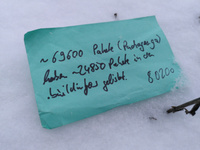
26 June 2023

Lukas M rdian: Netplan 0.106.1 stable release

We are happy to announce that Netplan 0.106.1 is available for download on Ubuntu Mantic Minotaur and Debian testing. This release includes some improvements in our documentation and CI infrastructure and a number of bug fixes.

What s new in Netplan 0.106.1?

Documentation

Infrastructure
  • canonical/setup-lxd GitHub action. The autopkgtest environment creation was standardized to use Canonical s setup-lxd action.
  • Snapd integrations tests with spread. A new test set for the Snapd integration with Netplan was introduced using the spread tool.
  • DBus. A number of DBus integration tests were added to the Debian package.

New features
  • Keyfile parser improvements. Our Network Manager keyfile parser (the capability of loading Network Manager configuration to Netplan YAML) was expanded to support all the types of tunnels supported by Netplan.

Misc
  • Ubuntu s Code of Conduct 2.0 was added to the code repository.
  • We added a new bash autocompletion script with all the Netplan s subcommands.
  • The new release package was synchronized with Debian.

Bug fixes
  • Keyfile parser. This release contains a couple of important fixes for the NetworkManager integration stability: 1) adding WPA enterprise connections is now working fine and new test cases were added to the package; 2) a WireGuard peer with allowed IPs that don t include the network prefix are now accepted.
  • Netplan parser. A number of memory leaks and stability issues were fixed.
  • DBus. An issue related to how directory paths are built in the Netplan DBus service was causing issues in the Snapd integration and was fixed.
For the complete list of changes please consult the debian/changelog file in https://launchpad.net/ubuntu/+source/netplan.io/+changelog

Next.

Previous.