Reproducible Builds (diffoscope): diffoscope 163 released
The diffoscope maintainers are pleased to announce the release of diffoscope
version
You find out more by visiting the project homepage.
163. This version includes the following changes:
[ Chris Lamb ]
* Bug fixes & new features:
  - Normalise "ret" to "retq" in objdump output to support multiple versions
    of obdump(1). (Closes: #976760, reproducible-builds/diffoscope#227)
  - Don't show progress indicators when running zstd(1).
    (Closes: reproducible-builds/diffoscope#226)
  - Move the slightly-confusing behaviour of loading an "existing diff" if a
    single file is passed to diffoscope to the new --load-existing-diff
    command.
* Output improvements:
  - Use pprint.pformat in the JSON comparator to serialise the differences
    from jsondiff to make the output render better.
  - Correct tense in --debug log output.
* Code quality:
  * Don't use an old-style "super" call.
  - Rewrite the filter routine for post-processing output from readelf(1).
  - Update my copyright years.
  - Remove unncessary PEP 263 encoding lines (replaced via PEP 3120).
  - Use "minimal" instead of "basic" as a variable name to match the
    underlying package name.
  - Add comment regarding Java tests for diffoscope contributors who are not
    using Debian. (Re: reproducible-builds/diffoscope!58)
* Debian packaging:
  - Update debian/copyright to match copyright notices in source-tree.
    (Closes: reproducible-builds/diffoscope#224)
  - Ensure the new "diffoscope-minimal" package has a different short
    description from the main "diffoscope" one.
[ Jean-Romain Garnier ]
* Add tests for OpenJDK 14.
[ Conrad Ratschan ]
* Add comparator for "legacy" uboot uImage files.
  (MR: reproducible-builds/diffoscope!69)


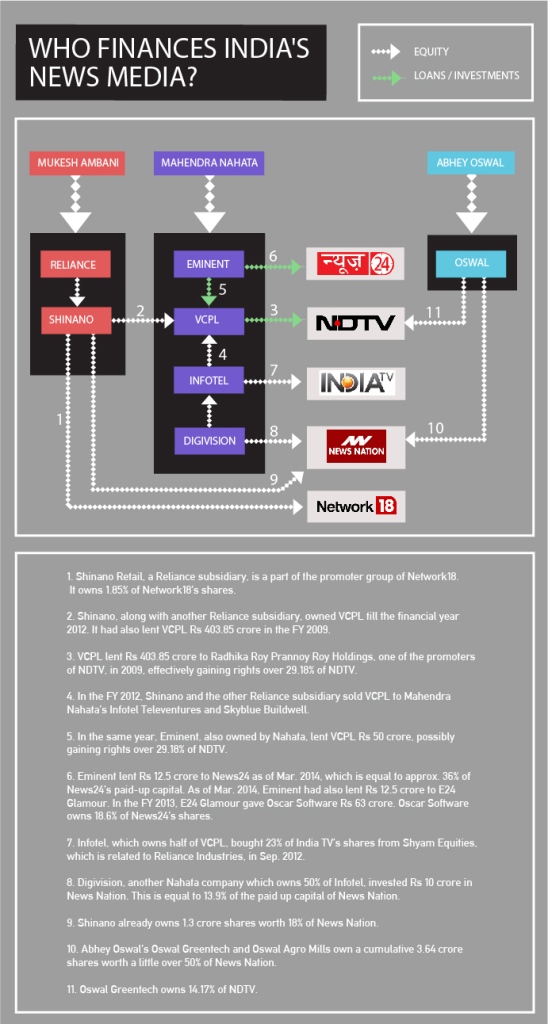
 Update 11/12/20 Came across this article on the wire which tells how everybody s


 Akarshan Uppal Reporter, IBN24 Copyright IBN24
 TL;DR: Some mildly tricky tricks allow you to select subgoals by name, like in Isabelle. This leads to more readable proofs, and proofs that are more robust against changes.
 I joined the

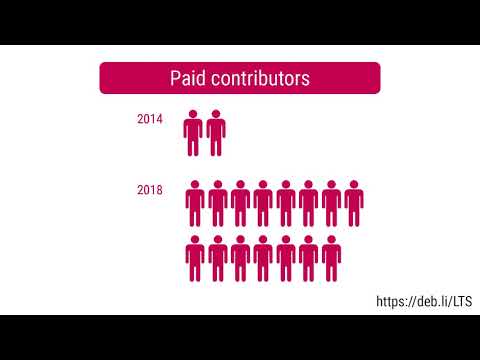
 I was assigned 16 hours of work by Freexian's Debian LTS initiative
and carried over 4.5 hours from earlier months. I worked 11.5 hours
this month, so I will carry over 9 hours to December.
I continued working on backporting fixes for some less urgent
security issues in Linux 4.9. I had to give up on some filesystem
fixes as they caused regressions. The others have now been applied
to the 4.9 stable branch at kernel.org.
I updated the linux packaging branch for stretch to Linux 4.9.246,
but haven't made a new package upload yet.


 Here is my monthly update covering what I have been doing in the free software world during November 2020 (


 PTI News, Nov 27, 2020
 One of the most interesting (and possibly unknown) features of the nftables framework is the native
python interface, which allows python programs to access all nft features programmatically, from
the source code.
There is a high-level library, libnftables, which is responsible for translating the human-readable
syntax from the
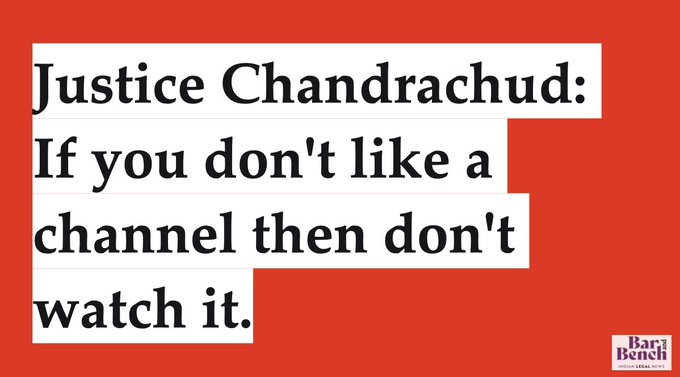 Justice Chandrachud If you don t like a channel then don t watch it. 11th November 2020 .
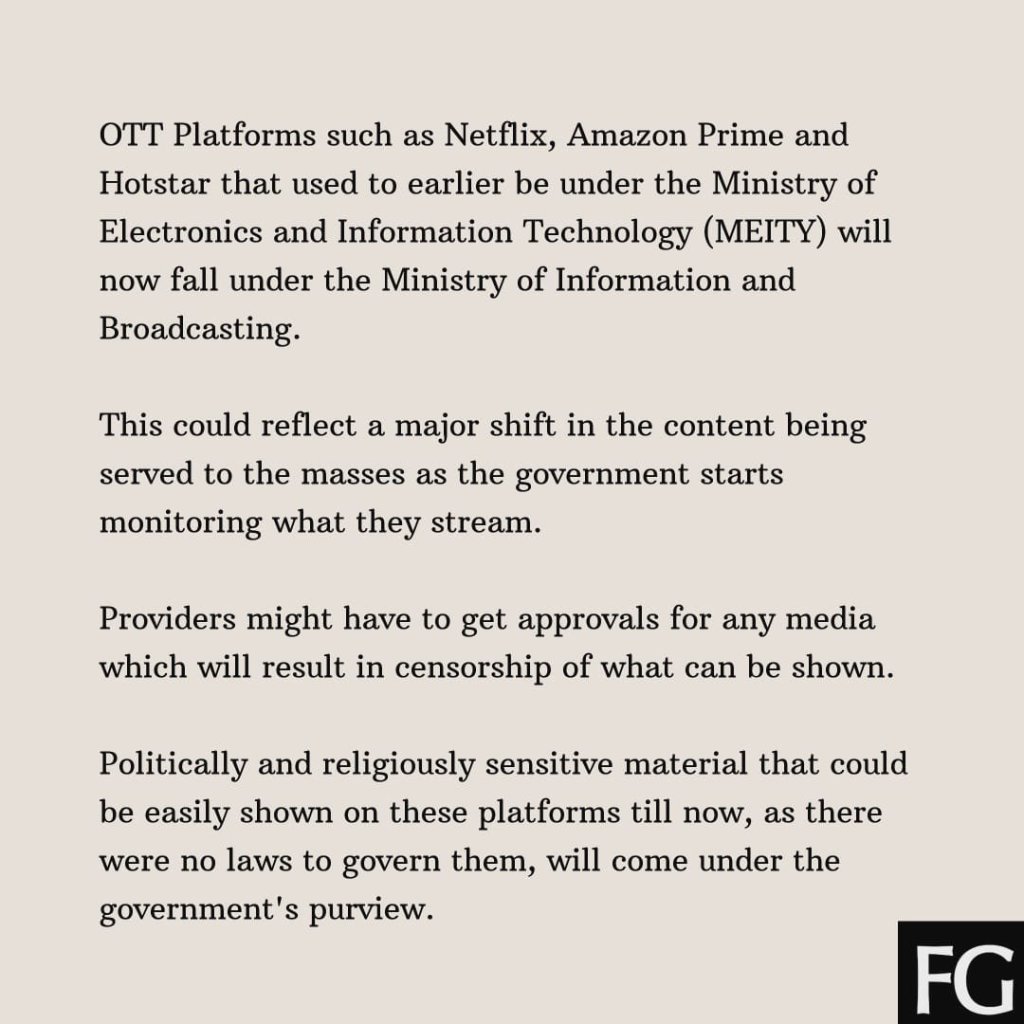 Information and Broadcasting Ministry bringing OTT services as well as news within its ambit.