Alberto Garc a: More ways to install software in SteamOS: Distrobox and Nix
Introduction
In my previous post I talked about how to use 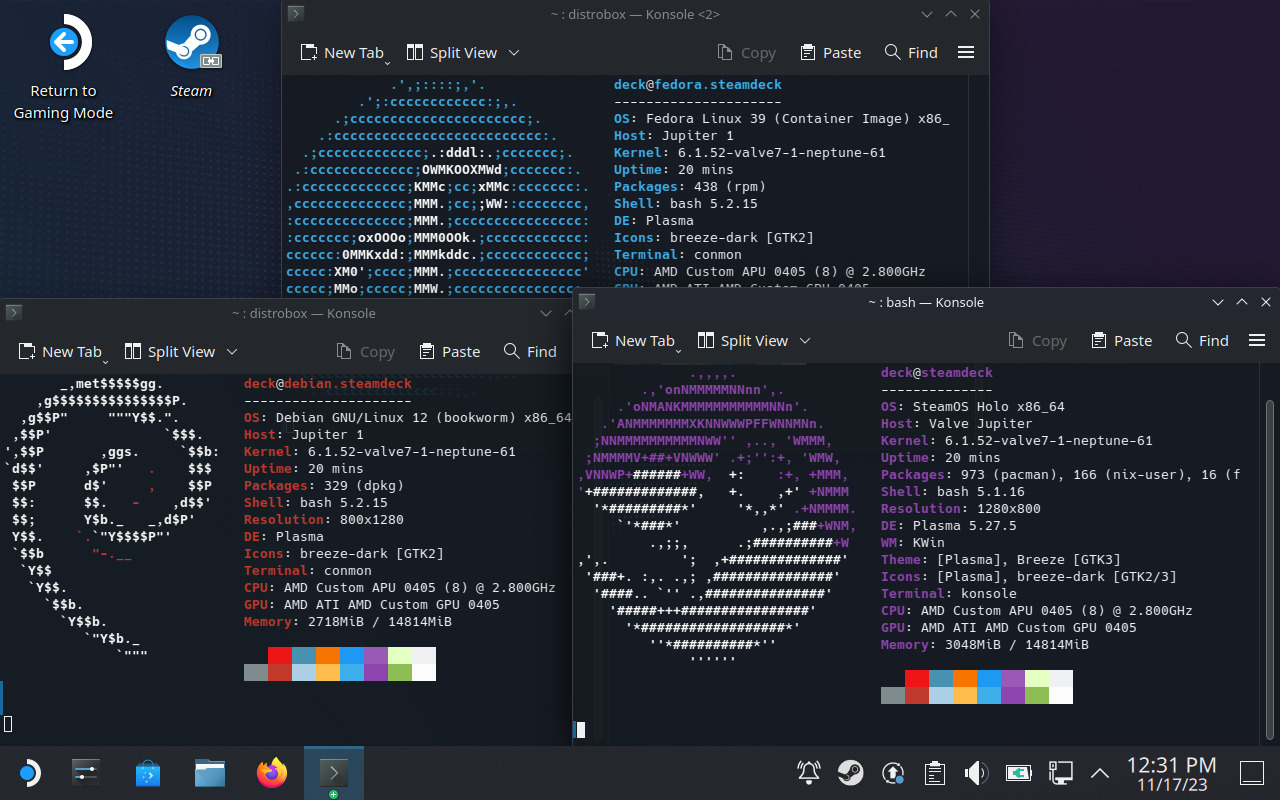 With distrobox you can open a terminal with your favorite Linux distro inside, with full access to the package manager and the ability to install additional software. Containers created by distrobox are integrated with the system so apps running inside have normal access to the user s home directory and the Wayland/X11 session.
Since these containers are not stored in the root filesystem they can survive an OS update and continue to work fine. For this reason they are particularly suited to systems with an immutable root filesystem such as Silverblue, Endless OS or SteamOS.
Starting from SteamOS 3.5 the system comes with distrobox (and podman) preinstalled and it can be used right out of the box without having to do any previous setup.
For example, in order to create a Debian bookworm container simply open a terminal and run this:
With distrobox you can open a terminal with your favorite Linux distro inside, with full access to the package manager and the ability to install additional software. Containers created by distrobox are integrated with the system so apps running inside have normal access to the user s home directory and the Wayland/X11 session.
Since these containers are not stored in the root filesystem they can survive an OS update and continue to work fine. For this reason they are particularly suited to systems with an immutable root filesystem such as Silverblue, Endless OS or SteamOS.
Starting from SteamOS 3.5 the system comes with distrobox (and podman) preinstalled and it can be used right out of the box without having to do any previous setup.
For example, in order to create a Debian bookworm container simply open a terminal and run this:
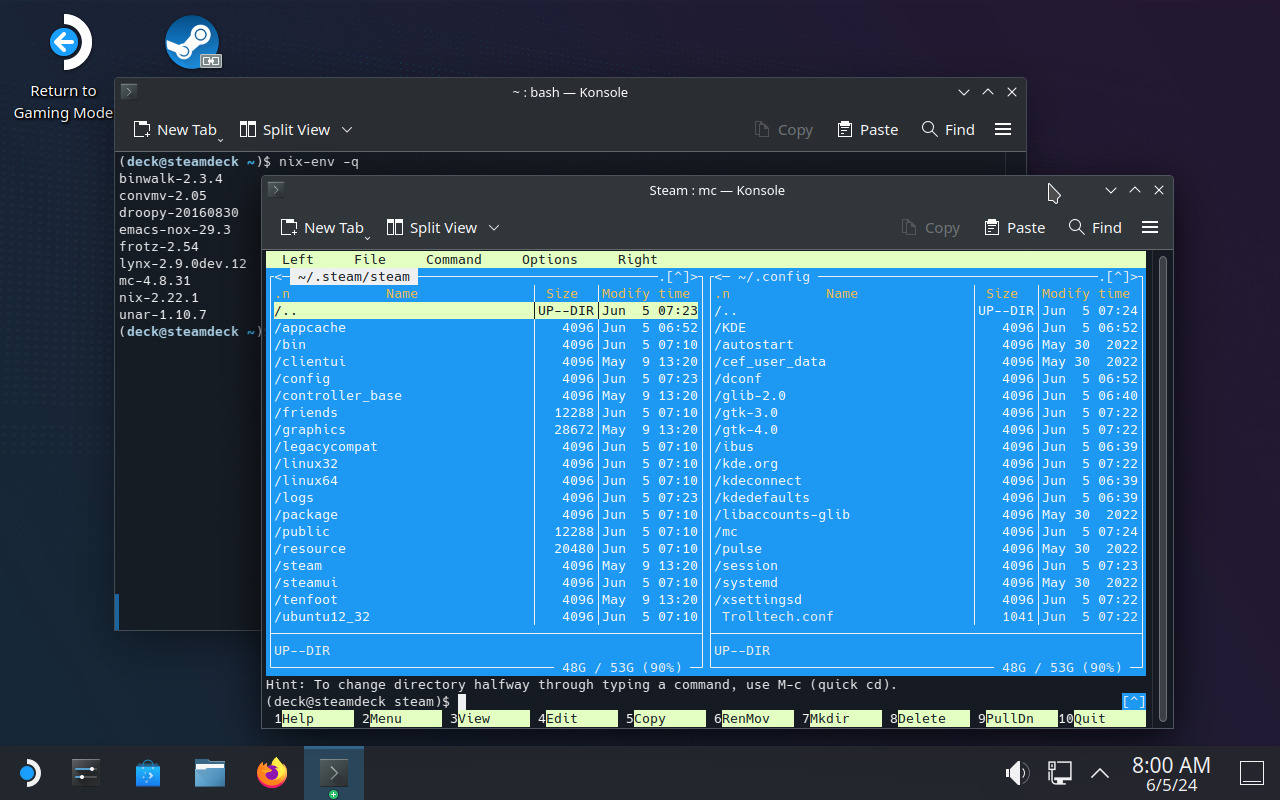 Nix installs everything under the
systemd-sysext to add software to the Steam Deck without modifying the root filesystem. In this post I will give a brief overview of two additional methods.
Distrobox
distrobox is a tool that uses containers to create a mutable environment on top of your OS.
With distrobox you can open a terminal with your favorite Linux distro inside, with full access to the package manager and the ability to install additional software. Containers created by distrobox are integrated with the system so apps running inside have normal access to the user s home directory and the Wayland/X11 session.
Since these containers are not stored in the root filesystem they can survive an OS update and continue to work fine. For this reason they are particularly suited to systems with an immutable root filesystem such as Silverblue, Endless OS or SteamOS.
Starting from SteamOS 3.5 the system comes with distrobox (and podman) preinstalled and it can be used right out of the box without having to do any previous setup.
For example, in order to create a Debian bookworm container simply open a terminal and run this:
$ distrobox create -i debian:bookworm debbox
debian:bookworm is the image that this container is created from (debian is the name and bookworm is the tag, see the list of supported tags here) and debbox is the name that is given to this new container.
Once the container is created you can enter it:
$ distrobox enter debbox
$ sudo apt update
$ sudo apt install vim-gtk3
/nix directory, and packages are made available to the user through a new entry in the PATH and a ~/.nix-profile symlink stored in the home directory.
Nix is more things, including the basis of the NixOS operating system. Explaning Nix in more detail is beyond the scope of this blog post, but for SteamOS users these are perhaps its most interesting properties:
- Nix is self-contained: all packages and their dependencies are installed under
/nix. - Unlike software installed with
pacman, Nix survives OS updates. - Unlike
podman/distrobox, Nix does not create any containers. All packages have normal access to the rest of the system, just like native SteamOS packages. - Nix has a very large collection of packages, here is a search engine: https://search.nixos.org/packages
/nix directory so its contents are not stored in the root filesystem. This is already happening starting from SteamOS 3.5 so you can install Nix right away in single-user mode:
$ sudo chown deck:deck /nix
$ wget https://nixos.org/nix/install
$ sh ./install --no-daemon
~/.bash_profile to set up the necessary environment variables. After that you can log in again and start using it. Here s a very simple example (refer to the official documentation for more details):
# Install and run Midnight Commander
$ nix-env -iA nixpkgs.mc
$ mc
# List installed packages
$ nix-env -q
mc-4.8.31
nix-2.21.1
# Uninstall Midnight Commander
$ nix-env -e mc-4.8.31
 My Debian contributions this month were all
 A short status update of what happened on my side last month. A broken
gcovr in Debian triggered a bit of busy work but 0.39.0 came out
nicely nevertheless. We also reduced build time quiet a bit in phosh
and phoc.
A short status update of what happened on my side last month. A broken
gcovr in Debian triggered a bit of busy work but 0.39.0 came out
nicely nevertheless. We also reduced build time quiet a bit in phosh
and phoc.
 Fira Mono
 Commit Mono








 Debusine is a Free Software project developed by Freexian to manage
scheduling and distribution of Debian-related tasks to a network of worker
machines. It was started some time back, but its development pace has
recently increased significantly thanks to funding from the
Debusine is a Free Software project developed by Freexian to manage
scheduling and distribution of Debian-related tasks to a network of worker
machines. It was started some time back, but its development pace has
recently increased significantly thanks to funding from the  Warning to the Planet Debian readers: the following post might shock you, if you're used to Debian's smooth upgrades using only the package manager.
Leapp?!
Contrary to distributions like
Warning to the Planet Debian readers: the following post might shock you, if you're used to Debian's smooth upgrades using only the package manager.
Leapp?!
Contrary to distributions like  De 27 a 30 de abril de 2024 foi realizada a
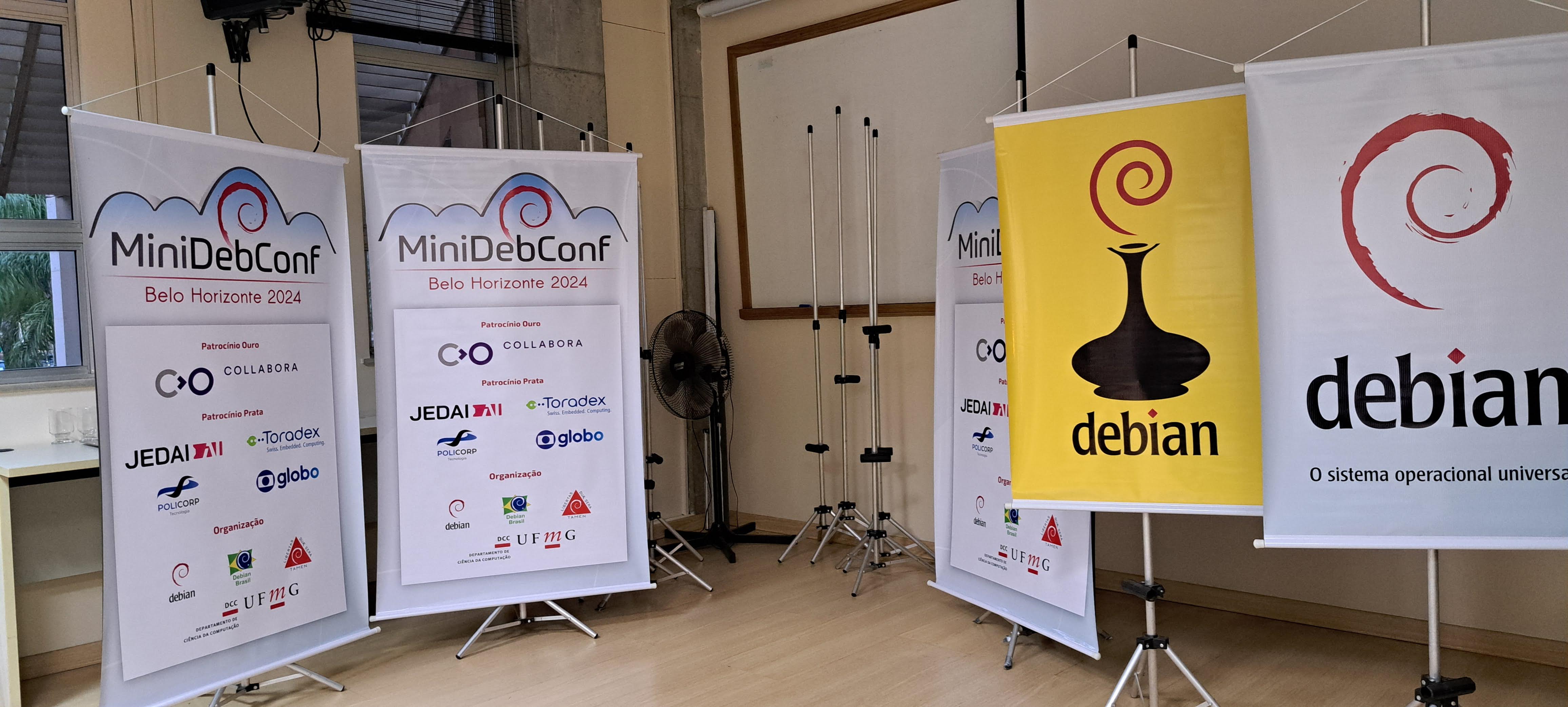 Esta foi a quinta vez que uma MiniDebConf (como um evento presencial exclusivo
sobre Debian) aconteceu no Brasil. As edi es anteriores foram em Curitiba
(
Esta foi a quinta vez que uma MiniDebConf (como um evento presencial exclusivo
sobre Debian) aconteceu no Brasil. As edi es anteriores foram em Curitiba
( N meros da edi o 2024
Durante os quatro dias de evento aconteceram diversas atividades para todos os
n veis de usu rios(as) e colaboradores(as) do projeto Debian. A
N meros da edi o 2024
Durante os quatro dias de evento aconteceram diversas atividades para todos os
n veis de usu rios(as) e colaboradores(as) do projeto Debian. A
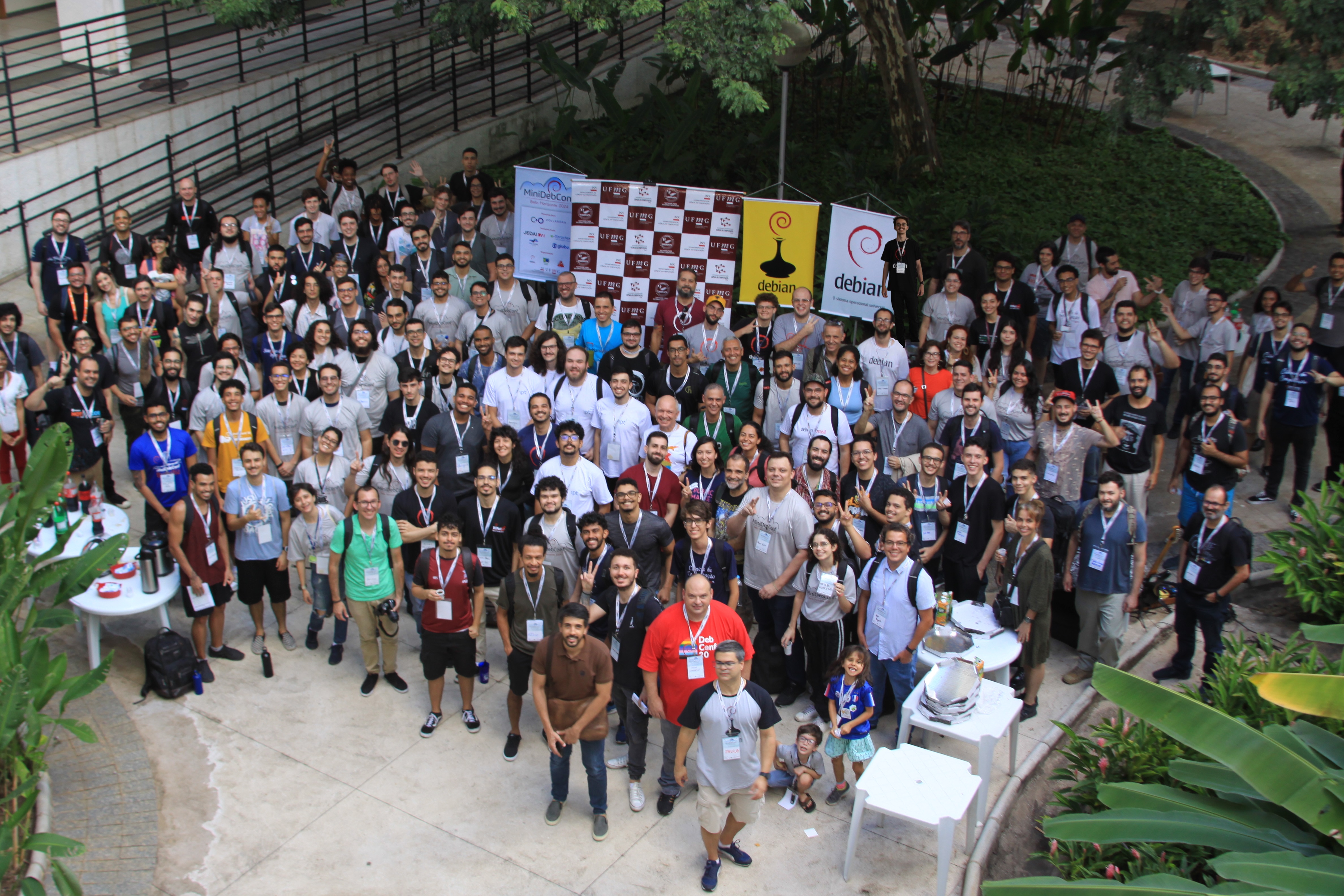
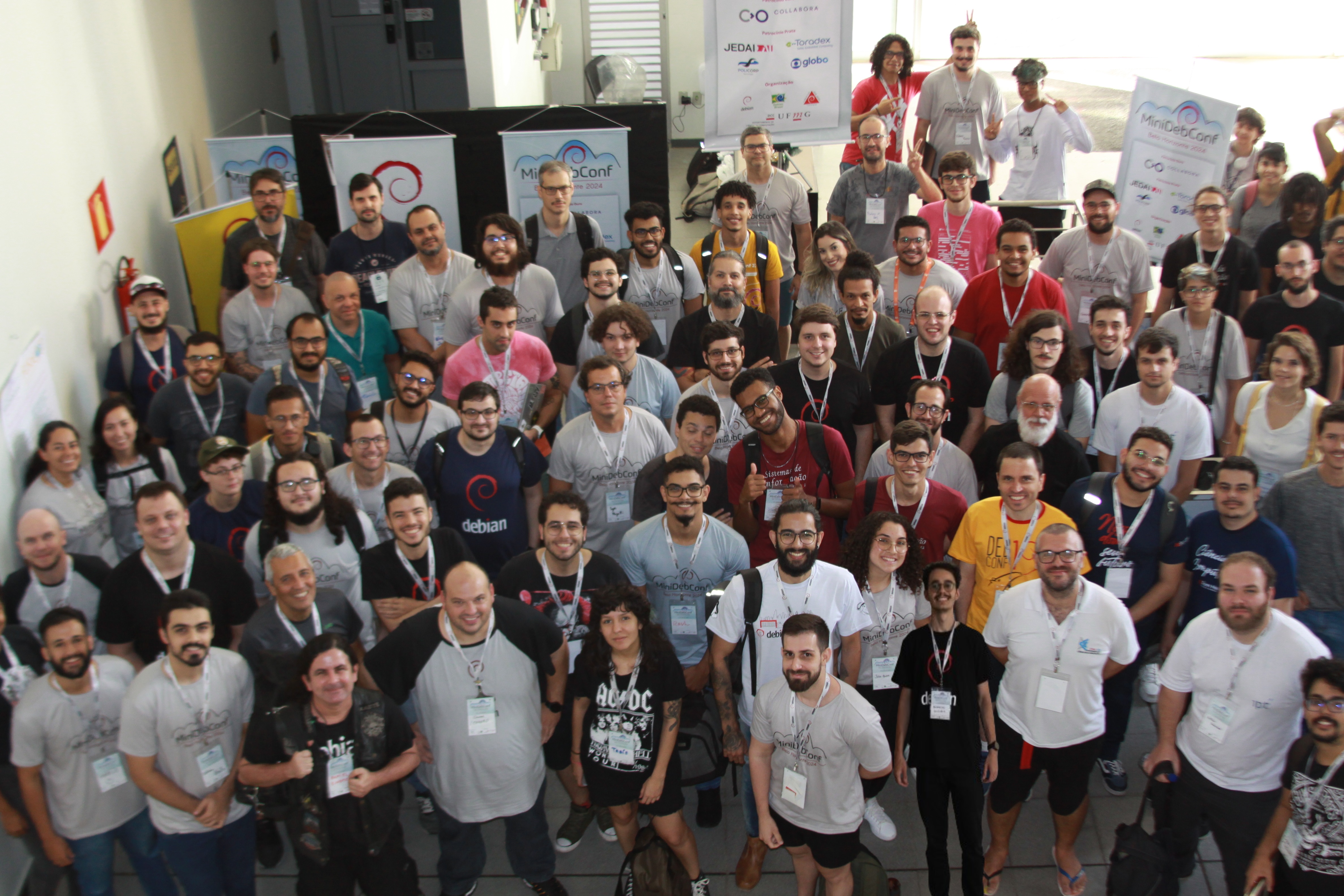
 Os n meros finais da MiniDebConf Belo Horizonte 2024 mostram que tivemos um
recorde de participantes.
Os n meros finais da MiniDebConf Belo Horizonte 2024 mostram que tivemos um
recorde de participantes.
 Atividades
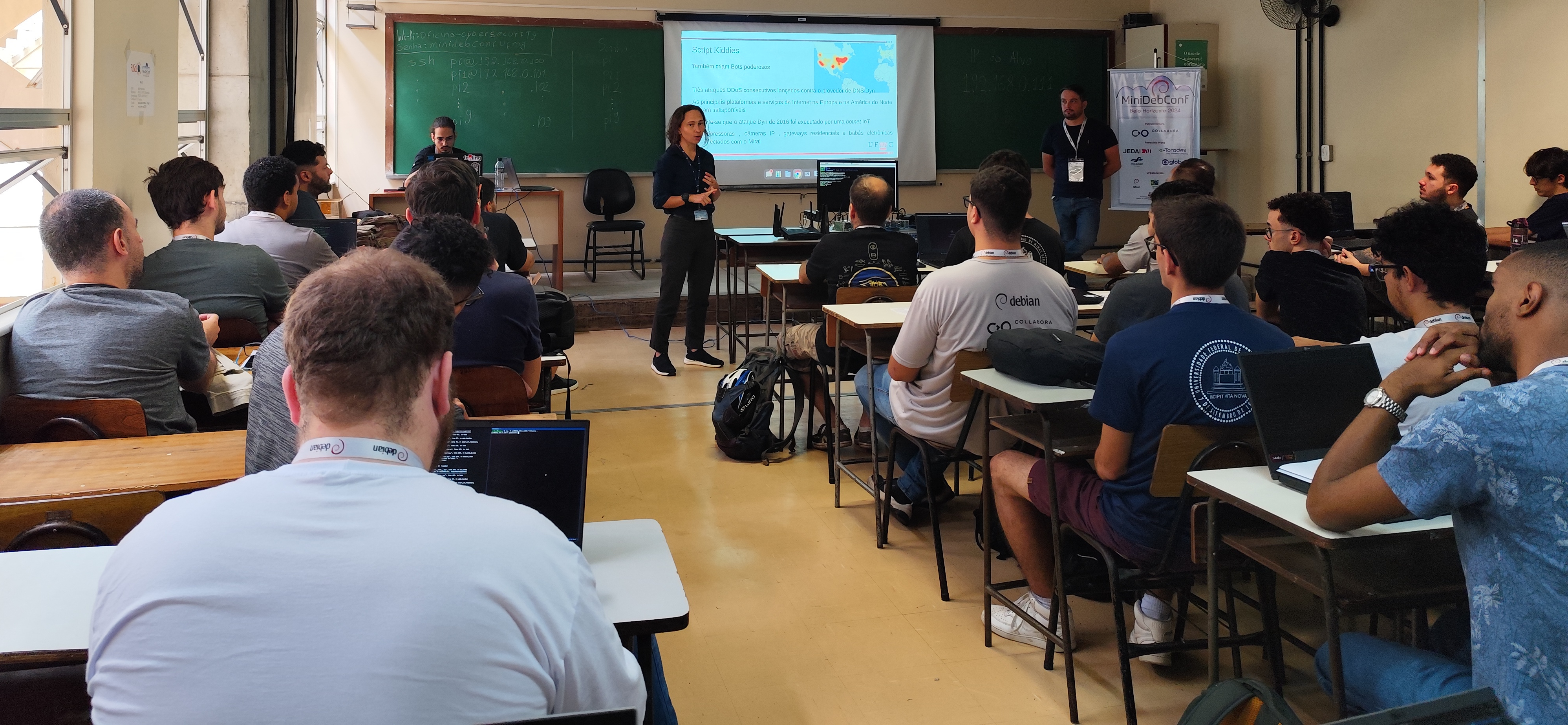
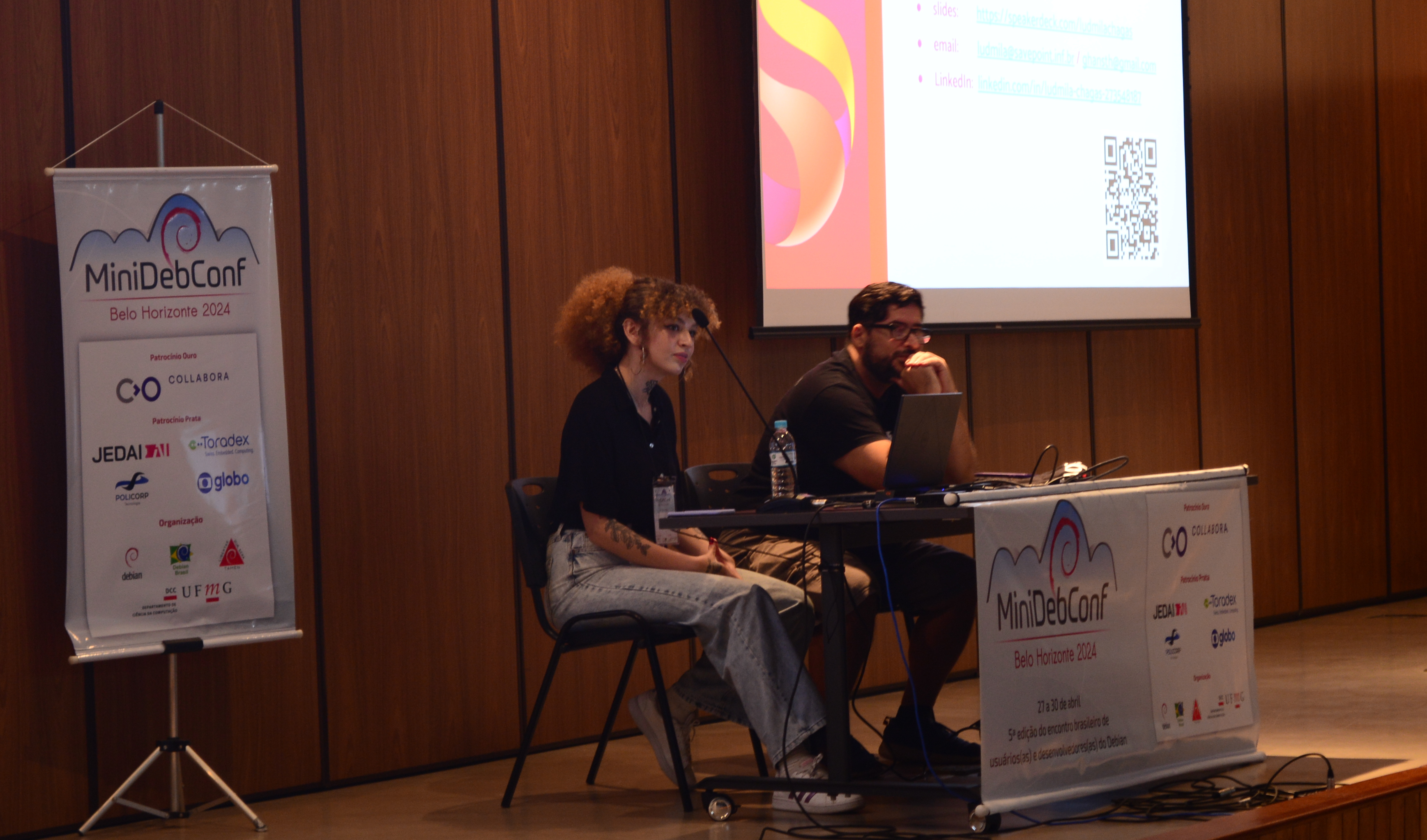
A programa o da MiniDebConf foi intensa e diversificada. Nos dias 27, 29 e 30
(s bado, segunda e ter a-feira) tivemos palestras, debates, oficinas e muitas
atividades pr ticas.
Atividades
A programa o da MiniDebConf foi intensa e diversificada. Nos dias 27, 29 e 30
(s bado, segunda e ter a-feira) tivemos palestras, debates, oficinas e muitas
atividades pr ticas.
 J no dia 28 (domingo), ocorreu o Day Trip, um dia dedicado a passeios pela
cidade. Pela manh sa mos do hotel e fomos, em um nibus fretado, para o
J no dia 28 (domingo), ocorreu o Day Trip, um dia dedicado a passeios pela
cidade. Pela manh sa mos do hotel e fomos, em um nibus fretado, para o
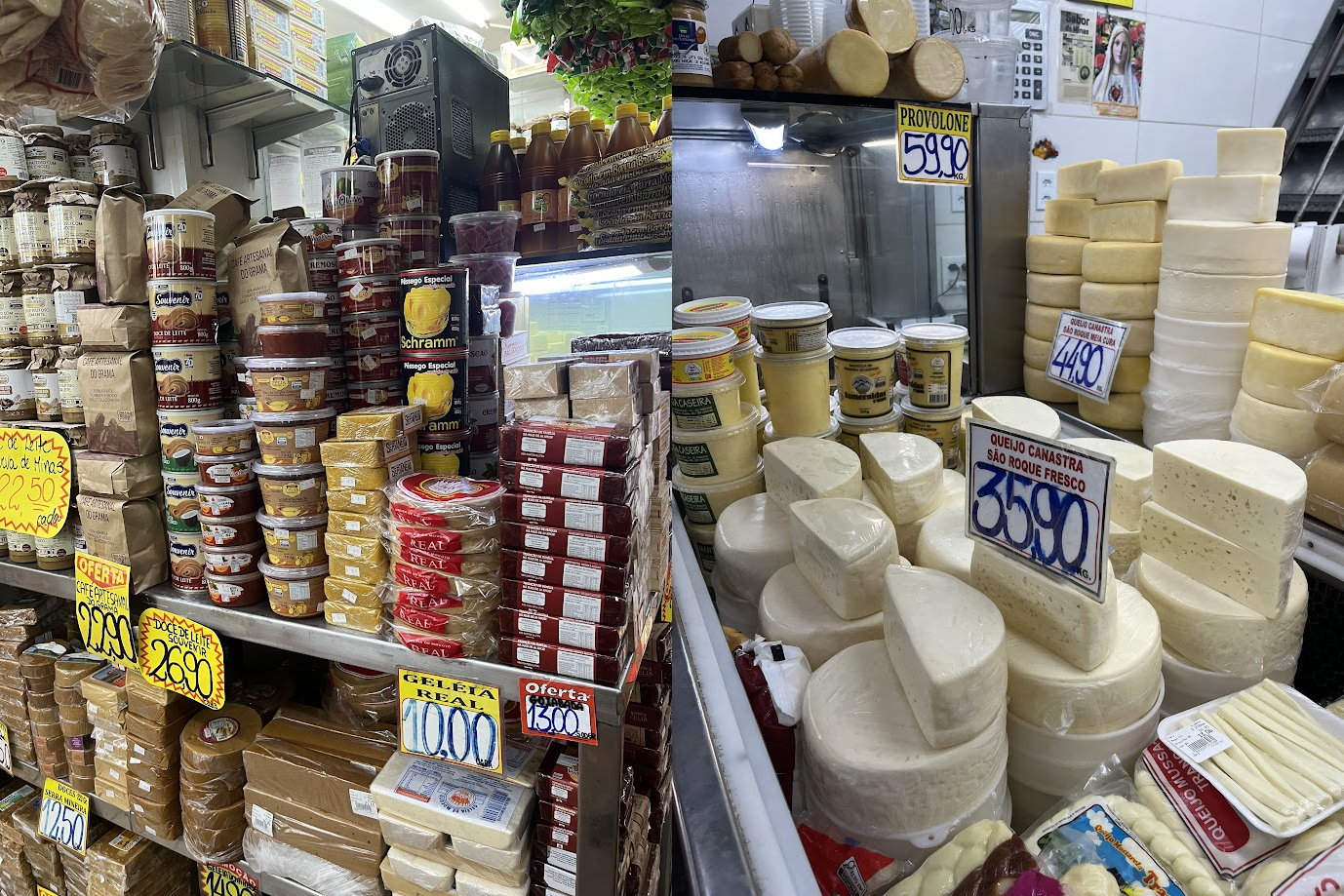 Depois de 2 horas de passeio pelo Mercado, voltamos para o nibus e pegamos a
estrada para almo armos em um restaurante de comida t pica mineira.
Depois de 2 horas de passeio pelo Mercado, voltamos para o nibus e pegamos a
estrada para almo armos em um restaurante de comida t pica mineira.
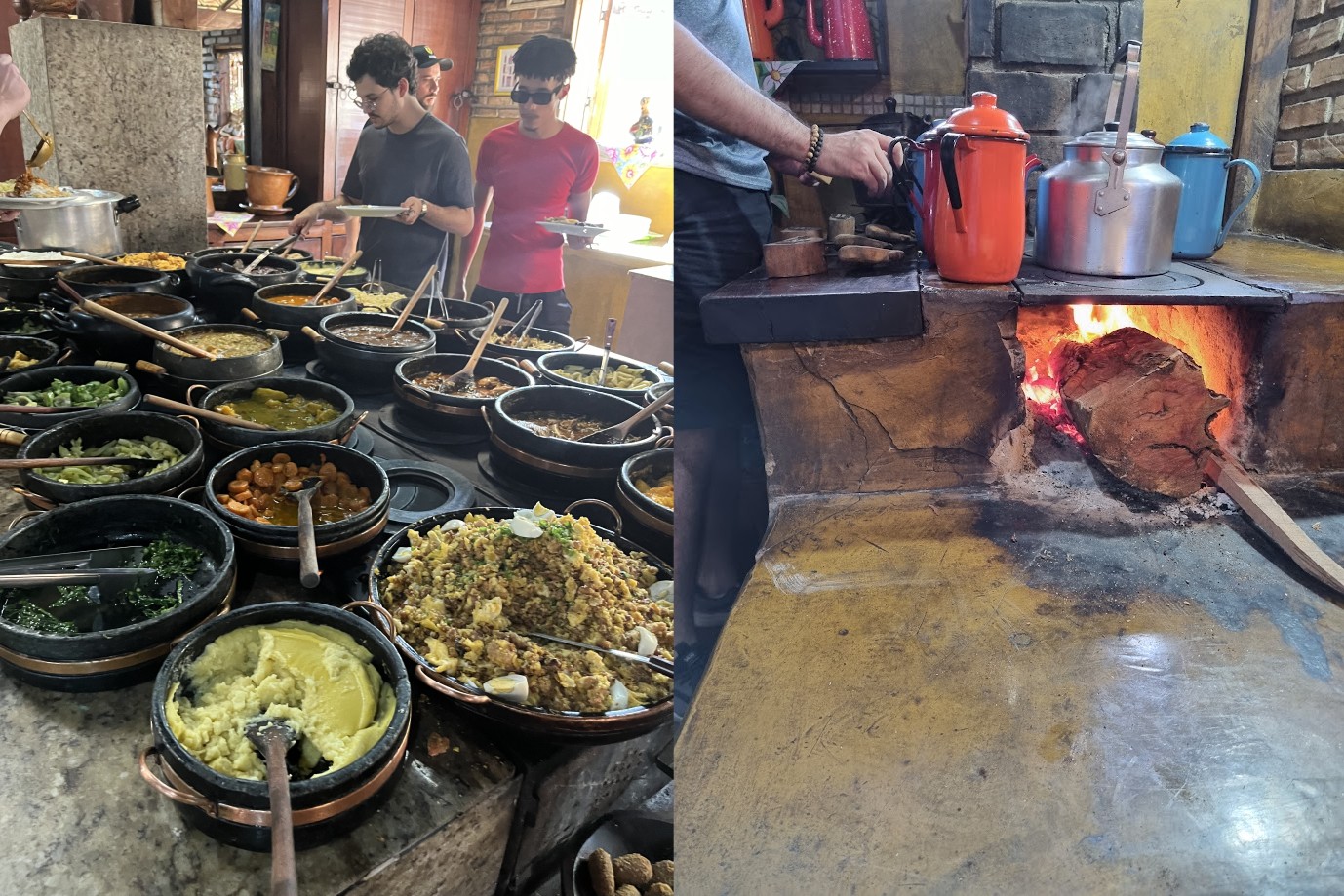 Com todos bem alimentados, voltamos para Belo Horizonte para visitarmos o
principal ponto tur stico da cidade: a Lagoa da Pampulha e a Capela S o
Francisco de Assis, mais conhecida como
Com todos bem alimentados, voltamos para Belo Horizonte para visitarmos o
principal ponto tur stico da cidade: a Lagoa da Pampulha e a Capela S o
Francisco de Assis, mais conhecida como
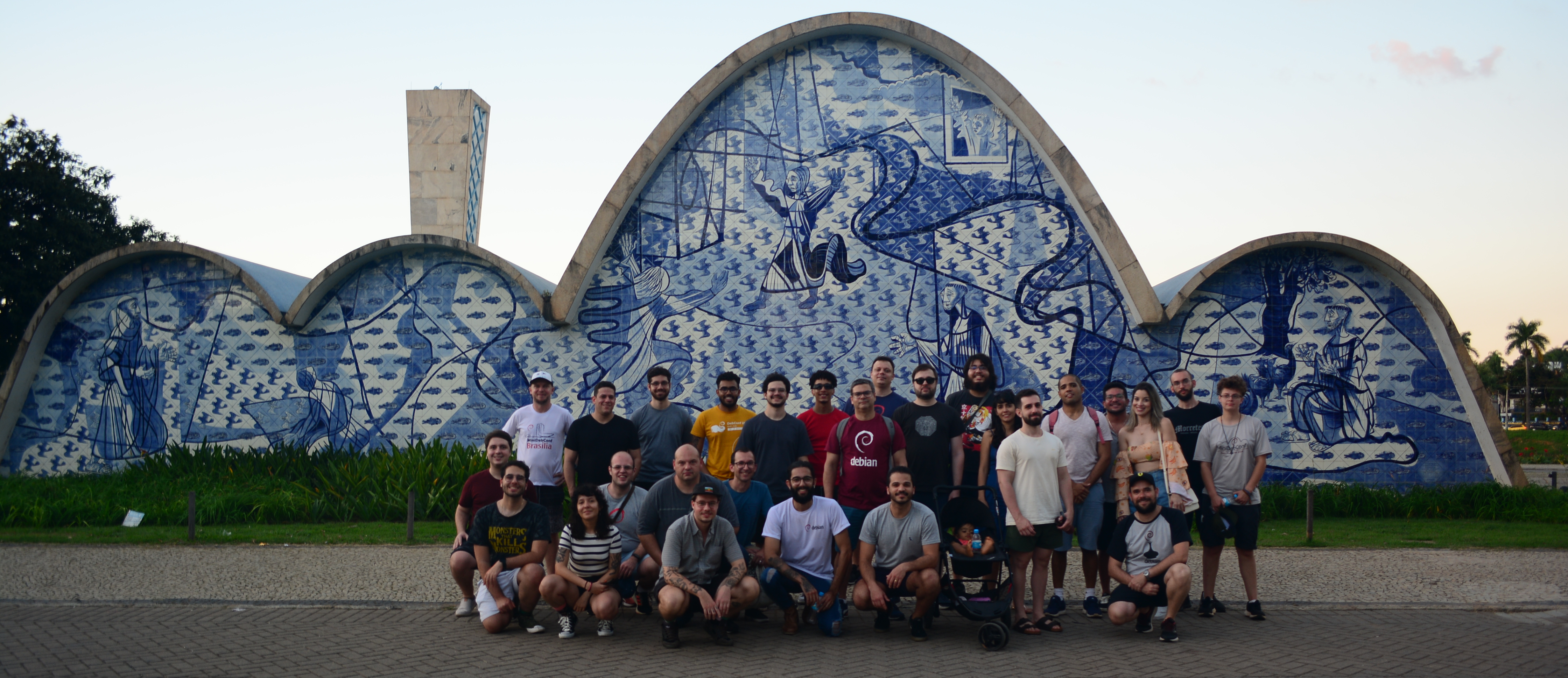 Voltamos para o hotel e o dia terminou no hacker space que montamos na sala
de eventos para o pessoal conversar, empacotar, e comer umas pizzas.
Voltamos para o hotel e o dia terminou no hacker space que montamos na sala
de eventos para o pessoal conversar, empacotar, e comer umas pizzas.
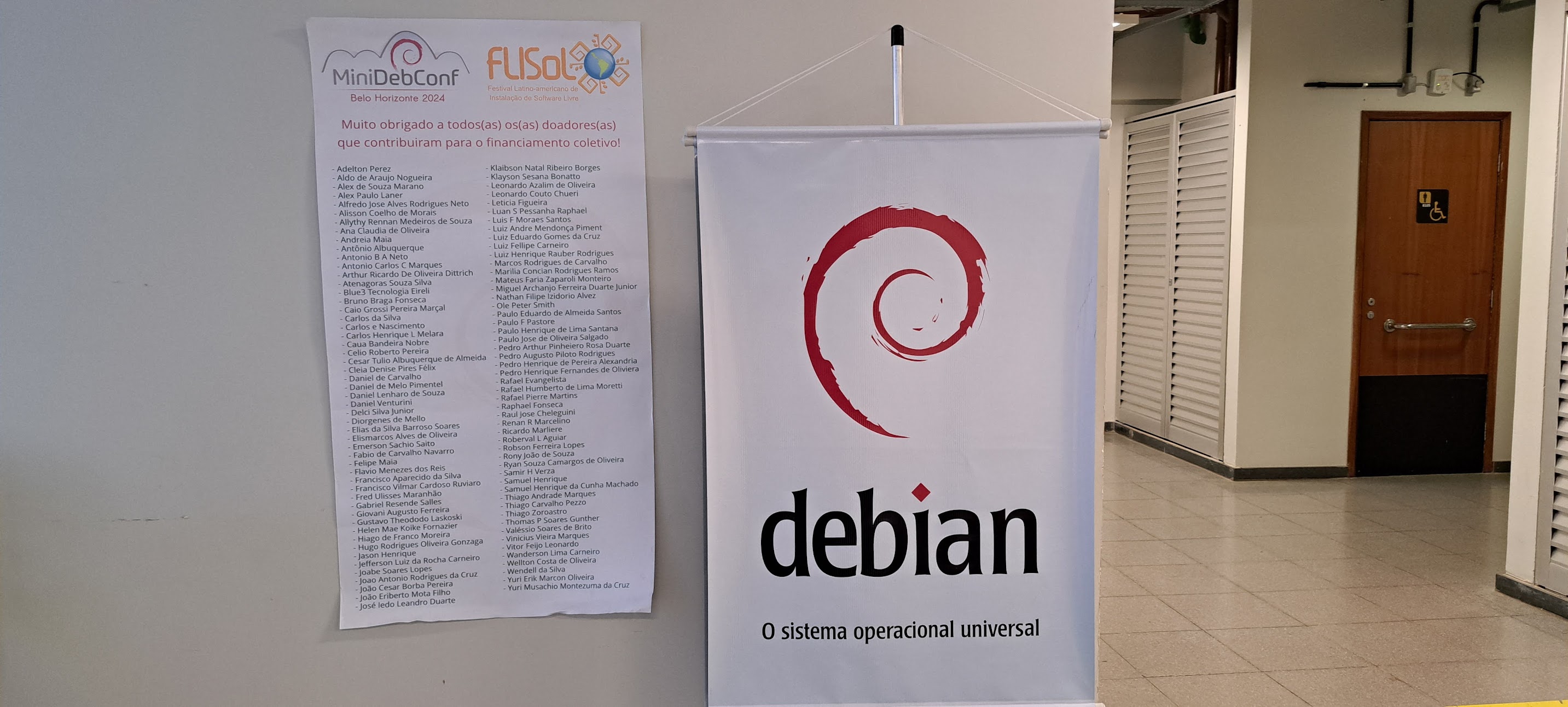
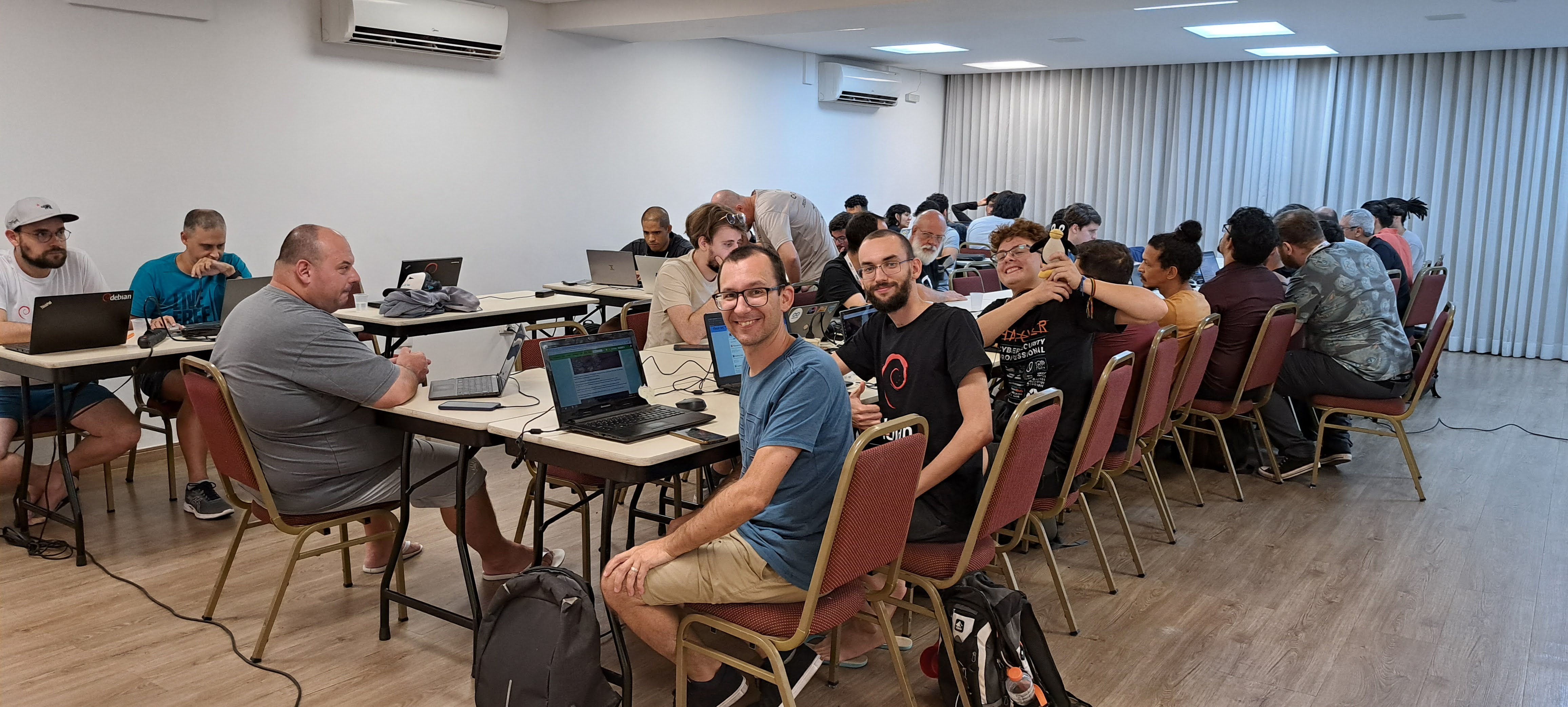 Financiamento coletivo
Pela terceira vez fizemos uma campanha de financiamento coletivo e foi incr vel
como as pessoas contribu ram! A meta inicial era arrecadar o valor equivalente
a uma cota ouro de R$ 3.000,00. Ao atingirmos essa meta, definimos uma nova,
equivalente a uma cota ouro + uma cota prata (R$ 5.000,00). E novamente
atingimos essa meta. Ent o propusermos como meta final o valor de uma cota
ouro + prata + bronze, que seria equivalente a R$ 6.000,00. O resultado foi que
arrecadamos R$ 7.239,65 com a ajuda de mais de 100 pessoas!
Muito obrigado as pessoas que contribu ram com qualquer valor. Como forma de
agradecimento,
Financiamento coletivo
Pela terceira vez fizemos uma campanha de financiamento coletivo e foi incr vel
como as pessoas contribu ram! A meta inicial era arrecadar o valor equivalente
a uma cota ouro de R$ 3.000,00. Ao atingirmos essa meta, definimos uma nova,
equivalente a uma cota ouro + uma cota prata (R$ 5.000,00). E novamente
atingimos essa meta. Ent o propusermos como meta final o valor de uma cota
ouro + prata + bronze, que seria equivalente a R$ 6.000,00. O resultado foi que
arrecadamos R$ 7.239,65 com a ajuda de mais de 100 pessoas!
Muito obrigado as pessoas que contribu ram com qualquer valor. Como forma de
agradecimento,
 Bolsas de alimenta o, hospedagem e/ou passagens para participantes
Cada edi o da MiniDebConf trouxe alguma inova o, ou algum benef cio diferente
para os(a) participantes. Na edi o deste ano em Belo Horizonte, assim como
acontece nas DebConfs,
Bolsas de alimenta o, hospedagem e/ou passagens para participantes
Cada edi o da MiniDebConf trouxe alguma inova o, ou algum benef cio diferente
para os(a) participantes. Na edi o deste ano em Belo Horizonte, assim como
acontece nas DebConfs,
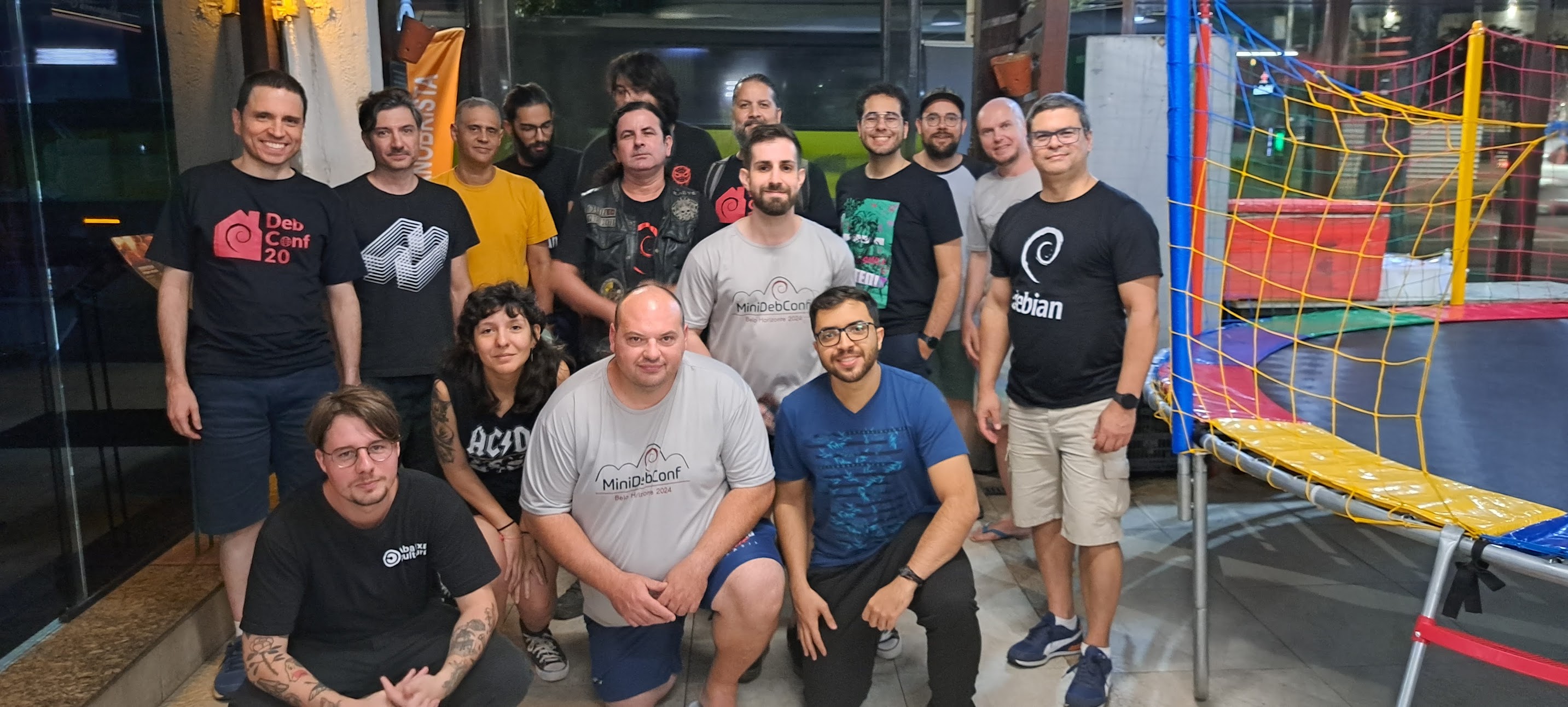 Fotos e v deos
Voc pode assistir as grava es das palestras nos links abaixo:
Fotos e v deos
Voc pode assistir as grava es das palestras nos links abaixo:
 Patrocinadores
Ouro:
Patrocinadores
Ouro: