Jonathan McDowell: Local Voice Assistant Step 1: An ATOM Echo voice satellite
 Back when I setup my home automation I ended up with one piece that used an external service: Amazon Alexa. I d rather not have done this, but voice control is extremely convenient, both for us, and guests. Since then Home Assistant has done a lot of work in developing the capability of a local voice assistant - 2023 was their Year of Voice. I ve had brief looks at this in the past, but never quite had the time to dig into setting it up, and was put off by the fact a lot of the setup instructions were just Download our prebuilt components . While I admire the efforts to get Home Assistant fully packaged for Debian I accept that s a tricky proposition, and settle for running it in a
venv on a Debian stable container. Voice requires a lot more binary components, and I want to have voice satellites in more than one location, so I set about trying to understand a bit better what I was deploying, and actually building the binary bits myself.
This is the start of a write-up of that. I ll break it into a bunch of posts, trying to cover one bit in each, because otherwise this will get massive. Let s start with some requirements:
- All local processing; no call-outs to external services
- Ability to have multiple voice satellites in the house
- A desire to do wake word detection on the satellites, to avoid lots of network audio traffic all the time
- As clean an install on a Debian stable based system as possible
- Binaries built locally
- No need for a GPU
diff of my configuration tweaks
$ diff -u m5stack-atom-echo.yaml assistant.yaml
--- m5stack-atom-echo.yaml    2025-04-18 13:41:21.812766112 +0100
+++ assistant.yaml  2025-01-20 17:33:24.918585244 +0000
@@ -1,7 +1,7 @@
 substitutions:
-  name: m5stack-atom-echo
+  name: study-atom-echo
   friendly_name: M5Stack Atom Echo
-  micro_wake_word_model: okay_nabu  # alexa, hey_jarvis, hey_mycroft are also supported
+  micro_wake_word_model: hey_jarvis  # alexa, hey_jarvis, hey_mycroft are also supported

 esphome:
   name: $ name
@@ -16,15 +16,26 @@
     version: 4.4.8
     platform_version: 5.4.0

+# Enable logging
 logger:
+
+# Enable Home Assistant API
 api:
+  encryption:
+    key: "TGlrZVRoaXNJc1JlYWxseUl0Rm9vbGlzaFBlb3BsZSE="

 ota:
   - platform: esphome
-    id: ota_esphome
+    password: "itsnotarealthing"

 wifi:
+  ssid: "My Wifi Goes Here"
+  password: "AndThePasswordGoesHere"
+
+  # Enable fallback hotspot (captive portal) in case wifi connection fails
   ap:
+    ssid: "Study-Atom-Echo Fallback Hotspot"
+    password: "ThisIsRandom"

 captive_portal:
(I note that the current upstream config has moved on a bit since I first did this, but I double checked the above instructions still work at the time of writing. I end up pinning ESPHome to the right version below due to that.) It turns out to be fairly easy to setup ESPHome in a
venv and get it to build + flash the image for you:
Instructions for building + flashing ESPHome to ATOM Echo
noodles@sevai:~$ python3 -m venv esphome-atom-echo
noodles@sevai:~$ . esphome-atom-echo/bin/activate
(esphome-atom-echo) noodles@sevai:~$ cd esphome-atom-echo/
(esphome-atom-echo) noodles@sevai:~/esphome-atom-echo$  pip install esphome==2024.12.4
Collecting esphome==2024.12.4
  Using cached esphome-2024.12.4-py3-none-any.whl (4.1 MB)

Successfully installed FontTools-4.57.0 PyYAML-6.0.2 appdirs-1.4.4 attrs-25.3.0 bottle-0.13.2 defcon-0.12.1 esphome-2024.12.4 esphome-dashboard-20241217.1 freetype-py-2.5.1 fs-2.4.16 gflanguages-0.7.3 glyphsLib-6.10.1 glyphsets-1.0.0 openstep-plist-0.5.0 pillow-10.4.0 platformio-6.1.16 protobuf-3.20.3 puremagic-1.27 ufoLib2-0.17.1 unicodedata2-16.0.0
(esphome-atom-echo) noodles@sevai:~/esphome-atom-echo$ esphome compile assistant.yaml
INFO ESPHome 2024.12.4
INFO Reading configuration assistant.yaml...
INFO Updating https://github.com/esphome/esphome.git@pull/5230/head
INFO Updating https://github.com/jesserockz/esphome-components.git@None

Linking .pioenvs/study-atom-echo/firmware.elf
/home/noodles/.platformio/packages/toolchain-xtensa-esp32@8.4.0+2021r2-patch5/bin/../lib/gcc/xtensa-esp32-elf/8.4.0/../../../../xtensa-esp32-elf/bin/ld: missing --end-group; added as last command line option
RAM:   [=         ]  10.6% (used 34632 bytes from 327680 bytes)
Flash: [========  ]  79.8% (used 1463813 bytes from 1835008 bytes)
Building .pioenvs/study-atom-echo/firmware.bin
Creating esp32 image...
Successfully created esp32 image.
esp32_create_combined_bin([".pioenvs/study-atom-echo/firmware.bin"], [".pioenvs/study-atom-echo/firmware.elf"])
Wrote 0x176fb0 bytes to file /home/noodles/esphome-atom-echo/.esphome/build/study-atom-echo/.pioenvs/study-atom-echo/firmware.factory.bin, ready to flash to offset 0x0
esp32_copy_ota_bin([".pioenvs/study-atom-echo/firmware.bin"], [".pioenvs/study-atom-echo/firmware.elf"])
==================================================================================== [SUCCESS] Took 130.57 seconds ====================================================================================
INFO Successfully compiled program.
(esphome-atom-echo) noodles@sevai:~/esphome-atom-echo$ esphome upload --device /dev/serial/by-id/usb-Hades2001_M5stack_9552AF8367-if00-port0 assistant.yaml
INFO ESPHome 2024.12.4
INFO Reading configuration assistant.yaml...
INFO Updating https://github.com/esphome/esphome.git@pull/5230/head
INFO Updating https://github.com/jesserockz/esphome-components.git@None

INFO Upload with baud rate 460800 failed. Trying again with baud rate 115200.
esptool.py v4.7.0
Serial port /dev/serial/by-id/usb-Hades2001_M5stack_9552AF8367-if00-port0
Connecting....
Chip is ESP32-PICO-D4 (revision v1.1)
Features: WiFi, BT, Dual Core, 240MHz, Embedded Flash, VRef calibration in efuse, Coding Scheme None
Crystal is 40MHz
MAC: 64:b7:08:8a:1b:c0
Uploading stub...
Running stub...
Stub running...
Configuring flash size...
Auto-detected Flash size: 4MB
Flash will be erased from 0x00010000 to 0x00176fff...
Flash will be erased from 0x00001000 to 0x00007fff...
Flash will be erased from 0x00008000 to 0x00008fff...
Flash will be erased from 0x00009000 to 0x0000afff...
Compressed 1470384 bytes to 914252...
Wrote 1470384 bytes (914252 compressed) at 0x00010000 in 82.0 seconds (effective 143.5 kbit/s)...
Hash of data verified.
Compressed 25632 bytes to 16088...
Wrote 25632 bytes (16088 compressed) at 0x00001000 in 1.8 seconds (effective 113.1 kbit/s)...
Hash of data verified.
Compressed 3072 bytes to 134...
Wrote 3072 bytes (134 compressed) at 0x00008000 in 0.1 seconds (effective 383.7 kbit/s)...
Hash of data verified.
Compressed 8192 bytes to 31...
Wrote 8192 bytes (31 compressed) at 0x00009000 in 0.1 seconds (effective 813.5 kbit/s)...
Hash of data verified.
Leaving...
Hard resetting via RTS pin...
INFO Successfully uploaded program.
And then you can watch it boot (this is mine already configured up in Home Assistant):
Watching the ATOM Echo boot
$ picocom --quiet --imap lfcrlf --baud 115200 /dev/serial/by-id/usb-Hades2001_M5stack_9552AF8367-if00-port0
I (29) boot: ESP-IDF 4.4.8 2nd stage bootloader
I (29) boot: compile time 17:31:08
I (29) boot: Multicore bootloader
I (32) boot: chip revision: v1.1
I (36) boot.esp32: SPI Speed      : 40MHz
I (40) boot.esp32: SPI Mode       : DIO
I (45) boot.esp32: SPI Flash Size : 4MB
I (49) boot: Enabling RNG early entropy source...
I (55) boot: Partition Table:
I (58) boot: ## Label            Usage          Type ST Offset   Length
I (66) boot:  0 otadata          OTA data         01 00 00009000 00002000
I (73) boot:  1 phy_init         RF data          01 01 0000b000 00001000
I (81) boot:  2 app0             OTA app          00 10 00010000 001c0000
I (88) boot:  3 app1             OTA app          00 11 001d0000 001c0000
I (96) boot:  4 nvs              WiFi data        01 02 00390000 0006d000
I (103) boot: End of partition table
I (107) esp_image: segment 0: paddr=00010020 vaddr=3f400020 size=58974h (362868) map
I (247) esp_image: segment 1: paddr=0006899c vaddr=3ffb0000 size=03400h ( 13312) load
I (253) esp_image: segment 2: paddr=0006bda4 vaddr=40080000 size=04274h ( 17012) load
I (260) esp_image: segment 3: paddr=00070020 vaddr=400d0020 size=f5cb8h (1006776) map
I (626) esp_image: segment 4: paddr=00165ce0 vaddr=40084274 size=112ach ( 70316) load
I (665) boot: Loaded app from partition at offset 0x10000
I (665) boot: Disabling RNG early entropy source...
I (677) cpu_start: Multicore app
I (677) cpu_start: Pro cpu up.
I (677) cpu_start: Starting app cpu, entry point is 0x400825c8
I (0) cpu_start: App cpu up.
I (695) cpu_start: Pro cpu start user code
I (695) cpu_start: cpu freq: 160000000
I (695) cpu_start: Application information:
I (700) cpu_start: Project name:     study-atom-echo
I (705) cpu_start: App version:      2024.12.4
I (710) cpu_start: Compile time:     Apr 18 2025 17:29:39
I (716) cpu_start: ELF file SHA256:  1db4989a56c6c930...
I (722) cpu_start: ESP-IDF:          4.4.8
I (727) cpu_start: Min chip rev:     v0.0
I (732) cpu_start: Max chip rev:     v3.99
I (737) cpu_start: Chip rev:         v1.1
I (742) heap_init: Initializing. RAM available for dynamic allocation:
I (749) heap_init: At 3FFAE6E0 len 00001920 (6 KiB): DRAM
I (755) heap_init: At 3FFB8748 len 000278B8 (158 KiB): DRAM
I (761) heap_init: At 3FFE0440 len 00003AE0 (14 KiB): D/IRAM
I (767) heap_init: At 3FFE4350 len 0001BCB0 (111 KiB): D/IRAM
I (774) heap_init: At 40095520 len 0000AAE0 (42 KiB): IRAM
I (781) spi_flash: detected chip: gd
I (784) spi_flash: flash io: dio
I (790) cpu_start: Starting scheduler on PRO CPU.
I (0) cpu_start: Starting scheduler on APP CPU.
[I][logger:171]: Log initialized
[C][safe_mode:079]: There have been 0 suspected unsuccessful boot attempts
[D][esp32.preferences:114]: Saving 1 preferences to flash...
[D][esp32.preferences:143]: Saving 1 preferences to flash: 0 cached, 1 written, 0 failed
[I][app:029]: Running through setup()...
[C][esp32_rmt_led_strip:021]: Setting up ESP32 LED Strip...
[D][template.select:014]: Setting up Template Select
[D][template.select:023]: State from initial (could not load stored index): On device
[D][select:015]: 'Wake word engine location': Sending state On device (index 1)
[D][esp-idf:000]: I (100) gpio: GPIO[39]  InputEn: 1  OutputEn: 0  OpenDrain: 0  Pullup: 0  Pulldown: 0  Intr:0
[D][binary_sensor:034]: 'Button': Sending initial state OFF
[C][light:021]: Setting up light 'M5Stack Atom Echo 8a1bc0'...
[D][light:036]: 'M5Stack Atom Echo 8a1bc0' Setting:
[D][light:041]:   Color mode: RGB
[D][template.switch:046]:   Restored state ON
[D][switch:012]: 'Use listen light' Turning ON.
[D][switch:055]: 'Use listen light': Sending state ON
[D][light:036]: 'M5Stack Atom Echo 8a1bc0' Setting:
[D][light:047]:   State: ON
[D][light:051]:   Brightness: 60%
[D][light:059]:   Red: 100%, Green: 89%, Blue: 71%
[D][template.switch:046]:   Restored state OFF
[D][switch:016]: 'timer_ringing' Turning OFF.
[D][switch:055]: 'timer_ringing': Sending state OFF
[C][i2s_audio:028]: Setting up I2S Audio...
[C][i2s_audio.microphone:018]: Setting up I2S Audio Microphone...
[C][i2s_audio.speaker:096]: Setting up I2S Audio Speaker...
[C][wifi:048]: Setting up WiFi...
[D][esp-idf:000]: I (206) wifi:
[D][esp-idf:000]: wifi driver task: 3ffc8544, prio:23, stack:6656, core=0
[D][esp-idf:000]:
[D][esp-idf:000][wifi]: I (1238) system_api: Base MAC address is not set
[D][esp-idf:000][wifi]: I (1239) system_api: read default base MAC address from EFUSE
[D][esp-idf:000][wifi]: I (1274) wifi:
[D][esp-idf:000][wifi]: wifi firmware version: ff661c3
[D][esp-idf:000][wifi]:
[D][esp-idf:000][wifi]: I (1274) wifi:
[D][esp-idf:000][wifi]: wifi certification version: v7.0
[D][esp-idf:000][wifi]:
[D][esp-idf:000][wifi]: I (1286) wifi:
[D][esp-idf:000][wifi]: config NVS flash: enabled
[D][esp-idf:000][wifi]:
[D][esp-idf:000][wifi]: I (1297) wifi:
[D][esp-idf:000][wifi]: config nano formating: disabled
[D][esp-idf:000][wifi]:
[D][esp-idf:000][wifi]: I (1317) wifi:
[D][esp-idf:000][wifi]: Init data frame dynamic rx buffer num: 32
[D][esp-idf:000][wifi]:
[D][esp-idf:000][wifi]: I (1338) wifi:
[D][esp-idf:000][wifi]: Init static rx mgmt buffer num: 5
[D][esp-idf:000][wifi]:
[D][esp-idf:000][wifi]: I (1348) wifi:
[D][esp-idf:000][wifi]: Init management short buffer num: 32
[D][esp-idf:000][wifi]:
[D][esp-idf:000][wifi]: I (1368) wifi:
[D][esp-idf:000][wifi]: Init dynamic tx buffer num: 32
[D][esp-idf:000][wifi]:
[D][esp-idf:000][wifi]: I (1389) wifi:
[D][esp-idf:000][wifi]: Init static rx buffer size: 1600
[D][esp-idf:000][wifi]:
[D][esp-idf:000][wifi]: I (1399) wifi:
[D][esp-idf:000][wifi]: Init static rx buffer num: 10
[D][esp-idf:000][wifi]:
[D][esp-idf:000][wifi]: I (1419) wifi:
[D][esp-idf:000][wifi]: Init dynamic rx buffer num: 32
[D][esp-idf:000][wifi]:
[D][esp-idf:000]: I (1441) wifi_init: rx ba win: 6
[D][esp-idf:000]: I (1441) wifi_init: tcpip mbox: 32
[D][esp-idf:000]: I (1450) wifi_init: udp mbox: 6
[D][esp-idf:000]: I (1450) wifi_init: tcp mbox: 6
[D][esp-idf:000]: I (1460) wifi_init: tcp tx win: 5760
[D][esp-idf:000]: I (1471) wifi_init: tcp rx win: 5760
[D][esp-idf:000]: I (1481) wifi_init: tcp mss: 1440
[D][esp-idf:000]: I (1481) wifi_init: WiFi IRAM OP enabled
[D][esp-idf:000]: I (1491) wifi_init: WiFi RX IRAM OP enabled
[C][wifi:061]: Starting WiFi...
[C][wifi:062]:   Local MAC: 64:B7:08:8A:1B:C0
[D][esp-idf:000][wifi]: I (1513) phy_init: phy_version 4791,2c4672b,Dec 20 2023,16:06:06
[D][esp-idf:000][wifi]: I (1599) wifi:
[D][esp-idf:000][wifi]: mode : sta (64:b7:08:8a:1b:c0)
[D][esp-idf:000][wifi]:
[D][esp-idf:000][wifi]: I (1600) wifi:
[D][esp-idf:000][wifi]: enable tsf
[D][esp-idf:000][wifi]:
[D][esp-idf:000][wifi]: I (1605) wifi:
[D][esp-idf:000][wifi]: Set ps type: 1
[D][esp-idf:000][wifi]:
[D][wifi:482]: Starting scan...
[D][esp32.preferences:114]: Saving 1 preferences to flash...
[D][esp32.preferences:143]: Saving 1 preferences to flash: 1 cached, 0 written, 0 failed
[W][micro_wake_word:151]: Wake word detection can't start as the component hasn't been setup yet
[D][esp-idf:000][wifi]: I (1646) wifi:
[D][esp-idf:000][wifi]: Set ps type: 1
[D][esp-idf:000][wifi]:
[W][component:157]: Component wifi set Warning flag: scanning for networks

[I][wifi:617]: WiFi Connected!

[D][wifi:626]: Disabling AP...
[C][api:026]: Setting up Home Assistant API server...
[C][micro_wake_word:062]: Setting up microWakeWord...
[C][micro_wake_word:069]: Micro Wake Word initialized
[I][app:062]: setup() finished successfully!
[W][component:170]: Component wifi cleared Warning flag
[W][component:157]: Component api set Warning flag: unspecified
[I][app:100]: ESPHome version 2024.12.4 compiled on Apr 18 2025, 17:29:39

[C][logger:185]: Logger:
[C][logger:186]:   Level: DEBUG
[C][logger:188]:   Log Baud Rate: 115200
[C][logger:189]:   Hardware UART: UART0
[C][esp32_rmt_led_strip:187]: ESP32 RMT LED Strip:
[C][esp32_rmt_led_strip:188]:   Pin: 27
[C][esp32_rmt_led_strip:189]:   Channel: 0
[C][esp32_rmt_led_strip:214]:   RGB Order: GRB
[C][esp32_rmt_led_strip:215]:   Max refresh rate: 0
[C][esp32_rmt_led_strip:216]:   Number of LEDs: 1
[C][template.select:065]: Template Select 'Wake word engine location'
[C][template.select:066]:   Update Interval: 60.0s
[C][template.select:069]:   Optimistic: YES
[C][template.select:070]:   Initial Option: On device
[C][template.select:071]:   Restore Value: YES
[C][gpio.binary_sensor:015]: GPIO Binary Sensor 'Button'
[C][gpio.binary_sensor:016]:   Pin: GPIO39
[C][light:092]: Light 'M5Stack Atom Echo 8a1bc0'
[C][light:094]:   Default Transition Length: 0.0s
[C][light:095]:   Gamma Correct: 2.80
[C][template.switch:068]: Template Switch 'Use listen light'
[C][template.switch:091]:   Restore Mode: restore defaults to ON
[C][template.switch:057]:   Optimistic: YES
[C][template.switch:068]: Template Switch 'timer_ringing'
[C][template.switch:091]:   Restore Mode: always OFF
[C][template.switch:057]:   Optimistic: YES
[C][factory_reset.button:011]: Factory Reset Button 'Factory reset'
[C][factory_reset.button:011]:   Icon: 'mdi:restart-alert'
[C][captive_portal:089]: Captive Portal:
[C][mdns:116]: mDNS:
[C][mdns:117]:   Hostname: study-atom-echo-8a1bc0
[C][esphome.ota:073]: Over-The-Air updates:
[C][esphome.ota:074]:   Address: study-atom-echo.local:3232
[C][esphome.ota:075]:   Version: 2
[C][esphome.ota:078]:   Password configured
[C][safe_mode:018]: Safe Mode:
[C][safe_mode:020]:   Boot considered successful after 60 seconds
[C][safe_mode:021]:   Invoke after 10 boot attempts
[C][safe_mode:023]:   Remain in safe mode for 300 seconds
[C][api:140]: API Server:
[C][api:141]:   Address: study-atom-echo.local:6053
[C][api:143]:   Using noise encryption: YES
[C][micro_wake_word:051]: microWakeWord:
[C][micro_wake_word:052]:   models:
[C][micro_wake_word:015]:     - Wake Word: Hey Jarvis
[C][micro_wake_word:016]:       Probability cutoff: 0.970
[C][micro_wake_word:017]:       Sliding window size: 5
[C][micro_wake_word:021]:     - VAD Model
[C][micro_wake_word:022]:       Probability cutoff: 0.500
[C][micro_wake_word:023]:       Sliding window size: 5
[D][api:103]: Accepted 192.168.39.6
[W][component:170]: Component api cleared Warning flag
[W][component:237]: Component api took a long time for an operation (58 ms).
[W][component:238]: Components should block for at most 30 ms.
[D][api.connection:1446]: Home Assistant 2024.3.3 (192.168.39.6): Connected successfully
[D][ring_buffer:034]: Created ring buffer with size 2048
[D][micro_wake_word:399]: Resetting buffers and probabilities
[D][micro_wake_word:195]: State changed from IDLE to START_MICROPHONE
[D][micro_wake_word:107]: Starting Microphone
[D][micro_wake_word:195]: State changed from START_MICROPHONE to STARTING_MICROPHONE
[D][esp-idf:000]: I (11279) I2S: DMA Malloc info, datalen=blocksize=1024, dma_buf_count=4
[D][micro_wake_word:195]: State changed from STARTING_MICROPHONE to DETECTING_WAKE_WORD
That s enough to get a voice satellite that can be configured up in Home Assistant; you ll need the ESPHome Integration added, then for the
noise_psk key you use the same string as I have under api/encryption/key in my diff above (obviously do your own, I used dd if=/dev/urandom bs=32 count=1 base64 to generate mine).
If you re like me and a compulsive VLANer and firewaller even within your own network then you need to allow Home Assistant to connect on TCP port 6053 to the ATOM Echo, and also allow access to/from UDP port 6055 on the Echo (it ll send audio from that port to Home Assistant, then receive back audio to the same port).
At this point you can now shout Hey Jarvis, what time is it? at the Echo, and the white light will turn flashing blue (indicating it s heard the wake word). Which means we re ready to teach Home Assistant how to do something with the incoming audio.
 As





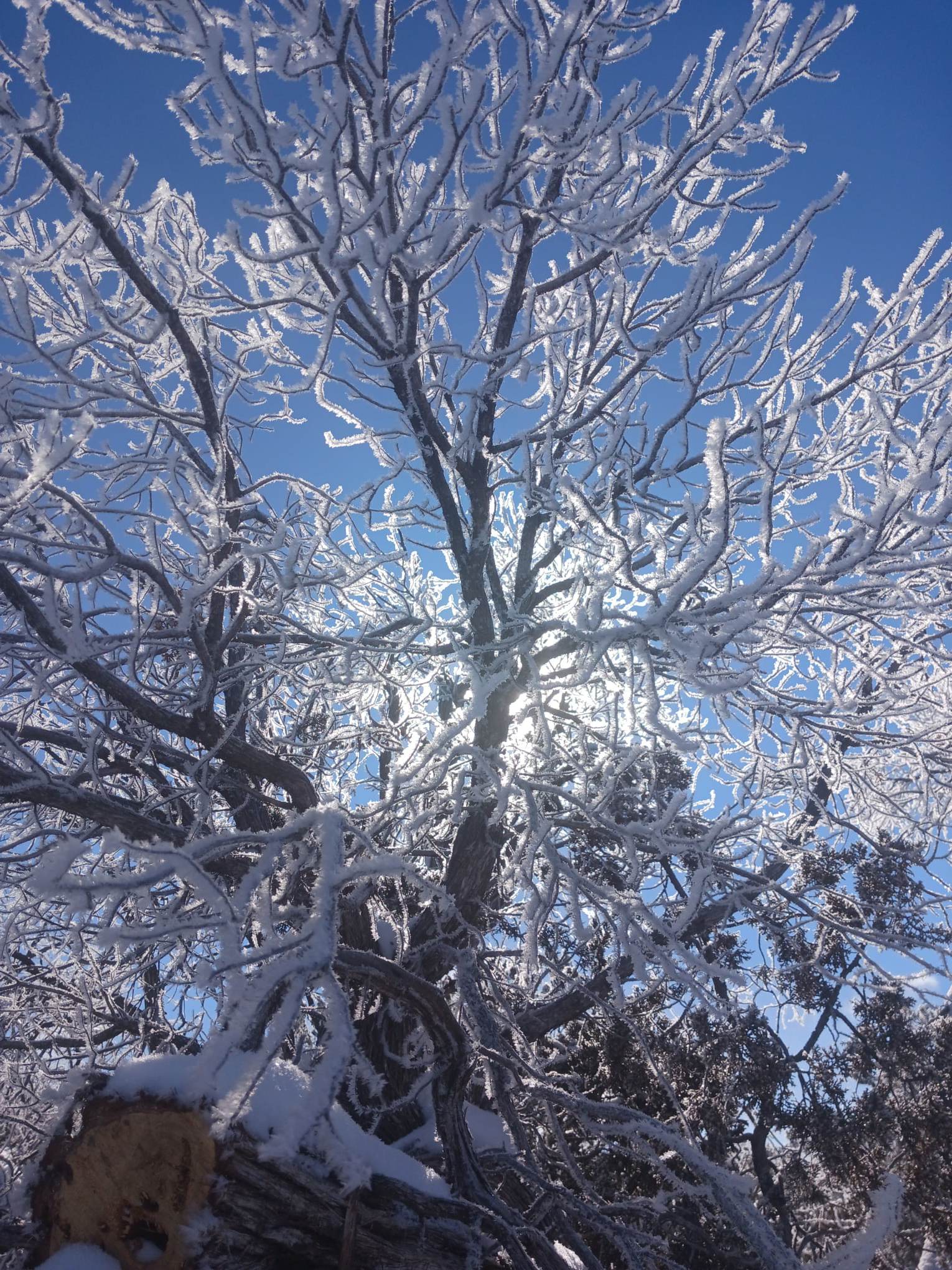 Icy morning Witch Wells Az
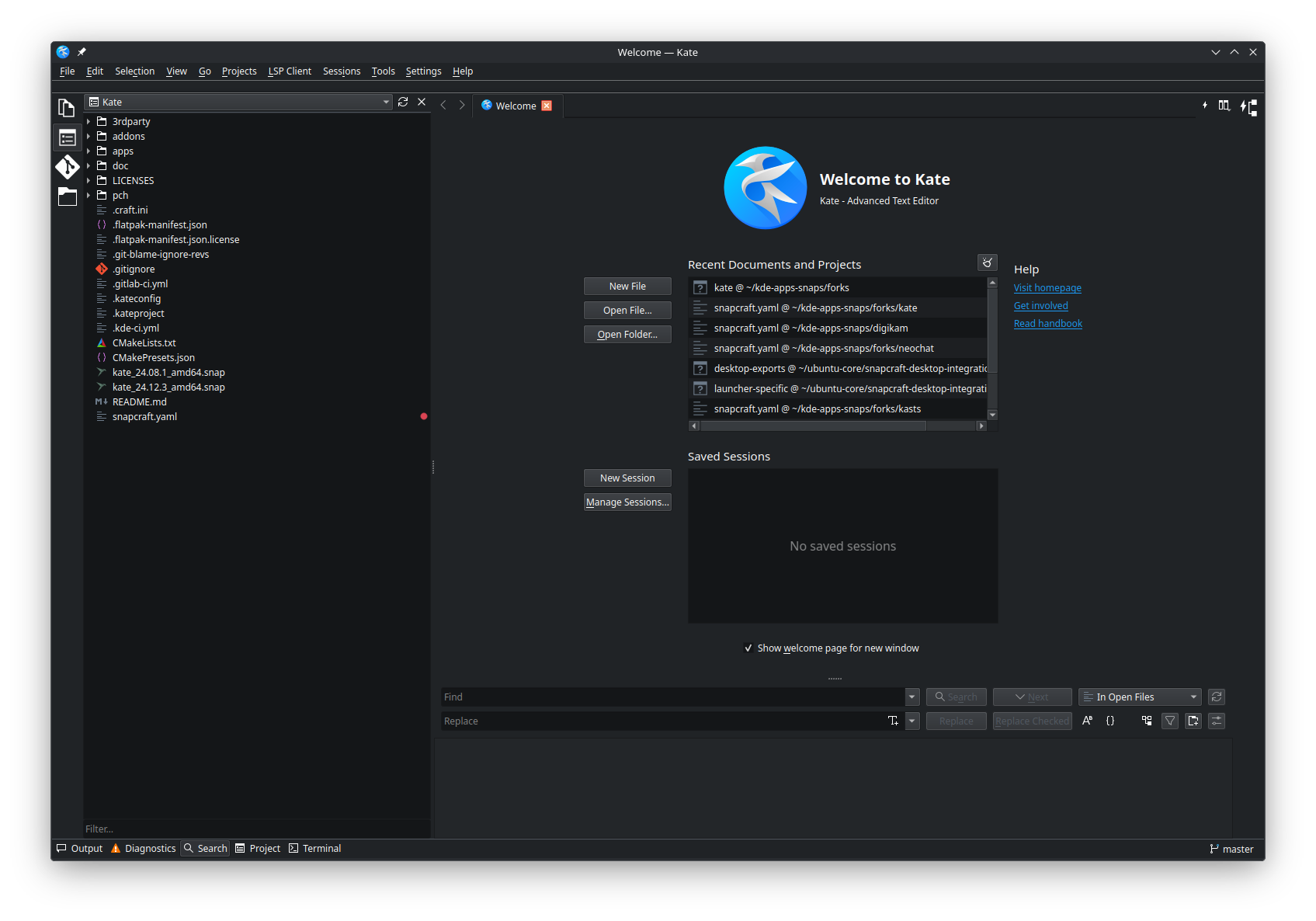
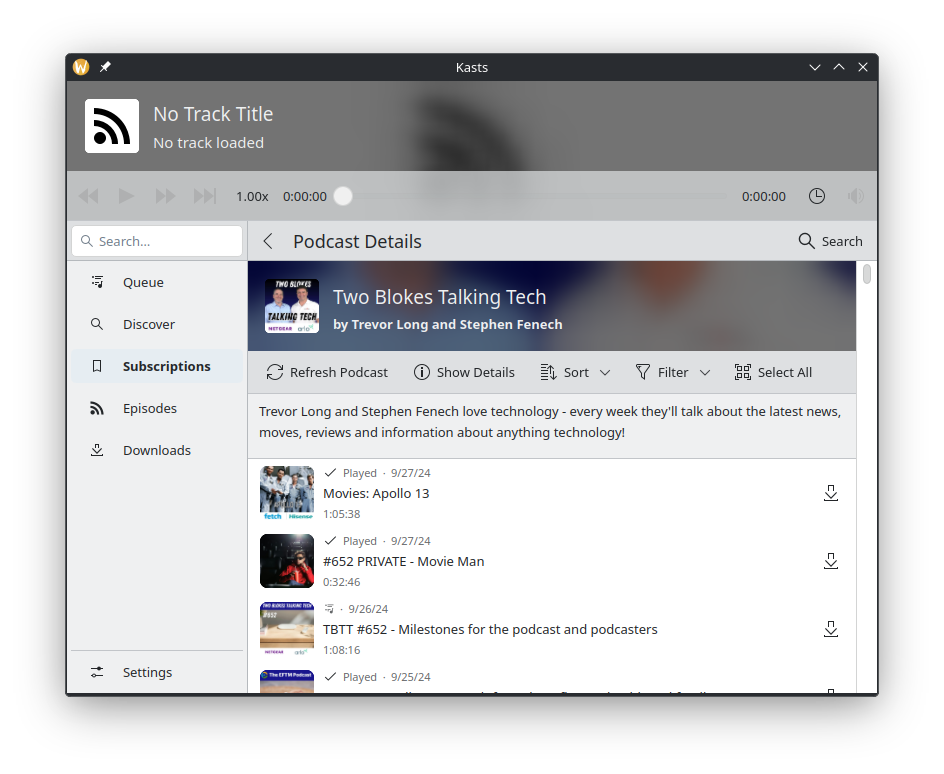 Kate now core24 with Breeze theme! candidate
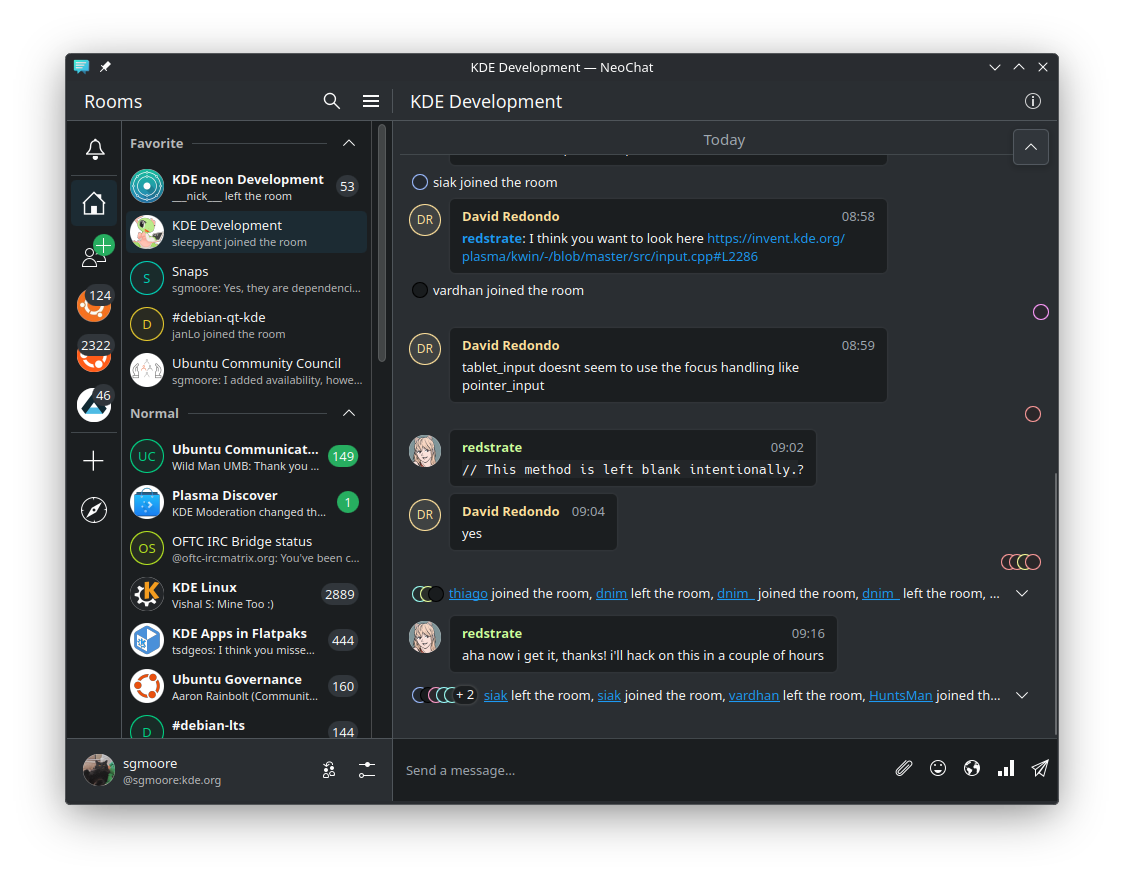
 Neochat: Fixed missing QML and 25.04 dependencies in candidate
 Kdenlive now with Galxnimate animations! candidate
Digikam 8.6.0 now with scanner support in stable
Kstars 3.7.6 released to stable for realz, removed store rejected plugs.
Thanks for stopping by!
 Like each month, have a look at the work funded by
 Almost two years ago, Twitter launched encrypted direct messages. I wrote about their technical implementation
 As promised on my previous
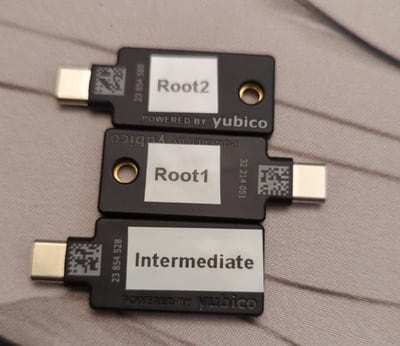
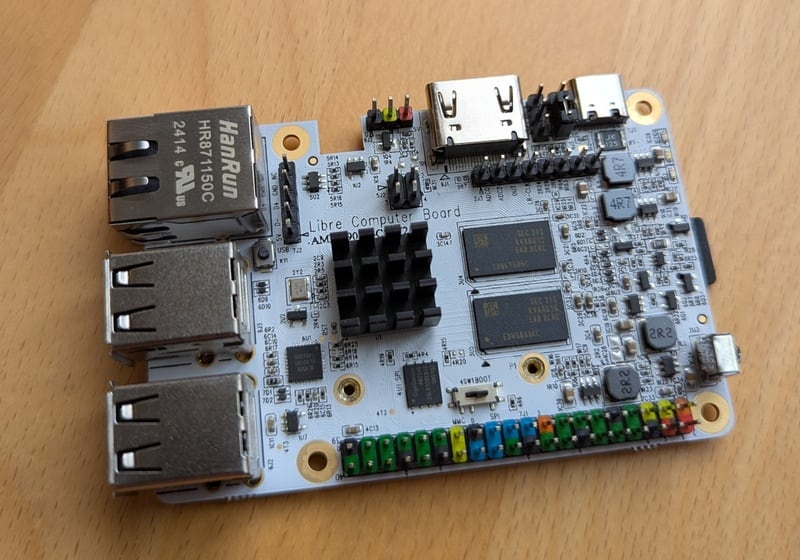
 KDE Mascot

 In today s digital landscape, social media is more than just a communication tool it is the primary medium for global discourse. Heads of state, corporate leaders and cultural influencers now broadcast their statements directly to the world, shaping public opinion in real time. However, the dominance of a few centralized platforms X/Twitter, Facebook and YouTube raises critical concerns about control, censorship and the monopolization of information. Those who control these networks effectively wield significant power over public discourse.
In response, a new wave of distributed social media platforms has emerged, each built on different decentralized protocols designed to provide greater autonomy, censorship resistance and user control. While
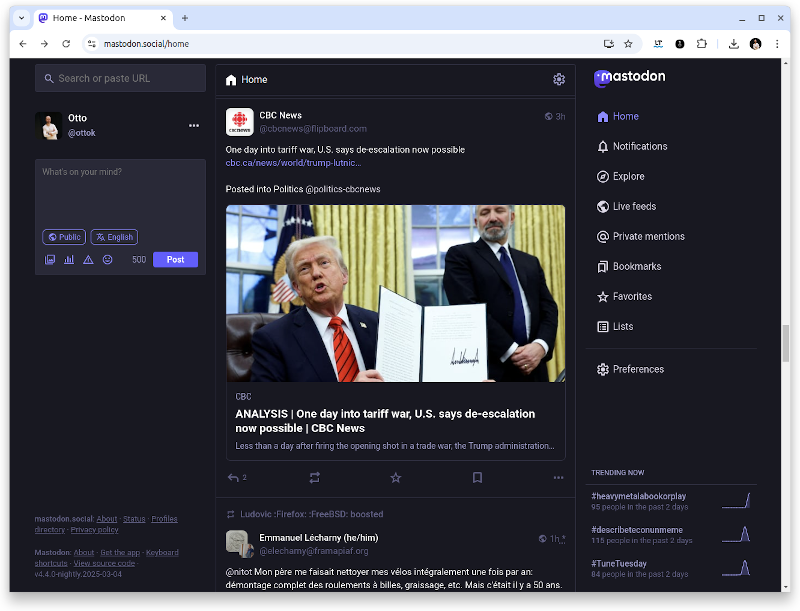 Mastodon was created in 2016 by
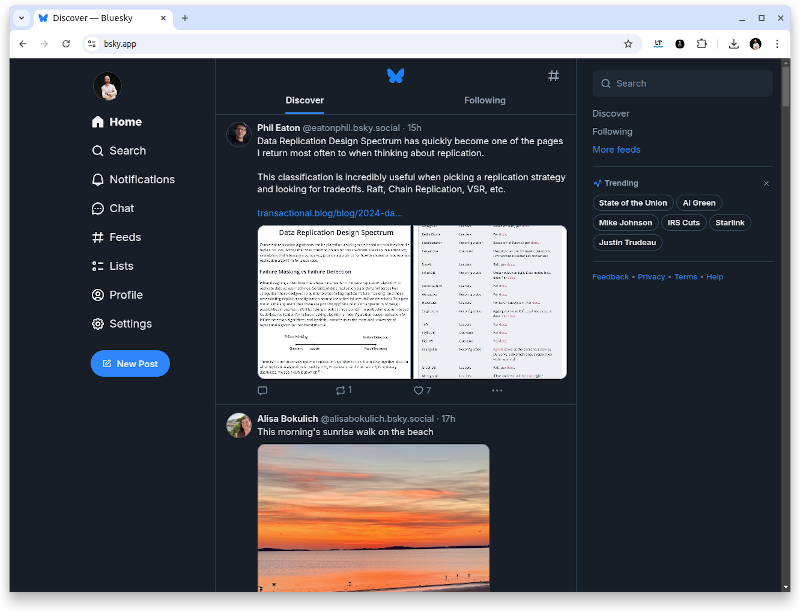 Interestingly,
 I am currently transitioning my GPG/GPG key from
 Most of my Debian contributions this month were
 This year's
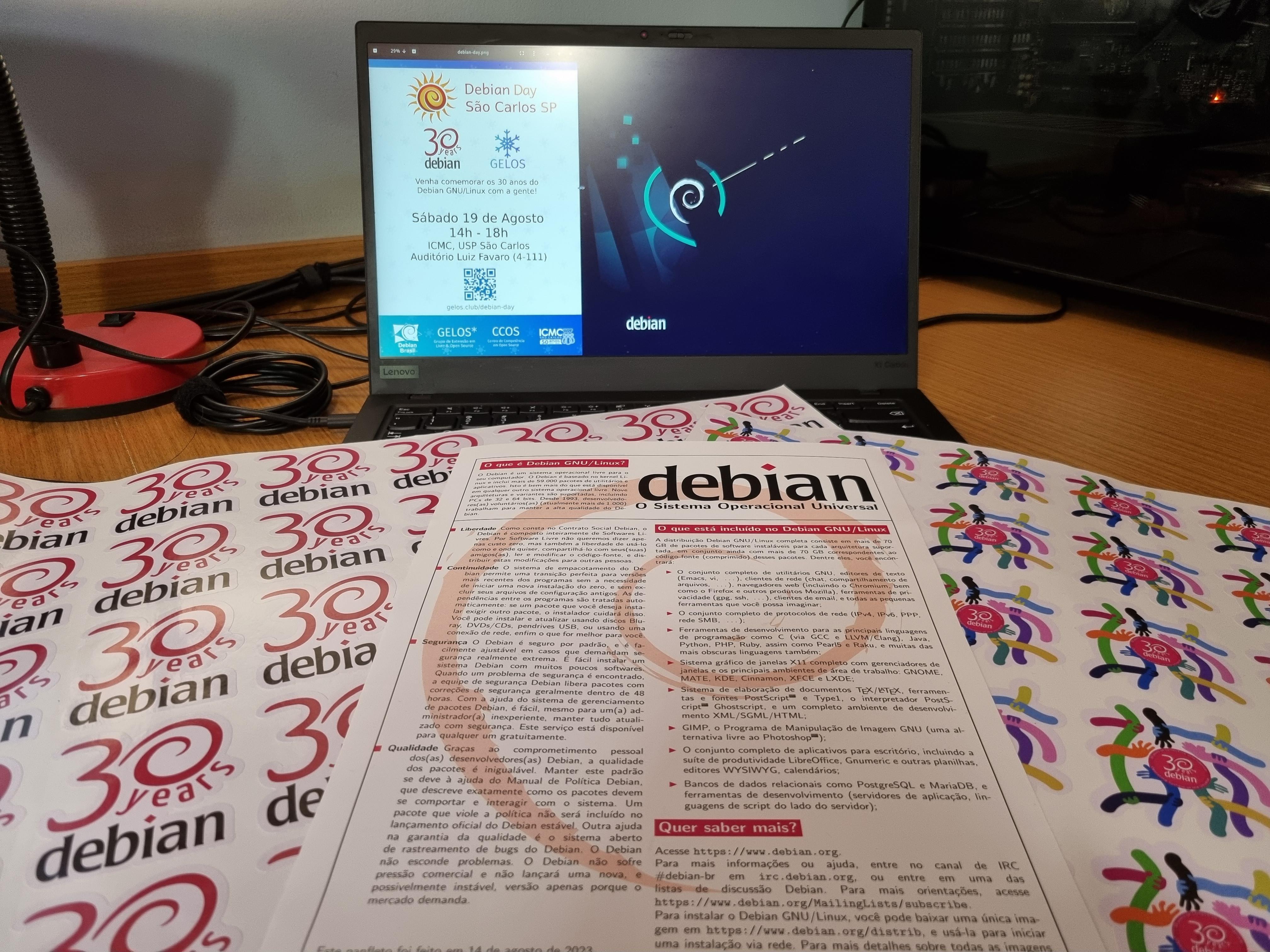 Getting things ready for the event.
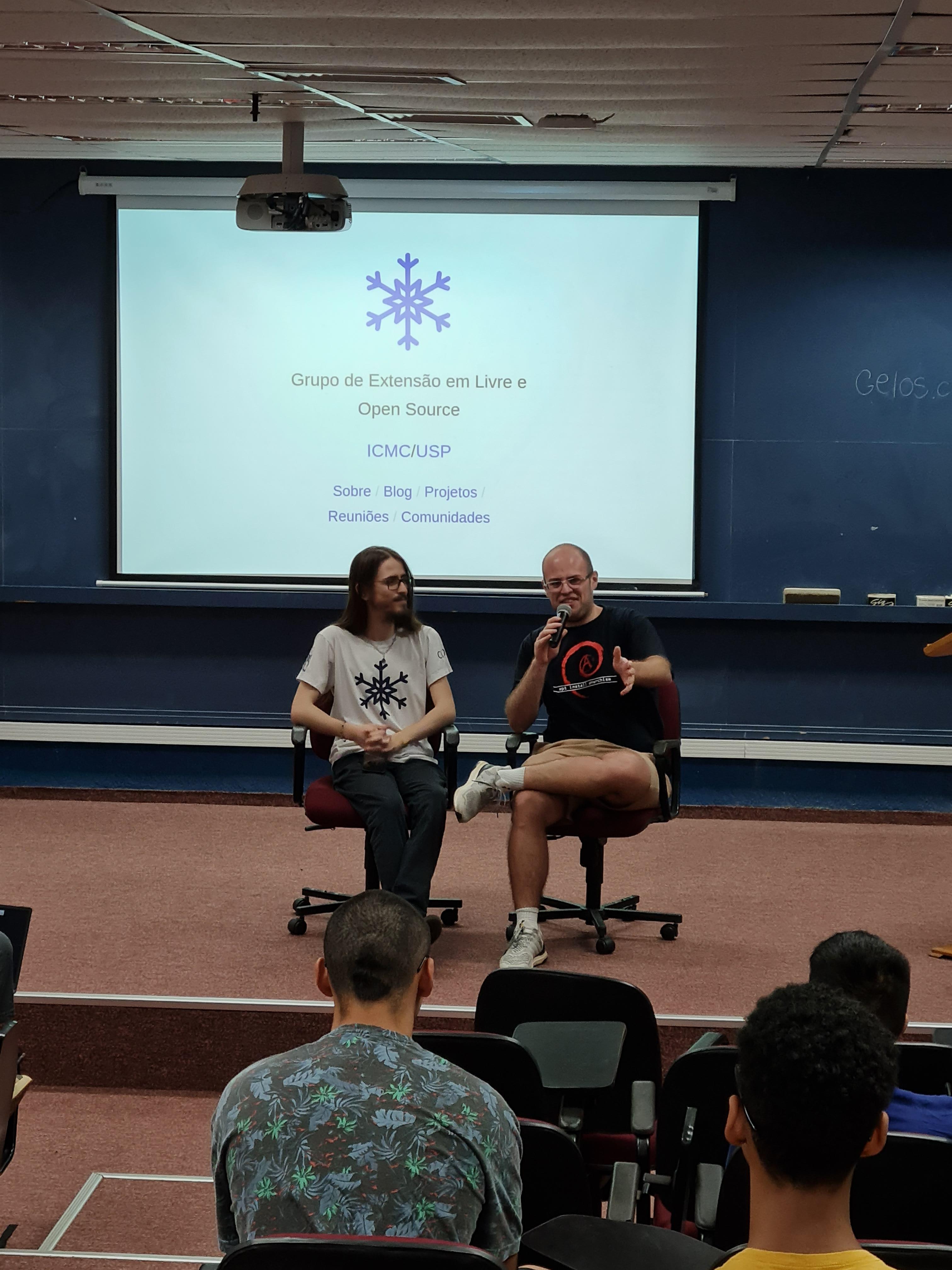 Intro to GELOS talk.
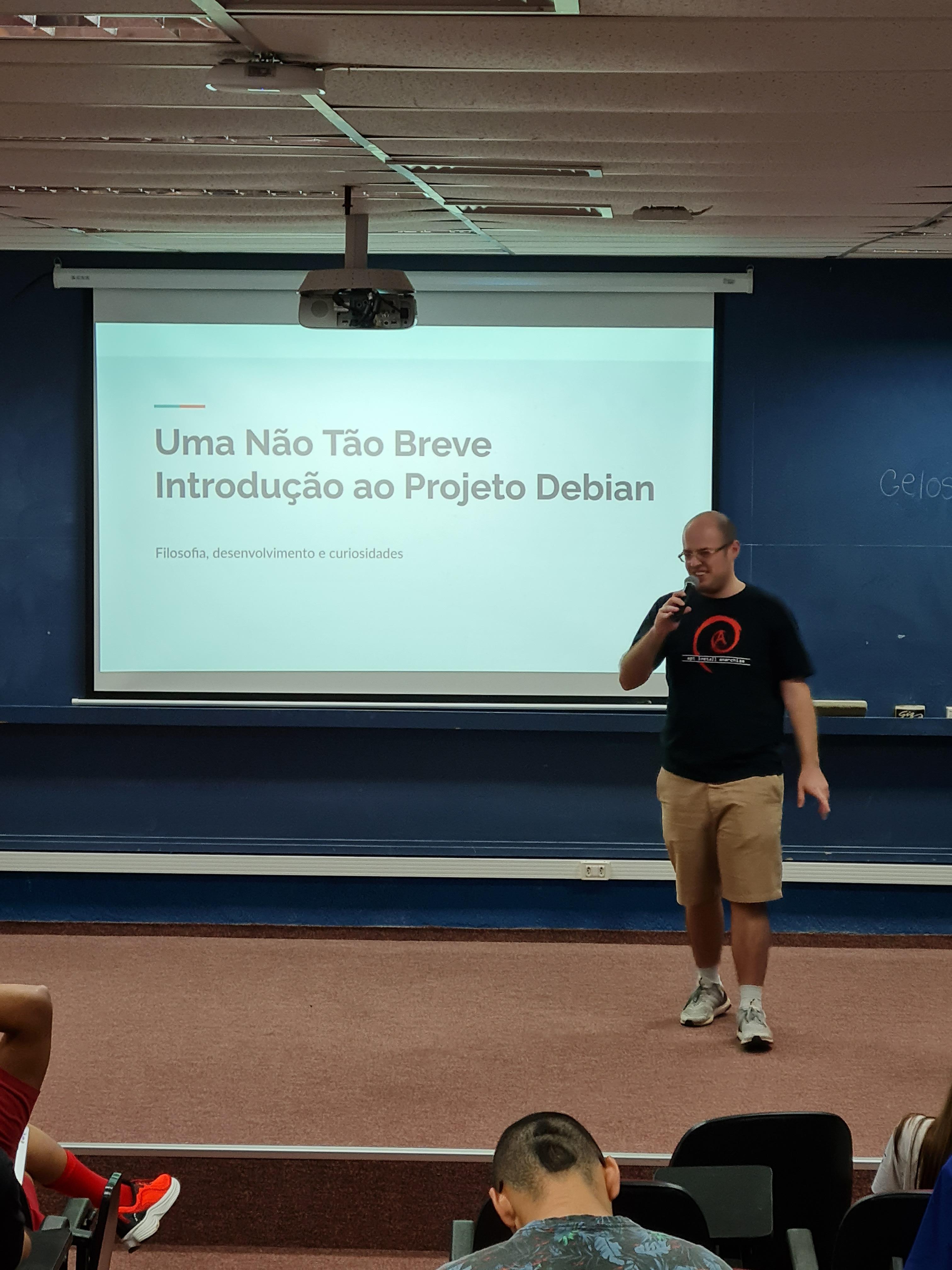 A ~~not so~~ Brief Introdution to the Debian Project talk.
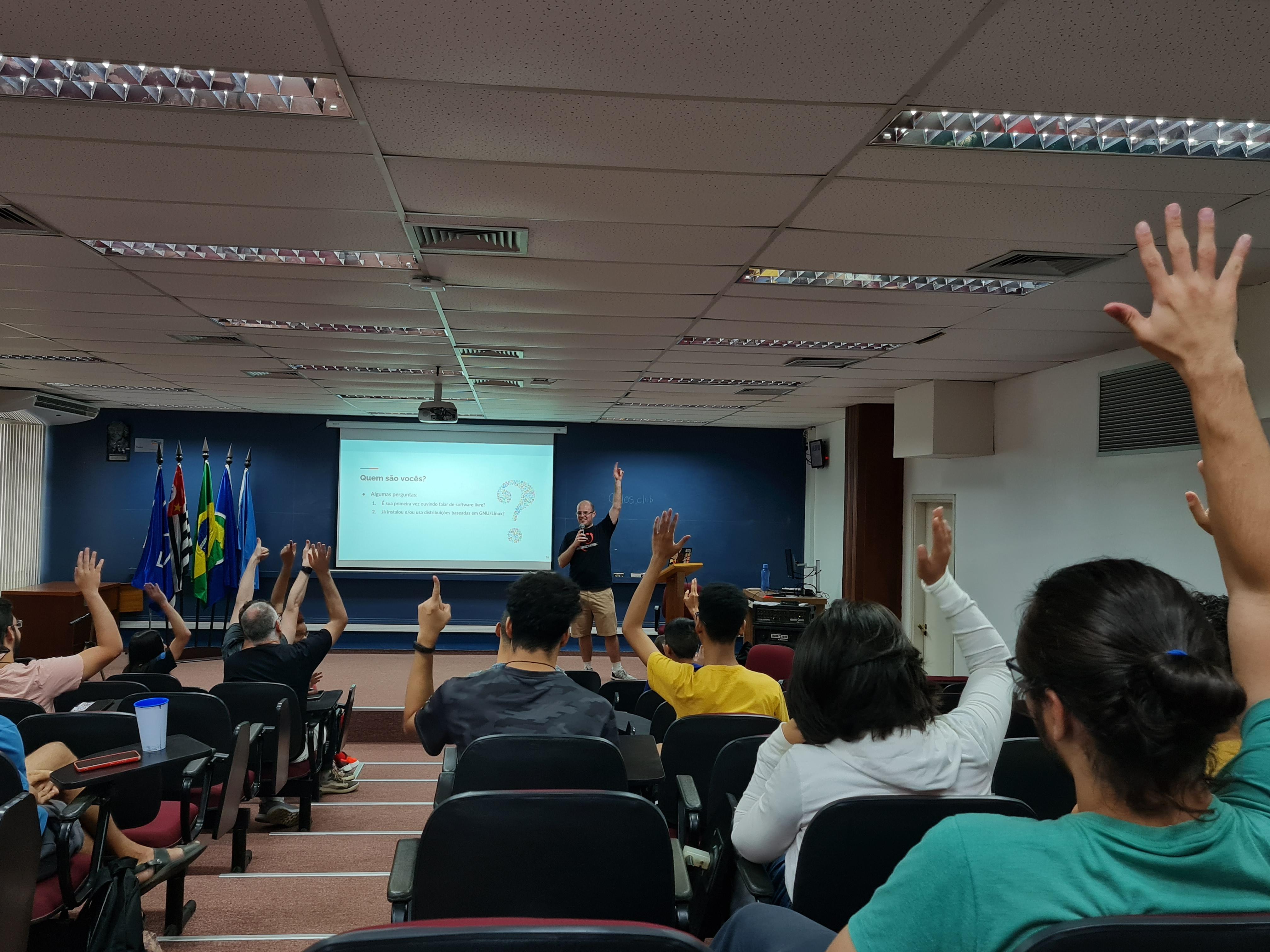 Everyone already knew Debian!
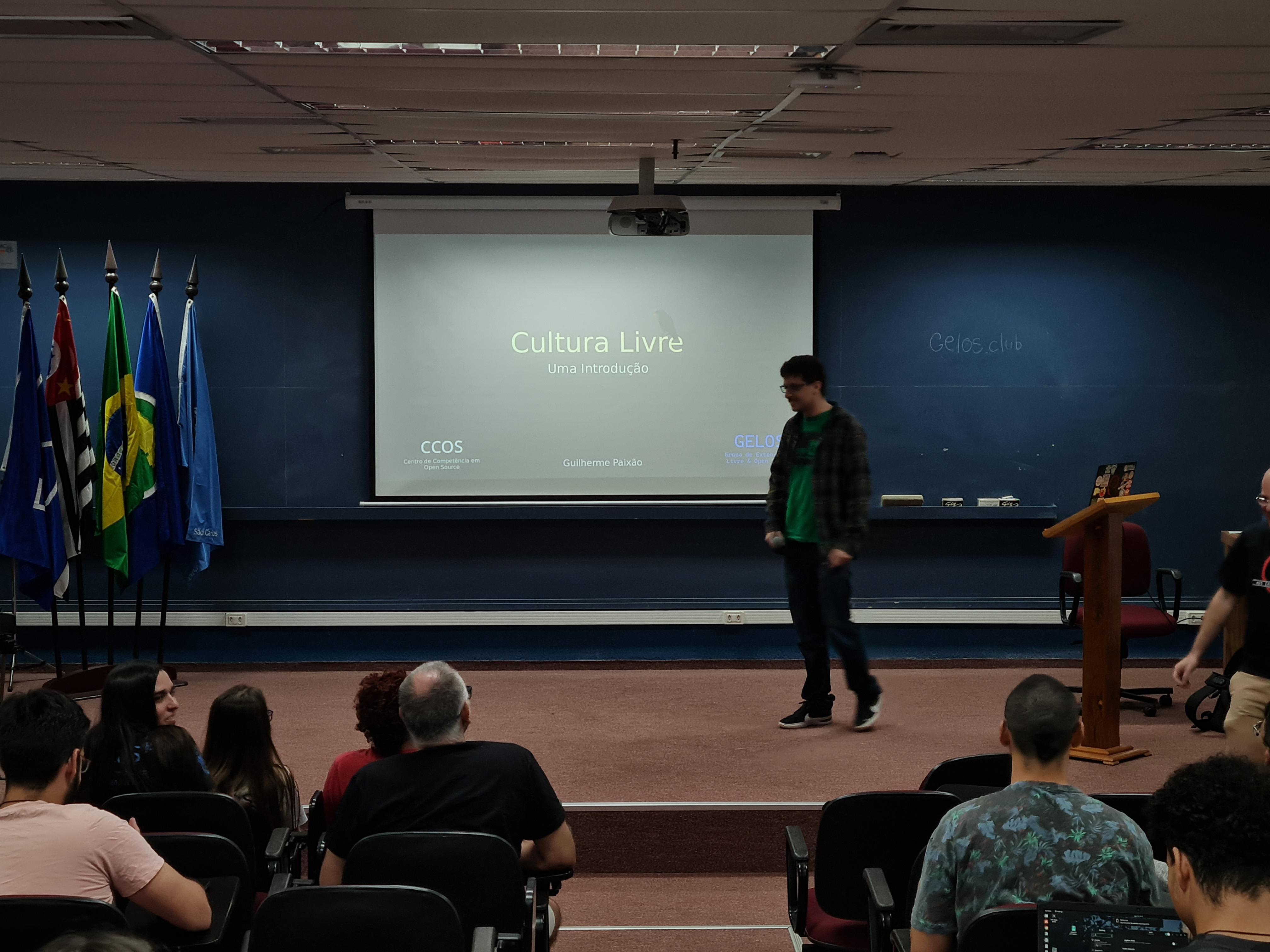 Debian and the Free Culture talk
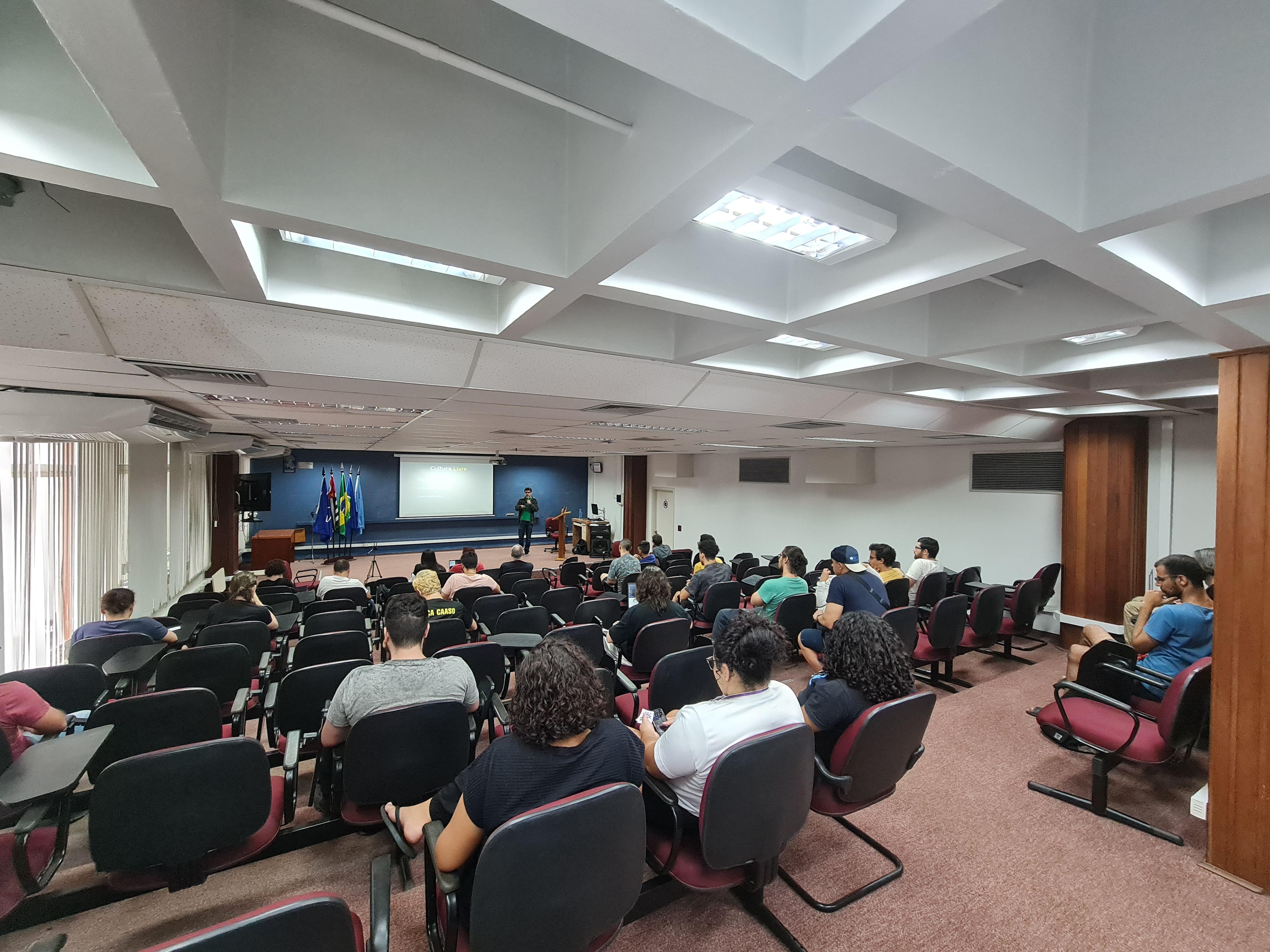 People in the auditorium space.
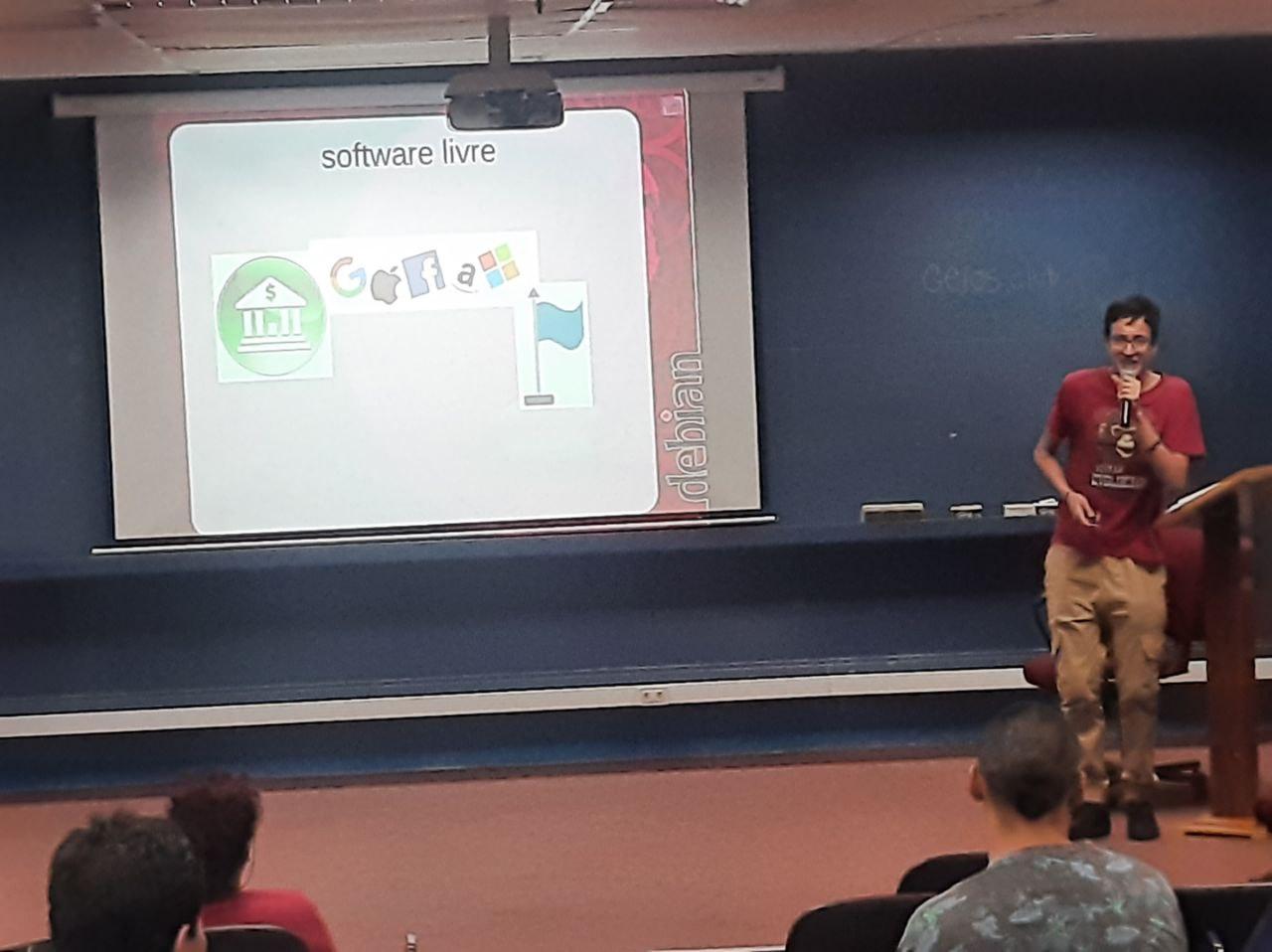 Free Software: the paths to a free life talk
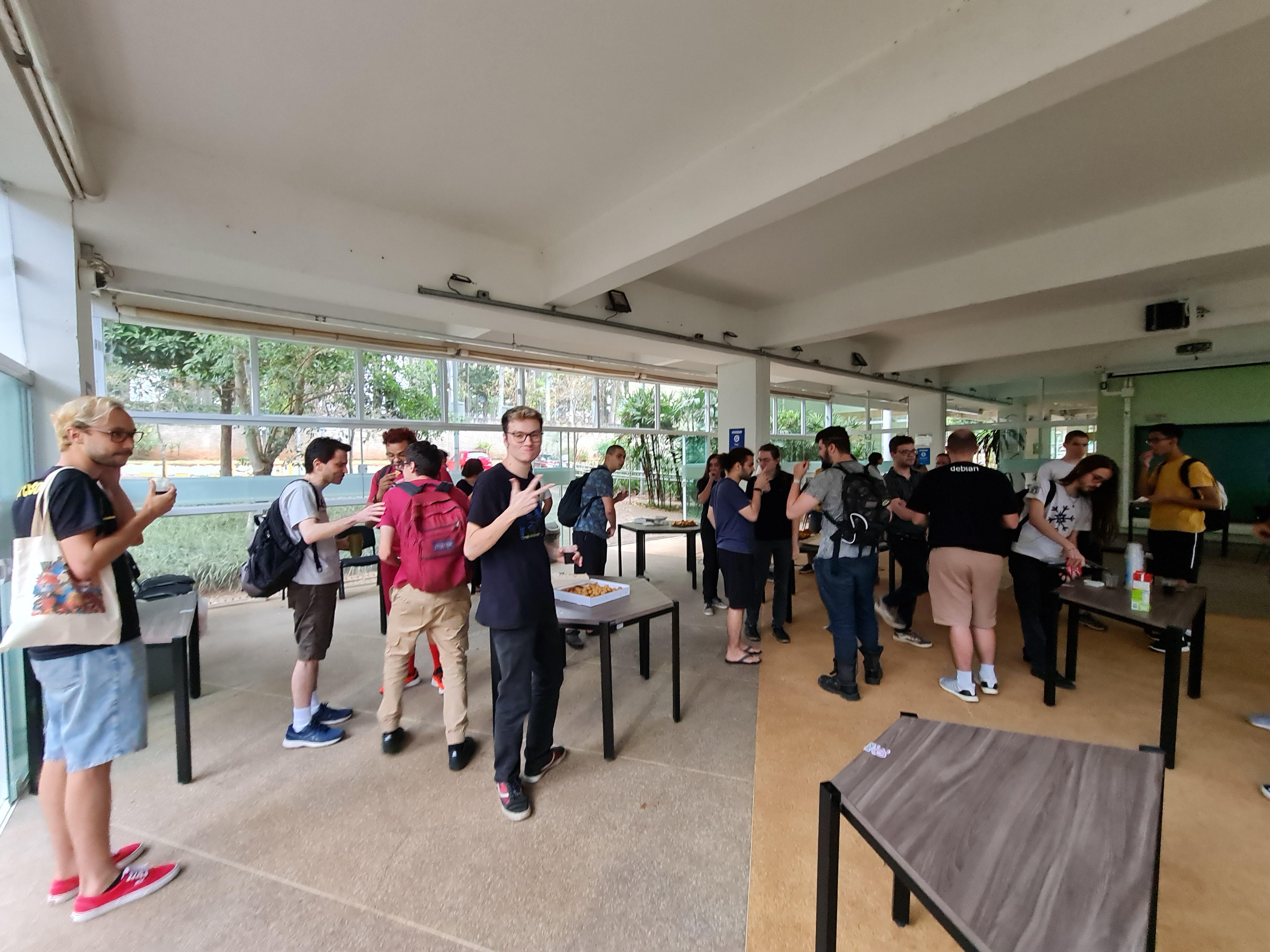 Coffee Break.
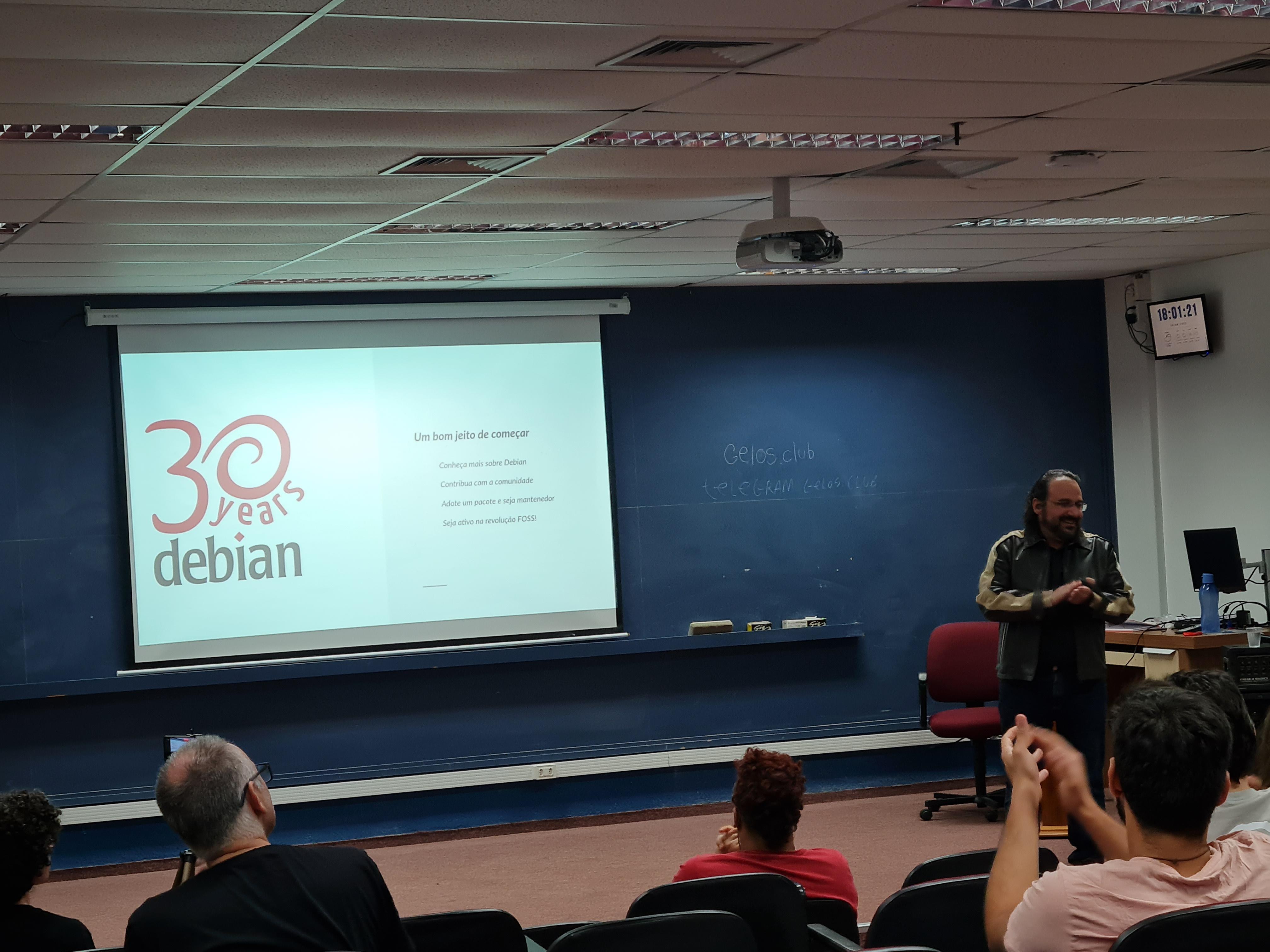 The FOSS Ecosystem and You talk.
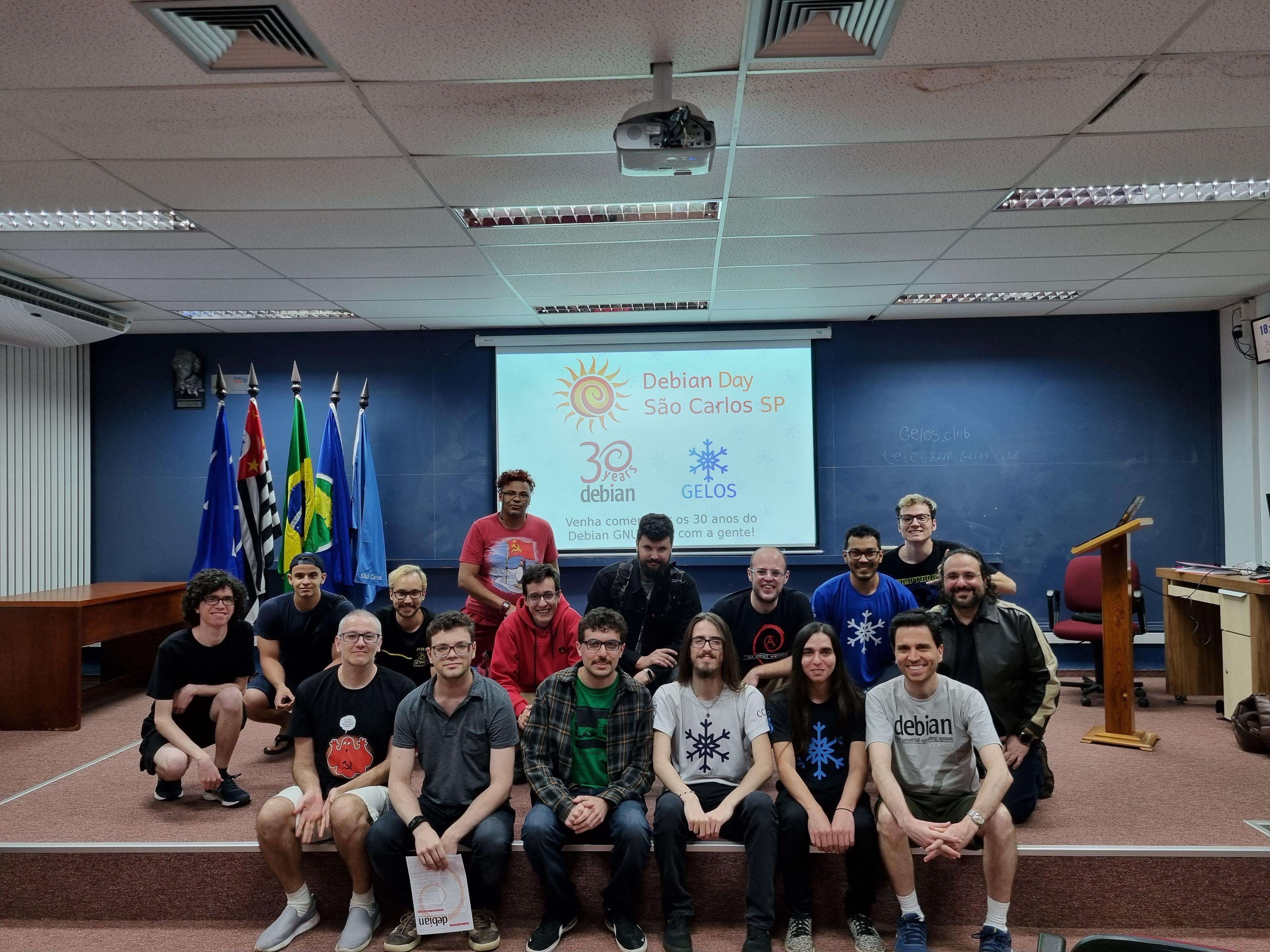 Group photo.
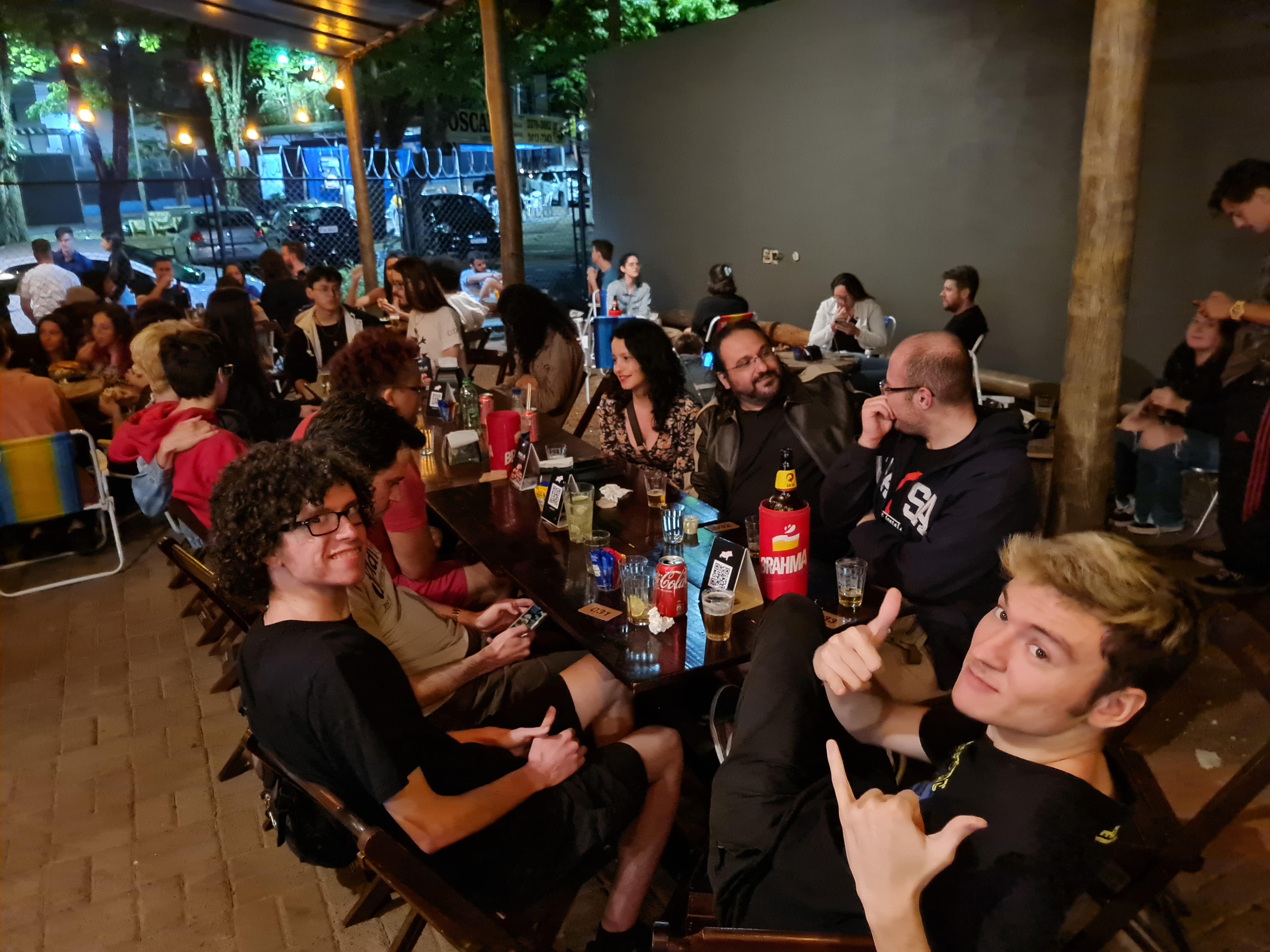 Celebration goes on in the bar.